
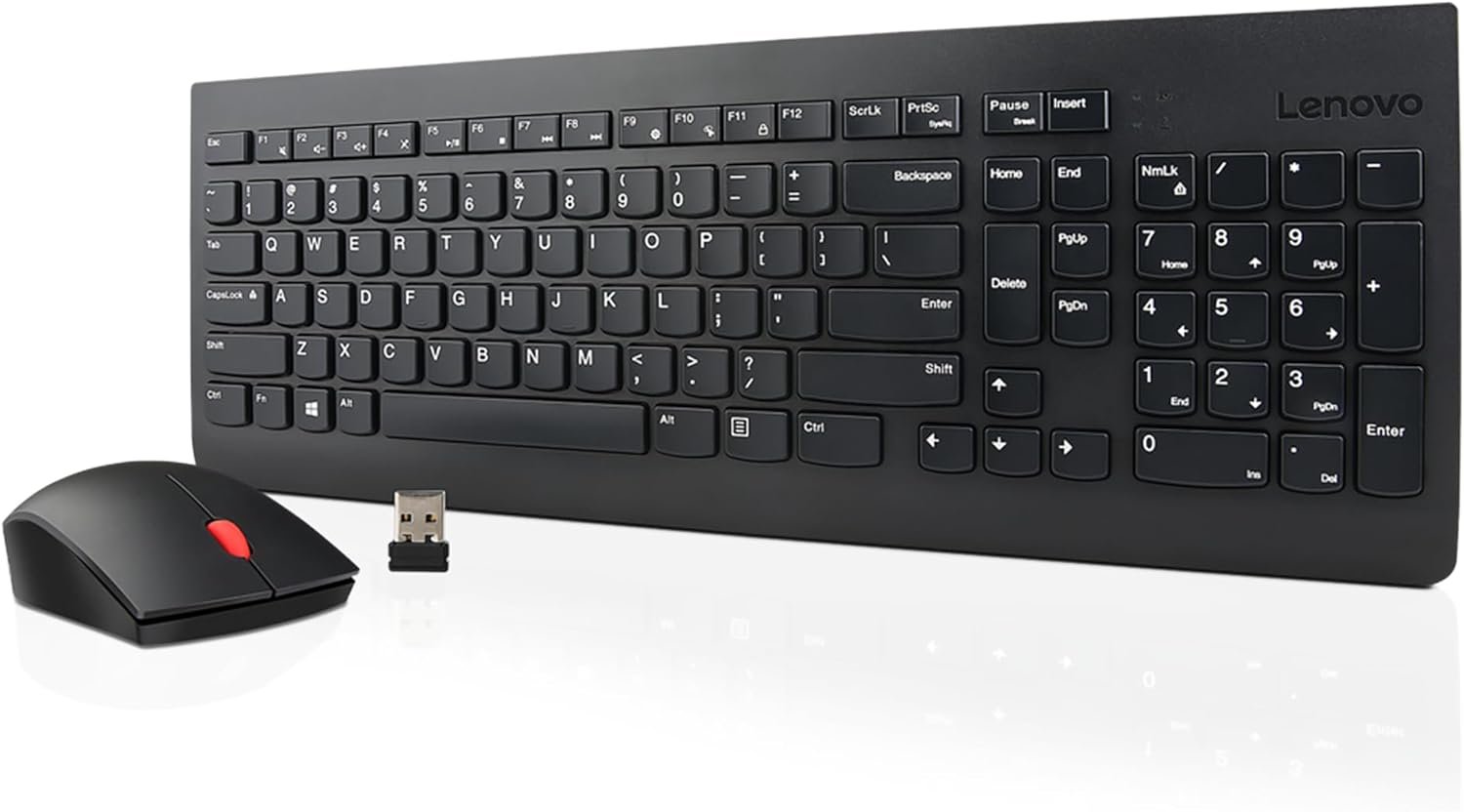
Lenovo 510 Wireless Keyboard & Mouse Combo, 2.4 GHz Nano USB Receiver, Full Size, Island Key Design, Left or Right Hand, 1200 DPI Optical Mouse, GX30N81775, Black
$29.99
Related Products
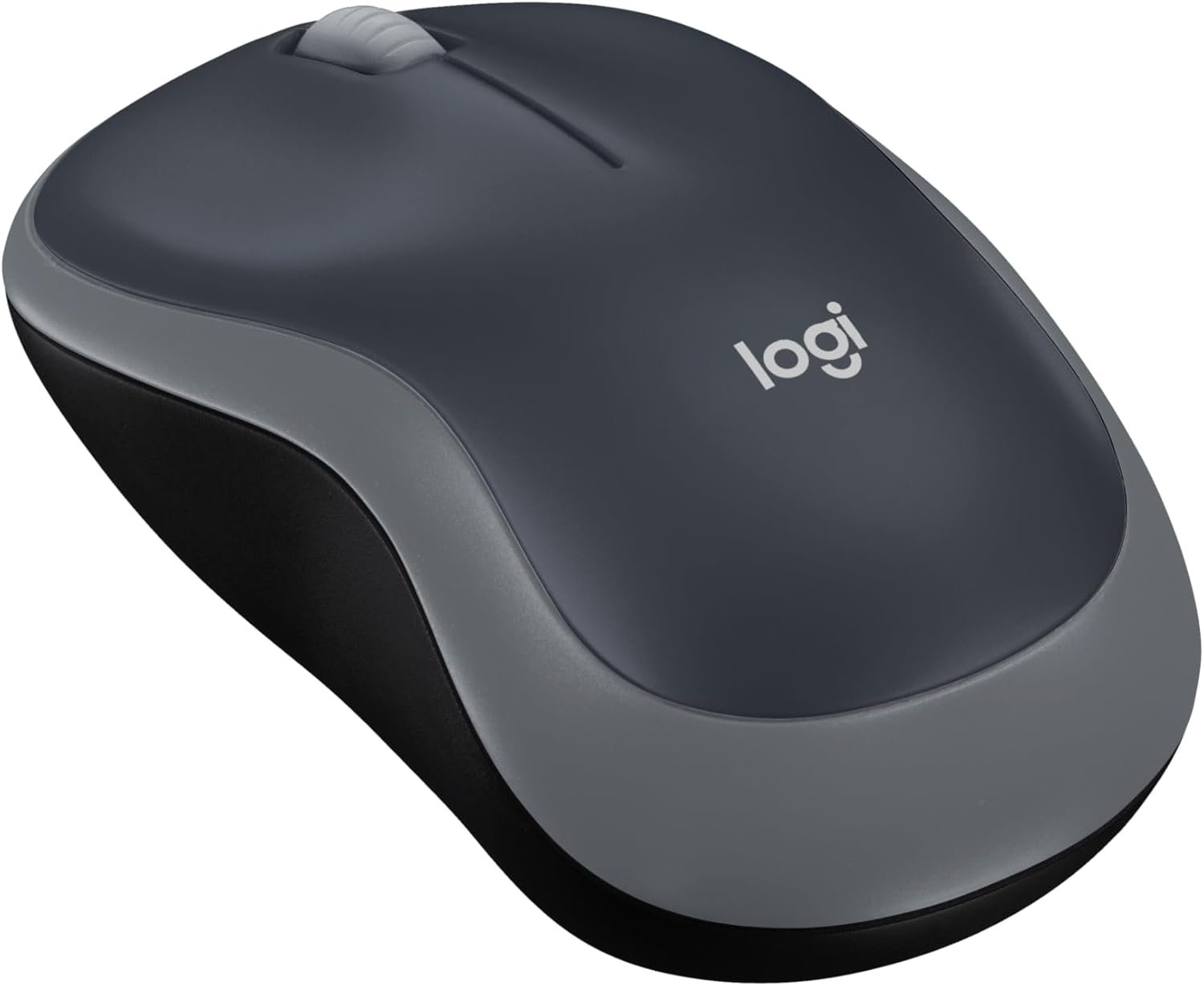
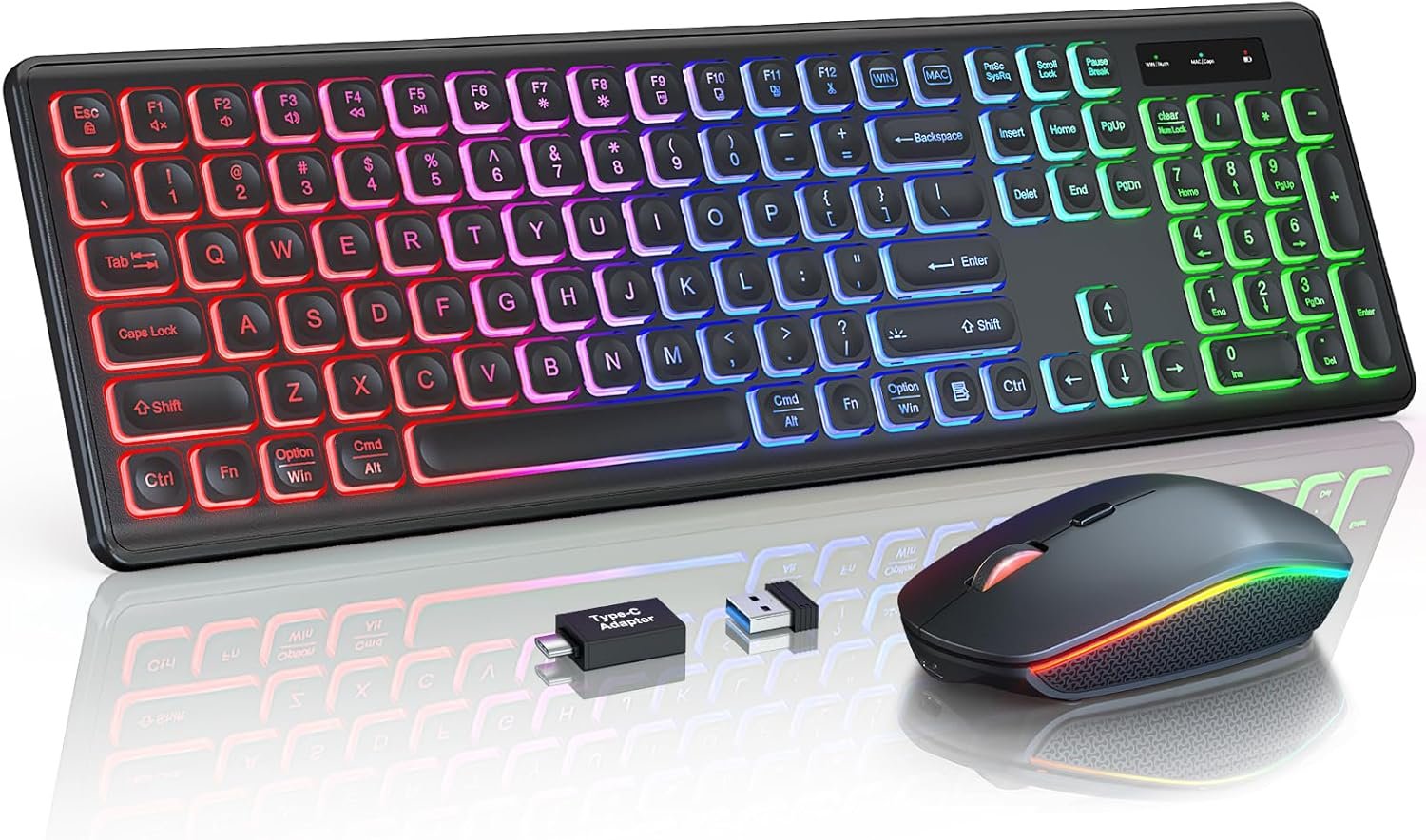
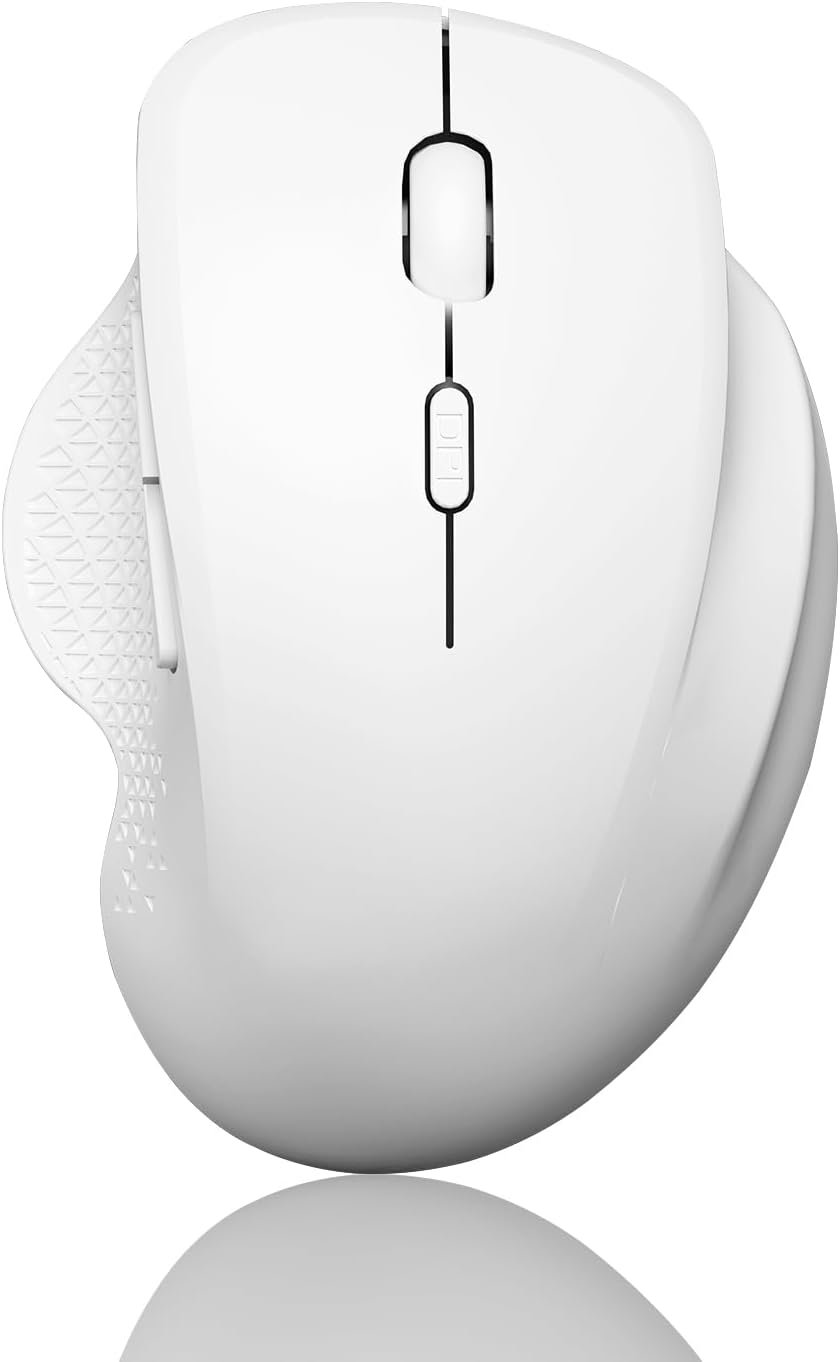
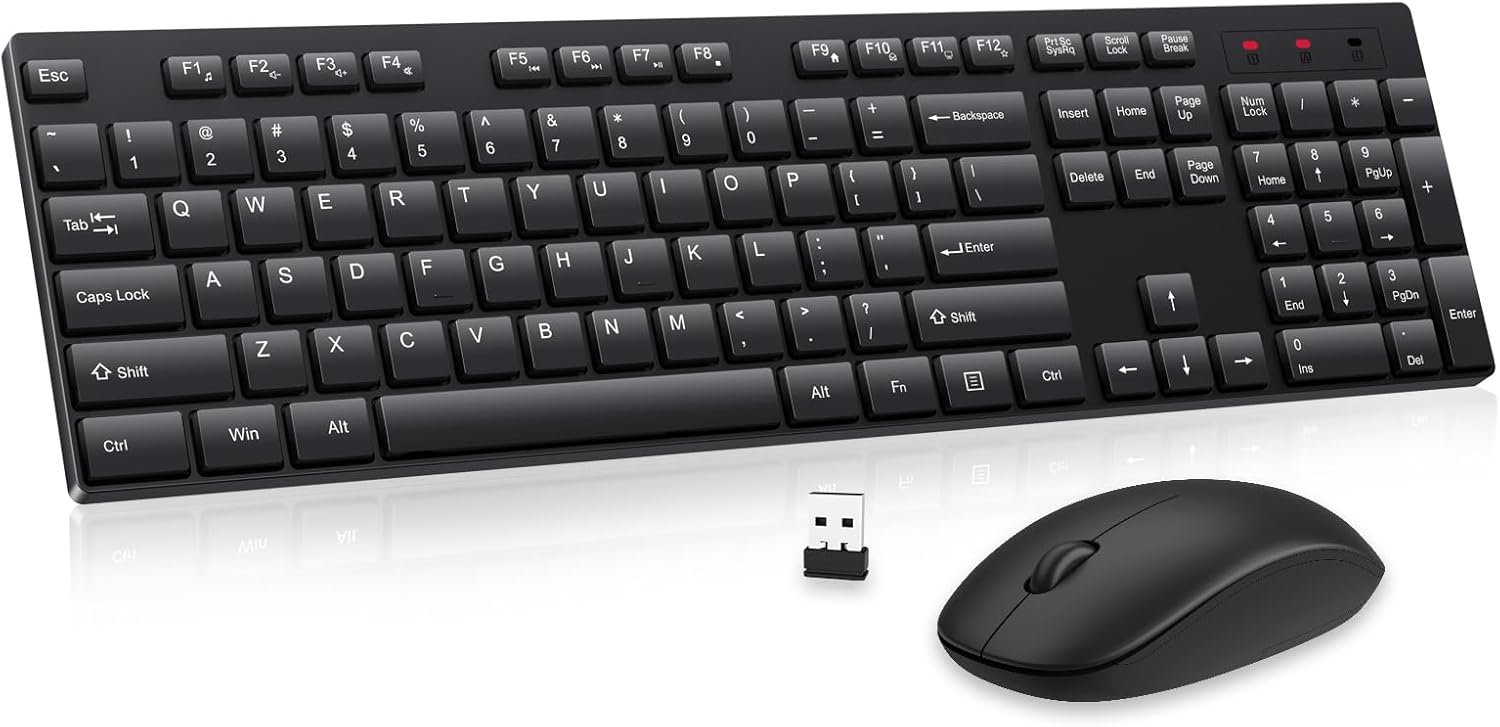


Rediscover the joy of typing on a full-size tilting computer keyboard with the Lenovo 510. Wave goodbye to clutter and tangled cords as you immerse yourself in a spacious, unobstructed workspace. The keyboard’s water-resistant casing ensures durability and resilience against unexpected spills. Engage in precise pointing and control with the wireless mouse that accompanies the Lenovo 510. Designed to cater to both left and right-handed users, its ambidextrous layout guarantees ergonomic comfort. With a 1200 DPI optical sensor, every movement is accurate and responsive, enhancing your productivity. With a remarkable battery life of up to 12 months on just a single AA battery, you can bid farewell to the inconvenience of constantly replacing batteries and say hello to a cord-free lifestyle. Please note that battery life may vary based on individual usage patterns.
Experience Unparalleled Freedom: Say goodbye to tangled cords and embrace the ultimate convenience of the Lenovo 510 Wireless Keyboard and Mouse combo. This powerful duo operates seamlessly using a single 2.4 GHz nano-USB receiver, streamlining your workspace, and liberating your ports.
Elegance Redefined: Elevate your desk aesthetic with the Lenovo 510’s sleek wireless design. Its minimalistic charm adds a touch of sophistication to any workspace. Enjoy the ease of use that requires no complex installations – simply plug in and go.
Uncompromised Durability: Accidental spills are no longer a threat with the spill-resistant wireless keyboard of the Lenovo 510. Its intelligent island design and comfortable keys on the full-size layout ensure effortless typing, even in the face of minor mishaps.
Effortless Comfort, Any Hand: Designed for extended usage, the ambidextrous and ergonomic 1200 DPI wireless mouse is the perfect companion for both left and right-handed users. Revel in the convenience of a 12-month battery life powered by a single AA battery.
Enhanced Efficiency: Never struggle with password errors again, thanks to the LED indicators on the Caps Lock and Num Lock keys. Stay on top of your input with these user-friendly visual cues, streamlining your tasks and enhancing your overall computing experience.
13 reviews for Lenovo 510 Wireless Keyboard & Mouse Combo, 2.4 GHz Nano USB Receiver, Full Size, Island Key Design, Left or Right Hand, 1200 DPI Optical Mouse, GX30N81775, Black
Add a review
$29.99
Jeanne Dangelo –
Love this keyboard and mouse
Terrific keyboard and mouse.
Tom O. –
Works great!
Works great and looks great!
Andrew H. –
Keyboard
Works great, plus long battery life. Had mine for awhile now.
Marianita Litonjua –
Excellent keyboard, okay mouse
The keyboard in this combo is excellent, it types almost like a ThinkPad laptop, which in itself is one of the best keyboards there are. However, the mouse is only okay. The scrollwheel stopped working in less than a year, and the “1 Year Warranty” is impossible to redeem. I ended up just getting a separate mouse.
CCocklin –
Durability
Durable and nice to work with. Definitely would buy another if needed.
Angela Dennis –
Laggy Keyboard = Unhappy grad student
I ordered this keyboard and mouse set, because of the ambidextrous mouse and the single USB.I only have 1 port on my adapter, and I am having right shoulder surgery soon (next week), which means I need to switch to my left hand. BTW I am an MBA grad student in my final semester… it’s pretty important to have a functioning keyboard and mouse.My previous keyboard and mouse set, THAT I LOVED SO MUCH, includes a right-hand dominant mouse (Logitech MK345 Wireless Combo Full-Sized Keyboard with Palm Rest and Comfortable Right-Handed Mouse, 2.4 GHz Wireless USB Receiver, Compatible with PC, Laptop), so I needed to get a new keyboard and mouse set, that would accommodate me switching to my left hand.The mouse it GREAT! I am able to use my left hand, and even adjust the primary click through my settings.The keyboard, however, is very laggy. So laggy, that I had to use my Logitech keyboard and mouse set to be able to write this review… it is quite frankly impossible to compose anything on the Lenovo keyboard.If I am trying to type the phrase “This Keyboard Sucks” on the Lenovo keyboard, at an AVERAGE speed, it would come out like “Ths Kkeeeeeybrd Ssssssucs”. Either the keyboard does not recognize the keys when I try to type them, or it will type multiple of a single pressed key. The ONLY way I can get it to work even somewhat properly, is if I type at a snail’s pace, and even then, it still double or triple types letters, or doesn’t recognize them.Not conducive to any sort of schoolwork.Unless Lenovo is able to resolve this issue, I will definitely be returning this terrible product.
Teresa Wages –
Durable, Long lasting great product
Been using this every day for a year and still just as good as new.
Mel –
Weak Bluetooth
I would give this Bluetooth keyboard and mouse a higher rating if the Bluetooth signal between the keyboard and dongle has a stronger signal. I was replacing an older Bluetooth keyboard and mouse. I unplugged the old dongle after deleting the Bluetooth connection. When I installed the new dongle it recognized the mouse, but the keyboard was very slow and unresponsive. I changed batteries, no change. Deleted Bluetooth connection, and reinstalled. No change. I have a USB extension, to put USB ports readily accessible that sits on top of me desk. When I plugged the dongle into this extender everything works perfectly. It is only 12 inches closer but it made a difference. My old keyboard worked fine at the same distance. I came very close to returning this item.
Amazon Customer –
The page up and down and home / end key placement is a little unusual which takes some time to adjust, but other than that it’s a great keyboard. The feel of the keys is great, spacing between keys is just right. It’s suitable for those who prefer a bit of heaviness in the overall feel. The mouse is just okay, nothing spectacular but feels good on the hand.
Jarrod Tusani –
The keyboard and mouse are an awesome wireless set. I would highly recommend them.
raltamiranov –
El trabajo es suave, me hubiese gustado una tecla de enter mas grande y por supuesto la tecla ñ, en general me agrado bastante, soy developer y trabajo super agusto con el teclado y mouse
Kindle Customer –
Not UK specification. Icons on the keyboard don’t match their functions.
Serge H. –
Fonctionne bien. Le seul problème est que les piles du clavier se déchargent assez vite vue qu’il ne peu pas être arrêté