
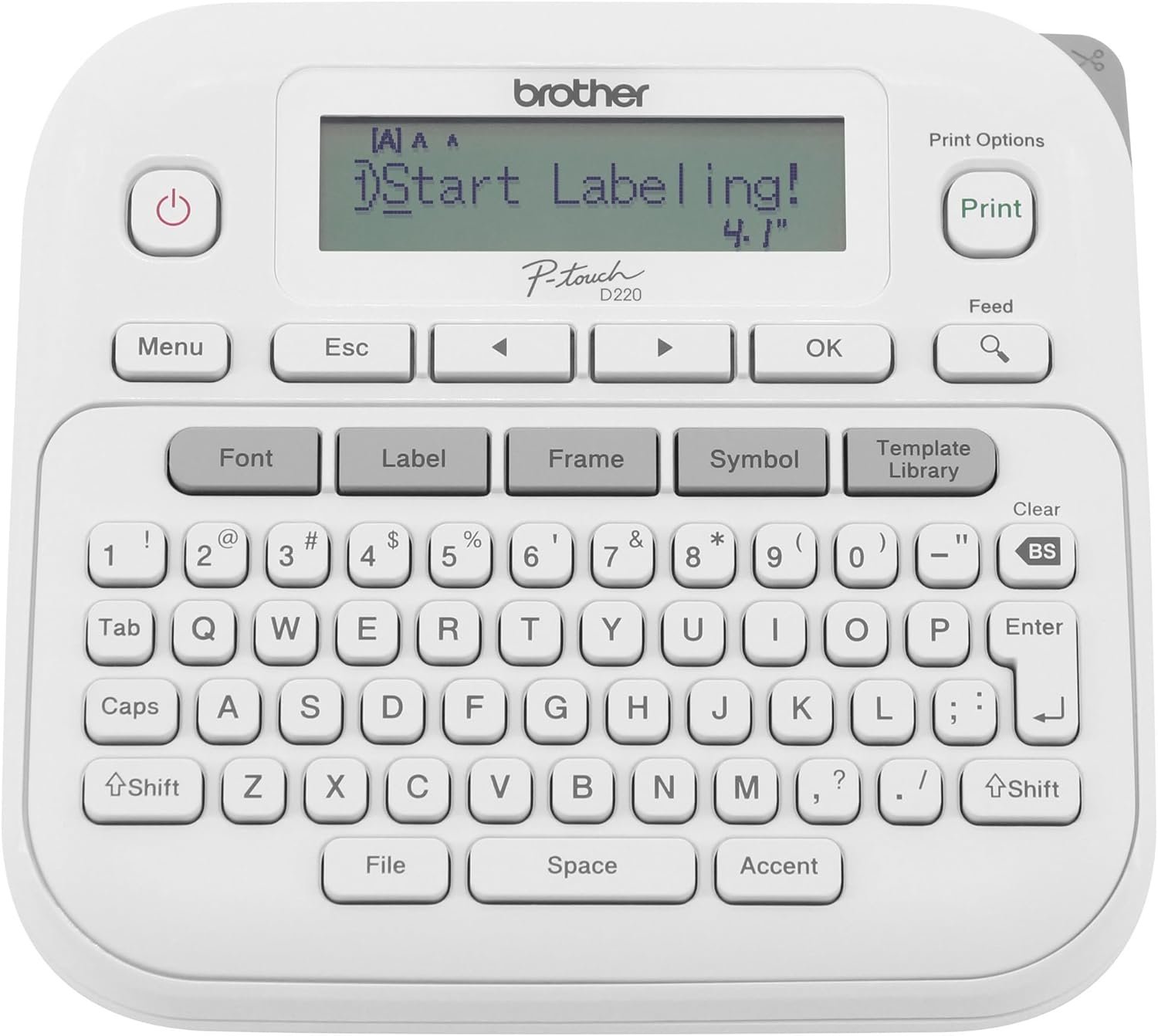
Brother P-Touch PTD220 Home/Office Everyday Label Maker | Prints TZe Label Tapes up to ~1/2 inch White
$44.99
Related Products
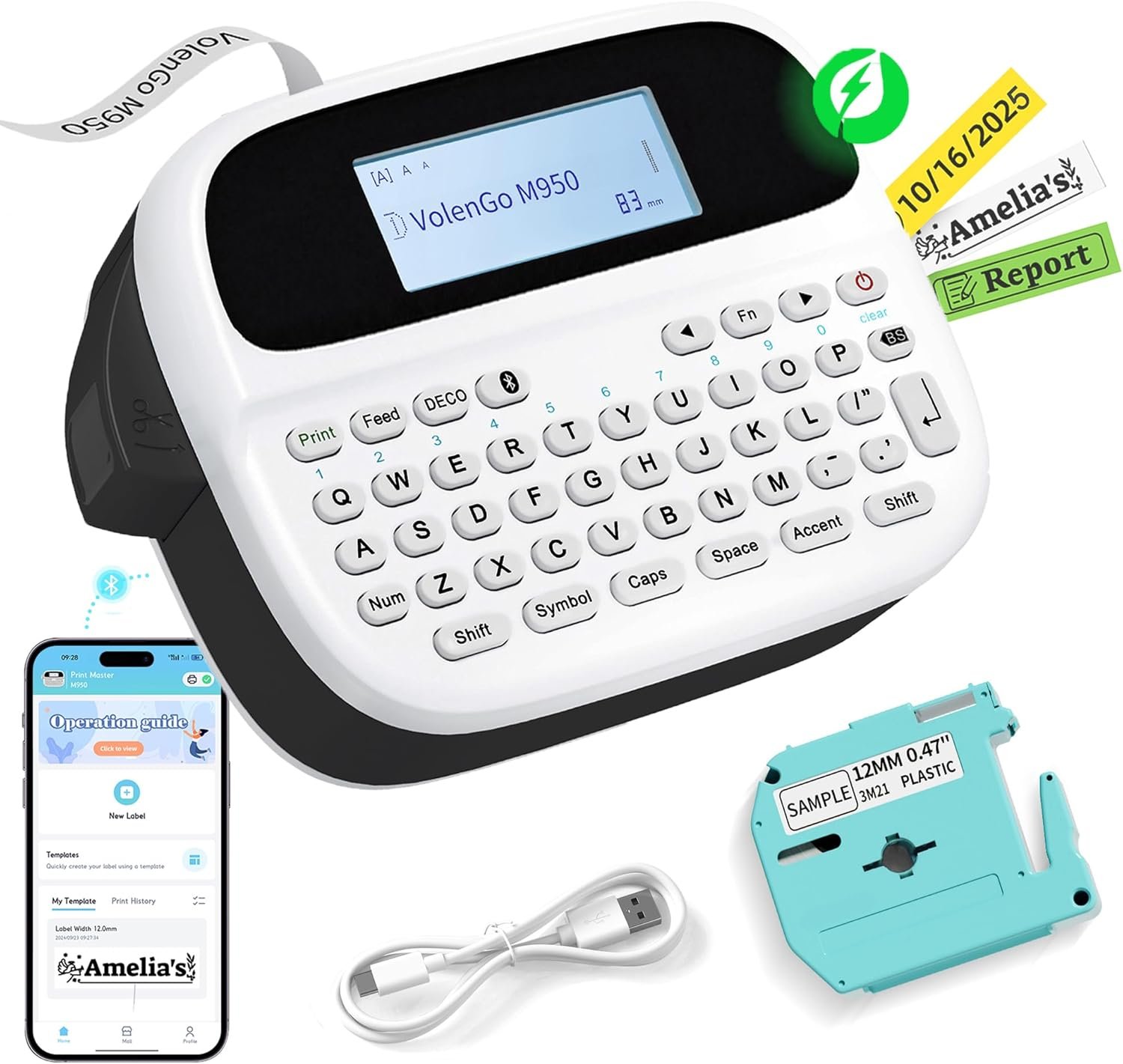
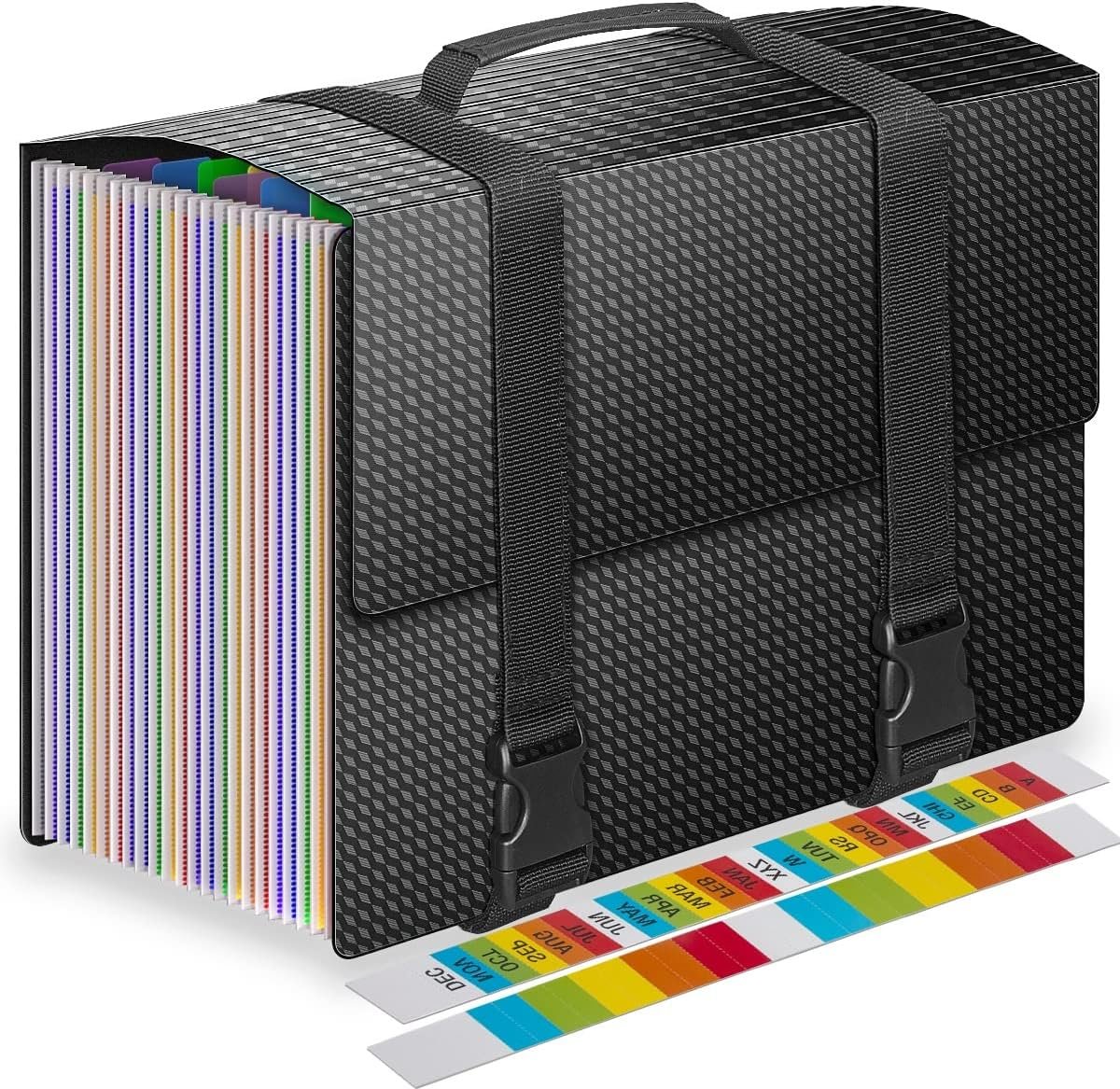


Chaos? Meet organization. The Brother P-touch PT-D220 Home / Office Everyday Label Maker is versatile, easy-to-use, and the efficient way to clear out clutter in any home or office area. What can be organized with a Brother P-touch Label Maker? Almost anything! Featuring a QWERTY keyboard and one-touch formatting keys, this portable label maker makes you a hero of organization. Create calm in cupboards and easily restore order in your home office by identifying your files, sorting the contents of your desk, and organizing cabinets and bookshelves to perfection. Creating labels is practically foolproof! Preview before you print thanks to the 15-character display screen. Have a favorite label you’d like to re-print repeatedly? No problem! You can store up to 30 frequently used label layouts for quick reprinting. Go ahead and show off your unique style by choosing from 14 different fonts, 11 font styles, 99 frames, and over 600 symbols. For use with Brother Genuine TZe label tapes. Available in a wide assortment of options including laminated tapes, waterproof tapes, premium tapes with glitter, extra-strong adhesive for uneven surfaces, tamperproof security tapes, and more. Mastering your organizational to-do list just couldn’t be any easier or more satisfying. Want to design and print labels on your PC and print on label tapes up to 3/4″ (18mm)? Check out the Brother P-touch Home / Office Advanced Connected Label Maker PT-D410.
Ideal For Small Office, Home Office, and Home Organization: a mobile label maker to keep homes, small offices, and workspaces tidy and organized. Powered by 6 AAA batteries or optional AC adapter (each sold separately)
Prints on Brother Genuine TZe Label Tapes: Create labels that are approximately 1/2 inch (12mm) wide. Easy to peel, durable and laminated labels are ideal for a variety of applications in multiple finishes and colors and can print 1 or 2 lines of text on labels
Personalize Your Labels: Choose from 14 different fonts, 11 font styles, 99 designer frames, and over 600 symbols and use the familiar QWERTY style keyboard for ease of use
Built-in Memory: Save up to 30 frequently used labels Create them, save them, find them, and reprint them as many times as needed
Create and Print Quickly and Easily: Use the 25 pre-set label templates to create and print professional-looking labels in an instant with a variety of templates for home and workplace organization, and more
13 reviews for Brother P-Touch PTD220 Home/Office Everyday Label Maker | Prints TZe Label Tapes up to ~1/2 inch White
Add a review
$44.99
Kenna Morgan –
Great label maker – works smoothly and reliably
I really like this label maker. It worked exactly as expected and was super easy to use right out of the box. Unlike some others I’ve tried, it didn’t jam or misfeed at all. Everything printed cleanly and evenly. The layout is intuitive and it feels solid for both home and office use. It was also a good price for the quality. I’ve labeled a bunch of files for the office and some bins around the house, and it handled everything with no issues. Definitely recommend if you’re looking for a dependable and no fuss label maker.
Brittany –
PERFECT 🤩
I have been telling myself to purchase one of these for THE LONGEST time and finally pushed the button on it. Works exactly as I hoped it would. User friendly and straight forward. I elected to stick to the AAA batteries versus the charger cord. No complaints on my end!
Goldtop57 –
Does as its designed to do ,, not disappointed
This is easy to understand .. you can use large fonts or small fonts . Comes with one roll of the labels .. be ready to pay for the roll when it runs out ,, this is how Brother makes their money . I get it ,, thats business , but you wont be disappointed with the label maker itself ,, it does its job
Corey –
Great label maker
All around it’s a pretty great label maker. The tape is easy to come by and is sold in bulk at a good price.The screen can be a little hard to read in really bright environments but otherwise very good.It takes 6 AAA batteries. Yes, 6. Or your can use a 9v power cord, but it’s not included and needs to be bought separately. If you power it by battery (what I’m doing) the batteries do last a long time in the printer. I’ve gone through 3 tape cassettes all on one set of batteries and no sign to change them soon.There’s tons on fonts and boarders you can do to the labels all with the same regular tape. Personally I use only the standard font but there are many options to choose.For the environmentally conscious:Now, this might be a 50/50 for you. The tape need to be printed on is plastic. Packaged in a special plastic cassette. After you print you need to peel the paper-plastic off the adhesive backing. Also inside that tape cassette, each time you print the tape has an ink side that does the printing and rolls up on the other end of the cassette like a VHS. So about 10-30% of the ink is used to print, the rest is unusable waste neatly rolled on the inside of the cassette. Very sneaky way to get us to buy more tape.
RooiValk –
Great label printer with an LCD drawback
This is one of the best little label printers out there. It is easy to use, intuitive, and has a lot of great options at a very decent price. If you’re just wanting to print labels and maybe add a little flair here and there, this is perfect. The cartridges are only about $3-$5 each, depending on the brand, so it gives you decent mileage for the cost. The 2 letdowns for me are that it does not come with a power cord. Not a huge deal because you can either use 6xAAA batteries or pick up a power cord for $10. Go with the power cord unless you need the convenience of carrying it around and printing on-the-go.The biggest let down is the LCD screen. All the stock photos look crystal clear and easily readable, but in reality, it is not clear. On my unit and on every review or 3rd party photo, you can see the contrast is pretty horrible. The funny thing is that it looks better in a photo than it does in reality, so I can’t even post proof of what I’m seeing. The contrast on the unit lets you go up or down 2 notches, which barely affects the visibility in a meaningful way. It needs a brightness setting along with the contrast. That said, as long as you can get enough light hitting the LCD without glare from the plastic, you should be fine. A backlight with an on/off setting would have been fantastic.Even with the drawback of the LCD, I would still buy it though, as it really is a great unit.
Reader of Lives –
Fantastic little tool for organizing… well, everything!
I’m obsessed with this little machine. It works perfectly every time and is extremely easy to use. All the labels come out looking crisp and clean.
Sandi –
I find I cannot read the screen.
From Brother.com – here is what I found out about the screen.Adjust the LCD contrast!To adjust the LCD contrast:1. Adjust the contrast setting:a. Press Menu.b. Press ◄ or ► to select LCD Contrast.c. Press OK and the current setting is displayed.d. Press ◄ or ► to select the contrast setting. There are five settings: -2, -1, 0, +1, +2.e. Press OK to set the contrast.- If the LCD is difficult to read, go to the next step.2. Since the label printer does not have a backlight, the angle of the label printer and the lighting conditions can affect how well the display can be viewed. For optimum viewing, place the label printer on a flat surface and view the display at a 45-degree angle.3. New out of the box label printers have a protective film on the display that needs to be removed. Removing the film slightly improves the display’s contrast and brightness.a. Using your fingertips or fingernails, separate the protective film from the LCD display from the top right or left corner.b. Pull the Mylar protective film completely away from the display to expose the smooth finished surface. Discard the protective film.3. If the contrast was better but now it is harder to read, try printing a label to test if the batteries are low. The LCD can be difficult to read when the batteries are low.4. If the LCD is still difficult to read with brand new batteries, you may wish to purchase a label printer with a backlight LCD.So, for me it was first, remove the mylar tape on the screen. I did not notice that there was something on the screen itself. Then I followed up with the LCD contrast and it made a big difference. I wish I had purchased one with a backlight screen but did not realize that was an option. All in all, I will say that this is a nice label printer.
Placeholder –
Bought used, works fine.
Had a bunch of tape left from an old one that broke after 10 or so years. Bought this one refurbished and it works just as well as the old one did when I bought it.
Gloria Richardson –
This is an excellent labeller and very easy to use.
franco mc lane –
Excelenete
Tyrone –
Excellent Product & Price Super-fast Delivery Thank You A1+++
Meena Nagarajan –
Perfect for Home and office use
FLAVIA –
Vino en condiciones de nuevo, es muy útil y práctico cuando ya tienes la práctica con etiquetadoras. Proporciona muchas opciones diferentes de otras marcas.