
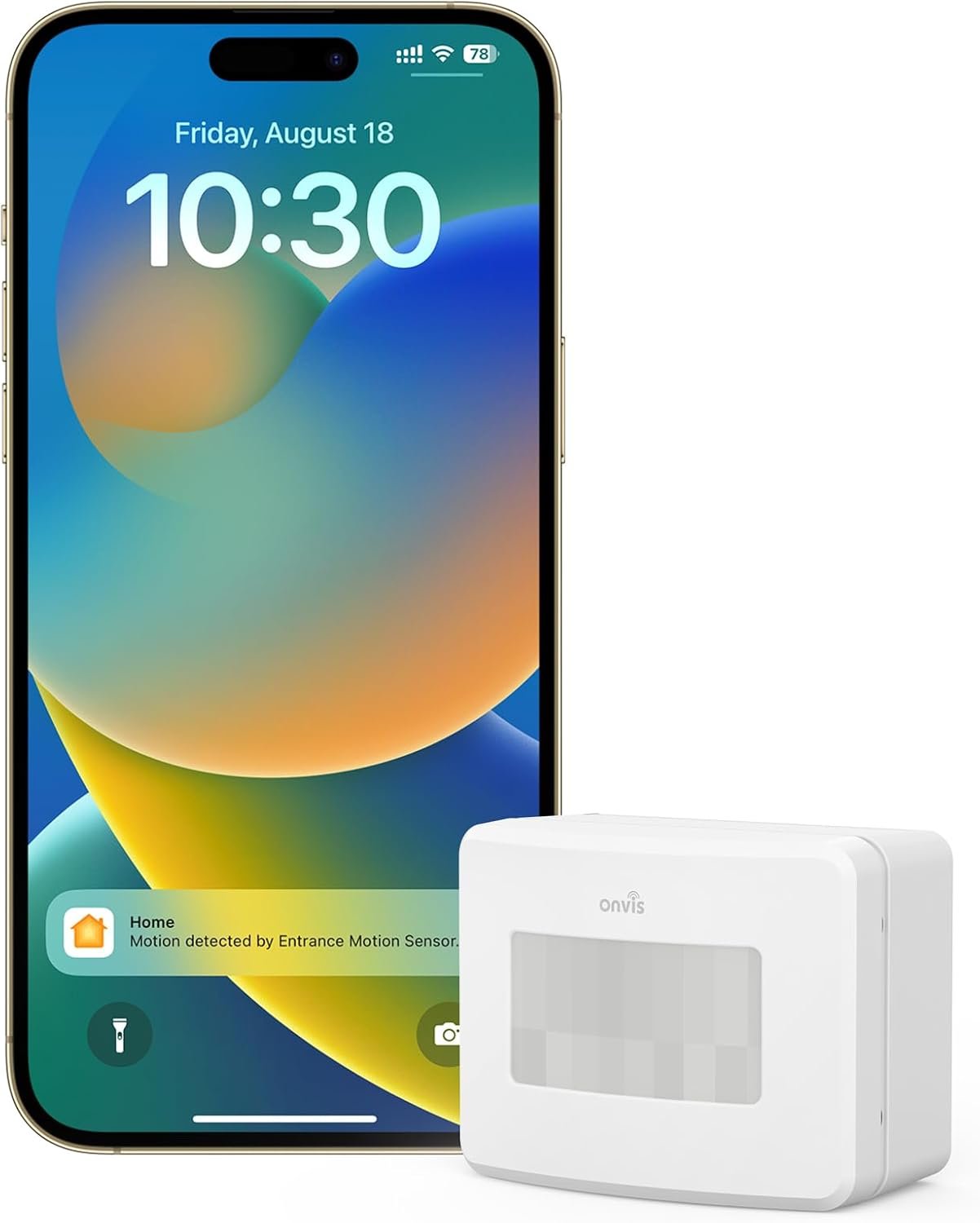
Onvis Smart Motion Sensor, Wireless Hygrometer, Thermometer, Works with Apple HomeKit, Smart Home Automation, PIR Motion Detector-Thread ((iOS 17.4 and Above is Required)
$31.99
Related Products


Product description

Motion Controlled Rooms
Control multipe smart devices ,such as smart lights and smart plugs by setting automation or scenes tgigger by SMS2, Just customize your own smart actions to your needs .
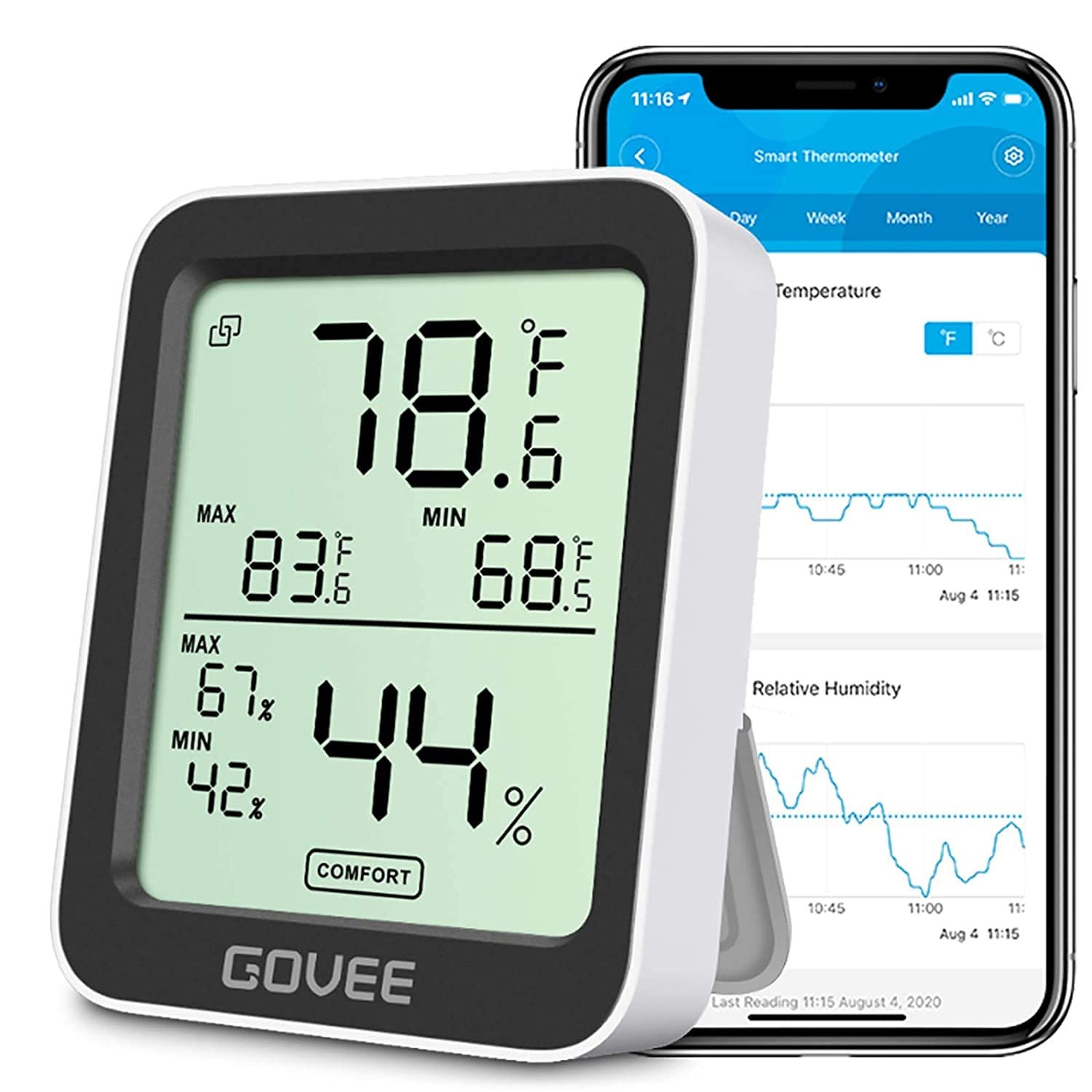
Smart hygrometer thermometer, Humidity temperature, records are automatically updated every 15 minutes and kept for 32 days, Access to Apple Home App or ask Siri for current room temperature and humidity, access to Onvis Home App to check the temperature, humidity and motion records.

Enhance your home security with our Smart Motion Sensor featuring a scheduled detection function – customize when motion alerts activate for tailored monitoring, providing peace of mind on your terms.


Compatibility: Apple HomeKit-Enabled Accessories (No Hub Required)
Trigger: Motion Trigger, Temperature Trigger, Humidity Trigger, Bright/dark Trigger
Remote Control Hub: HomePod mini
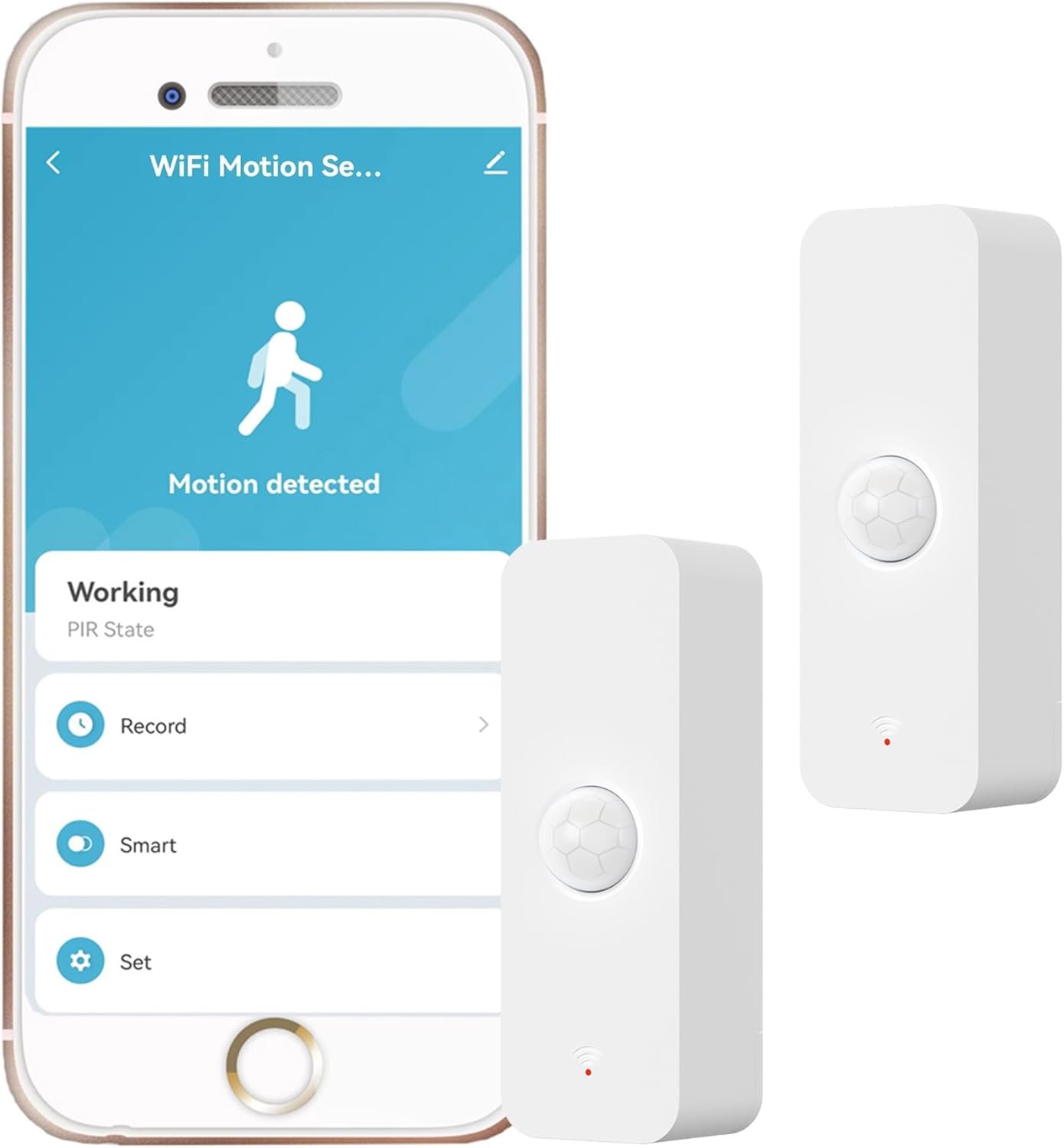
Motion Detection: 7 meters, 120°, infrared activation
Connectivity: Bluetooth 5.0
Application: Indoor Use Only
Motion Push Notification: Real Time, 100 recent logs, 32 days records of motion Stats
Humidity/Temperature Record: Every 15 minutes
App: Apple Home App, Onvis Home App
Power Supply: 2xAAA alkaline Replaceable battery
Package Includes: 1*Onvis Motion Sensor, 1* User Manual, 2 pcs AAA alkaline batteries, 1 reset pin
【More Responsive with Thread】This motion sensor is enabled with Thread technology, which makes it more responsive and efficient. You will get real-time notification once movement is detected, HomePod mini as a home hub keeps you informed while you’re not at home.
【Smart Activation & Deactivation】Customize motion alerts in the Onvis app to suit your schedule. Choose when to receive notifications, giving you complete control over your monitoring and enhancing your home security.
【[Multipurpose Sensor] Smart hygrometer thermometer, Humidity temperature, bright/dark detection activation records are automatically updated every 15 minutes ; Access to Apple Home App or ask Siri for current room temperature and humidity, access to Onvis Home App to check the temperature, humidity and motion records.
【100% Privacy】No cloud, no tracking. Works with Apple HomeKit, all data is end-to-end encrypted and stored in your iOS devices.
【Scheduled detection】Set specific time slots for motion detection to align with your daily routine, ensuring no unnecessary alerts during designated hours.
【Records and Stats】Onvis motion sensor provide 100 recent records, 32 days records
【Tips】 The CONNECTED hub is required to be a Thread HomeKit Hub. iOS Home APP→ Home Settings→ Home Hubs & Bridges→ choose the hub √ Apple TV 4K A2843(3rd Gen), A2169(2nd Gen) √ Apple HomePod (2nd Gen) √ Apple HomePod mini
【Notice】 To automate with motion sensor states. Sometimes, the motion sensor status of SMS2 are NOT showing up as automation conditions in iOS Home app(17.2). Before the fix of the Home app, motion based HomeKit automations on the SMS2 motion sensor can be set up in the Onvis Home app and most of the 3rd party apps, and the configuration will sync to HomeKit system.
8 reviews for Onvis Smart Motion Sensor, Wireless Hygrometer, Thermometer, Works with Apple HomeKit, Smart Home Automation, PIR Motion Detector-Thread ((iOS 17.4 and Above is Required)
Add a review
$31.99
RPL –
Disabling a motion sensor is finlly possible!
If you use motion sensors to turn on lights, there are times where you want certain lights to not turn on at all. If you are a HomeKit user, the only way to make this happen is to use a Homebridge dummyswitch, which for nontechnical user is a lot to ask. The other option is to use another HomeKit accessory, like a light bulb, as a condition in your automation. While this works, you need to find an unused accessory or buy a new one to use as the on/off switch.Enter the new Onvis SMS2 motion sensor, which gives the user the ability to disable the motion sensor within their app, and in HomeKit. In the app, you can easily disable the motion sensor from the main page. In HomeKit, there is an “Active” flag that can be accessed in various 3rd party HomeKit apps. Further, since this flag is exposed to HomeKit, you can use it in HomeKit Scenes, Automations, and Shortcuts.Now, if you just don’t want the motion sensor to trigger accessories at all, you can create a Scene and then say: “Hey Siri, disable the bedroom sensor” and now that motion sensor will be completely disabled. If you want to disable the motion sensor based on an IOS focus mode, this is also now possible via a Shortcut. The great thing about this solution is the average user can now enable/disable the sensor without any need of additional technical knowledge like Homebridge, programming a Hue Bridge, etc. It just works.When the motion sensor is disabled, then those disabled accessories do not trigger even when you use scenes and automations if those accessories are a part of it. If you have other motion sensors, you can now include this new “Active” flag in their HomeKit automations to disable them as well. This is a problem that has plagued motion sensors since HomeKit gained support for them. We now have the ability to turn off the Onvis motion sensor as easily as turning off a light switch. So, if you have guests over, you can quickly disable all automations until they leave.The other interesting thing about this motion sensor is that the motion sensor timeout is also exposed to HomeKit. Therefore, if you need the motion sensor to have a different timeout depending on certain scenarios, you can do this now. For instance, during the day, the timeout in my bathroom motion sensor is set to 5 minutes. But late at night, it’s set to 1 minute. The motion sensitivity is also exposed to HomeKit. If you find the motion sensor is not triggering as you like, because of the ambient temperature, you can dynamically change the motion sensitivity to compensate.There is also a “Reminder” feature that tells you when the countdown timer gets to a percentage of the total countdown time. For instance, if the countdown timer is set to 10 minutes, you can set the reminder to 50% of that value. Then in the Onvis app, you can create a custom automation to dim the lights when that value is reached. This feature appears to allow the user to simulate the slow dimming feature of the Philips Hue lights when paired with their motion sensor.Lastly, the sensor also includes a temperature and humidity sensor. And finally, these sensors can b calibrated to match the values of other temperature and humidity sensors you may have in the same room. This is another feature that has always been missing from multi-sensor products.The only feature that is really missing from this product is a true light sensor, like Eve Motion and the Hue motion sensor has. Therefore, automations based on lux values are not possible. But with that said, I’m still giving it 5 stars because of the activation/deactivation feature of this motion sensor and being able to change the motion sensor timeout and sensitivity via HomeKit. The activation/deactivation feature alone is saves a lot of time and aggravation. So, even if you have another HomeKit motion sensor, I highly suggest buying this new Onvis motion sensor and use it in conjunction with what you have in order to be able disable automations more easily.
Miami Shopper –
Discrete and affordable, decent performance
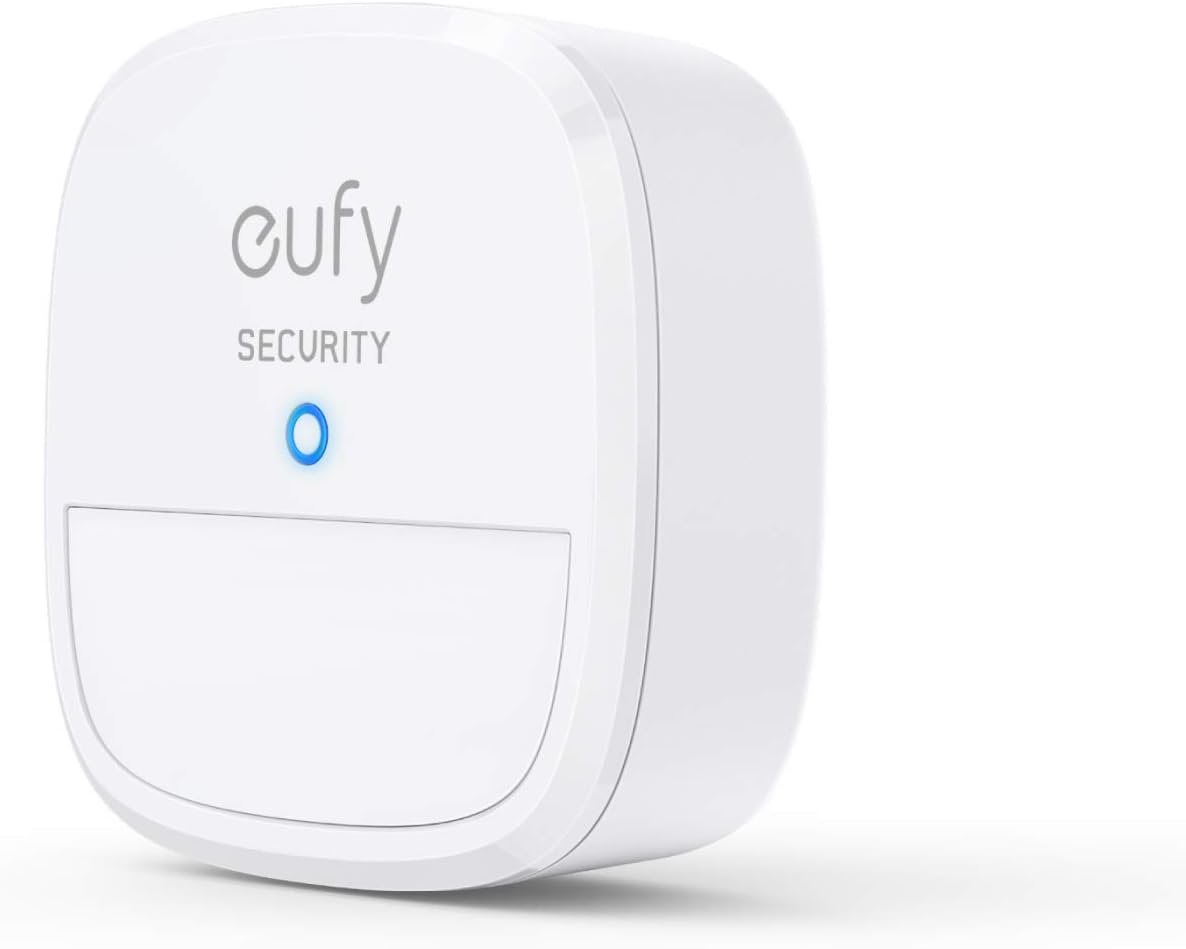
So the good: they are small, easy to setup, and connect into Homekit super reliably.I never had one fail on my adding to Homekit. I have had no problem adding it to Homepass as well, where I archive everything. They are super easy to program.Their range is decent. The normal placement of a motion sensor, up high, seems to really limit the range. If you put them at body height they work well. In my larger rooms I include multiple sensors for coverage (turn on when ANY trigger, turn off when AND turn off AND all of them are off).I’ve bought about 25 of them, scattered around the house. The inclusion of humidity and temperature sensors is pretty neat, though I’m not sure how much that helps.I have some Eve Sensors for outdoors, they work about the same, and are twice the price, and don’t come with the extra sensors. Eve also uses a strange battery size, while Onvis is AAA, available anywhere cheaply.The negatives: like most Homekit devices, they have their own app that you need to install to manage the firmware. Like the apps from every company but Eve, the app is utterly awful. Since you only use it to upgrade firmware, this isn’t too big a deal. However, it doesn’t have a good way to see which ones need upgrading, so expect pen & paper while you upgrade.The sticky pad – it’s cheap and mediocre. Maybe if you alcohol and dry the wall you can get it to work. For ones I want removable, I bought 3M Command Medium, and those generally work fine… walls with heavy knockdown or texture may not.It includes two anchors and screws, I highly recommend using those if you are installing over tile. I managed to break the back cover off mine. The company shipped me replacements for free, but I had to pay shipping from China and wait.All in all: it’s a great device at the price. Most of the limitations are livable. They are cheap enough you can fill your house with them, which is why I recommend them. All the downsides are inconveniences, and the upsides are a functional, discrete, affordable, reliable solution.If you can deal with installing drywall anchors or buying better sticky tape, and taking the time to upgrade firmware, you have a solution.
A Customer –
What a “bang for your buck” product
Sooooo this think is pretty great. I’ve had it for several months now (so this isn’t a rushed review). The battery life on it is STELLAR. The motion sensitivity is spot on. I literally don’t think I’ve EVER had it “miss” a motion event. I have two of these to be specific, one for each side of the bed. When I trigger mine, it illuminates an LED light strip below the bed to act as a night light, my wife has the identical setup on her side of the bed.These things have so much value in them. They come with temperature sensors and humidity sensors built in as well. Based on data we have from other sources, the sensors seem to be consistent with the alternative data sources so I’m inclined to believe they’re accurate. The Onvis app has logging for motion, humidity, and temperature, and can export them via email. AWESOME!I’m using it with HomeKit and the aforementioned automations are done through the Home app, it integrates fine and works really well there. I love it.I have Hue motion sensors as well, and frankly, these seem to be more responsive, with more data accessible than the hue ones (Hue has motion, temperature, and light level, Onvis has motion, temperature, and humidity, which to me, is FAR more useful than light level).Thanks again for an amazing product Onvis!
Iceman2121 –
Produit conforme à la description, fonctionne parfaitement et reste très discret.Le vendeur est réactif et répond rapidement aux questions.
CB –
*Update siehe unten*In meinem System sind zwei Bewegungssensoren aktiv: Eine Ikea TRADFRI-Steuereinheit mit Bewegungsmelder, und die hier rezensierte. Die Zuverlässigkeit ist bei der Version von ONVIS deutlich besser. Dies betrifft sowohl die Schaltzeiten, als auch die Zuverlässig, ob eine Bewegung überhaupt erkannt wird. Testweise wurden beide Geräte direkt nebeneinander gestellt. Die über den ONVIS-Melder gesteuerte Lampe schaltete zu unterschiedlichen Tageszeiten schneller und verlässlicher als die Lampe über TRADFRI. Dazu sollte man anmerken, dass ich die Funktionalität von ONVIS als “baseline” für einen Bewegungsmelder erwarten würde, und von TRADFRI eher enttäuscht bin. Tatsächlich gelingt es ab und zu, den “TRADFRI-Raum” zu betreten und wieder zu verlassen, ohne dass das Licht angeht.Die Anzeige von Temperatur und Luftfeuchtigkeit waren bei mir ebenfalls ausschlaggebend für den Kauf. Diese werden problemlos in der Home App (siehe Screenshot) eingebettet und lassen die Werte natürlich auch außerhalb des Netzwerks abfragen. Etwas ärgerlich finde ich die Skalierung der Einheiten: Veränderungen der Luftfeuchtigkeit werden in 1%-Schritten gemessen, die der Temperatur leider auch nur in vollen °C-Schritten, auch wenn dies durch die Anzeige anders suggeriert wird (“25 Komma 0 °C”). Man kann sicher debattieren, ob man eine Veränderung von 2% Luftfeuchte eher wahrnimmt als 0,5°C Temperatur. Vielleicht sollte der Hersteller aber auch einfach etwas an der Empfindlichkeit der verbauten Instrumente oder der Anzeige schrauben.Ich mag nicht ausschließen, dass die Anzeige-Skala anpassbar ist, allerdings gibt die sehr kurze Anleitung dazu keine Auskünfte, und die hauseigene App verlangt vor Benutzung das Einrichten eines Nutzerkontos. Im Paket gibt es dafür einen Stern Abzug.—Update: Nach einem Update ist ein Einrichten eines Nutzerkontos nicht länger erforderlich und die App kann auch ohne verwendet werden. Die App selbst ist nichts Besonderes, erlaubt aber ein Firmwareupdate des Sensors, der seitdem die Temperatur auch in 0,5er-Schritten abstuft. Die Bewertung wird entsprechend auf 5 Sterne erhöht.Unter iOS 13 und über die App “Controller for HomeKit” ist es mir zudem gelungen, Luftfeuchtigkeit und Temperatur als Trigger für HomeKit-Automationen zu verwenden. So springt jetzt immer der Luftentfeuchter an, sobald eine bestimmte Schwelle überschritten und schaltet sich wieder aus, wenn sie unterschritten wird. Der Nutzen ist für den Preis immens, da das nächste HomeKit-fähige Hygrometer (Eve Degree) ohne Bewegungsmelder aktuell das doppelte kostet.
mark –
Works well, easy connect with HomeKit.
Diego –
Funciona muy bien, y la integración a HomeKit hace la diferencia
M. Bakker –
Was eenvoudig te koppelen en je hebt lekker veel knoppen om te programmeren.Helaas was de werking van korte duur. Regelmatig moeten resetten door de batterij de verwijderen om hem weer werkend te krijgen, maar inmiddels werkt dit ook niet meer.Na verwijderen uit homekit, kan bij het opnieuw koppelen de knop niet meer gevonden worden. Oom nog de Onvis app geprobeerd, maar helaas, troep dit