
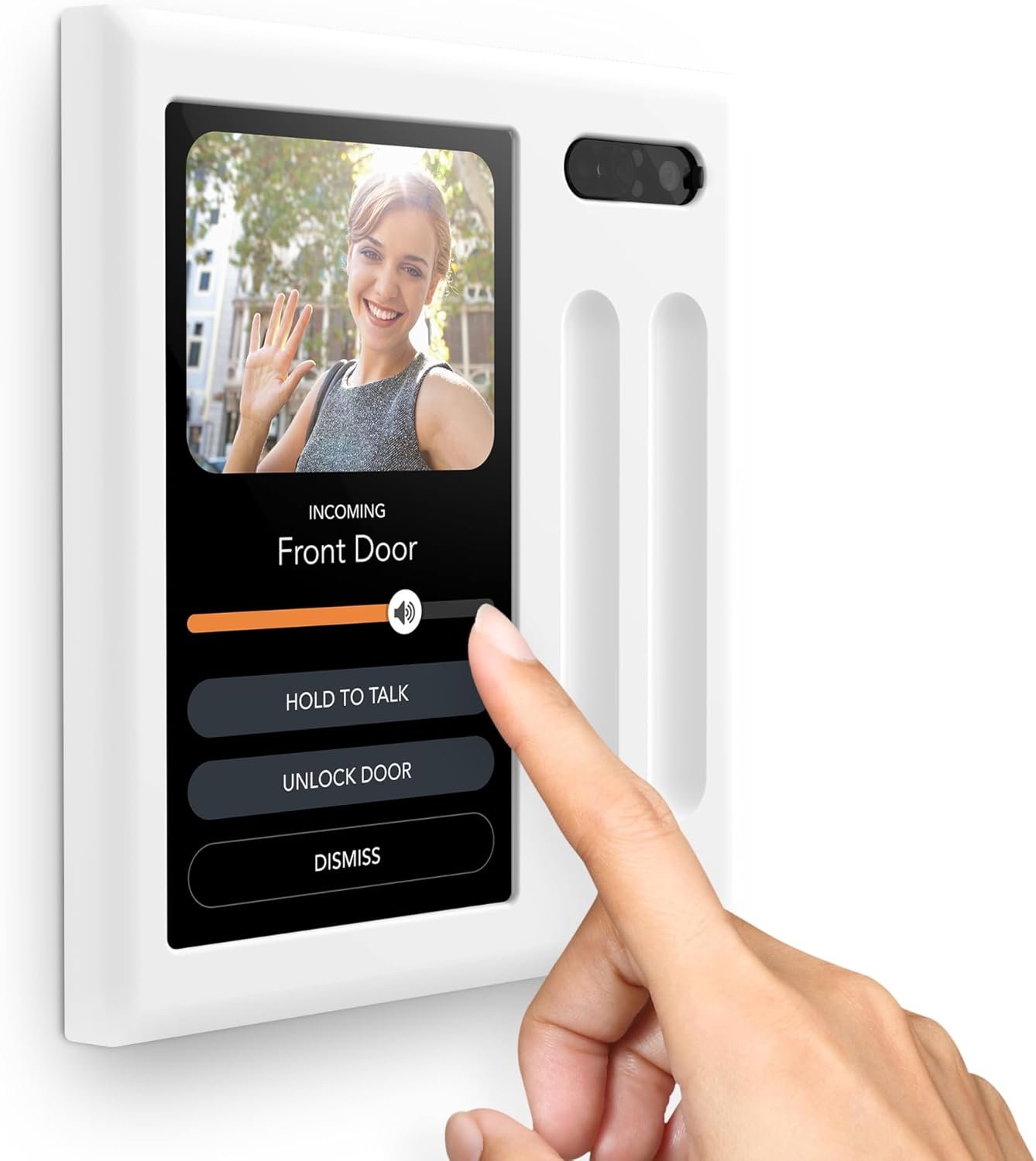
Brilliant Smart Home Control (2-Switch Panel) — Alexa Built-In & Compatible with Ring, Sonos, Hue, Google Nest, Wemo, SmartThings, Apple HomeKit — In-Wall Touchscreen Control for Lights, Music, & More
$680.00
Related Products
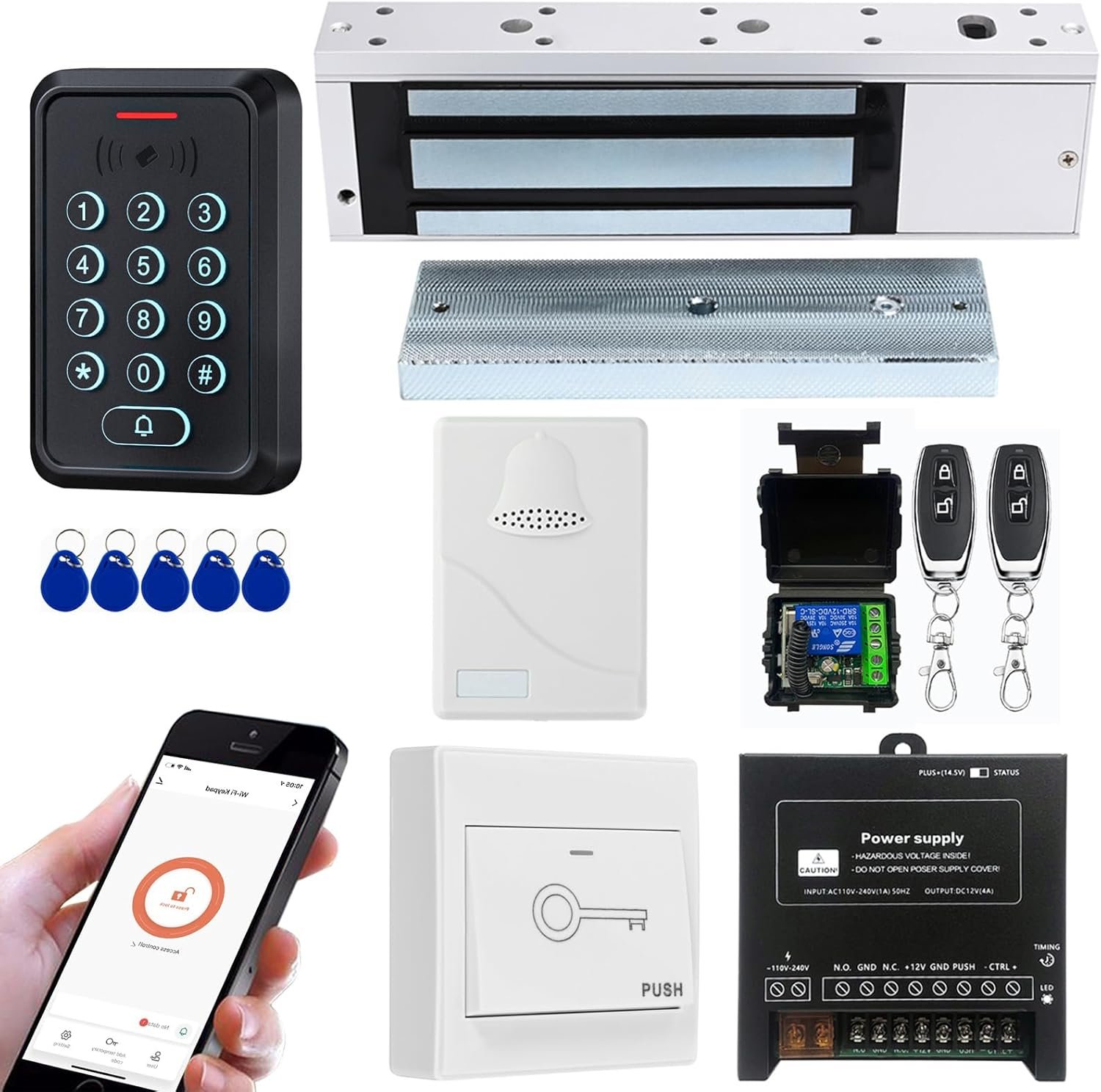





From the brand
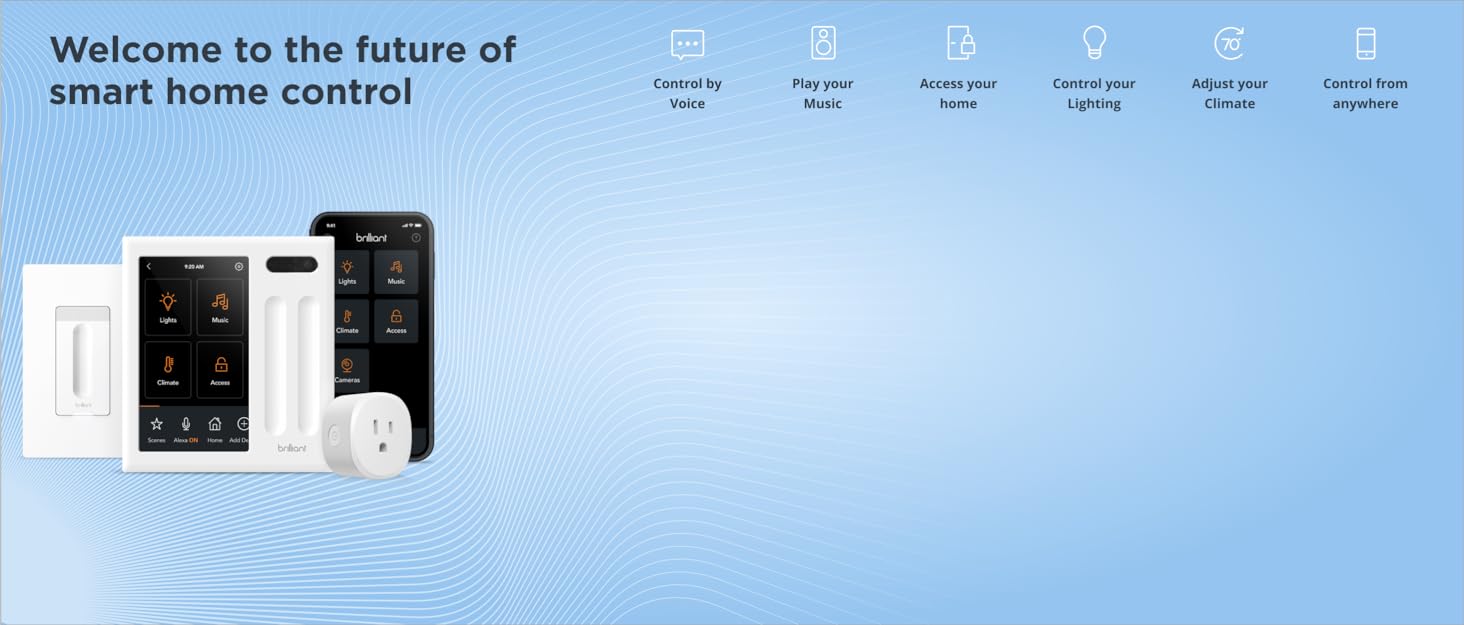
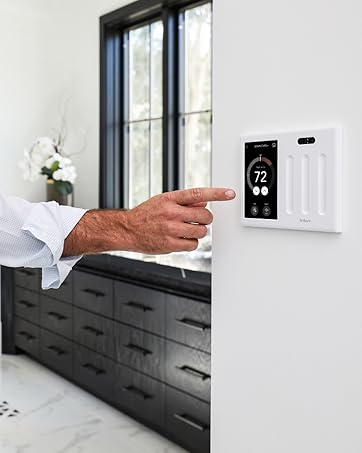

Brilliant is an in-wall lighting and control system that makes it easy for homeowners, families, guests to control lighting, doorbells, locks, cameras, music, climate, intercom, scenes, and more. It’s easy to install, integrates with the top brands in every smart home category, and transforms any house or apartment into an easy-to-use smart home.
Brilliant Smart Home Panels
Smart Dimmer Switches & Plugs
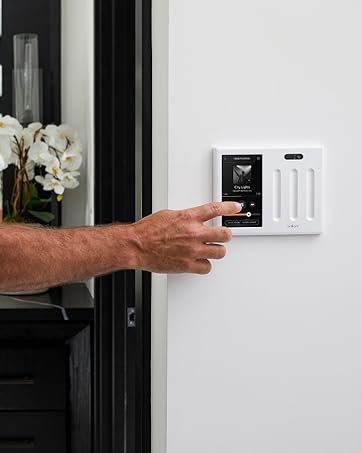
EASY SMART HOME CONTROL FOR EVERYONE: Brilliant touchscreen panels with built-in Alexa make it easy for everyone at home to control popular smart devices, lighting, cameras, locks, thermostats, intercom, scenes and more by simply replacing a light switch.
REPLACES A 2-GANG LIGHT SWITCH PANEL & REQUIRES NEUTRAL & GROUND WIRES: This 2-Switch Panel installs in a standard 2-gang electrical box. Includes a 5″ LCD touchscreen, a built-in camera with privacy shutter and a built-in motion sensor.
SMART LIGHTING: Turn regular lights into smart lights (supports LED, CFL, halogen, incandescent bulbs, dimmable, multiway). Control Hue, LIFX, and Kasa TP-Link smart bulbs. Control lights using touch, voice, built-in motion detection, scenes or an app.
IN-WALL SONOS, RING & SMART LOCK CONTROL: Now everyone at home can easily browse and play music with Sonos speakers, see who’s at the door with a Ring Video Doorbell, and unlock the door with a compatible smart lock—all without needing a phone.
9 reviews for Brilliant Smart Home Control (2-Switch Panel) — Alexa Built-In & Compatible with Ring, Sonos, Hue, Google Nest, Wemo, SmartThings, Apple HomeKit — In-Wall Touchscreen Control for Lights, Music, & More
Add a review
$680.00
John Marsi –
Brilliant has fantastic new smart home technology!
Recently I made the decision to upgrade my home to be more “smart”. After researching the best way to do that, I purchased the Brilliant Smart Home Control 2 switch panel for my living room. The unit arrived quickly and I found installation to be very straightforward. I connected it to Alexa, a smart thermostat and some smart plugs. It is very convenient to have a hard wired switch that can control the lights, etc. but also because it can control other systems around the house via voice or the user friendly touch panel.The video feature is very useful to me, as my teenage daughter is non verbal and has special needs. I can drop in and watch her while I am in my office or in the garage if I need to quickly check on her. Another great feature that helps her is the ability to communicate with the house to control the lights and fan using her alternative communication device (her “talker”) by asking Alexa to do that for her.I also really appreciate that the Brilliant unit connects to the Honeywell T9 thermostat I purchased. We are able to control the temperature much better now from the living room without having to get up. I will be looking to connect it to other smart home features (locks, etc.) in the future. I highly recommend the Brilliant Smart Home Control!
Kristin Anderson –
Simplifies all your smart home devices into one easy to use control switch panel- BRILLIANT!!
The things l loved about the Brilliant Control panel was that it was so simple to install and set up. The menu is so easy to navigate. It connects to my Ring doorbell so I don’t have to find where I laid my phone down in my home at any given time, connects to my lights where I can use the sensors on the panel to move my lights up and down or I can program them from the menu to turn on/off with motion, works well with all my Sonos using Spotify instead of having echo dots everywhere and my favorite feature is that it works with all my Honeywell thermostats in my home so that I can control the temperature upstairs in my home without having to run from downstairs to change the temperature. Besides the features it looks fantastic in my living room I highly recommend this product!!
John –
Almost perfect…
I’ve been wanting to install Brilliant into my home for awhile now, I read some great reviews and decided to pull the trigger. The install is super easy and directions are actually too verbose. However, if you’ve never done anything like this before, I can see how that could help. My issues are that must settings and changes need to be made on the device itself and not the app or a web portal. To link my honeywell thermostats, I had to start the process on the device, wait for it to send me an email, click a link in the email that opened the brilliant app and then login to my honeywell account, then go back to the device to assign the new thermostats to rooms in my home. that was truly annoying! also, i really want to see more smarthome products supported by this platform. Brilliant has been around long enough and API’s available for most smarthome products that there is no excuse for not having more “Works with” options available. Other than these issues the device works as promised and I do like it. The factors above are preventing from buying more for my home though.
Caleb Stultz –
Super sleek, modern smart home control center with tons of great integrations.
I’ve been loving using this as a way to control my regular lights but also my Hue / LIFX bulbs and August door lock all from a single controller.Using this one device, I can control my regular lights, fan (on/off only), smart bulbs, and thermostat. There are so many cool third party integrations that it would work with many people’s setups.The built-in camera and microphone can be used as an intercom to other Brilliant controllers. The fact that it has a camera made me nervous at first, but you can actually slide a physical piece of plastic in front of the camera to block it if you want. And Alexa is built-in too, so you can control your smart devices by voice if you want.The home screen interface can be configured the way you want with shortcut access to the integrations you care about and I must say, it’s super nice having all of my smart home devices in one place instead of spread out across a bajillion apps.Loving using this. Super sleek and modern way to do things.
Client Sylvain –
un peu difficile pour la confection, suggestion de demander à un électricien!
John Deletre –
Missing Canadian time zone for weather
J-M –
The product is well-designed but falls short in functionality, security, updates, and support. The last update was in October 2023, and since then, there have been no new releases. I opened a support case two months ago and have yet to receive any response or updates. Additionally, the dimmer flickers without any apparent reason, and there is still no weather integration for Canada. All integrations are based solely on SmartThings.Below is the email I sent to support, which has gone unanswered:Email to Support:I am experiencing an issue with my Brilliant Home with 2 Sliders. The lights flicker at medium/lower voltages. I have tested the device on two different electrical circuits and with two different types of bulbs (pendants with dimmable StanPro G40 E36/ G10 40 bulbs and DALS FGM3-CC Flat Gimbal Recessed). The result is the same in each scenario. These lights work perfectly with the Lutron Smart Caseta Diva dimmer at very low voltages, where the lights are almost off.Is this a limitation of the product or its design? How can I achieve low dimmable lighting without flickering? Even after calibration, the lowest dimming without flickering is almost at full voltage. This is in a brand-new house with a new electrical circuit. I have over 50 gimbal recessed lights with Lutron Smart Caseta Diva dimmers without any issues.I hope this review and my inquiry help improve the product and support services.
KD –
They have send a couple of updates and now the device is working like it should no problem, no disconnection at all, update from one to four ⭐ stars
Anton Morgulis –
I tried to install it with electrician but product does not work