
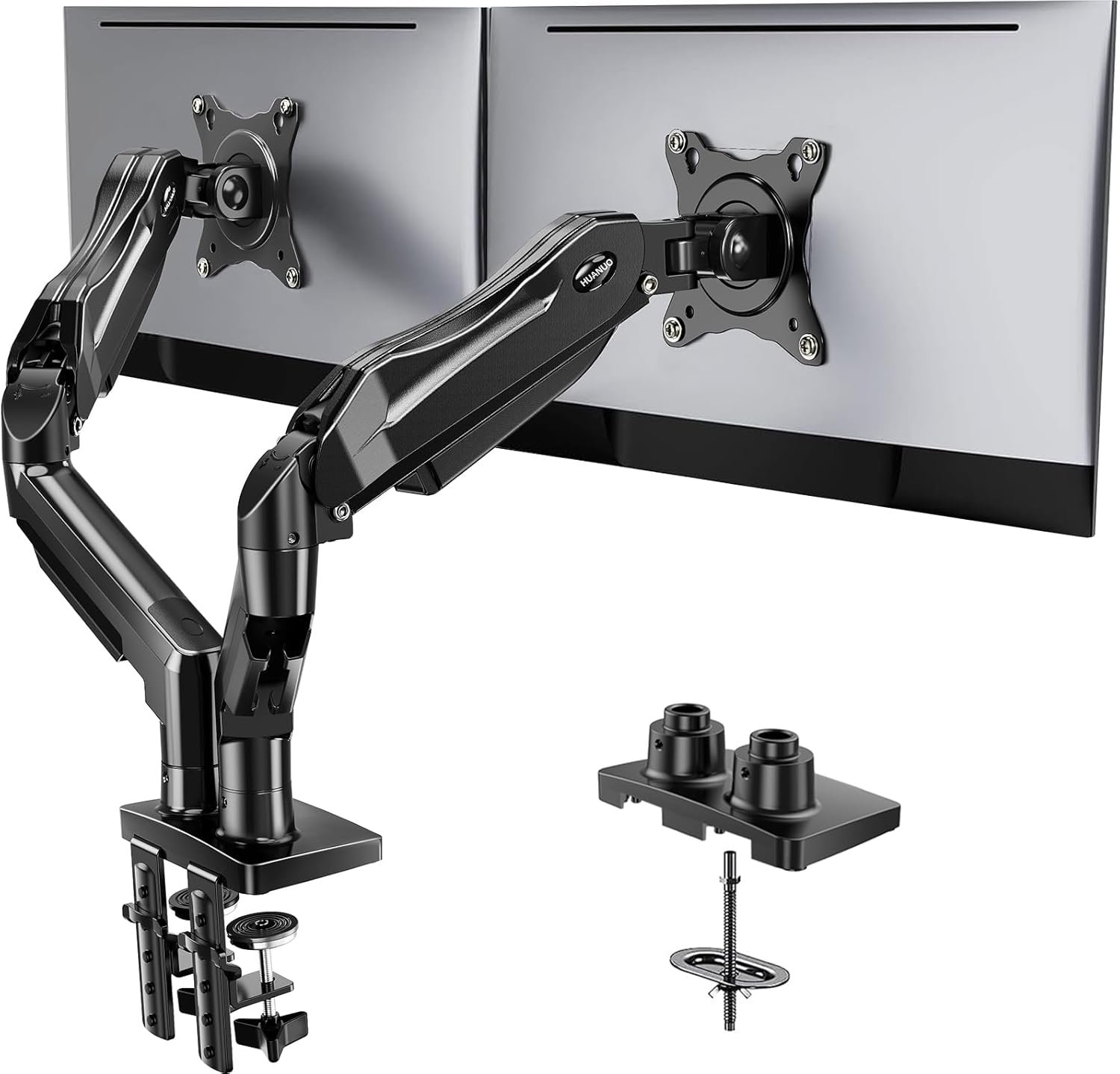
HUANUO FlowLift™ Dual Monitor Stand, Fully Adjustable Gaming Monitor Desk Mount for 13–32″ Computer Screens, Full Motion VESA 75×75/100×100 with C-Clamp & Grommet Base, Each Arm Holds 4.4 to 19.8 lbs
$59.99
Related Products





Product description
Why Have 9 Million Users Choose the HUANUO Monitor Arm? 
At HUANUO, we’re dedicated to enhancing the durability and stability of our monitor mounts.Because your comfort, convenience, and satisfaction are at the heart of everything we do.
Versatile Setup for Any Space or Use 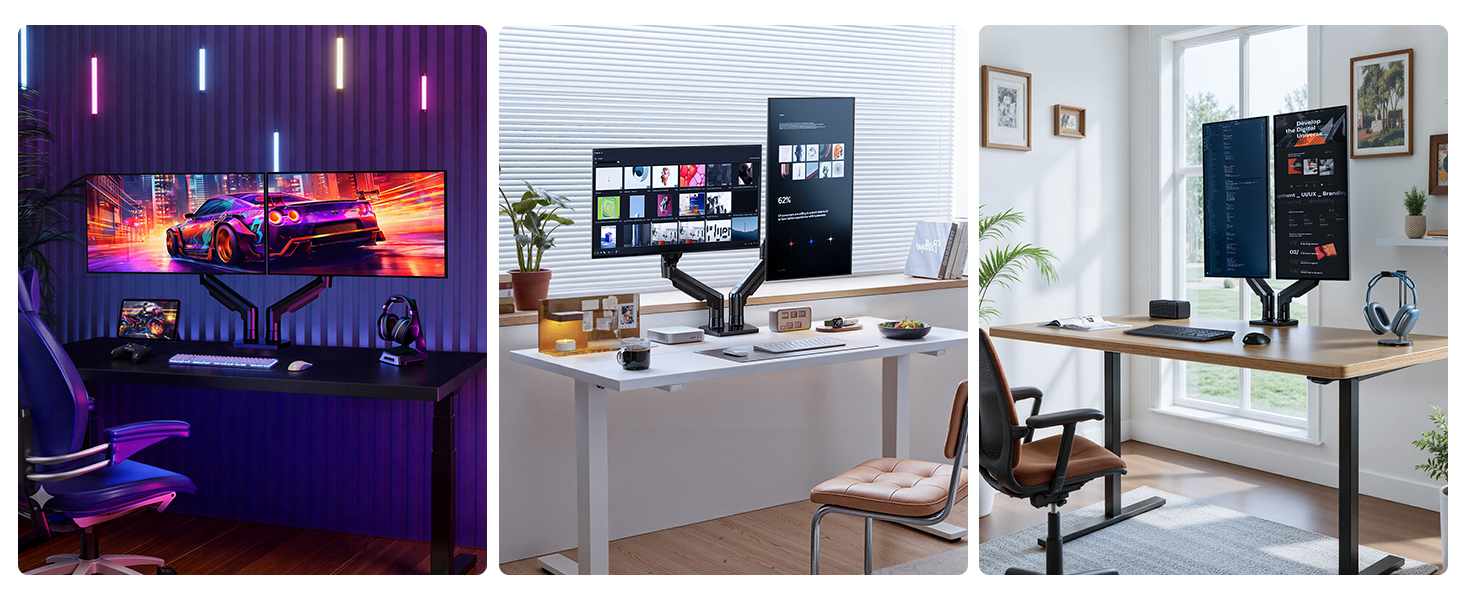
Whether you’re gaming, working, or streaming, HUANUO’s dual monitor stand adapts to your needs. From immersive gaming setups to productive office spaces, enjoy ergonomic comfort and full-motion adjustability for the perfect viewing experience, no matteryour workspace or screen combination.
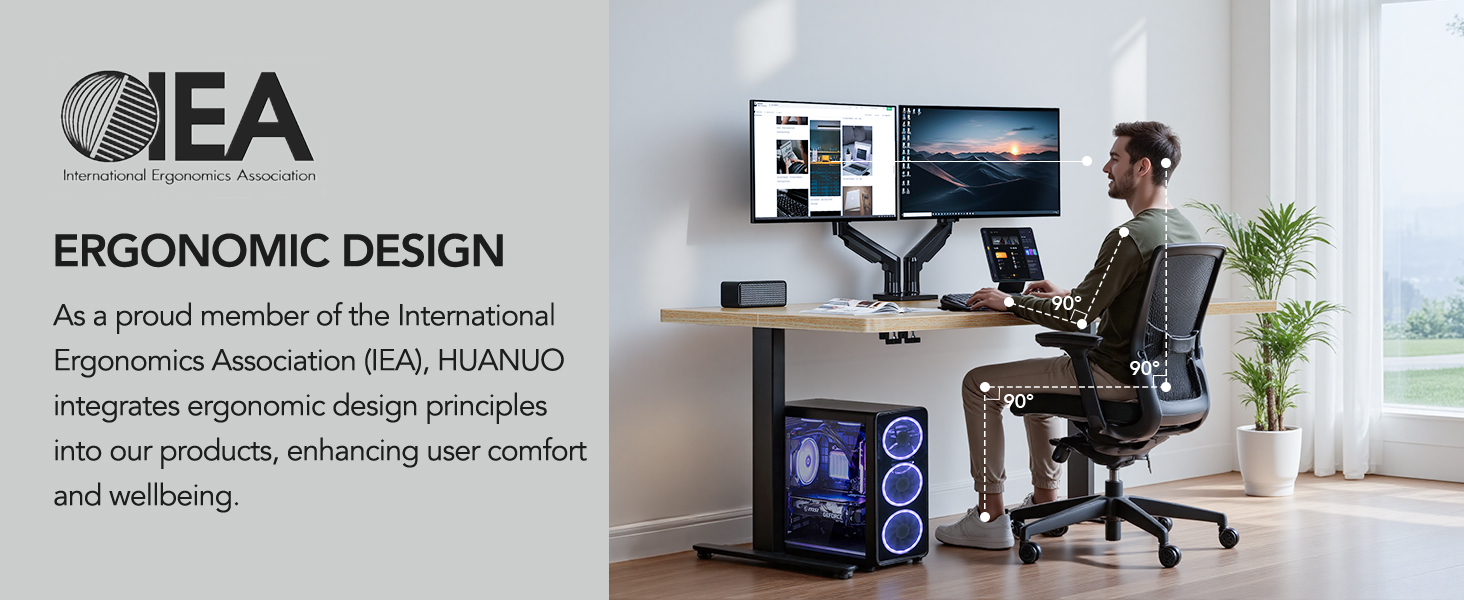
The HUANUO dual monitor stand offers full-motion adjustability to easily find your ideal viewing angle. Its ergonomic design reduces neck and shoulder strain, keeping your monitors at eye level for a more comfortable and productive workspace, no matter the task.


1 Monitor Compatibility
2 Compatible VESA Standard
3 Monitor Combination
4 Desk Footprint


1 Check Desk Thickness
2 Check Desk Type
3 Check Desk Material


1 C-clamp Installtion
2 Vesa Installation
3 Tension Adjustment
4 Sagging Prevention
HUANUO Monitor Arm Family
Add to Cart
Add to Cart
Customer Reviews
4.6 out of 5 stars 33,983
4.6 out of 5 stars 15,928
4.1 out of 5 stars 75
4.6 out of 5 stars 799
4.6 out of 5 stars 1,927
4.7 out of 5 stars 42
4.6 out of 5 stars 1,027
Price
$59.99$59.99
$33.23$33.23
$39.99$39.99
$37.98$37.98
$79.99$79.99
$89.99$89.99
$139.99$139.99
Max. Fits Monitor
32″
32″
40″
32″
/
/
/
Max. Load Per Arm
19.8lbs
19.8lbs
26.4lbs
22lbs
/
/
/
Max. Extension
17.32″
17.32″
18.5″
15.4″
/
/
/
Fits VESA Mount
75*75mm, 100*100mm
75*75mm, 100*100mm
75*75mm, 100*100mm
75*75mm, 100*100mm
/
/
/
Max. Height
15.75″
15.75″
18.3″
17.5″
46.5″
46.5″
46.4″
Compatible with Wide Screens – To ensure compatibility with the dual monitor mount, your each monitor must meet three conditions at the same time: First, computer screens size range: 13 to 32 inches. Second, screen weight range: 4.4 to 19.8 lbs. Third, the back of the monitor screen must have VESA mounting holes with a pitch of 75x75mm or 100x100mm.
Regarding the compatibility with desks – Your desk must meet three conditions at the same time: First, desk material: Only wooden desks are recommended, plastic or glass desks cannot be used. Second, desk thickness range: 0.59″ – 3.54″. Third, the bottom of the desk should not have any cross beams or panels, as this will interfere with installation. We recommend carefully checking that your desk and monitors meets all above conditions before purchasing.
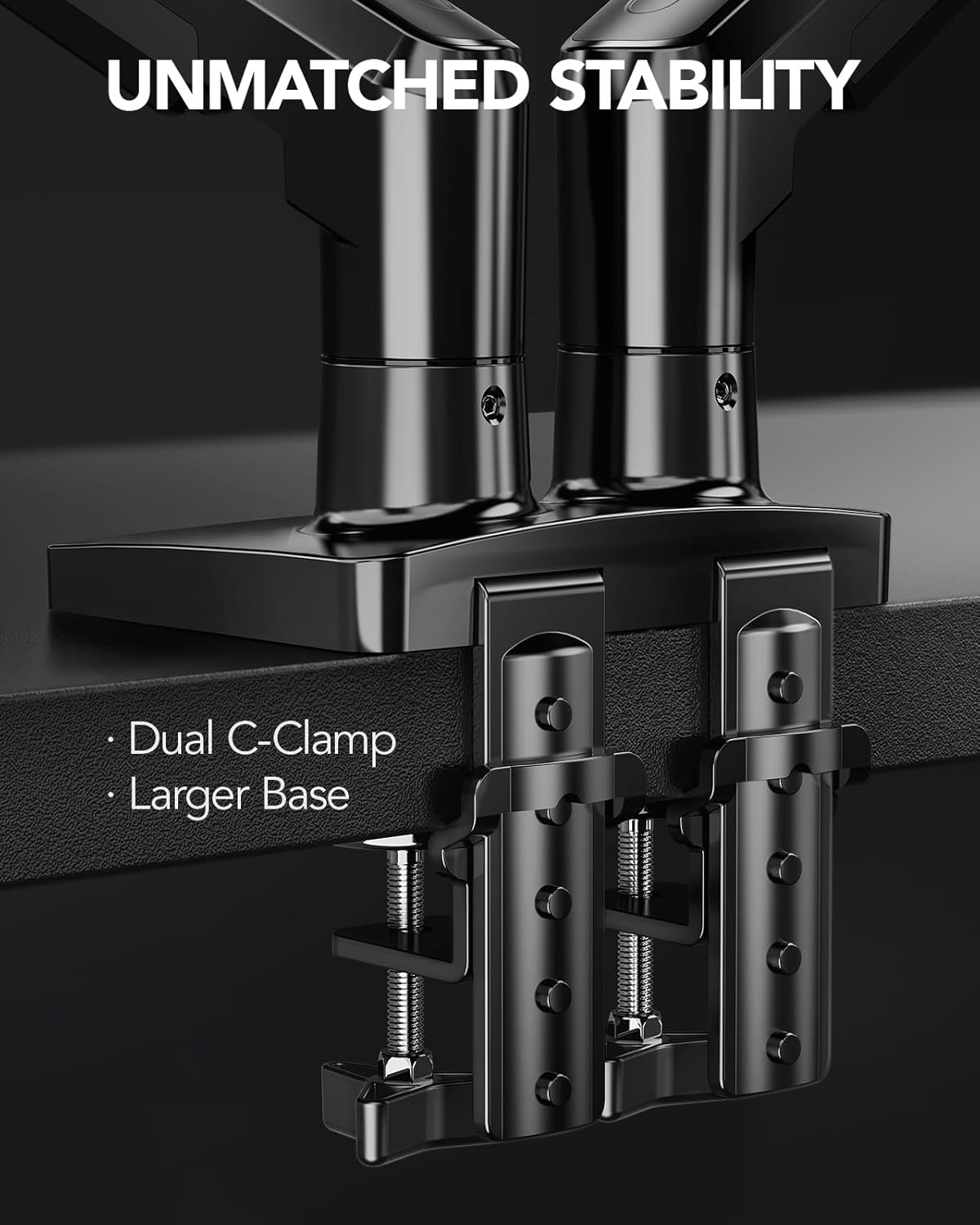
Dual C-Clamp Hold – Worried your dual monitors might wobble or slip? Our upgraded base uses a larger platform plus a dual C-clamp structure to lock the dual monitor arm firmly to your desk. Each arm safely keeps your screens steady while you type, click and game—no shaking, no sliding, just a clean and secure setup you can trust every day. It also provides Grommet Mounting installation choice, both options ensure stable and secure fixation for your 0.59″ – 3.54″ desk.
Full-Motion Adjustment For Comfortable View – Pull the screen closer when you’re deep in a spreadsheet, push it back to watch videos, or rotate to portrait for coding — moving everything smoothly with just one hand. The monitor stand offers +85°/-50° tilt, ±90° swivel and 360° rotation. Raise your monitor up to 15.75″ to support a healthy sitting posture. Whether you’re working from home, gaming through the night, or switching between video calls and documents, getting the screens to your natural line of sight helps relieve neck, shoulder and back strain so you can stay focused longer with less fatigue.
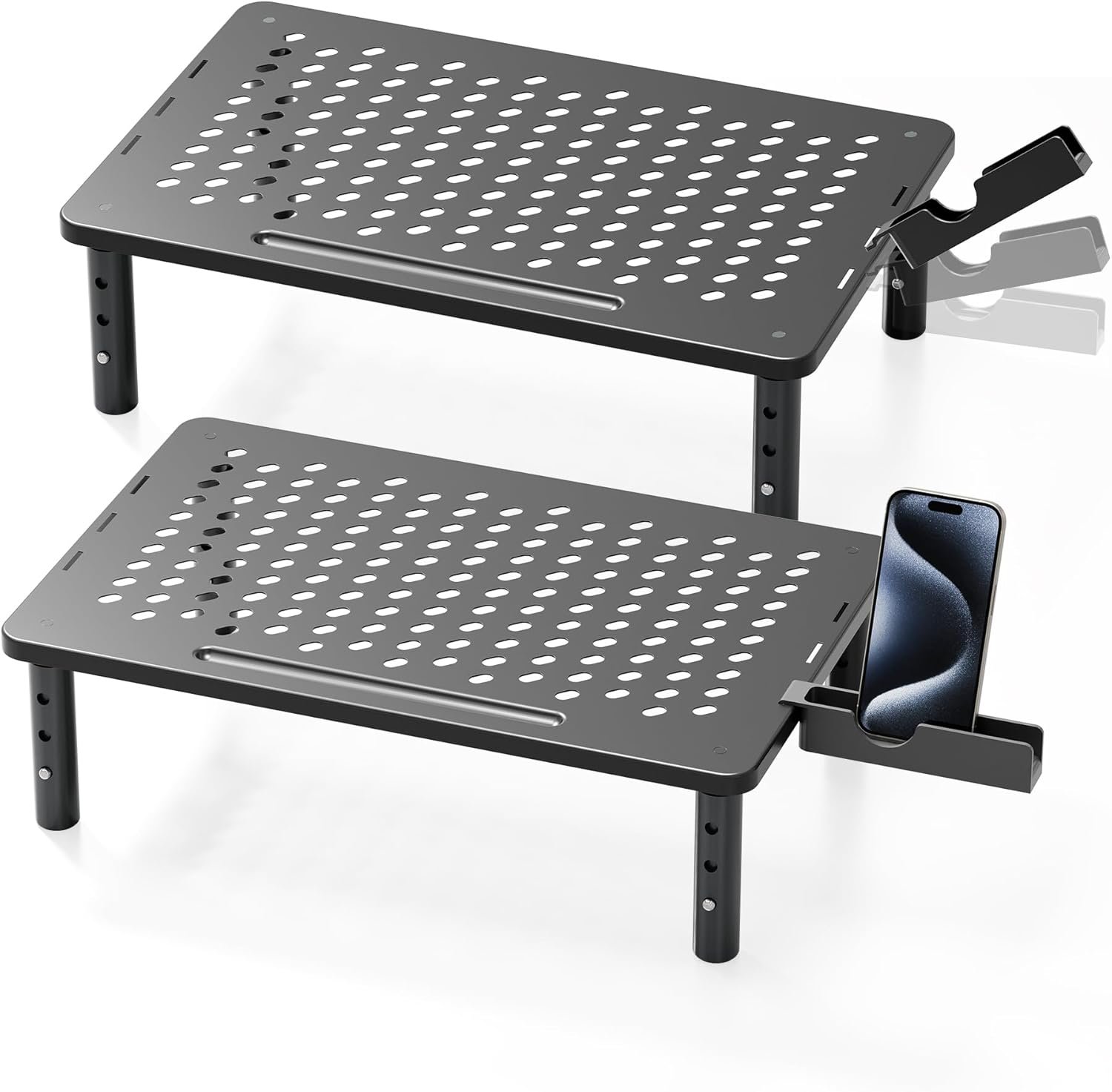
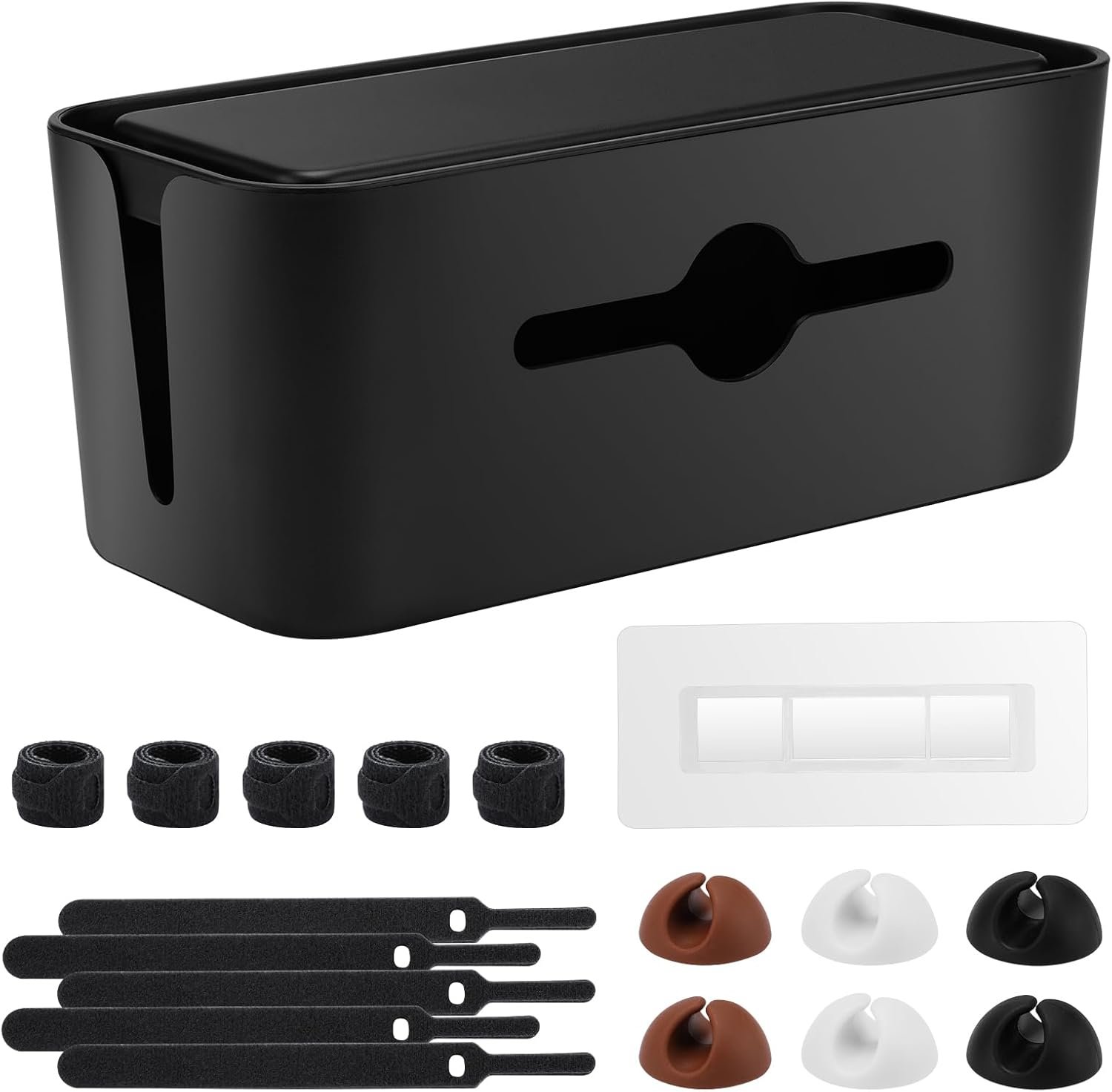
Keep Your Desk Organized: By lifting both screens off the desktop, this dual monitor stand opens up valuable space for your keyboard, notebook, docking station or a simple, clutter-free work area. Built-in cable management guides wires along the arms, keeping cords out of sight and out of the way. Enjoy a tidy, modern workstation that looks as good as it feels to use.
11 reviews for HUANUO FlowLift™ Dual Monitor Stand, Fully Adjustable Gaming Monitor Desk Mount for 13–32″ Computer Screens, Full Motion VESA 75×75/100×100 with C-Clamp & Grommet Base, Each Arm Holds 4.4 to 19.8 lbs
Add a review
$59.99
Tom L. –
Solid solution with great flexibility
Updating our workspace at the office with dual monitor setups and this model had good reviews, so I thought I’d try it out. I have now purchased 7 of these and will keep buying them as the update expands. They are relatively inexpensive, very heavy duty, offer great flexibility for installation, as well as monitor placement once installed, and come with enough extra hardware to accommodate many different monitor sizes.I would highly recommend!
Justin.b –
Great Monitor Arm
I have several monitor mounted on desk-mounted arm and these are great. They save desk space and make it easy to adjust the workspace for different tasks.I have had this particular dual arm for a few months and they have performed well. They are easy to adjust and after a little initial tweaking (if needed), you can easily pivot, swivel and rotate your monitor into the exact position you prefer. I have 27″ monitors on the arms and nothing has sagged or tilted in an undesired way.I had no missing parts, assembly was easy and it quickly secured to the desk. I haven’t had a monitor arm fail yet, and expect the same from these. I will update if their durability isn’t up to expectations.
Steve Bowler –
Perfect Monitor Stands
These are some of the best monitor stands out there I’ve used. The floating arms won’t quite be as flexible as you’d like, but they’re WAY easier to use than the standard straight pole, straight arm stands. You can even rotate your monitors straight up while plugged in to check which ports you’re using if they’re on the bottom of the monitor. They hold the weight of two 27″ monitors flawlessly, I’ve had older and heavier 4k monitors on these arms and they still supported them easily. Super easy to install, it just pinch/vice grips your desk with a really sturdy base, just buy these already.
Hunter R. –
Works incredibly well, very sturdy. Included M4x30 screws may be too long for your monitor though.
I’m pretty impressed with this dual monitor arm, and see why it’s (currently) amazons “recommended”. Installation is straightforward and when doing the C-clamp style mounting, the instructions are completely unnecessary. The arms are very sturdy, and can be locked into position once the desired location is set. It holds my Acer 32″ monitor without breaking a sweat (though it’s a very light screen, to be fair. Lighter than alot of 27″ ones i’ve owned) though it struggles a bit with my featherlight 15″ second screen. This isn’t a downside to the stand, as it explicitly gives a weight rating it needs to work with, and the small screen i use is FAR below the minimum weight. Becuase of this, with the arm tension loosened all the way, I’m just BARELY able to mount that screen as low as possible. If i give it any upwards force, or try to raise it even a centimeter, the springs will launch the arm (and monitor) all the way up, which jars the entire desk. So, just something to be aware of. Again, this is MY problem, not the fault of the stand, as i’m not using it in it’s intended fashion. I only really have 2 complaints, and theyre things ive noticed on the 3 seperate sets of these i’ve bought over the last 6 months….the tension bolts are INCREDIBLY tight and can be very difficult to adjust for someone who might not have the most wrist/grip strength. And finally, they include 2 sizes of screws. The longer ones are M4x30 screws, to be used in conjunction with some rubber/plastic spacers for curved monitors. So far, on every monitor I have paired with these (with the exception of one Dell 27″ with a dummy thicc plastic back shroud) the M4x30 screws have bottomed out on EVERY other monitor, far before they were actually tight, resulting in a loose, wobbly screen. So, maybe plan on making a potential run to the hardware store for some M4x25’s to use instead. Those two reasons are why I deducted a star. Aside from that, these are exactly what I needed and I have zero additional complaints. I would highly recommend, and, as I’ve already bought multiple of these, I think thats a testimony in itself.
AK –
Gave me the extra space I didn’t know I needed. Love this!
I wasn’t expecting to like this as much as I do, but this monitor stand completely upgraded my desk setup.Setup was extremely fast and easy, and once it’s on the desk, it feels very sturdy and secure. No wobbling, even when adjusting the monitors. It supports both of my screens easily and holds position well thanks to the spring arms.The biggest win for me is the range of motion—you can adjust height, tilt, swivel, and even rotate the screens, which makes it easy to find a comfortable setup whether you’re working or gaming. It also cleared up a ton of desk space, which I didn’t realize I needed until I had it.A couple small things to note:• It does take a bit of effort to get the tension adjusted perfectly at first• You’ll want a solid desk since the clamp is strong (which is a good thing, just something to be aware of)•. It can look a bit bulky if you have a smaller width desk. I recommend a wider desk, so the monitors aren’t too close to your face.Overall, this is one of those upgrades that actually makes a difference day-to-day. If you’re using two monitors and want a cleaner, more ergonomic setup without spending a ton, this is definitely worth it.
Amazon Customer –
Dual monitor stand
Great product. Rather easy to assemble and install. Works great for my 2 23” monitors. Clears up desk space and holds the monitors up at a better height for me.
Mohammed El-Dakamawy –
Great product and price!
Miguel Mateo –
This dual monitor stand worked really well for my setup and was fairly easy to assemble. The instructions were clear enough that the whole installation only took a short time, and all the necessary mounting hardware was included.The build feels solid and stable, even with two monitors attached, and the gas-spring arms move smoothly without sagging. It is simple to adjust height, tilt, and rotation, so getting both screens aligned at a comfortable viewing angle is quick.The stand also helps keep the desk tidy, thanks to the built-in cable management and the way it frees up space under the monitors. Overall, it is a great value if you want a sturdy, flexible dual-monitor arm that is easy to put together and adjust.
Amazon Customer –
I bought it in 2021 and I want to give a review after a year of using.I have read people issue and one thing I feel like they misunderstand the product is the arms keep falling down because of weight of monitor. I use two 27” MSI curve monitors and have no issue with it. I tighten the joint that closest to monitor using allen key provided (there are screw adjustment of tightness) and also every pivot point has screw adjustment and you can use allen key provided to tight it.I have not tried 32” monitor but I think this mount can handle the weight, maybe just one monitor as both 2 arms may not stretch out for the width of two 32” monitors.So, I recommend this product for two 27” monitors or smaller, if you need two monitors on this mount.
Le bogoss de la mort qui tue –
Heel ye’ pretty darn’ nice this stand! Works just as it should eh!’
Pedro Daniel Uribe Martinez –
Los use para montar dos monitores y dos bocinas en mi escritorio con altura ajustable. Soporto mis dos bocinas de estudio de 5 pulgadas adams, un monitor dell de 24″ y un alienware oled de 34″. El ajuste de la cabeza hay que apretarlo mucho para que soporte los 8 kilos de las bocinas con mensulas pero quedo muy bien el resultado final. Traen sus rieles para acomodar cables, algo rigidos pero se aprecia que si sostienen los cables. Incluye muchos accesorios y formas de montarlos en tu escritorio.. Recomendados por el precio, ojo que hay unos en amazon iguales al doble de precio. Compren estos, son los mismos.