
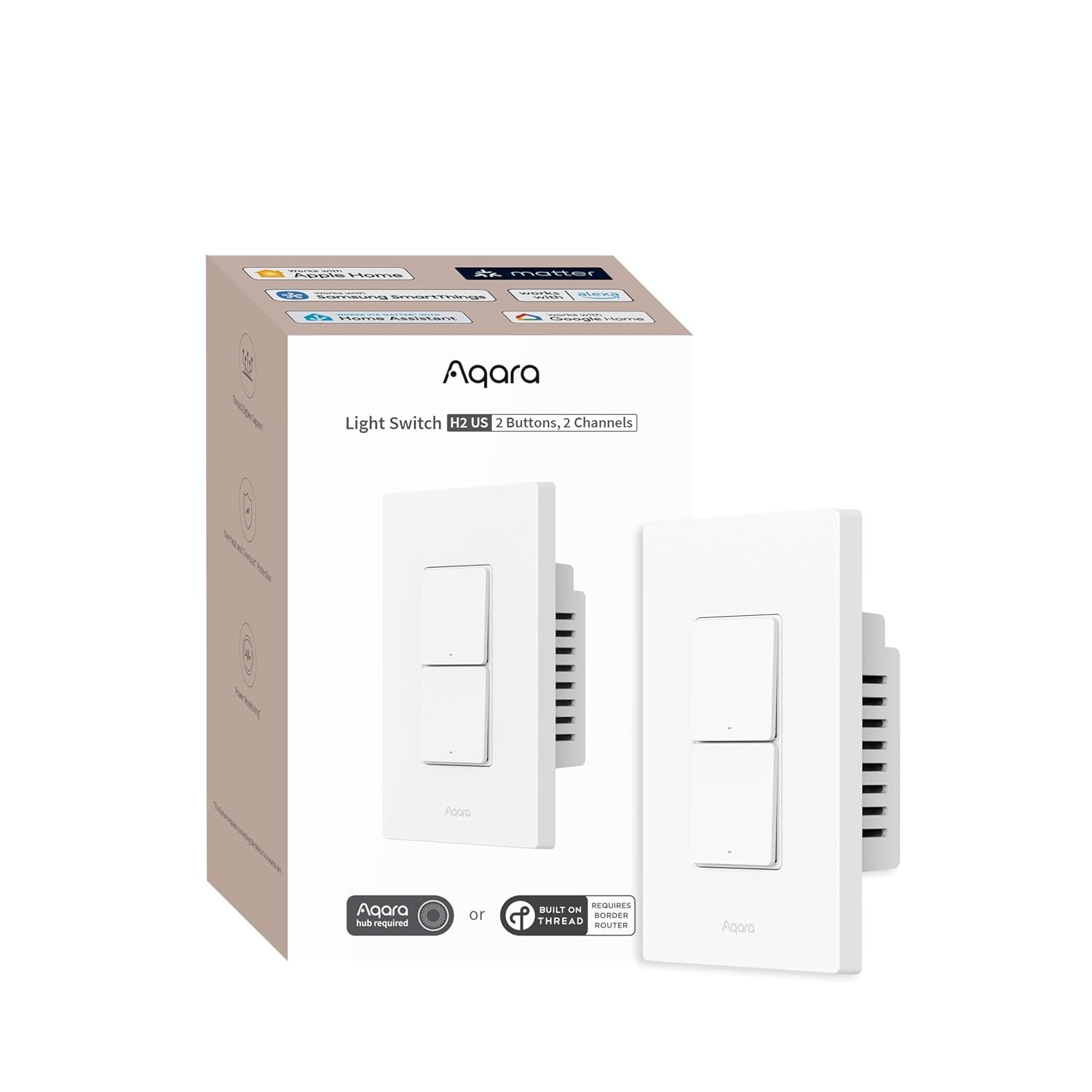
Aqara Smart Light Switch H2 (2-in-1 Neutral, 2 Buttons, 2 Channels), Thread/Zigbee Protocol, Wall Switch for Smart Home, Supports Apple Home, Google, Alexa, Matter Over Thread
$49.99
Related Products
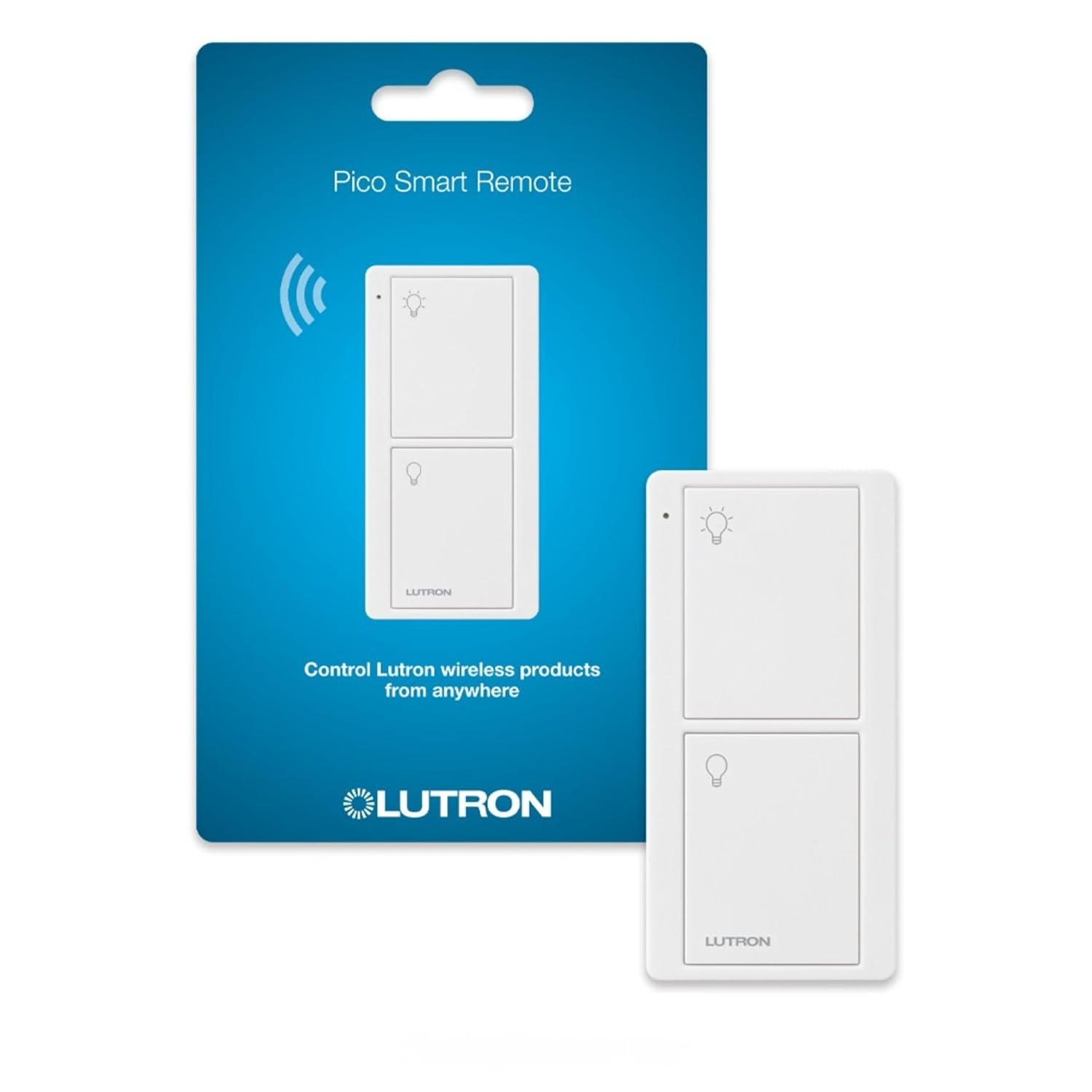
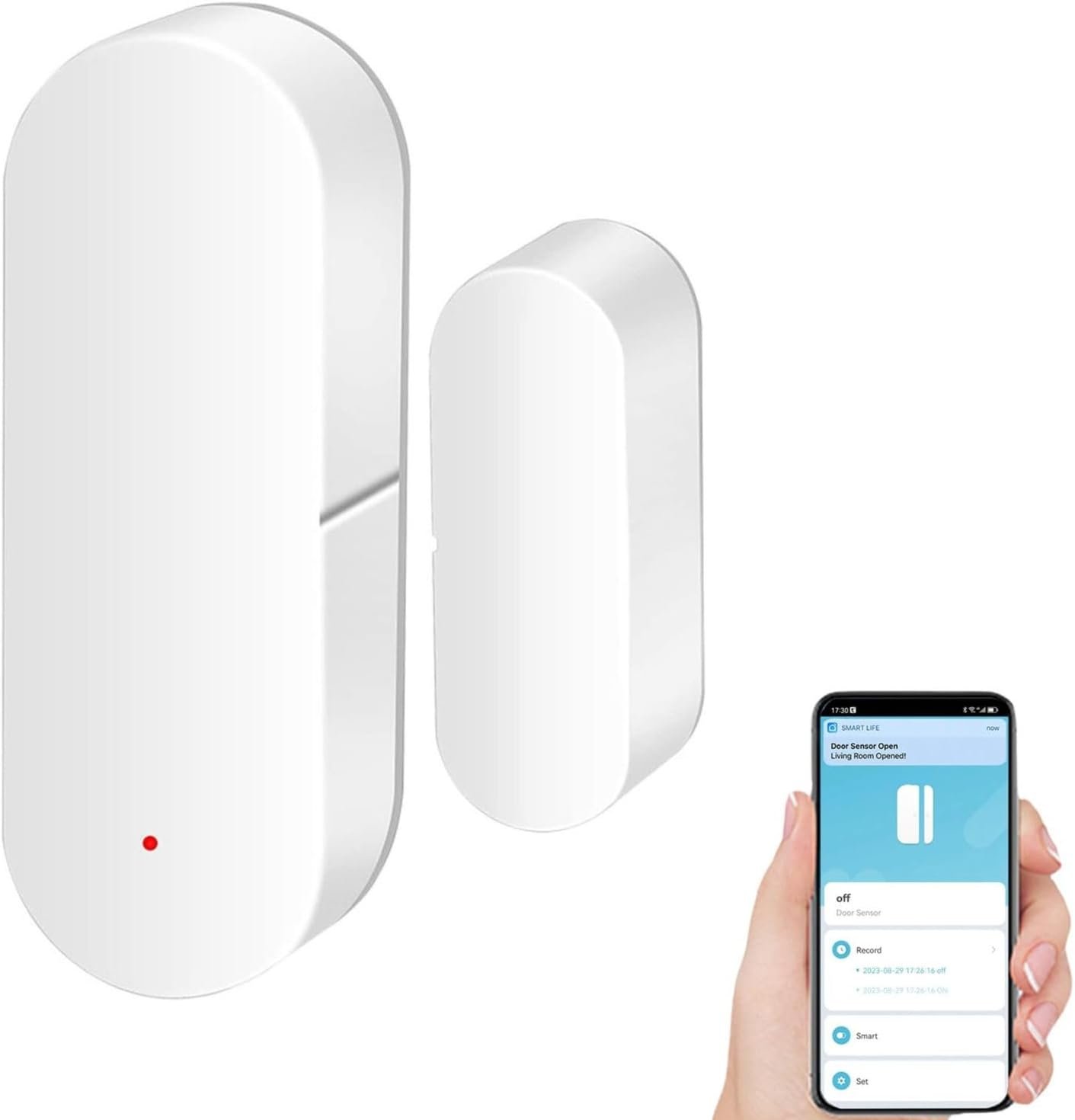


From the brand


As a leading provider of smart home solutions, Aqara excels in delivering a wide array of award-winning, user-friendly smart home products and platform solutions tailored for your home. We proudly serve over 12 million customers in more than 170 countries and territories. Our products are designed to offer convenience, security, and energy efficiency, making your home smarter, more sustainable, and adaptive to your evolving needs.
Thermostat Hub W200
Doorbell Camera G400 (Wired)
UWB Smart Lock U400
Aqara Smart Lock
Aqara Cameras & Hubs
Aqara Sensors
Decoupled Switch Mode: The switch includes 2 electrical switches (also functions as wireless switch), hence 2 wireless switches in total, enabling sophisticated and technically impressive automations when paired with other Aqara products. For all buttons, you can disable its physical control of the relay, allowing it to function like the decoupled buttons below for triggering scenes or automations
Thread/Zigbee Protocol: The smart light switch supports Matter-over-Thread and Zigbee, ensuring compatibility with major third-party platforms such as Apple Home, Google Home, Alexa, SmartThings, and Home Assistant. In Zigbee mode, users can access the full range of Aqara Home features, including MARS Tech and LED indicator customization.(Note:Zigbee2MQTT and comparable third-party USB dongles are not Aqara-supported. Full product functionality may be limited or unavailable)
2-in-1 Neutral Compatibility: There are no compatibility issues with the Smart Wall Light Switch, which supports both neutral and no-neutral wiring to simplify installation. However, features such as power monitoring and overload protection only work with neutral.(Note: These features may be unavailable in some third-party Matter ecosystems.)
Power-Off Memory Mode: This feature ensures your appliance retains its last settings after a power outage, automatically resuming operation as it was—either on or off. For added flexibility, you can customize its behavior in Aqara Home, choosing to restore previous settings, always power on, always power off, or even reverse the previous state. Note: This feature of customizing its behavior may not be available in some third-party Matter ecosystems. For full functionality, we recommend using Zigbee mode with an Aqara hub.
Home Automation: This smart switch supports remote control, scheduling, voice commands, and integration with other smart devices for seamless Smart Home automation.
7 reviews for Aqara Smart Light Switch H2 (2-in-1 Neutral, 2 Buttons, 2 Channels), Thread/Zigbee Protocol, Wall Switch for Smart Home, Supports Apple Home, Google, Alexa, Matter Over Thread
Add a review
$49.99
Amazon Customer –
Good switch for Home Assistant
So I got this switch to use primarily in Home Assistant. I made sure to do my homework first before getting it. I was aware that depending on how you integrate it, you will lose some features. I first connected it to HA using Matter over Thread. That gave me the switch, power monitoring, and the extra button showed up under events. I had a good use case for the H2 because I have a bedroom with a ceiling fan that uses pull chain for the light and fan with only 1 switch. So I have the actual H2 switch control the ceiling light/fan as only a fan now and the smart button to control a lamp that I put in the room. That way both options are accessible from the switch and have smart controls.One thing I must say is that if you don’t have an Aqara hub then make sure to update the switch through the app. I put the H2 into HA immediately and controls were very inconsistent. Half the time it was instant, the other half had heavy delays or didn’t respond at all. After I updated the firmware, it works perfectly now. The switch is always instant. The smart button is too as long as you’re not pressing it in quick succession. It will eventually have a delay of maybe 1-2 seconds if you are pressing it repeatedly very quickly. But when I waited longer between each press it worked instantly every time. So it works perfectly fine for normal use.I did try Zigbee for fun though. I removed the switch, changed it to Zigbee mode using the Aqara app and reconnected it to HA using ZHA. It was very quick and simple but all you get is the switch. The smart button is not available and I don’t even remember checking if power monitoring was available.Overall I’m pretty satisfied with the switch. But my only expectation was to be able to connect it using Matter over Thread and have access to the smart button. Both of which were met. I see that some others were upset about losing options and features. I did my homework though and knew I wouldn’t have access to certain things. For my uses case I’m pretty happy with it. So be aware of what you may be losing out on and if you’re okay with that before buying the H2.
HZ –
Nice Matter over Thread switch with a few considerations
Very nice product! I am using it without an Aqara hub, with Matter over Thread. Installation and pairing went without an issue. As nice as it is, there are a few things to consider when doing this, none of these was a deal-breaker for me. First, the Aqara app cannot be used in that case. That means no programming of double presses, long presses and no power monitoring. That’s a “feature”, given that the Matter standard (probably?) doesn’t support these things. Second, the switch has 4 buttons and 3 channels (relays). The first 3 buttons will be associated with the 3 relays. The 4th button can trigger a scene or shortcut (at least in Apple Home). Without an Aqara hub, I am a bit constrained in what I can do with the switch. The assignment of buttons to channels (relays) cannot be changed. In some cases I’m not going to use the physical relay and just let the button trigger a scene, e.g. turn a smart bulb on/off. Now, I run into the third issue that scenes, however, can’t toggle a light like the channel/relay can. What I am doing in that case is to use a shortcut instead (assuming Apple Home). I configure the shortcut such that it toggles the light on and off and that it also turns the relay on and off, so that the green indicator light on the switch shows the state of the light. It’s a little extra work, but I like the result. One could use two buttons instead, one to turn the smart bulb on and one to turn it off. However, the green lights on the switch would then be randomly on and off, showing the state of the unused relay. None of the above should be an issue when using an Aqara hub (but I haven’t tried that). One final consideration: Apple home can show this switch in two ways: Either as a single tile with 3 switches on it or as three tiles, each with a single switch. I like the second option slightly better, because those three tiles have the type “Light”, not “Other”, as the three-switch tile.
YG –
Great smart light switch, easy to install. Occasionally, there is some lag when switching, but otherwise great. The software (Aqara App) is also easy to use.I only wish they had a 2 button version that supports 3-way switching. The extra button is useful, but is not needed in some situations. Having that option would have been great.
Michael P Gosselin –
So far this switch is working well. I bought the 1 channel, and the 3 channel (4button) model, and I only have the 3 channel hooked up to one light switch, so I use the other buttons for end of day automations like turning all the lights off before bed. The lights they control are instant to respond, and haven’t had any issues with connectivity to Apple home so far.Setup and pairing was simple, so I’m not sure why others are having problems with getting theirs setup. And yes, it needs an Aqara hub. Drives me crazy when people who do no research give these things bad reviews when the product doesn’t do what they want or dont read the description before buying. I have other older Aqara single rocker switches that are still going strong. I’ll be trying out the single channel version of this for 3way setups and need to buy the h2 dimmer once it’s back in stock to try it out.
Felipe –
This new light switch from aqara is the best light switch on the market today! I use it with the M3 hub, possibilities are endless. Plus the new look of the buttons and the redesign with the metal backing is amazing. I have 40 some aqara devices, aqara is simply the best way to build a smart home!
dingdanipp –
I brought 8 of those. There is a noticeable lag in automation. Using as trigger the buttons have no lag. However if you don’t connect neutral it has an additional second of lag in automation (eg one switch controlled by the other). One may already install without the hassle of connecting neutral – but then realize the lag and has to install again.Edited: please connect to neutral if yon have one! Huge difference in latency when doing automation. They will not show up on Google home. Also they don’t actually trigger Aquara event in the message queue API.
Alex –
Installed the switch just fine, fit (barely) into a standard switch box. Used it on a normal 1 light 1 switch setup. The normal switch part works fine, ie push the top button to turn the light on and off. Connected to my matter over thread network, using Apple Home and Google Home, and here’s where the problems start. The switch will aknots always respond instantly to the first command given (on/off), however if you try to give another command too shortly after the first one the switch becomes non-responsive. This happens in both Apple and Google home apps, no idea if it’s losing connection but it has a direct line of sight to my hub in the next room so it shouldn’t be, and other smart bulbs on a different floor have no connection issues. If enough time has passed and another command is given it works instantly again, but you can’t just command it whenever you want which seems pretty dumb for a smart switch. Also makes any kind of automation or scheduling useless.Smart bulbs from the same company work perfectly, so this is pretty disappointing. Tried factory reset and power cycle and all the usual steps.Update: The company reached out and offered support and/or a refund. While the product did not meet my expectations they were at least helpful in solving my issue one way or another.