
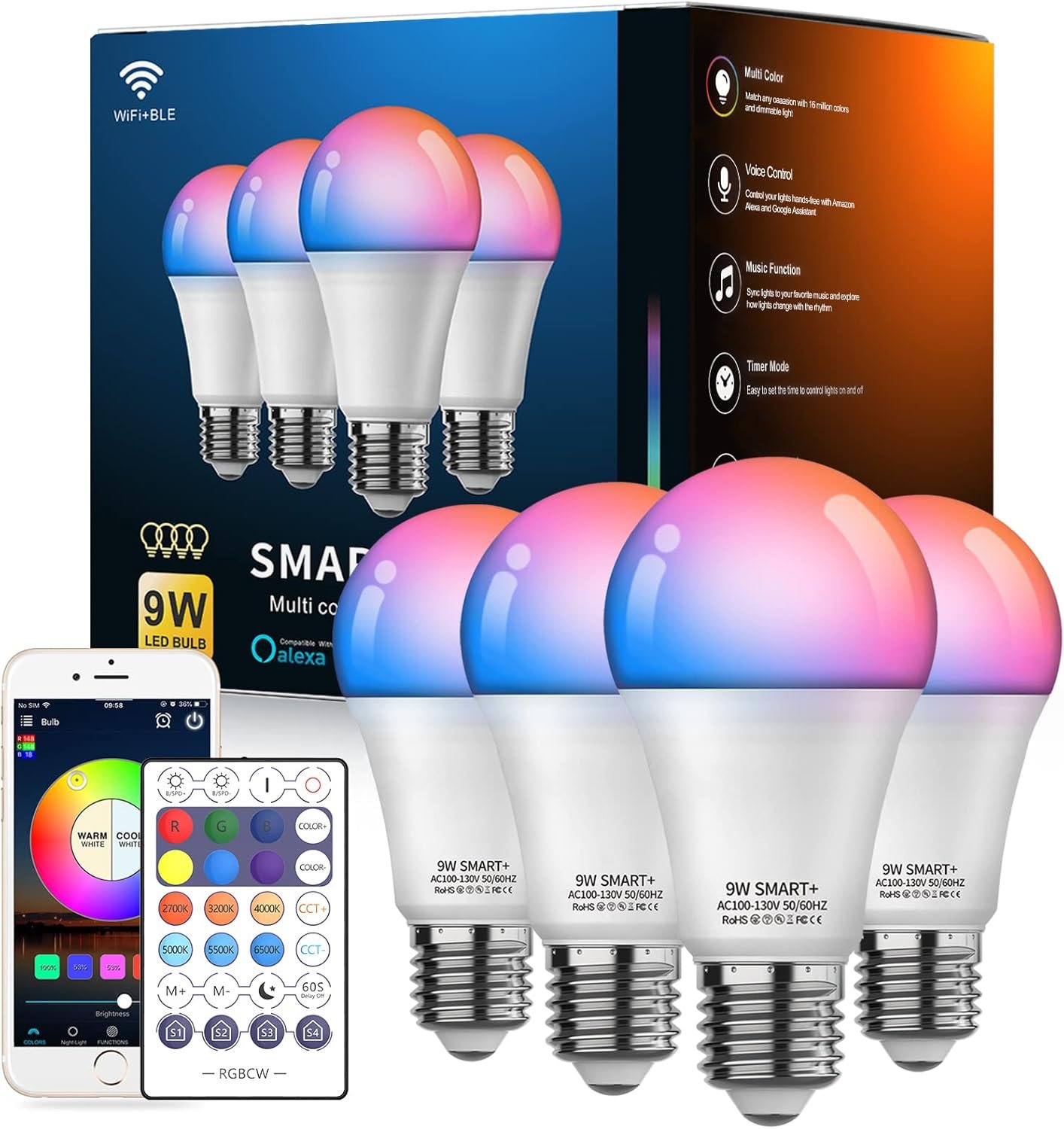
Smart Light Bulbs, WiFi & Bluetooth 5.0, Work with Alexa Google Assistant, App Control, Color Changing LED Bulb,E26 800LM Dimmable RGB Lights, Smart Home Lighting, Dimmable, 4Pack with Remote
$29.99
Related Products
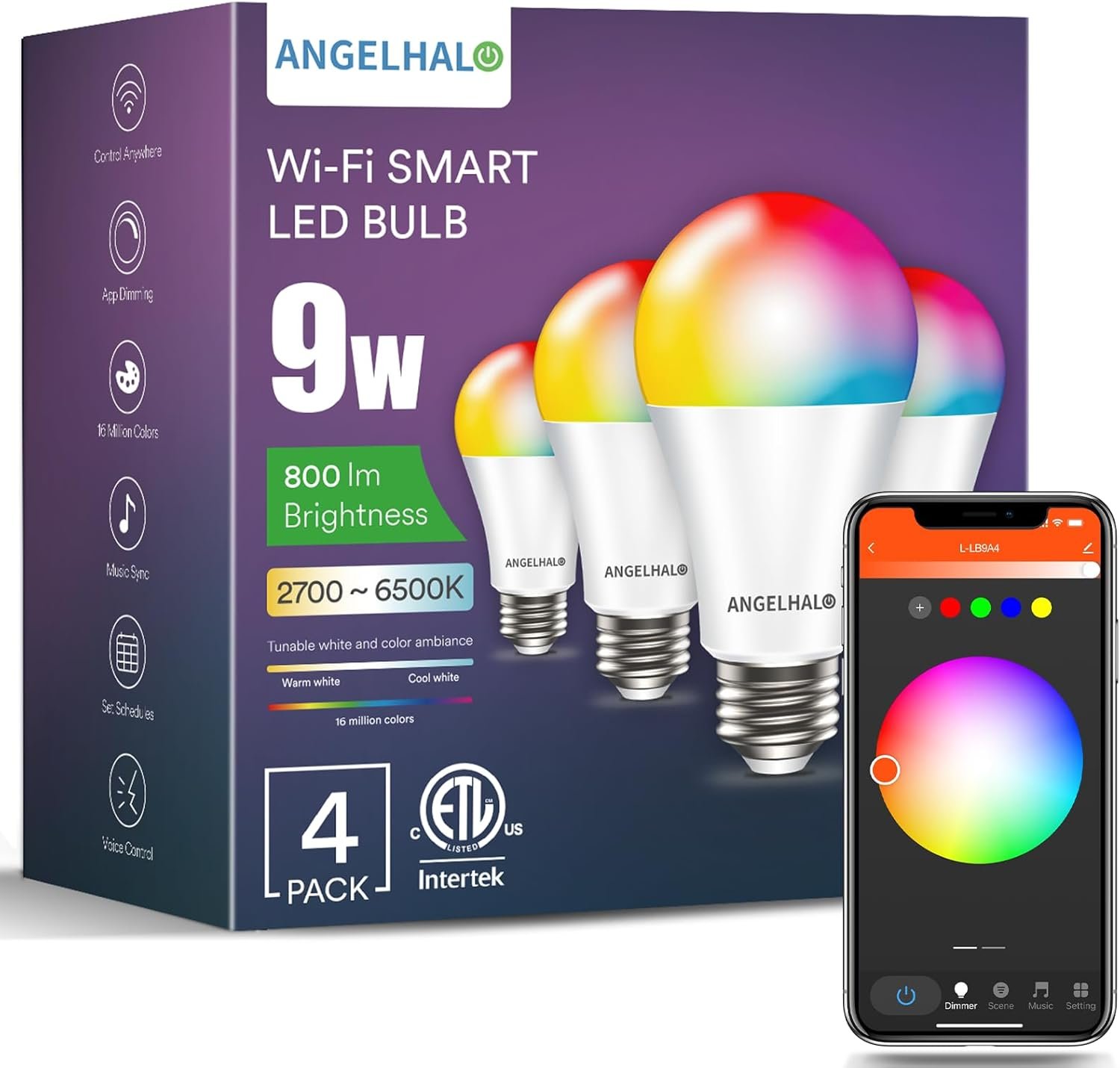
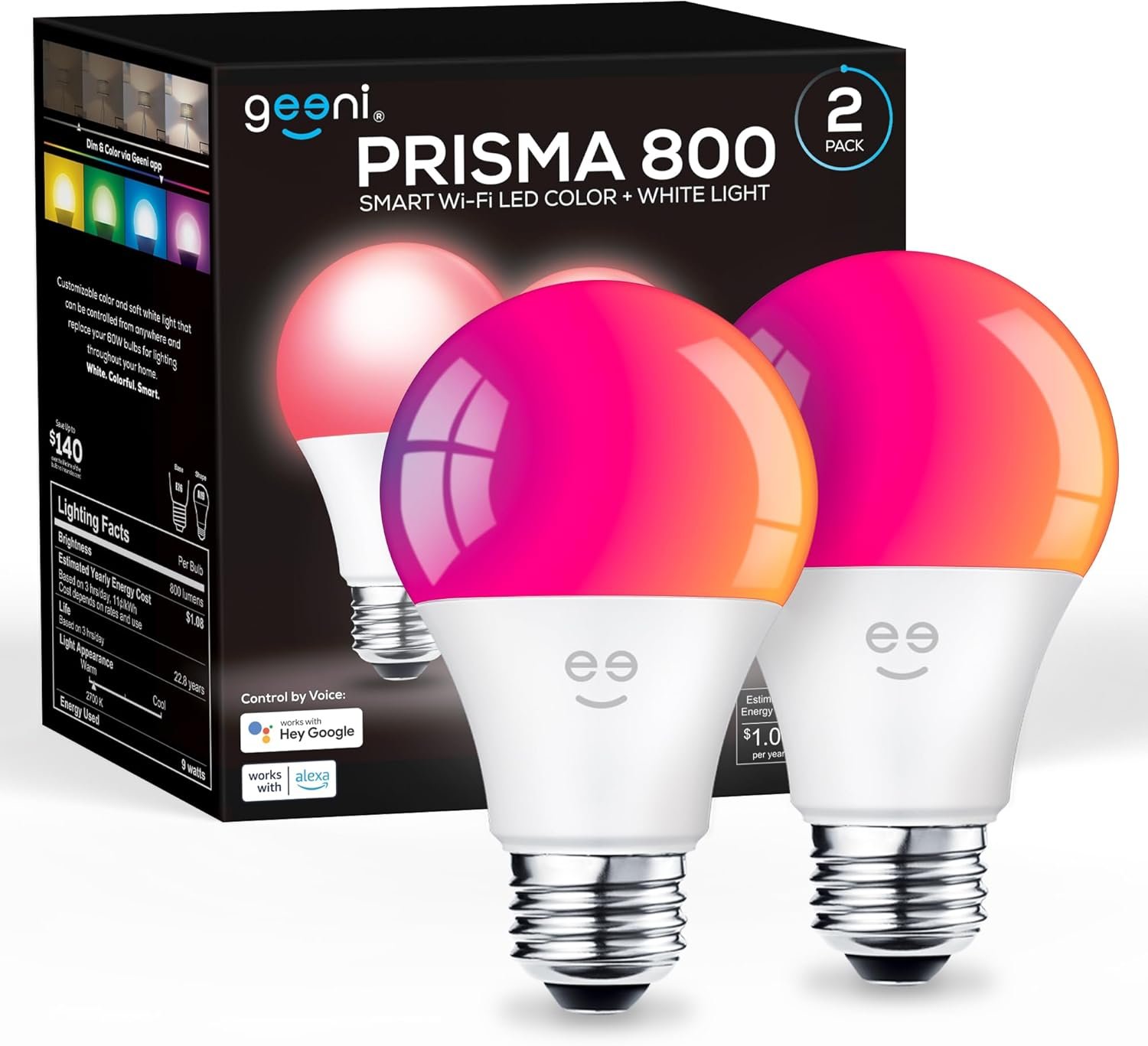
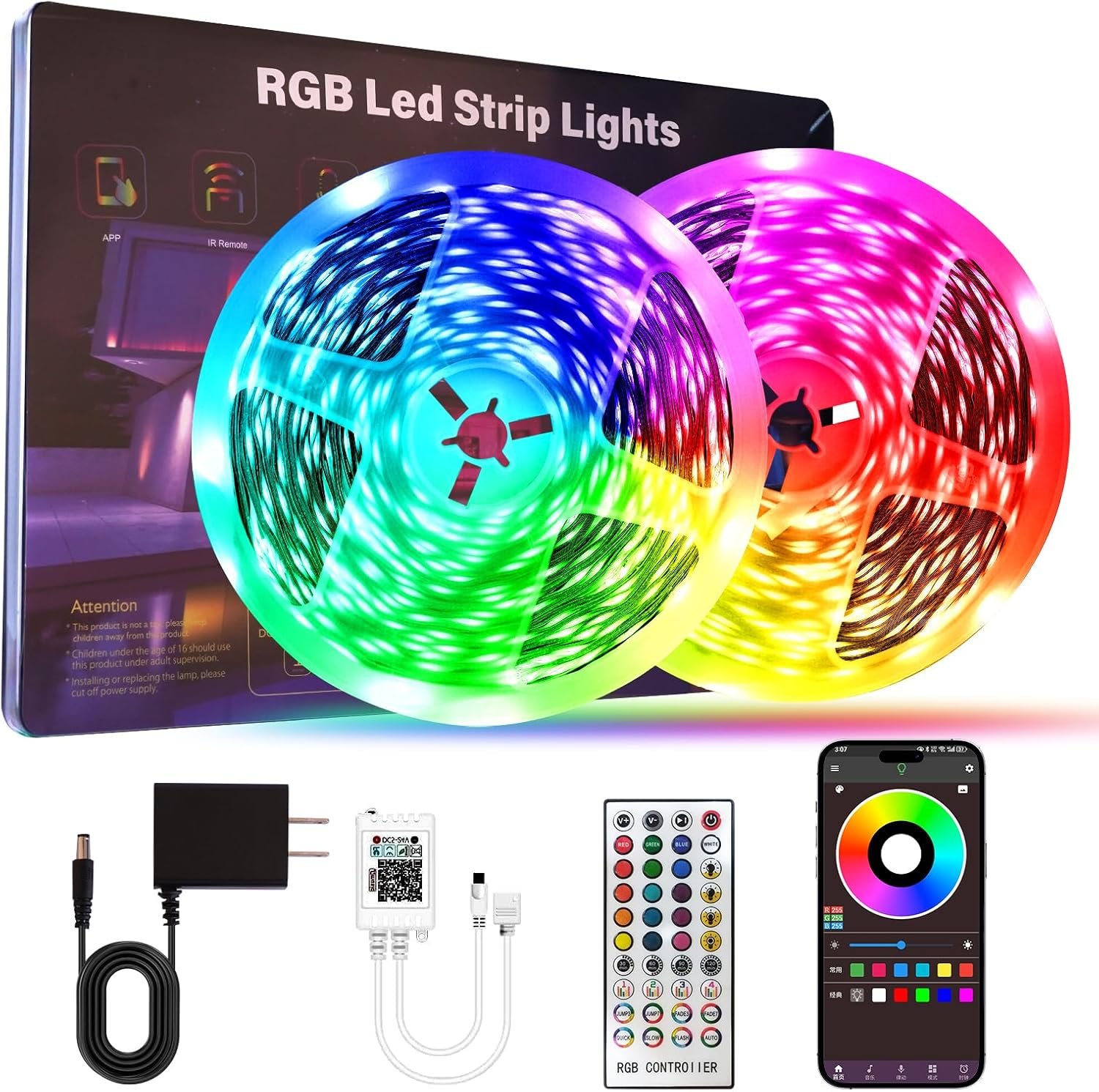


Product description


Frequently asked questions and answers:
1. Are the colored smart light bulb compatible with 5Ghz Wifi?
No, Vanance smart bulb only works with 2.4Ghz or any dual band wifi router.
2. Do these colored smart bulbs have daylight color?
Yes, Vanance Alexa light bulbs have full tunable white colors (2700k-6500k) and RGB colors.
3. Do these smart bulbs work with dimmers?
Do not use with dimmer because it will reduce the working voltage of light bulb, which may cause flicker or even lose connectionIf the dimmer switch exists and is hard to remove, please make sure that the dimmer is always at100% brightness to reduce the interference
4. Can the smart light bulb work with 220V?
No, this smart light bulb works for 110V only, CAN NOT work with 220V
Add to Cart
Add to Cart
Add to Cart
Customer Reviews
4.2 out of 5 stars 1,559
4.3 out of 5 stars 994
4.2 out of 5 stars 19
3.6 out of 5 stars 29
Price
$29.99$29.99 $29.99$29.99
— no data
$109.99$109.99
Watts, Voltage
9 Watts (80w Equivalent), 110V 9 Watts (80w Equivalent), 110V 5 Watts (40w Equivalent), 110V-220V 9 Watts (80w Equivalent), 110V-220V
Works with Alexa, Google Home, Siri Shortcut
✓
✓
HUB Required HUB Required
Colors
RGB and Tunable Color Temperature White RGB and Tunable Color Temperature White RGB and Tunable Color Temperature White RGB and Tunable Color Temperature White
Timer Schedules
✓
✓
✓
✓
Music Sync, Scene Control
✓
✓
✓
✓
Lumens
800 800 500 800
App Name
Briturn Briturn HaoDeng HaoDeng
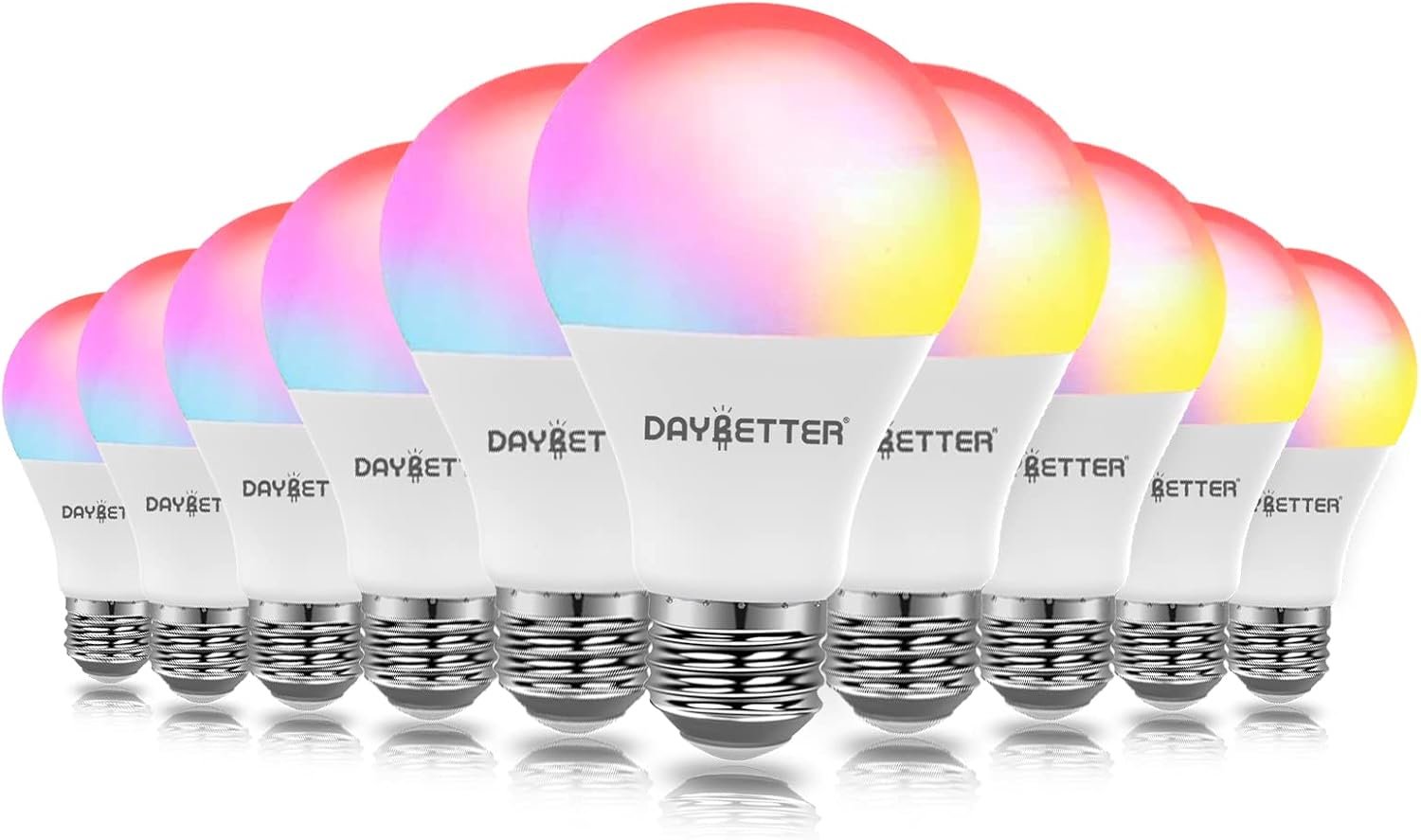
VIVID COLORS: Customize your home lighting with millions of colors, daylight colors for working and reading, warm colors for relaxing and resting, dyniamic colors for party, what’s more! you can have the dimmable bulb as night light
VOICE CONTROL: Vanance smart light bulbs work with alexa, google assistant and siri etc, hands-free control with your voice command, changing the colors, dimming the brightness (2.4ghz only, no hub required, do not use with dimmers)
LIGHTING AUTOMATION: Easy to create timers and routines to automate your smart home lighting, simulated sunrise and sunset sence, group control your lights, remotely control some light anywhere with Surplife App
SPECIAL FEATURES: Remote & WiFi & Bluetooth, except for the remote control , WiFi & Bluetooth two connenctions methods available, you can setup either of them, that means you can setup them as BLUETOOTH BULBS when you don’t have WiFi
9w low wattage, 80w equivalent high brightness, Long last, Vanance smart LED bulb will save up to 90% energy consumption, suitable for home, indoor, bedroom, kitchen, living room, table lamp, cafe, bar, party etc
5 reviews for Smart Light Bulbs, WiFi & Bluetooth 5.0, Work with Alexa Google Assistant, App Control, Color Changing LED Bulb,E26 800LM Dimmable RGB Lights, Smart Home Lighting, Dimmable, 4Pack with Remote
Add a review
$29.99
dmccoy –
Works great independently or w/Alexa, great price-point!
These work perfectly. The app did not require extensive set-up and was easy to figure out. These are my first Smart home device, other than Alexa.I discovered that the 4 bulbs show up on the app with their own name “blub4ef5” or whatever (not a typo on my part, I think they meant ‘bulb’). I renamed each bulb according to location. Two are main lights in the ceiling fan in my master bedroom (“Main 1” and “Main 2”) and then on either side of my bed (“My Bedside” and “Guest Bedside”). They’re easy to adjust. I quickly figured out how to set my own scenes. A few tips:1) Do some Google searches, and quick screenshots for the images of the lighting setups you’ll want to keep. They have a few, but I’m extremely visually oriented, and I wanted my own. It was easy to select the screenshot for the image and use accordingly.2) Do a long-press on a scene to edit it. You can edit their pre-made ones, or make your own. I made a few, including having only one overhead bulb on at 10% called “nightlight”, etc. My favorite, and the main reason I purchased these, is for my wakeup routine.I’ve been wanting a sunrise alarm clock for several years. Unfortunately, the ones I’ve tried are just not right. (I feel like the princess and the pea!) I can’t stand the brightness of most clock faces, or any lights in my bedroom while sleeping. However, I often wake and need to see the time on a clock, so that I’m not forced to check the time on my phone. Then, many sunset alarm clocks have a really long “sunrise”. It was orcing me to wake up like 20 minutes before my alarm! Yet, setting my alarm forward 20 minutes could very well result in a bad/late morning. And, with my long COVID, I really need to protect my sleep. I seriously only need like a 2-minute graduation of lighting, which these handle very nicely (5 second, to many minutes increments are available).I’ve now set up Alexa to start a special light scene just for my wakeup, with a 2 minute graduation on only my bedside lamps. Then, she wakes me up nicely. She tells me some good news, turns the lights up all the way, and plays some music. It was terrific this morning!I had to set up several routines for Alexa to turn on and off my lights, and several specific lighting scenes, but it’s all done. I’m happy. No more getting up mid-virtual meeting to turn on lights in these darker months. No more annoyingness in turning my “guest side” lamps on/off across the king-sized bed. If I was out of town, super easy to create the illusion I’m home.Because my office is in my master bedroom, I’m going to experiment with timed lighting setups to go with my pomodoro sessions, with the hope of visual reminders that I’m supposed to be focusing. ( 😜 Mega-spaz, here).The app could use a few tweaks to functionality, like copying a scene, to perform minor changes and re-name. But seriously, for the price, these are terrific. Longevity has not been tested yet. 🤞
Brian Fuchs –
VERY versatile light, as long as you avoid the dreaded WiFi mode
PROs:Very bright – claims to be as bright as 80W incandescent, and I agreeWonderful array of effects – this is far more than just setting a colorWiFi, Bluetooth, AND Remote controls – but each has drawbacks…VERY good app (Surplife)True dedicated white LEDs – and temperature control over whiteCONs:Base gets hot at full brightnessConnectivity has some big limitationsBlue color is questionable. Lots of LEDs struggle with blue, and therefore your blue may not match my blue…Vanance is yet another company that has Smart Bulbs. More well known are GE. Feit, and Philips. Vanance are quite a bit cheaper. Do they last as long? Who knows…The other vendors have the fewest choices for connectivity. Some are WiFi only. Some offer Bluetooth as well. Only Vanance includes a hand held remote.So let’s go over the connectivity options:HAND HELD REMOTEIf you don’t have Wifi or Bluetooth or don’t want to use them, you can always use the remote. This is a very cool thing about Vanance. Now, using the remote gives you VERY FEW available functions. You can set a limited number of colors, set a timer, set a few canned functions like auto color changes, and set white temperature. That’s about it. When you turn the light off and back on, it remembers the last thing you did on the remote and returns to it. For most folks, that is plenty enough. But if you want to change the color of your light, you need to use the remote. And the range is around 20 ft, so ALL bulbs in that range change color. That may not be something you want… I think the app allows you to pair specific lights to specific remotes…if you really want to have several identical remotes in your house.Setting up WiFi or BluetoothWhen the app first discovers a bulb, you set it up as EITHER WiFi or Bluetooth. You cannot switch between them once you set it up. To change it you need to reset the bulb via the app and rediscover it. Setup is really a breeze. You then give the bulb a name and you are done. Setup takes maybe 2-3 min per bulb.BLUETOOTHThis is in my opinion the ONLY mode to use. Bluetooth has almost all the features of WiFi with none of the downsides. You do NOT get the ability to change the colors synchronized with music, voice control, group synchronized lights, and some of the pre-canned “scenes”. You do get millions of colors and customizations (heartbeat, strobe, flames, etc). Once programmed to a color or customization, the light can be turned off and on and it will resume the same function or color – whether Bluetooth is present or not. So unless you are actively trying to change the function or color of a light using the app, you don’t need Bluetooth. Think of it as a greatly enhanced version of the hand-held remote. That being said, when you select a light to change, your app needs to connect with THAT light. That takes a second. Because of the rather short range of Bluetooth, you will not be able to turn off a light from several rooms away. Nor can you see the status of a light across the house from your app; you can only see status of lights in Bluetooth range. Probably the biggest bummer of this mode is that you cannot, say, turn off all of the Smart Lights in the living room at once using the app; you would need to turn them off one by one. You would be able to do that with WiFi.WIFISo why not use WiFi? Because the drawbacks far outweigh the few benefits…Once your bulbs are added to WiFi, you can group them (i.e. Living Room), and do operations on them as a group or individually. Through the app you will have access to millions of colors. You will also have access to some great canned “mood” effects, like heartbeat, color pulsing, color “breathing”, strobing, twinkling, etc. You can also create your own customized effects. You can easily switch between any special effects and your normal mode. You can set up timers for effects to happen. You can synchronize the lights in a room to have the same effect. You can set lights to change TO MUSIC. The lights don’t listen to the music; the app does, and it tells the lights how to respond.. I am using them outdoors for my Halloween display – strobes for synchronized lightning, pulsing lights on skeletons, And if you turn the power off, the special effect will resume when the light is turned on.Sounds amazing, right?Well, there is one MIGHTY BIG downside – if you lose WiFi connectivity, your lights will respond…in different ways. If the lights are on and you lose WiFi, you can program your light to handle it. By default, it keeps doing what it was doing. You can also program it to turn white. If your light is OFF and you lose connectivity, when you turn it on, it MAY stay off. It MAY turn and be white. It MAY turn on to the last programmed color. If you programmed a special effect, it will probably just stay off. When powered up, the lights just sit there until they find WiFi to tell them what the hell to do… So the lights never turn on instantly – and sometimes not all at the same time. This limitation is not limited to Vanance – ALL of the manufacturers use the same basic controller, so they all do this.Since the app can turn your lights on and off, you may decide to leave the light switch ON all the time and use the app to do everything,. That’s fine and dandy until your WiFi goes out and every single device on the app turns gray… So if your lights are in the ON position and you used the app to turn them off – and then WiFi goes out – you need to get up and turn the light switch off, then on – and then pray the lights actually turn on.Honestly, if you have crappy WiFi, I recommend you still get the bulbs – just use Bluetooth.WIFI ADDS NOTHING BUT FRUSTRATION.Hell, even you have the best WiFi in the land, use Bluetooth mode…The GE SmartBulbs ONLY support WiFi. No remote and no Bluetooth. God help anyone who buys them…
Jay Omoighe –
Some really great modes, but tedious to reconnect.
1st time ever getting Smart Bulbs. I actually ended up getting a 2nd set. Doesn’t need a hub and comes with a remote. I really like the different light modes, especially the one setting where the lights are red and sporadically turn off and on like in a 90 horror flick. The modes definitely can inspire some really cool light modes come holiday season. They definitely get really bright on the natural default settings (either warm or cool lights) and they seem responsive enough.The issue I have with them sometimes is the app will sometimes have issues connecting to the lights if ever there’s a power failure or ,if for whatever reason my router goes out (thanks Verizon), it just has a bit of a hard time reconnecting to those lights again. Also, the widget you use on a iphone can only go in the very left main window where they have those rows of widgets (as of iPhone OS 15+) instead of any main window.Besides that, as long as you have pretty decent wifi connection, using the app with these lights are fine. Added bonus that you can also use the remote without wifi to control the lights as well. And the inital installation is pretty straightforward.Great smart bulb starter kit for those apprehensive on getting on the Smart Home train. And it supports Alexa
Lisonlyfe –
Oh What Fun! 🤗
Love these smart 💡. They were easy to set up & The app is user friendly. Theyre Compatible with my Google Assistant 😁 & the remote is also convenient. (Photo color is set to “Grey”) There are also a variety of colors & settings for brightness ⬆️⬇️ Great value for the price. I would definitely recommend 👌🏽
Cliente de Amazon –
Funciona muy bien fácil de instalar mediante app