
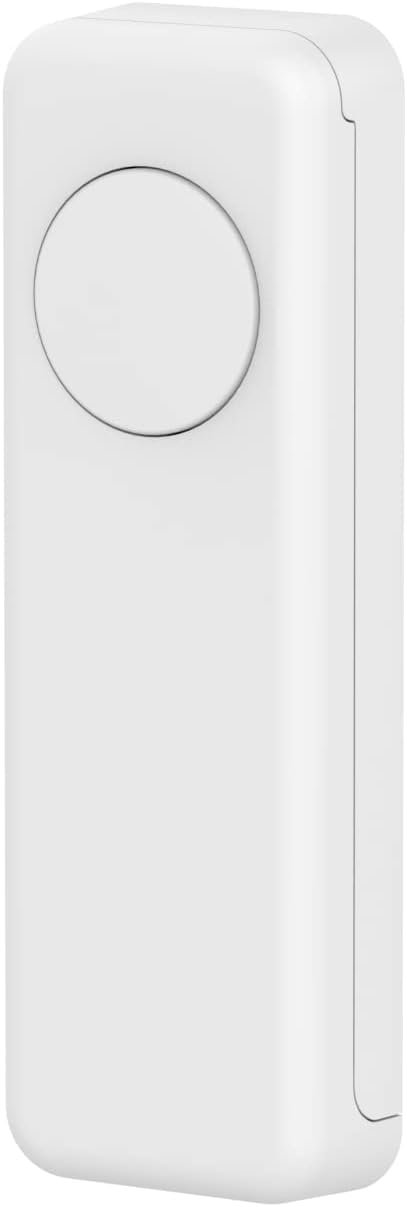
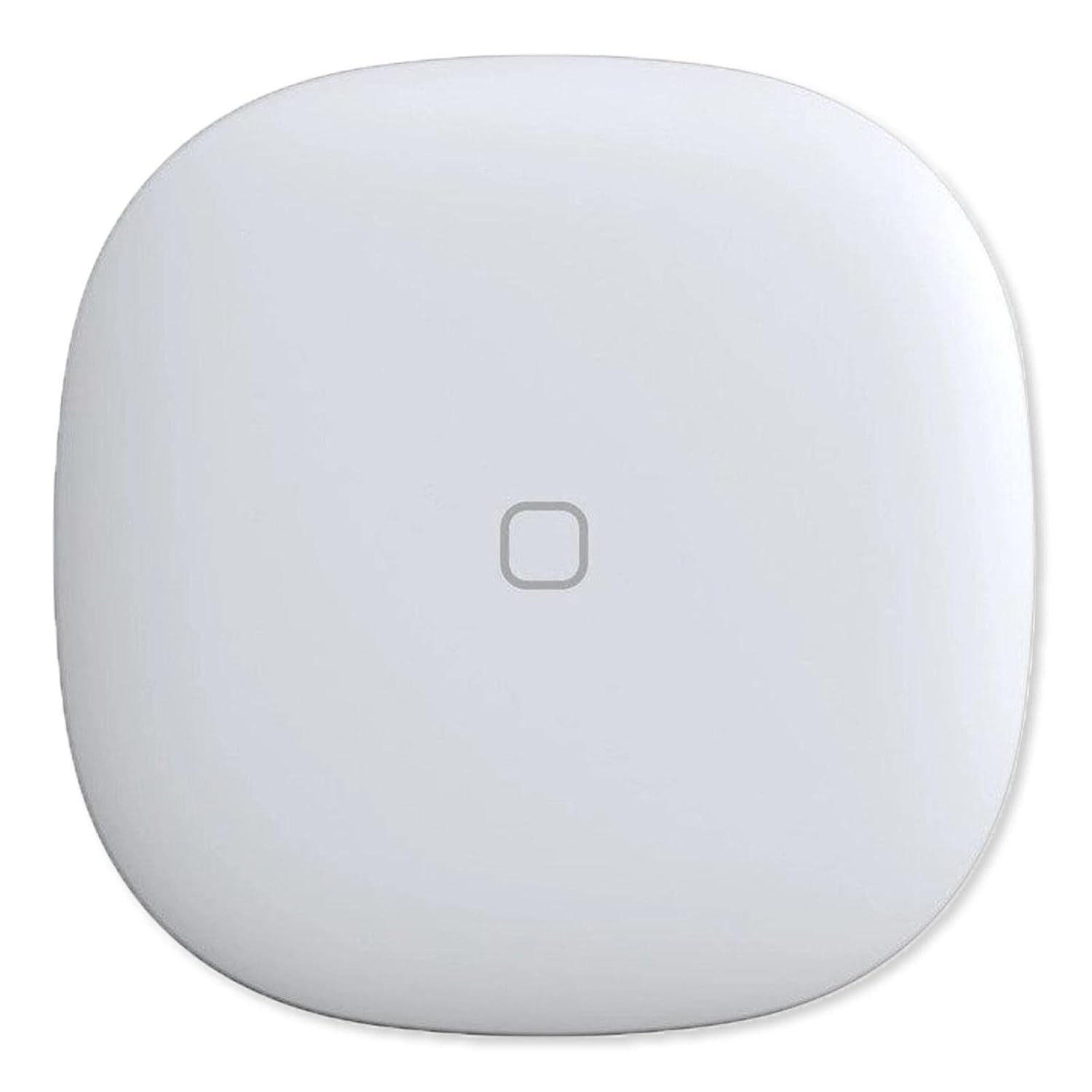
THIRDREALITY ZigBee Smart Button, 3-Way Remote Control, Require Zigbee hub, Work with SmartThings, Aeotec, Hubitat, Home Assistant, Third Reality Hub, Battery Included.
$19.99
Related Products




Product description

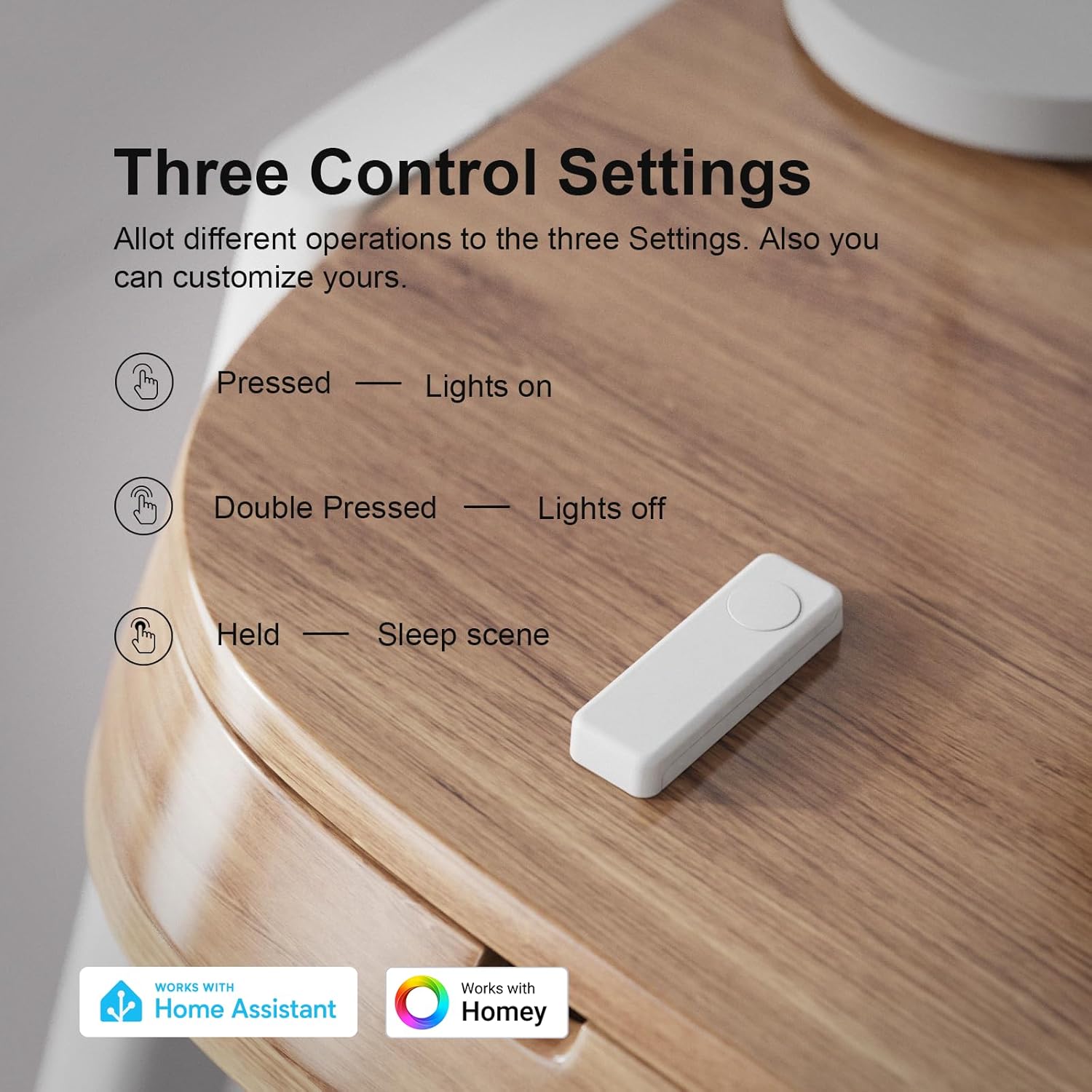
Third Reality ZigBee Smart Button is a standard ZigBee 3.0 device, it can direct work with SmartThings/Aeotec hub, Hubitat,Third Reality Smart Hub and Home Assistant. Support three type of control settings-Pressed, Double Pressed and Held,remote control smart home devices or groups with one action.
 Smart Scene
Set up a Smart Button by your nightstand to activate a sleep scene, turn off all the lights and close the blinds. Or
place a Smart Buttons at key exit points in your home. As you leave, turn off all lights and deactivate non-essential devices to save energy.
 Personalized colors & stickers
With four different colors available, you have more choices to easily identify the right area. Personalize your night light with custom colors and stickers to match your style.
 Easy Installation
Compact design of the Smart Button allows you to place it wherever it’s handy. You can stick it to the wall with the included double-sided tape or attach it to the fridge using the magnetic strips—both accessories are included.
 Long battery life
Powered by 2 AAA batteries, the Smart Button is easy to replace and can last up to 3 years, ensuring long-term reliability.
Elevate your home automation experience with the Ultimate Smart Button 

More fun with THIRDREALITY smart button
 Smart Bridge
Using the Smart Bridge MZ1 (sold separately) and the 3R-Installer App, you can easily manage the compatibility settings for smart buttons with Google Home.
 Smart Switch
Click the button to turn on all the switches in the living room, double-click to turn off all the switches, no longer have to turn on one by one.
 Smart Plug
Attach a Smart Button to your fridge to easily control kitchen appliances through Third Reality Plugs. Turn on the oven, start the coffee maker, and power up other kitchen gadgets with one click.
 Smart Blind
Effortless Control, with one click, you can manage all the blinds in the washing room
ZIGBEE 3.0 STANDARD: Low power consumption and stability. Work with SmartThings, Aeotec, Hubitat, Third Reality Smart Hub, Home Assistant. Notes: ZIGBEE HUB REQUIRED AND SOLD SEPARATELY.
EASY MOUNTING: With the wireless and compact design, you can place the Smart Button wherever it’s handy, stick it to the wall by using the double-sided tape or attach to the fridge with the magnetic strips. Both accessories are included in the box.
REMOTE CONTROL: Three type of control settings – Pressed, Double Pressed and Held, remote control smart home devices or groups with one action. One press to turn on the light, double press to turn on the fan and humidifier, long press to turn them off, etc.
SCENE CONTROLLER: In our daily life, we may have some constant scenarios —- Turn off some lights and close the blind when watching movies at home, turn off all the lights before sleeping or turn on some lights when arriving home. The repetitive things may disturb you, however, with THIRDREALITY Smart Button, you can assign the daily scenarios to the three types of control setting so that one press can realize the scenario you want.
LONG BATTERY LIFE: 2 AAA Batteries-operated smart button, Low power consumption, can last 3-Year for normal use.
Compatible with Apple HomeKit through Smart Bridge MZ1: Enabled by Smart Bridge MZ1 (Sold Separately) integrates with Apple HomeKit, to achieve easy control and monitoring. Additionally, it supports software OTA (Over-The-Air) updates.
13 reviews for THIRDREALITY ZigBee Smart Button, 3-Way Remote Control, Require Zigbee hub, Work with SmartThings, Aeotec, Hubitat, Home Assistant, Third Reality Hub, Battery Included.
Add a review
$19.99
TechSupportDad –
Versatile and dependable!
A great addition to my smart home. Added one in the bedroom to control lights and raise or lower my sleep number bed as an alternative to voice commands using Alexa. (Very useful when the wife is asleep). Easily paired with my Sonoff zigbee gateway in Home Assistant and has worked flawlessly for months. I’ve added two more: one for my wife’s side of the bed and another for the tv room. With 3 programmable options (single short click, double click, or single long press) it is very easy to customize functions.
Amazon Customer –
Reliable, Versatile, and the Perfect Smart Partner!
This THIRDREALITY Zigbee Smart Button is easily one of the most reliable additions to my smart home. It paired instantly with my hub and offers a rock-solid local connection—a lifesaver for controlling lights when the internet goes out. The 3-way control (single, double, and long press) provides great versatility, and I love that it uses standard AAA batteries instead of those annoying coin cells, making maintenance much easier. I’ve specifically paired it with the THIRDREALITY R3 Presence Sensor, and they work perfectly together; while the R3 handles the automated presence detection, the button gives me a quick, tactile way to override scenes or trigger specific routines without needing to use voice commands. It’s compact, responsive, and available in different colors for easy room identification—definitely a 5-star product for any Zigbee-based setup!
Phil Wasson –
Button works well
This works quite well with my Home Assistant (hosted on Raspberry Pi 4B with ZBT-2 wireless). Mine is one floor down and through an interior wall, and communicates reliably. Press and double-press are flawless, but the timing for long-press feels like it has a small learning curve. Think about what color you really want. I got blue, imagining it being used handheld, but ended up sticking it to a wall, where…well, you can’t miss it.
foghorn –
Easy install on Smarthings. Reliable operation.
Works well with Smarthings hub. Easy to add to network. Has 3 functions in 1 button: single push, double push, long push. Each can be programmed to trigger different routines. Responsive and reliable.
ScottyPB –
Very nice price for a perfect solution for our SmartThings home
Very reasonably priced Zigbee button for our SmartThings system. It connected almost immediately and so far has stayed connected and responds immediately. We really like that they come in different colors so we can use them for different rooms and different scenes. It offers a single press, double press, and long press – more than enough options for what we need them for. We are planning on purchasing several more to mount on the back side of our Google Nest Hubs. Our SmartThings hub will only control lights when the internet goes out if you have routines set up. With these buttons you can still control devices when the internet is out. Time will only tell how long the batteries last considering we don’t really use the buttons unless we decide to not speak to Google or the internet goes out.
Bounce –
Difficult to set up, but work well when set up.
I love these smart buttons. They did take some work to figure out. You have to press one set of buttons to get in normal zigbee pairing mode, and another for an Amazon Echo. Echo’s will only recognize it as a contact sensor, not a button. This limits the functionality.In one house I have these set up with SmartThings Hub. They serve as emergency buttons for my parents. I have them placed through the house, when pressed they send a text message to me and my siblings.I also like that they are available in colors. This can easily distinguish them. However, I wish there was an option to by all of one color (e.g. 3 red buttons) instead of 1 yellow, 1 blue and 1 red.I currently have white buttons to control lights and tv, and color buttons as emergency.
Ian M –
Does not with with Google home
I don’t know how you people got this button to work with Google home. But Mine does not work at all. I have it paired and synced with google home with the Third reality bridge and I still cannot get this thing ti trigger any action with google home. I emailed the comapany a few times an they don’t offer any solution. I’ll continue to try to get this to work few a week o r two. But it’s very likely I will return this.
DB –
Smart Automation Made Simple
I picked up these THIRDREALITY ZigBee Smart Buttons primarily to run automations around my place, and they’ve been super low maintenance. What I really like is that since they run on Zigbee, I don’t have to add yet another device to my WiFi network. Even better, they don’t need an internet connection to keep working, which keeps things reliable without slowing down my network.Setting them up was honestly faster than I expected. Using a Zigbee dongle with Home Assistant, these buttons were ready to go in just a few seconds. It was nice not having to download a separate app to get them paired and working; they just connected instantly and were ready for action right away.The price is pretty decent, though I will say you might find a better deal if you check out Ikea’s line since they tend to be cheaper. That said, this is a solid device. I have a few other ThirdReality products and haven’t run into any major issues with them, so these buttons fit right in without causing any headaches.
Andy M. –
Cannot connect to Smart Life, Tuya or any other app. Therefore useless.
Amazon Customer –
Superb piece of kit, easy to add to IoT se-up and highly effective and adaptable – recommended
YarnMeister –
I have to re-pair them with Alexa routine almost every time I use them. Such a pain
Lynn –
Had a small hiccup when I first got this – the press functions weren’t showing up in ZHA for automations. Customer service got back to me quickly and explained it’s a platform integration issue. They gave me a local script to use in the meanwhile, and it’s been working perfectly since. Very happy with the performance!
GG –
El equipo no funciona directo con alexa aunque tenga zigbee, se ocupa un hub, si estas en mexico tienes que hacer el cambio de pais en ka configuracion de tu alexa, de lo contrario el skill no funcionara, tiene restriccion geografica una vez que lo haces eso funciona muy bien.Cuatro estrellas debido debido a que tengo que usar hub adicional y cambiar zona geografica en alexa.Adicional a esto cada que hay un corte de electricidad hay que configurarse de nuevo.