
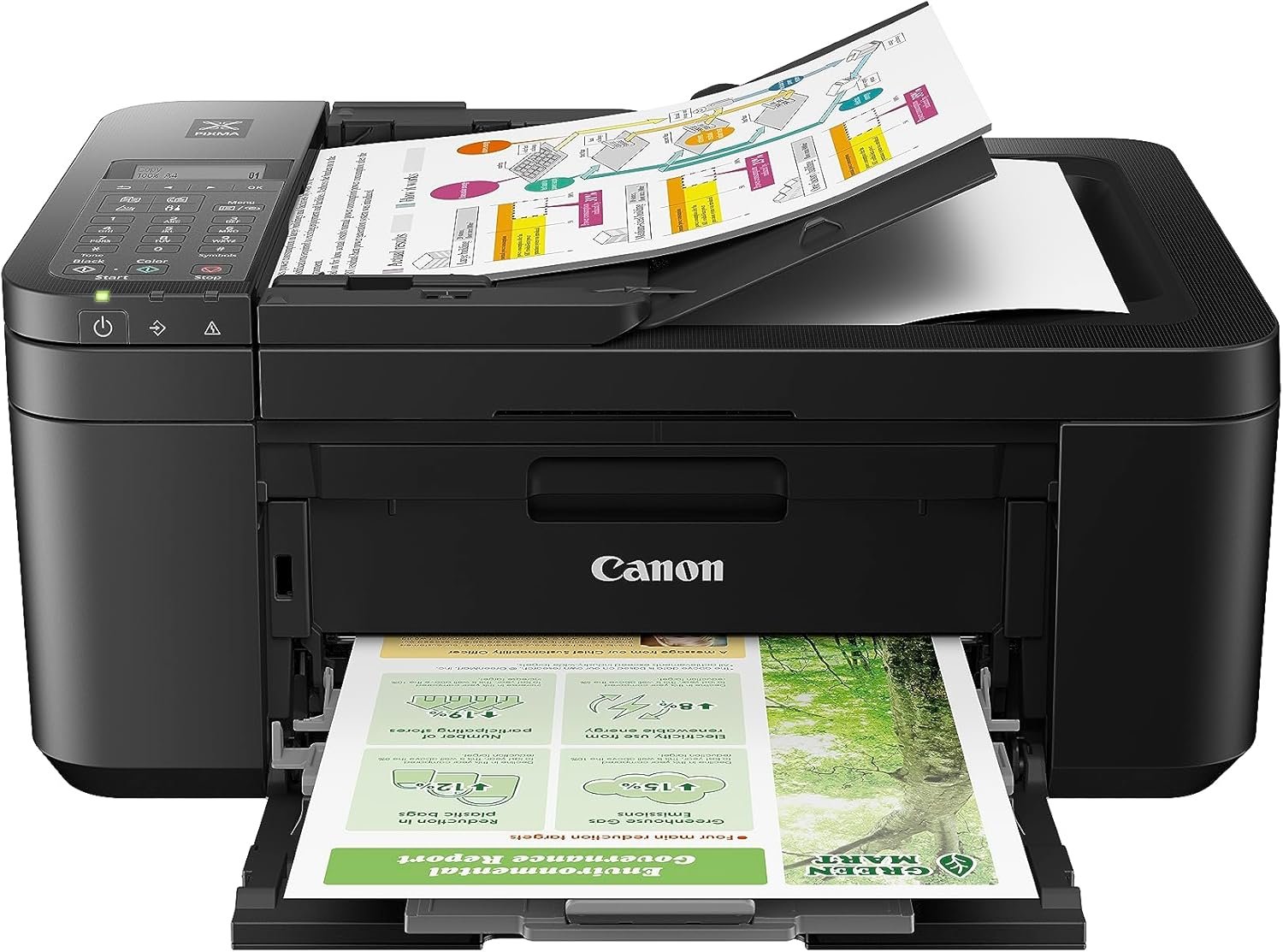
Canon PIXMA TR4720 All-in-One Wireless Printer, Home Use with Auto Document Feeder, Mobile Printing and Built-in Fax, Black
Related Products
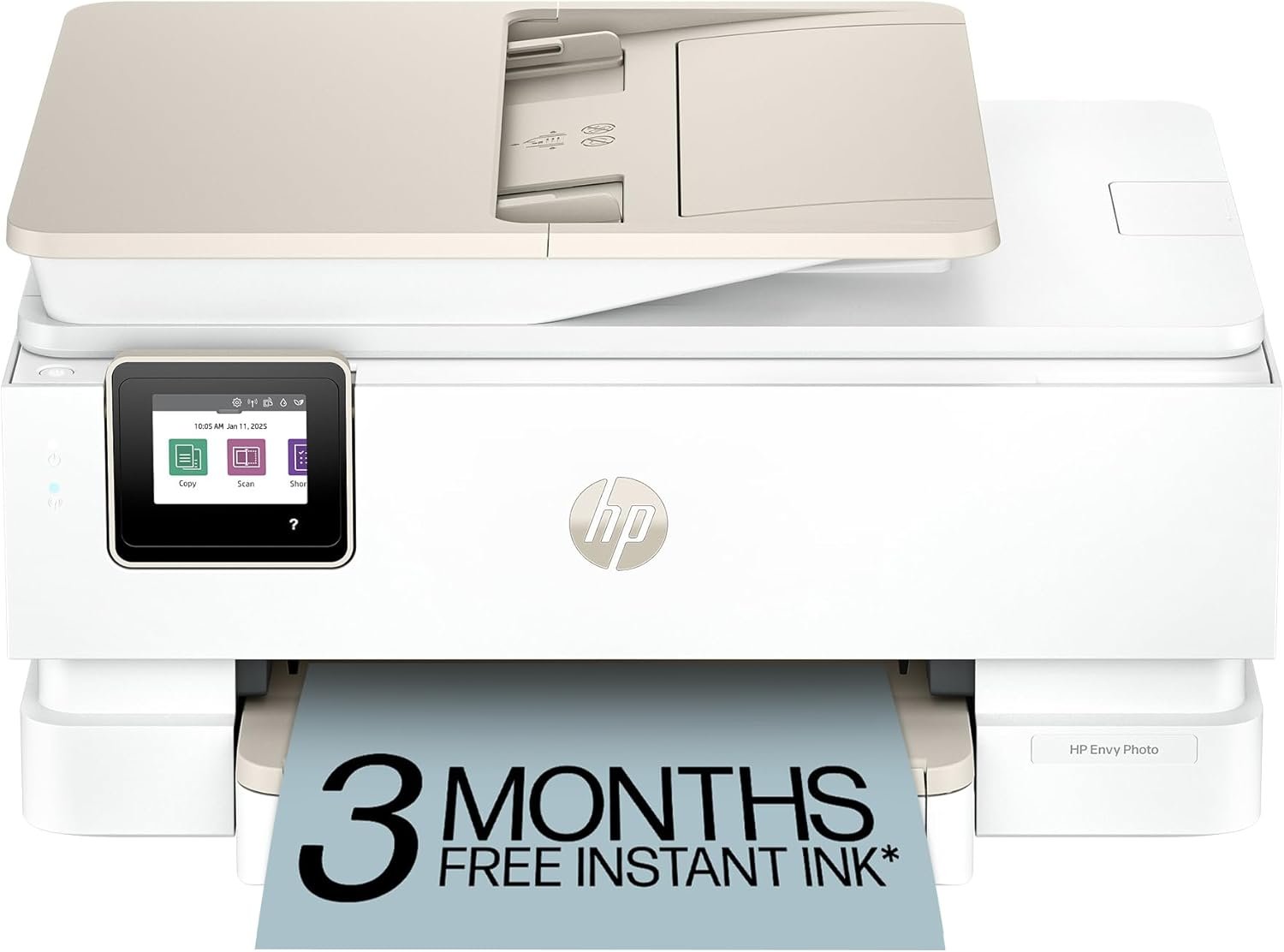
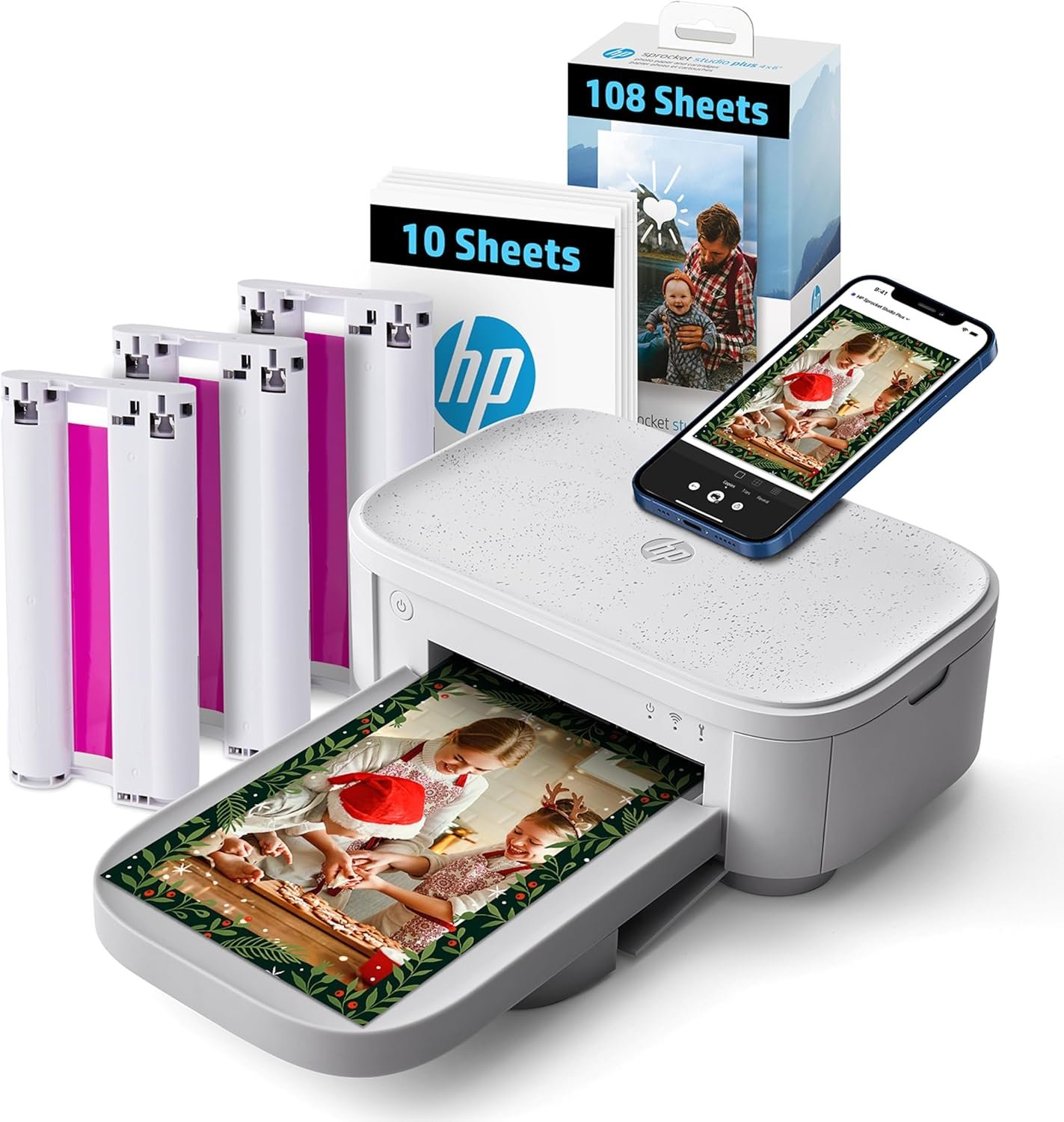
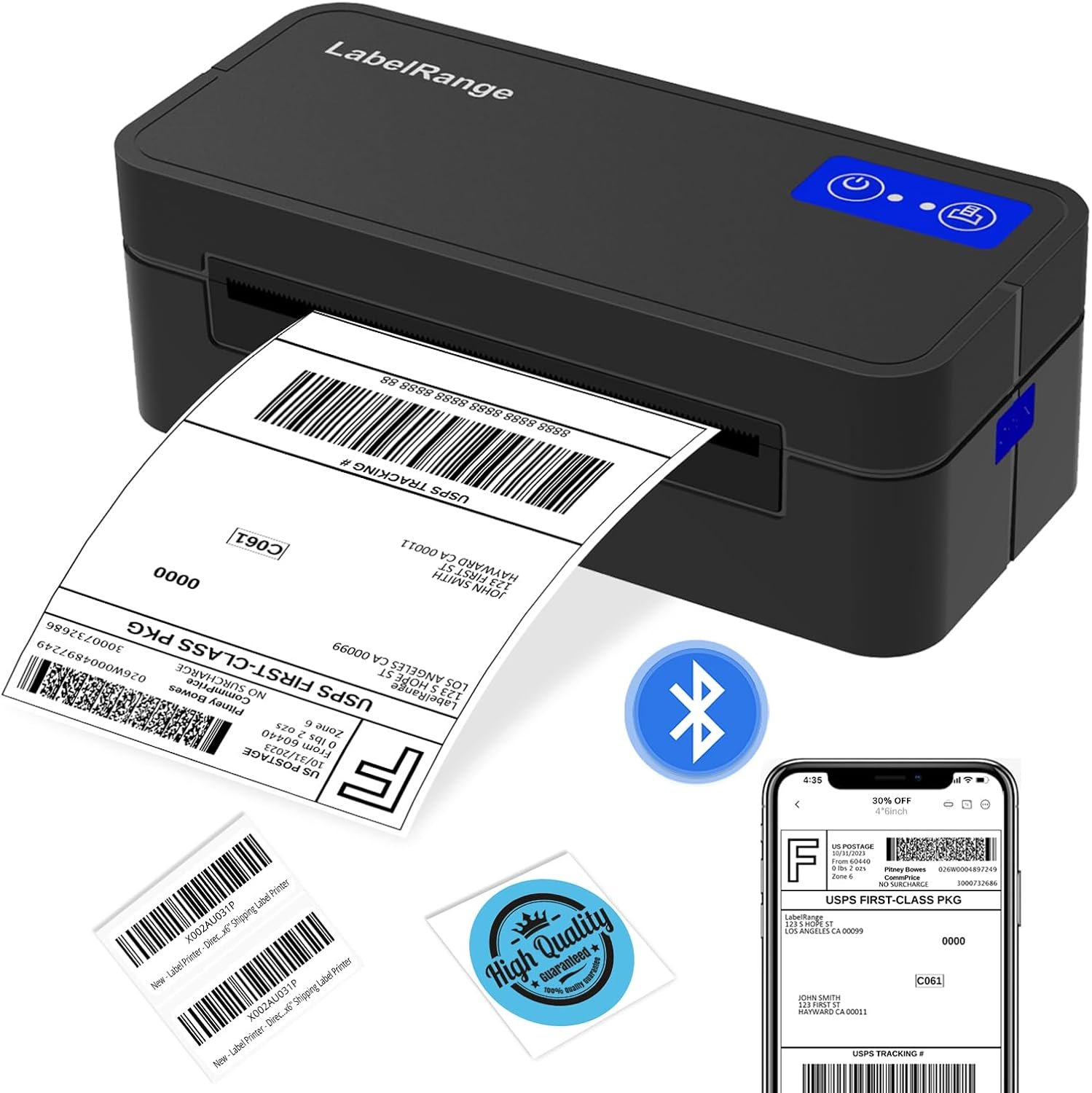


The product voltage arrange is 110V.
Wireless 4-in-1 (print | copy | scan | fax)..Power Consumption: 7W (0.8W Standby / 0.3W Off)
8.8 / 4.4 ipm print speed.
Designed for easy ink cartridge installation and replacement.
Auto 2-sided printing and auto document feeder.
Produce quality documents, photos and boarderless prints up to 8.5″ x 11″.
100-sheet capacity.
ENERGY STAR.
1 year limited warranty.
Never run out of ink or toner. Connect your printer to Alexa and receive notifications when you’re running low. Alexa can even place a smart reorder from Amazon on your behalf, if you enroll in smart reorders.
Enrolling in smart reorders with Alexa ensure that you never have too much or too little ink or toner. No subscription needed.
7 reviews for Canon PIXMA TR4720 All-in-One Wireless Printer, Home Use with Auto Document Feeder, Mobile Printing and Built-in Fax, Black
Show all
Most Helpful
Highest Rating
Lowest Rating
Add a review
Canon PIXMA TR4720 All-in-One Wireless Printer, Home Use with Auto Document Feeder, Mobile Printing and Built-in Fax, Black
Kimberly P. –
EASIEST AND MOST PRODUCTIVE PRINTER EVER USED! DON’T LET THIS ONE SLIP BY, IT IS A GEM!!!!★★★★★
This Canon PIXMA TR$&@) All-In-one Wireless Printer is by FAR the best printer I have ever owned. When a friend recommended it to me, I brushed him off and then decided, I think I will try it and return it if it is a not up to par….Well, to my surprise, this printer is the easiest to use in the entire world, a first grader to connect it and set it up for you, wireless, no problem, instructions, clear and easy, scanning a breeze! AND for the LOW PRICE, I was astonished! Plus they will send you low ink when you start to run out (unlike some other major brands) Canon is on top of their game! This printer’s versatility makes it indispensable for all your printing needs, no matter what they might be!
Candice Rogers –
Anything better than my old outdated HP printer
I recently acquired the Cannon PIXMA TR4720 All-in-One printer, which was delivered on April 12th. I am pleased to report that the printer has performed flawlessly. The setup process was straightforward, and the print quality has been exceptional. Having grown accustomed to our outdated HP printer, which ceased functioning after approximately five years, I sought a superior alternative. Consequently, I opted for this Canon printer, which has effectively addressed our printing needs. I would like to express my gratitude for this outstanding product.
Kindle Customer –
1990’s throwback printer, software download, and manual – Broke after two uses.
EDIT AUG 15 – Printer broke after printing approximately 50 pages – one day after the 30-day return notice. Something guiding the ink and paper feeder snapped and was hanging out of the mechanism. Complete junk. Run far away.I made an impulse buy on Prime Day. I just needed an all-in-one printer to replace the HP that was giving me fits and the price was right. My mistake for not looking more closely at it. The form factor is a complete throwback to the 90s – it’s big compared to modern printers, and the loading/printing is from the front, which isn’t great. The screen is hard to read, and everything is as flimsy as it could get without breaking immediately.The setup was a pain, and you are directed to a subdomain to download the software, which of course, isn’t approved by Apple. The download page, itself was built in the 90’s and the search function doesn’t work, the printer doesn’t come up as an option but if you mess around long enough, the list of printers completely changes and it appears. Network connection takes several minutes. There is no set-up walk-through and the desktop app is not installed with the initial download, so the rest of this review is based on best guesses and user error until I went hunting for a desktop app out of sheer frustration.The downloadable manual, like everything else, was a complete flashback to the 90’s technical writing style. It’s 434 pages and written with no thought to workflow – Set up isn’t even mentioned. Four hundred thirty-four pages and no Quick Start Guide. Cool cool. Each section has drop-downs for the steps with links inside the drop-down. Be sure to note which page you are on because if you click one of those links, there’s no going back. You won’t find the user manual. (After I found the desktop app, it does have a link to an online version of the manual that is easier to navigate, but it’s still really old-school.) The colors are not sharp or saturated. All colors are faded and pastel. After figuring out troubleshooting on the printer menu because I had given up on the manual, I ran all the usual tests and cleaning, hoping for better print quality. Nope. It’ll do for printing out text-based material, but you wouldn’t dare to try to print an image or photo. I’ll keep messing with it.Desktop app – again, it’s not included in the original download and it’s outdated and most things link to the horrible website. Mac users – you will need to download all the functions software individually, as well.Be sure to buy ink!!! The starter pack of ink will not get you very far. Two test pages, a nozzle clean, and a one-page text document has already made a noticeable dent in the ink levels.
Mrsp56 –
Great Printer and easy to set up.
Received the printer today and it took me less than 30 min to unbox and get it connected to WiFi and my iPhone after downloaded the app. I also downloaded the app for my MacBook Air and tried it. I had read in the comments that people were having difficulty connecting to their WiFi , but I had no issues whatsoever. The only reason why I did not give it a 5 star was because the paper tray is not hidden and sticks out when blank paper is loaded. This was not reflected in the many videos I saw about the Pixma TR4720. I have always had HP and the last printer I had for over 10 years, it was a workhorse BUT I will never buy another HP because the ink situation is ridiculous. Once you sign up for instant ink and you cancel, your printer is rendered USELESS. HP is ripping people off and that is why I refused to buy another HP and saw reviews on Canon and I am so glad I got it.
Jack T. –
Not perfect, but value for the price means 5 ⭐️
Excellent value for the money. Easy to use. It is by no means a perfect printer. However, for the price you pay it gets 5 stars and deserves it.
PROM –
IT WORKS
ITS A ” PRINTER ” ” A COPIER ” AND SCANNER ” THAT’S IT…..IT DOES NOT NEED TO BE WIFI’D AND UPLOAD DOCUMENT TO CORPORATE CLOUD !
april –
Big value in a compact machine
I love this powerful little printer. My favorite feature is the ease if ability to print wirelessly from my phone, my laptop, or the kids Ipads. Being able to print 2 sided is a major bonus as well.It’s compact size makes it easy to keep it hidden in plain sight. Setting the printer up and getting it up and running took less than 10 minutes. We spent more time deciding where to put it! This is a complete machine! It scans, copies, prints and even sends faxes! It’s lightweight and compact so moving it around isn’t an issue. This machine would be great for business, students, or home use.