
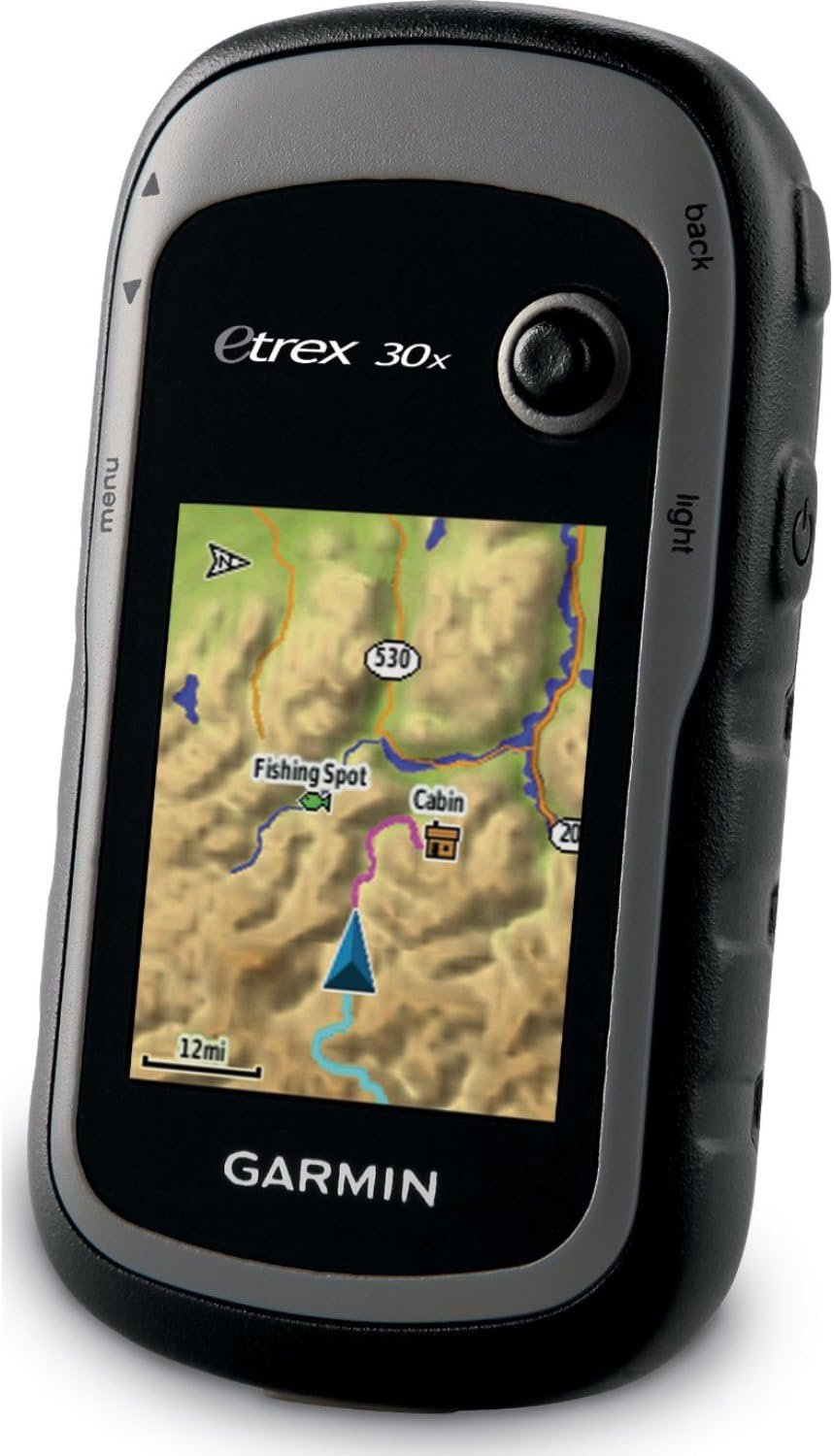
Garmin eTrex 30x, Handheld GPS Navigator with 3-axis Compass, Enhanced Memory and Resolution, 2.2-inch Color Display, Water Resistant
$299.99
Related Products
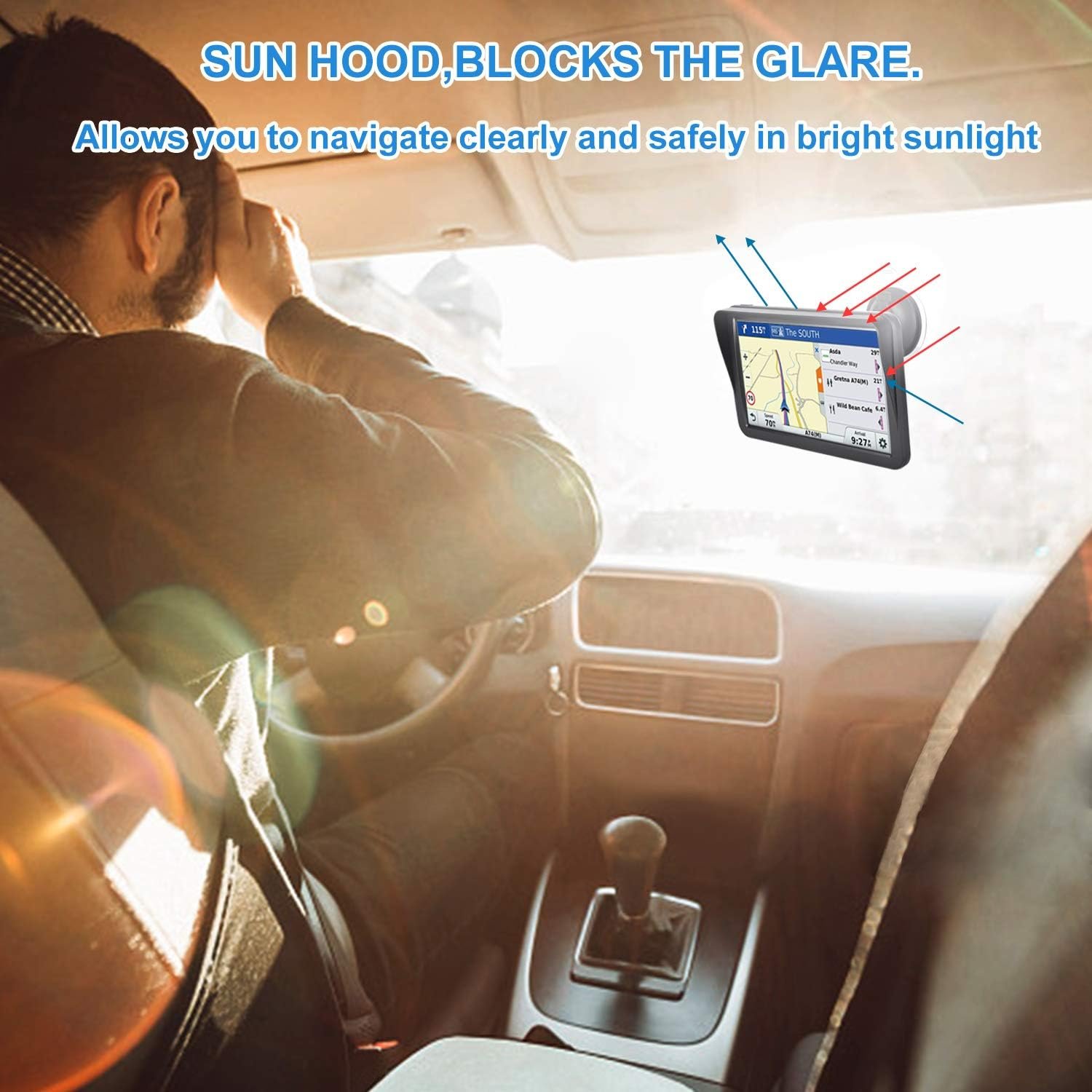
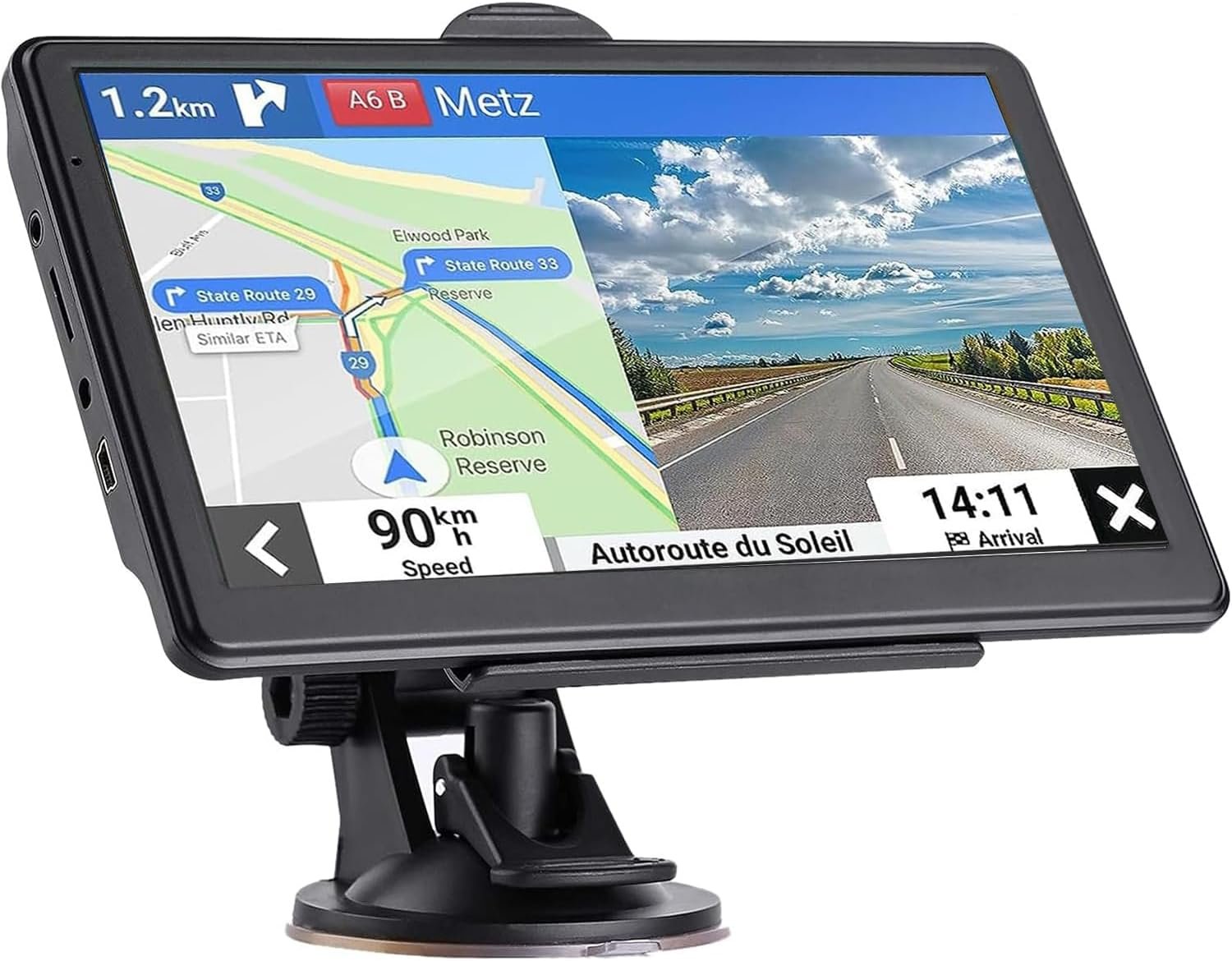
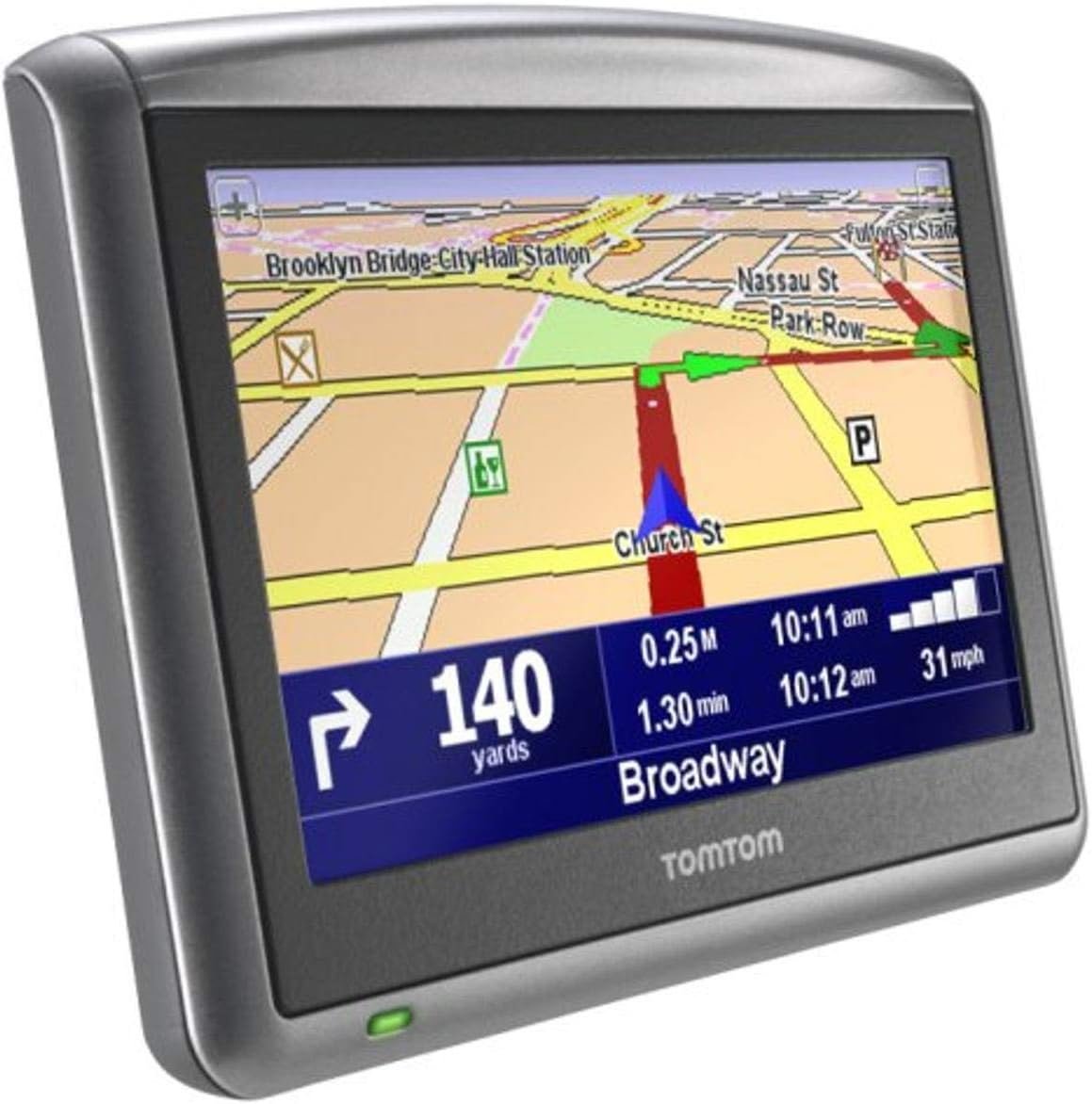
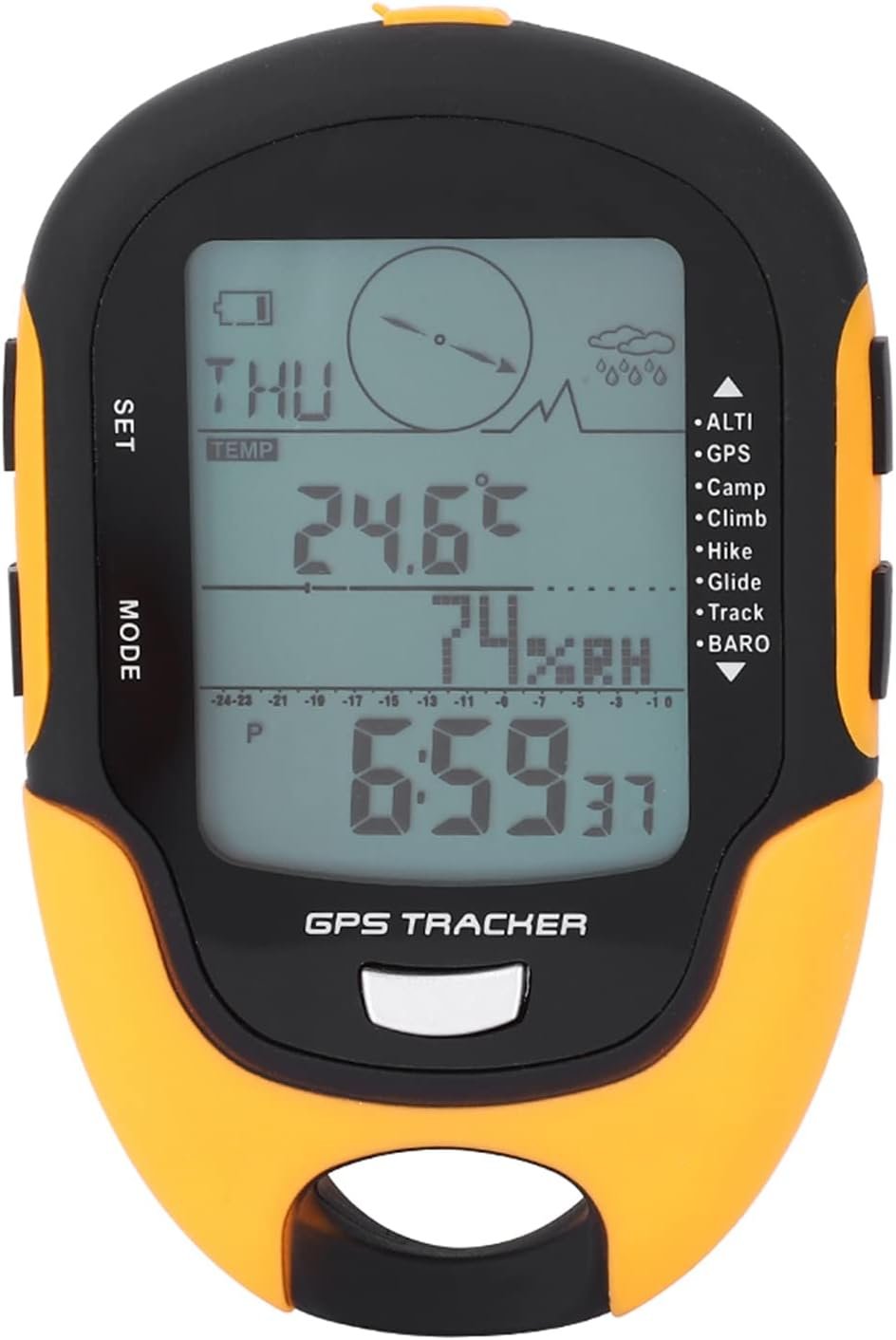
The new eTrex 30x is our upgraded version of the popular eTrex 30, with enhanced screen resolution and expandedinternal memory so you can download a greater variety of maps than ever. This rugged, dependable GPS retains the easeof-use and affordability that eTrex is legendary for, with an array of compatible mounts for use on ATVs, bicycles, boatsand cars. The new eTrex 30x also has the ability to track both GPS and GLONASS satellites simultaneously. Add to that a3-axis tilt-compensated electronic compass and barometric altimeter, and you’re ready to confidently go anywhere.
UPGRADED DISPLAY – Features a 2.2” 65K color sunglight readable display offering increased resolution (240 x 320 pixels). Physical dimensions: 2.1″ x 4.0″ x 1.3″ (5.4 x 10.3 x 3.3 cm)
LOAD MORE MAPS – Large 3.7 GB of internal memory and microSD card slot lets you load a variety of maps, including TOPO 24K, HuntView, BlueChart g2, City Navigator NT and BirdsEye Satellite Imagery (subscription required)
PRELOADED BASEMAP – Includes a worldwide basemap with shaded relief
BUILT-IN SENSORS – eTrex 30x adds a built-in 3-axis tilt-compensated electronic compass and a barometric altimeter which tracks changes in pressure to pinpoint your precise altitude, and you even can use it to plot barometric pressure over time
WIRELESS – Wirelessly share your waypoints, tracks, routes and geocaches with other compatible devices -simply press “send” to transfer your information -also wirelessly connects to compatible Garmin devices, including VIRB and accessory sensors.
9 reviews for Garmin eTrex 30x, Handheld GPS Navigator with 3-axis Compass, Enhanced Memory and Resolution, 2.2-inch Color Display, Water Resistant
Add a review
$299.99
LGL –
Excellent Unit–Great Price for the Features
I use several different types of Outdoor GPSs. Mostly Garmin. This unit was purchased as a loaner for hiking-hunting friends. I mainly use the free TOPO Maps for Virginia (http://www.gpsfiledepot.com/maps/view/432/, however, I also use a 2008 Garmin TOPO DVD $)..With Garmin Basecamp (the free SW program to manage maps, waypoints, etc., I had little trouble transferring my maps, waypoints (dozens), and routes (11 of them). Everything worked well. (I think Basecamp is OK, but not as good as the older Garmin MapSource v6—discontinued.).This GPS loads quickly (considering my map sizes) and locks on satellites in a reasonable amount of time. The menus are customizable (click through selected pages) which allows you to set up the GPS to quickly flip through the pages you usually use (this is common to Garmin GPSs, I think). Pages have easy to update settings for selecting fields, changing maps, and contextual options. You can also change the datum sets and the coordinate systems to your liking (to match the map-set features of your mapping software or Google’s mapping system for example. You can easily edit/move/change waypoints/routes and names, and change symbols, DIRECTLY on the unit’s actual database using Basecamp–a great plus for units without a touch-screen. (note: Basecamp also allows backup of the unit’s data to your computer hard disk.).These newer units using GLONASS satellite association alongside US satellites, seem to place locations more accurately and more quickly than previous systems (you have to manually turn on the GLONASS setting from the menu)..The 4 GB of internal memory was enough to load my Eastern TOPO 2008 (4 States) + my Free Virginia TOPO map set without using a microSD card. The screen is clear and very usable when zooming down to 800-foot scale or higher. Once you allow Basecamp to compile and build Map image files, you can just copy them via USB connection to your hard-drive; and then, copy them to another unit (use extreme care if you do not understand what map image files are, or which directory to place them in on the Garmin unit. My second unit fired up, the first time, correctly loading my 2 map image files—without a hitch—just after I simply copied the 2 Map Image files from my HDD to the unit. (note: the unit apparently uses a slow USB 2.0 connection, so it took about 20 minutes to copy these 2 image files–about 2GBs total. Fortunately, you rarely have to copy maps/map image files).I was planning on replacing my old Garmin GPSMAP 60CSx with another similar GPS, but after using this unit, I bought a second one a couple of weeks later.) The screen is smaller than many other more expensive units, but very usable. Great handheld Product!- – -.Note: I would rate GPS unit use, GPS SW, Unit Setup, hiking uses, map-building, waypoint/route building and use, and Datum/Coordinate changes among the most difficult-to-understand software technologies for the typical consumer. I have seen many reviews and negative comments that reflect a misunderstanding about the capabilities of a handheld GPS, or realistic expectations about GPS systems/GPS software / or ridiculous commentary (bought a non-touch screen unit and complaining about lack of a touch screen). All of my Garmin units are accurate within 30 feet or less (according to the satellite fix on the screen) and have always placed me within 30 Yards of a marked waypoint months or years later (<90 feet max--which is close enough to see your stand or car). If you are new to using GPSs, or struggling to get it to work well, there are numerous websites offering information on general GPS setup and technology, and very specific information on building your own map sets, Datum/Coordinate selection, accuracy expectations, over-zooming issues, etc. and explanations about bearing/heading – placement accuracy/waypoint averaging – compass calibration – magnetic N compass alignment – vector turns, etc. I hope this helps some of you planning to tackle hand-held GPSs. . .
A. kolsrud –
Very nice portable GPS unit for outdoor activities.
Love this little handheld GPS unit. Small size makes it a perfect hiking companion. It is well worth to get the color display compared to the cheaper monochrome display units. It’s easy to load different topographical maps using Garmin’s programming software for computers to download straight onto the unit’s micro-SD card. It is important to be aware that this unit will uses two AAA batteries that lasts no more than about 8 hours of use. Carrying extra sets of AAA batteries should be a must with this unit. The micro-SD card is located under where the AAA battery compartment. As with almost all GPS units it has a mini-USB connector which is much more mechanically sound than the smaller micro-USB connector. This unit has many features such as compass, altitude meter, easy programming of waypoints (GPS reference points), geocaching, plotting of altitude over time, etc.
Santjie du Toit –
Great device as an entry level GPS
Buying a GPS was a big decision for me. Which one to get…? With it being an expensive item, buyer’s remorse was not something that I wanted to deal with. Thankfully I am 99% happy with my choice. A lot of people complain that the Garmins are not “user friendly” but frankly, I have to disagree. Did I spent some time figuring it out? Sure. Did it take me hours and hours and ended with me crying in frustration? No.What I like:1. Excellent battery performance, especially if you keep your screen at the dimmest (perfectly good in daylight, not so good in the dark).2. Small and light3. Robust and although I’m sure it’s not waterproof to the point where you can submerge it, I use it in rain all the time4. Alarm clock! Wow had no idea I would use this feature so much5. Pretty easy to upload/download/transfer tracks without “proper” software (just using your PC/Mac and GoogleEarth)What I don’t like:1. It doesn’t have a “key lock” function. So every now and then I accidentally mark waypoints when my GPS press against something in my pack2. The joystick button is sometimes a little bit unresponsive. But by 2 seconds or so. So not a biggie.3. I haven’t fully wrapped my head around the BaseCamp software and I don’t understand when I rename my tracks/waypoints, the default names seem set in BaseCamp and don’t change.What you have to remember:1. You MUST purchase a micro SD card and you have to make sure you get one with the right specs. You actually cannot buy the fastest/best cards out there because it wouldn’t work. I’ve read online that a 32 GB FAT32 formatted card is the maximum that you can go. But best to verify this with Garmin.2. I seriously suggest purchasing a screen protector. Once your screen is scratched… it’s scratched. Don’t be frugal on this.If you are in the market for an entry level GPS, this is the one to go for.
PaLad –
Accurate and reliable
I’ve used this GPS for many years for geocaching, hiking, and general woodland travel, and it has performed well. It’s accurate, reliable, and easy on batteries. Sadly, the screen is a bit to small to make the map feature viable. It’s a good mid-priced unit that has not let me down.
Luis Enrique Díaz –
Llegó súper rápido, antes de lo esperado y el producto en buenas condiciones. Recomendado
Slogger –
Love this thing. Small size, great satellite reception. The battery life is amazing, at 25hrs on a pair of AA’s. Acquires satellites quickly and maintains stable links through rougher terrain. If you’re on the fence between this and the newer etrex touch series, buy the 30x. The new touch models have half the battery life and the touch screens are not very responsive according to reviews. 30x has 4GB of memory expandable with microsd, the touch 35t has 8GB + expandable. 30x also has ANT+ support and can transmit data wirelessly to other units. Don’t be fooled by the 35t’s “larger” screen, it’s lower resolution. You can install free OSM maps on the 30x too. The only plus to the touch 35t, is the bluetooth/mobile alerts, but who the hell has cell tower reception if you are actually using this seriously anyways. You don’t need a backcountry device to get your starbucks coffee. Read the full comparison. At the time of purchase it was on sale for a rock bottom price CDN 219.99.
Sivaji –
If love the world travel you must buy it.Before use you must activate thr BirdsEye Satilite imagery map ( you buy it 30 $for one year subscription in the Garmin wesite) in yours device.Because it will come only blank global map without detail area. Another important tips is the the satilite imagery comes with three types of quality. Normal, high & higher. The high is run the device average speed and higher is occupied more memory and very detailed imagery but the device work very slowly. Rechargeable batteries are the best choice for this device.
Francisco Carlos –
O produto atendeu as minhas expectativas. Faria apenas uma ressalva: Deveria vir junto ao mesmo, a presilha de prendé-lo junto ao cinto ou mochila. Até procurei pra comprar separado, mas não encontrei no mercado digital.
KT –
自転車用に購入(年に数回、トライアスロン大会やブルベに参加する程度)。以前使っていたガーミンEdge800(英語版)が長年の使用で駄目になったので、ネットの記事などを参考にこれ(Etrex 30x英語版)にしました。とても満足しています。Edge800は、しばしば暴走し、リセットスイッチがないので大変不便でしたが、Etrexはほとんど暴走しない。動作が単純で、電源が入っている間ログを取り続けるので、スタートボタンの押し忘れでログが取れなかったなどの失敗がない。電源が単三電池なのも、長時間のブルベ大会などでは大変重宝する。電子コンパスが内蔵されているので、交差点で止まっている時も、地図の方向が大体合っているのも便利(Etrex 20との比較)。温度計が内蔵されていないのが残念ですが、自分には余り大きな問題ではない。純正の自転車アダプターから外す時苦労する、という意見があったが、おしりを少し持ち上げて、おしりを頭側へ、げんこつで軽くたたいてやると簡単に外れます。