
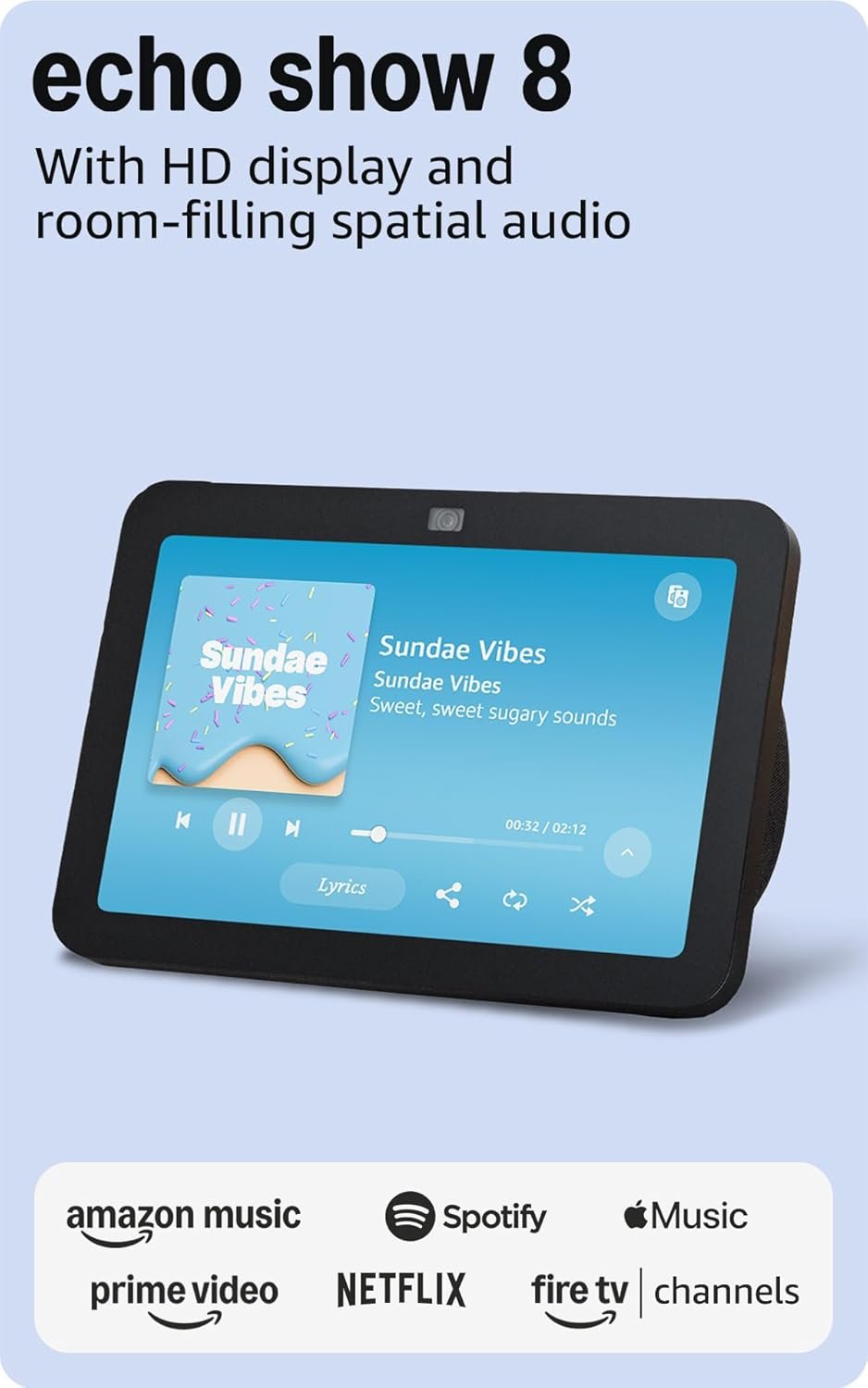
Amazon Echo Show 8, With Spatial Audio, Smart Home Hub, ideal for open living spaces, Designed for Alexa+, Charcoal
$149.99
Related Products
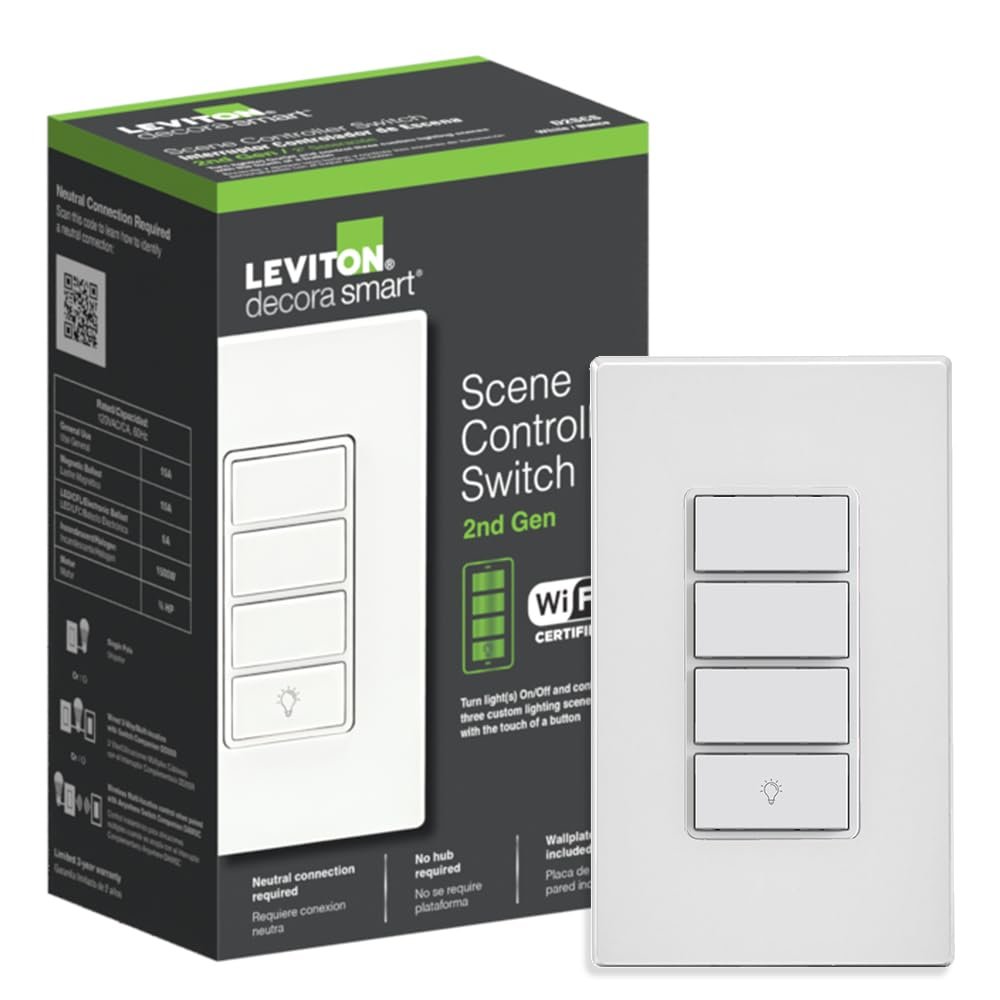
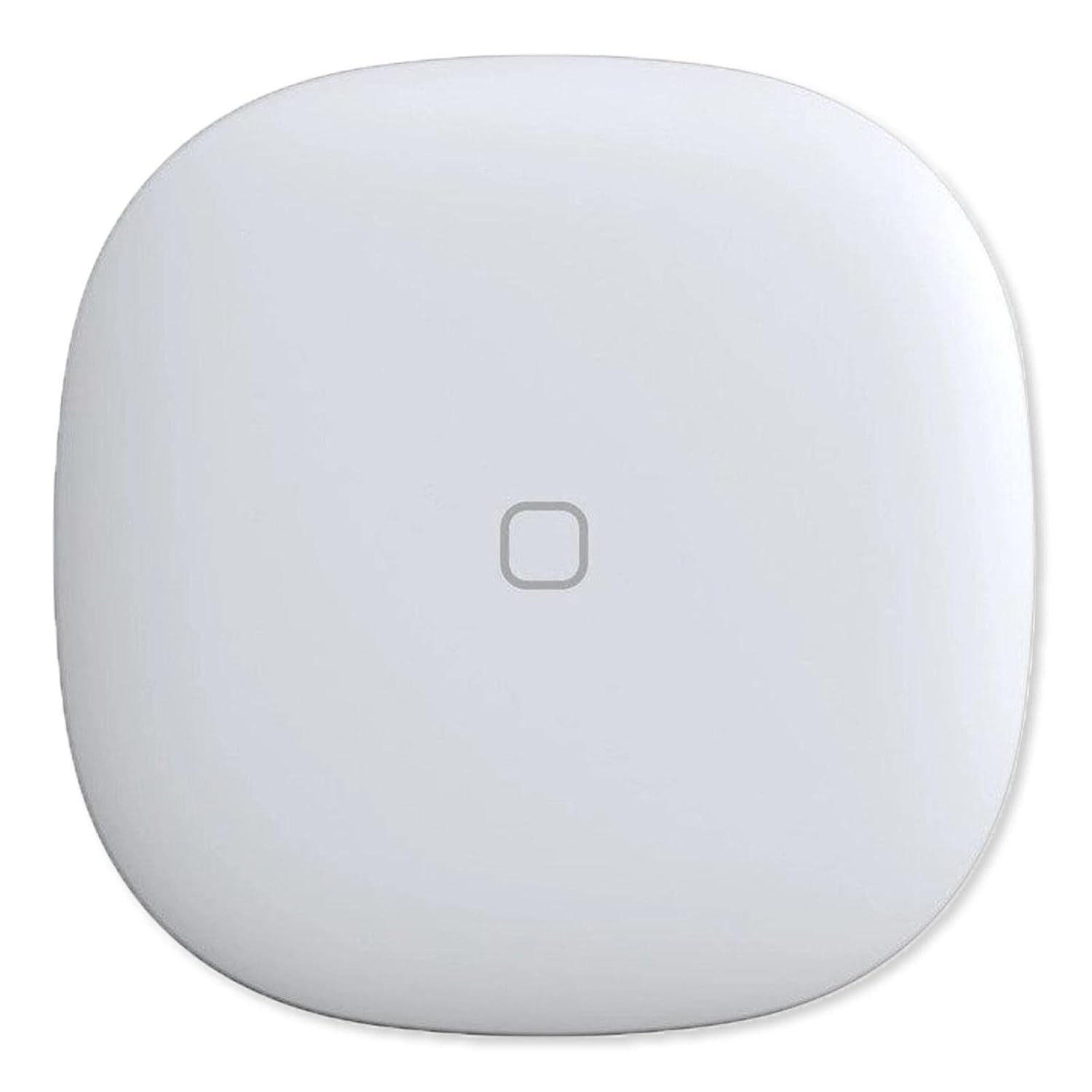
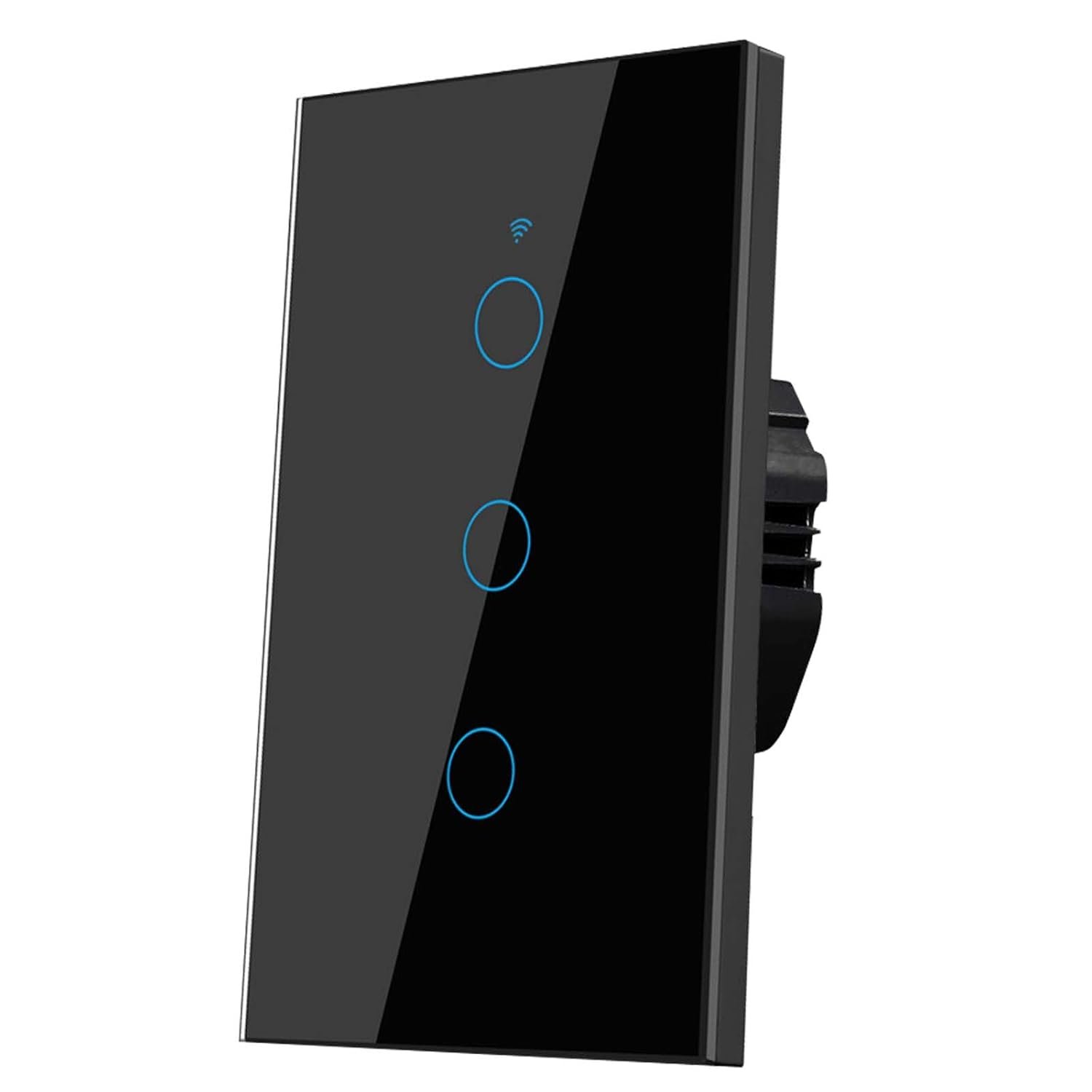



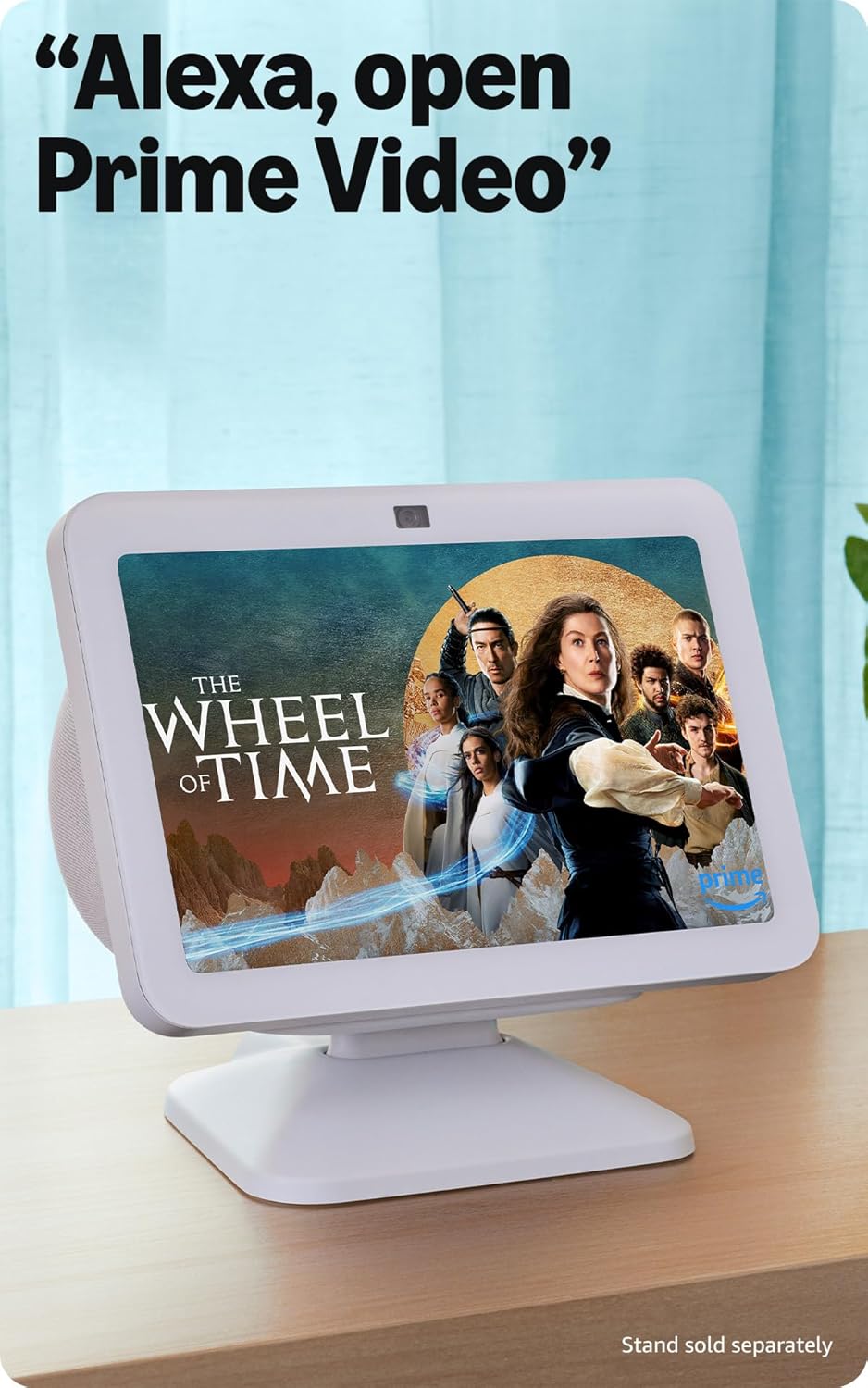


Better inside and out – Entertainment is more immersive with spatial audio and an 8″ HD touchscreen. Video calling is crisper with high-quality sound and a 13 MP camera. And your home is more connected than ever with the built-in smart home hub.
Vibrant sights, full sound – Content on Prime Video, Netflix, Fire TV Channels, and more comes to life with an HD display and room-filling spatial audio. Ask Alexa to stream Amazon Music, Apple Music, or Spotify. Subscriptions for some services required.
Smart home, simplified – Pair and control devices compatible with Zigbee, Matter, and Thread without a separate smart home hub. Manage cameras, lights, and more using the display or your voice, or activate routines via motion. Also supports connectivity via Bluetooth and wifi.
Stay in the loop – Video call hands-free using your voice, or use the new Top Connections widget to call with one tap. Have more natural video conversations with a centered, auto-framing camera and noise reduction technology.
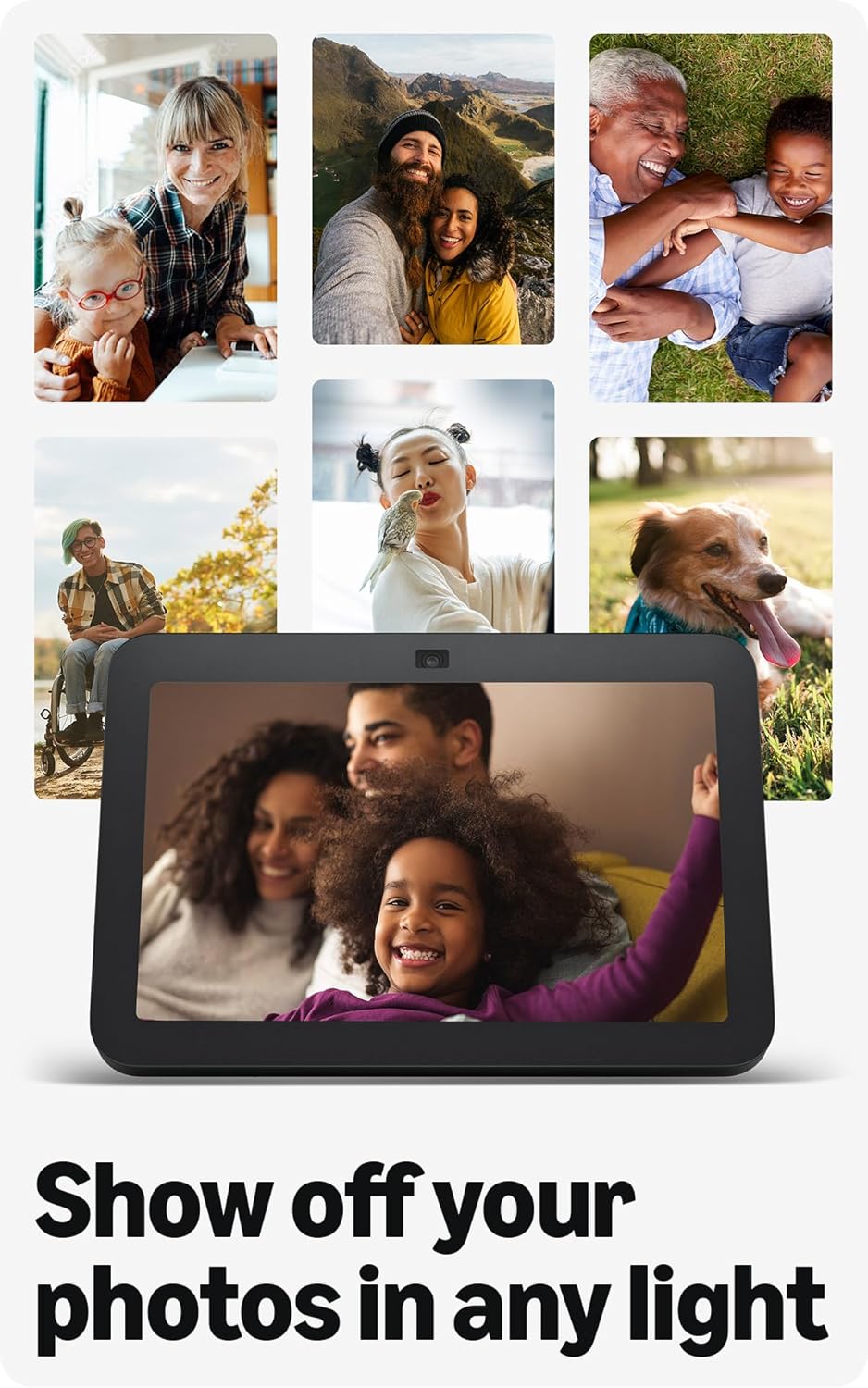
Show off your good times – Amazon Photos turns your home screen into a digital frame of favorite memories, and adaptive color makes them look great in any light. Invite family and friends to share photos to your Echo Show.
See what’s relevant – Adaptive Content lets you glance at your calendar or reminders from afar, or see more detailed content when you’re nearby. Shortcut icons on the home screen make it easy to access your most-used widgets with a tap.
Designed for sustainability – This device is made from 29% recycled materials. 99% of this device packaging is made of wood fiber-based materials from responsibly managed forests or recycled sources.
Designed to protect your privacy – Amazon is not in the business of selling your personal information to others. Built with multiple layers of privacy controls including the ability to mute the mics with the Alexa app.
10 reviews for Amazon Echo Show 8, With Spatial Audio, Smart Home Hub, ideal for open living spaces, Designed for Alexa+, Charcoal
Add a review
$149.99
Arianet –
Great device, very practical
I absolutely love this Echo Show 8. The screen is clear and the sound quality is great. It’s very easy to set up and works perfectly with Alexa.I use it every day to watch videos, check the weather, control smart home devices, and make video calls. It’s very convenient and responsive.The design looks modern and fits nicely in my kitchen. Overall, it’s a great device and I highly recommend it.
Anabel Fonseca –
The perfect kitchen companion
I absolutely love my white Amazon Echo Show 8—it has become one of the most useful and enjoyable additions to my kitchen. The clean white design looks modern and minimal, and it blends beautifully with my kitchen décor without feeling bulky or out of place on the counter.One of my favorite things about it is how convenient it makes everyday tasks. While I’m cooking, I can simply ask Alexa to pull up recipes, set multiple timers, convert measurements, or add items to my grocery list without having to stop what I’m doing. The 8-inch screen is the perfect size—large enough to easily read recipes or watch quick cooking videos, but compact enough that it doesn’t take up too much counter space.I also love using it to play music or podcasts while I’m in the kitchen. The sound quality is surprisingly great, filling the room without sounding tinny or too loud. It makes cooking, cleaning, and even just making coffee in the morning feel more enjoyable.Another feature I use a lot is the ability to quickly check the weather, calendar reminders, and news while I’m starting my day. The display quality is bright and clear, and the touchscreen is very responsive. It’s also nice that it can show rotating photos when it’s idle—it almost feels like a digital picture frame, which adds a cozy touch to the kitchen.Overall, the Echo Show 8 has been incredibly practical and fun to use. It keeps me organized, entertained, and makes cooking so much easier. If you’re looking for a smart display that’s functional, stylish, and easy to use, I highly recommend it. It has truly become a little kitchen assistant that I didn’t realize I needed but now wouldn’t want to live without.
Maritza cortez. –
Very good
I really like this device. The screen quality is excellent and the sound is very clear. It’s perfect for watching videos, checking the weather, and controlling smart home devices. Alexa responds quickly and it was very easy to set up. Highly recommended!
amber –
Highly recommend
I love love love this device it’s great quality nice big screen 🤩 my son got it for me because I tend to forget things so I mainly use it for my reminders 😁 it’s really easy to use and setup 👌 it does a lot more than just reminders 😁 plays your favorite songs 👍 her responses are very clear and easy to understand 👍 I would highly recommend.
Matt –
Strong device, with one important limitation
The Echo Show 8 (3rd Gen) is a solid smart display and, for most uses, one of the better-balanced Echo devices Amazon currently sells.As a smart home hub, it’s responsive and reliable. The display is the right size for a nightstand or kitchen, Alexa responses are quick, and features like photo display, calendars, reminders, and smart device control work exactly as expected. Spatial Audio is a nice upgrade, and for single-device playback, sound quality is very good for its size.Where this device falls short is as a Multi-Room Music (MRM) participant.When used in MRM groups over time, the Show 8 (3rd Gen) can introduce audio instability—brief pauses, delayed volume changes, or momentary desync compared to non-display Echo devices. These issues don’t always show up immediately and may appear only after extended uptime or repeated group playback sessions. Reboots typically restore normal behavior temporarily.To be clear, this isn’t a constant failure and doesn’t make the device unusable—but it does mean the Show 8 isn’t as reliable in whole-home audio setups as standard Echo speakers. In my experience, Echo Dots, Studios, and other non-display models are better long-term citizens in MRM groups.Used on its own, or primarily as a smart display with occasional music, the Echo Show 8 (3rd Gen) performs well and is easy to recommend. If your main goal is reliable, always-on whole-home audio, you may want to limit display devices in your MRM groups or use them sparingly.Overall, this is a very good smart display—just not the strongest choice as a core component in a multi-room audio system.
Abhi Emmanuel –
This Echo Show 8 completely exceeded my expectations. The sound quality is amazing—it actually feels like a mini home speaker system with rich bass and crisp clarity. Whether I’m playing music, watching videos, or just listening to the news, it sounds fantastic.The display is super sharp and bright, and it automatically adjusts to the lighting in the room, which makes it perfect for any time of day. Alexa feels faster and smarter, and the responses are almost instant.I use it every day—for checking weather, playing music, making video calls, controlling lights, and even watching YouTube and recipe videos. It’s become such a natural part of my daily routine. The built-in smart home hub is also a huge plus—makes managing everything so simple.It looks clean and modern too. The Charcoal finish gives it a premium feel. Honestly, this is probably the most useful and enjoyable smart device I own. I would 100% recommend it to anyone!
Ulises Ariel Dante –
Excelente!
Anya –
I upgraded to a Show 8, as my generation 1 Echo Plus doesn’t support Alexa+. So this was a combination of a better unit and future proofing. The Show 8 contains three different styles of Hubs, so should work with just about any smart device.The Show 8 has a crisp and clear screen and the speakers are a huge upgrade over the Echo Plus style device. Audio feels like it fills the room much more so, rather than originating in one place. I’m primarily using the Show 8 as a voice interface, but had to use the Touchscreen a little during setup.Setup was extremely easy. I plugged it in. A minute later is asked if I was (my name) and when I clicked yes it then joined the network entirely on its own. I now have the Show 8, Echo Plus, and an Echo Dot, and depending where I am, any one of the three seamlessly answers me.The audio is the massive upgrade although using Alexa+ features is what I bought it for.
Ernesto Saldaña –
Excelente, lo recomiendo mucho!!! Excelente calidad la pantalla se ve muy bien tiene buen sonido espacial
Paul –
This information is hard to find, it displays your cameras, not just the doorbell, it also switches the cameras off after a set time. This information will save you months of frustration:Instructions for Echo Show 8 live camera view routinesHow do you get an Amazon Echo Show 8 device to display the Live View Camera when motion detection occurs on Ring devices? The SKILLS option doesn’t work for live view after motion detected. Amazon will not tell you this. I spent one hour on the phone with customer service and they were worthless. It has taken a month to figure this out.Here is a solution that that currently works for me, I have an Echo Show 8, and a Ring Pro HD FloodLight/Camera. Also, I am using an Iphone Alexa app. Also works on Android.Sorry for the length, trying to be thorough. Please post a reply if this works for you. I have it running with multiple Ring devices.First, make sure you can see the Live View camera from your Ring device on you Echo Show.Example-> Alexa, Show Front Door (or whatever you named your device)Next, make sure you can stop the Live View camera on your Echo Show from your Ring.Example-> Alexa, StopIf you can do these 2 things, proceed. We are going to be using these 2 commands.You will need 2 Routines for each camera, I’ll the use the Pro HD Doorbell as the example below;Why 2 Routines? Because the “Custom Action” that tells Alexa to execute Commands must be the Last Action defined in the Routine, so we can’t use 1 Routine to issue multiple Alexa Commands. We are going to use the Alexa Commands; {Alexa, Show Front Door} and {Alexa, Stop}, hence the test above. Also and most importantly, multiple Routines can be triggered from the same Motion Event on the same device, at the same time, this allows us to do multiple things in parallel!!These 2 routines will be executed in parallel when Motion is detected on your Ring device;the 1st routine detects Motion on a Pro HD Doorbell and Shows the Doorbell Live View camerathe 2nd routine detects the same Motion on the same Pro HD Doorbell, Waits 4 minutes and Stops the Doorbell Live View cameraTo simplify, 2 Routines detect the same Motion at the same time, one turns on Live View, the other waits 4 minutes and turns Live View off.Open the Amazon Alexa App to create the 1st Routine;Select -> MoreSelect -> RoutinesSelect -> + to add a new routineSelect -> + Enter routine name – example-> FD-Cam ShowSelect -> NextSelect -> + When this happensSelect -> Smart HomeSelect -> FrontDoorCamera (or whatever you called your doorbell/camera)Select -> MotionSelect -> DetectedSelect -> NextSelect -> + Add actionSelect -> Custom (scroll to the bottom of the list, also this Custom action has to be the last item in the Routine…)Input -> type in the input field–> Show Front Door (this will tell Alexa to Start Showing Live View at the FrontDoorCamera)Select -> Next (You will see this entered in the Action section as the Command, “Alexa, Show Front Door”)Scroll down if neededSelect -> From Choose DeviceSelect -> your “Echo Show Device” that you want the Live View camera to be shown onSelect -> SaveContinue in the Amazon Alexa app to create the 2nd Routine;Select -> + to add a new routineSelect -> + Enter routine name – example -> FD-Cam StopSelect -> NextSelect -> + When this happensSelect -> Smart HomeSelect -> FrontDoorCamera (or whatever you called your doorbell/camera)Select -> MotionSelect -> DetectedSelect -> NextSelect -> + Add actionSelect -> WaitEnter time duration for the Doorbell Camera to be in Live View (I used 4 minutes, 1 minute works great for testing)Select -> NextSelect -> + Add actionSelect -> Custom (scroll to the bottom of the list, also this Custom action has to be the last item in the Routine…)Input -> type in the input field–> Stop (this will tell Alexa to Stop Showing the Live View at the FrontDoorCamera)Select -> Next (You will see this entered in the Action section as the Command, “Alexa, Stop”)Scroll down if neededSelect -> From Choose DeviceSelect -> your “Echo Show Device” that you want the Live View camera to be shown onSelect -> SaveYou’re welcome… I have it running with multiple Ring devices.Update and summary: I have a camera called front lawn Cam- When detects motion, anytime (in when)- show front lawn cam (in Custom)- wait 10 seconds (adjust to what you want in wait)- stop front lawn cam (in custom)- Wait 5 seconds (in wait)- Echo show show home screen (in custom, otherwise the camera will stay on the screen, and if you close the echo show screen with a command after the camera has been on, it doesn’t open again for the next camera movement, so show home screen is best)It now fully functions for the reason I bought it, has taken me about 20 hours of adding and removing commands.