
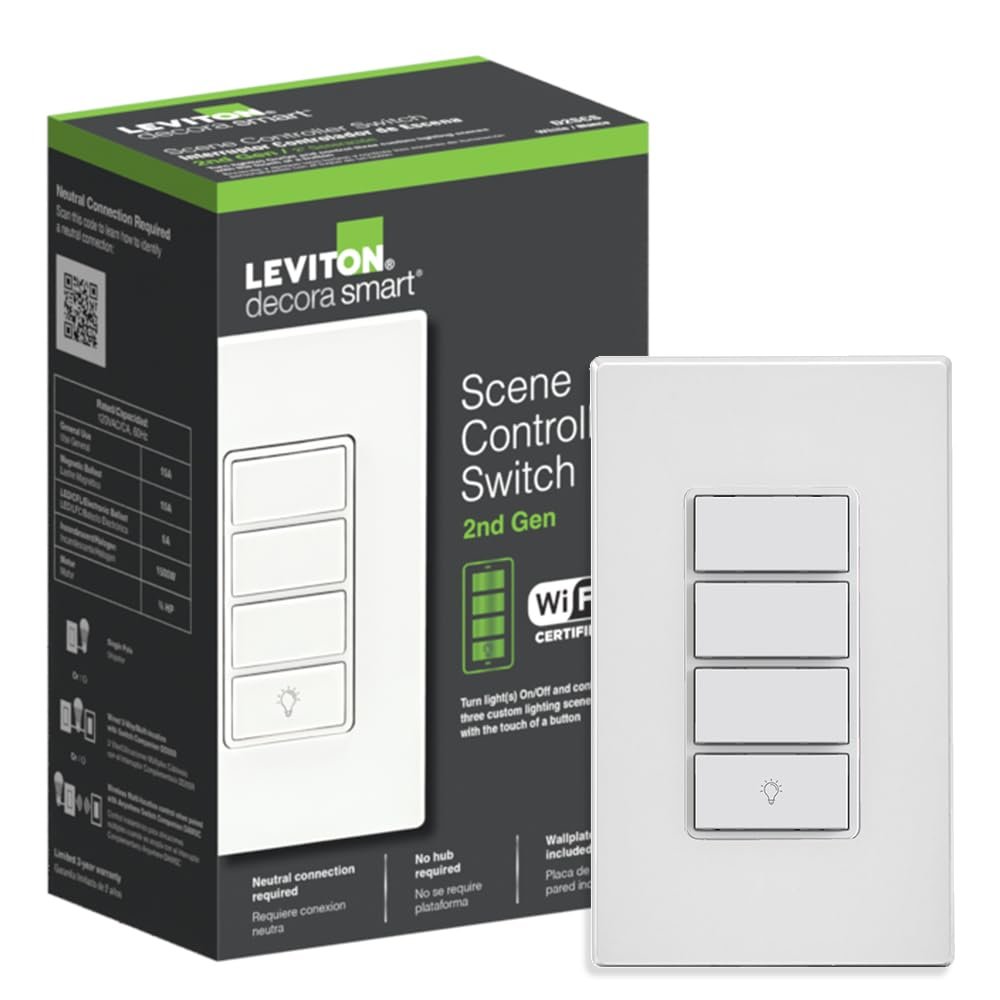
Leviton Decora Smart Controller Switch, Wi-Fi 2nd Gen, Neutral Wire Required, Works with My Leviton, Alexa, Google Assistant, Apple Home/Siri, & Wired or Wire-Free 3-Way, D2SCS-1RW, White
$36.99
Related Products
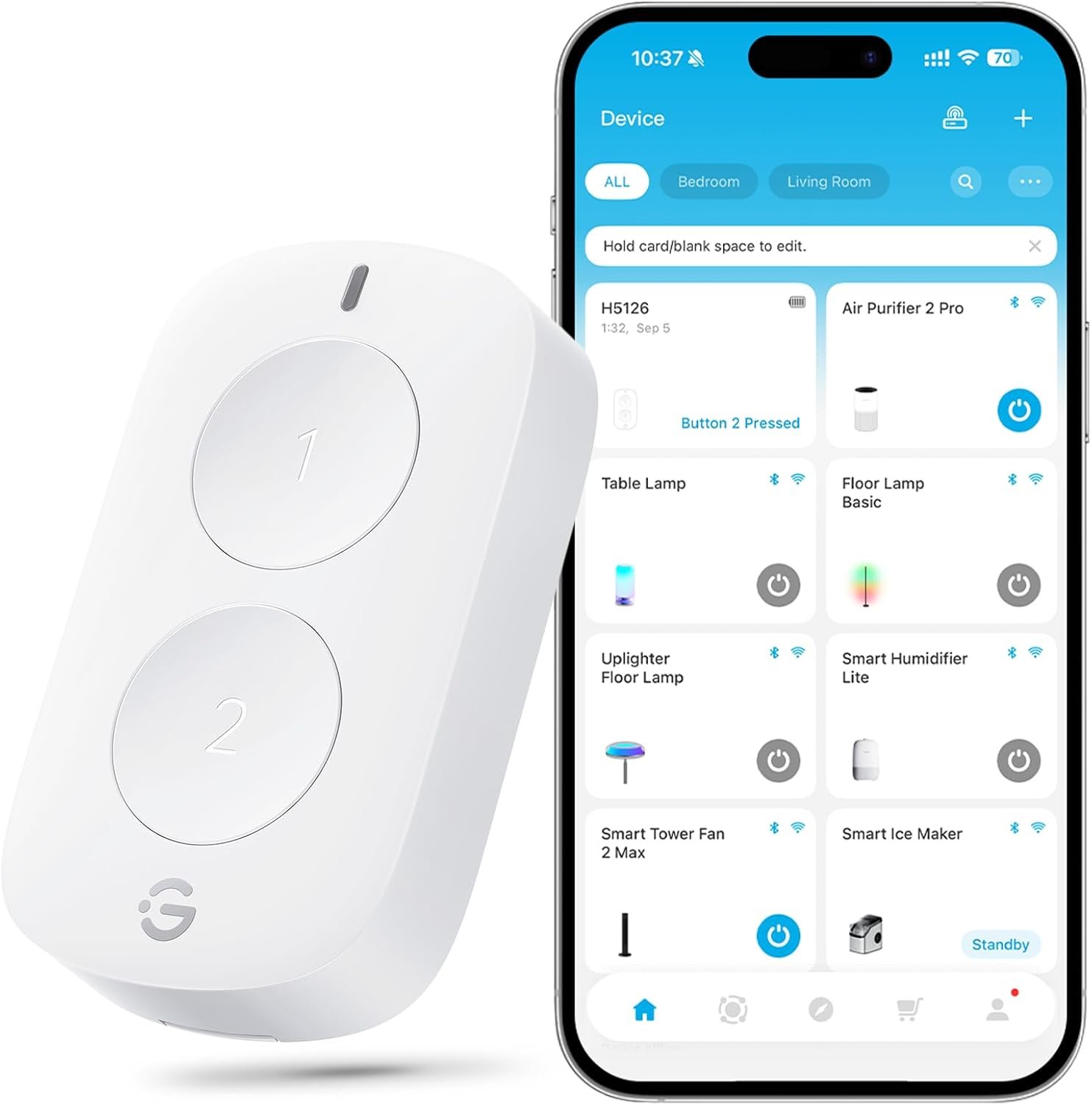
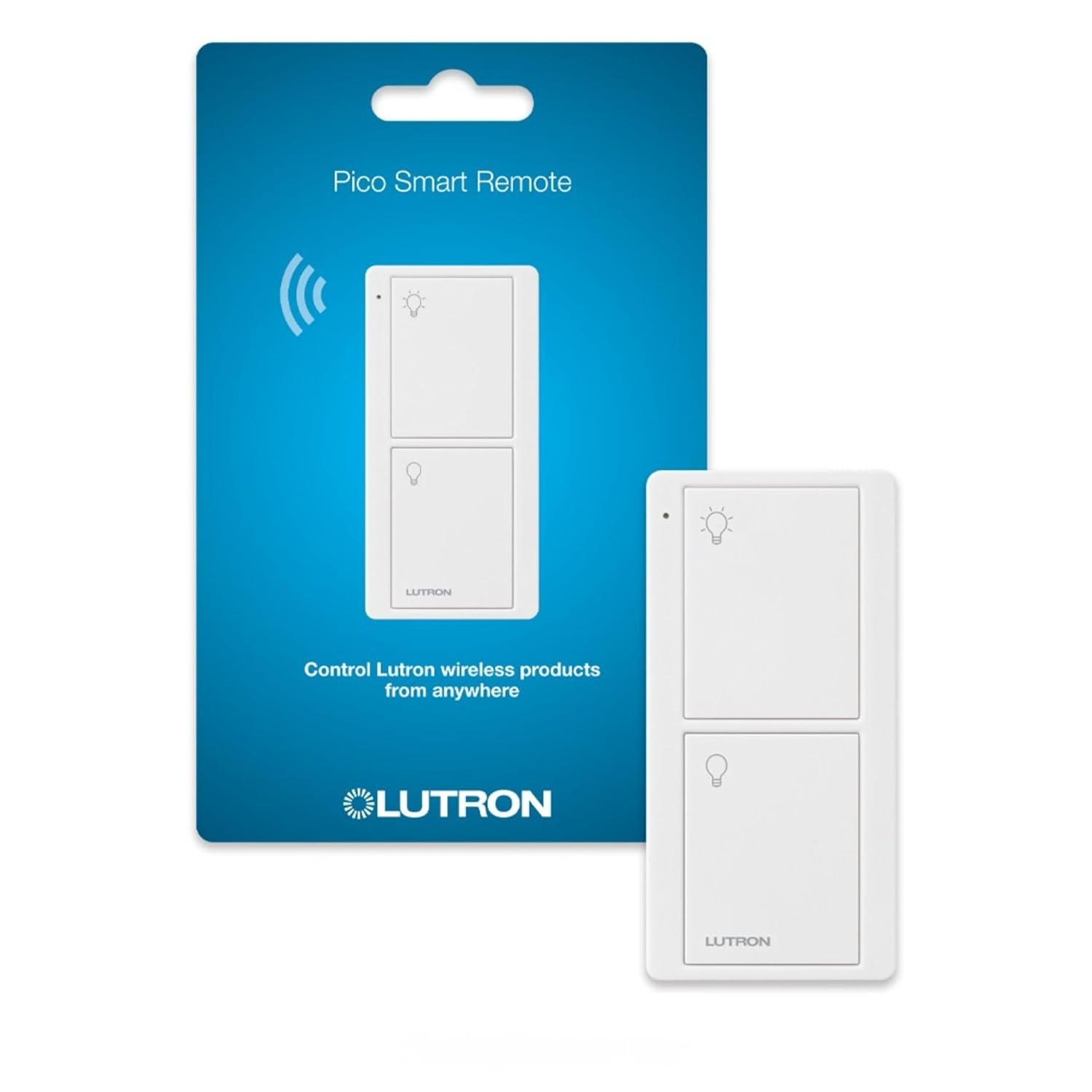


The D2SCS Leviton Decora Smart Wi-Fi 2nd Gen Scene Controller Switch and My Leviton app simplify controlling lights and devices. Replace your existing switch to get a smart switch and three scene buttons. The bottom button controls wired loads/lights and supports voice control with Google, Alexa, or Siri. Use the My Leviton app to assign custom scenes like “Movie Time” or “All Off” to the top 3 buttons. It also works with HomeKit for controlling scenes and accessories (requires Apple Home Hub and compatible iOS device). Order custom engraved buttons via the My Leviton app (US Only). Control this smart switch from another wall location in your home – works with optional DD0SR Wired Switch Companion or DAWSC wire-free Anywhere Switch Companion. Rated for General Use/Magnetic Ballast 15A, LED/CFL/Electronic Ballast 5A, Incandescent/Halogen 1500W, Motor 3/4 HP. Neutral wire required. 2.4 GHz network compatible. 2-Year Limited Warranty.
MULTI-BUTTON CONTROL – Add On/Off control of connected light(s) and three custom lighting scenes via My Leviton or Apple HomeKit; supports 2.4GHz Wi-Fi Networks
QUICK INSTALL – Replace your existing light switch to add smart home control; simple wiring using wire leads; Neutral wire required; Built-in switch supports General Use/Magnetic Ballast 15A, LED/CFL/Electronic Ballast 5A, Incandescent/Halogen 1500W, Motor 3/4 HP
EASY SETUP – No complex programming. Use the app to assign custom room scenes or activities, such as “Movie Time” or “All Off” to the buttons. Order custom engraved buttons via the app to personalize (US Only)
FLEXIBLE OPTIONS – On or Off of multiple Decora Smart Wi-Fi devices, On/Off toggle control of an individual Decora Smart Wi-Fi device, Scenes, Activities, IFTTT support, and Works with HomeKit; use the Apple Home app to set up control of HomeKit scenes and devices (requires Apple Home Hub and a compatible iOS device).
SUPPORTS WIRE-FREE 3-WAY – Add Wireless Multi-location control when paired with optional Anywhere Switch Companion (DAWSC); also works with DD0SR wired companion for hard-wired 3-way
10 reviews for Leviton Decora Smart Controller Switch, Wi-Fi 2nd Gen, Neutral Wire Required, Works with My Leviton, Alexa, Google Assistant, Apple Home/Siri, & Wired or Wire-Free 3-Way, D2SCS-1RW, White
Add a review
$36.99
ScottM –
It works quite well, but it would be nice if you could use the bottom button for a fourth scene
I give it 4.5 stars. For something that has a lot of software in it and sends messages to AWS in Virginia and back to control my light scenes, it is surprisingly fast and reliable.Also easy to setup by creating scenes on the app.My only complaint is… You can’t use the bottom button for a fourth scene. I don’t have this wired to anything, so the bottom button is worthless for me, and I think 90% of users would really like the option of using it as another scene.
gjacket –
Completely Unreliable!!
This device spends most of the time off- line and doesn’t work. Getting Customer Service to help me has been one of the most frustrating experiences. Do yourself a favor and go with the Lutron system instead. The wifi protocol used by Leviton is just crap.
Andersondelnorte –
Home Assistant easy setup through Homekit integration.
Works great in Home Assistant. I have the bottom button controller the hardwired 3 way swith AND another light. I have the top 3 buttons setup to toggle 3 other lights. One of them I even have setup to toggle multiple lights at once. Great product. Only thing to make it better would be Matter support.
S1 –
Works well, upper 3 buttons only trigger a single scene each
Like the other Leviton smart switches, this works really well.A small physical annoyance unique to this 4 button switch that I don’t really like the feel of the button presses (hard to describe, but not a very firm push or click or etc, so sometimes you aren’t really sure you pushed it hard enough, or in the right place, or not).Another thing to note is that the 3 upper buttons only control 1 scene each. That means that any push of the button triggers the same scene. Apple’s Home app doesn’t easily let you create a “toggle light” scene. So if you want each button to first turn a light on, then on the next push to turn it off, you need to go through some hoops to convert the Apple Home scene into a “shortcut” and then use IF/ELSE conditions in the shortcut to make this work. This is really an Apple Home limitation, but something to be aware of since there is really no way to make it work without these steps. After that setup, the button does work perfectly fine to toggle a light, but note that the response time is a bit extra delayed (2-3 seconds between button push and action… again, likely this is a result of the need to setup the special Apple Home shortcut that has to run, and not caused by the switch itself)
DZ –
Love it
Easy to install and adds control possibilities for several different scenes or devices.
Michael P. –
Nothing smart about it
“no hub required” right on the boxWorks as a homekit smart switch with no hub. The other 3 buttons are useless unless you have a hub or compatible leviton products.
fromalexsmith –
Great system.
Easy to set up. Works good. Easy to wire. Expensive, but worth it. I use mine as a kill switch for the house, because everyone leaves everything on in my house, no matter how much I complain.
Chuck –
Very Limited Controller
This review is of the Scene Controller. I constructed a scene to turn on a few lights. But to turn them off, I need another scene. So, I’ve used 2 of the 3 scene buttons just to turn the lights on and off! Also, different scenes cannot have different fade rates. Scenes do not link with Alexa.
Michael S. –
These switches work as advertised. It is nice to turn the outside lights on/off from the phone – especially if you end up coming home in a rural area after dark. The feature within the App to group switches together allows one ‘click’ to turn all lights in the group. Programming the top three buttons to trigger any action set up in the App also allows one light switch to turn on all the outside lights in the group also.
arturo m. –
Excelentes ,con cosas por mejorar: notificaciones de haberse realizado una acción,El grabado de los botones y en términos generas súper bien . Requieren de internet paran funcionamiento de las escenas .si NO hay sigo,las escenas no funcionan. Por lo demás EXCELENTE