
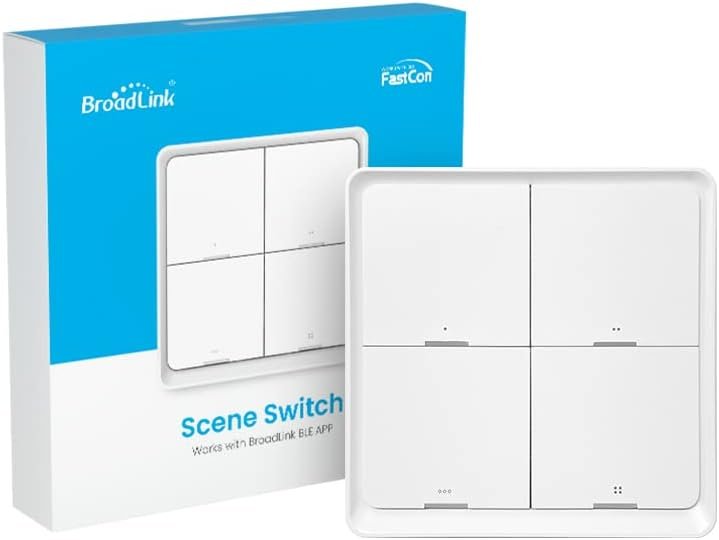
BroadLink Wireless Smart Button Scene Switch for Home Automation, Press Buttons to Activate Scenes
$23.99
Related Products
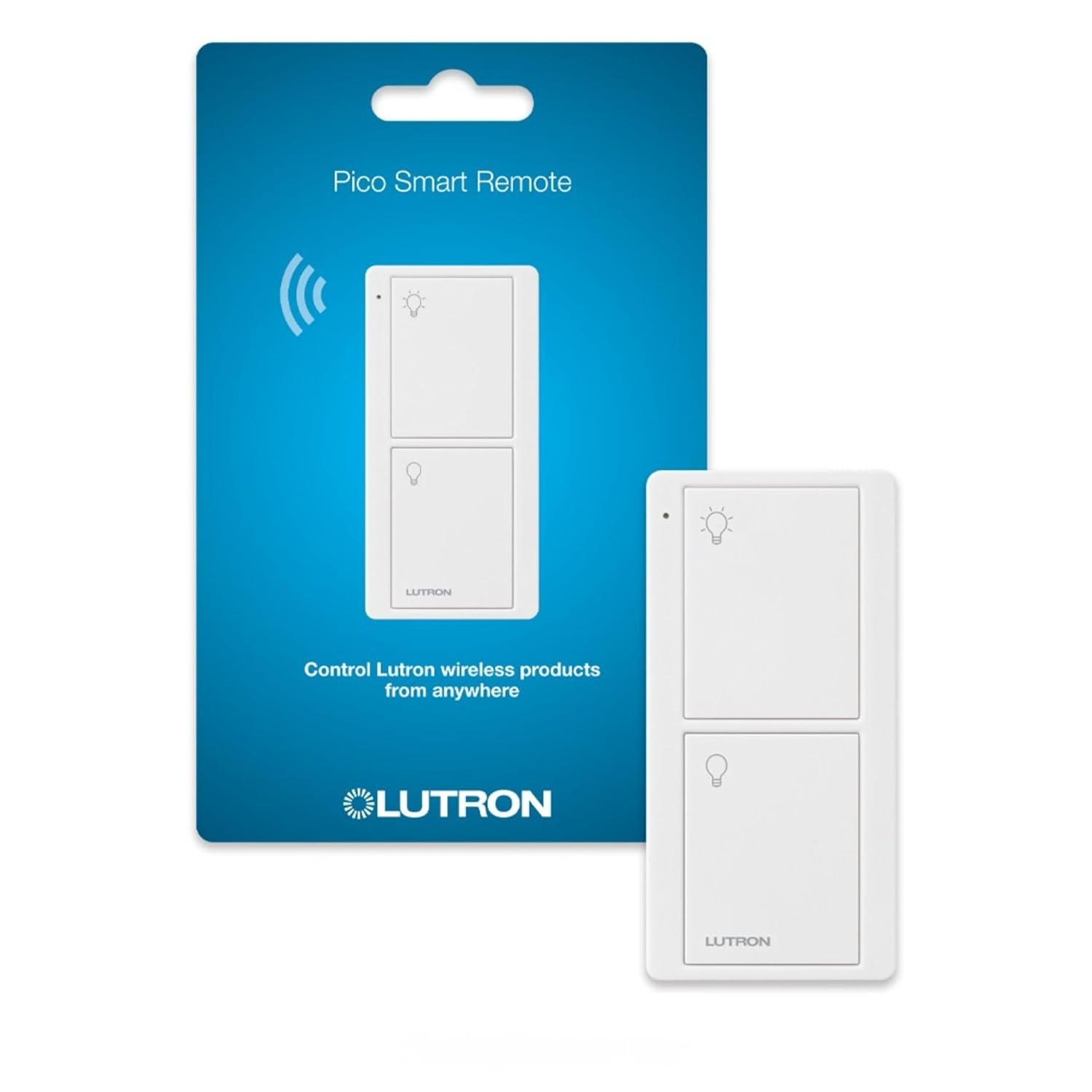
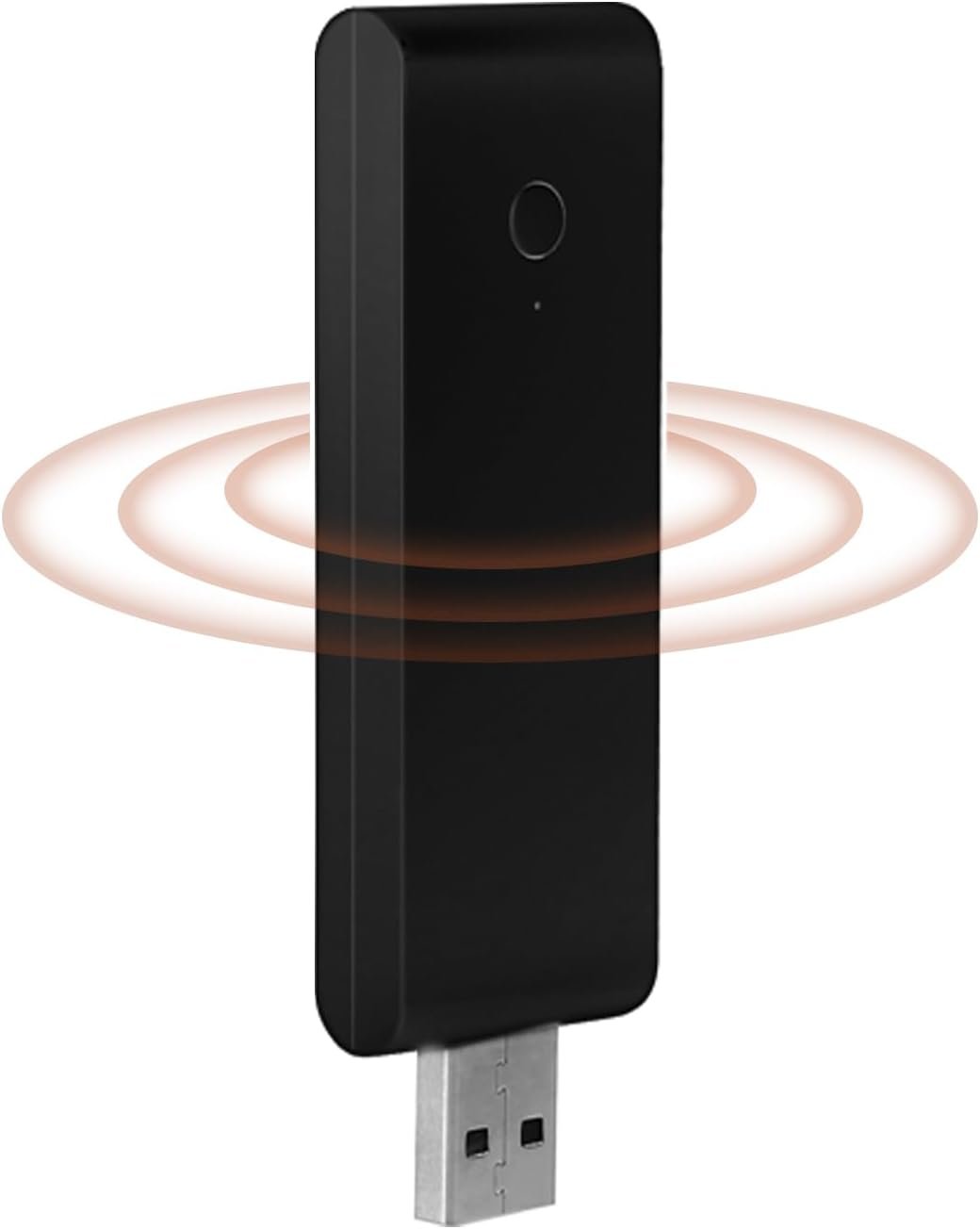
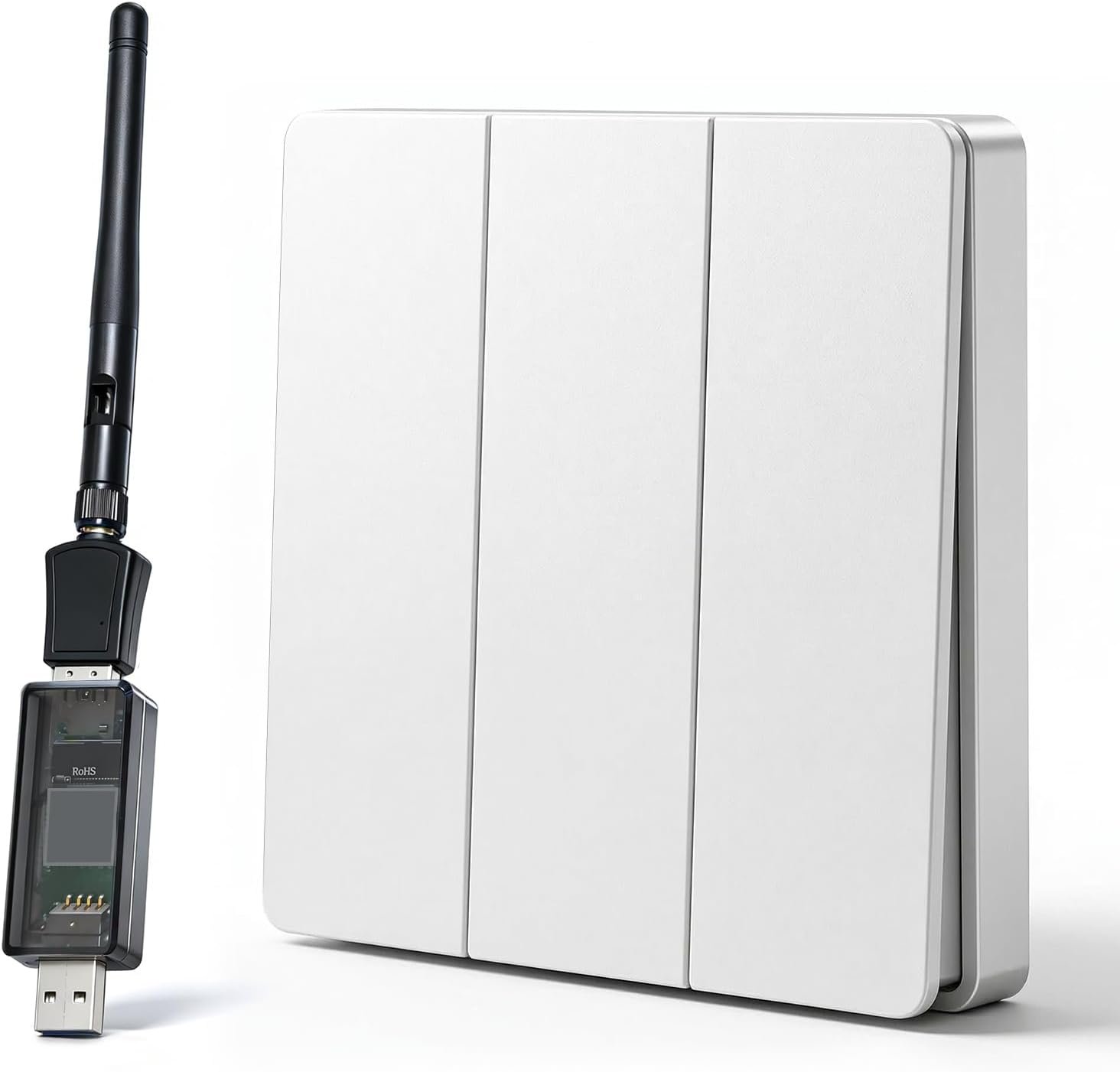


Product description



BroadLink is one of Alexa Smart Home IoT Solution Providers. In 2021, with industrial-leading FastCon technology, BroadLink brings you ultra-low power consumption, easier device pairing and massive device management experience for smart gadgets. In 2022, BroadLink launched new FastCon technology, ready to surprise the smart home industry again!
BroadLink FastCon 4-Button Scene Panel
BroadLink 4-button scene panel with FastCon tech is very friendly to every starter user, just tap to switch scenes by setting the status of devices. Comes with preset scenes which can be activated directly. You can set devices to the state you like and save it as a new scene with one click as well. Not only works as a 3-way control of your smart light switch, also can dim or brighten the lights of your house (FastCon bulb is needed). 2 years battery life with a CR2430 cell battery.
Press buttons to activate scenes in one tap; Press buttons to dim or brighten the light bulbs CR2430 cell battery is required, and not included Note: the FastCon scene switch is only compatible to control FastCon series smart light bulbs. It doesn’t support Alexa routine to trigger other wifi devices.

Smart & Fast Triggering
Place it anywhere you want, no need phone or gateway after added. Local FastCon triggering ensures fast and reliable performance.

Auto & One-step Setup
Reset the device then it will pop up automatically in App. The whole setup process will be finished with one step in seconds.

Out-of-Box Use
Every button has a preset scene (FastCon bulb is needed). Press buttons to activate specific scenes without further setting.

What You See is What You Want
Forget the complex “IF…Then…” routine setup process. Now you have a “1-click” option to save what you like as new setting of scene

Wireless Dimmer
Press and hold Button1/2 to brighten or dim the light to fit every scenario (FastCon bulb is needed).

Color Temperature Control
Press and hold Button 3/4 to choose the warm or cool light as you want (FastCon bulb is needed).

Long Battery Life
Replaceable cell battery can last up to 2 years for typical use (Pressing 10 times per day).
*CR2430 cell battery is required, and not included.

FastCon-enabled Devices for Home Automation
To equip more devices using FastCon, please purchase FastCon-enabled BroadLink products, such as LB4E26 Smart bulb, SC4B4 Scene Switch and GW4C Mini Hub. More FastCon-enabled devices are on the way…
Simple Steps to Set Up and Use

Download BroadLink Magic Home App
Download and install the App, no need to sign up (it can be optional)

Add Device
Tap “Add device” first.

Press Button
Long press Button 1&3 for 4s and it will pop up in the App, tap “Done” to finish the setup.
Add to Cart
Add to Cart
Customer Reviews
—
2.3 out of 5 stars 14
3.6 out of 5 stars 35
Price
— no data
$23.99$23.99 $14.99$14.99
Model
LB4E26 SC4B4 GW4C
Application in home
Table lamp, ceiling fan light, bedroom light, party… Accessories to control FastCon smart bulbs. Wireless scene switch for home automation. Press buttons to control preset scenes. Accessories. Works with FastCon devices for remote control and voice control.
Communication
FastCon FastCon Wi-Fi (2.4GHz)+FastCon
Works with Alexa and Google Assistant
✓
/ /
Set Schedules/Timers
✓
/ /
Music Sync
✓
/ /
Mini Hub Required
For voice control, remote control and set timers / /
【Smart Home】BroadLink FastCon is the better smart home solution you can find, making your entire house smart in minutes. Combine hundreds of devices (lighting, power, remotes, switches, sensors, shades, cameras and door locks in paired mode) for an exceptional experience.BroadLink will evolve smart home into everyone use with real zero-setup, auto-networking and significant affordable cost.
【Auto & One-step Setup】Download the new app – BroadLink FastCon, press and hold the buttons of the switch for 4 seconds and wait for the device pop-up in the App. No need to create account. Fast and easy to use without privacy concerns. Supported by BroadLink exclusive FastCon technologies.
【Quick Dimming & Color Change】This Scene Switch only works with LB4E26 Smart Bulb, make sure you already own or buy this model of bulb at the same time. Long press the Button 1/2 to dim or brighten lights, or long press the Button 3/4 to tune lights from cool to warm (FastCon GW4C bulb is needed).
【Out-of-Box Preset Automation】Each button is associated with a preset scene in each room. Once added and assigned to a room, you can tap to activate the same scenes in the app for the room without any further settings.
【Fully Wireless Installation 】With replaceable CR2430 battery (up to 2 years), the device can be carried around home or attached to any surface(battery not included).
【Tech Support】1 Year warranty and 24/7 unlimited technical support by messages. Video guides can be found in the product pages. To equip more devices using FastCon, please purchase FastCon-enabled BroadLink products, such as LB4E26 Smart bulb, SC4B4 Scene Switch and GW4C Mini Hub.
9 reviews for BroadLink Wireless Smart Button Scene Switch for Home Automation, Press Buttons to Activate Scenes
Add a review
$23.99
SSzar –
Not reliable with Alexa
The switch likely functions ok. My intended use was to trigger Alexa routines. The Alexa integration is very poor. I had to return this and buy a switch with XLE Fascon hub. I was told that would solve the integration issue. It didn’t. The hub did connect with Alexa, so a step closer, but it would only work with the 2 built in scenes. So 2 routine triggers for 4 buttons. Then, 30 minutes after the two buttons were working, it stopped. I reset and relinked everything. Worked again for a short time and stopped. So I returned the switch+hub.
Amazon Customer –
Fastest set up of any smart home product to date.
Set up is extremely easy, don’t even need an account. I’ve spoke to broadlink and they have a ton planned for this product line.
Eric Fairchild –
No, No, No more broadlink
Against my own experience with broadlink in the past I swore I would not purchase anymore of their products. I screwed up and purchased this one and I wish I didn’t. First off this comes with out a battery which I my opinion is cheap and not one other smart home device that I have purchased has come with out a battery. Also I have lots of devices with different batteries so I guess I might have the size this five needs but no it’s a size that is not a standard size so now I have to go buy $15 worth of batteries just for this item. So like I said broadlink NO MORE for me and it will be easier for me to send this back then to get a bunch of batteries that can’t be used for anything but this.
Isaac C Johnson –
No battery wtf?
After spending 20 mins trying to get the device to work, I realize there is no battery in the switch? Who has CR 2430 batteries just lying around?This is ridiculous. I’d happily pay more for an included battery. Previous versions had a batteries included.Seriously, who made this decision. I’d love to have a conversation with them.Smart company? I think not.
Austin B. –
Installation very confusing.
Scanning their symbols for the proper app gives you are error message?? My buttons would light but not blink!! Couldn’t pair. Tried Tuya,Smartlife and Alexa…..none would work…..contacted tech support, no reply??? What’s wrong with this picture??
Alexis M. –
No funciona
Producto es una estafa. No vincula con google home ni Alexa. Es inservible. No comprar
TomNH –
No battery?
Ok, so who’s bright idea was it to not include a battery for the touch pad? Took me several stops just to find one. The product is delived and you go to set it up but wait, no battery included? Really?
R. Carlson –
NOPE – not for Alexa ” (totally ignoring the name you gave the panel in the first place.)Go to the “link to outside” and link to Alexa”6 new devices added!”Yay!Wait.What?Oh… it also adds something called “All On” and “All Off’, no idea what THOSE are, but there’s the buttons!Wait.. you still need to do some faffing around – Alexa wants you to rename the buttons and assign them into a room.OK, check.Add a routine (when detects motion say “ouch!”)Press ….nothing….Press all the other buttons….nothingWho in their right mind thought this product was ready for market?It’s now ready to be shipped back to the Broadlink Mothership.I agree with another poster here who said “No More Broadlink!”Between the misprinted QR codes, the errors on the instructions, the need for multiple hubs and , moreover, the fac that the Alexa integration does not work, I’m ready to hang it up on Broadlink as well.You used to have great products (I still have 3 of the old panels that work like a charm)All I wanted was 4 new buttons….
I just wanted 4 buttons exposed to Alexa….Incredibly confusing setup.NO CR2430 BATTERY INCLUDED!!!Good luck pairing — I eventually did get it to work.The QR codes to download the “Magic Home” app were misprinted, so they blew in a couple of cards with the correct download. The Instructions say “Download Broadlink BLE”, but the QR codes point to Magic Home (WTF?).Next challenge – the instructions say to select “Panel”. But there’s no selection for that in the APP.So I selected “switches” — after some faffing around (hold two buttons and VERY QUICKLY press +) and the thing adds and calls itself a panel.OK, got everything installed.Now it won’t find my existing Broadlink gateway!Luckily, I purchased the “starter kit” which comes with it’s own gateway.Add that.OK, it now shows the Gateway and the panel.How the heck do you “name” the buttons?Oh… you have a small selection of terms like “ALL OFF’, “SOFT”, “BRIGHT”. When you select a room, it names the button as “
HectorRAG –
por lo que la publicación indica, supuse que este control una ves en su aplicación podria utilizarse para controlar dispositivos broadlink en general, FALSO, este control por Bluetooth solo pude conectarse con tu teléfono y con un tipo específico de luces fastCon una ves que lo conectas a la aplicación, que en todo caso, si su “nueva” aplicación solo va a funcionar por Bluetooth entonces para que la queremos? este aparato no tiene absolutamente nada de sentido mejor usen directamente el Bluetooth de su celular y otra app. Comprare un control de otra marca que no este casado con una aplicación tan inutil.Además no incluye la batería de boton jaja esta bien tonto, aunque yo tenia una para probarlo.