
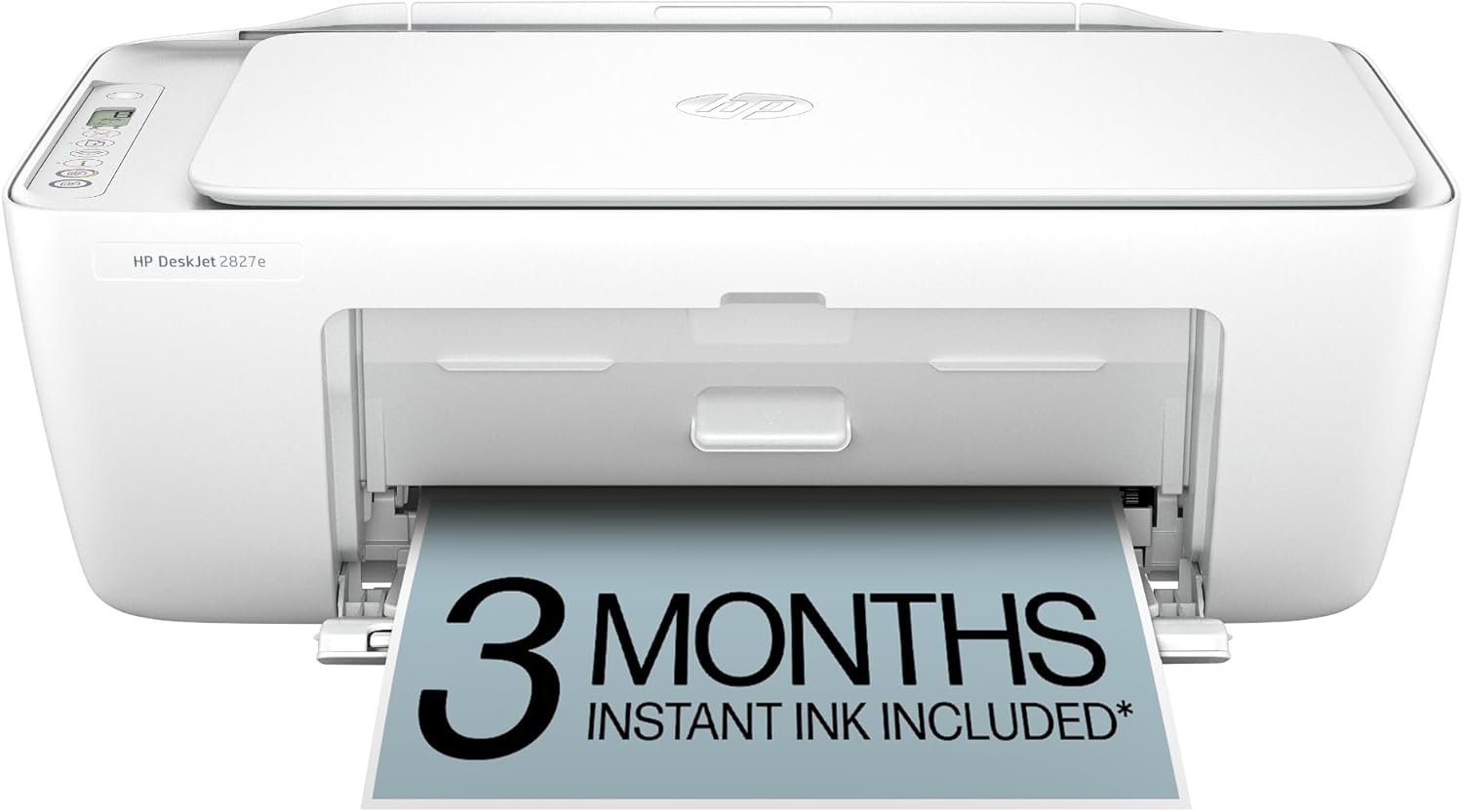
HP DeskJet 2827e Wireless All-in-One Color Inkjet Printer, Scanner, Copier, Best-for-Home, 3 Month Instant Ink Trial Included, AI-Enabled (6W7F5A)
$61.99
Related Products








The HP DeskJet 2827e delivers color printing, 60-sheet paper capacity, and a flatbed scanner for easy scanning and copying. It includes 3 months of Instant Ink with HP+ activation at printer setup. It’s also AI-enabled to intuitively adapt to your workflow, with wireless and security features that keep your multifunction printer up to date and secure.
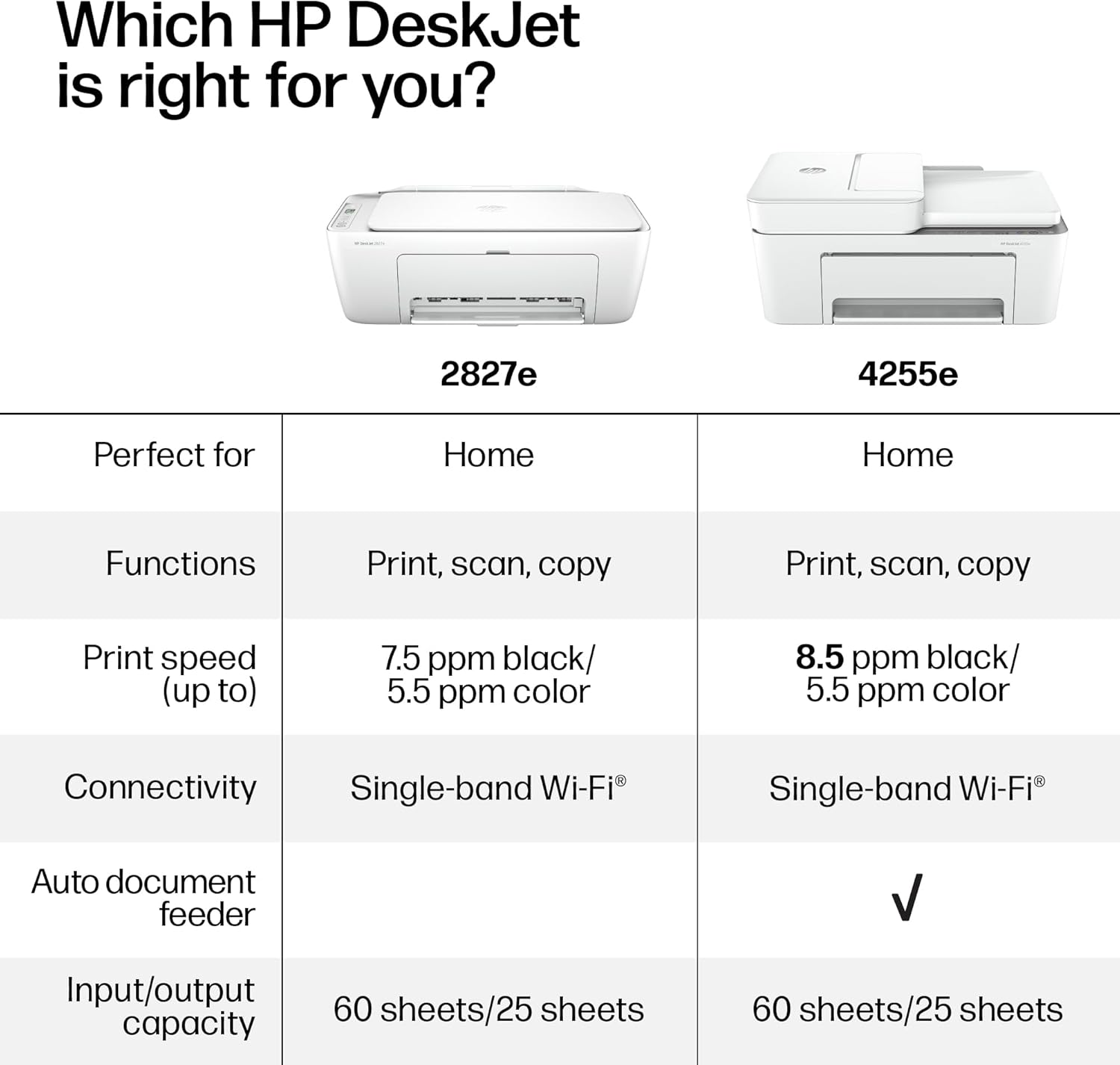
The DeskJet 2827e is perfect for homes printing to-do lists, letters, financial documents and recipes. Print speeds up to 5.5 ppm color, 7.5 ppm black
PERFECTLY FORMATTED PRINTS WITH HP AI – Print web pages and emails with precision—no wasted pages or awkward layouts; HP AI easily removes unwanted content, so your prints are just the way you want
KEY FEATURES – Color printing, copy, scan, and a 60-sheet input tray
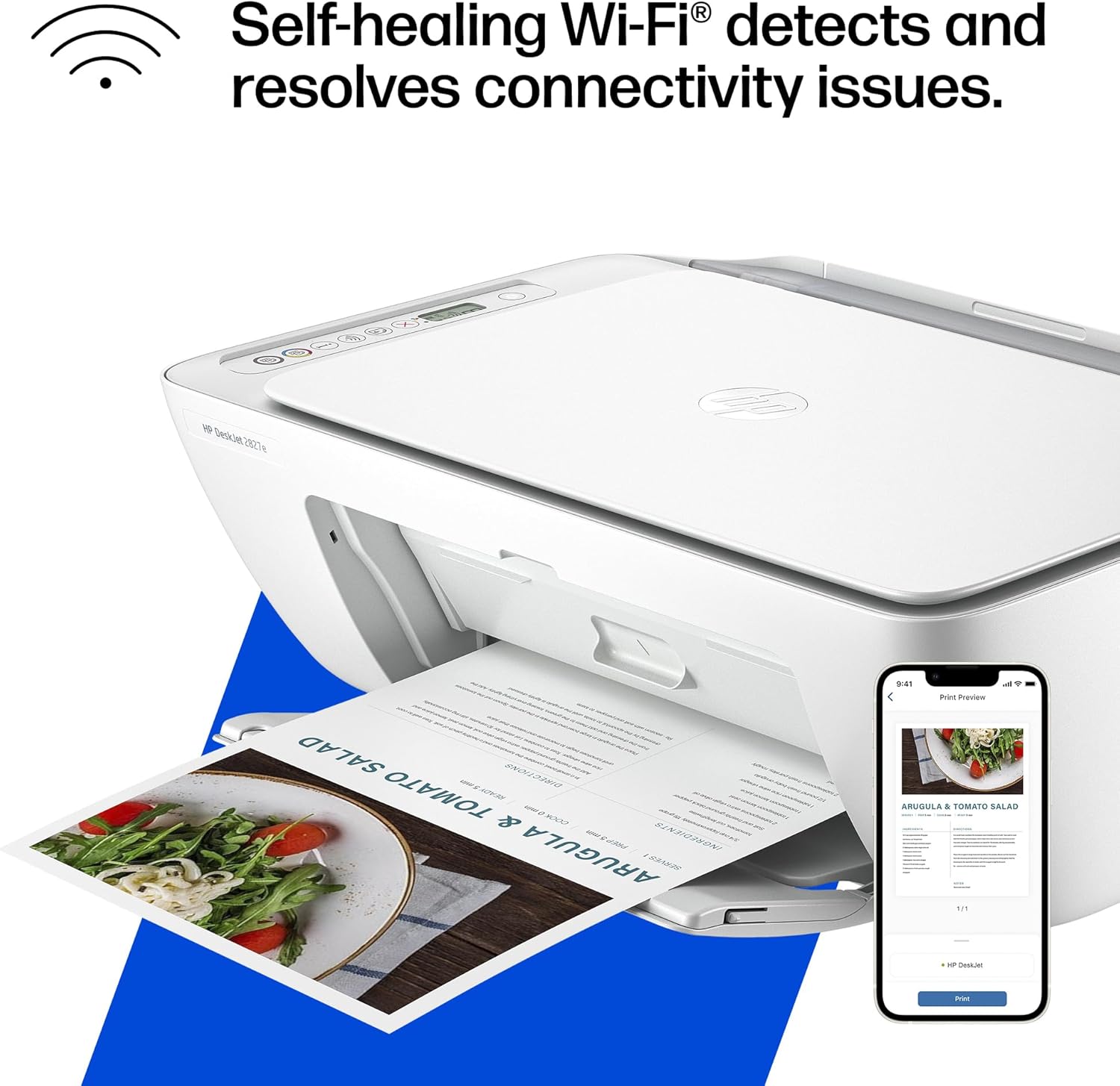
WIRELESS PRINTING – Stay connected with our most reliable Wi-Fi, which automatically detects and resolves connection issues
HP APP – Print, scan, copy, or fax right from your smartphone, PC, or tablet with the easiest-to-use print app
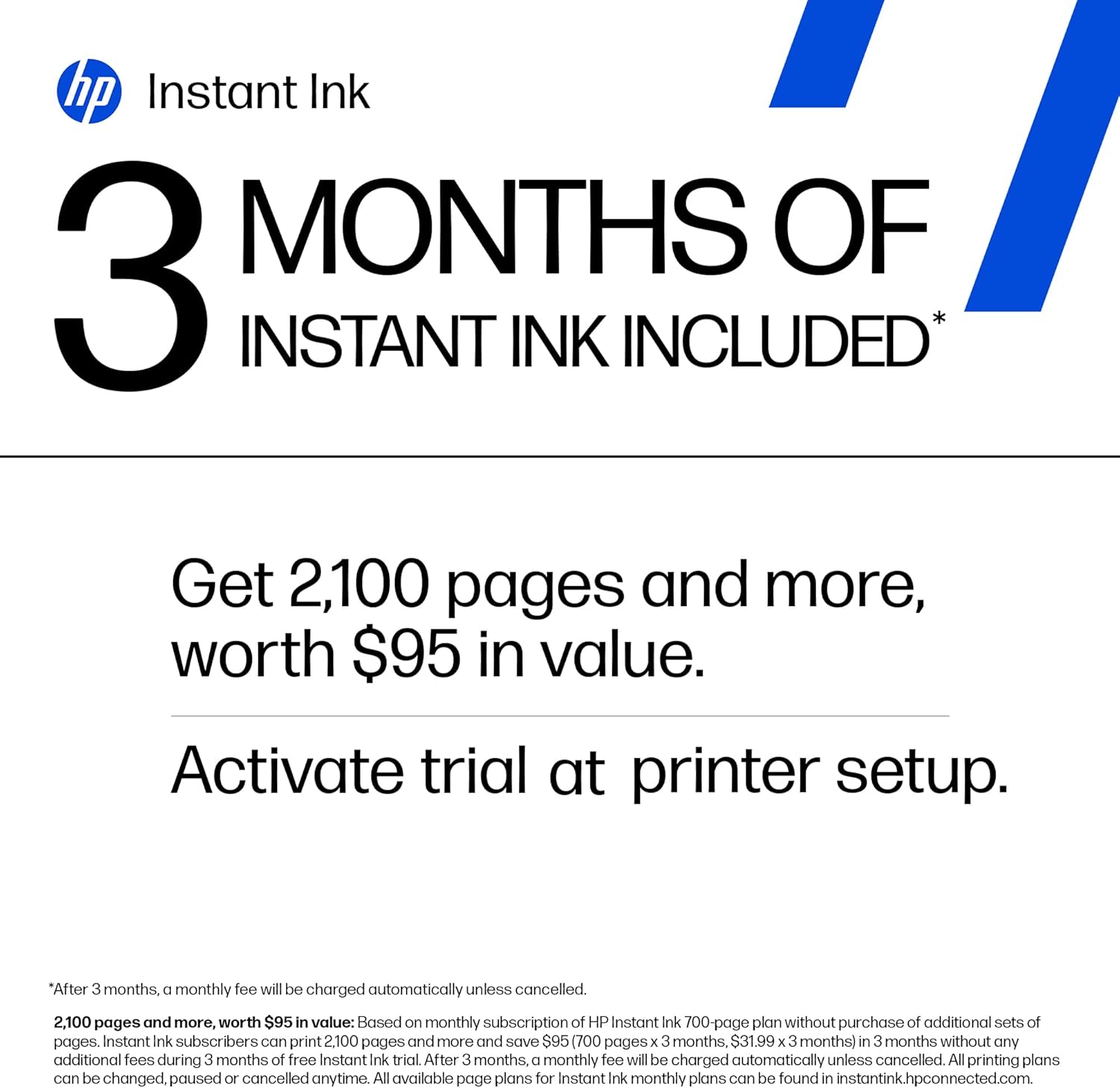
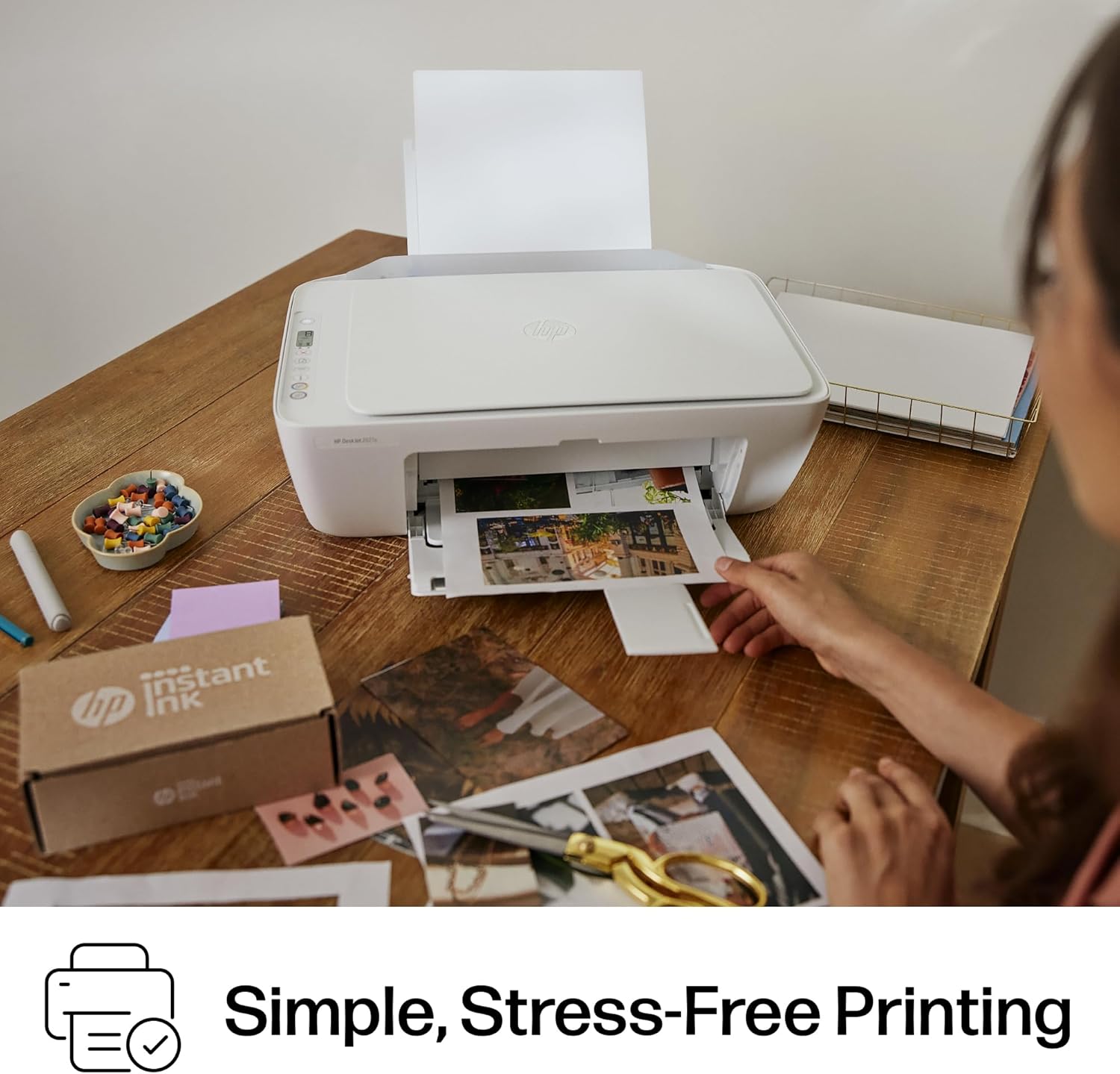
3 MONTHS OF INSTANT INK WITH HP+ ACTIVATION – Subscribe to Instant Ink delivery service to get ink delivered directly to your door before you run out. After 3 months, monthly fee applies unless cancelled
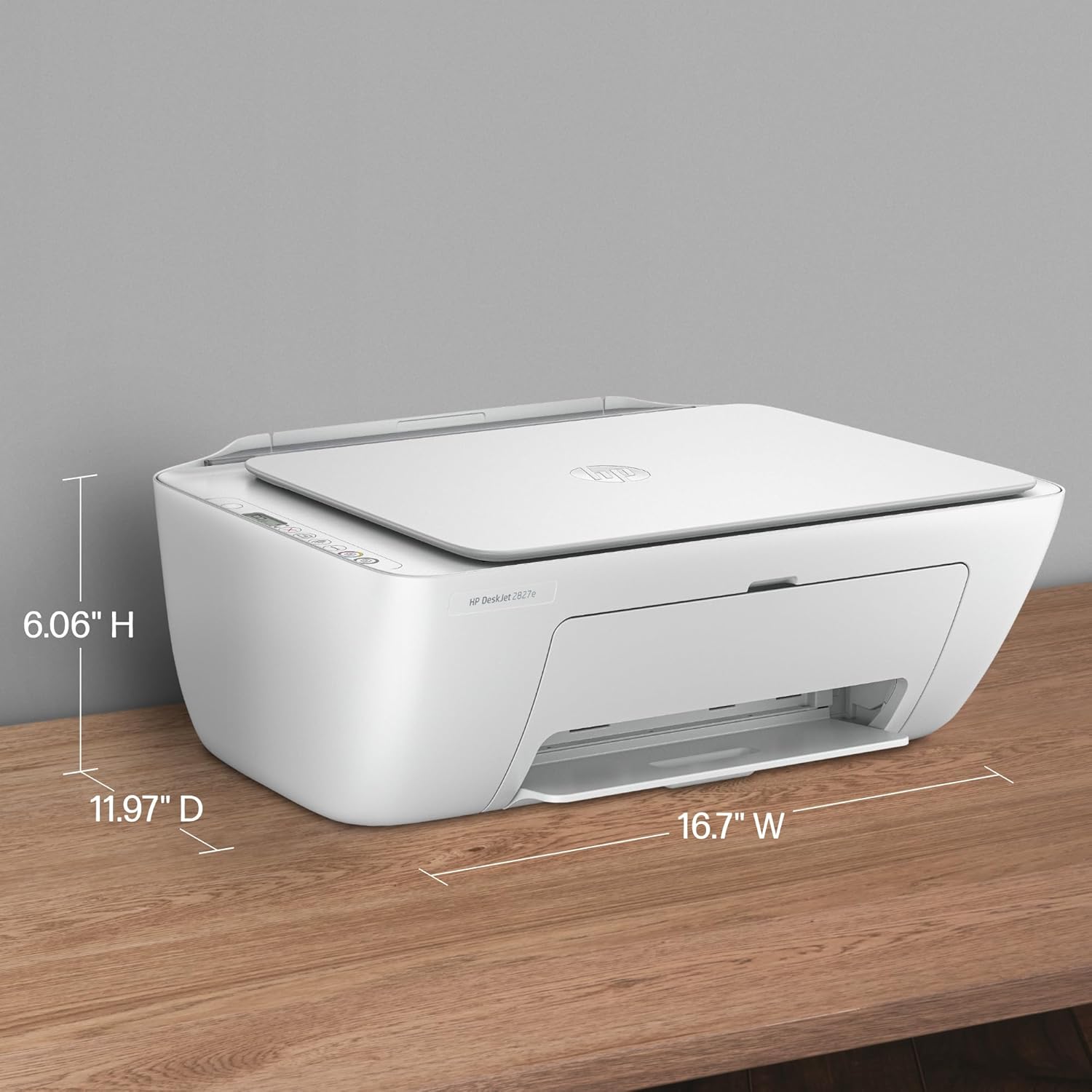
COMPACT DESIGN – Made to fit any home
ICON LCD – Print your basic documents with ease from the intuitive control panel
SUSTAINABLE DESIGN – Made with at least 60% recycled plastic. Meets industry efficiency standards and is Energy Star and EPEAT certified
This printer is intended to work only with cartridges with HP chips or circuitry and will block cartridges using non-HP chips or circuitry. Periodic firmware updates will maintain the effectiveness of these measures
9 reviews for HP DeskJet 2827e Wireless All-in-One Color Inkjet Printer, Scanner, Copier, Best-for-Home, 3 Month Instant Ink Trial Included, AI-Enabled (6W7F5A)
Add a review
$61.99
une femme –
Wonderful copier
I bought this for an elderly neighbor who needed a copier but has no computer or internet. It works beautifully and she loves the quality of the printing. The size is perfect for small apartment living.
jay –
Perfect printer for at home use!
Perfect affordable printer for at home use! It was super easy to set up. HP support has a video on their YouTube channel of how to set it up, and it was really straight forward. After you take off the tape and plastic liners, it has you download the HP app and the app guides you through setting up the WiFi, paper, & ink. Overall from unboxing to printing my first sheet, it probably took about 15-20 minutes. Setting up my WiFi and connecting to my phone was a breeze. I don’t have a computer so I was worried about finding a printer that could easily print from my phone, but this was very simple and easy to do. I was able to print documents directly from my files, as well as photos from my photo app. It takes a little less than 30 seconds per sheet, which isn’t bad for an at home printer, but could be slightly irritating if you’re printing over 50 pages at a time. The ink is great, prints pretty true to color. The black is saturated, and the colored ink is slightly less vibrant but that’s not an issue for me personally. I added a photo of what it looks like printing via the HP app, as well as the printed page afterwards. As you can see, the black is nice and saturated, the red is slightly less saturated but nothing bad, and it prints very accurately. This is perfect for my homeschooling needs, & for less than $40 I’m very happy with it.Pros :- printer and copy machine in one- comes with ink both black and colored- black ink is nice and saturated- an additional 3 month free trial to their ink subscription- after the trial the ink subscription isn’t very expensive either which is great.- 1 year warranty included- affordable printer (bought on sale for $35)- set up took less than 20 minutes start to finish- prints fast enough for at home use- can print straight from my phone, either from files or photo libraryCons :- colored ink is slightly dull, but not too bad as long as you’re not printing actual photos.- the print speed could be an issue for you if you’re printing over 50 pages at a time
Ki –
It’s cheap for a reason
When it works it’s nice, but 80% of the time there’s a problem with it. It just won’t print, the app won’t connect, when you cancel prints it’ll still print them and you waste paper ect. Some days it works perfectly, printing fine. Others it will say there’s a problem but won’t tell you what it is. It also isn’t great with printing small letters. It can make it look pixelated at times.
Vannor –
A decent bare-bones printer that could use better instructions
I replaced a more expensive HP printer with this no frills, inexpensive HP 2827e printer. I loved the features and print quality of the expensive one, but it only lasted 22 months. I decided I don’t do enough printing to splurge a second time.As far as setup, I decided not to use a WiFi connection. I have it hooked up to my PC with a USB cable (a 6-foot 2.0 USB-A to USB-B). A USB cable is not included in the package, so I had to buy one separately. I have heard too many people complain about problems with wireless and I wanted to keep things as simple as possible. I did install the HP Smart App. I was pleased that during setup with the USB cable, I was never asked if I wanted to sign up for the Instant Ink subscription program, and I wasn’t pressured into establishing an account.There are no helpful instructions that come with this printer. No user manual. I had to search “how to” videos on the Internet just to figure out how to get adhesive tape (put on for packaging) off the printer and remove everything that needed to be removed from the interior, like a piece of cardboard. I admit I’m not tech savvy or intuitive or good at deciphering picture diagrams, so most people might not have any trouble at all, but I did. Even opening the plastic output tray door was a challenge. The door was tightly shut and required a hefty tug to open. I was sure I was going to crack it in two. The plastic feels flimsy. I also had to search the Internet for setup instructions. Most of the online how-tos assumed setup would be with WiFi, not a cable, so I ended up calling HP customer support and asking them to walk me through it. I was able to quickly get through to a human, which was a plus even though there was a slight language barrier. So, for me, setup was not a breeze, but it was manageable.As far as print quality, I would say it’s acceptable but not the best. Most of my printing is done in black only, and the black is not as sharp and crisp as I would like. As far as features, this printer is very basic. I think it will accomplish everything a more expensive printer will, but some things will have to be done manually. This means some jobs may take a bit longer and require a little more creativity. I do not do a whole lot of printing, so I can deal with that. I found the ink cartridges easy to install. And I was told in the question-and-answer box that I will be able to print in single cartridge mode, which means I will only have to buy black ink. Other pluses are that the printer is compact, lightweight (7.55 lbs.), is white (doesn’t show dust like black does), and is attractive.Bottom line, this printer is relatively inexpensive, functional and doesn’t take up a lot of space. It prints. It scans. It copies. If it conks out in a year or two, I won’t be devastated.
Bruce Fairles –
Great value @ $50. Easy set up; works perfectly via wireless. Ink program (3months free) is great; I print limited so @ less than $3 per month great deal. Print quality great. Online account is nice too.Recommend
BenPurr –
This is a great little printer IF you buy it for the right reasons. We print off a few black and white text sheets (bills, recipes, emails etc) per week and for this kind of light, home use I think it is a great value. I didn’t even replace the colour cartridges that came with the printer when they ran out, we never use them. I bought aftermarket black ink cartridge and it works fine and saves money. It connected with our desktop and phones easily and takes up little space. I love it, and the price is so reasonable.6 Month review : Just junk, broke down and absolutely ZERO support from HP, terrible customer service, they would not honour the warranty. Their solution was for me to sign up to their ink program, so they could make more money off me, rather than address the printer issues.
Amazon Customer –
Great product at great price as described
Knives&Scissors –
Perfect
Amazon Customer –
Plain simple works great also the wireless printing