
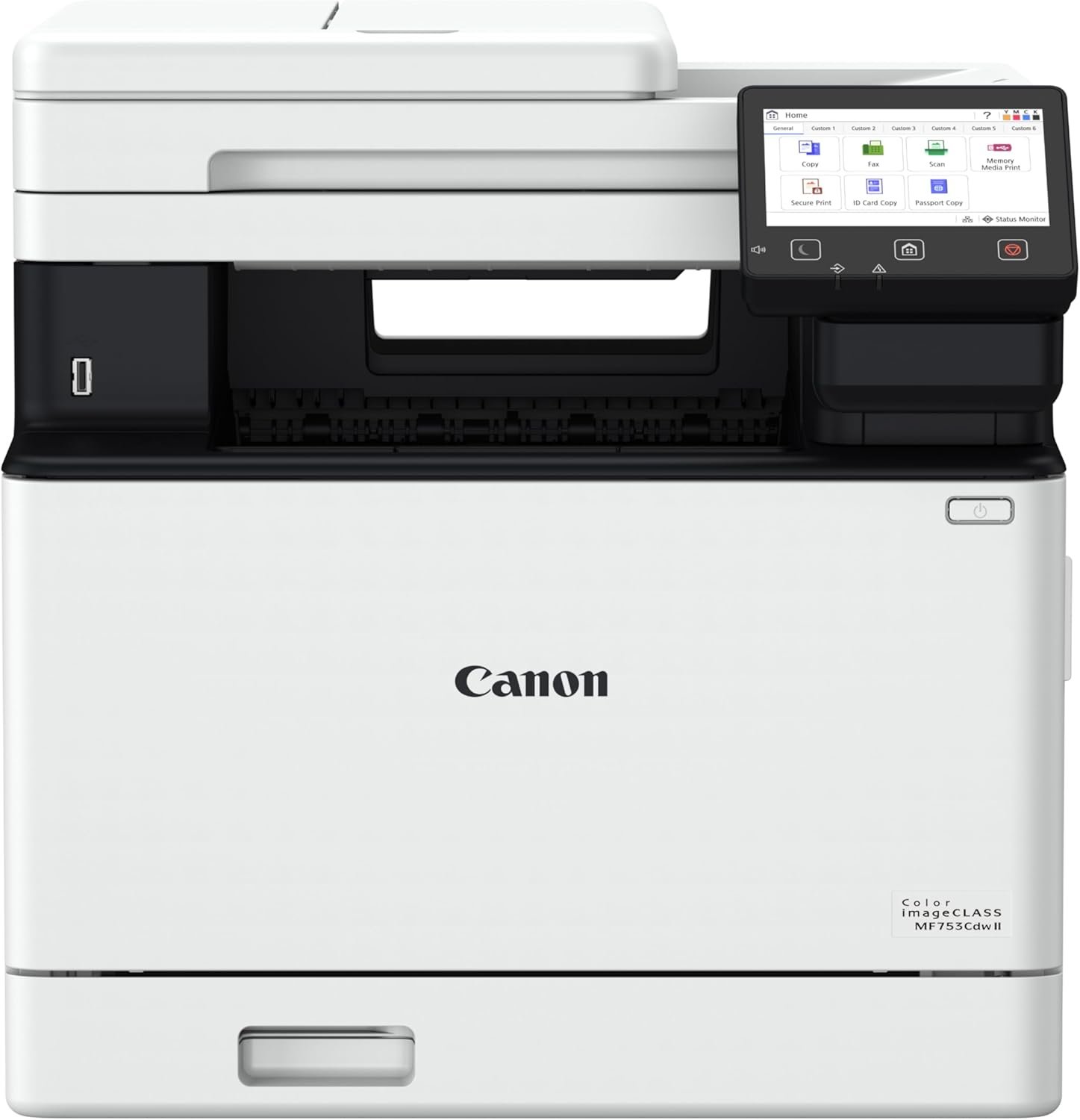
Canon Color imageCLASS MF753Cdw II – Wireless Duplex Laser Printer, All-in-One with Scanner, Copier, Fax, Auto Document Feeder, 3 Year Limited Warranty, 35 PPM
$562.86
Related Products
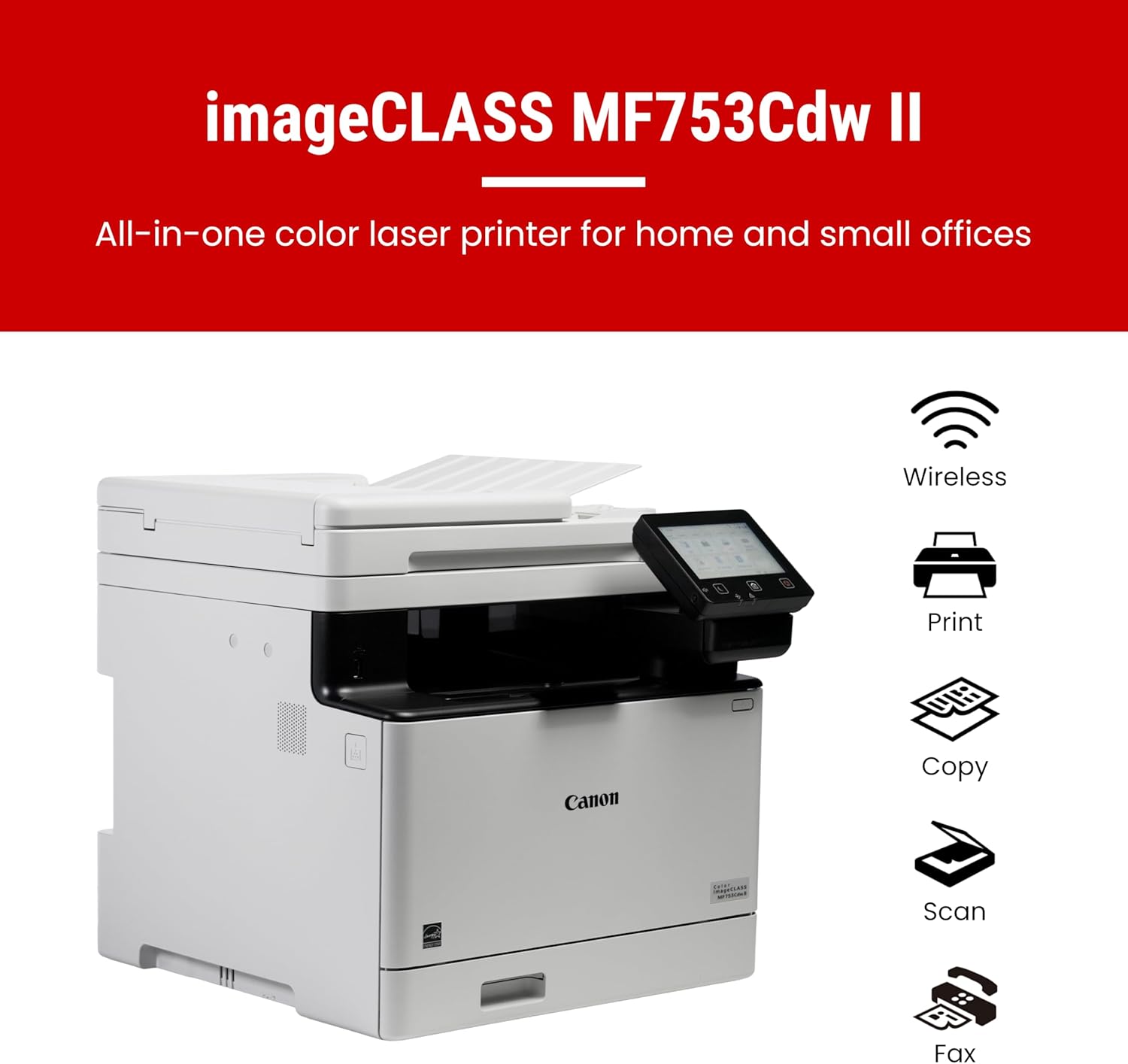




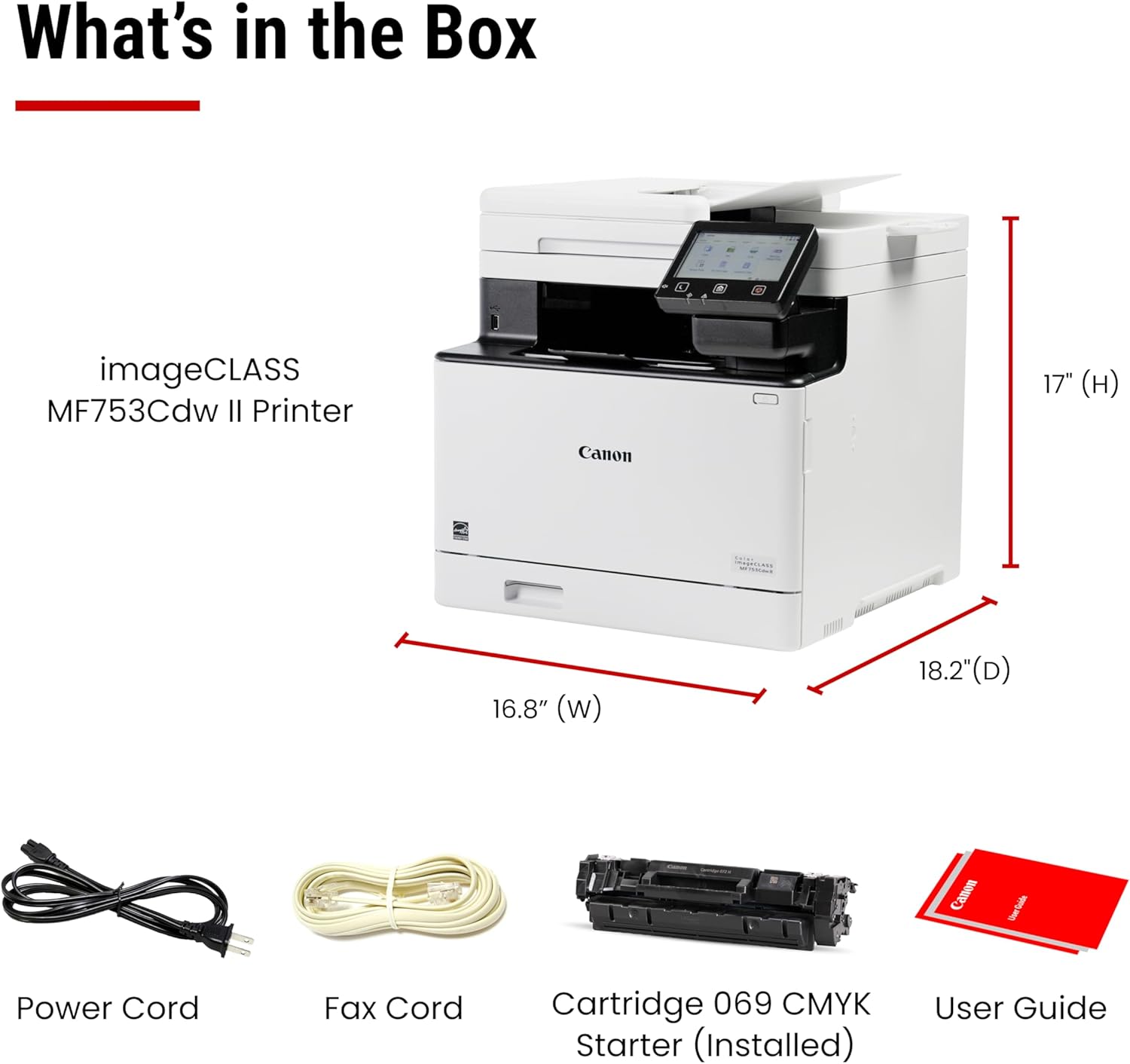
Designed for small / home offices and hybrid work environments, the imageCLASS MF753Cdw II model balances speedy performance and minimal maintenance. The MF753Cdw II is easy to set up and has a customizable, 5″ color touchscreen that delivers an intuitive user experience. Produce crisp, colorful documents with fast print speeds of up to 35 pages per minute using high quality Canon Genuine Toner 069 / 069 H. Use Poster Artist Online to create professional-posters, banners and signage. The MF753Cdw II offers a plain paper capacity of up to 250 sheets in the standard cassette, 50 sheets in the multipurpose tray and an expandable paper capacity of up to 850 sheets using optional cassette PF-K1 which holds up to 550 sheets. The MF753Cdw has a 50-sheet duplex (one pass, 2-sided) automatic document feeder, which helps save time and keeps your documents in order. Easily connect wirelessly from computers or mobile devices. Print using a variety of mobile apps, including the Canon PRINT app using your compatible mobile device. The MF753Cdw II comes with a 3-year limited warranty and is backed by Canon’s Service and Support network.
Color, Wireless, Duplex 4-in-1: Print, scan, copy, fax.
Fast Print Speeds: Print up to 35 ppm in both color and monochrome and spend less time waiting with a quick first print time of approximately 7 seconds.
Easy Wireless Setup: Setup your wireless connection and get up and running in just a few steps.
5-inch Color Touchscreen: Get the job done quickly with Application Library – an intuitive and easy to use customizable access to the features you use most.
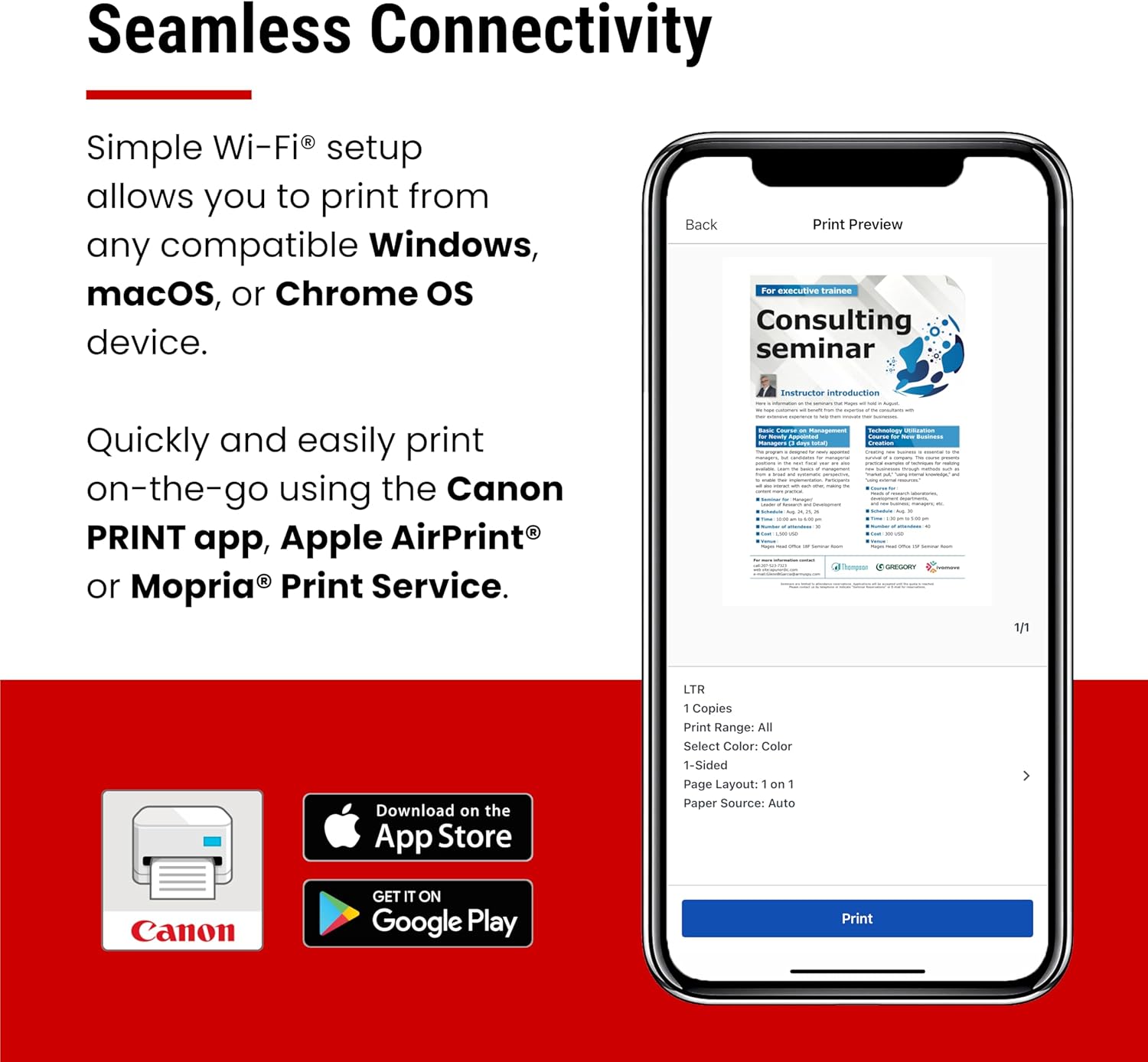
Mobile Device Printing: Print from your compatible mobile devices using the free Canon PRINT app, Apple AirPrint and Mopria Print Service.
High-capacity Toner: Uses Canon Genuine Toner 069 / 069 high-capacity, for high-quality output you can be proud of and high page yields that keep up with your printing needs and help limit toner replacements.
Generous, Expandable Paper Capacity: 250-sheet standard cassette, 50-sheet multipurpose tray, expandable paper capacity using Optional Cassette PF-K1 (550 sheets).
Automatic Document Feeder (ADF): 50-sheet duplex (one pass, 2-sided) automatic document feeder, which helps save time and keeps your documents in order.
Auto 2-sided Printing: Save paper and limit paper replacements with automatic 2-sided printing.
3 Year Limited Warranty: Have peace of mind with a 3-Year limited warranty, chromebook compatible. ENERGY STAR, EPEAT Silver.
3 reviews for Canon Color imageCLASS MF753Cdw II – Wireless Duplex Laser Printer, All-in-One with Scanner, Copier, Fax, Auto Document Feeder, 3 Year Limited Warranty, 35 PPM
Add a review
$562.86
Christopher Brown –
Very nice printer for a small workgroup, fast and quiet, excellent print quality.
I bought this printer to replace a 10 year old HP Color LaserJet Pro MFP M476dn, which had been a workhorse but was becoming unreliable and very noisy, and the cost to refurb it made buying a new one more practical. I had planned to buy another HP, but was shocked at the cost of HP toner cartridges; even the third-party toner was much more than I was paying for our M476 toner. But the Canon toner is much lower cost, both for the Canon brand and the third-party. The machine itself works great. Setup was very easy; I simply took it out of the box, connected it to the same power and network cables that had been connected to the M476, and the Canon immediately turned on and walked me thru the install from its touchscreen. Toner cartridges were already installed in the machine. Took only a few minutes to auto config to my network (wired Ethernet); calibrate color output (it printed a linearization chart, scanned it, then updated its internal calibration); and check, download, and install new firmware. I then downloaded and installed the Canon software (running Windows 11 Pro), which worked flawlessly. Some reviewers have complained about the Canon software, but I’ve had no problems printing or scanning via the network. The printer is about the same size as our M476, but has a cleaner design and is not as heavy. The touchscreen works very well, and is sufficiently large for what it needs to do. The document scanner is fast and very quiet compared to the M476. It seems very power efficient, and it also prints multi-page documents much faster. Duplex printing and duplex scanning both work great, and the design of the bypass tray is superior to the M476. Overall, I’m very impressed and would certainly recommend (especially at the current discounted price). Will it give me a decade of service like my HP? The Canon warranty is certainly longer than HP, so time will tell.
Jean-Marie Hendricks –
This Multifunction Color Printer is phenomenal!!
This Multifunction Color Printer is phenomenal! It’s fast, quiet and efficient. Yes, it has much larger footprint than my Canon Pixma MX922 Multifunction Color Printer, but it is so much better. Setting it up was a breeze, by simply following the step-by-step instructions, it was up and running in less than an hour. Wi-fi connection was as simple as selecting a few options on the touchscreen. And not once since setting up this amazing machine and loading it with paper, have I had an issue, not even one paper jam. So please don’t hesitate to order this Printer. It is well worth every penny and more.*****************UPDATE*****************Well, it has now been 5 months since I purchased and set up this laser Multifunction Color Laser Printer, and still zero issues! I am still on the same toners that came with the printer, albeit I don’t print a lot, so don’t judge how long toner will last based on my personal experience. Read other reviews or look at the manufacturers specs. I’ve had no issues with paper jams, bad printing in color or black and white, wi-fi connectivity issues or frankly anything. I will add, this thing does have a learning curve if you are new to laser printers, but it’s definitely not difficult to figure out, even without using the manual. But, if you’re technically challenged, it might be a bit much for you without some guidance or the manual giving plain instructions. Again, this laser Multifunction center is well worth the price and is phenomenal for a home office. Hope this review helps.
Herald Storm –
Durable hardware, nearly plug-and-play install, but anything else from Canon failed.
As we all know, buying, owning, and using most products these days requires us to work within an entire ecosystem of a company’s services. Gone are the days of simply buying a device, plugging it in, and using it. That said, this sort of experience can actually be had with this Canon imagCLASS MF753Cdw II, depending on what you need out of this machine. My review will encompass 4 aspects of the Canon ecosystem.Canon web and internet services: 1-StarEvery single time I tried to go to the Canon USA support site, I got a block error from CloudFlare. Not sure if it was just today or if there’s an ongoing issue with their site management in the cloud and the associated content delivery network, but I got a 403 error on nearly any page that would have contained actual content I needed (drivers, software, etc.). I was actually able to download PDF versions of the Manual, and browse most of the online manual, though their utility and usefulness is very low. There are issues with the software that are seemingly also dependent on some of these internet services, and those also generated failures, blocking me from being able to fully set up my printer. Specifically, The Web Services Daemon aspect that would allow internet-based printing didn’t work. It may be available later, but at the time of this writing, it’s a no-go.Canon Hardware and device setup: 5-StarUnderstand that I had a previous model of Canon imageclass multi-function printer. The hardware was reliable and maintained it’s function durably. The interface for using the printer both from the printer itself and from a built-in web server were abysmal. That has all changed in this new printer. They have greatly simplified setting up the various protocols, services, and profiles for this printer. The screen interface menu system is still a little weird, but it’s much more intuitive than it used to be. The web interface and menu system is much improved, and they even launch a local web application that helps you set up things like Network Folder access and the Fax interface. Much better, and the gap between their competitors seems to be closing a lot here. Canon has a reputation for durability, and there were no issues with any of the printouts that I ultimately generated. Print quality is excellent, and the printer responds and executes its jobs quickly.Software: 1-StarThis device refused to work with any of the Canon supplied software. While I was able to find places to download the software and drivers for this unit (not from Canon, sadly, see the above comments on their website), I wasn’t successful in installing any of it. It seems that the software wasn’t designed to work with the modern aspects of Windows 11 such as the firewall. Whether I ran through the easy connect setup where my computer is supposed to discover the printer over WiFi, or whether I manually set up the WiFi on the printer, and then tried to use the Canon software to find the printer by supplying the printer’s IP address, the software couldn’t do the job. I could ping the printer, and was even able to log in to the Web interface on the printer itself, but the Canon Master Setup software couldn’t find the printer even if I led it by the nose to the device. Another complaint is that you have to have internet access to install the unit. In cases where you are trying to perform an offline install, I wish you the best of luck, and this may not be the device for you. Not all use cases allow for customers to be connected to the internet, and if that’s your situation, think very, very carefully before buying this device.OS Integration (Windows only) 5-StarGiven that I wasn’t able to install the printer to Windows 11 using Canon’s software, I was very nervous about this purchase. Ultimately, I was able to use the built-in Windows 11 printer installation interface to install the printer. In fact, it was nearly instantaneous to detect and install the printer from the Operating System. Test prints worked well, and whichever driver Windows decided to install for the printer was able to use all print-related features of the unit (duplexing, manual feed trays, etc.) I was able to set up scan-to-network share using the web interface to the printer, and scanning, PDF generation, JPG generation, and scan quality and resolution all seem to be excellent. I cannot vouch for other services, as I wasn’t truly interested in them. I may try to get them working down the road, but scanning to network and printing are what I was looking for, and was able to find a way to get them working. All-in-all, the setup experience was much better on this unit compared with the older one, even though the Canon software failed in all ways.Summary: I gave this a 4 star rating because the device ultimately did everything I needed it to do, and it only took me about 25 minutes to get it set up. Keep in mind that I was not able to test print from mobile/internet printing, as Canon’s site was broken. Similarly, if you’re looking for applications on your laptop (as a windows 11 user) I wasn’t able to get those working because the software just flat-out wouldn’t discover the printer through broadcast or IP specific discovery. I was impressed that I could basically plug the device in, configure it for my WiFi network, and use Windows to install and access the unit. That took care of 80% of my needs. I could configure the other 20% using a web browser to access the printer. The lack of offline useage really wouldn’t matter in this case because Canon’s own software failed even with internet access. Those aspects led me to deduct a star in my overall rating. The ecosystem failed, but at least the device worked somewhat without it!