
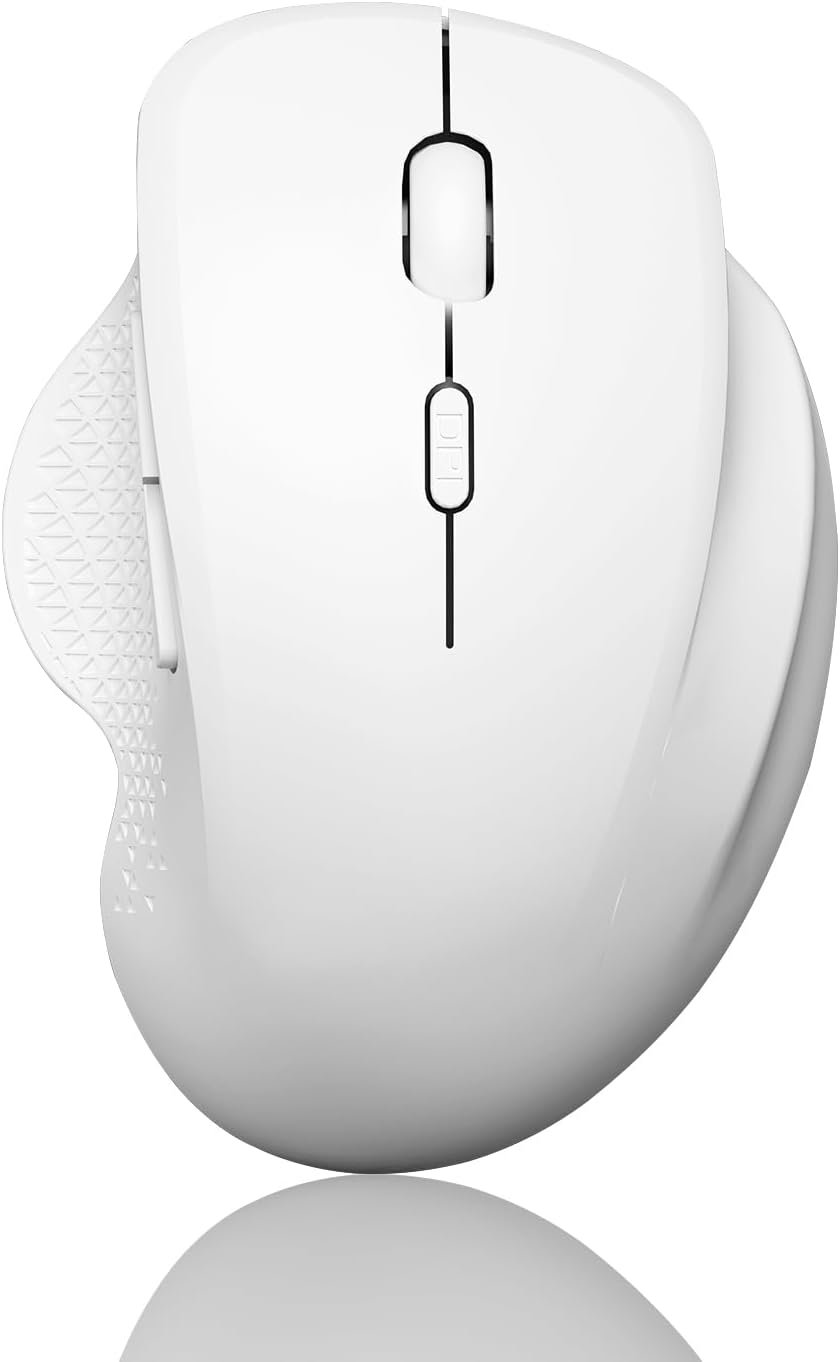
Uiosmuph G09 Bluetooth Wireless Mouse, BT5.1 & 2.4Ghz Rechargeable Computer Mouse with USB Receiver and Type C Adapter, Ergonomic Bluetooth Mice for Laptop, iPad, Mac – White
$17.99
Related Products


Product description


1 Dual-Mode Connection
2 Wide Compatibility
3 2.4GHz Mode
4 Bluetooth Mode


 Note
Note
1. The USB Receiver is stored at the bottom of the mouse.
2. For USB C port, plug the USB receiver into the Type C adapter first.
3. Please use computer’s USB interface to charging the wireless mouse.
 Note
Note
1. The USB Receiver is stored at the bottom of the mouse.
2. For USB C port, plug the USB receiver into the Type C adapter first.
3. Please use computer’s USB interface to charging the wireless mouse.
Dual Mode Connectivity: The latest Bluetooth and 2.4GHz USB receiver allow you to connect up to 2 compatible devices. You can freely switch by clicking the switch button on the bottom of the mouse.
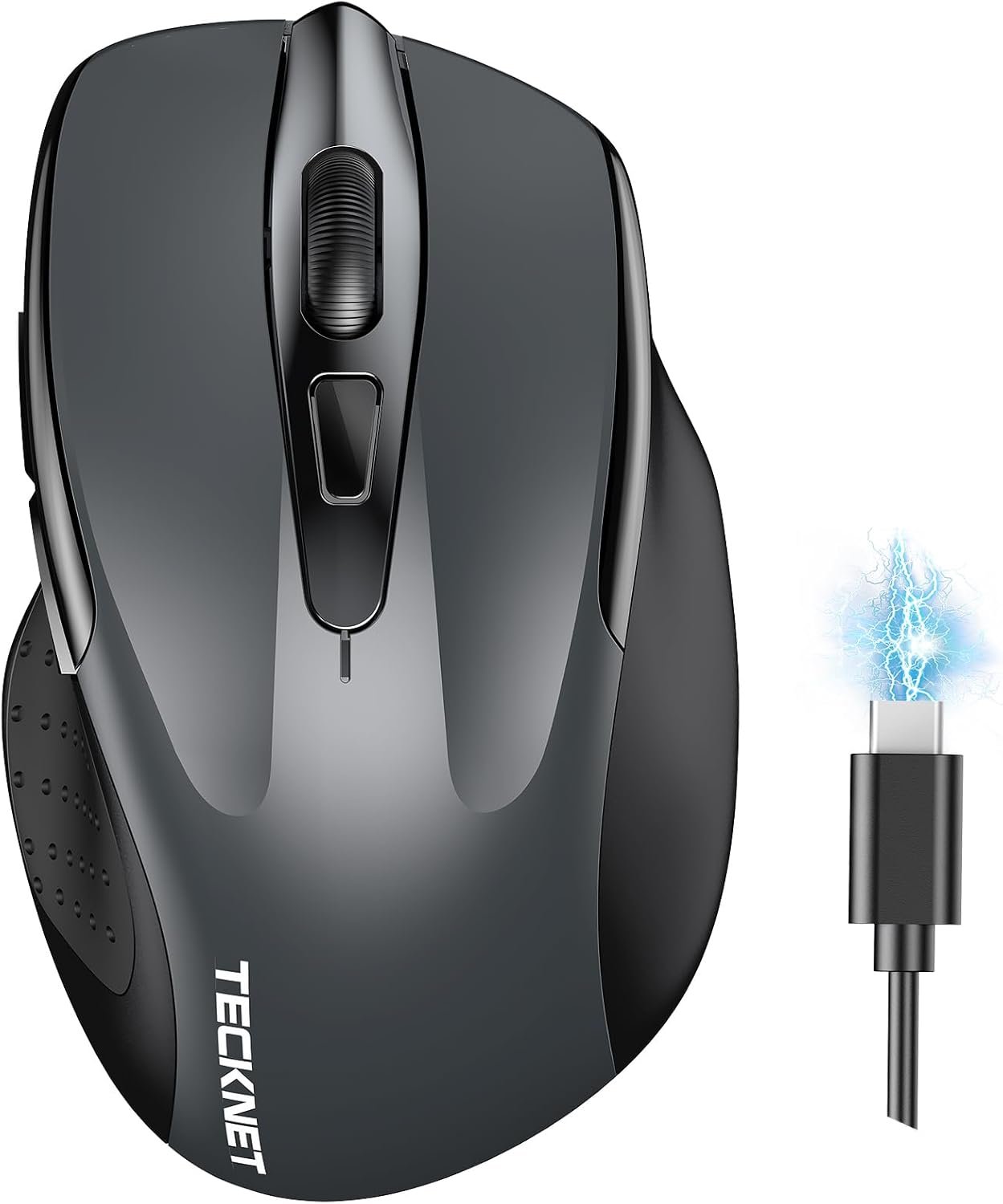
USB-C Rechargeable: This wireless mouse comes with a built-in rechargeable battery, simply charge it with Type-C charging cable (included), no need to replace batteries.
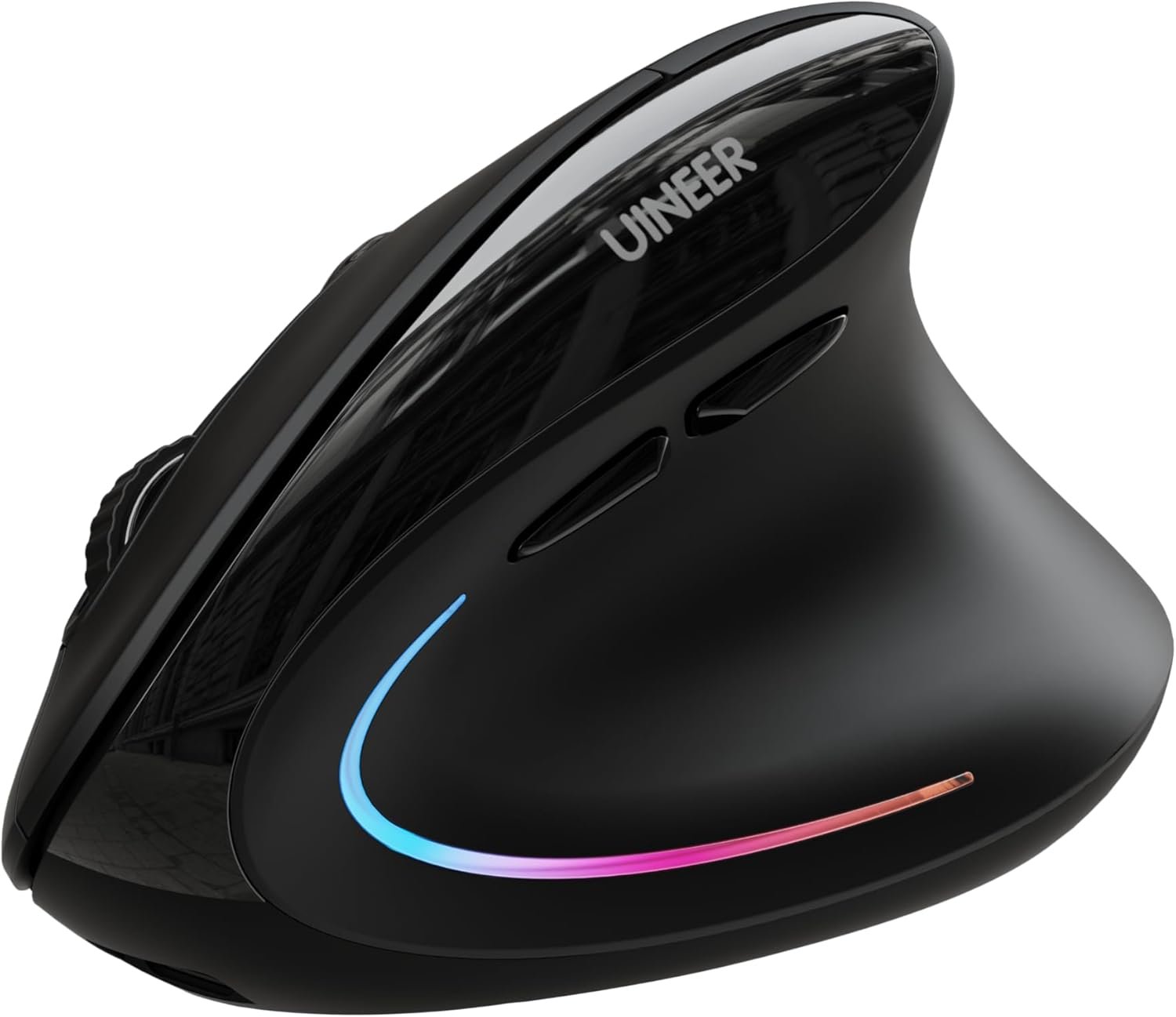
Ergonomic Design: Designed with your comfort in mind, the ergonomic shape and smooth surface ensure a comfortable grip for long time use.
3 Adjustable DPI Levels: Switch between 800, 1200, and 1600 DPI by pressing the button behind the scroll wheel. This provides precise and sensitive cursor control for different tasks and environments.
Silent Click: The silent-design left and right buttons allow you to work or play quietly, ensuring you never disturb anyone around you.
Side Buttons: The side button makes you flexible to go backward or forward, enhancing productivity and convenience.
Auto Sleep Function: To conserve battery life, the mouse automatically enters sleep mode when idle. Simply click any button to wake it up.
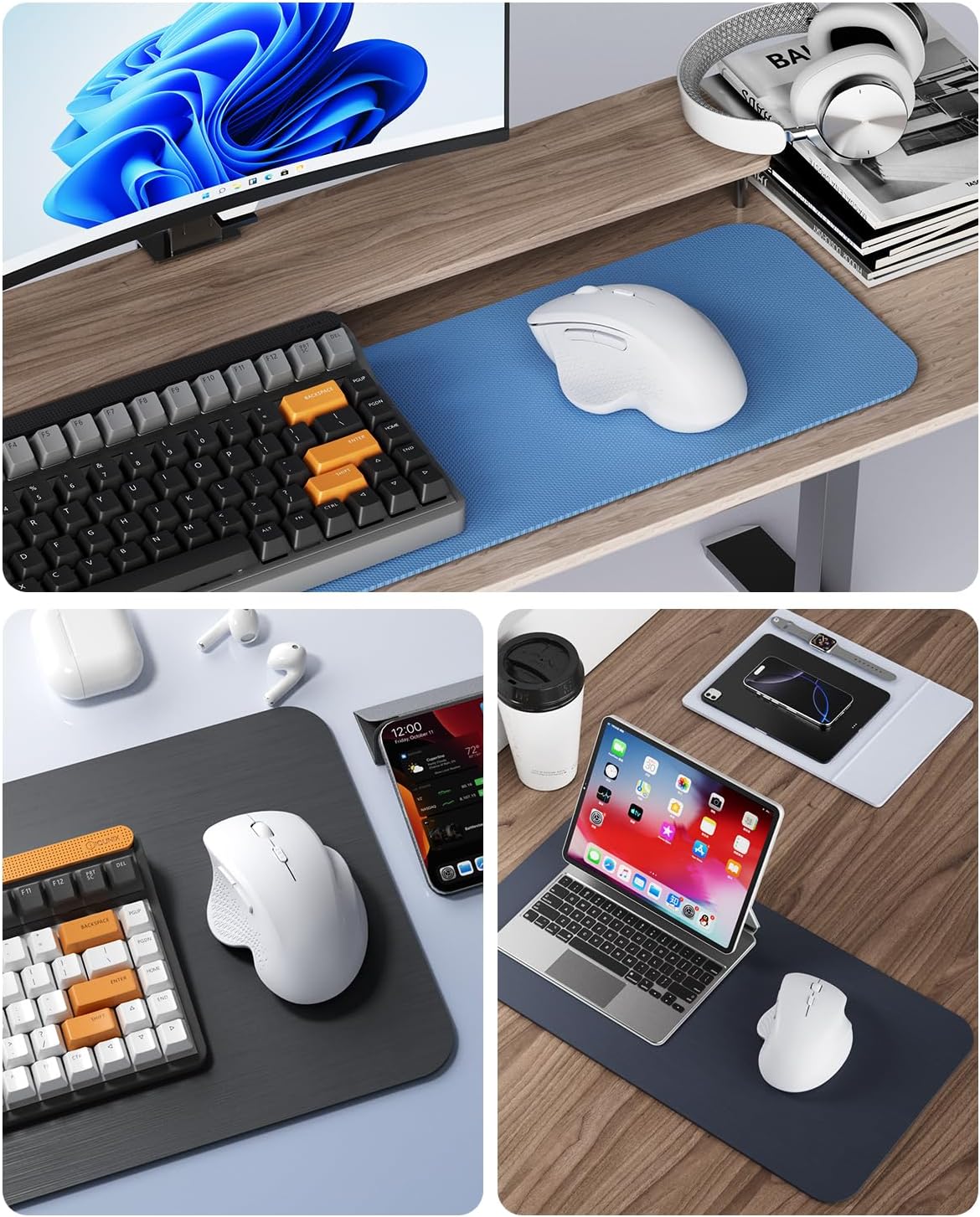
Wide Compatibility: Bluetooth mode works with Windows, Android, macOS, iPadOS 13 or later system. 2.4GHz mode works for devices with a USB-A or USB-C port (Type-C adapter included).
USB-A and USB-C Connectivity: This wireless mouse includes both a USB receiver and USB-C adapter. For USB C connection, simply insert the USB receiver into the adapter, then plug adapter into your device.
Note: The USB receiver is stored at the back of the mouse; Please note that the side button are NOT compatible with Mac system.
6 reviews for Uiosmuph G09 Bluetooth Wireless Mouse, BT5.1 & 2.4Ghz Rechargeable Computer Mouse with USB Receiver and Type C Adapter, Ergonomic Bluetooth Mice for Laptop, iPad, Mac – White
Add a review
$17.99
Matthew Spies –
Sleek and quiet
Connects quickly. Zero mouse clicking noise except for middle and side buttons. Smooth finish feel.
XJGlenn –
Great price
Works great.
Jules B –
Comfortable, but left side under thumb needs to be non-slip
I’ve never used an “ergonomic” type of mouse and was excited to see how comfortable my hand and fingers felt. I realize everyone’s hands differ but the size is right for me (female with relatively large hands) and it feels very nice. All the buttons are very functional and easy to click. This mouse uses a little USB plug in the side of my laptop which not everyone cares for but I’m a big fan because I’ve been through several name brand mouses without the plug-in and they all died quickly because of defects. I had no problem connecting to my laptop. I prefer not to have to dispose of dead batteries so huge benefit of this mouse is that it’s rechargeable and the cord is included. I gave it 4 stars because the left (thumb) side is slippery – it’s the same hard plastic like the rest of the mouse. Even though the plastic is textured, it’s slippery. The photo with the red colored mouse I’m reviewing has a sheen to it and other wise it’s smooth. For comparison the photo with the black and blue mouse prevents my thumb from slipping. On this basis, the one improvement needed is for the thumb side to be non-slip material.
Paul M. Kitchen –
Great feel…. Great function ❗️
Very comfortable to use. Great function with long battery life.
Devon –
Rechargeable wireless mouse
The Uiosmuph Dual-Mode Rechargeable Wireless Mouse is a versatile and practical accessory designed for everyday computer users who value flexibility, quiet operation, and comfort. With features such as Bluetooth and 2.4GHz USB connectivity, a rechargeable battery, adjustable DPI settings, and silent clicking, this mouse aims to provide convenience for work, study, and casual browsing across multiple devices.The mouse features a modern, minimalist black design that blends easily with most laptops, desktops, and office setups. Its ergonomic shape is built to fit naturally in the hand, allowing for comfortable use during long working sessions. The smooth surface and curved body help reduce hand fatigue, making it suitable for people who spend hours using a computer.Despite being lightweight and compact, the mouse feels durable enough for daily use. The button layout is well organized, with six total buttons, including two side buttons for quick navigation.One of the standout features of this mouse is its dual connectivity capability. Users can connect the device through:• Bluetooth mode for compatible devices such as laptops, tablets, and smartphones.• 2.4GHz wireless mode using the included USB receiver.This setup allows the mouse to connect to two devices simultaneously. With a simple switch on the bottom of the mouse, users can quickly toggle between devices. For example, you can control a laptop through Bluetooth and a desktop computer through the USB receiver without reconnecting each time.The package also includes a USB-C adapter, making it compatible with modern laptops that only feature USB-C ports.Unlike many wireless mice that rely on disposable batteries, this model comes with a built-in rechargeable battery. Charging is simple using the included USB-C cable, which eliminates the need for frequent battery replacements.The mouse also features an auto sleep function to help conserve battery life. When the mouse remains idle for a period of time, it automatically enters sleep mode. A quick click wakes it up instantly, allowing users to resume work without delay.This combination of rechargeability and power-saving features makes it both eco-friendly and cost-effective over time.Switching between DPI levels is simple using the button located behind the scroll wheel.Another strong feature is the silent click design for the left and right buttons. This significantly reduces clicking noise.The quiet operation ensures that users can work without disturbing others nearby.The mouse includes two side navigation buttons that allow users to move forward or backward while browsing the web or navigating documents. This small feature greatly improves efficiency and reduces reliance on keyboard shortcuts.However, it’s important to note that these side buttons are not compatible with macOS systems, which may limit functionality for some Mac users.The Uiosmuph Dual-Mode Rechargeable Wireless Mouse is a reliable and user-friendly option for everyday computing tasks. Its quiet operation, ergonomic design, and dual-device connectivity make it especially appealing for office workers, students, and anyone who frequently switches between devices.While it may not be intended for high-end gaming or advanced customization, it excels as a comfortable, practical, and affordable wireless mouse for productivity and daily use.
Birdee –
Simple, Functional but Feature Rich Ergonomic Mouse That Just Works
I ordered this mouse to try an ergonomic shape, since I’ve always used a traditional mouse. My previous mouse turned out to be a bit too small and actually caused some short-term tendonitis, so I figured it was time to give my hand a better resting position while working. And I like that it came in white.I wasn’t a big fan on the first day, but I expected an adjustment period. Within a few days, the new hand position felt natural. The mouse is very comfortable to use, with a defined resting spot for each finger. My hand is medium sized, and only the heel of my hand touches the desk surface. The entire surface is smooth plastic, except for the area where the thumb rests that has a slight texture from a design cutout. A more grippy surface or pads would keep the fingers more relaxed in place, but overall it’s still comfortable to hold and use.The mouse is rechargeable via a USB-C port on the front. *Update* I just recharged it for the first time after 2 months of everyday, work day use. There was no warning, it just didn’t work. The included charging cable is fairly short, so I used a longer one to charge it while I continued working. (No indication when it’s fully charged) A USB A (female) to USB C (male) adapter is provided – use it with the dongle or the charging cord – very convenient if you have limited port options.There’s also a power-saving feature. If the mouse sits idle for a short time, it goes to sleep. Tapping any button wakes it instantly when using the USB dongle. I haven’t tried the Bluetooth connection yet, so I can’t comment on whether the reconnect speed is the same there.Functionally, the mouse includes standard left/right, forward/back buttons, and a scroll wheel. The buttons are very quiet and muted. The scroll wheel makes no noise – and it only scrolls vertically, not side-to-side, but it does support autoscroll by clicking the wheel and moving the mouse. A button behind the scroll wheel lets you quickly switch between three DPI settings, which is really handy for a quick change to more controlled cursor movement for tasks like detailed edits to a spreadsheet. I usually work at a medium or slightly faster mouse speed, and the middle and higher settings match my preferences.There’s no dedicated driver software for this mouse, so any customization would rely on your system’s built-in mouse settings.Overall, this is a simple but well-equipped mouse. It’s ergonomic, rechargeable, supports both dongle and Bluetooth connections, and offers convenient DPI adjustment. After the brief adjustment period, I’ve found it very comfortable to use and I’m happy with it.