
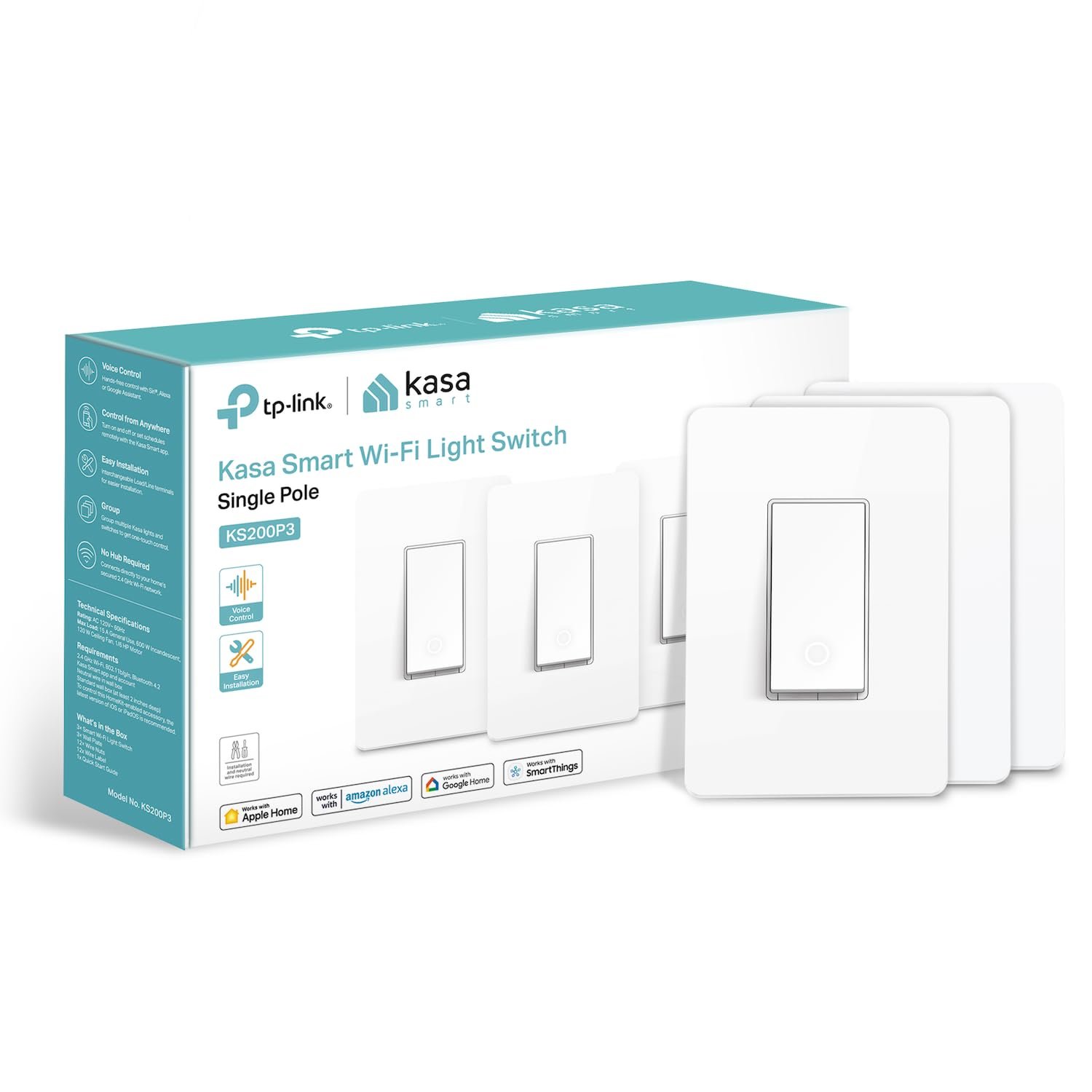
Kasa Smart Kasa Apple HomeKit Smart Light Switch KS200P3, Single Pole, Neutral Wire Required, 2.4GHz Wi-Fi Light Switch Works with Siri, Alexa & Google Home,UL Certified, No Hub Required,White, 3-Pack
$42.99
Related Products
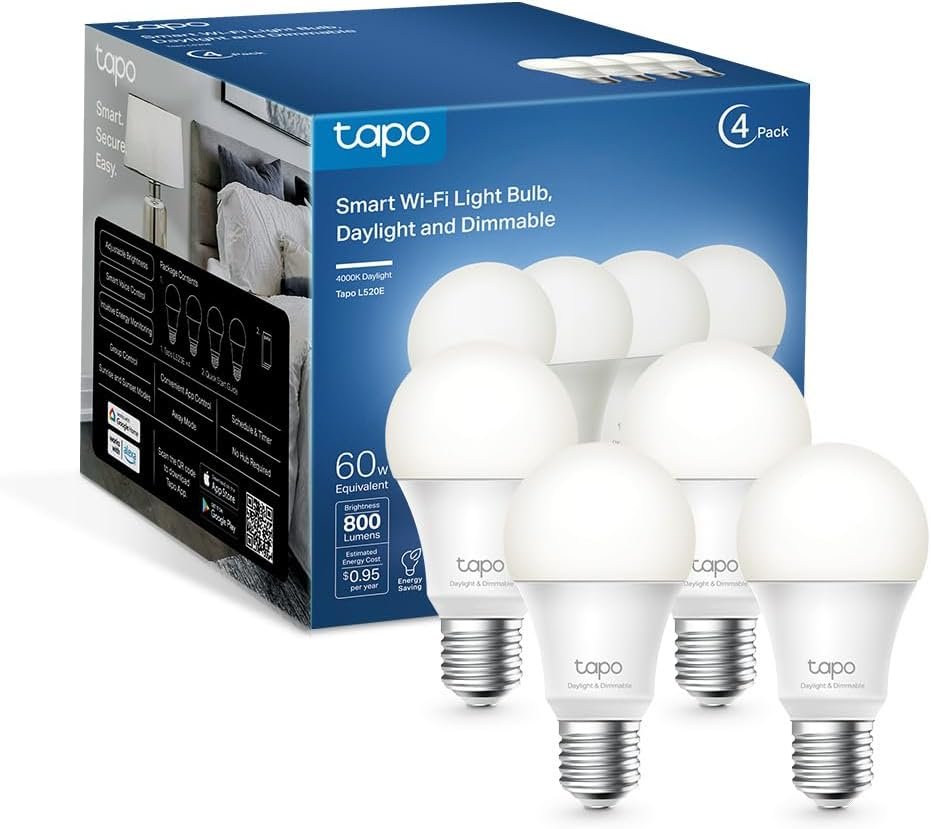
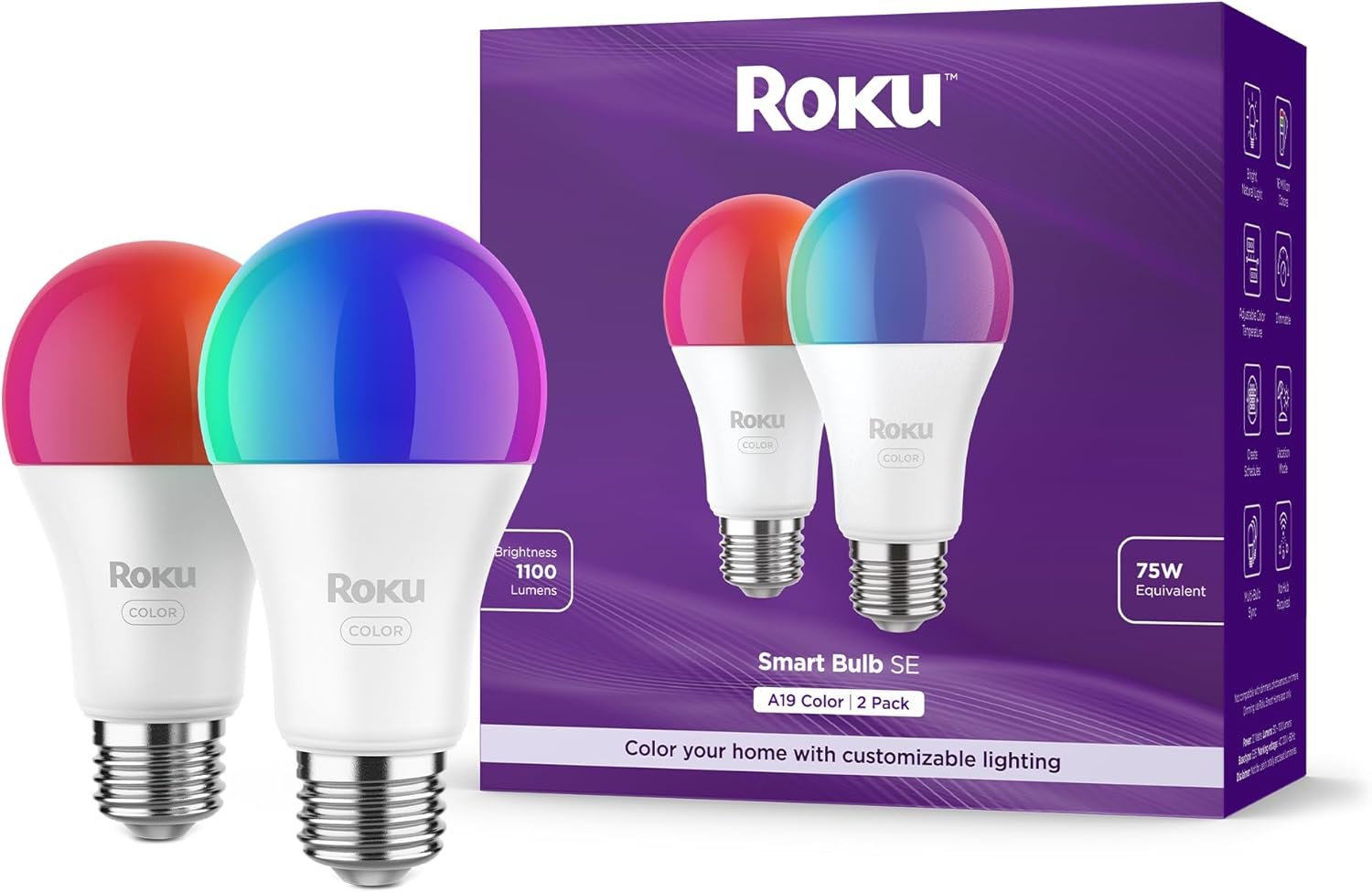
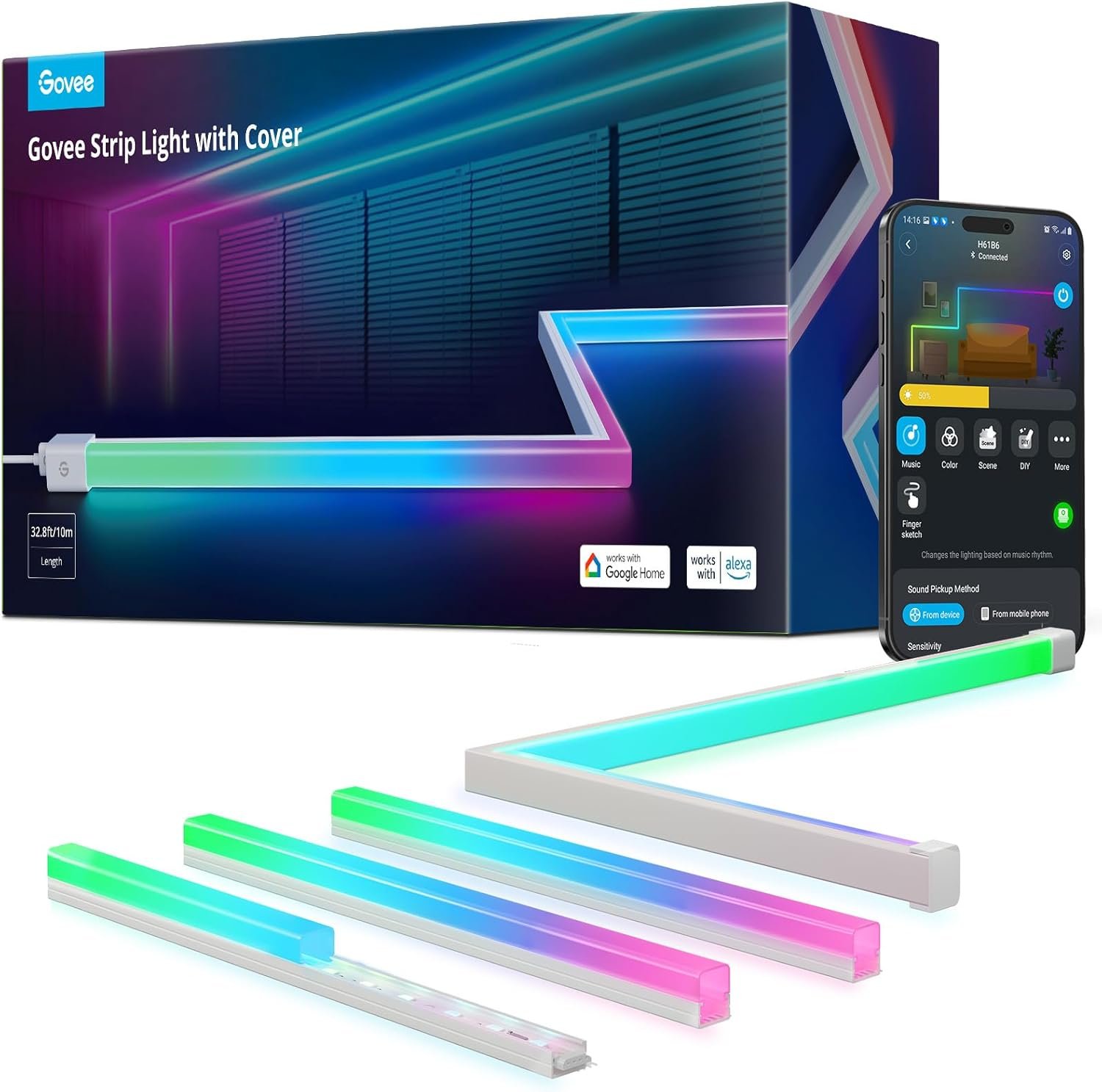


Kasa Apple HomeKit Smart Light Switch, KS200 Control your lights, ceiling fans and other fixtures from anywhere with the KS200. The smart switch replaces most of the standard light switches, and connects to your home Wi-Fi in no time through the free Kasa App. Kasa also lets you manage connected fixtures with your smartphone or tablet, including setting schedules, timers and countdowns. For added convenience, you can use your voice to control the KS200 with Siri, Amazon Alexa and Google assistant. Input Voltage: 100 – 120 VAC, 50/60 Hz, 15 A.
【Apple HomeKit Support】This Apple HomeKit compatible smart switch fully integrates into your Apple ecosystem, just ask Siri to turn on/off the lights in your home. (Apple HomeKit remote control requires an additional networked Apple device at home such as a HomePod or Apple TV.)
【App-Guided Install】Neutral wire is required, standard wall plate size. No need to understand complex switch wiring or master vs auxiliary switch configurations; The Kasa app guides you through easy step by step installation. Need 2.4GHz Wi-Fi connection.
【Voice Control】Enjoy the hands-free convenience of controlling the lights in your home with your voice via Apple Siri, Amazon Alexa, or Google Assistant. Perfect for times when your hands are full or entering a dark room.
【Control From Anywhere】Monitor your light status. Turn electronics on and off from anywhere with your smartphone using the Kasa App, whether you are at home, in the office or on vacation.
【Advanced Scheduling & Timer】Use timer or countdown schedules to set your smart switch to automatically turn on and off while you’re home or away. Enable 【Away Mode】 to randomly switch on and off to trick potential intruders
6 reviews for Kasa Smart Kasa Apple HomeKit Smart Light Switch KS200P3, Single Pole, Neutral Wire Required, 2.4GHz Wi-Fi Light Switch Works with Siri, Alexa & Google Home,UL Certified, No Hub Required,White, 3-Pack
Add a review
$42.99
AndyC –
Solid WiFi smart switches with good HomeKit and Home Assistant integration
I installed several of these switches (8 total so far) over the past two years as part of a larger smart-home setup running Home Assistant as the primary controller with HomeKit for family-friendly control (aka Wife Acceptance Factor WAF) and they’ve performed very well so far. They connect over WiFi without any stability issues, respond quickly to local commands, and integrate cleanly into both platforms. Once added to Home Assistant, exposing them to HomeKit was straightforward and they show up exactly as expected in Apple Home.From a hardware standpoint, the switches feel solid and the relay action is consistent with no missed presses or delays. WiFi signal strength seems good even in boxes that aren’t especially close to an access point, and I haven’t seen them drop offline since installation. They also continue to function normally as physical switches, which is important in a mixed household where not everyone uses apps or voice control.One tip that made setup much easier:I powered each switch up outside the wall box first, added it to Home Assistant, assigned the final name/location, and then mounted it. Doing this avoids guessing which device is which later, especially if you’re installing multiple switches at once. I also recommend reserving DHCP addresses for them so Home Assistant doesn’t have to rediscover them.Overall, these worked exactly the way I wanted for a Home Assistant + HomeKit environment. Not the cheapest option, but reliable, clean integration, and no cloud dependency once everything is configured. Definitely would – and likely will – buy again.
River –
Good Smart Light Switch for Modern Homes Just Need Neutral Wire Access
The Kasa KS20OP3 offers a dependable smart-switch upgrade if you want Wi-Fi or voice-controlled lighting and have neutral wires in your wall box. It supports Apple HomeKit, Alexa, and Google Home without requiring a hub which simplifies setup and reduces extra devices. Installation isn’t too complicated for someone comfortable working with light switches, though you must confirm that a neutral wire is present beforehand. Once installed, it works reliably and gives flexibility: scheduled lighting, remote control, and voice commands. It’s a smart buy if you don’t mind the wiring requirement and want a straightforward, full-featured switch upgrade.
ankurbs –
really great switch
excellent homekit switch. installation was easy and took maybe 5 min (once i untangled all the wires that were inside the box). once installed, it essentially auto added itself to my apple home app and it was done. same happened when i opened the tapo app so i could take care of things like firmware (which an update was needed).once installed/ready to go, have had no issues with using it. handles my recessed lights without issue (both at the switch and via the homekit app). i do wish there was a way to make the light up feature when the light is off a bit brighter, but that is a nit.one thing i have found with all smart home switches is while they work great with the switch plates they come with, when pairing them with another switch plate, they never seem to fit right. the same is true here. i added this to a 3 gang box so plenty of space for the wires, but when it comes time to add the cover plate, the switch isnt flush (it sits further into the box). there isnt a great way to adjust it as adding shims than pulls the cover plate away from the way. i have learned to live with it, but it is annoying.
James D. –
Incredibly happy with these.
I had originally been installing Leviton Decora smart switches in my house but the pricing on those has skyrocketed and I found these when looking for a more affordable alternative. I’m glad I did as I absolutely love them and they have been more reliable than my existing Leviton devices which has me wanting to rip and replace all of those as well. Installation is simple though your home does need to be wired with a neutral (mine is). Setup is very straight forward and integration with both Google Home and my local Home Assistant instance was a breeze once the devices were online. If I had to pick anything to be critical of, the paddle of the switch is only activated on the bottom, so unlike the Leviton switches where you push the top of the paddle to turn the switch on and the bottom for off, these you only push the bottom. In reality, I bought smart switches to not have to touch the paddle, and all the difference does for me is increase my desire to remove the Leviton curse from my home to have consistent actuation throughout.If you are looking for a great quality switch for a reasonable price, you found it with these. Also, you are not limited to using the faceplates shown. I removed those as almost all of the switches I installed went into double gang bosses where I used the original double gang plates. They look great!
440 in space –
Works well. Feels a bit cheaply made.
Works well. Install is easy enough. However, the face plate is snaps on with plastic clips – so get it right the first time because I’d bet that, with age, or with a few removals of the face plate, the tiny plastic retainers / clips on it will break off. My only peave: the HomeKit scan sticker for scanning is not attached to the face plate, rather it was floating around in the bag. The scan symbol on the box and on the instructions is different and it does not work. That was a waste of 20 minutes until the proper sticker was found.
Luis Miguel Jaramillo Caballero –
No son tan fáciles de usar y se requiere que la instalación eléctrica de la casa esté hecha en condiciones muy específicas.