
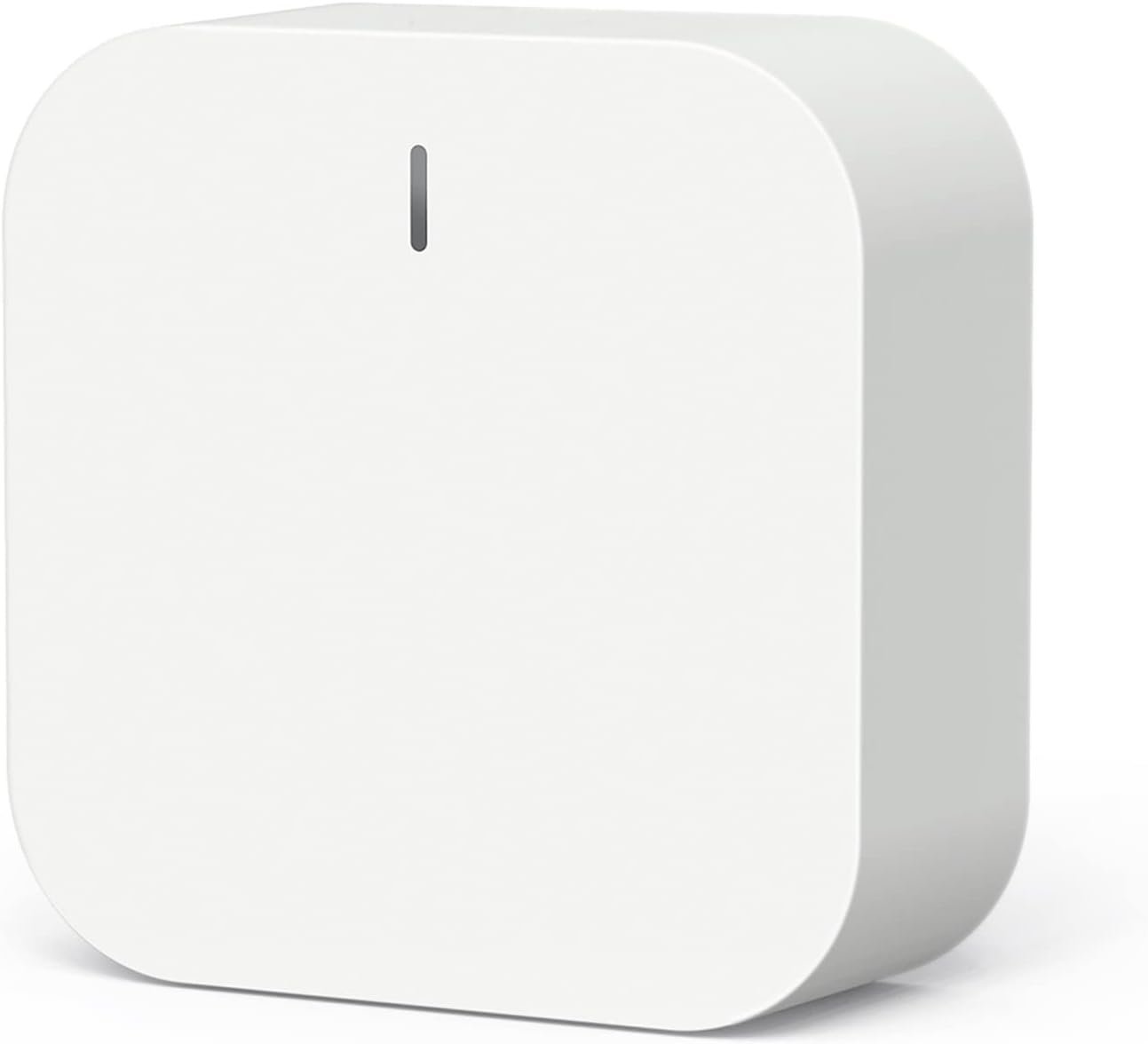
TREATLIFE Zigbee Hub Gateway, 2.4 GHz WiFi Smart Home Hub, Compatible with Alexa & Google Home, Only for TREATLIFE Zigbee Water Leak Detector, Motion Sensor and Smart Door Sensor, 1 Pack
$23.99
Related Products
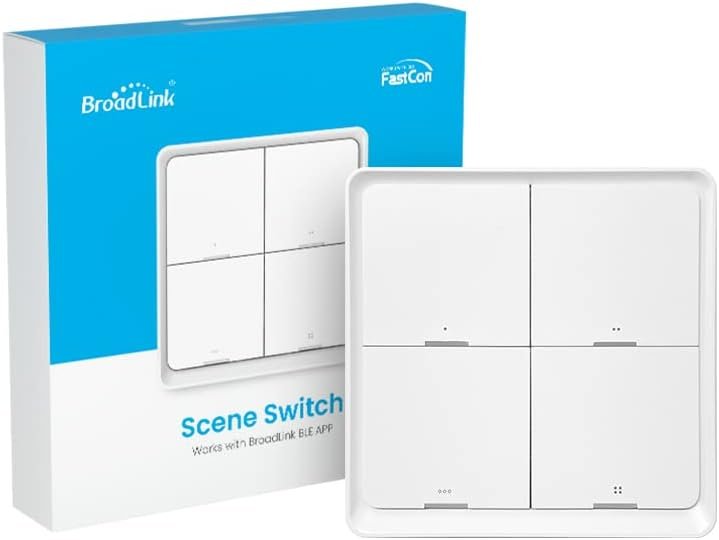


From the brand


TREATLIFE smart home products provide a new way to experience daily life, one that’s both intelligent and simple. Enjoy powerful control and convenient features no matter where you are.
Remotely turn your connected devices on and off via the Treatlife App, helping to save on energy and monthly bills.
New Release

Smart Fan Switch

Smart Plug

Compatibility Notes: The TREATLIFE ZigBee Hub is designed exclusively for TREATLIFE ZigBee smart devices, including the Water Leak Detector, Motion Sensor, and Door Sensor. For a stable connection, please ensure your phone is connected to a 2.4GHz Wi-Fi network (not compatible with 5GHz Wi-Fi)
Effortless Setup: Simplify your smart home journey with our hub’s user-friendly setup. No network cables are required—simply power on the hub and connect it effortlessly to the TREATLIFE App. In just a few minutes, transform your home into a smart, automated environment
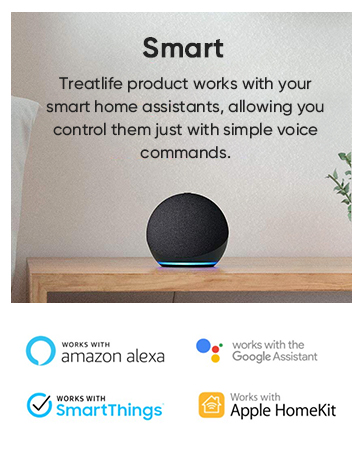
Extensive Device Integration: Elevate your smart home experience with the capability to connect up to 128 TREATLIFE ZigBee smart devices. Enjoy compatibility with popular platforms like Alexa, Google Home Assistant, and Apple HomeKit, enabling convenient hands-free voice control and remote management
Seamless Home Automation: Unleash the full potential of your TREATLIFE ZigBee devices by creating a comprehensive smart home automation system. Effortlessly program routines, such as “Good Morning” or “Good Night” using the TREATLIFE App, and watch as your devices respond automatically throughout the day
Reliable Whole Home Coverage: Eliminate worries about ZigBee signal quality being hindered by walls. Experience worry-free coverage with a range of up to 164ft from the ZigBee Hub to the WiFi router. Additionally, benefit from automatic networking support for easy expansion, ensuring a stable and extensive network coverage throughout your entire home
8 reviews for TREATLIFE Zigbee Hub Gateway, 2.4 GHz WiFi Smart Home Hub, Compatible with Alexa & Google Home, Only for TREATLIFE Zigbee Water Leak Detector, Motion Sensor and Smart Door Sensor, 1 Pack
Add a review
$23.99
GMonk –
A great hub for your smart home
This hub works great! Its very small, easy to set up, and linked with my Amazon account easily. I am using it with a motion sensor and it works perfectly. I love that it just plugs into an outlet and takes up no space.The motion sensor was easy to connect and set up. I was able to easily create routines for motion detection in the Amazon app.You can also set up automations easily in the Treatlife app. I look forward to using it with other Treatlife devices.
Shibaseki –
Limited Compatibility—Failed to Integrate with Home Assistant and SmartThings
I purchased the TREATLIFE Zigbee Hub Gateway hoping to integrate it into my existing smart home setup, but it turned out to be a major disappointment. Despite several attempts, I couldn’t get it to work with either Home Assistant or SmartThings, which was a dealbreaker for my needs. The lack of broader compatibility limits its usefulness, especially for those who rely on more versatile smart home ecosystems. While it might work within its own app, it fell short for advanced users like myself who need seamless integration.Pros:- Straightforward setup within its native app- Compact design for easy placementCons:- Incompatible with Home Assistant and SmartThings- Limited flexibility for diverse smart home ecosystems- Frustrating for users needing broader integration options
Y.B. –
Easy setup, works with many products that it wasn’t designed / advertised for!
I admit I didn’t read the listing and bought it to control my new motorized zebra window blinds from Graywind. The description clearly says it’s intended only for a few specific devices, but to my surprise it worked for the blinds too. Works much better than Zigbee-enabled Alexa devices, and of course Alexa is able to use these through the TreatLife app. Overall very pleased with these because they seem to have good range, and setup was very smooth.
Luke & Jackie –
Easy to Set up and Use
I got this to use as a hub for a water sensor and a pair of door sensors. Super easy to set up and get everything connected thru the Treatlife app. I’m still trying to customize the alerts and other options for each of the connected devices. Sometimes it seems like the response time for notifications to my phone isn’t always the best, but I’m not sure if that’s the sensors, the hub, or my phone. Either way – it works well the vast majority of the time. I’ve only noticed the lack of notifications once when opening one of the door sensors.
Jon Ombres –
Difficult to pair
Very difficult to setup… took forever & then it quit working entirely…
JHH –
Your life deserves a treat – get Treatlife Products!
Recently we needed some additional smart home devices for our house. We researched many products and choose the line of devices from Treatlife. We have been using and expanding our collection of their products that connect to the hub in a straight forward manor…and they stay connected.We are impressed with the range, solid connectivity, status feedback and easy to use free app for iPhone and Android. I initially used the Treatlife app, but had no problem subsequently transitioning to the Smart Life app for my convenience since I did have some legacy devices already on my Smart Life app.I’m in the process of adding more Treatlife devices with great expectations of success.
Kurt O. Haukohl –
Battery Gluttonous
The batteries used in gap / open door & windows sensors only last about 2-4 weeks on average. The screen shot of the power level 48% battery is a lithium 3v cell we change after 2-weeks running, then again about 2-weeks ago. Granted there are others that hold up well in line with advertising but about 2/3rds of the devices discharge way too quickly. We also have a motion infrared sensor that showed a 93% charge right before failure and a needed battery change. So I’m not sure this tech / design if good for the intended purpose.
House of Shannon –
I don’t know how to use it
I don’t know how to use it and when following the directions, it didn’t work… several times.I’m sure if you knew how to establish it, it would work great. But that didn’t work for me. I’m positive it’s user error with no tech support