
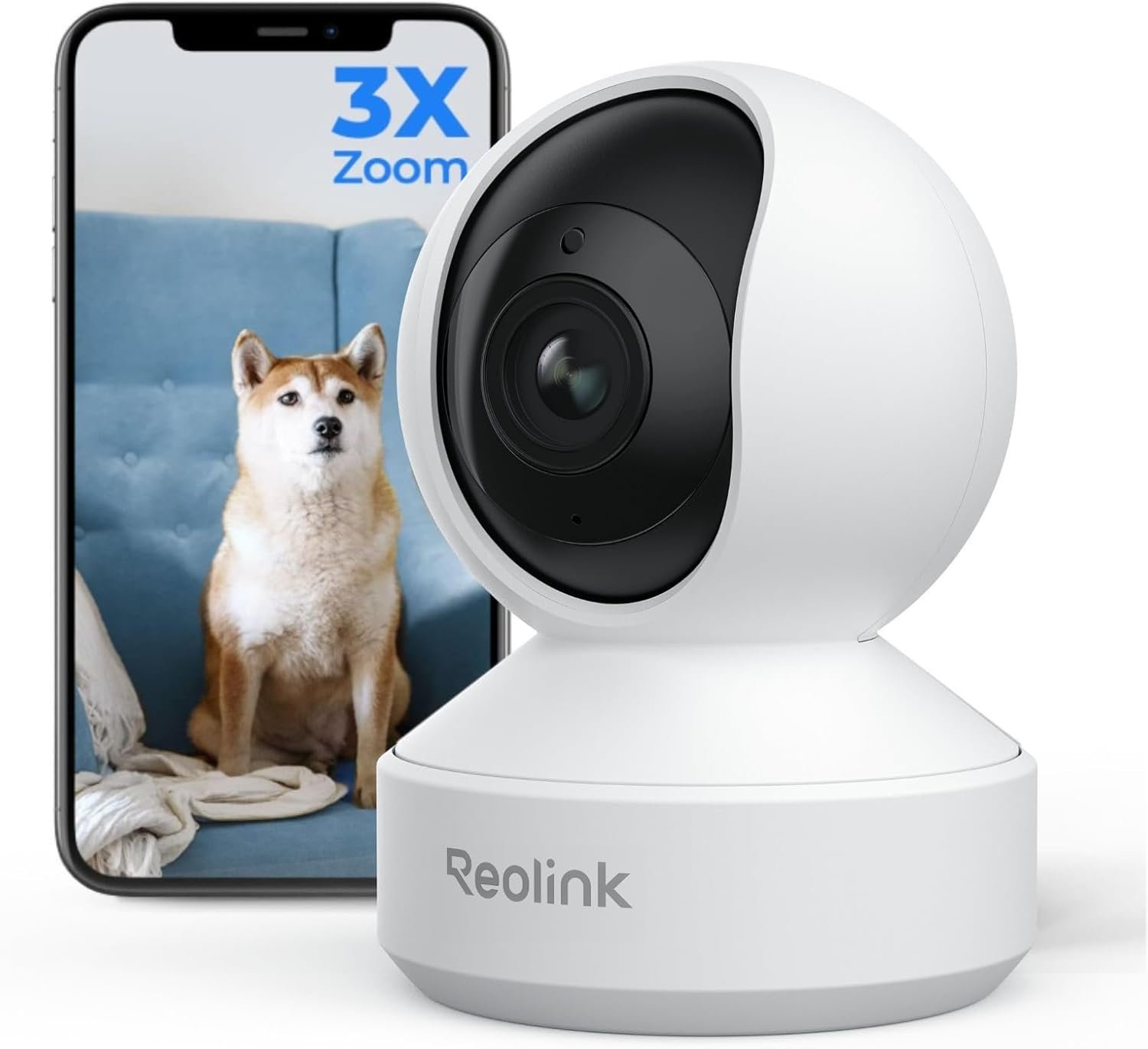
REOLINK Smart 4K UHD Pan & Tilt Dual-Band Wi-Fi 6 Indoor Security Camera with 3X Optical Zoom, Auto-Tracking, People/Pet Detection, Crying Sound Detection, Privacy Mode, and Bluetooth Setup, E1 Zoom
$84.99
Related Products


Product description


 Detect More, Care More
Crying Detection alerts you when your baby needs attention, alongside person/pet detection.
 Effortless Playback, Quick Review
Reolink App’s Weekly Insights summarize past events, giving you a quick overview of what happened.
 One-Tap Control for Total Privacy
Activate the mode with a single tap to stop live viewing and recording—no need to unplug the camera.
 Condense a Whole Day Into Minutes
Quickly catch up on what your children or pets did throughout the day in just a few minutes.
 Instant Response Made Easier
Effortlessly engage in real-time conversations with anyone near the camera.
1 Smart Detection
2 Smart Playback
3 Privacy Mode
4 Time-Lapse
5 Two-Way Talk
 Security at Your Command
Works with Amazon Alexa and Google Assistant. Control your camera effortlessly with a voice command.
 Superior Network Connectivity
E1 Zoom supports dual-band Wi-Fi 6 (2.4/5 GHz), delivering smoother, more stable performance.
 Set up Network via Bluetooth
Hassle-free network setup via Bluetooth. Keep your phone close to the camera for a smooth setup.
 Mount It Your Way
E1 Zoom supports wall/ceiling/desk mount to suit your needs. (Wall mounting bracket sold separately)
 Multiple Storage Options
Supports up to 512GB microSD card, Wi-Fi & PoE NVR, Home Hub Series, FTP/NAS (RTSP/ONVIF supported).
1 Smart Home
2 Wi-Fi 6 Network
3 Easy Network Setup
4 Installation Options
5 Local Storage
Can I use person/pet/crying sound detection at the same time?
E1 Zoom supports person, pet, and crying sound detection. However, only two detection modes can be active at once.
Can I mount this camera both outdoors and indoors?
E1 Zoom is designed for indoor use only. Please avoid installing it outdoors, even under sheltered areas, to ensure optimal performance.
How can I power this camera?
E1 Zoom requires a 5V/1A DC power adapter. A compatible adapter with a 3-meter cable is included in the package for your convenience.
How do I connect the camera to the network?
E1 Zoom supports network setup via Bluetooth. For best results, ensure the camera is close to your phone during the setup process, as Bluetooth has a limited range.
Comparison with Other Reolink WiFi Security Cameras
Add to Cart
Add to Cart
Add to Cart
Add to Cart
Add to Cart
Customer Reviews
4.2 out of 5 stars 4,560
4.2 out of 5 stars 13,137
4.2 out of 5 stars 4,419
4.1 out of 5 stars 1,852
4.3 out of 5 stars 1,448
4.1 out of 5 stars 652
3.9 out of 5 stars 312
Price
$84.99$84.99
$54.99$54.99
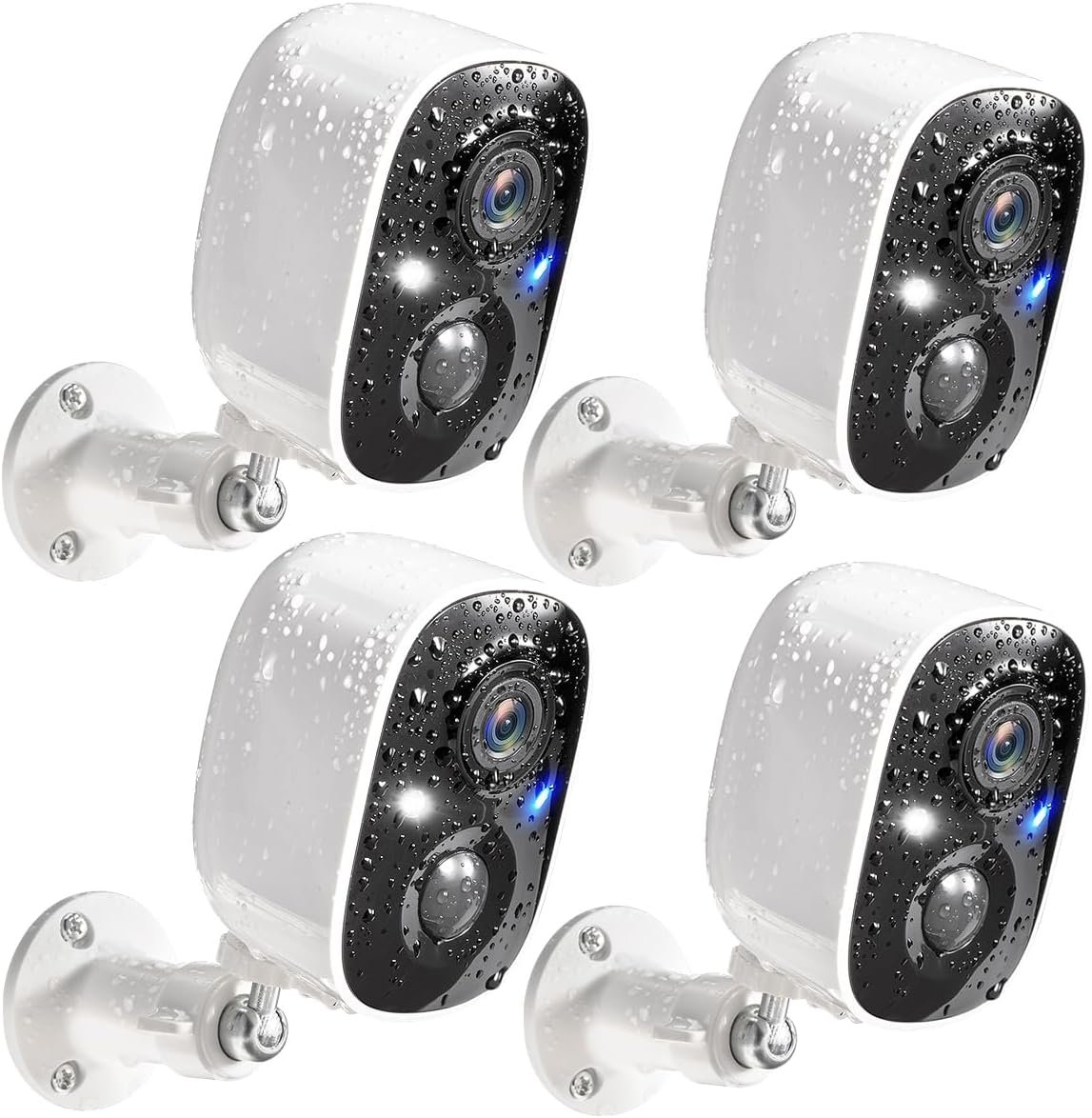
$59.99$59.99
—
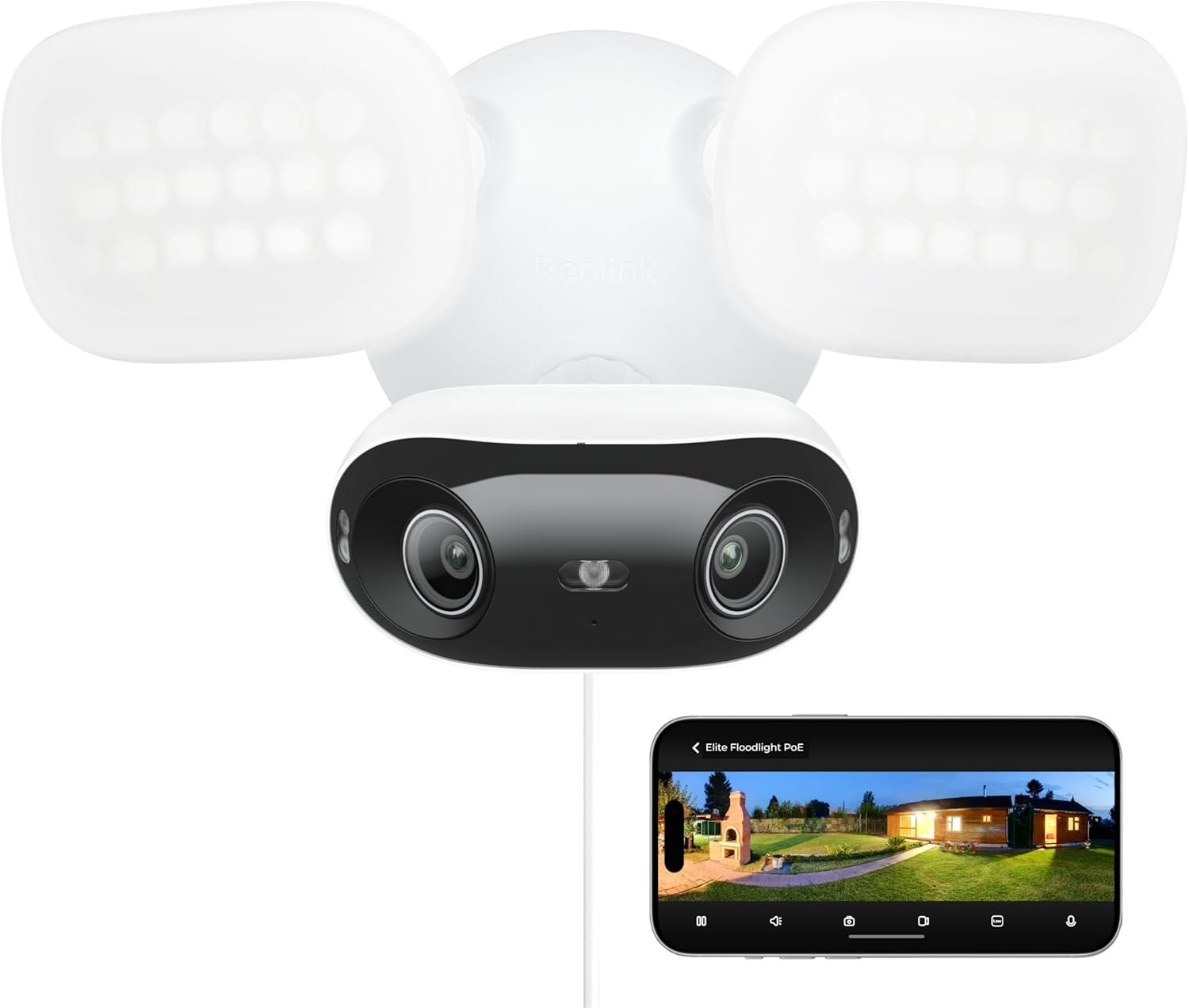
$159.99$159.99
$169.99$169.99
$319.99$319.99
Power Supply
DC (5V/2A)
DC (5V/2A)
—
DC (12V/1A)
DC 12V/2A
DC 12V/2A
DC 12V/2A
Resolution
4K 8MP (3840×2160)
5MP (2880×1616)
4MP (2560×1440)
5MP (2560×1920)
4K 8MP (3840×2160)
16MP (7680×2160)
—
Network
Wi-Fi 6+2.4/5GHz Wi-Fi
2.4/5GHz Dual-Band Wi-Fi
2.4/5GHz Dual-Band Wi-Fi
2.4/5GHz Dual-Band Wi-Fi
Wi-Fi 6+2.4/5GHz Wi-Fi
Wi-Fi 6+2.4/5GHz Wi-Fi
—
Night Vision
Up to 40ft IR NIght Vision
Up to 40ft IR NIght Vision
Up to 33ft Color Night Vision
Up to 40ft Color Night Vision
Up to 50ft Color night vision
Up to 100ft Color night vision
—
Detection Type
Human/Pet/Motion Detection
Human/Pet/Motion Detection
Human/Vehicle/Animal detection
Human/Vehicle/Motion Detection
Human/Vehicle/Animal detection
Human/Vehicle/Animal detection
—
Pan Tilt
✔
✔
✘
✔
✔
✘
✘
Two-Way Talk
✔
✔
✔
✔
✔
✔
✘
Waterproof
✘
✘
✔
✔
✔
✔
✘
Local Storage
microSD Card Slot (Max. 512GB)
microSD Card Slot (Max. 512GB)
microSD Card Slot (Max. 512GB)
microSD Card Slot (Max. 512GB)
microSD Card Slot (Max. 512GB)
microSD Card Slot (Max. 512GB)
up to 16TB(3.5” SATA)
4K ULTRA HD VIEW & 3x OPTICAL ZOOM: Capture every detail in stunning 4K clarity. The professional-grade lens and 3X optical zoom ensure sharp footage from a distance. Plus, the F1.6 large aperture excels in low-light conditions for superior nighttime surveillance.
PAN, TILT & AUTO-TRACKING: Achieve full 360° coverage with ease. This smart PT camera detects and auto-tracks people and pets, providing comprehensive surveillance. Plus, preset up to 64 monitoring points for quick, targeted views of key areas.
DUAL-BAND WI-FI 6 & BLUETOOTH SETUP: Experience faster, more stable connections with Wi-Fi 6. Seamlessly switch between 2.4 GHz and 5 GHz for optimal performance. The network setup via Bluetooth simplifies initial installation, making the process hassle-free.
PERSON, PET, CRYING DETECTION: Stay connected to your baby with real-time alerts when crying sounds are detected. This smart camera also detects person and pet movements, minimizing false alarms. All without any monthly fees.
MULTIPLE STORAGE OPTIONS: Select the storage solution that best fits your needs. E1 Zoom supports up to a 512GB microSD card for up to 12 days of recording. It’s also compatible with Reolink Wi-Fi & PoE NVR, Reolink Home Hub, Reolink Home Hub Pro, and FTP/NAS servers (supports RTSP/ONVIF).
Reolink cameras undergo strict quality testing and come with a 2-year limited warranty on all new Reolink branded products, so please feel free to contact support if you have any quality issues!
9 reviews for REOLINK Smart 4K UHD Pan & Tilt Dual-Band Wi-Fi 6 Indoor Security Camera with 3X Optical Zoom, Auto-Tracking, People/Pet Detection, Crying Sound Detection, Privacy Mode, and Bluetooth Setup, E1 Zoom
Add a review
$84.99
BatteryKing –
Excellent baby camera
The primary function I have for this camera is baby monitoring through Xeoma. I gotta say, especially for the price, this camera works well, at least once you have it dialed in. I started off with the slightly cheaper version, but found it wasn’t quite doing what I needed.The pros of this camera you just won’t find anywhere else for this price are:1. Fairly high resolution.2. Full PTZ functions for both movement and zooming.3. Colors are really good.4. Clarity is really good.5. Onvif compliant.6. Two way audio.7. Works well over WiFi.If you are curious what this has gotten me over the slightly cheaper version more exactly:1. Slightly bigger.2. Zoom. This is actually quite a significant feature.3. Slower response to switch between day and night mode. Actually where this is mounted in the house and with it zoomed all the way in, it is almost always in night mode, which is adequate for the need it is serving.4. Speaker for two way communication seems slightly louder.The big reason why I really wanted this camera over the cheaper version was from my cell phone it could be hard to tell if the baby’s eyes were open. Sometimes he thrashes around some while sleeping, but if his eyes open, that means he is awake and I need to attend to him. However if his eyes are closed, he usually settles down and all is good for a while longer. (It seems he is dreaming a fair amount.) Xeoma allows doing a digital zoom, but an optical is much better as it can be hard to use the zoom feature right on the go. The digital zoom is really best for stationary use. Actually using a combination of optical zoom and digital zoom as the optical is good enough to have the whole crib in view and not much else while I use the digital zoom to have the baby fill the viewing area in the subsection of the crib he is in. The clarity of this combination is very good and I am able to either see if his eyes are open from a cell phone or a reasonably sized window on my desktop monitors so I can have everything up on my screens at once as I work from home.While everything is working good enough for baby monitoring so far after some tweaking of settings, it has taken some fiddling to get it to work right. For one I made sure to select TCP transport as all of this goes over WiFi. If you set / default to UDP, things will look really bad as packets will get lost and there is no way around that with WiFi except for using a TCP transport. Second I needed to turn on the back light mode when zoomed in or else the picture would be way under exposed. However these options are there, so then it was just a matter of using the motorized movement of the camera while on its mounting point to point it at the crib and zoom in. At this the wide angle on this camera is wider than the cheaper model and the aspect ratio is more squarish. This makes the optical only zoom not quite what I had hoped for, but it is good enough to see if the baby’s eyes are open without having to use the digital zoom in Xeoma. As for digital zooming, it looks a lot more crisp with this camera than the cheaper version, so yeah, see every detail up close. The mic on both of these cameras is a bit lack luster, but I can make out the louder sounds the baby makes, which is enough to know if the baby needs immediate attention even if my wife has the more traditional baby monitor instead of it being with me. Really having the traditional baby monitor around is really useful as it picks up everything, so I can be deep in work and hear every little stir the baby makes and am well aware when it is time to say set up for feeding where with the camera audio alone I have to keep a close eye on the video feed to pick up hints it is getting time to do something for the baby. Really the audio on this camera is more of if the baby needs attention right now, that is when you finally hear something. Also with two way, Xeoma does not support audio in the other direction, so have to fire up the Reolink app. The two way audio deal is more of something my wife likes to use anyway where I just go into the room and do if something needs to happen.I really kind of wish I could wire this in, especially as it is mounted right next to an Ethernet switch optimized for video traffic, but sadly I can’t. At least this place is heavily wired in now, I have multiple WiFi APs to provide great WiFi coverage, and I can use a TCP transport for this camera, so it should work reliably and so far has.
V. Sims –
Replacement works PERFECTLY-such clarity & field of vision!
Update: Fast replacement camera received and everything installed quickly and easily! Added to all my others through the app and I’m very happy. Kuddos to Anazon and Reolink for their immediate response and replacement!Did not read sd card. Tried to replace, but would not “click” or stay in. Returning for a replacement.
Dave in Phoenix –
Adventures in setting up was a mess but quality very good
Adventures in setting up was a mess, but while I am still learning stuff, the picture is excellent. But the tiny booklet is worthless in how to set up, although the website has lots of info but has to look at scads of articles.I have used Dropcam for many years, which can access via Internet site. I have a Gigiblast fast Internet service. I rarely use a smartphone other than for mapping when traveling; I can not type on those tiny keys. I have six 28″ monitors in front of me at my home office, and when I travel, I pack a full Logitech keyboard with a laptop. I use the camera for my large home office security, especially when traveling.I spent days researching and reading reviews wanting when traveling to view from a PC or Laptop. So decided on this Reolink E1 Zoom, and then the excitement (confusion) to set up began,The quick start guide started me on a many-hour journey to figure out.First, it says to mount the camera. Ah… isn’t that like getting the cart before the horse or whatever that expression is. No, let me coddle the little guy on my desk, so I can do whatever has to be done without trying to work on it mounted (which will be on a cabinet top)Starting with downloading and launching App OR Client software. I am a nerd and read that it is either, not both. So I got the client, and, of course, I was totally lost. So I went to the app store on my PC, and it indicated it was not available on “other” devices. OK, I dug out my smartphone and found I am still trying to figure out why I already had the app. But I couldn’t find the cute little guy (aka camera). Well, you have to plug it in!I had read/scanned all the reviews and remembered something about not using the little thing on the bottom to plug in since it was the tiny mic, so I could destroy it if you thought that was where you plug in power. But OK, the picture shows it’s a power port. So plug it in, and some women started screaming at me in many languages; that startled me, and I didn’t catch what the English said. OK, something works.Unless I am blind, nothing in the little guide says anything about the Ethernet connection. Now I go back to OS/2 days before the Windows GUI (dos screen) and back to old card readers – you know, IBM punch cards – yes, I am old.I have a MAZE router system. All the Ethernet ports are full, as are my six ports on a switch. I have MOCA for TIVO, two for NAS, and a printer, and I don’t know what else since it’s a mess and set up years ago and just works.OK, pull one of the NAS connections and find a spare cable – hopefully, the yellow one works, or is that a “patch” cable… well let’s try it vs. some 30-foot ones! This part goes smoothly, besides turning the big Orbi router upside down and getting my magnifier to read the tiny printed password. OK, set up pw for the camera, etc.; that part is fine.The rest of the setup went fine, and we got a great video on the client both in the light and at night. Beware; however, if you are in the same room and testing, the audio may get scratching feedback or constant echoes.Now the microSDXC SanDisk 256k. The first challenge is the human-proof security packaging. I made multiple attempts with a knife, scissors, and willpower just to tear open the plastic security wrapping just to get it and the readout of the package.I recalled from the research you have to point the guy all the way up to get to the tiny port. OK, little guy, open WIDE… barely clears the tiny opening. After a few failed attempts and finding a video watching at a slow speed to be sure I was putting it in the right with almost no clearance when it closed its mouth, I think it is in! I hope I never have to get it out!Now the guy tells me that it has to be formatted. Look all over the client app setting until you give up and find instructions and videos on the website. I must dig out my smartphone again since I have to use the app. Once found from all the zillions of articles in the support part of the web, the video and directions gave good directions. This is after I searched the client’s 66-page online manual and found nothing on how to format the disk.I still must learn some options and settings, but it now seems excellent. It would have saved many hours of frustration for us that are not camera geek’s if some of this was in a well-organized, one-place how set of instructions.Hopefully, this review might help others as inexperienced with the camera setup as I was.
deweys –
Study and responsive camera with excellent resolution.
PROS: Great camera, stellar resolution and zoom. Extremely responsive interface as Reolink is known for. They don’t cheap out on the on camera computing power. RTSP support for you homebrew NVR types.CON 1: SD card slot is very finnicky comparted to other PTZ cameras I’ve owned with similar sd card placement. I swapped to a larger card and managed to insert the new card off tack somehow. My fault I’m sure but just a word of caution.I honestly though the card was gone along with any chance of local storage. Twenty minutes, a safety pin, and a pair of needle nose pliers later I recovered the card. It’s in there now and I’ll avoid swapping it at any cost after that.CON 2: Proprietary power input with a somewhat oddly sized barrel jack. With a 5 volt 2 amp power supply provided, USB C should have been an option for an indoor camera that doesn’t need much mechanical durability or weatherproofing. Someone smarter than me probably knows why they did this but I would have preferred a USB C power input.
Nouf alotaibi –
الكاميرا ممتازه. واضحة جدآ والزوم فيها واضح. تستاهل هالسعر
馬屋原 辰志 –
画像が綺麗だけど反応が少し悪
Sarah –
صغيرة الحجم وسهلة الربط بالانترنت عن طريق الواي فاي ودقة ممتازة
溝口 徹 –
屋外に他のレオリンクのカメラを設置していることもあり、今回屋内カメラも同じメーカーで揃えました。スマホで簡単に確認でき、操作も簡単で満足しています。ひとつ注意なのはメモリーカードが付属していないのでそのままだと録画できません
amazonオヤジ –
セッティングはQRをスマホで読み込むだけ簡単だった、画質はキレイ、ズームも良好だけど、遠隔操作(PTZ)がイマイチ、いいポイントで止まってくれない、動きが大き過ぎる、これが改善されたら、⭐️5だ