
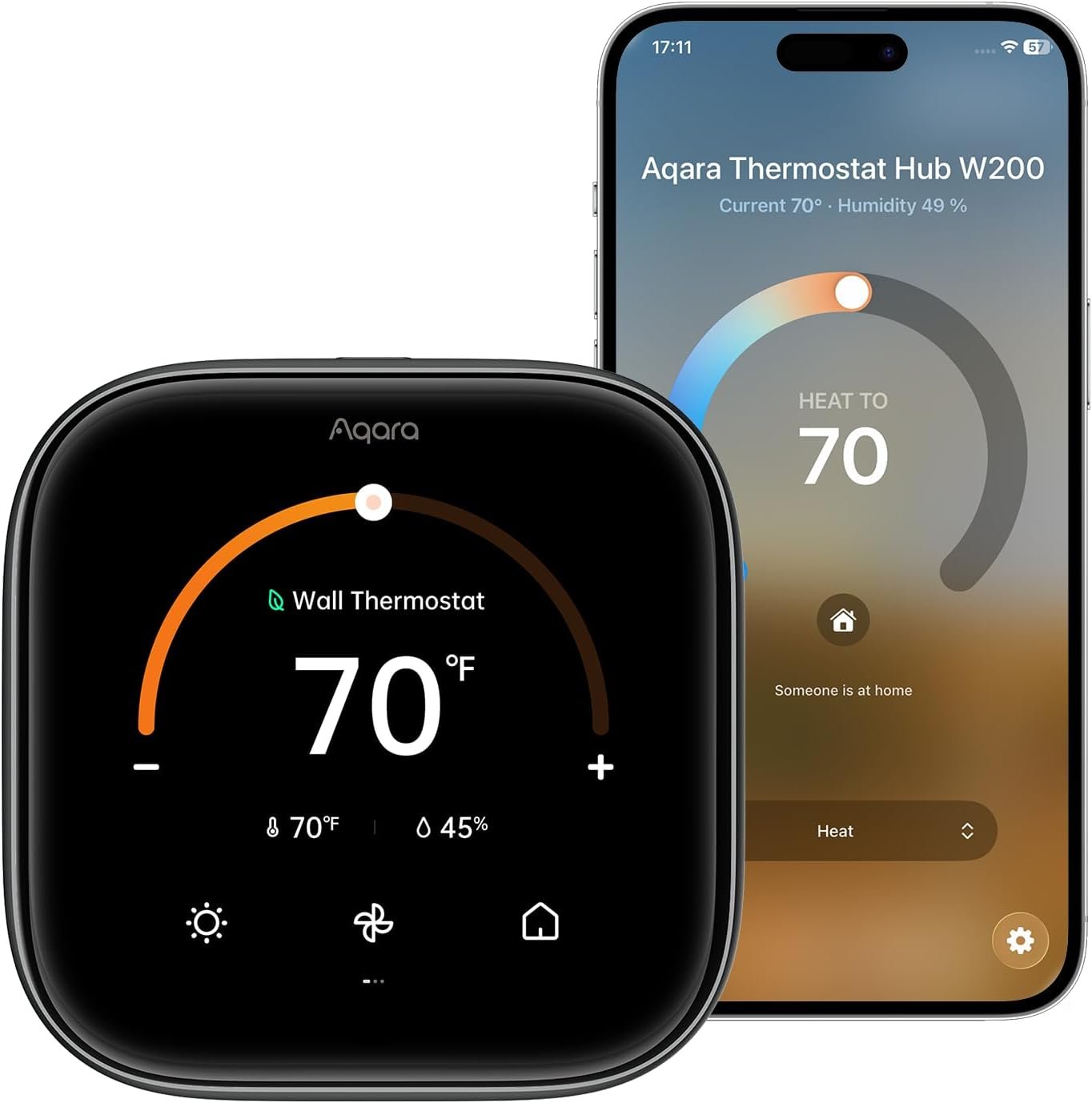
Aqara Smart Thermostat W200 with Apple Adaptive Temperature & Clean Energy Guidance, 4″ Touchscreen, Matter Controller, Built-in Radar Sensor, Works with Apple Home, Siri, Google Assistant, Alexa
$159.99
Related Products


Product description

Revolutionary Features for An Ideal Thermostat  Adaptive Temperature
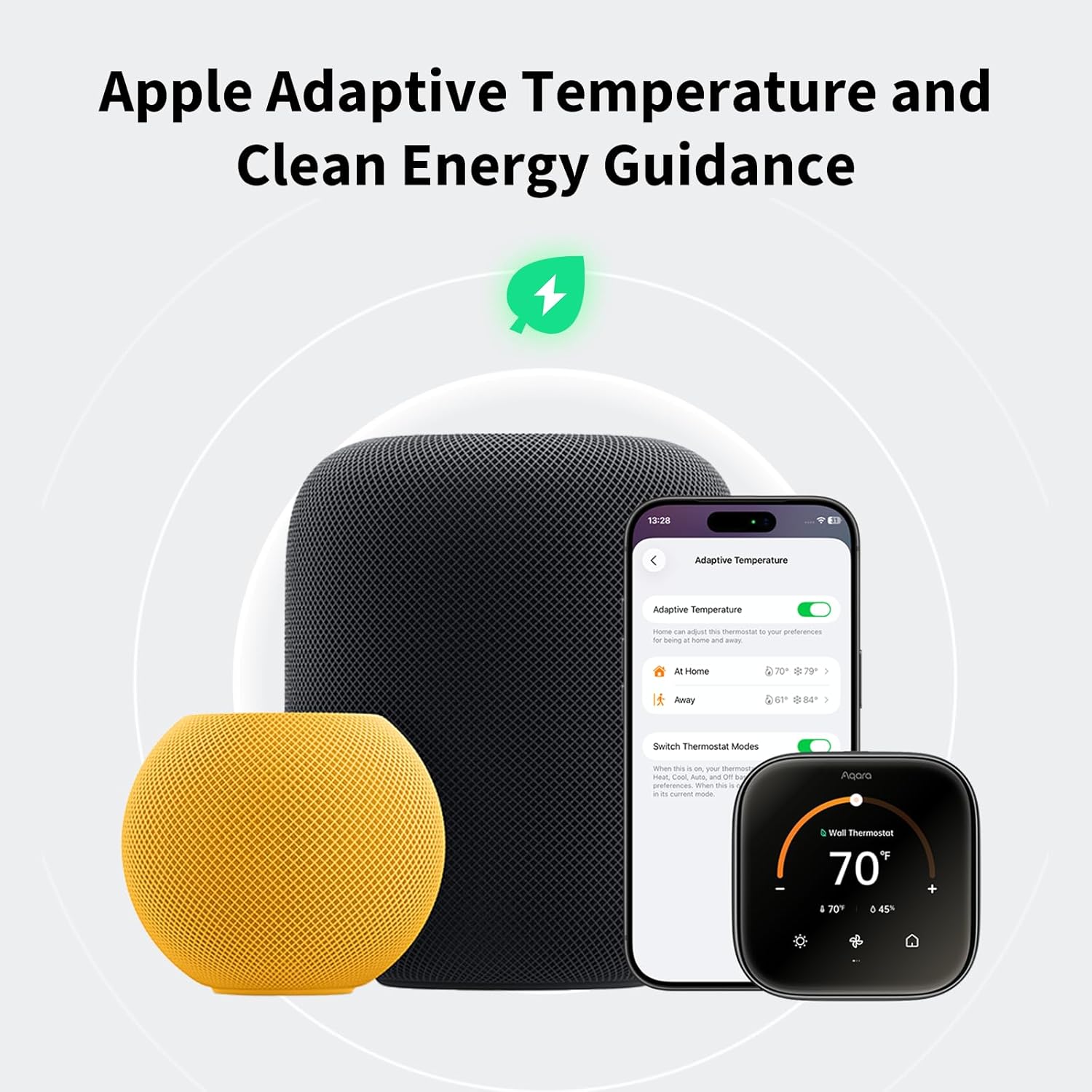
With the Apple Home app, Adaptive Temperature uses your iPhone to automatically adjust the thermostat based on your activity states like ‘home’, ‘sleep’, ‘away’ and ‘extended away’. This provides users comfort upon their arrival home and saves energy when they are away, without the complicated steps of creating or managing schedules.
Note: Adaptive Temperature requires a home hub (Apple TV or HomePod) and an iPhone or Apple Watch, all running version 26 or later.
 Clean Energy Guidance
With the Apple Home app, Clean Energy Guidance makes small temperature adjustments to use cleaner grid times when electricity may cost less, while maintaining comfort. The forecast is personalized for your home location using environmental and grid data.
Note: Clean Energy Guidance is available only in the contiguous U.S..
 Check Compatibility Before You Buy
Use our Compatibility Checker to verify compatibility – aqara.com/en/w200-compatibility
 Incompatible with the following systems
Line voltage (110/220V) Millivolt systems0-10VDC systems  Enter Your Wires. Get Instant Results.
Input your current thermostat wires and follow the guide to confirm compatibility.
 See If Your System Requires a C-Wire
Use the Compatibility Checker to see if a C-wire is required. Sold separately if needed.
 No Purchase Necessary! Trim Plate Included
The trim plate covers old wires and paint marks for a clean, polished wall finish.
1 Check Compatibility
2 Incompatible System Types
3 Use Compatibility Checker
4 Check C-Wire Requirement
5 Included Trim Plate
A Versatile Smart Panel for More Than Just Temperature  A Customizable Panel To Control Your Home
Customize the panel to show information you actually use, like time, temperature, humidity, and weather conditions, all in a clean, easy-to-read layout. It can also function as a smart control hub, letting you manage connected devices or even view your front door camera when rung, bringing everyday awareness and control together in one intuitive interface.
 Enhanced Convenience with Doorbell Snapshot and Unlock
When paired with Aqara doorbells and smart locks, you can view real-time snapshots from your video doorbell when someone rings and unlock the door directly from the thermostat screen.
 A Control Panel for Smart Home Devices
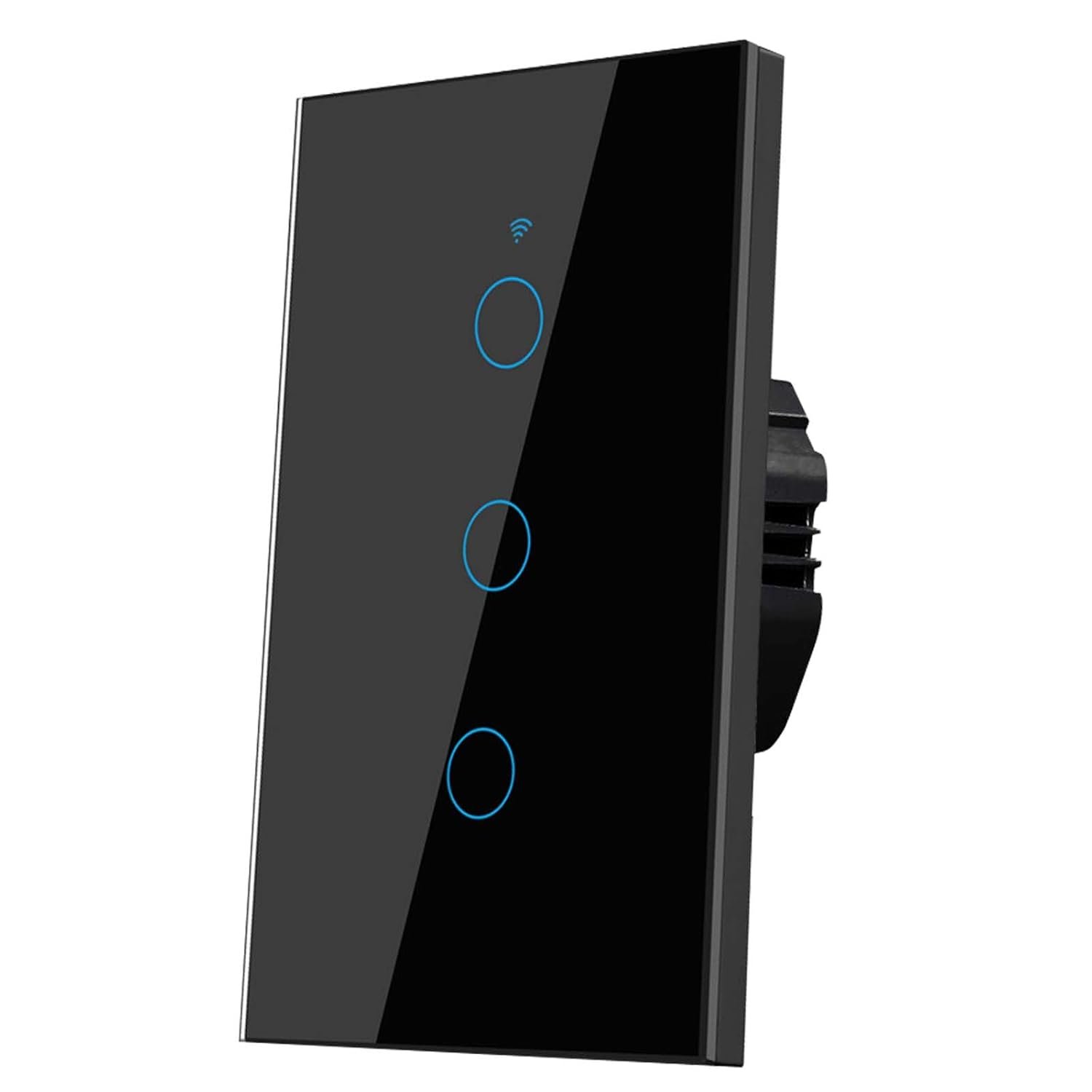
The thermostat also serves as a smart home panel, enabling smooth control of your lighting, curtain drivers, wall switches, and even scenes from one screen.
Note: As a control panel, it can only control other Aqara devices.
 Precise Presence Detection
The built-in mmWave radar detects human presence within a 3-meter range and a 120° field of view, enabling precise presence data for automations and smart control.
 More Automations Across All Matter Ecosystems
The W200 can even work as a standalone sensor and trigger powerful automations, such as turning lights on, adjusting other devices, or activating security routines across Aqara and supported third-party platforms.
Multiple Ways to Control Your Comfort App Remote Control
Manage your heating from anywhere on your phone. You can easily adjust the temperature without leaving the comfort of your bed on a winter morning, and ensure your pets stay comfortable while you’re away.
 Voice Control
Simply ask Siri or Alexa to fine-tune your home’s temperature. No need to get up from the sofa or move a finger.
 On-Device Control
The touchscreen allows you to adjust the temperature and settings directly on the device for quick, easy control.
 Full-Home HVAC Control from One Screen
Link your W200 thermostats on different floors to view and adjust temperatures from a single screen, making whole-home comfort easier to manage.
 Connect Remote Sensors to Deliver Precise Comfort
Pair your thermostat with a compatible temperature or presence sensor to enhance comfort where it matters most.
With a temperature sensor, get accurate readings where they’re needed most for precise HVAC adjustment.(Note: Only Aqara temperature sensors are supported, including FP300, W100, and T1.)With a presence sensor, the system can save energy when the house is empty and activate when you return.  Room-Based Control with Aqara Climate Sensor W100
Connect multiple Climate Sensor W100 devices from Aqara so that each room has its own control point, making it easy to adjust the temperature right where you are.
*For W100, Zigbee mode via the Aqara Home app is required for this functionality.

Powering Your Smart Home with Advanced Connectivity  Multi-Platform Integration with Native Matter Support
The thermostat connects directly to platforms from Apple, Google, Amazon, Samsung, and Home Assistant via Wi-Fi (dual-band 2.4/5 GHz), ensuring a more reliable, future-proof smart home experience.
 Zigbee Hub & Matter Bridge for Aqara Devices
W200 can function as both an Aqara Zigbee hub and a Matter Bridge.
As an Aqara Zigbee hub, it allows you to connect and manage Aqara child devices within your smart home system.As a Matter Bridge, it connects Aqara Zigbee devices to platforms like Apple Home, Google Home, and Amazon Alexa, enabling cross-platform control.  Built-in Matter Controller
Manage a wide range of Matter devices directly through the Aqara Home app, with support for over 50 device types. Instead of juggling multiple apps or dealing with fragmented controls, you can onboard, organize, and operate compatible devices from a single, streamlined interface.
 Thread Border Router & Mesh Extender
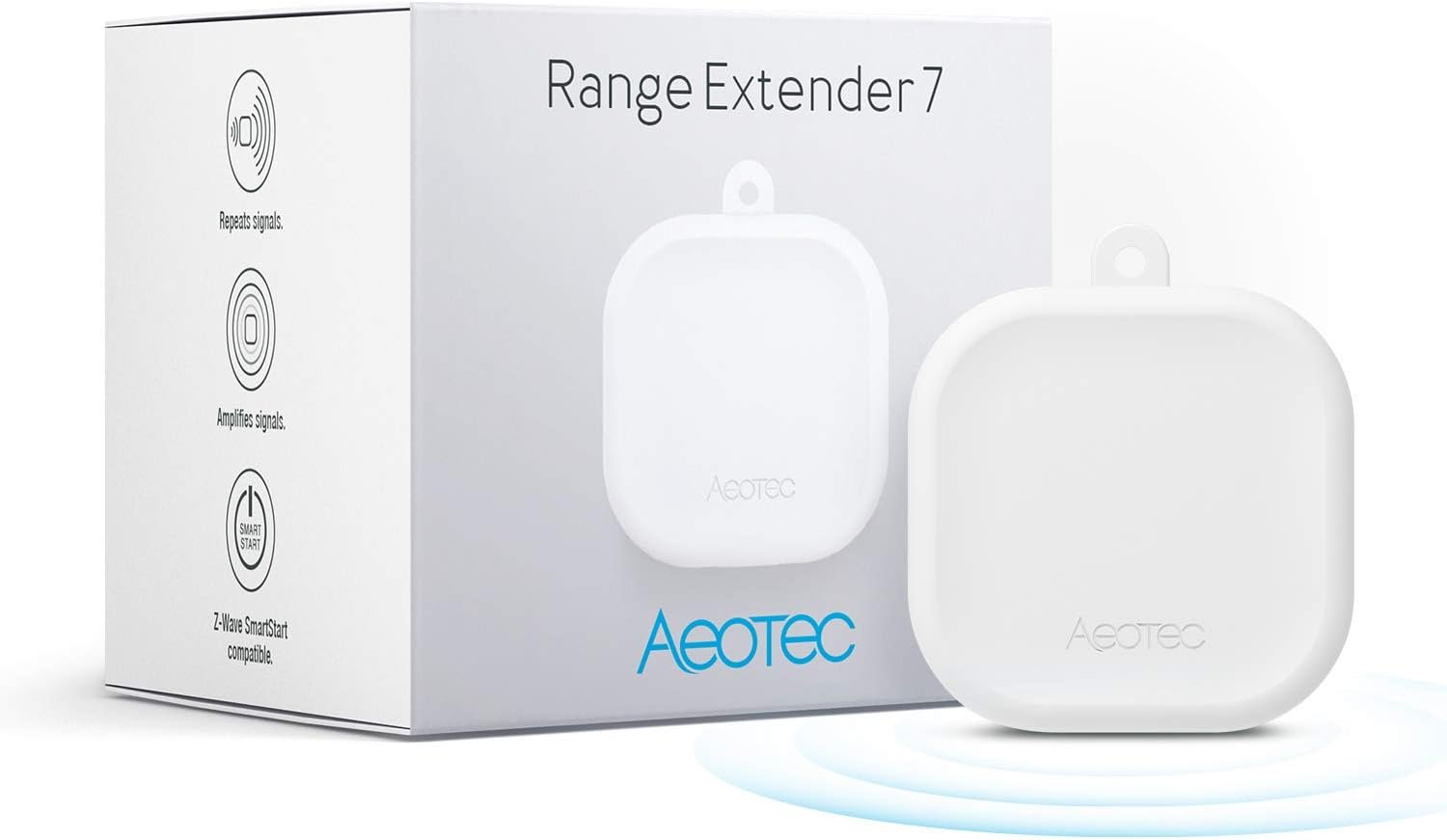
It also acts as a Thread Border Router and Mesh Extender to increase the coverage, speed, and reliability of your Thread network.
How can I check if the Aqara Thermostat Hub W200 is compatible with my HVAC system?
Turn off the power at the breaker, remove the thermostat cover, and note the wire labels (e.g., R, W, G, Y) Use the Aqara Compatibility Checker (aqara.com/en/w200-compatibility) to confirm compatibility and see if a C-wire adapter is required.
Why can’t I use Adaptive Temperature or find it in the Home app?
Adaptive Temperature requires a home hub (Apple TV or HomePod) running version 26 or later. In addition, all members of the Home app must be using an iPhone or Apple Watch running version 26 or later.
What should I do if the temperature reading is inaccurate?
You can calibrate your device using the Aqara Home app. Go to Accessories > Thermostat Hub W200 > Settings (…) > Thermostat Settings > Threshold Settings to adjust the Temperature Compensation.
Does installing the Aqara Thermostat Hub W200 require a C-wire?
A C-wire is recommended for a stable power supply. If your system doesn’t have one, a C-wire adapter may be required. Use the Compatibility Checker (aqara.com/en/w200-compatibility) or run the system check in the app during setup to confirm.
What should I do if my Aqara Thermostat Hub W200 cannot power on?
1) If no C-wire exists, purchase the Aqara C-Wire Adapter for stable power.
2) For wires labeled Rc, Rh, R, connect to Rc if only a single wire is present; if two wires to Rc and Rh respectively.
3) Remove the screen and check for bent pins.
Apple Adaptive Temperature – With the Apple Home app, Adaptive Temperature uses your iPhone to adjust the thermostat based on activity states like ‘home’, ‘sleep’, ‘away’ and ‘extended away’. This provides comfort upon arrival home and saves energy when away, without the complicated steps of creating or managing schedules. (Note: Adaptive Temperature requires a home hub (Apple TV or HomePod) and an iPhone or Apple Watch, all running version 26 or later.)
Apple Clean Energy Guidance: Smarter Energy Savings – With the Apple Home app, Clean Energy Guidance makes small temperature adjustments to use cleaner grid times when electricity may cost less, while maintaining comfort. The forecast is personalized for your home location using environmental and grid data. (Note: Clean Energy Guidance is available only in the contiguous U.S.)
Easy Installation with Wide HVAC Compatibility – Designed to fit most homes, W200 works with about 85% of HVAC systems, including furnaces, air conditioners, heat pumps, boilers, and PTAC units. No C-wire? Simply add the Aqara C-Wire Adapter (sold separately) for stable power. We even include a trim kit to easily cover old wiring and keep your wall looking clean and fresh.
Functions as a Smart Display for Your Front Door – W200 works as a visual control panel for your Aqara video doorbell (only compatible with G410/G400, G4 excluded) and smart lock, showing visitor snapshots right on the screen and letting you unlock the door with a simple tap. No need to open an app on your phone or run to the door.
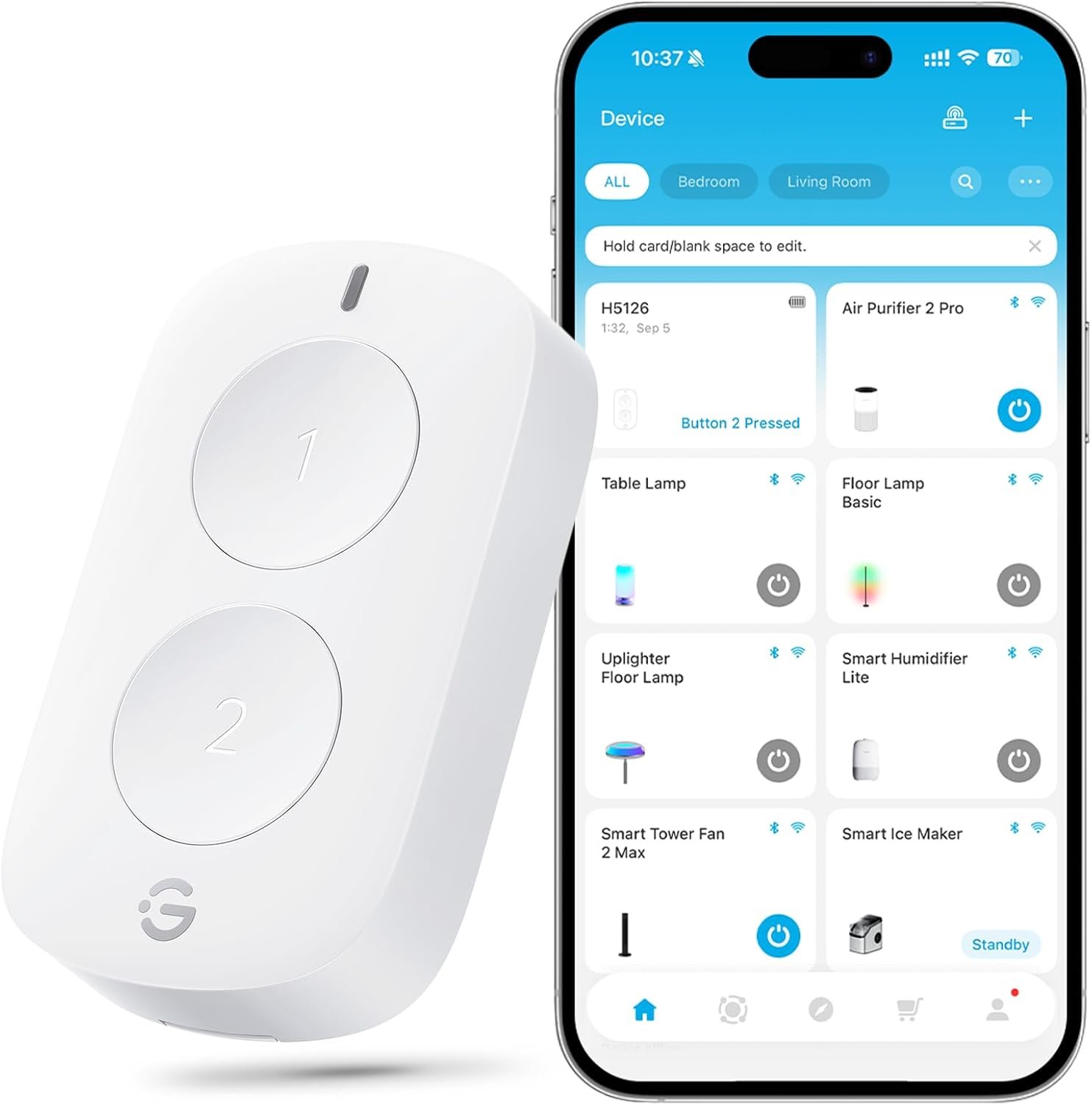
Control Your Climate Your Way: App, Voice Assistant, or One-Tap Button Control – You can manually adjust the temperature via the app, or through voice assistants like Alexa or Siri when connected. You can also use the W100 wireless sensor (sold separately) for quick one-tap physical control. Perfect for easy changes from the couch, bed, or anywhere in your home.
Secure, Local Control Across Major Smart Home Platforms – With Matter 1.4, W200 connects directly to Apple Home, Google Home, Amazon Alexa, and Samsung SmartThings for easy setup and broad compatibility. Unlike cloud-based integrations, Matter runs locally, delivering faster responses, stronger security, and long-term reliability, so your thermostat keeps working even if services or platforms change.
Smarter Presence Detection with Built-In mmWave Radar – W200 uses advanced mmWave radar to detect real human presence, not just motion. It can adjust temperature automatically when you arrive and save energy when no one’s home. As you approach, the screen activates instantly, and the presence sensor can also be used in smart automations, like turning on lights when you walk by. More accurate detection means smarter comfort, easier control, and a home that responds naturally to you.
Smarter, and Better Looking Too – Featuring a large 4-inch full-color touchscreen with smooth curved glass and waterfall corners, W200 brings a clean, modern look to any space. The bright, easy-to-read display makes everyday control simple and intuitive, while the elegant design blends naturally into your home, proving that a smart thermostat can look as good as it performs.
Built-In Smart Home Hub: Connect More, Control Smarter – W200 goes far beyond a thermostat with a built-in Zigbee hub, Matter controller, and Thread border router, bringing your smart home devices together in one place. It bridges Aqara Zigbee devices to major platforms like Apple Home, Google Home, Alexa, SmartThings, and Home Assistant, while extending your Thread network for more reliable coverage. With dual-band Wi-Fi (2.4 / 5GHz) for stable connections, you get a smoother, more unified smart home experience.
11 reviews for Aqara Smart Thermostat W200 with Apple Adaptive Temperature & Clean Energy Guidance, 4″ Touchscreen, Matter Controller, Built-in Radar Sensor, Works with Apple Home, Siri, Google Assistant, Alexa
Add a review
$159.99
Soroush –
Decent thermostat and great ecosystem
Easy to install and everything works as expected. The matter hub functionality is a nice bonus especially if you have other Aqara smart devices. The app is decent and has great options for automation. The thermostat itself has all the necessary function, but it is missing some advanced ones like setting differential temps or using averaging temps from multiple remote sensors. I hope they add those through firmware updates
EKanas –
Hands down the BEST smart thermostat
I have tried every “smart thermostat” out. This by far is hands down the best. Especially if you use HomeKit or Aqara. It was the easiest most straightforward installation. Took less than 10 minutes. It is extremely accurate, the presence sensor and hub features are next level. Hopefully they will add more display wallpapers in the future! It’s sleek, well made, and super bright. This blows Ecobee and nest out of the water! Great job Aqara!
Adam Merrill –
A little shaky at first
Hasn’t started off well but getting there. The first unit was DOA (no power) but second unit is all good. Shows unresponsive on the Apple HomeKit app so I’ve submitted a ticket as this seems to be a common issue. Getting support doesn’t seem to be all that easy. Using the Aqara app, all seems to be doing what it’s supposed to do. I’ll update as things progress.
Victor Fuentes Jr –
What I’ve been waiting for
Been getting into the Aqara ecosystem and have been waiting for their thermostat to come out. Works amazing. No issues and works perfect with the apple HomeKit. Wasn’t too crazy hard to install. If you are looking into the Aqara/apple HomeKit ecosystem. Get this.
sgupta –
Got a dud so I can’t give a real review
Got the thermostat. Installed it correctly – double checked the instructions. It’s not working. I think I got a dud. I’m going to have to reinstall the original thermostat and consider getting nest or ecobee which I don’t want.Update: increased to 3 stars from 1 star. Actual rating 2.5 stars. Turns out my builder installed faulty wiring and and a fuse was blown and that’s why the thermostat wasn’t working. Electrician came out, got the wiring and the fuse fixed. Got the thermostat connected to the Aqara app but it won’t connect to the home app. I keep getting pairing failed. So. It works but not in the way I want. I chose this over ecobee because I wanted the adaptive temperature and I didn’t want nest because I wanted to get away from Google. Not sure that I would recommend this.The Aqara app is not intuitive, the screen isn’t particularly responsive. It’s clearly a product in its infancy and needs A LOT of work.
Robert Porter –
Fantastic Product
This far exceeded my expectations. I had an Ecobee for @ 9 years. It was losing its WiFi connection often. This one seems to be rock solid and was a breeze to install. The user manual was very easy to follow. I am looking forward to the temperature averaging functionality being rolled out now!
Icona –
Avoid in a Apple-Centric Environment
As usual, Aqara Hub on this thermostat is wreaking havoc on my thread network since the installation. I have nearly 70 Matter over Thread devices that are ROCK SOLID in my network. The only times those devices even go offline is during major updates when the Apple TV and HomePod hubs temporarily go down. Since adding this device, I’m getting random disconnects from Thread enabled devices. I’m assuming this is because the border routers are conflicting each other and fighting for supremacy in my network. Had a similar issue with their M3 Hub, a device I was also forced to return. Seems like Aqara is competitively priced because they cut corners elsewhere. The App is poorly designed and cheap feeling/looking, and guess what, the app has banner Ads!!! The reason I left Ecobee was because of the incessant Ads, and lo and behold, this app also has banner ads!! At least Ecobee’s App has a good UI and doesn’t feel vibe coded. Another thing, there’s literally NO CUSTOMER SUPPORT!!!! They “generously” offer a link to their forum so a random teen can chime in on your issues and help when there’s problems. Total joke of an ecosystem. If you’re in a Apple-Centric environment with lots of Matter/Thread devices, stay away from this thermostat or anything with the Aqara branding. It’ll save u tons of headaches and time troubleshooting. Can’t recommend any Aqara device in an Apple centric environment. Have to install the Ecobee again and send this back unfortunately. I wanted to like this device and was hoping to do away with Ecobee, but the grass isn’t always greener on the other side.
Joe V –
Feature rich with local control
Bought this unit to replace the NEST. Loved the NEST over the years but when functionality was taken away I’ve been looking for an alternative. The Aqara is more than just a fully featured thermostat, it will also act as a HUB for Matter devices especially convent for those who dabble in Home automation. The Aqara integrates seamlessly with many 3rd party apps including Home Assistant and Apple Home for my use case. This device is a significant step up from my old NEST giving you local control over the devices without the need for a connection to a cloud based integration.
SlowlyBeingManipulated –
Easy to install. Two screws to mount. Took me 5-6 minutes and only a Phillips screwdriver.I plugged it to wall and set up in the on-screen menus without issue. Joined local wifi, ran firmware update, and rebooted (manually) afterwards.After install and update: Adds to Aqara app with no issues, adds to iOS home app with one click ( if on same wifi network. note Thread needs IPv6 – so go enable that on your wifi network router if you don’t have it so far ).The wealth of scheduling options in Aqara app is awesome. This is great if you want it to do what you tell it to, instead of auto. Can also be combined with either schedule or location which makes it more consistent than full auto. Full auto is availabke also if you are into that. The ability to choose is the golden ticket on this one.Pairing of my existing Aqara lock and H2 switches was a cinch too.
Guilherme Reis –
Loved
Stanley.L –
Work well