
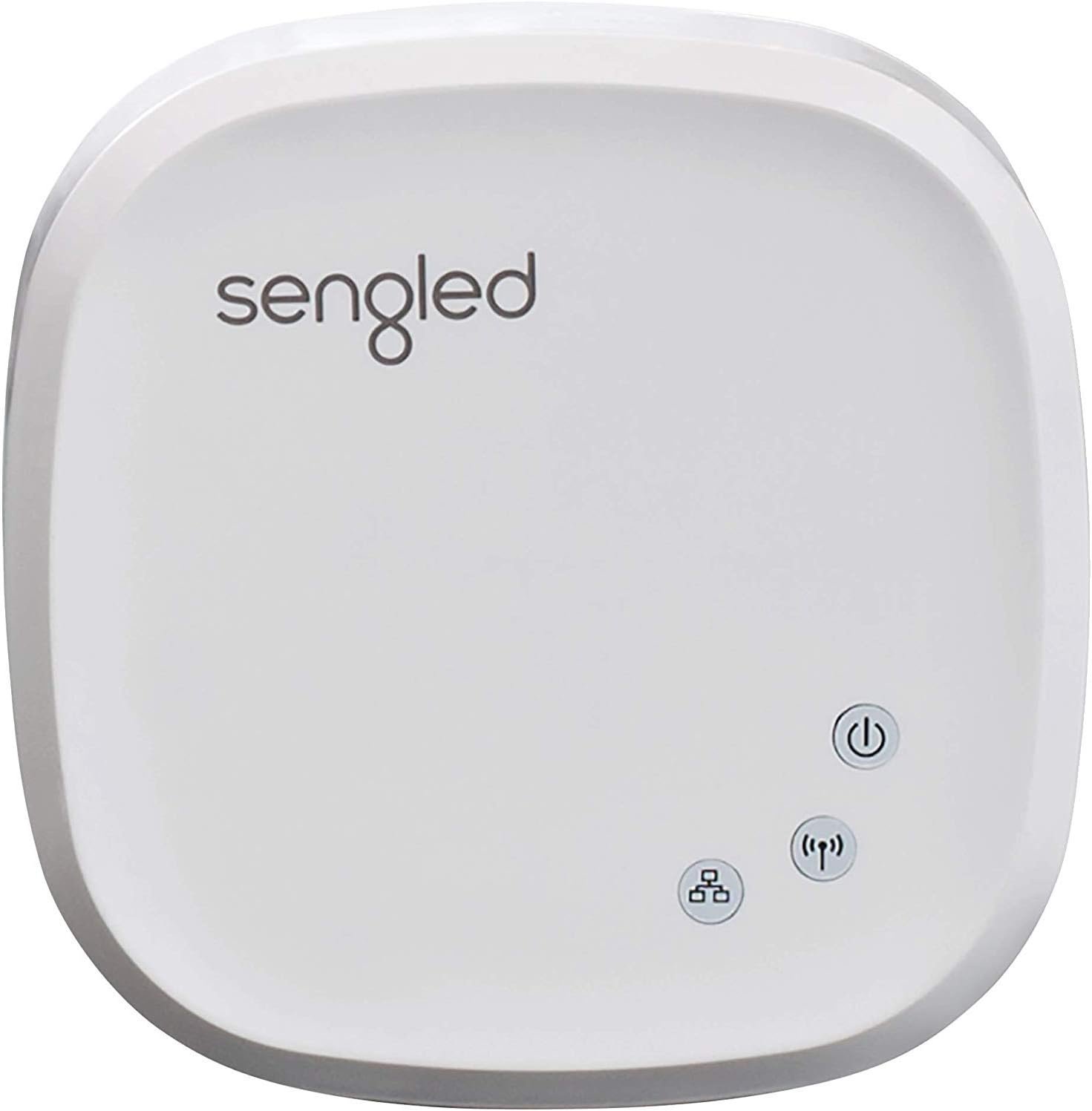
Sengled Z02-hub Hub for Use Smart Products, Compatible with Alexa and Google Assistant, 1 Count (Pack of 1), White
$19.99
Related Products
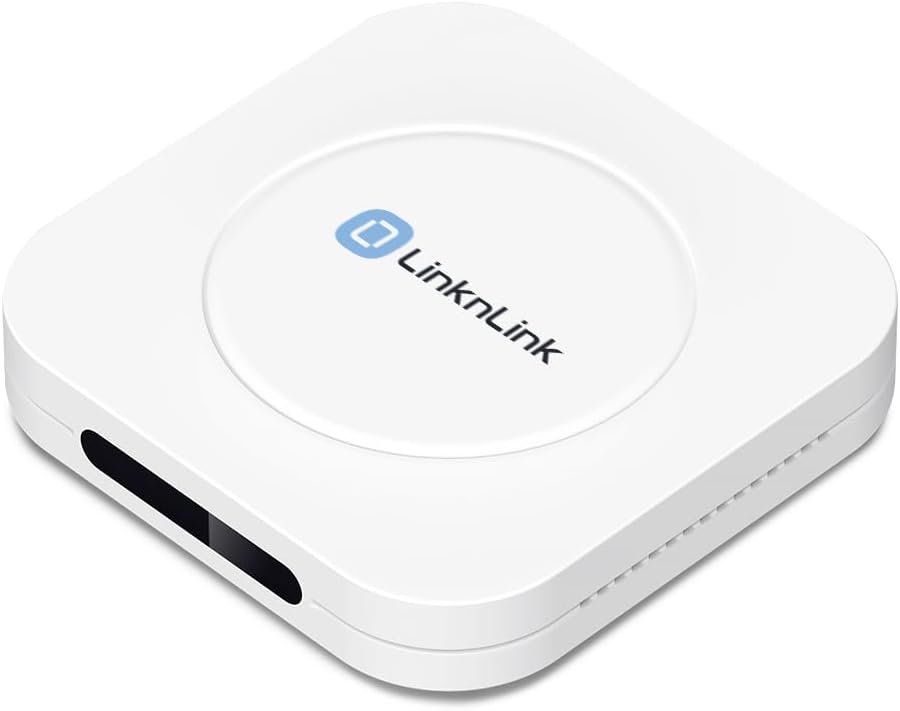


The Sengled Smart Hub is the brains of your Sengled system. Connect up to 64 Sengled Smart devices to control your devices in every room. A hub is required to use voice assistants (Google Assistant.) The hub also enables you to control all of your Sengled Smart LEDs and accessories using the Sengled Home app, even when you’re away from home.
Connect your Home: The brains of the Sengled system, the hub enables you to control up to 64 Sengled Smart lights and accessories with the hub. A hub is necessary to use a voice assistant, like Google Assistant
Easy to Install: Connect the Sengled Smart Hub to your router using the included Ethernet cable and use the in-app guide to set up
Home Automation: Easily extend your smart home system across every room by connecting Sengled Smart LEDs and accessories to the hub, then automate
Voice control: Connect the hub to Google Assistant-enabled devices and use your voice to control your Sengled Smart LEDs and accessories
One simple app: Control all your Sengled smart devices using the Sengled Home app (iOS/Android.) Set schedules, group devices and more to control all of your home’s Sengled smart products
11 reviews for Sengled Z02-hub Hub for Use Smart Products, Compatible with Alexa and Google Assistant, 1 Count (Pack of 1), White
Add a review
$19.99
fn_idiot –
Needed to replace Wink
I gave a number of smart home devices to my wife as a present several years ago, and the best choice at the time for outside lights on switches was Sengled bulbs with a Wink hub. Those who made similar choices are now faced with paying a $5 monthly fee, so I started looking for a better solution. I just activated the new Sengled Smart Hub, reset the bulbs, and set them up to run on the new hub. Three things that I liked immediately:1) This hub has a wired and wireless internet connection option. (I opted for the wireless because I need flexibility in locating the hub.)2) The range is much further than the Wink hub. I have a brick house and detached brick garage, and all the outside lights I want connected sit inside of metal fixtures, so communication with the bulbs using the old hub was always uncertain. I didn’t need to move the new hub to a better spot because it was switching all of my bulbs from right where I started, which was at least 20′ farther away from the 3 bulbs I previously had trouble switching.3) This new hub is much smaller, so it is easier to tuck away out of sight.The user interface is smooth enough for an initial setup, though I did go through some “How do I find that again?” experiences. But this frustration is over and now when I launch the app I go straight to device control land. I wish it had “on at dusk” and “random” options greater convenience and home security.
Reviewer –
Wish I could give zero stars
How these got any positive reviews at all is beyond me. I invested in the chandelier size bulbs thinking I would save a little money since the Hue chandelier bulbs are unreasonably priced. I’m glad I didn’t end up wasting more money than I did on these junk bulbs.Zero range. Unless you plan on using these lights about 6 feet from your router, you’re wasting your time and money. The app says it may take “minutes” to locate the devices. Really? Minutes? At any rate, you waste minutes of your time for the app to fail to pick up the bulbs in pairing mode, and you have an option to add manually, which also takes forever, and you have to go through them all one at a time. Sometimes, even THAT fails, and you just have to wait minutes upon minutes trying again and again until they pair manually. You know after about 30 seconds the bulbs are going to fail to show up on the app, but you have to wait minutes anyway to get the manual option.The router is on the floor below the floor the bulbs are installed. All wireless devices everywhere in my home get home get 4 or 5 bars on N and G networks. Many way more distant than these chandelier bulbs. My hue bulbs, much father away, connect and work flawlessly with my Hue hub on the bottom floor next to my router. These junk bulbs, now physically installed by a ladder high up in the air, made it easier for me to get my extra long LAN cable and bring my router up the steps within a short distance of the junk bulbs to get them to pair. Why is a long LAN cable needed? Because even though these bulbs are only used on your home network, if your router is disconnected from the Internet, it doesn’t work. Huh. That’s interesting. Why do devices and an app that works on a private home network need Internet access to work?Anyway, got them to pair finally by putting the router basically on top of the bulbs. Returning the router back to its usual spot, I got a small window of use to mess with these bulbs. Colors not impressive. Within a short time, as you might guess, the bulbs failed to connect.OK, I’m in this far, I’ll spring for a $30 hub if it will close the gab and get the setup to work. Company claims it works up to 300 feet. Turns out it doesn’t even work up to 30 feet. After wired setup failed to pair with any bulbs, I put it in wireless mode and took the hub up a floor to close the distance gap. Interestingly, the app has a warning built in to try and discourage wireless mode “especially if the network is weak”. What that REALLY means is this device itself is “weak” and basically useless wirelessly.Anyway, the hub lost connection with the router just by taking it up a floor. I moved it around to get intermittent hub connection with the app, and went to pair bulbs via the hub within the app. App fails to see any bulbs, just like without a hub. OK, try manual mode pairing. Manual pairing is different with a hub than without a hub. You have to scan a QR code on the bulb. I have a couple spares in a drawer, so let’s just see how it works. It doesn’t, of course. “Hold the code within 4 inches and bring it slowly closer”. Whatever – it doesn’t work. You can manually put in the mac and type of bulb when the scanner fails, but not worth the effort due to the horrible range these things have.Just messing around, trying and trying and trying, I intermittently got a few bulbs to show up in the app to add to the hub normally. When it said it paired, the bulb showed up OUTSIDE the hub as a normally connected device in a setup with no hub! LOL!This is the short version of the adventures I’ve had with these junk bulbs. I could go on since I do technical for a living, but the long and short of it is do not waste your money on this junk.
KPayne –
Plugged into my router and voila!
The Sengled Z-02 hub was easy to install and even easier to set up the smart LED bulbs that I purchased separately. I saw this set-up at a family member’s home and wanted a similar environment for myself. In less than 15-20 minutes, I set up a routine in Alexa to turn on the lights in my home office each morning and to turn them off each evening. I also “LOVE” the colors that are available on the smart bulbs. They create a fantastic ambiance in my home. Would make this purchase all over again if I had the option.
Amazon Customer –
Great!…after you get it connected
Works great with the bulbs I bought!…it was just a little frustrating getting my network to recognize it. (I run an ASUS RT-AC88U router with Cox high speed internet and an Amazon Alexa Echo, and have never had issues getting devices to be recognized on it before.) This device took several tries at booting it up and running through the steps before it was connected. Once connected though it’s been working like a champ and is easy to operate with the simple voice commands through my Alexa to turn on-off-and dim.
underparon18 –
Great product
Love this hub it works , power spikes are not a friend to these though.
Andi Jones –
Doesn’t work with Alexa Anymore. (They said it did, but now it doesn’t)
I had these bulbs/hub for a long time and they worked great. Now they no longer work with Alexa so…they are pretty much useless to me. And connectivity is not coming back. Here is the email I received from Amazon: Dear Customer,We are reaching out to inform you about an important change regarding the Sengled smart light bulbs you have connected to Alexa. Sengled’s Alexa skill has been experiencing recurring, ongoing outages, and as a result customers have been unable to control these light bulbs by Alexa voice requests, the Alexa App or through Alexa routines.Due to these outages, Sengled’s Alexa skill will no longer be available after 1st August 2025. Sengled light bulbs that connect to Alexa without the Sengled skill (for example, by using Zigbee, Matter, or Bluetooth connectivity) are not impacted and may remain operational with Alexa. For troubleshooting guidance please visit our help articlehttps://www.amazon.com/gp/help/customer/display.html?&nodeId=G4BFSQTR4A8HZZFF
John S. –
Seems to be a good product and it works well.
AURELIO VILCHIS –
Es compatible con Alexa y sus comandos de voz en México siempre y cuando actives la skill desde la computadora, es de buena calidad y con una funcionalidad destacable.
Francisco Faisal Sandoval Rodríguez –
La interacción que tiene con los dispositivos inteligentes y con google Home funcionan adecuadamente y permite un control estable de los dispositivos. Muy recomendable para crear sonas inteligentes en tu hogar
Todd M –
Sengled has stopped working altogether. None of my bulbs work, and now I can’t even log into the app. This company is garbage. There has been absolutely ZERO communication from them as to what’s going on. STAY AWAY from this company’s products! THEY DO NOT WORK ANYMORE!!
Jim & Denise Schonewille –
Awesome product!!!