
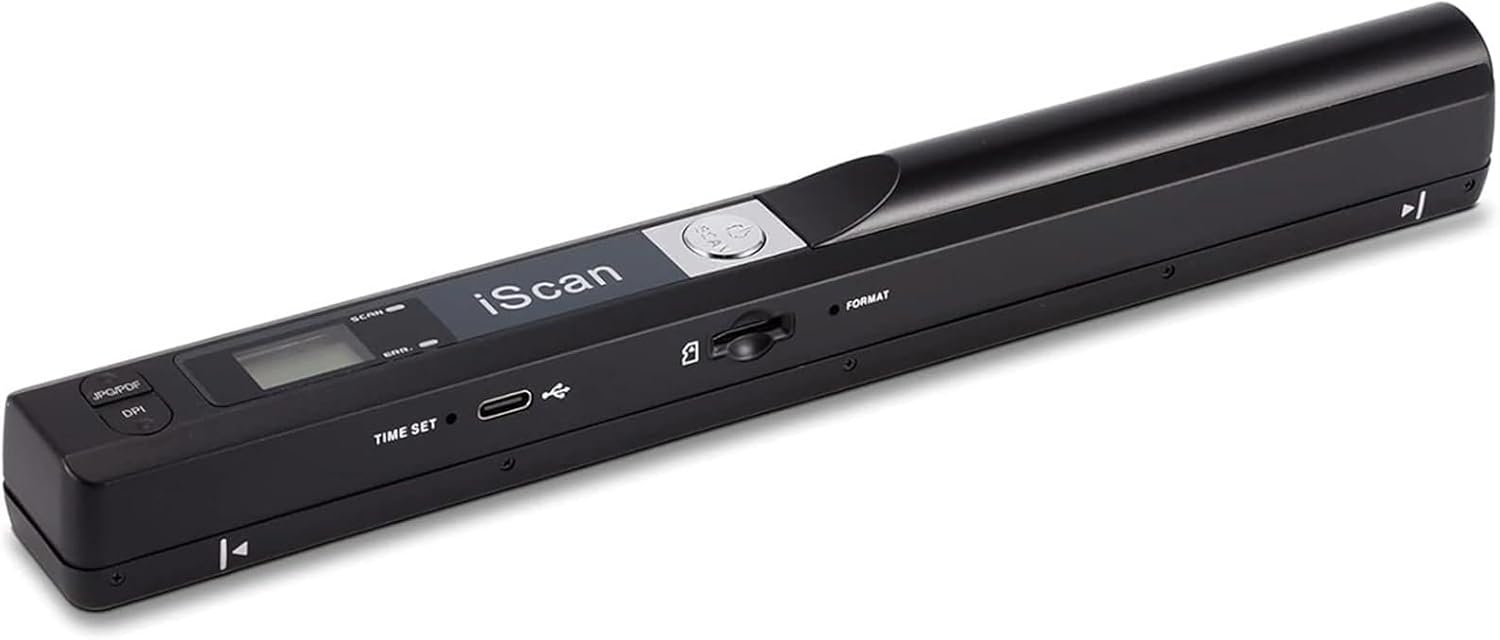
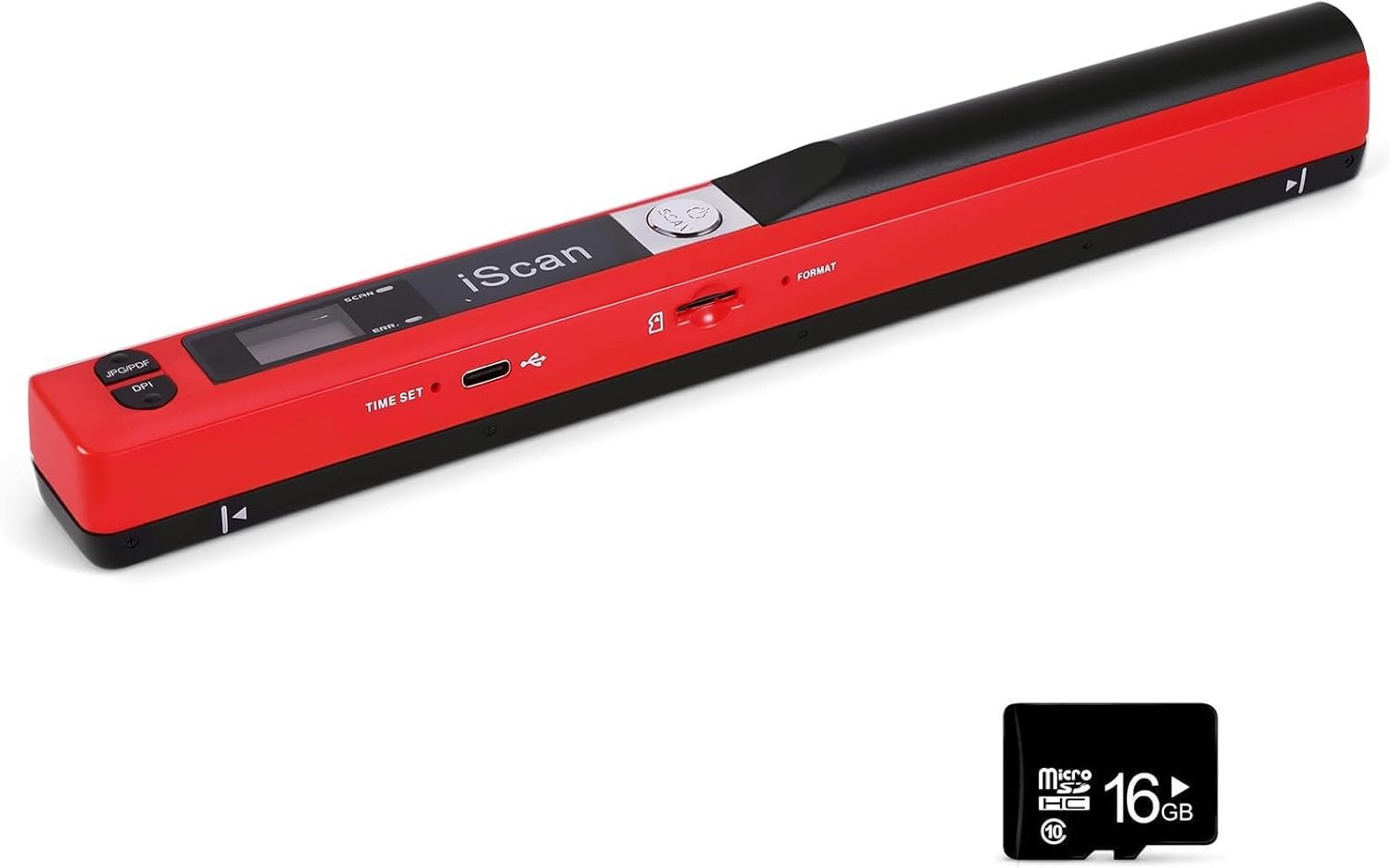
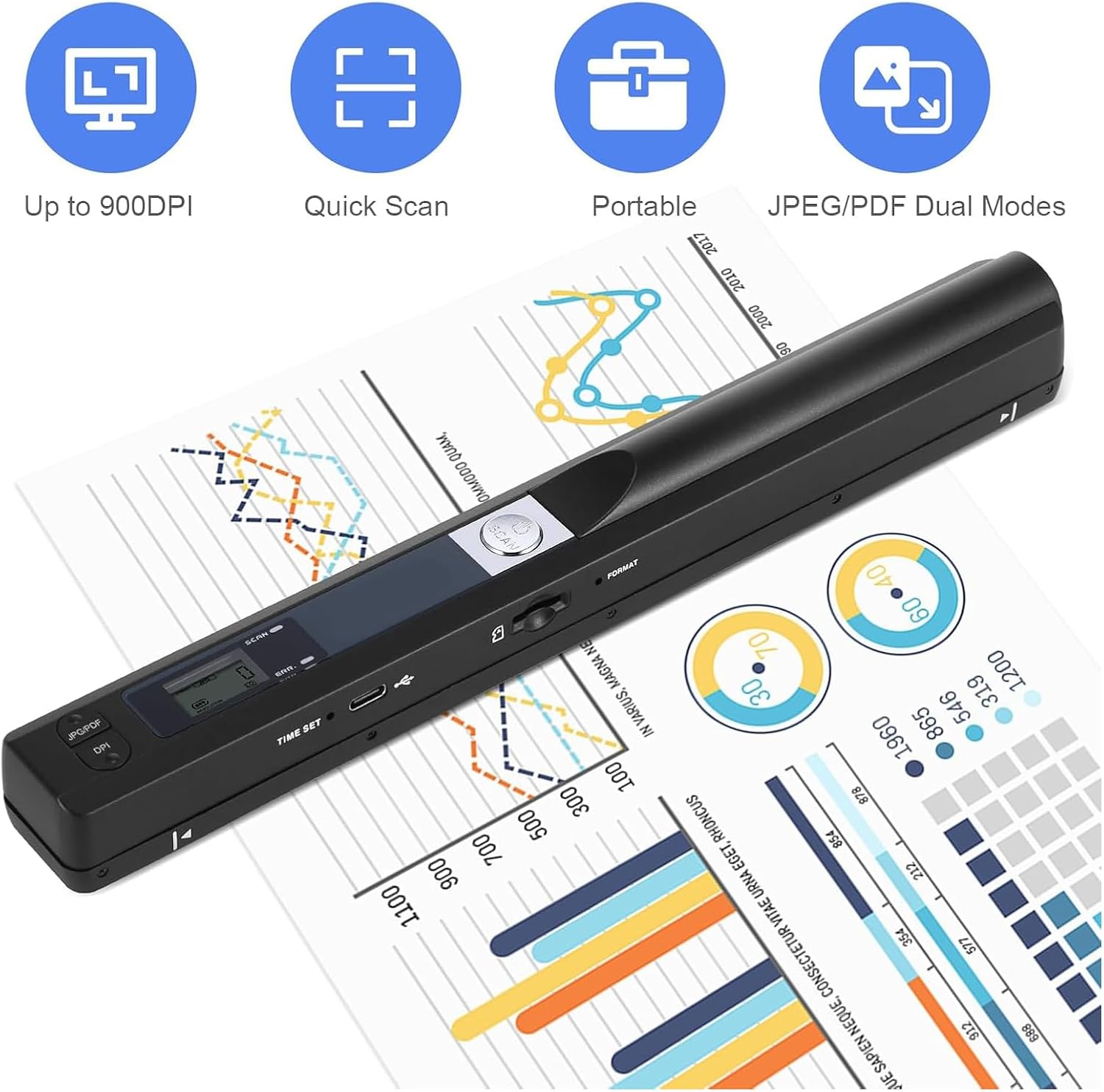
Portable Document Color Photo Scanner for A4 Documents,900DPI Handheld Mobile Image Scan for Business,Photo,Receipt,Book,Picture,Scanning Wand,JPG/PDF Format, High Speed,with 16G SD Card
$50.99
Related Products




Product description
Tip 1: What should I do to improve scanning clarity?
1: Wipe the scan head with the cleaning cloth provided.2: Restart the scanner and reset the pixels3: You can optimize scan quality by White Balance Calibration. (Details on User Manual)A4: You can set the scan pixels.(from 300dpi to 900dpi)A5: Search keyword “scans quality” in “Customer questions & answers” to watch a video there 
Tip 2: How to scan the paper properly?
1. Scan on flat paper or books. It cannot be identified in concave and convex places, such as the gaps between the pages of a book.2. Move to the next new scanning area within 3 seconds. The scanner will automatically finish jobs if you don’t move to the new area.3. The document scanner works properly if the “scan” button lights up; otherwise, the “error” button will light up. 
Tip 3: How could I transfer the scanned images to my computer?
1: Your PC will recognize the scanner via a USB cable just like another piece of hardware such as a camera or USB drive.2: It is connectable with Mac, Windows 7/8/10/XP, Linux systems computers.3: When you run into a connection problem (e.g., the computer doesn’t recognize the scanner), you only need to repeat the connection a few times to solve it. 
Tip 4: Why my scanned document has white lines, how can I resolve it?
1: You need to clean the scanner with a cleaning cloth and perform White Balance Calibration.2: Restart your scanner and reset the resolution of it. 
How to use?
if encounter an “SD card full” you can try formatting the SD card.
1. Put the right position on the scanning objects.
2. Hold the scanner and press “iScan” for a while, the green light flash, it time to start scan.
3. Moving slowly and keep stable. (Note: you need move stable, when scanning, it is best to fix the top of the file to avoid movement and scan failure)
4. Press”iScan” to stop after you complete scan.

Portable scanner for documents, books or pictures
Perfect handheld size, allowing you scan without constraint at anytime.
We packed with USB cable, you can easily connect to your PC to look through and transfer scanned photos or documents anywhere, anytime.
Power source: Charged by 2 AA batteries
Note: The memory card only supports Class 6 and above; Micro SD card with memory below 32G. We have sent with a 16G memory card.

How to perform white balance calibration (Also can refer to the uploaded video)
Do not insert the SD card during calibration)
1. Place the scanner on white paper and press the “Scan” button to turn on
2. Press and hold the “Scan” and “JPEG/PDF” buttons simultaneously for 2s.
3. Then red and green LED indicators will light up. Do not move it; wait for the red light to turn off. 4. After the red light turns off, smoothly slide the scanner until the green light turns off.
5. calibration is complete, press the “Scan” button to turn off

portable scanner,Business Trip Scanner, Travel Scanner, Office Scanner, Home Scanner, College Scanner, Library Scanner, Old Photo Scanner, Recipe Scanner, Letter Scanner🔥 No Software Installation Required, Ultra easy to use 🔥 Skip the tedious software setup steps! It is compatible with Windows XP/7/Vista, Mac OS 10.4 and above, and works seamlessly with iOS/Android phones via a USB cable—truly plug-and-play! After turning it on, select the color mode and resolution, press and hold the SCAN button until the green LED lights up, then glide to scan your documents. It will automatically shut off after 3 minutes of inactivity. Boasting easy operation, even beginners can master it in seconds!
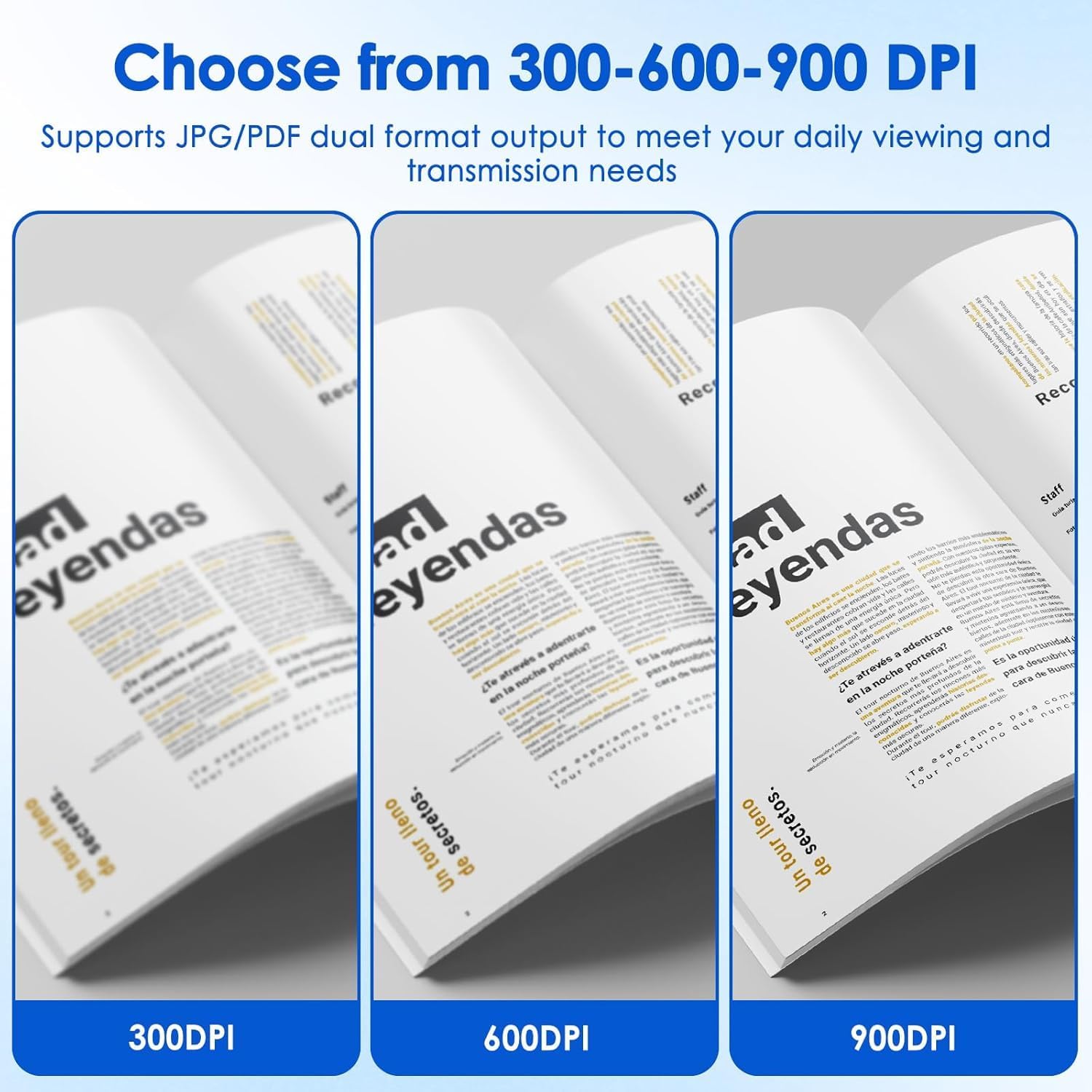
Lightweight Scanner, Compact Scanner, Easy Operation Scanner, Clear Scan Scanner, Battery Powered Scanner, iOS Android Compatible Scanner, Windows Mac Compatible Scanner 💾 High-Definition Resolution + Dual-Format Storage, Meets All Scenario Needs 💾 Equipped with 3 adjustable resolution modes: 300dpi/600dpi/900dpi. Switch freely to the clearest mode, and your scanned photos and documents will be clear as it is! Supporting both JPEG and PDF storage formats, it comes with a 16G SD card (compatible with up to 32G for expanded capacity). Its large storage capacity totally meets your needs, whether for business trips or daily office use, you can store massive files with ease!
No Software Scanner, Plug and Play Scanner, High Resolution Scanner (300/600/900 DPI), JPEG PDF Scanner, Micro SD Card Scanner, USB Scanner 🚀 Lightweight & Compact, Efficient Scanning Anytime, Anywhere 🚀 Featuring a compact design and powered by 2 AA batteries (batteries not included), the lightweight body takes up minimal space and fits effortlessly into your backpack! Scanned data is saved directly to the Micro SD card, and you can access it instantly by connecting to a computer or phone. Its travel-friendly design is a game-changer—whenever you encounter important documents during business trips or travels, just take it out and scan, no more rushing to print shops!
Portable Document Scanner for Travel, High Res Photo Scanner for Old Pictures, Plug and Play Scanner No Software Needed, Compact Scanner for College Students, USB Scanner for Phone and Computer ✨ Intelligent Calibration, Say Goodbye to Blurry Scans ✨ Worried about blurry scanned images? Simply place the scanner on a white surface, press and hold the scan button to power on, then press the JPEG/PDF button simultaneously to enter automatic calibration mode. Slide smoothly to scan after the red light turns off, and you’ll get sharp, clear results every time. If the lens is smudged, wipe it with a soft, dry cloth—blurry scans will be a thing of the past, ensuring every scan works well!
portable scanner for document photo🎁 Great Value for Money, Your Perfect Office & Study Companion 🎁 Whether you’re scanning business documents like contracts and invoices, or organizing study notes and personal photos, this scanner handles it all flawlessly! With its compact build and powerful features, it requires no ink or complicated setup—truly hassle-free. It’s a cost-effective champion, and buying it is definitely money well spent—you’ll regret missing out!
1 review for Portable Document Color Photo Scanner for A4 Documents,900DPI Handheld Mobile Image Scan for Business,Photo,Receipt,Book,Picture,Scanning Wand,JPG/PDF Format, High Speed,with 16G SD Card
Add a review
$50.99
Winterstorm –
Great portable scanner
Gave this to a friend as a gift. He loves it. Just right for his need. Easy to operate, easy to set up and scans with no problems.