
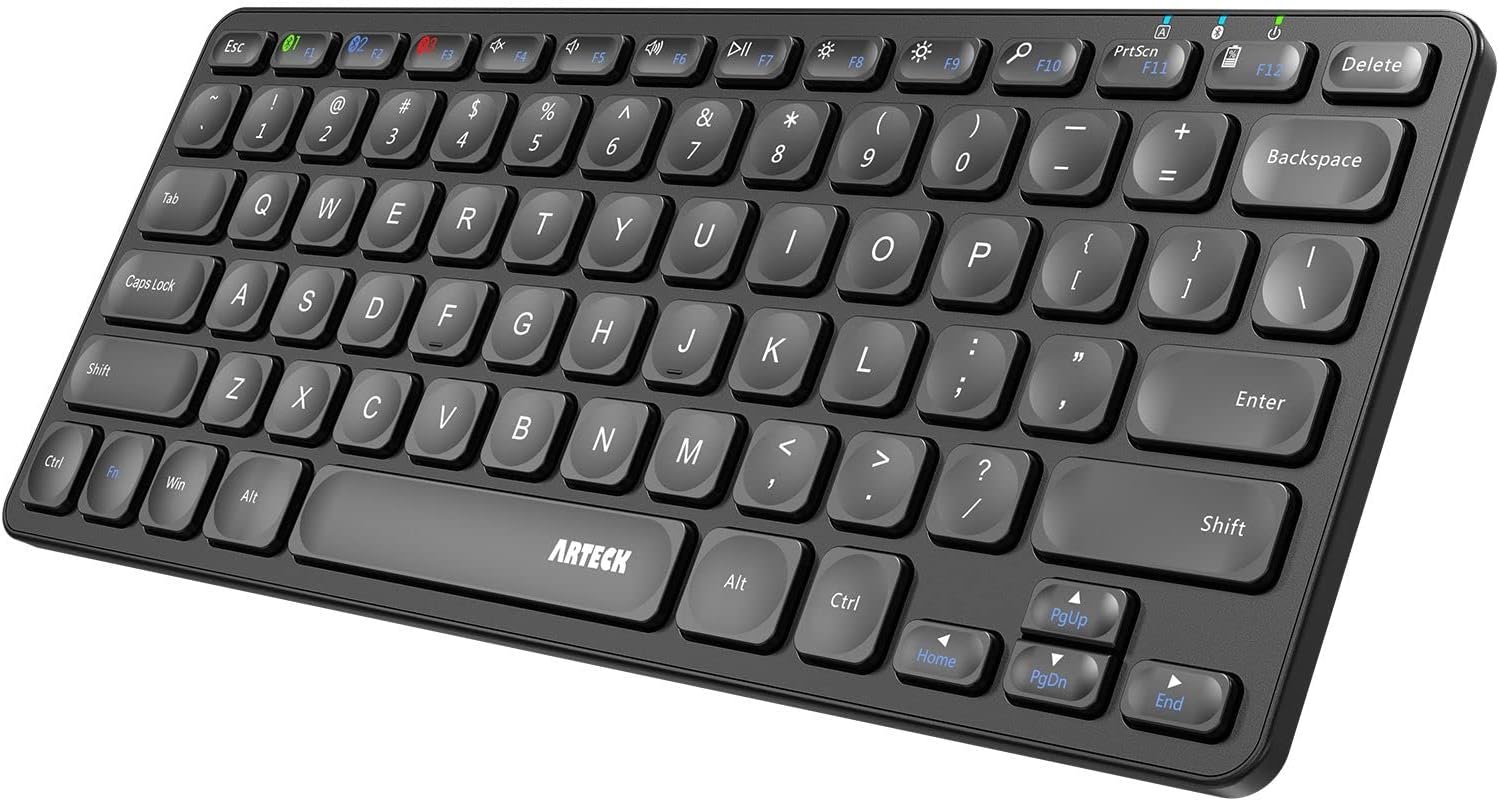
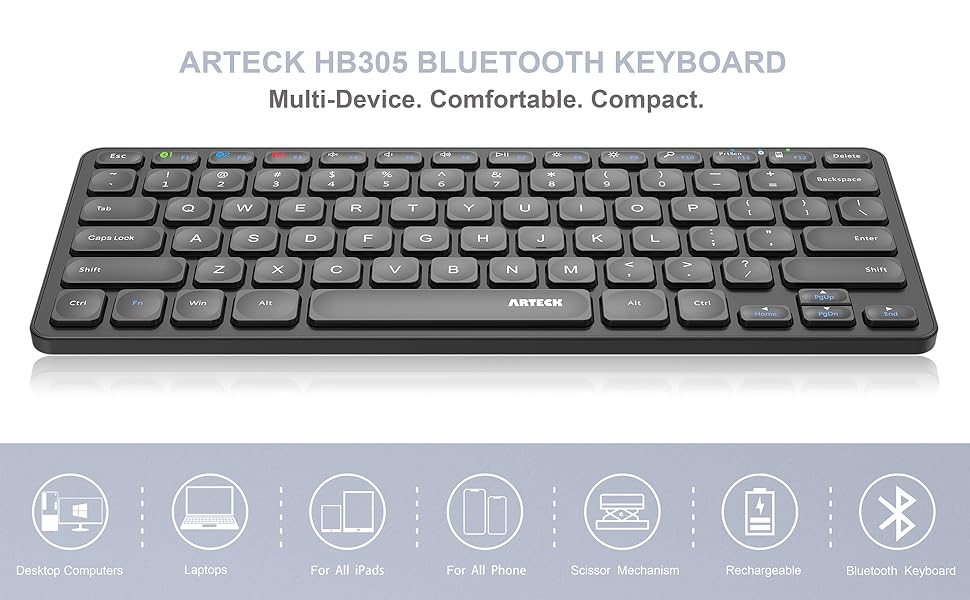
Arteck Universal Multi-Device Bluetooth Keyboard Ultra Slim and Compact Wireless Bluetooth Keyboard with Media Hotkeys for Windows iOS iPad OS Android Computer Desktop Laptop Surface Tablet Smartphone
$21.84
Related Products
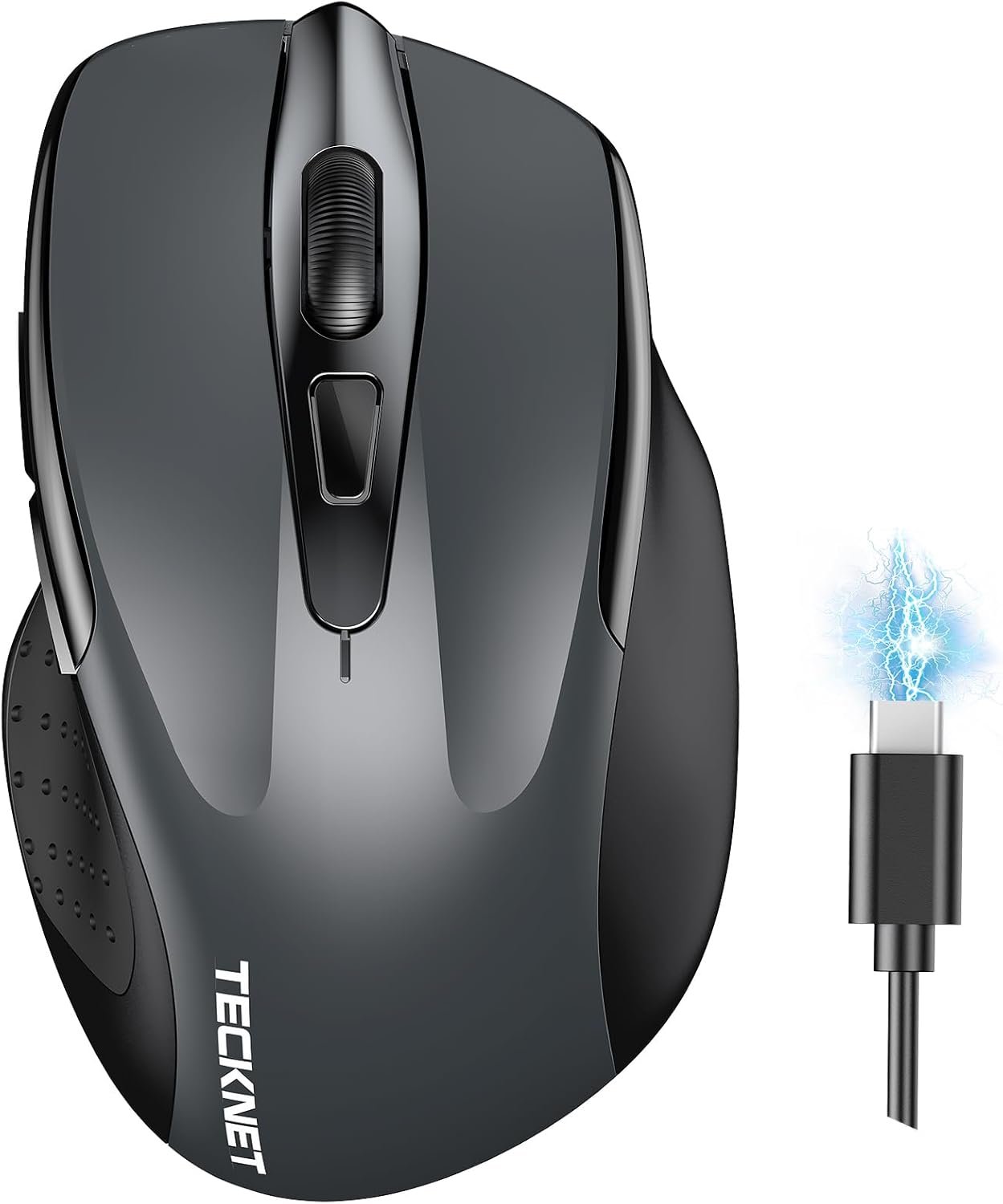
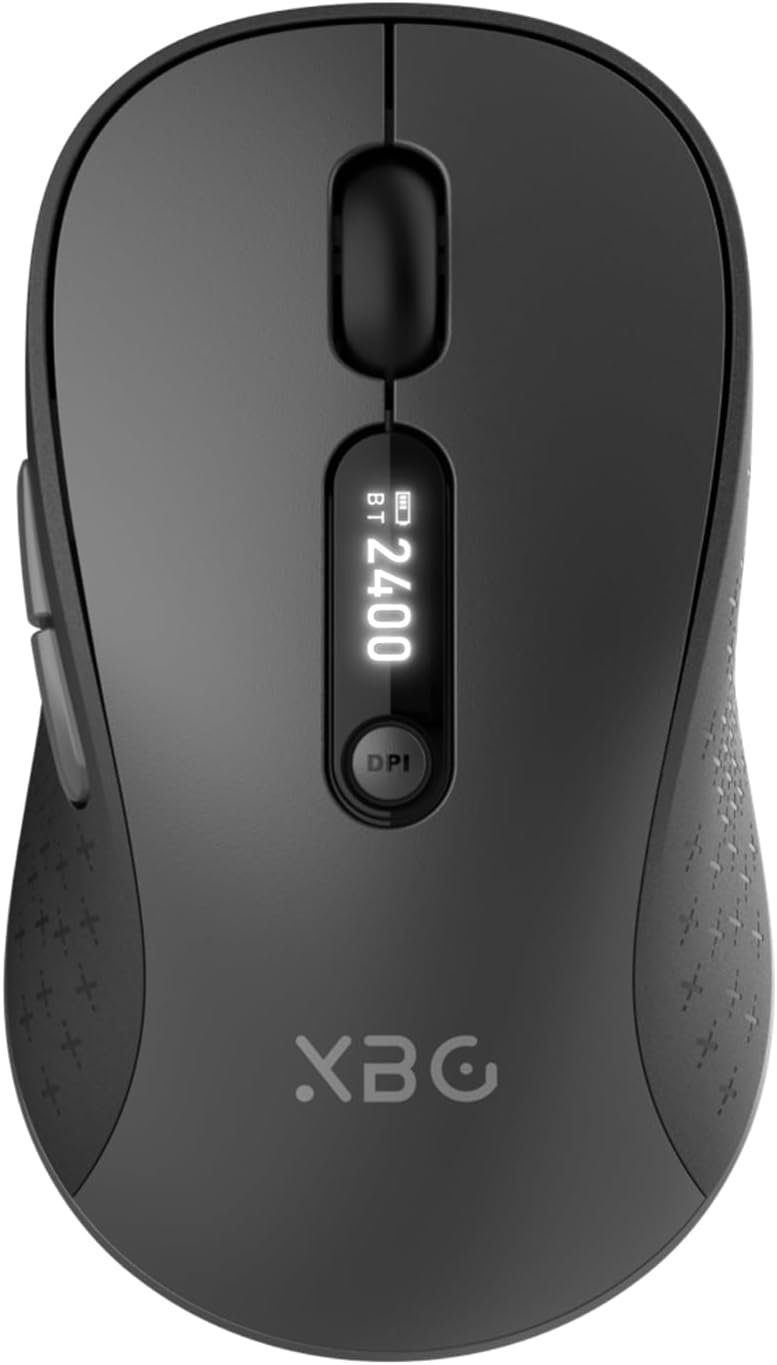
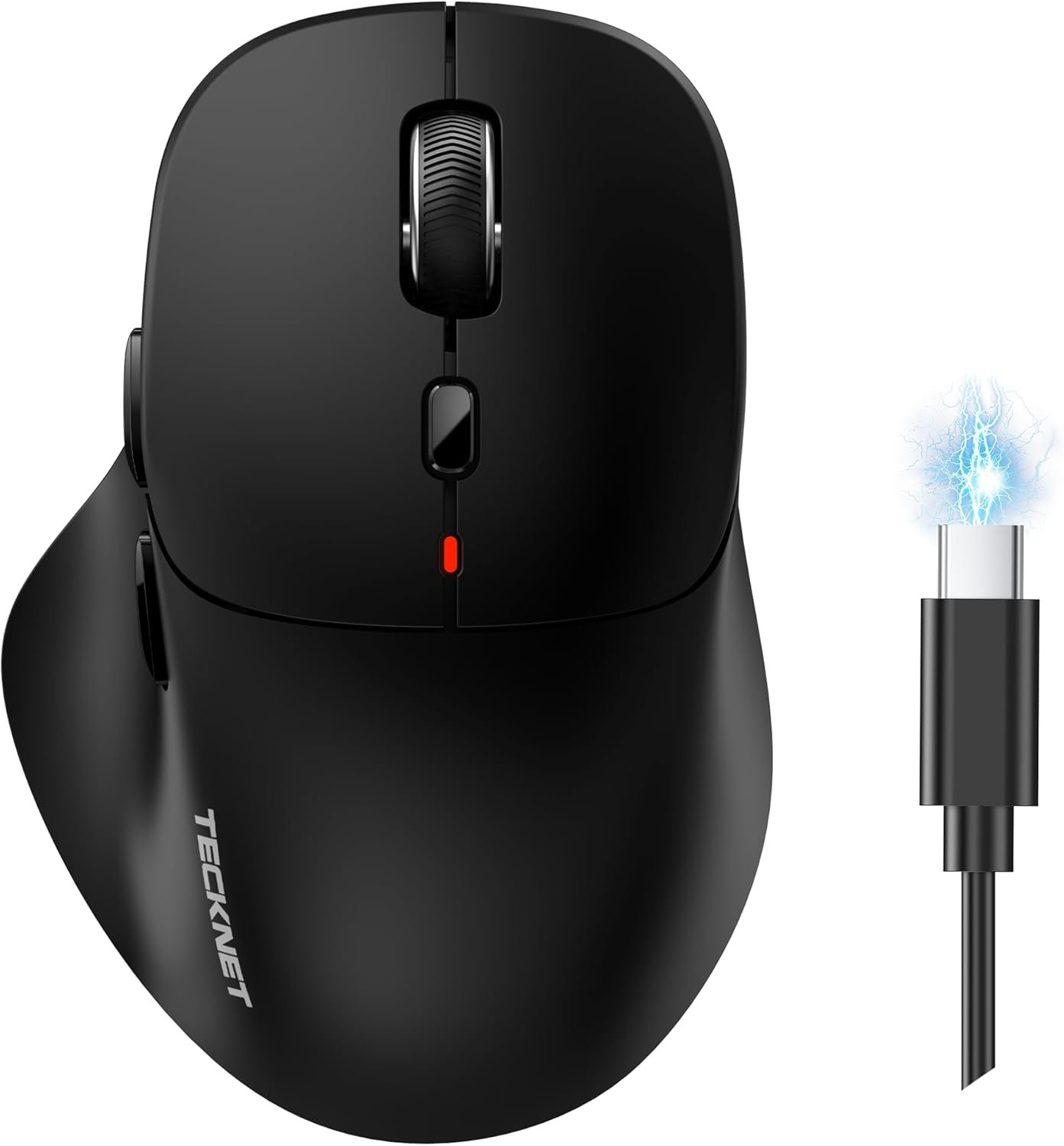



Product description
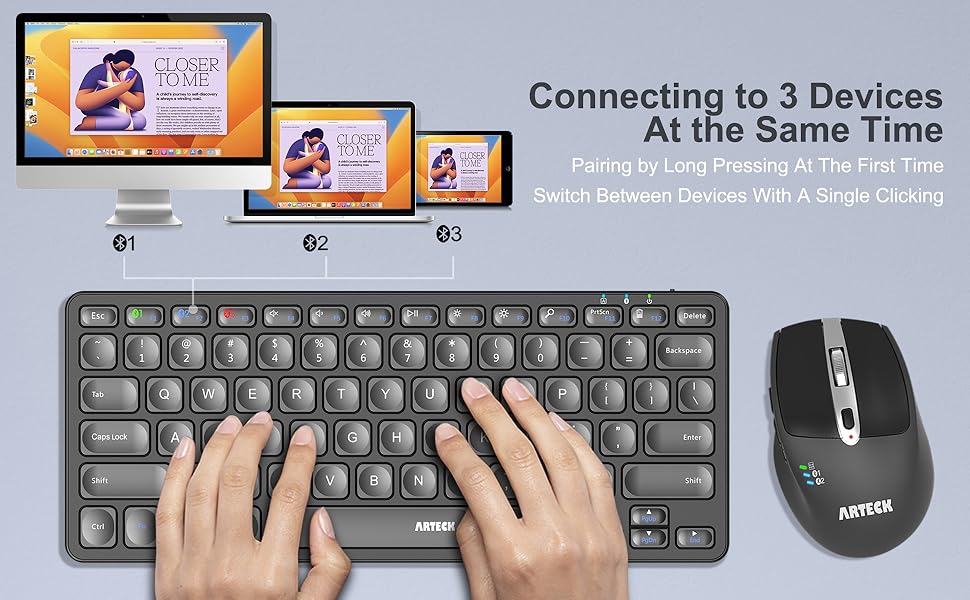
Switch Between 3 Devices with A Single Clicking
This keyboard is able to connect to 3 devices at the same time. After you pair the keyboard with 3 devices, you can simply switch the keyboard to type on any of the device with a single key clicking.
Cross Platform Compatible
Fully functional to all four major operating system: Windows / iOS / iPad OS / Android / MacOS, and features system-specific function keys for each operating systems. Any Bluetooth supported devices such as laptop, computer, tablet, surface, smartphone can easily be paired and gained quick access to common functions, such as volume level, playback control, brightness, and more.
Comfortable, quiet typing
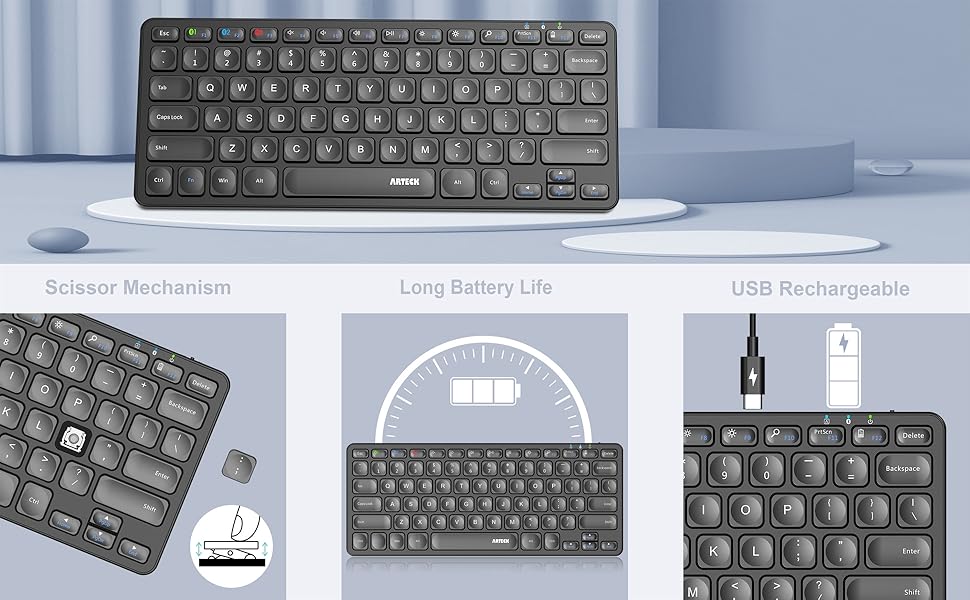
The whisper-quiet, low-profile keys bring a whole new level of comfort to your fingertips. What’s more, keep all your most-used functions and media controls closer than ever Windows-dedicated hot keys. Keyboard with scissors kick construction can be used more than 3 million times continuously.
Rechargeable Battery
Built-in industry-high rechargeable Li-polymer battery provides 6-month use on a single charge. (based on 2 hours non-stop use per day)
Add to Cart
Add to Cart
Add to Cart
Add to Cart
Add to Cart
Customer Reviews
4.3 out of 5 stars 613
4.5 out of 5 stars 1,982
4.1 out of 5 stars 2,660
4.2 out of 5 stars 1,741
4.6 out of 5 stars 2,182
Price
$21.84$21.84 $22.99$22.99 $35.99$35.99 $28.49$28.49 $16.23$16.23
Connection
3 Bluetooth USB Wireless Bluetooth 3 Bluetooth 1 USB Wireless + 2 Bluetooth
Keys Area
Main Main Main+Touchpad Main+Arrow+Number Mouse
Recharging
USB-C USB-C USB-C USB-C USB-C
Size(inch)
11.18*4.59*0.84 11.18*4.59*0.84 14.25*4.59*0.84 16.84*4.59*0.84 4.13*2.56*1.46
Weight(oz)
11.84 11.84 15.17 17.64 3
3 Devices Switch with A Single Clicking: This keyboard is able to connect to 3 devices at the same time. You can switch between 3 devices with a single key clicking.
Broad Compatibility: Use with all four major operating systems supporting Bluetooth (Windows, iOS, iPad OS, Android, and Mac OS), including Computer, Desktop, PC, Laptop / iPad Pro, iPad Air, iPad, iPad Min, iPhone, Smartphone / Android Tablets like Samsung Galaxy, Surface etc.
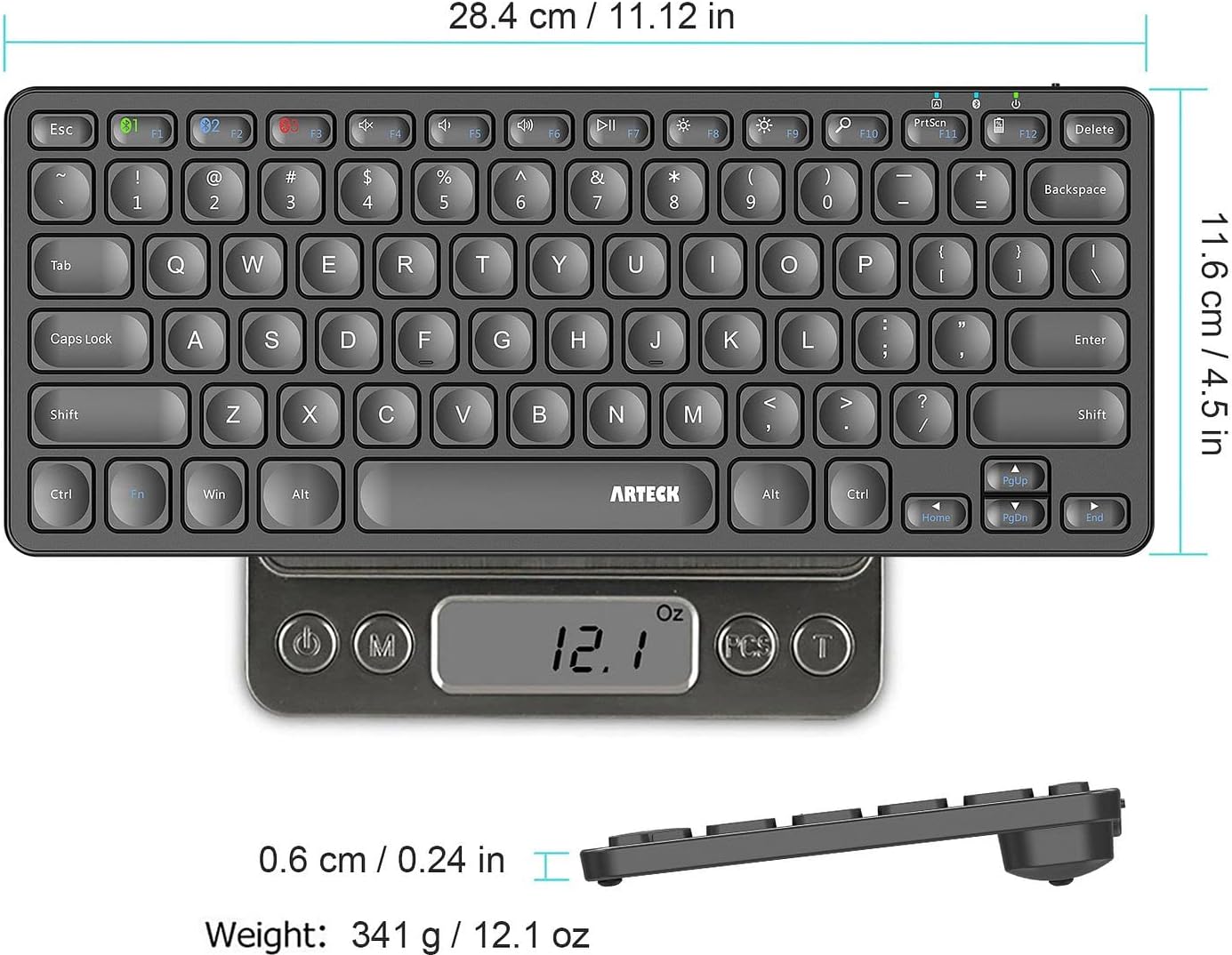
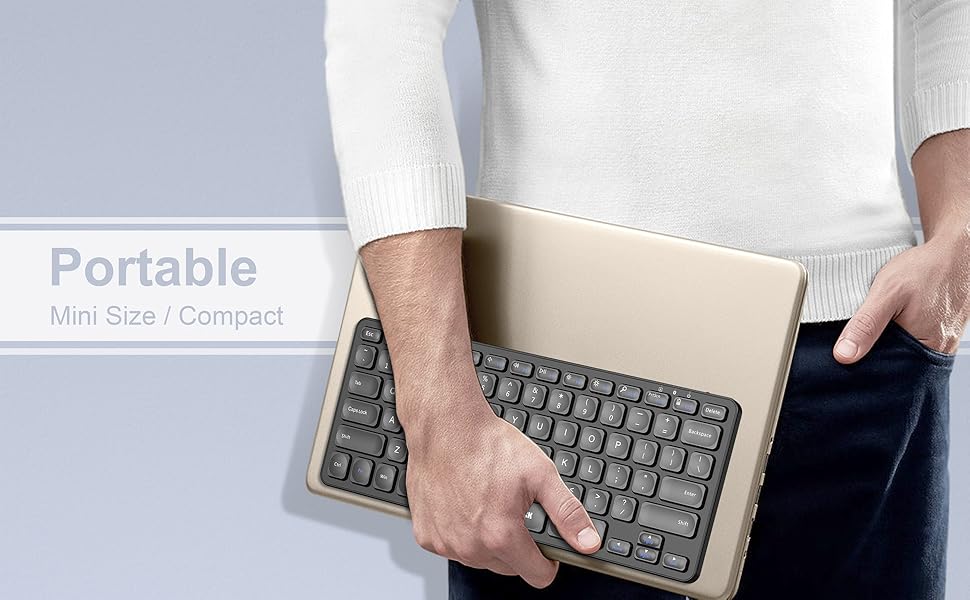
Ultra Compact, Thin and Light: Compact size (11.12 X 4.5 X 0.24in) and light weight (12.1oz) but provides full size keys, shortcuts for comfortable typing.
6-Month Battery Life: Rechargeable lithium battery with an industry-high capacity lasts for 6 months between charges (based on 2 hours’ non-stop use per day).
Package contents: Arteck compact multi-device bluetooth keyboard HB305, USB-C charging cable, welcome guide, our 24-month warranty and friendly customer service.
9 reviews for Arteck Universal Multi-Device Bluetooth Keyboard Ultra Slim and Compact Wireless Bluetooth Keyboard with Media Hotkeys for Windows iOS iPad OS Android Computer Desktop Laptop Surface Tablet Smartphone
Add a review
$21.84
Raquel –
Best Bluetooth Keyboard I’ve Had
This is my favorite Bluetooth keyboard!!! I’m a graduate student, so my job requires endless writing. I can connect this keyboard to three laptops and the battery lasts a long time (a few days for me) – the charge time is quick. The smaller Bluetooth keyboards I’ve owned before were delicate, small, and overheated, so it hurt my hands. Fortunately, this keyboard size is just large enough where my hands don’t get fatigued, and small enough that it’s portable and lightweight. So, it’s perfectly sized with all the keys I need (smooth typing), it’s durable, and it does not get warm at all. I’ve had this one for a few months now and it works great. Sometimes I noticed that it will stop working before or after a computer update, but I found the very easy fix! Just remove/delete this keyboard from the Bluetooth settings on your device and then pair the Bluetooth keyboard back to the device – (tip: hold down f1, f2, or f3 on the Bluetooth keyboard to pair). This has happened maybe two times so far. I just removed it from my Bluetooth settings on my laptop and paired it back – done! 🙂 All is well.
ABA –
Great customer service after experiencing issues
I bought this in July. It worked great – a nifty little keyboard that I used for basic schoolwork. The battery life was good and I liked that it was bluetooth so I don’t have to deal with wires. The keys don’t match up exactly for Mac but it’s easy to adjust. Overall, I was happy with it.However, I ran into issues after using it for 5 and a half months. It started when it would not always register that I’ve pressed a key and I’d have to go back and retype words. Things progressively got worse and now the keyboard won’t even stay on. It’s fully charged, has never been dropped or had anything spill on it, and is cleaned regularly. It just sits quietly on my desk so I don’t know why it stopped working.EDIT:I contacted Artek about the keyboard. Their customer service team was very pleasant and helpful, plus they responded promptly. They sent me a new keyboard, which so far has been working nicely. Happy to say that my setup has gone back to the way I envisioned it 🙂
Boris –
A wonderful little keyboard with a kink
It’s small, lightweight, responsive; exactly what I was looking for. I bought it to make my workplace a little more ergonomic. It fits anywhere. It even looks nice. A fantastic keyboard for the price.I only have one issue with this keyboard, which I’d like to alert other potential customers about. For reference, I have a Windows 10 laptop with a Realtek 8822BE adapter. The issue is that if the keyboard runs out of battery while it’s connected and I am typing something, the last key pressed before the keyboard turns itself off will become “stuck”, as if it’s being continuously pressed. As an example, if I were to include the word “good” in this review, and the keyboard suddenly ran out of charge right as I am entering the “d” key, the result would be an endless string of the letter d, like this: dddddddddddddddddddddddddddddddddddddd… and it would keep generating the string until I closed the window. If I reopen a window, though, the string of d’s will continue anew, and it will run in any available text input field your cursor happens to fall into. The only way to stop this is to reboot the computer, which annoying enough for me to explain this in this review. However, this unpleasant experience can be prevented entirely by regularly charging the keyboard.
Audi.RS4 –
Great little keyboard for a great little price
I wanted a small keyboard for keeping in my backpack to use when traveling into the office. I don’t have an assigned desk anymore, and just grab what is open, and the keyboards are always different, are basic Dell or Amazon board and take getting used to.I decided to get this to use for taking into the office. I chose to go with Bluetooth, so I didn’t have a dongle hanging off the laptop, or accidentally left in the Docking Station. Having support for 3 devices, I could also easily use it with my personal laptop, if I wanted to.I love the feel of the keyboard. The key press has a good, clicky feel. It isn’t overly loud, but not quiet either, definitely not as loud as a mechanical keyboard. I prefer the feel of this over the Apple Keyboard my wife has.As for features, the keyboard has a good array of extra commands like brightness, volume and media controls. These commands have worked fine for me in both Windows and Linux.It is hard to speak to the battery life, only using it for around 8 hours for one day a week. But so far I don’t think I’ve had to charge it after the initial charge I did after receiving it. I do love that it has a USB Type-C port keeping me from increasing number of devices using the old micro-USB port or worse, something proprietary or barrel style.One reason I went with this, over many others I looked at, even others from Arteck was the placement of the Function key. The proper place for this is between the left control and super (Windows) key. The left control must be in the lower left for me as I use it a lot for copy and paste shortcuts. How people can stand macOS and using alt/option is beyond me.In conclusion, I am very pleased with this keyboard. So much so, I have now purchased the larger sized variant, with the USB dongle and numpad to use at my home setup. If you are looking for a small keyboard, this is a great option.
Kester –
The initial setting up was straightforward and the instruction leaflet, although small, well put together and relatively easy to read compared with some that come with other products. The keyboard feels like a quality product despite its very reasonable pricing.Initially, when undertaking my first typing tests, I found the keyboard very much over-sensitive with lots multi character output from a single key press. This frustrated me somewhat so I emailed Arteck customer support whose contact details are prominently shown in the leaflet. However, I probably have jumped the gun because, not be being overly familiar with Android other than in using my mobile phone, I didn’t realise that within the settings of my new Android tablet, for which I acquired the keyboard, was a section where I could adjust ‘Pointer’ speed and this resolved the issue without any problem being caused to normal touchscreen working.It’s early days but I am very happy with my purchase – its quality and ease of use, even for my aged and shaky fingers, mean I believe it deserves a five star rating.
J. Britton –
This is a great little keyboard. Whilst the actual keyboard is close to full size, it has no number keys on the side, and so is narrower than most keyboards, and, therefore, much more comfortable to use with a mouse (no need to reach too far right).I would highly recommend this keyboard to anyone who does not routinely need the number keys that reside on the right-hand-side of most full size keyboards. The low-profile keys also add to the quality of this little gem.Add to this the convenience of a very long charge, no need for a USB slot on your computer (it connects by Bluetooth), and its portability, and you have one very useful device.
Kris –
Updated review:I bought this for my daughter to use with our laptop. The one I received initially had issues (see below) I returned it, wrote a 1 star review and bought another brand (EasyAcc, which we are very happy with).But Artec got in touch and offered to send another one for free if I would fix the review. Although I no longer need the keyboard, we said yes as this keyboard did seam like it should be good and it doesn’t do harm to have a backup. So we have now been using the new Arteck keyboard for a week (mostly my daughter playing Minecraft) and the keyboard works will now. The battery isn’t quite as good as the EasyAcc one, but actually they key layout is much better and it is slightly better size. So I think it will be her default one now.Basically I think we recommend this keyboard now.It also seams like their support is good, if you are unlucky like we were on the first one we got. Then they were pretty proactive at sorting getting a replacement.Initial review:I bought this for my daughter to use with our laptop. I had to charge it twice before it would actually keep power enough to connect. One connected it work ok for a bit but. Only lasted a few hours. Then it didn’t seam to charge properly. And lots of disconnections randomly. Real shame. As it looks like it would be perfect.
Max –
Love it! It’s cheap and cheerful but I’ve found myself using it as my primary work keyboard every day. I work in IT so I’m quite a heavy user.Yes, you can get better quality elsewhere, but I’ve found the ability to pair to multiple devices and the fact I can just throw this into any backpack without sparing a thought far outweighs the pros of using an alternative.Types well, it’s quiet and battery lasts a decent amount of time – I charge it maybe once a week.Good value for money.
D. Milne –
A small compact keyboardBrilliant response via BluetoothIdeal for backpack and laptop