
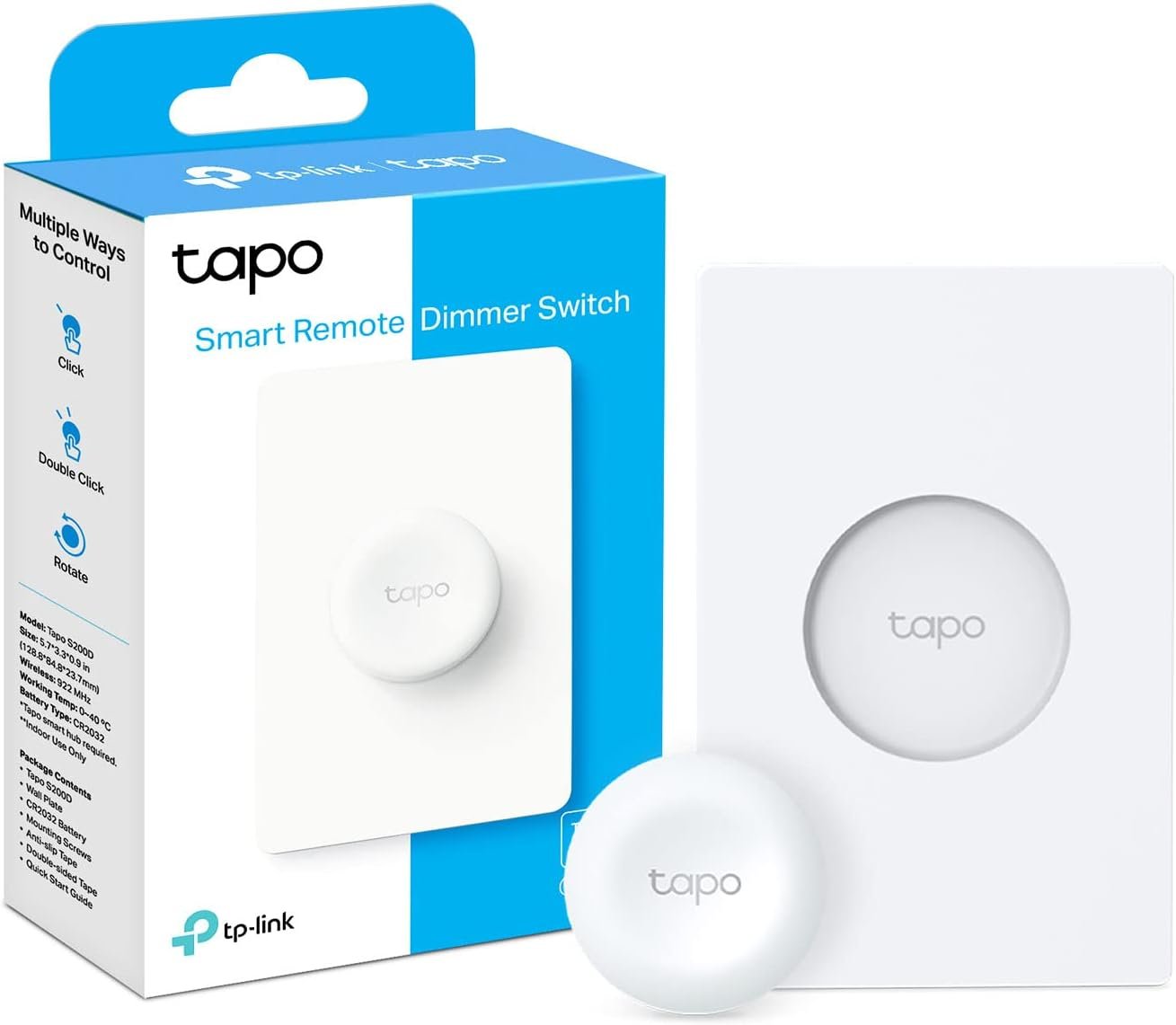
Tapo TP-Link Smart Button | Wireless Remote Dimmer Switch | 3-Way Control | Tap & Rotate HUB Required | 1+ Year Battery Life
$21.99
Related Products
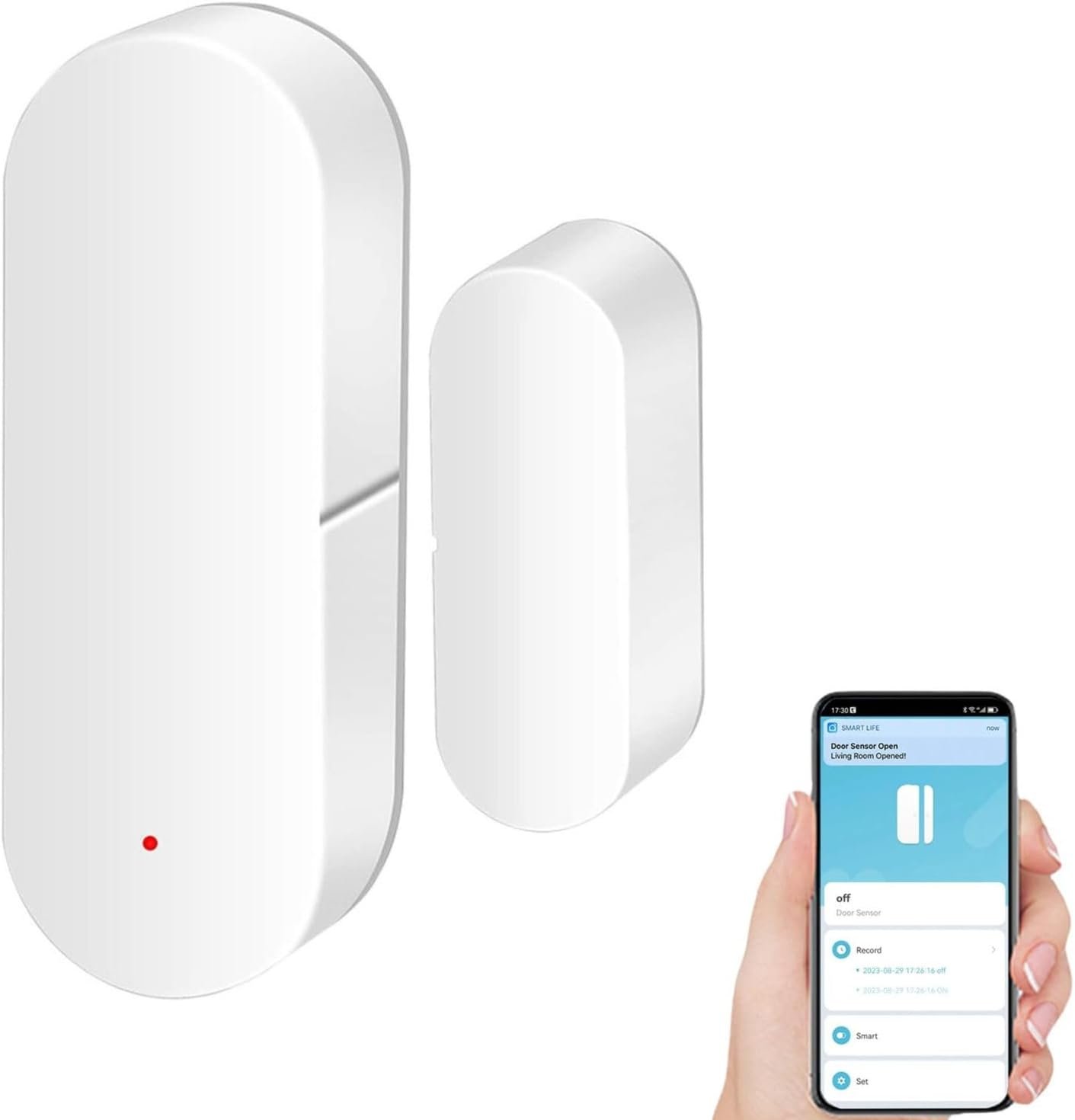
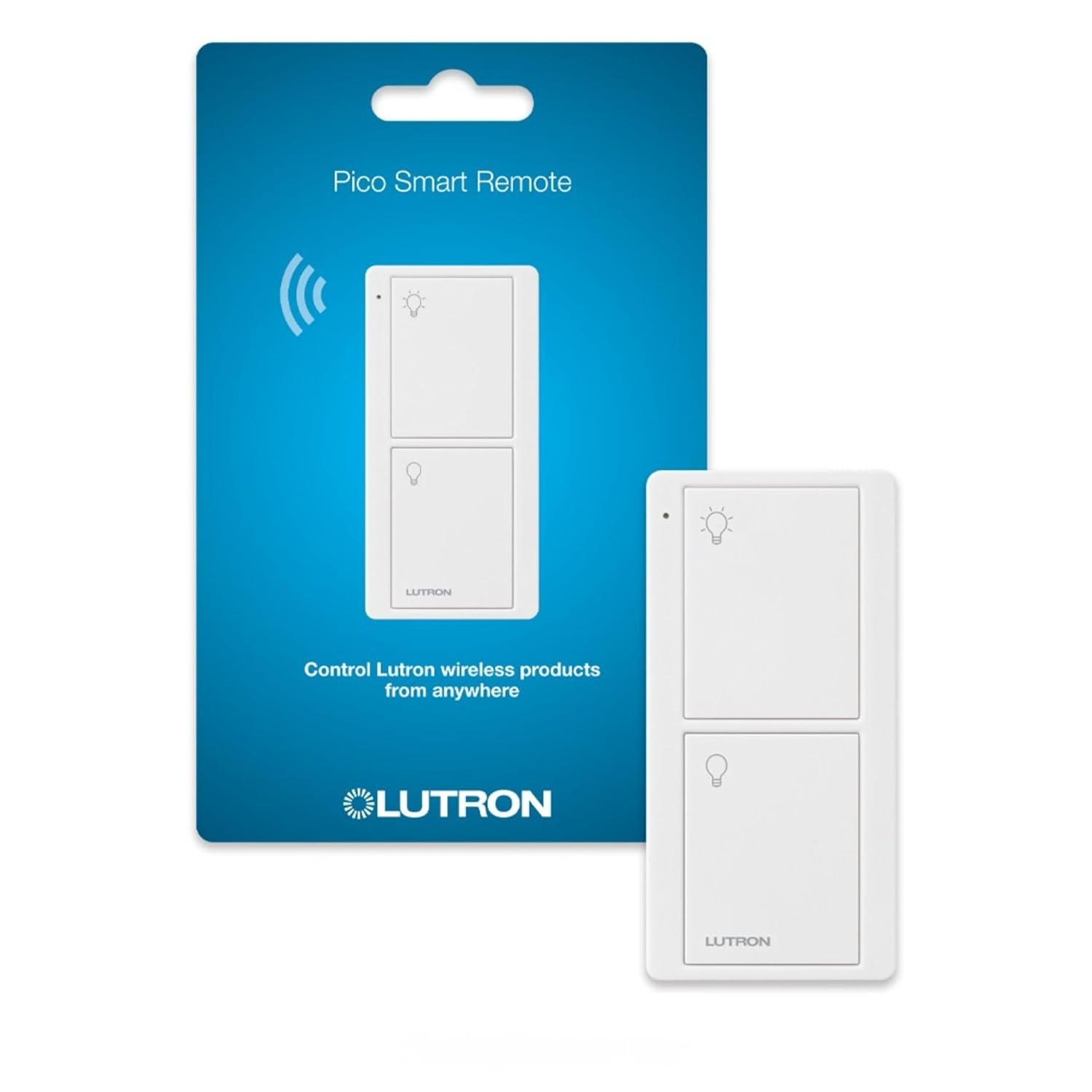
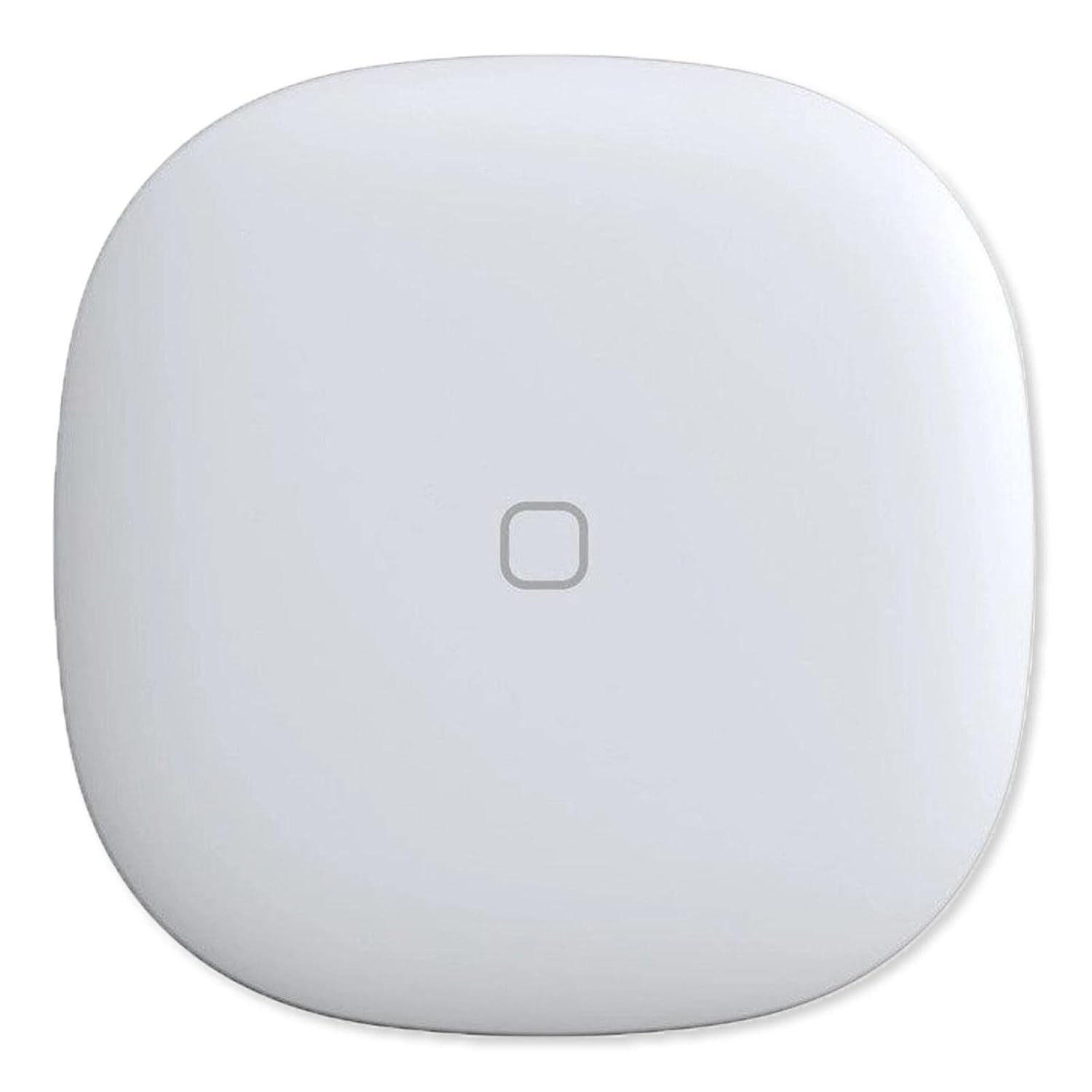


The Tapo S200D Smart Button is a versatile addition to your smart home setup, communicating with the Tapo Hub H100 (sold separately) via Sub-1G Low-Power Wireless protocol for wider coverage and extended battery life. This all-in-one remote enables effortless control of your Tapo devices, offering personalized commands and remote light dimming for a custom ambiance. Additionally, it serves as a doorbell when linked to the Hub, and functions as an emergency button, sending prompt alerts for home safety. With a battery life of over a year, the S200D is a reliable, multifunctional asset for any smart home.
*Tapo HUB REQUIRED * To utilize Tapo smart button S200D, a Tapo hub H100 (sold separately) and a secured 2.4 GHz Wi-Fi network connection are required. Tapo S200D communicates with the hub via the Sub-1G Low-Power Wireless protocol, which provides extended battery life for the sensor and a wider coverage area compared to Wi-Fi. The Tapo Hub H100 can connect up to 64 devices simultaneously and includes a 90dB ringer with 19 different ringing tones. The Tapo Hub also enables the use of Smart Action for sensors and other Tapo devices even when the network is disconnected and is highly responsive.
Effortless Control Experience the ease of managing your Tapo smart home devices with a wireless, all-in-one smart button.
Personalized Actions With options for a single tap, double tap, and rotation, one button can initiate a variety of actions tailored to your needs.
Remote Dimmer Switch Easily control your home lighting by turning Tapo lights on/off or setting the perfect ambiance with adjustable dimming, streamlining your illumination experience.
Doorbell Button When linked to the Tapo Hub, the S200D Smart Button doubles as a doorbell, complete with 19 unique ringtone options for added personalization.
13 reviews for Tapo TP-Link Smart Button | Wireless Remote Dimmer Switch | 3-Way Control | Tap & Rotate HUB Required | 1+ Year Battery Life
Add a review
$21.99
sephonda peters –
Great smart button with no wiring needed
For a ceiling fan we had a normal switch but had Tapo bulbs. If the switch was off we could use the Tapo app/system to control the lights. So this is the compromise…The smart button is paired with the Tapo system and programmed to turn on/off the ceiling lights (as long as separate ceiling fan power switch is on) without interrupting fam operation.Installation was simple, attach provided double stick tape to wall plate then attach smart button. From there all that is left to do is set up an automation/smart action for the switch. Our is set up for 1 tap on/off and rotate changes bulb brightness +/-.It’s expensive for what it is, but if you don’t have HA (home assistant).and a cheap zigbee device, this is the solution.We have approximately 30 Tapo smart devices throughout the house and overall have enjoyed them.As far as this button goes. If you need a dedicated Tapo switch/button that does not require wiring ..this is a great choice.Hope this is helpful!
Cosmo –
Easy setup
Easy setup. Works as expected plus has a double click option to allow for other functions
Kaelos –
Tapo Wireless Switches: Convenient and Customizable, But With Room for Improvement
We have to use these for our smart switches, because we cannot install the wired switches at our place. I like how easy they are to connect to the smart home system through the Tapo app and Alexa. You can assign them to control single or multiple devices at one time, like a set of bulbs, or bulbs and a plug. You can even use them for other smart home functions thru the Alexa app.Each one comes with the mounting tape or screws, and also includes stickers to label what each button controls. They can also work as dimmers for brightness or color temperature.You have to use the Tapo Hub with these, instead of them having a direct connection into the wireless network. I see that as a good and bad, less network chatter, but have to rely on the connection between the button and hub to come through clearly. So far no issues with the connection, but I could see needing multiple hubs in a larger home, or if you have separate buildings.They can be easily knocked off the baseplate, it’s just a magnet holding it on there, and if you bump it the wrong way they fall off. It would have been nice if they connected to the baseplate in a more sturdy fashion, perhaps clicking in with some small tabs.Another flaw is the dimmer on them, it takes 2-3 clicks to get them to come on the lowest setting, and it’s inconsistent. When using the dimmer sometimes the temperature will randomly change for a brief moment too, not sure if that is because of the dimmer or the bulb, but I never have that issue when dimming them with the Alexa or Tapo app.Overall good product, just needs a little work to make this a 5 star product. I would rather use the wired switches, but if you are in a similar situation as I am, or if you want to have buttons to control various segments of your smart home, these are a great option!
Mike –
Useful for so much more than lights!
This device is fantastic and useful for so much more than just controlling lights. My mother-in-law has dementia and stopped using her Alexa to play music because it was too confusing. This button made it easy to have a single tap play music, double tap to stop and turn of the knob to adjust volume. I can think of a dozen other useful routines to trigger with these. Only minor complaint is magnet holding button is not super strong and I would not be surprised if she takes it off and hides the button. For $20 bucks you can’t go wrong.
Dave –
works great
this works great with my alexa system, the 75 watt bulbs function unlike the 100w hue lightbulbs that did not work on my light fixture (fan/light). Setting up with challenging at first, but that’s probably because I did not read directions carefully.
crewsr –
Functional with but flawed
I wanted dimmable LED lighting in my stairwell, and have had poor results using dimmable LED bulbs with a Tapo smart dimmer switch, so I went with a gang of smart LED bulbs and two of these. Setting the button for basic ‘on-off’ for a group of bulbs was pretty easy, setting up for the dimmer function was a little more tedious. Once configured, the button works as expected, with maybe <1/4 second delay from pressing the button to the lights actually turning on. The design of the wall plate makes it useless for US households; it's much bigger and bulkier than the wall-plates we're used to, preventing its use with a multi-gang switches. The wall plate has an embedded piece of steel to which the button sticks to magnetically. There is no mechanical fastener for the button at all, it just sticks via magnetic base. Since the wall plate wasn't useful, I adhered a large steel washer to my exiting switch plate and stuck the switch to that.The Smart Button looks and feels very cheaply made (it's not an expensive piece of kit either). If you have a nice house with high-quality switches this will look out-of-place. It's not nearly as robust as an actual UL-listed 'dumb' rotary dimmer switch, so I'm curious how long it will last under normal use. Dimming is visually 'digital' and lacks the instant and smooth fade ramp of a conventional dimmer.
Andrew –
Amazing product for convenient control
I have used a lot of smart home products and I am loving the Tapo stuff. I had a very inconvenient light switch in my apartment. I purchased two bulbs for the overhead lights and was able to use this knob which I attached to the wall with Velcro. I use it daily and it has never missed a beat.
ZombiePartz –
Doesn’t play well with others.
While the product itself works decent ( occasionally the rotation action does not register or the button tap) the lack of integration with other services turns me off. There is a strong sense of walled-garden with TP-Link, not working well with other devices. If you have all TP-Link smart home devices, this would work fine. If you are an advanced or power user, and want to cross-integrate with IFTTT or webhook, or any other smart devices in your home, forget it. Many have requested that the company add simple trigger actions for buttons, switches and door sensor, but have all been ignored over the last few years.
Víctor López Parra –
Por el momento en lo que adquiero el timbre tapo lo uso de timbre. Solo como no es contra el agua cuando hay mucha humedad o llueve lo retiro, al igual recordar que se puede retirar muy fácilmente si es alguna parte donde haya mucho ratón no lo recomiendo para ese uso
M W & C M –
Super cool product, works as described.It’s a bit of a pain that you can’t fit this into a multi gang plate. It can really only either be installed to replace a single remote switch, or as its own, adhesived, new switch location.I resolved this by putting a ‘blank’ plate with a magnet on the rear so as to make a custom plate that this switch could stick to. Works perfect, and honestly looks great. Would be awesome if this switch came with some sort of magnet blank to put into existing switch spots.
Felipe Novas –
Muito bom, mas nao funciona com os hubs do Brasil,
Bruno –
Não sei por que vende um produto pra fora dos Estados Unidos sabendo que não vai funcionar em outros países, e o pior não informa nada no anúncio. Pura picaretagem.
Patrick Braz –
O produto é bom mas não funciona, não realiza o pareamento com hub. Ele não é homologado para uso no Brasil.