
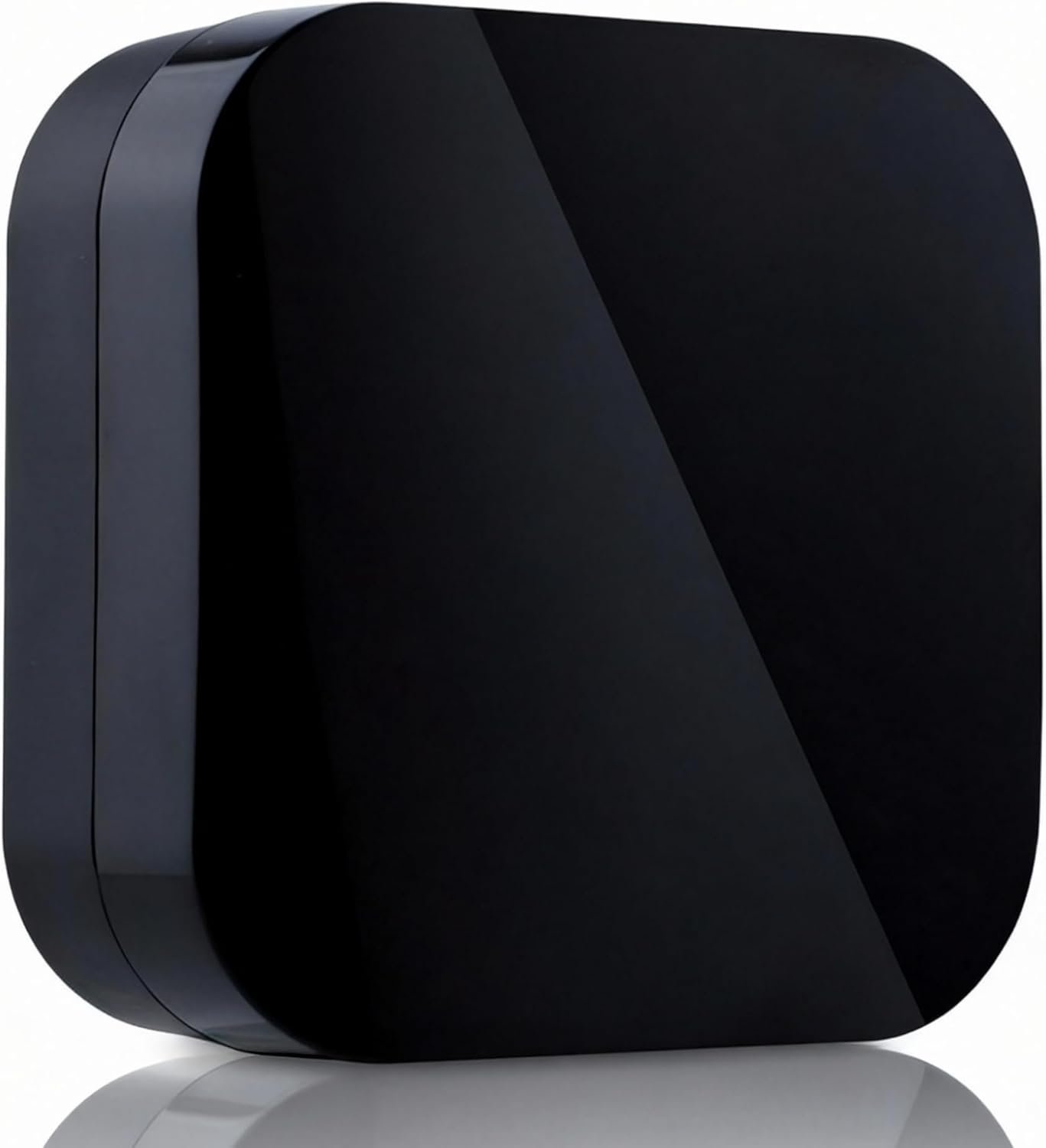
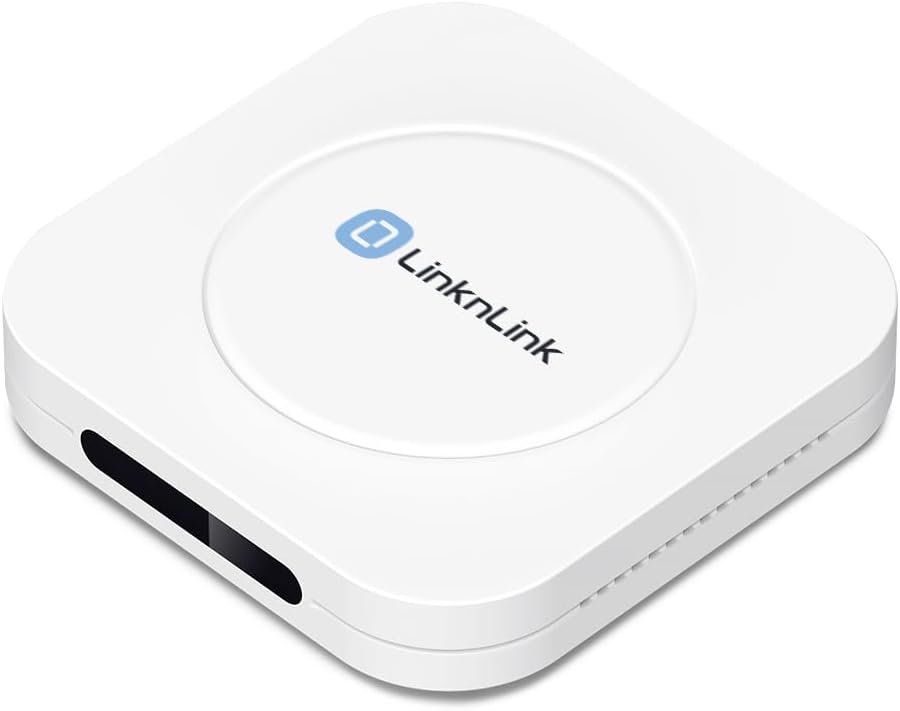
Tuya Smart Zigbee IR Blaster/IR Remote Controller, Infrared Remote Control Hub for Smart Home Automation Devices, Works with Alexa & Google Assistant, 2.4Ghz WiFi Only, Zigbee Wired Gateway Required
$28.99
Related Products




Product description

Note
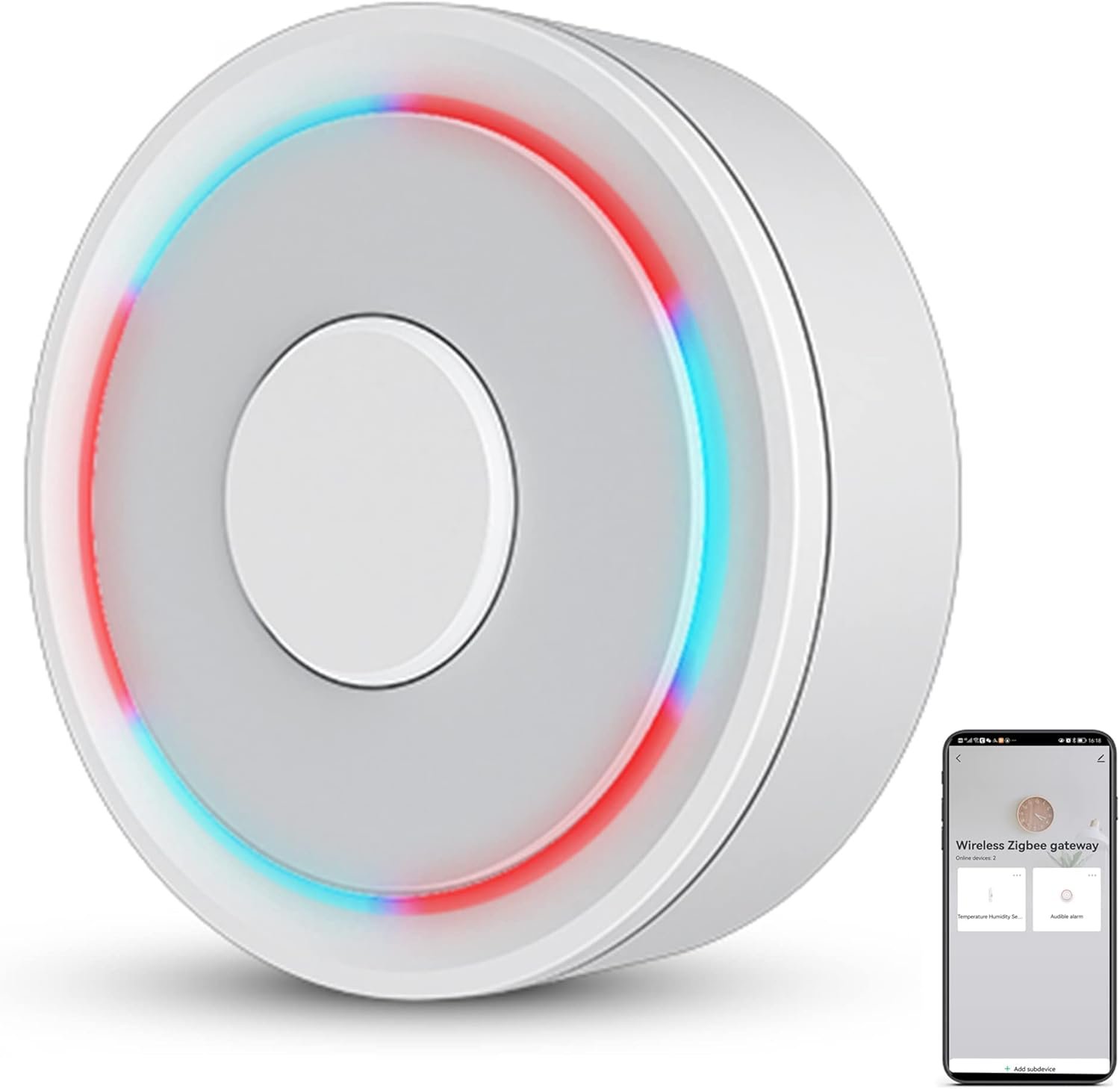
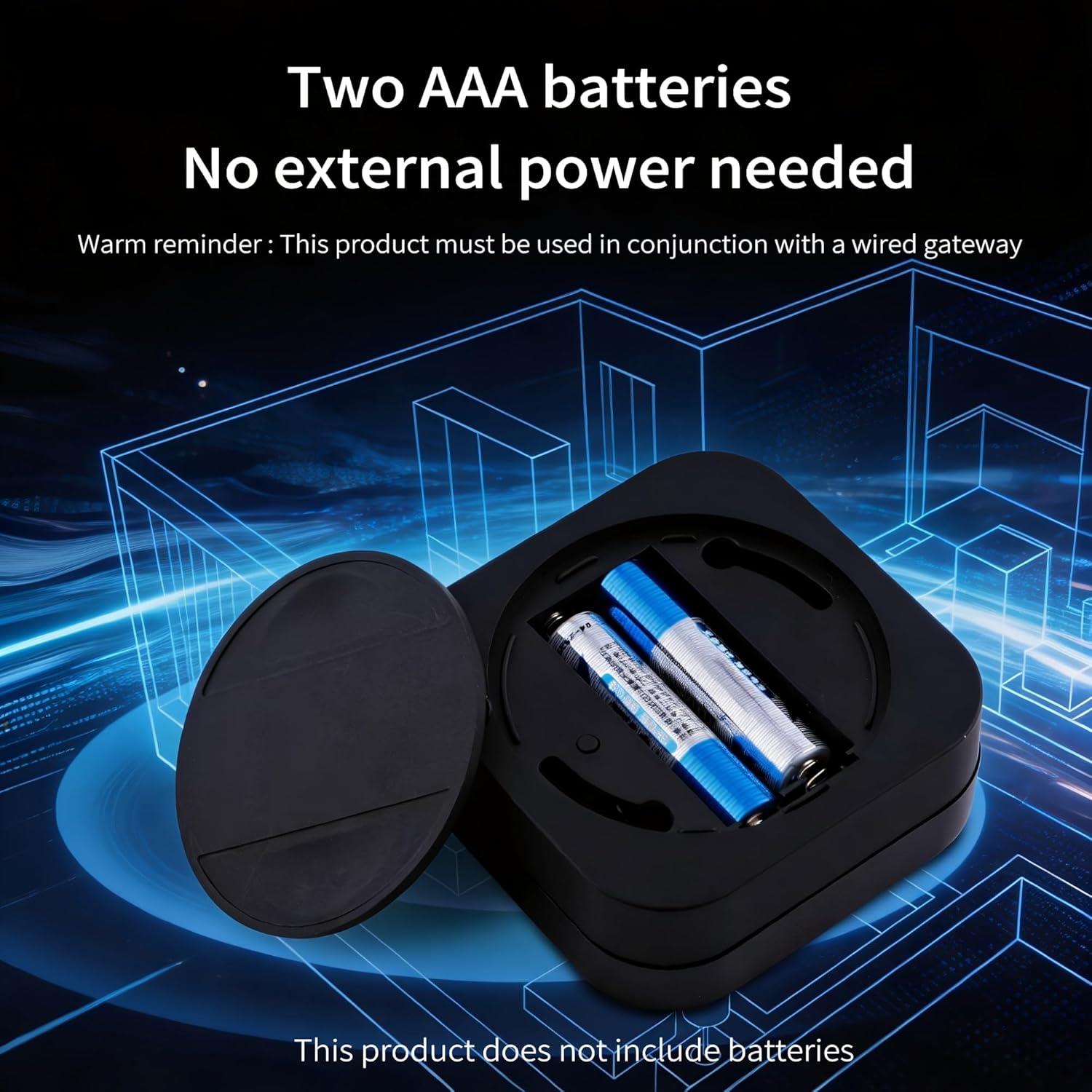
It requires 2 AAA batteries and must be used with a zigbee wired gateway.When configuring the network, only 2.4 GHz wifi is supported, 5GHz wifi is not supported.


[Note] Support zigbee2MQTT and IFTTT. It requires 2 AAA batteries and must be used with a zigbee wired gateway, it does not support any zigbee wireless gateway. When configuring the network, please connect your phone to the wifi to ensure that the phone and the smart gateway are in the same wifi network, only 2.4 GHz wifi is supported, 5GHz wifi is not supported.
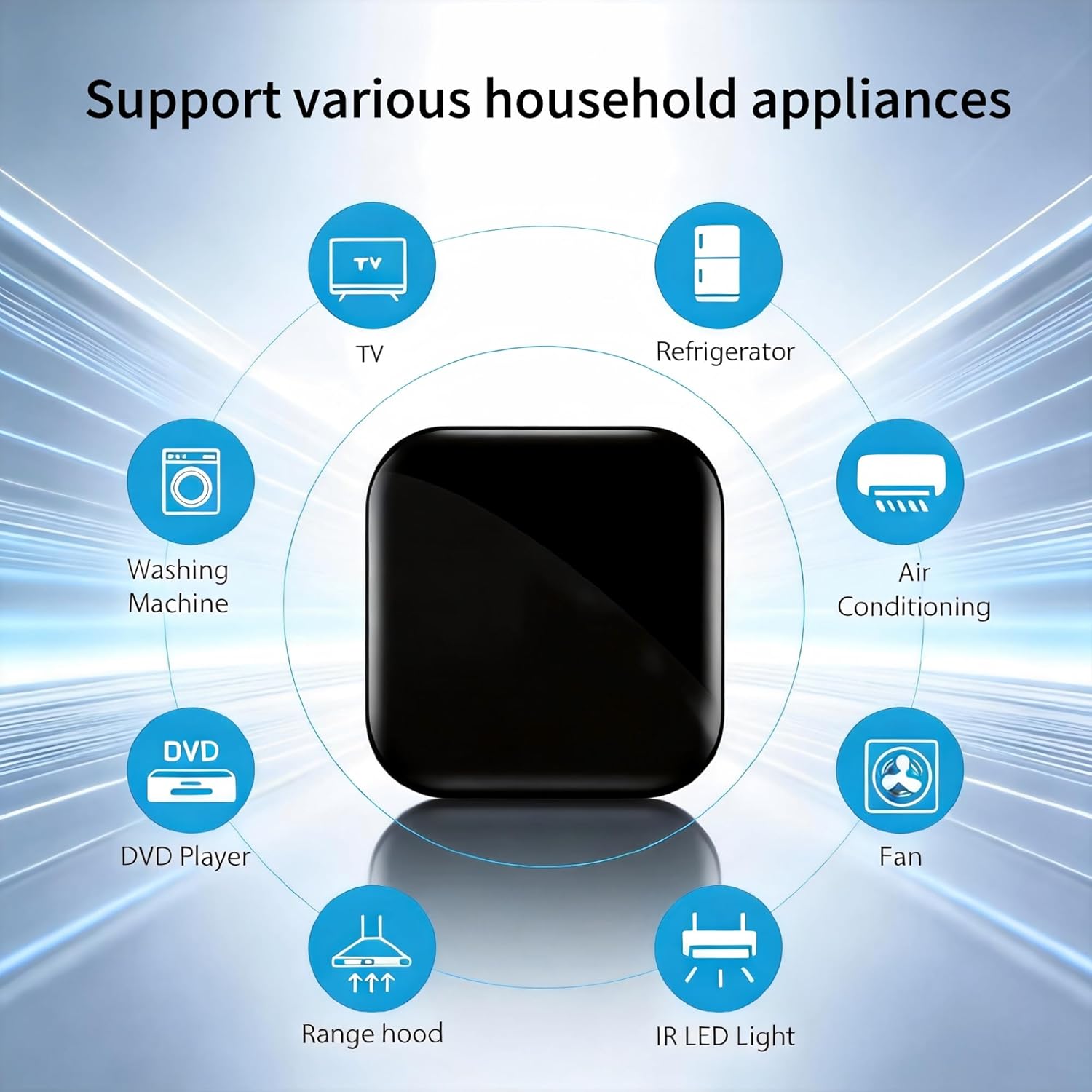
[5000+ Cloud Device IR Codes] It has a wide range of infrared device codes for remote control of TVs, DVD players, air conditioners, set-top boxes, projectors and other infrared-enabled devices. It supports 360° dead-angle illumination and can control devices within at least 10 meters.
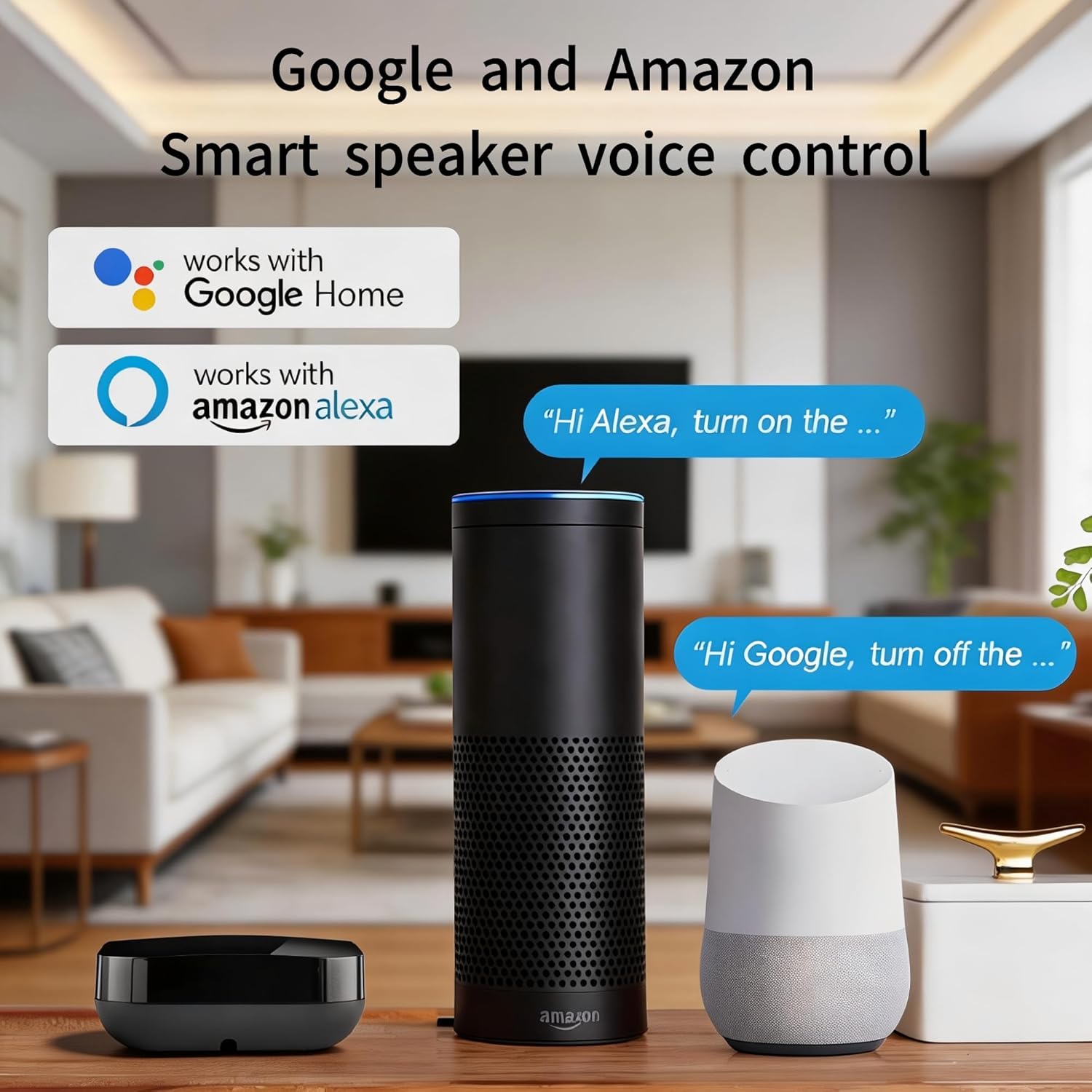
[Voice Control & App Control] It is compatible with alexa and google assistant, which allows you to control the device through voice commands. it also supports tuya and smart life app, allowing you to control them remotely via mobile app.
[DIY and IR Self-learning Functions] It supports DIY function, you can add controller manually as needed, add IR remotely in APP customize button, and it has DIY learning function for code copying.
[Device Sharing & Group Control] You can control your home infrared devices with your family and enjoy smart life together.
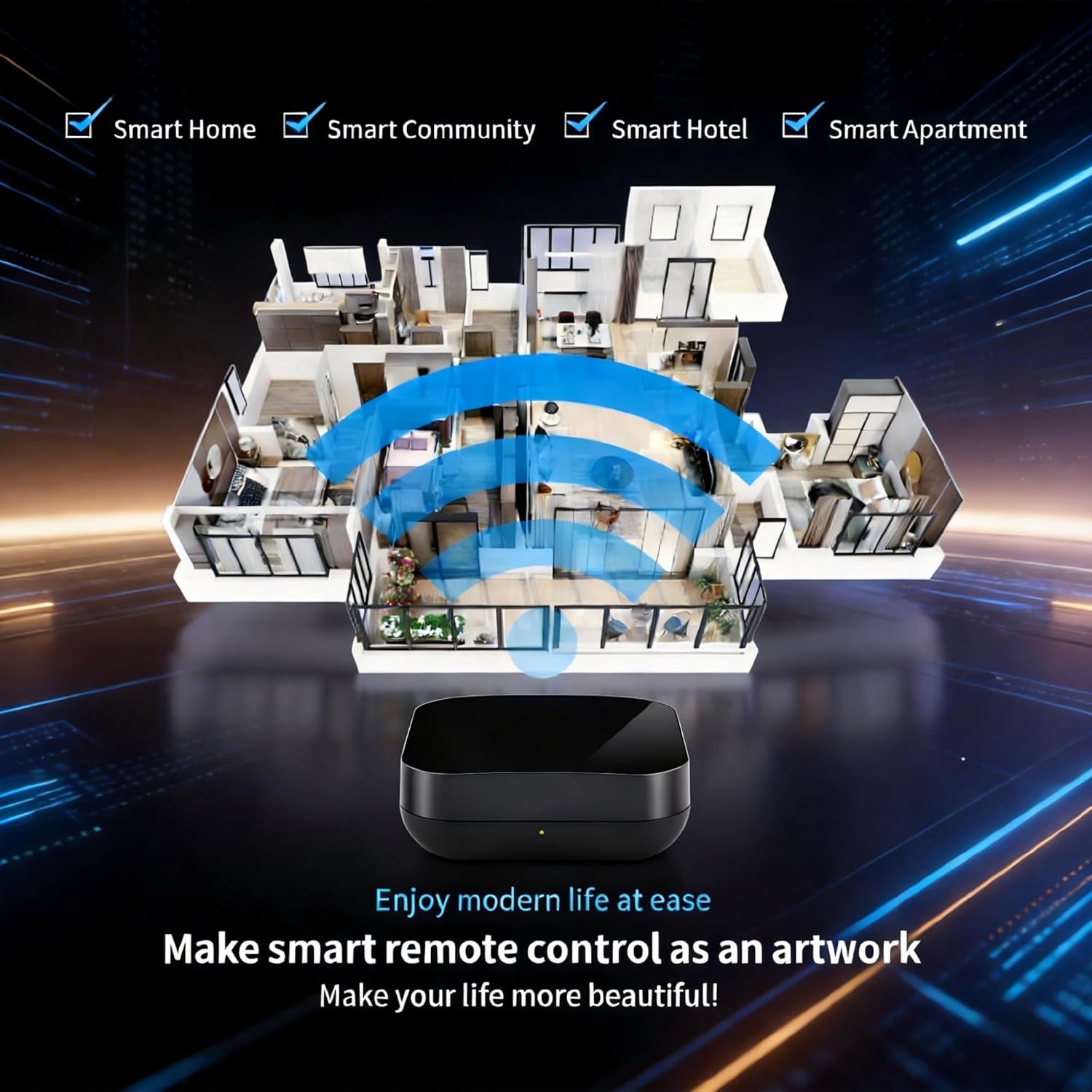
[Wide Application] Widely used in homes, hotels, offices, and other places. They are perfect for controlling devices that are not within reach or difficult to access.
9 reviews for Tuya Smart Zigbee IR Blaster/IR Remote Controller, Infrared Remote Control Hub for Smart Home Automation Devices, Works with Alexa & Google Assistant, 2.4Ghz WiFi Only, Zigbee Wired Gateway Required
Add a review
$28.99
Timothy Newman –
Excellent Integration with Home Assistant — Easy Setup and Reliable Performance
The Tuya Smart Zigbee IR Remote Controller works flawlessly with Home Assistant. Setup was straightforward — once paired through my Zigbee gateway, it was immediately recognized and ready to configure.Learning IR codes was fast and accurate; every device I tested (TV, soundbar, AC) synced without issues. The response time is quick, and it’s been 100% reliable in automations and voice commands through Home Assistant.If you’re building or expanding a smart home using Home Assistant, this IR blaster is a great choice — affordable, responsive, and integrates perfectly with existing Zigbee networks.
Customer1701 –
Kind of does what it says. Mostly.
Note: I am using this with Home Assistant.Up side: It does pop up in Home Assistant Zigbee devices when you pop in some batteries and pair it. Fast and simple. like most Zigbee devices. It also can display the output IR codes your remote is transmitting when you are in ‘learning’ mode.The heads up: If you are buying this for Home Assistant and have never dealt with scripts or send commands, you will learn a bit here as you get it to read in a code (easy), play back a code (works after you figure it out), and then set up an automation or button to play back recorded code.The downside: I think I can only come up with one pain point so far. We had a nine hour power outage the other day. Power came backup, the Zigbee network came up. But this device (I have two , neither of them did) did not come up. Pull the batteries and reinstall.. nothing.I ended up removing the device from Home Assistant (deleting from the Zigbee configuration) and then had to reregister it as a new device. Then I could repoint my scripts back at it.So.. Does it do what it says? Yes. Does it work flawlessly? Mostly. (Sometimes devices don’t ‘hear’ it and you have to send the code a second time). Are they possible issues? Yes. You just have to know about that.I can’t say other devices won’t have similar problems. 8 other devices in my Zigbee network had no problems coming back online. 5 are battery powered (no counting the two devices in those numbers). Having to pull these off the wall or ceiling (where mine are parked) is a pain in the butt. Not something I want to do on even a semi-regular basis. Only needs to come down when the batteries need changing.Positive thing: These do NOT require any special specific brand’s Zigbee hub. I am using an SMLIGHT power over ethernet ‘stick like’ Zigbee hub. Not Tuya, not Apple, etc..
Jesse –
It “works”, but not well, especially for HA automations
Using this in home assistant via Z2M. The speed at which it can transmit commands is very slow, like about .8 seconds between commands at best, way too slow for me. I have to delay between commands, and it still seems to miss a few pretty often, making it useless for automations that cruise through things like TV menus. If I try any faster, like with rapidly hitting a volume button, it tends to not do the majority of commands I send it. Insanely slow and unreliable when you need to quickly adjust the tv volume.I swapped this for a BroadLink one that works on WiFi, it does every command I send it, and does it much faster. I guess IR blasters are just better on WiFi than zigbee
acinmi –
Works well
Lots of people don’t seem to understand this is not wifi, it is zigbee. If you don’t understand the difference between the two, this is probably not for you. Works just fine in hubitat, sometimes has a little lag, usually during the first time using it for the day. Has one of the strongest IR transmitters I’ve ever seen. Batteries (2x aaa) last about a year), the battery cover can be annoying to open.
Morgan –
Good for simple automations, too slow for more complex ones
I bought because I couldn’t get my TV to turn on with Home Assistant. WOL didn’t work, neither did the WebOS integration. After many hours trying different things that people online say have worked for them, I bought this and solved the problem. It did take probably an hour since I didn’t know how to do it, but once you know, it’s really simple. Here’s how you do it in Z2M:Step 1 Connect it to zigbee.Step 2 press learn ir code.Step 3 Put the learned ir code into the ir code to send box and click away to test itStep 4 Publish MQTT (it can be done in an automation or a script):Topic: zigbee2mqtt/WHAT YOU NAMED YOUR IR BLASTER/setPayload: {“ir_code_to_send”: “YOUR LEARNED CODE”}It does have limitations though. You have to wait for the code to finish before starting a new one, and it’s pretty slow. I also wanted to be able to change my AVR’s sound modes, which you do by pressing one of four buttons. One press activates the preset and subsequent presses change the mode. Those first two presses take the IR blaster 5 seconds. Trying to do it faster results in it not working. On the remote I can press the button 15 times in the same time. You can get around this to an extent by inputting the entire string as a single code, but it’s a lot less elegant than doing it in Home Assistant.
Signal and automation –
Works with home assistant
Used with home assistant and worked to control my IR controlled devices!
Alan Mercado –
Did not work for me
I was able to pair the device in home assistant however on other to learn codes from your remote you need to pair it with tuya or smartlife app and the instruction did not follow the app way to add devices
Rainer Kemper –
Works with MQTT in Home Assistant
It connected right away to MQTT in Home Assistant. It’s straight forward to learn the IR code and copied it into a script. This has worked well on various devices.The battery cover is hard to open / close due to bad handle design, reason for 4 stars.
Fahad –
ممتاز