
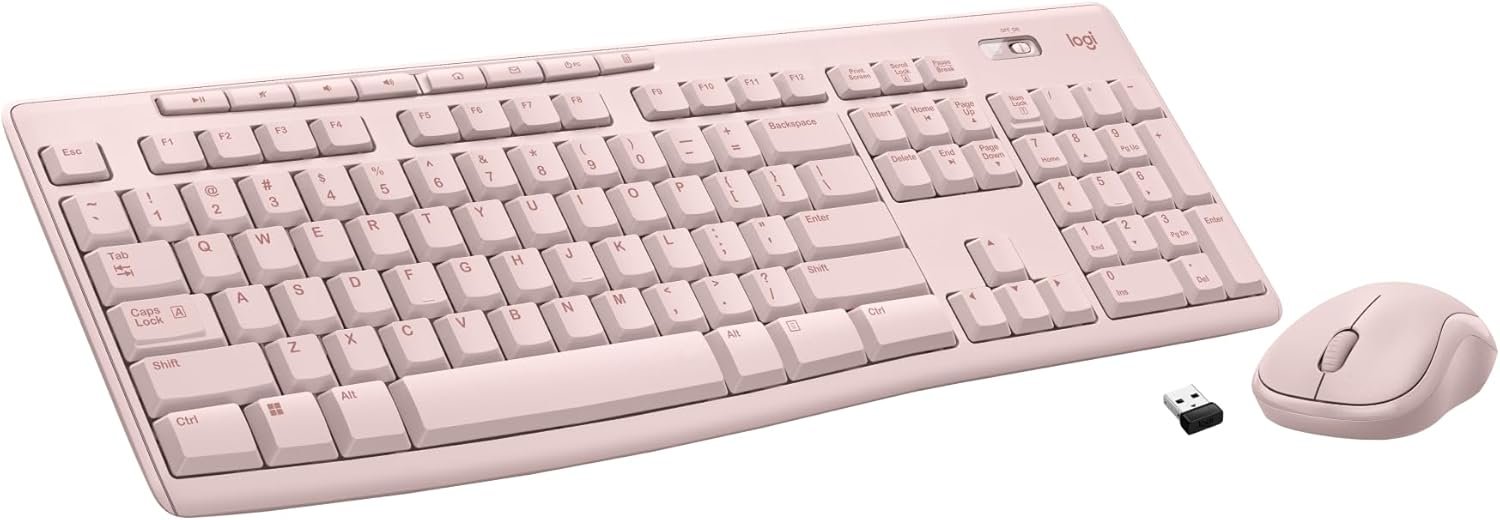
Logitech MK270 Wireless Keyboard and Mouse Combo for Windows, 2.4 GHz Wireless, Compact Mouse, 8 Multimedia and Shortcut Keys, 2-Year Battery Life, for PC, Laptop – Rose
$23.99
Related Products
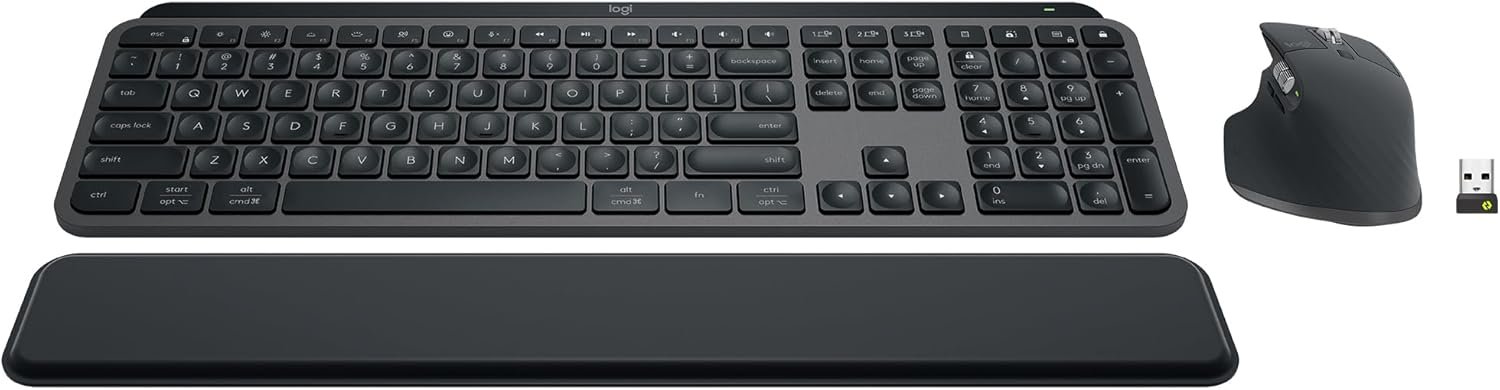

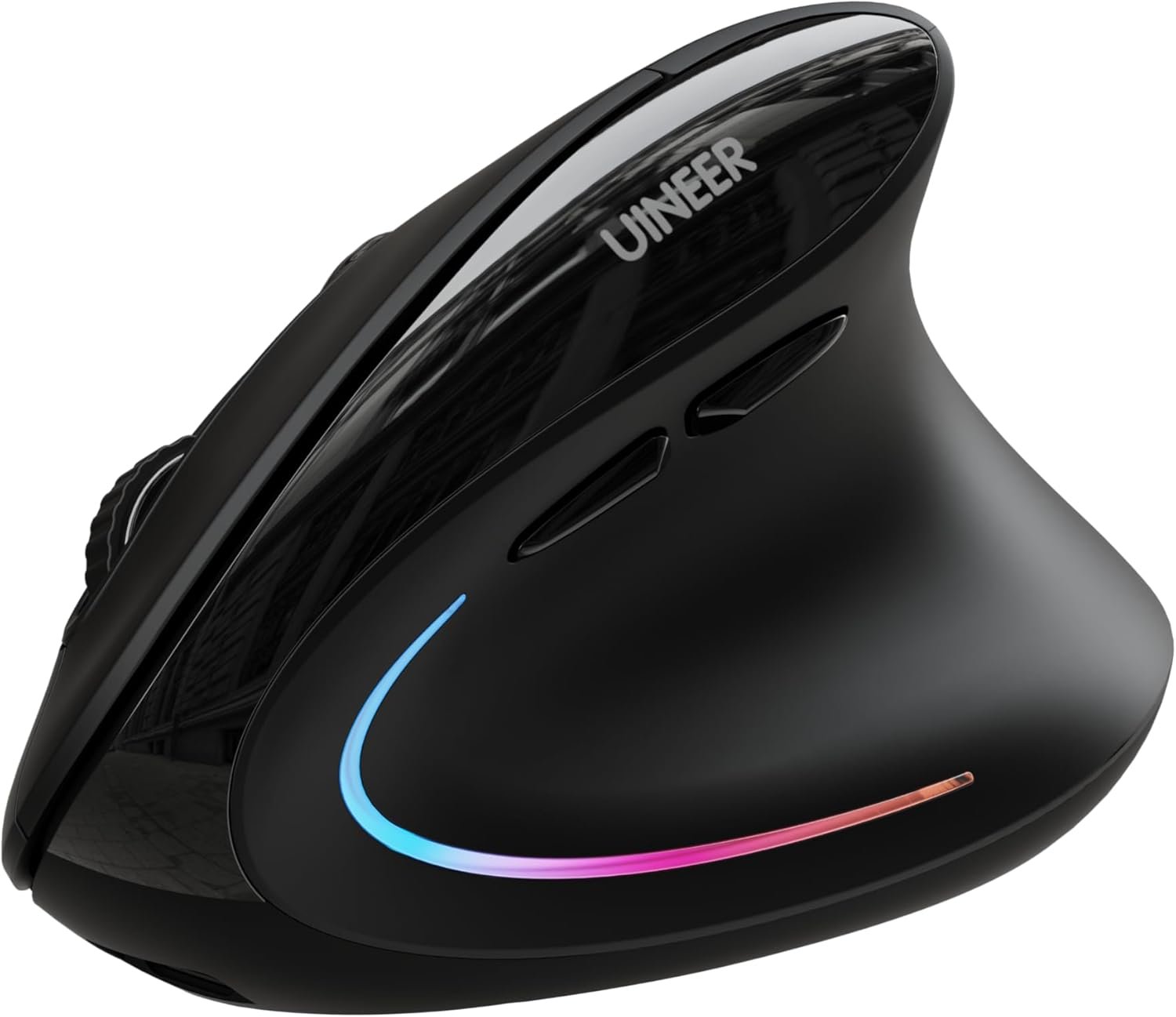


Logitech® Wireless Combo MK270. The reliable wireless combo with a tiny Logitech plug-and-forget receiver. You get the reliability of a cord plus wireless convenience for up to 10 meters—thanks to Logitech Advanced 2.4 GHz wireless—even in the busiest environments. And the mouse features the tiny Logitech® plug-and-forget receiver, so you can take your mouse wherever you go. * Wireless range may vary due to environmental and computing conditions.
Reliable Plug and Play: The USB receiver provides a reliable wireless connection up to 33 ft (1), so you can forget about drop-outs and delays and you can take it wherever you use your computer
Type in Comfort: The design of this keyboard creates a comfortable typing experience thanks to the low-profile, quiet keys and standard layout with full-size F-keys, number pad, and arrow keys
Durable and Resilient: This full-size wireless keyboard features a spill-resistant design (2), durable keys and sturdy tilt legs with adjustable height
Long Battery Life: MK270 combo features a 36-month keyboard and 12-month mouse battery life (3), along with on/off switches allowing you to go months without the hassle of changing batteries
Easy to Use: This wireless keyboard and mouse combo features 8 multimedia hotkeys for instant access to the Internet, email, play/pause, and volume so you can easily check out your favorite sites
Comfortable Mouse: This compact wireless mouse is designed to be equally comfortable for both left- and right-handed users, plus its smooth cursor control allows easy navigation on most surfaces
Plastic parts in MK270 include certified post-consumer recycled plastic: 49% for the mouse and 54% for the keyboard.
Upgrade to Logitech MK540 Combo: Experience increased comfort with the MK540 combo, featuring scooped keys, palm rest, full-size mouse with soft rubber grips, and customizable shortcuts
11 reviews for Logitech MK270 Wireless Keyboard and Mouse Combo for Windows, 2.4 GHz Wireless, Compact Mouse, 8 Multimedia and Shortcut Keys, 2-Year Battery Life, for PC, Laptop – Rose
Add a review
$23.99
SandyLK –
Very comfortable to use
This is a nice keyboard/mouse for the money. I ordered it in pink because it will help me to keep it separate from others I have. I have a tendency to forget which mouse goes with which keyboard. The color makes all the difference. In addition this works well and has a light up indicator for the caps lock which my older one does not. That was annoying to look up and see that everything was in caps by mistake. Good product.
DK –
Logo MK270
This Logitech MK270 wireless keyboard and mouse combo has been very reliable and easy to set up. Both connected quickly and have worked without any connection issues. The keyboard has a comfortable feel for typing and the mouse is responsive and smooth. Battery life has been great so far and it’s nice not having extra cords on the desk. Overall, this is a great, affordable wireless keyboard and mouse combo that works exactly as expected and is perfect for a home office setup.
Sherwood Wayne Waters –
Great keyboard and mouse combo. Long battery life and durable.
Have owned three of these units so far. That is over the span of 12 years. Works great, no setup and is durable. Highly recommend for regular use.
Nicole –
Perfect, Budget‑Friendly Combo
The Logitech MK270 Wireless Keyboard and Mouse Combo for Windows, 2.4 GHz Wireless is a great, cost‑effective set of everyday desktop accessories. It connects easily with a single USB‑A dongle, gives you a full‑size keyboard with a number pad and media keys, and includes a compact, comfortable mouse that works smoothly for typing and browsing.Battery life is excellent (keyboard and mouse both last many months), and the 2.4 GHz wireless connection stays stable without noticeable lag, so it’s reliable for office work, school, or casual home use.Overall, it’s a simple, plug‑and‑play wireless combo that delivers solid performance at a very reasonable price.
kaykay –
Reliable and lasts forever Best budget option
I had this same model a long time ago and it lasted forever, I only had to get a new one because I lost the USB receiver, so I know for a fact they are very durable. For the price, you can’t beat the compatibility you just plug it in and it works instantly. The appearance is very simple, it’s not the most attractive or pretty keyboard since it has no lighting or fancy features, but it’s built to last. The noise level is fine for a membrane keyboard, not too loud. In terms of ergonomics, it feels comfortable enough for daily work and the color is just the standard black that goes with everything. The best part is the battery life, it lasts months without needing a change.
CD_in_NM –
K270 keyboard info that might help you
This review is a bit long, but has info that might help you. I posted it twice, once for the K270 keyboard and once for the M510 mouse. I have owned a K270 keyboard and M185 compact mouse for years. I bought them as the keyboard/mouse combo that Logitech sells. I have been happy with them. They are still working, but I decided that I would like to have a full size mouse. I settled on the M510 for the new mouse. The M510 mouse works with the unifying receiver. I did a fair amount of research before buying. I thought I could use the original K270 keyboard with the new mouse. I found that the older M185 mouse is not unifying. I thought that was odd because when you look at the seperate K270 Keyboard, it says that it is a unifying keyboard. Why would the combo set have a unifying keyboard but a non-unifying mouse? From what I have read online, when you buy the K270/M185 combo, it is NOT a unifying set. If you buy the K270 keyboard seperately, it IS a unifying keyboard. Since I wanted to get the M510 mouse, I had to buy a new seperate K270 keyboard since the one in the combo set is not unifying. I found this out ahead of time, so it was not an issue. I actually bought 2 each of the K270 & M510, for each of our 2 computers. Did not have any trouble getting them up and running. As a side benefit, the keyboard and mouse each come with a unifying receiver so I have a couple of spare receivers now. Registering them was an adventure. There are two methods to register, a serial number search or entering the info manually. The serial number search did not find any of them, so I did it manually. I did the keyboards first. After you enter the info for the unit you are registering, the registration software asks for the serial number. When you give it the serial number, I does a serial number search and verifies that the serial number matches that unit. This serial number search acutally worked (sort of). It found one of the keyboards correctly, but kept changing the other to a K295 instead of a K270. More on that in a bit. Next I registered the mice. When I got to the point where you select the correct model, the M510 was not in the list. I tried a few different things and finally found a trick that worked. When it asked for the model, I used M525 instead of M510. At the next step where it did the serial number search, it found the serial number was associated with the M510 and corrected the model entry from M525 to M510. Success with the mice. Back to the keyboard. I could not figure out a way around the registration error, so I contacted Logitech support and got a reply back from a support rep named Sharan. After a couple of email exchanges, Sharan was able to get the other keyboard registered correctly – Thank you again for your help, Sharan. I had noticed when I first started all of this that each unit has two serial numbers, one on the box and one on the unit. The two serial numbers did not match. Sharan told me that the number on the box is strictly for inventory use and the number on the unit is the one to use when registering. Anyway, both sets are now working and correctly registered. Happy with the purchase.
Lizette –
Me gustó mucho
Sarah A. –
Excellent keyboard and mouse for home use.It was well packaged and new.
Hedyna Lemos –
O kit é lindo! Igualzinho a foto! Ameiii!!! No entanto, o teclado é inglês. Por isso, não dei 5 estrelas! Ainda estou mim adaptando ao teclado, mas, já comecei pegar as manhas! E as teclas são maravilhosas para digitar! Macias e baixas! Top!!!
Colin W. –
Super easy to use, instantly connects and works as is. Simple cheap and quality product. Would recommend if looking for a good budget friendly wireless setup this is a good choice.
Saw –
NA