
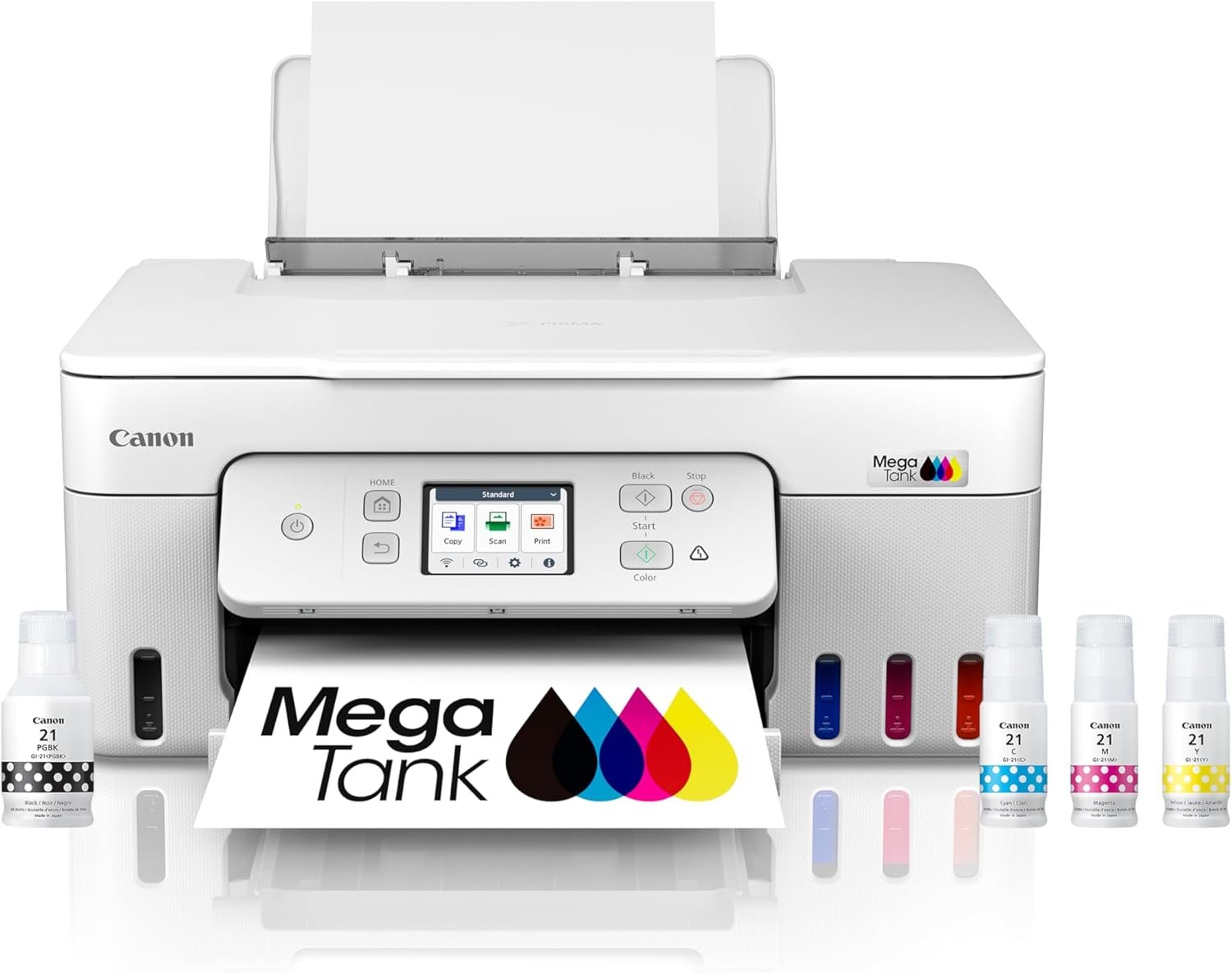
Canon Megatank G3290 All-in-One Wireless Supertank [Megatank] Printer | Print, Copy, Scan | Mobile Printing |2.7″ LCD Color Touchscreen | Auto Duplex
$229.00
Related Products
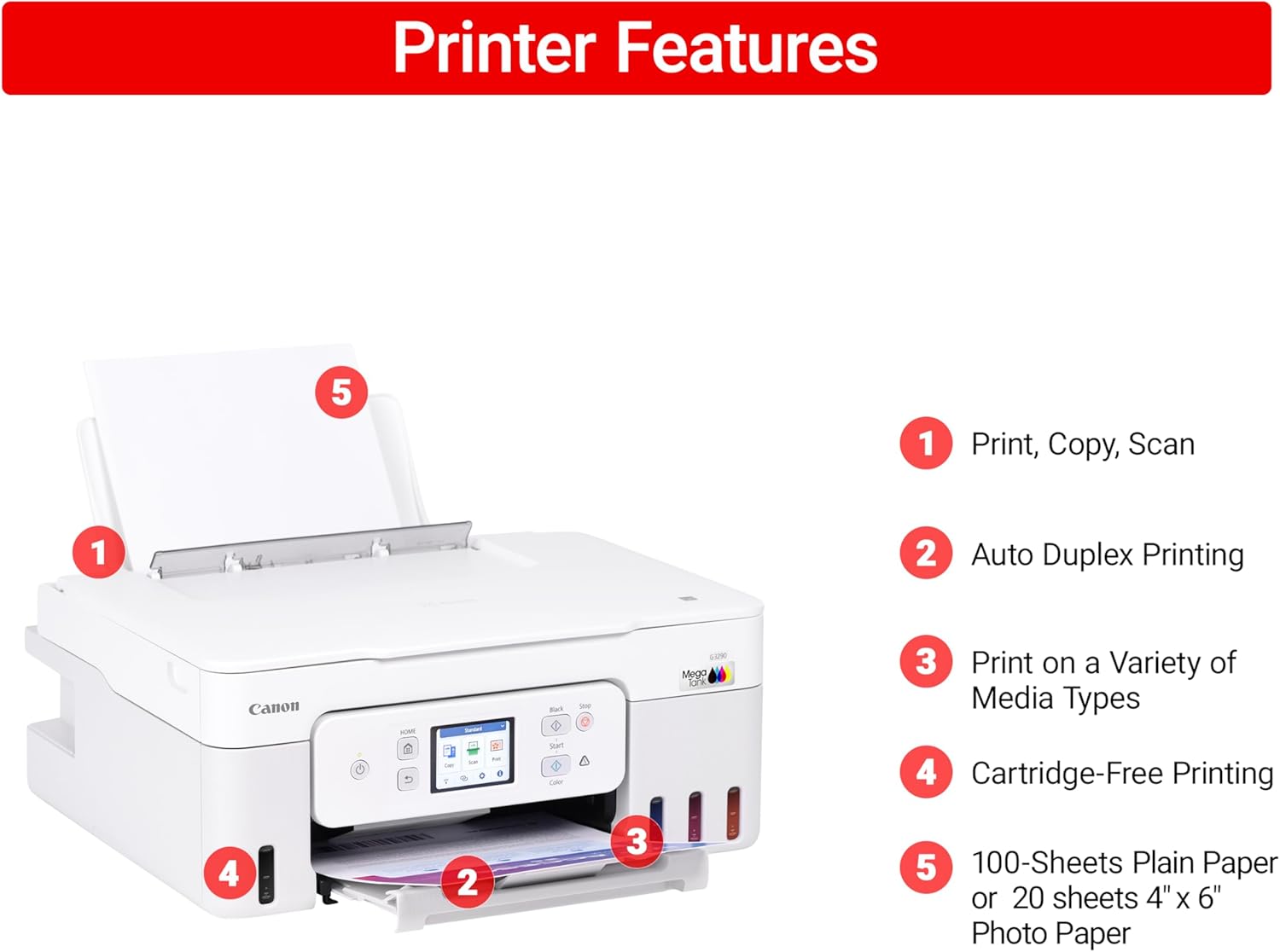
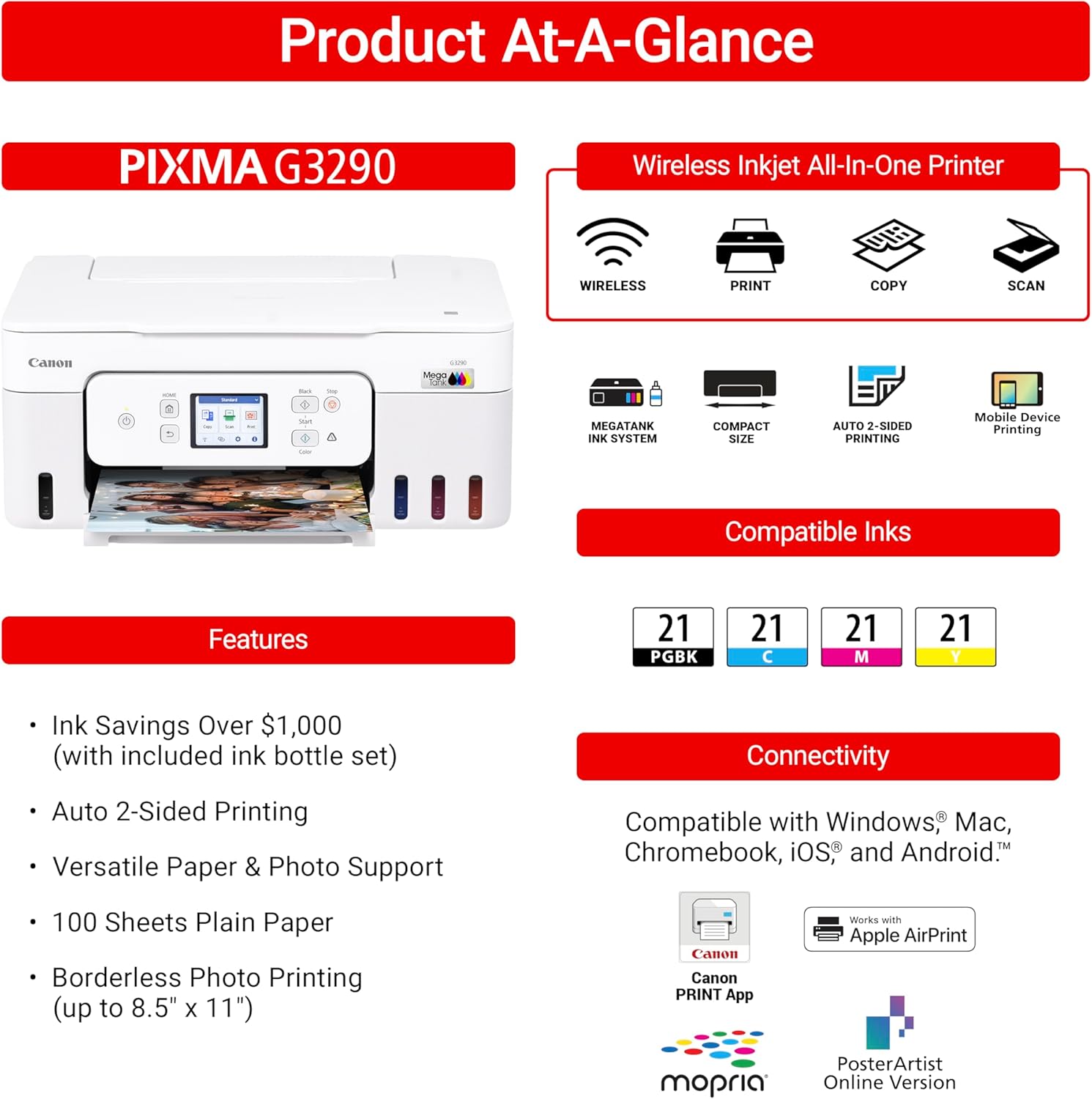
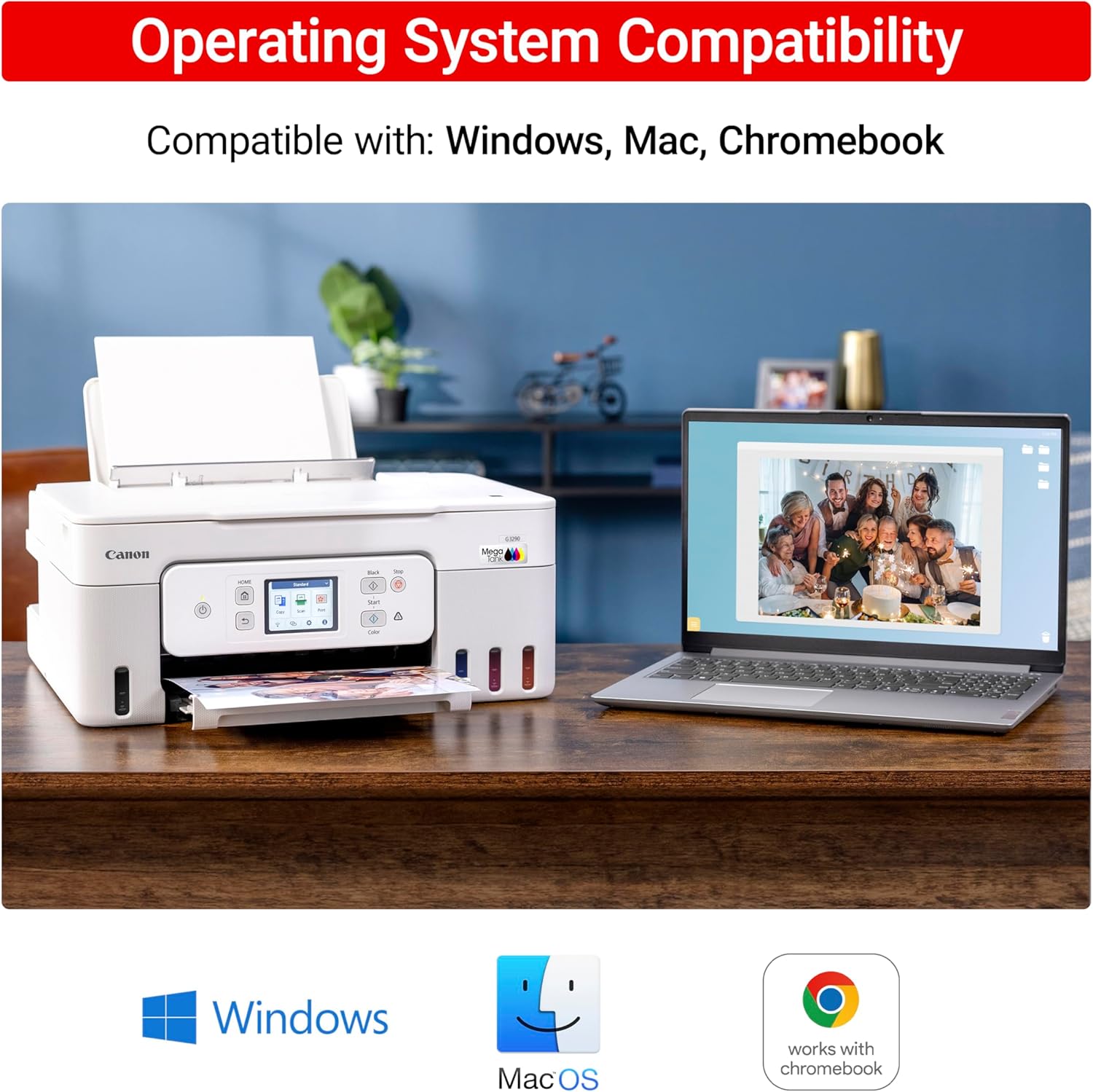

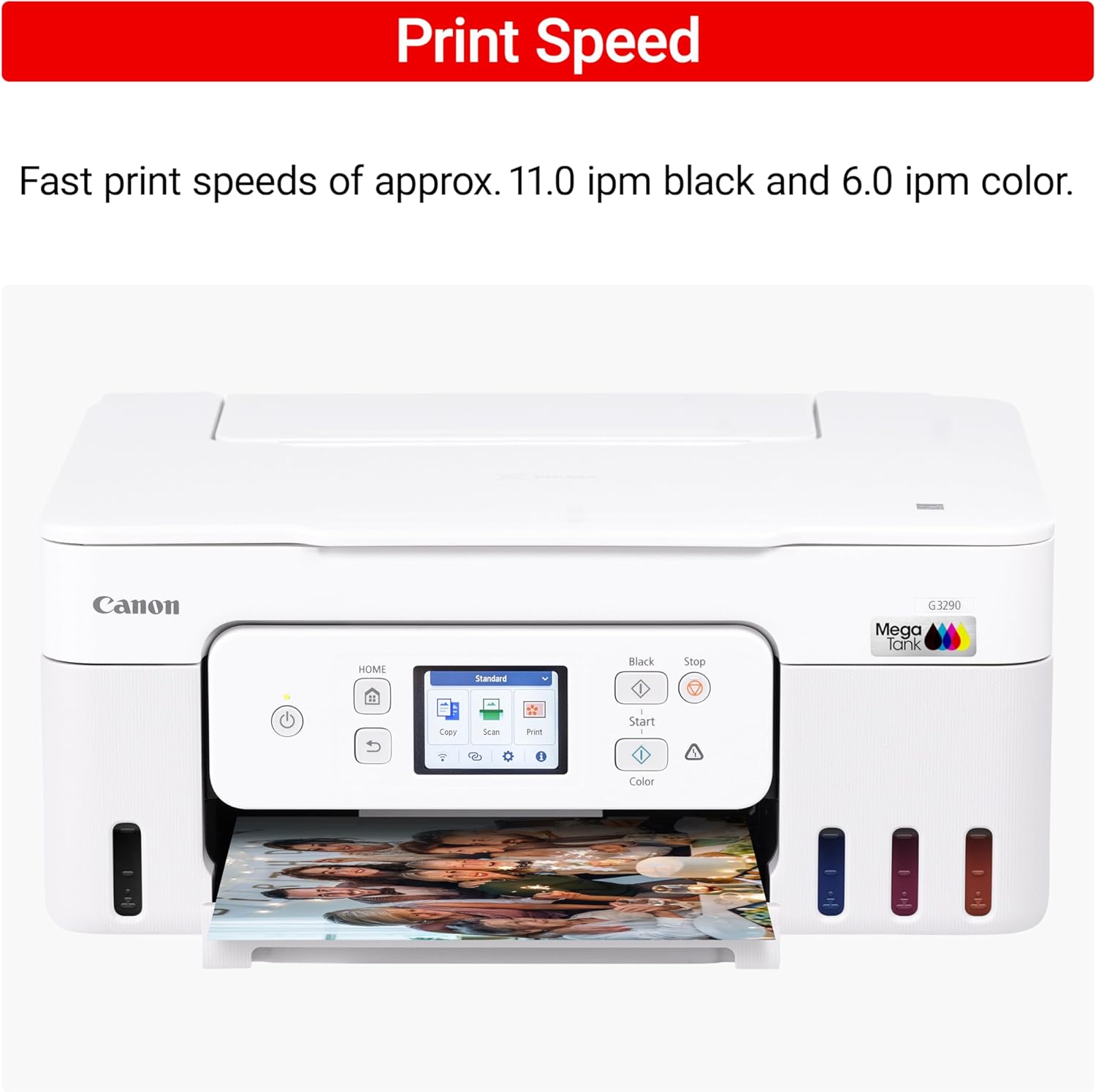
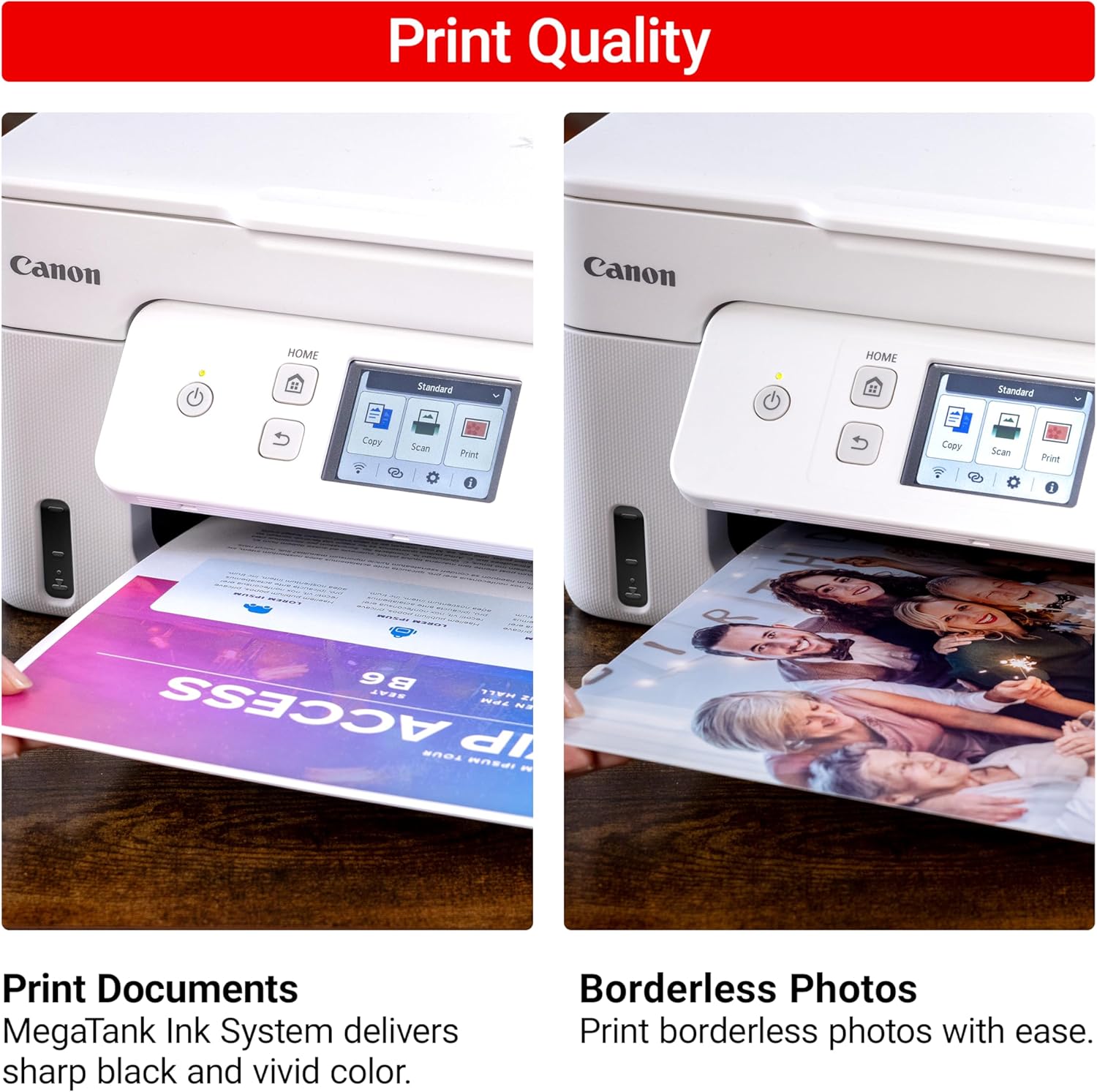
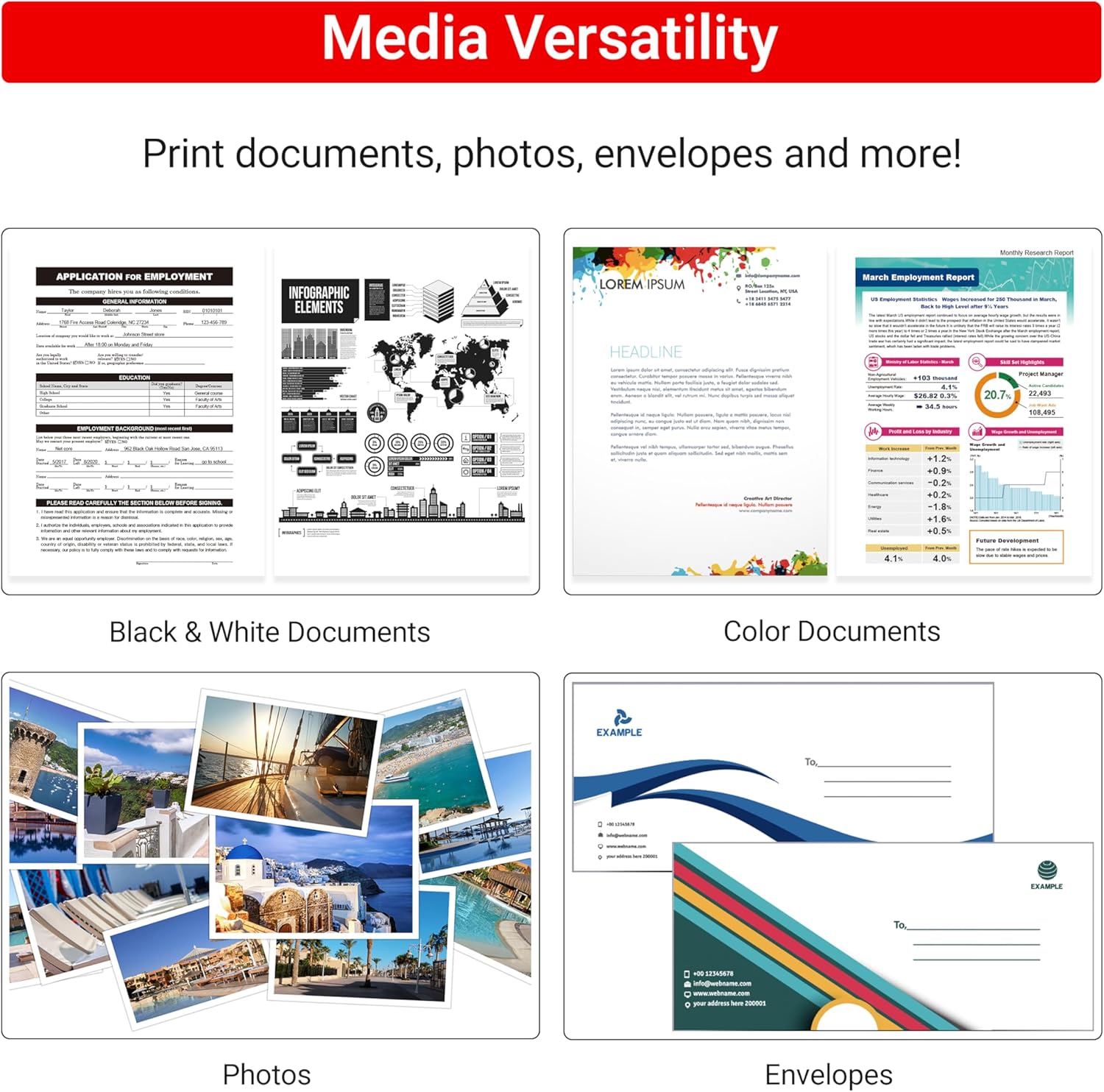
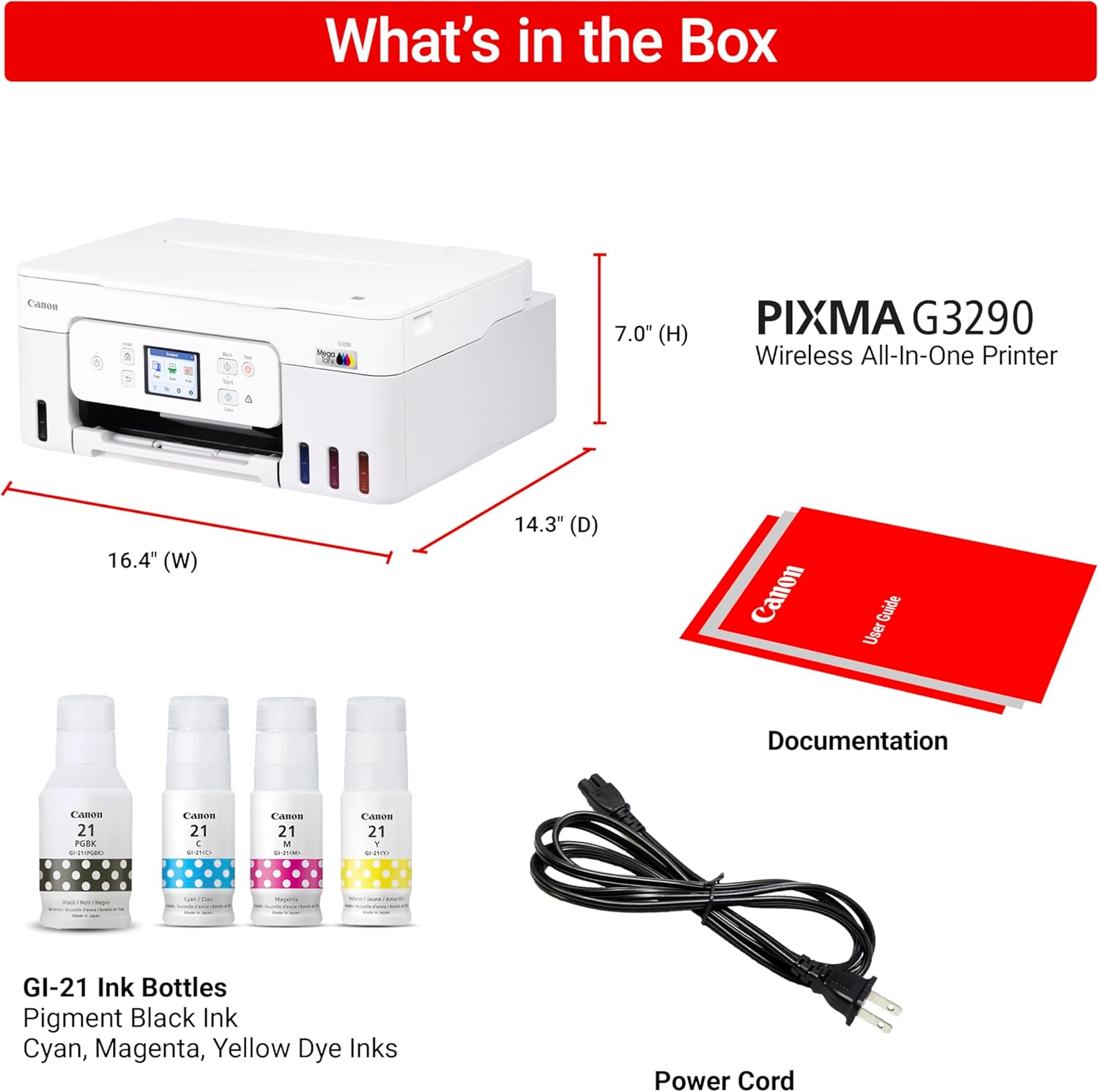
Designed Designed for home and home offices, the Canon PIXMA G3290 MegaTank All-in-One inkjet printer delivers high-quality, low-cost printing, and outstanding wireless connectivity in a compact size. Get serious print productivity with a high page yield of up to 6,000 Black / 7,700 Color pages per full ink bottle set and a low cost per print – MegaTank means Mega Savings. The PIXMA G3290 comes with a full set of ink, so you can print with confidence. The PIXMA G3290 is easy to set up and maintain and offers great media versatility to print on a variety of media types and sizes, including photo paper, envelopes, banners and more. Use Poster Artist Online to create professional-posters, banners and signage. Print both documents and photos on a variety of paper types using a hybrid ink system with pigment black for sharp black text and dye-based colors for vivid borderless photos up to 8.5” x 11”. Produce crisp, colorful documents quickly and cost-effectively with fast print speeds and a high quality 4-color pigment-based ink system. Keep printing with a plain paper capacity of up to 100 sheets or 20 photo sheets (4”x6”). Easily connect and print through high-speed USB or wirelessly from computers or mobile devices. Print on the go using Canon PRINT and more using your compatible mobile device. This comes with a 1-year limited warranty and is backed by Canon’s Service and Support network.
Wireless Print/Copy/Scan (2)
Up to 2 years of ink included
Print up to 6,000 black & white / 7,700 color pages using a single set of inks! (1)
Save up to $1,000 on ink (1)
2.7” LCD Color Touchscreen
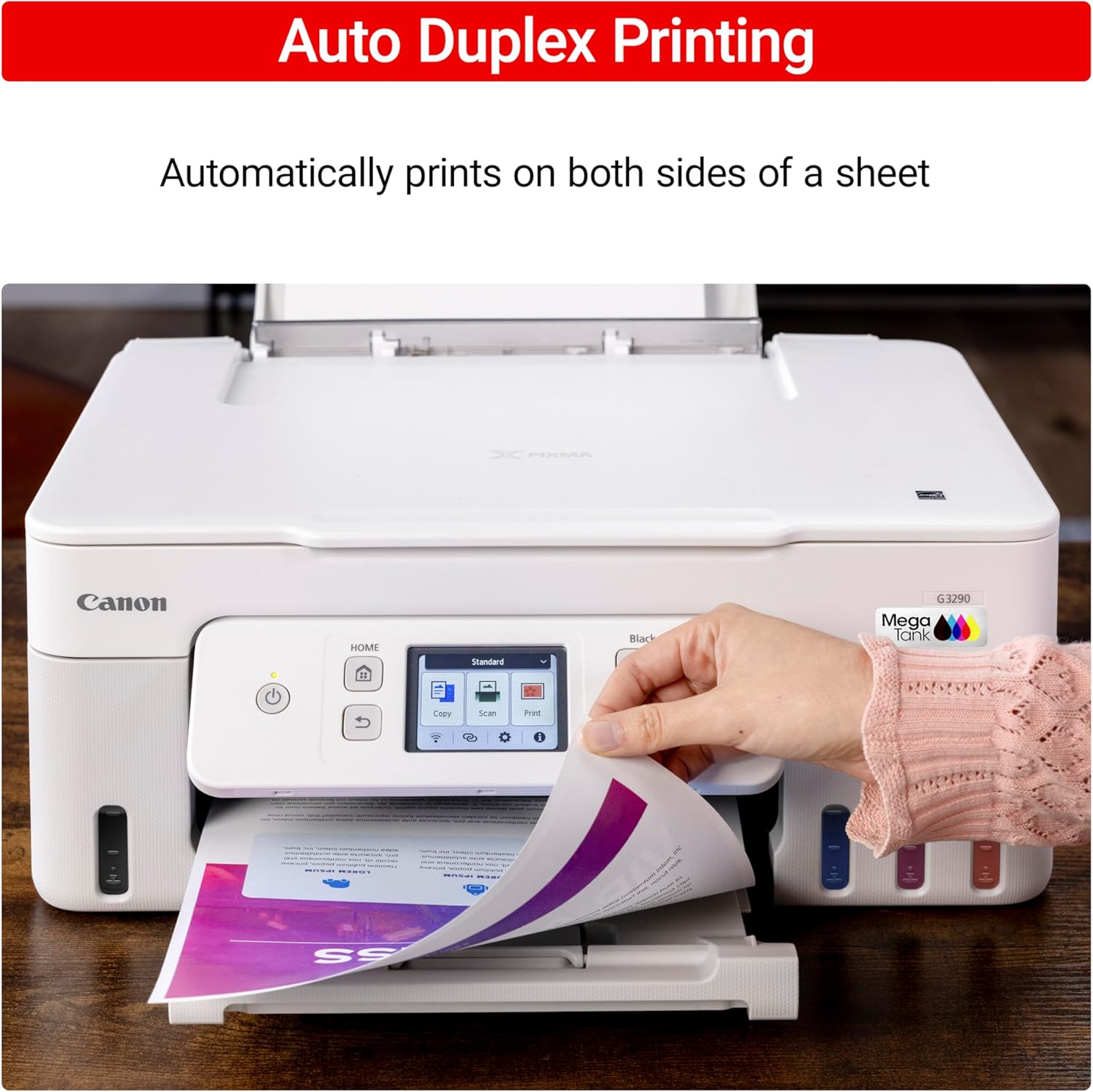
Auto 2-sided printing
See below for disclaimers
9 reviews for Canon Megatank G3290 All-in-One Wireless Supertank [Megatank] Printer | Print, Copy, Scan | Mobile Printing |2.7″ LCD Color Touchscreen | Auto Duplex
Add a review
$229.00
jh –
Easy setup and good quality print
just bought the g3290 last week. Setup was pretty easy and the printer works well on windows 11, macOS and my iPhone. I can see where other reviewers got into problems with the setup as the easy setup worked well, but the other variations may not. I may have gotten lucky. The print quality is pretty good for the price and the printer worked well in full duplex ( double sided printing ) on Macs, windows and IOS. The printer does not print that fast, but it’s probably as fast as other printers in that price range. Hoping that this is as reliable as the epson workforce that this pinter replaced. I tried the epson printer equivalent to this model canon, but it died after 2 months.
Sheri Lokey Herbert –
Prints really good, easy to set up and pair with computer
Printer is nice and light weight, small and doesn’t take up a lot of room. Love having the ink included in bottles and not having to buy expensive cartridges that don’t last long.The only thing I don’t like is it doesn’t have a separate tray for smaller paper. You have remove letter sz and then load a differ size in the same tray.different size
DadMan –
Pretty Good – Here’s What You Need To Know
The Good Stuff:Good Printer. I love the massive ink tanks. I’ve printed at least 70 4×6 and 8×10 pictures and dozens of reports over several months. The tanks are about 90% full. If you’re buying a general purpose printer, this one is a no brainer. After market ink replacement is very inexpensive vs. cartridges. I bought a set but I’m nowhere close to needing them.So far, no paper jams. It doesn’t break any speed records but it’s fast enough. Duplex printing works well.The Not So Good Stuff:The old school Canon software doesn’t work. I fought with it for hours. Then I found the Canon app. The name and version I’m currently using are in the pics. Install that and everything works as it should.It was a lot of work tuning the picture color to match my screen. At first it’s pretty washed out vs. my OLED display. It’s pretty close now for a casual photographer. If you’re a professional photographer, it’s not close enough. Every photo app is different so you’ll have to get the details from the app.Other Thoughts:All printers have way to many settings and it’s often not clear what they do. This one is no different but you can ignore a lot of them.No paper trays, just a single top feed that holds about 50 sheets. This means the printer needs at least foot of clearance above it so you can get paper in and out easily and to open and close the copier cover. There is a sliding guide inside the feeder that you need to move to adapt for different paper sizes. Wide open is 8.5×11. You can do it by feel.You need a flashlight to see the ink levels in the view windows.The print heads can be replaced by a non-techie average Joe. In fact, you have to install the first ones when you get the printer. They’ll likely need to be replaced at least once in the life of the printer so this is nice.This is true for all printers. If you like paper jams. Buy thin cheap paper.Enjoy!
Jenslife –
BEST CRAFT PRINTER EVER MADE
I’ve owned a very many lot of printers. I like the ones that print 12×12 and have Cannon’s version of that, in my creative space, but I needed one that’s tiny and I could put in my kitchen. I found this one and read some questionable reviews but thought I’ll try it. Boy am I glad I did. If you watch this video that I made about it, there is nothing I do not like about this printer, and that says a lot. I do not have trouble connecting the Wi-Fi even though I live in a 276-year-old farmhouse. Which the walls are horsehair plaster and very thick, but yet a 50-foot stretch for the Wi-Fi signal, shows 59% when I check the strength. I have been using this solid for 3 days non-stop printing, having used just over half of the red ink, and about 3/4 of the yellow and blue, and nearly none of the black. This is a heck of a deal for this printer. The ink I found for less than $10 so I ordered it via subscribe and save. When visually observing the prints, there are no lines, no discoloration, no anything, just perfect prints. And all of my prints are done on the DRAFT option. That really speeds up the color printing. And as you see in the video, it does not take away from any of the Chrispness or saturation.I also read someone complaining about how colors just aren’t this or just aren’t that, take a look at the papers that I printed, there’s absolutely nothing wrong with them. If you are searching for a high definition type printer or whatever you’re lamenting about, go buy one of the really expensive ones, that does just that. And actually be honest about being cheap 🤣This little guy gets the job done with bells on. I absolutely love him, it was my birthday present to myself, and I am so glad I bought Charlie the Canon that could. He’s already got a warm spot in my kitchen and my heart ❤️. You should get your own Charlie. He’ll never let ya down!
Christine Delaney –
I’m very happy with this printer. The ink cartridges for my old printer were quite expensive so I’m looking forward to saving a lot of money with these refillable ink tanks.My first colour print was perfect. I copied a page from a pattern book and it looked exactly like the original as far as clarity and colour exactness is concerned.Setup instructions on the printer screen were very clear and easy to follow. Connecting to Wifi was very fast and effortless. The only complaint I have is that the diagram on the printer screen for installing the print heads was not at all clear. Thank goodness for YouTube videos. Canon could have included a sheet of paper showing exactly how to open the print head housing. Some of us are wary of applying any force to delicate equipment unless it’s clearly called for.Canon did not include a USB cable to connect the printer directly to a computer. For me it wasn’t an issue because I had one already but it’s something that potential buyers should be aware of. My Wifi is usually disabled as I use an ethernet cable to access the internet so having the USB option is more convenient & faster than enabling the Wifi.The only other complaint I have is that, to the best of my knowledge, Canon does not offer a downloadable PDF file of the user manual, which can only be accessed from their website. I like to have information available offline as well.
anne van herck –
Works great!
Leo L –
a very frustrating printer. Slow if it prints at all. Redone the software several times but still will be very slow to finish several pages.
sandra laferriere –
Je l adore … elle va tellement bien !
Carrie –
I have had this printer a short time but so far I have been very happy with it. I haven’t tried printing any photos as of yet but will keep you updated.