
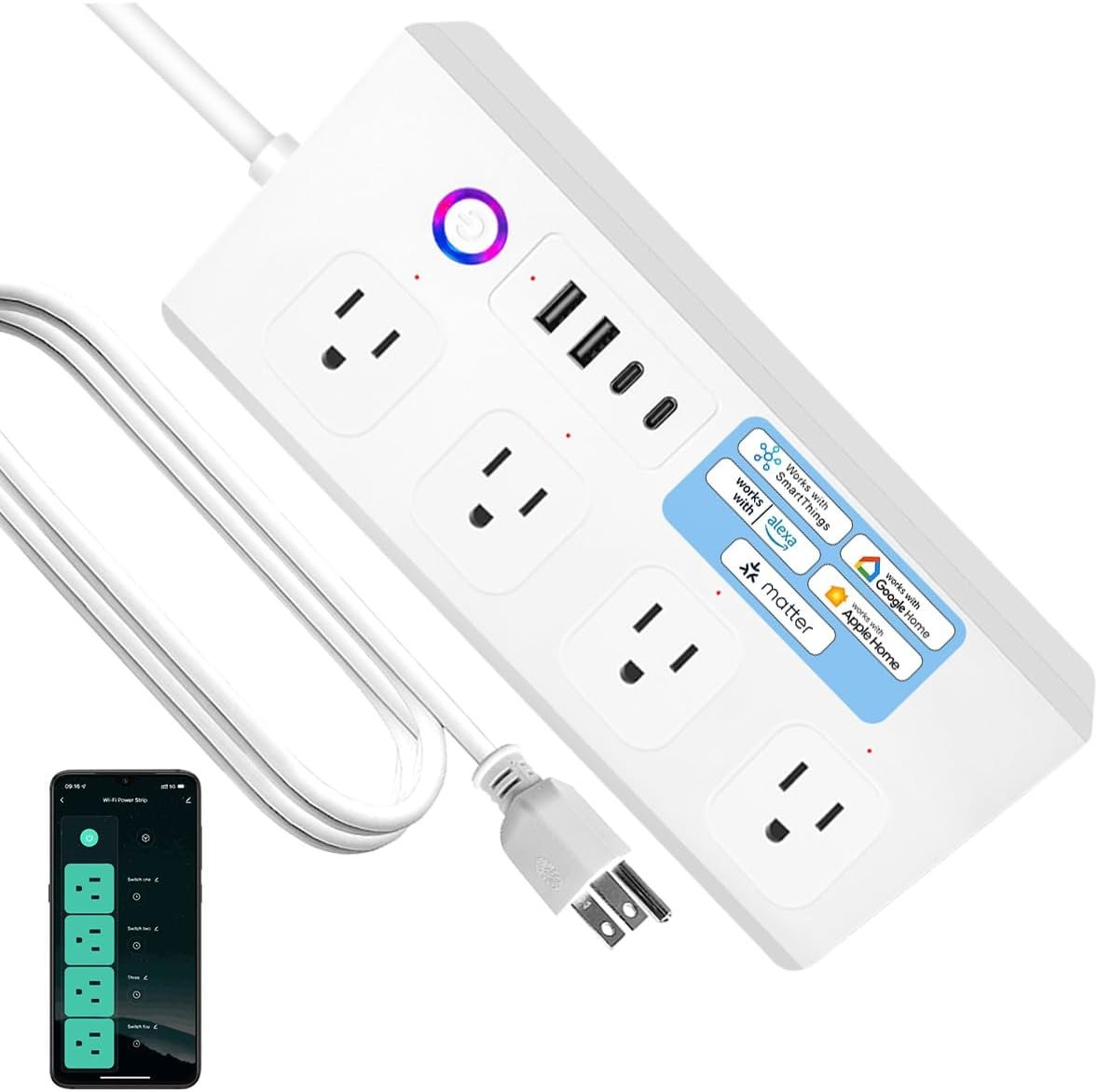
Matter Smart Power Strip,Works with Apple HomeKit, Siri, Alexa, Google Assistant, with 4 Individually Controlled AC Outlets & 2 USB 2 Type-C Ports, Multi-Plug Extender for Home Office (White)
$31.57
Related Products




Product description
UseeLink Matter Smart Power Strip
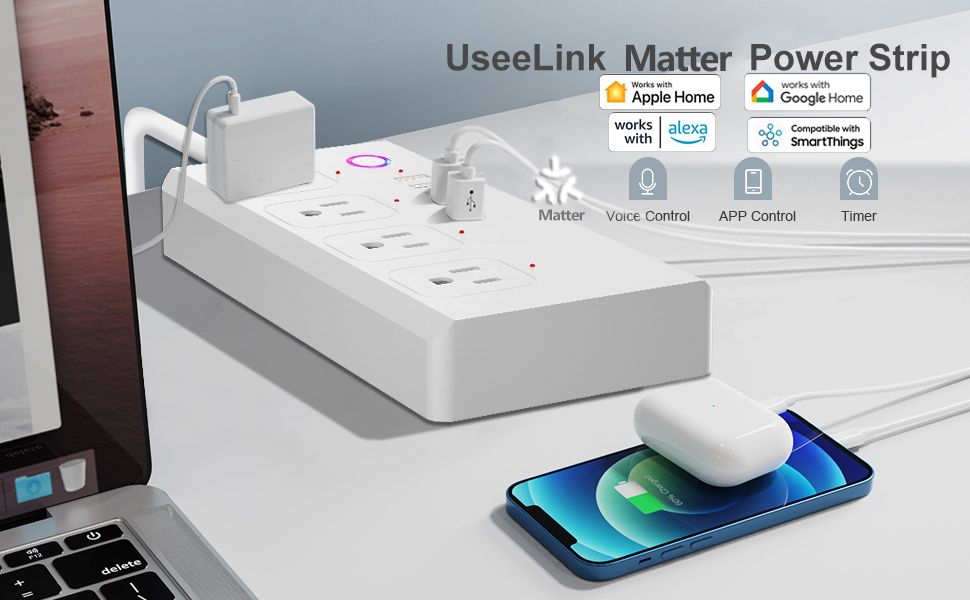
Selected Platforms Require The Matter-Compatible Hub
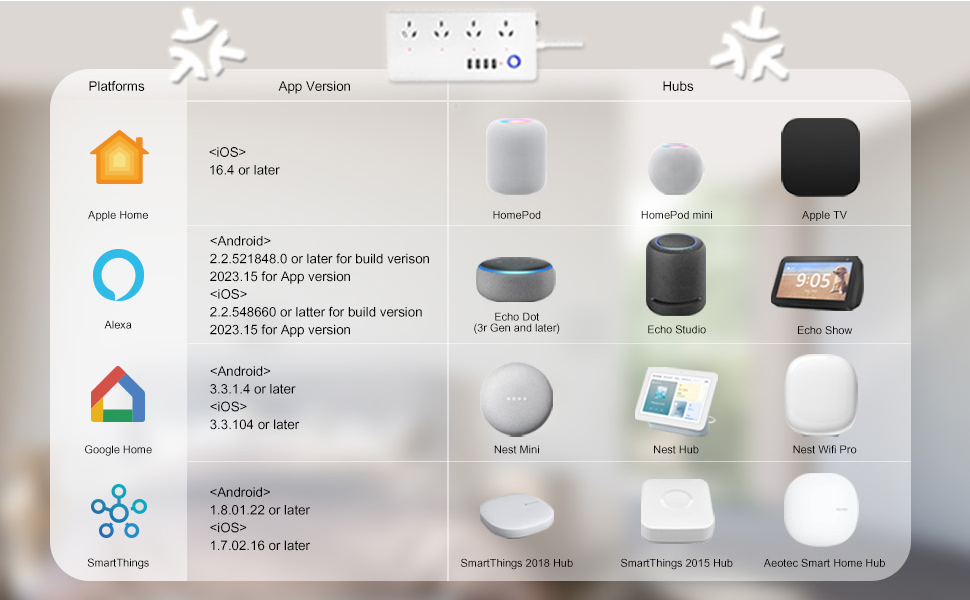
Please update your smart home apps to the latest version.
Voice Control

Have you enjoyed the convenience of voice control?
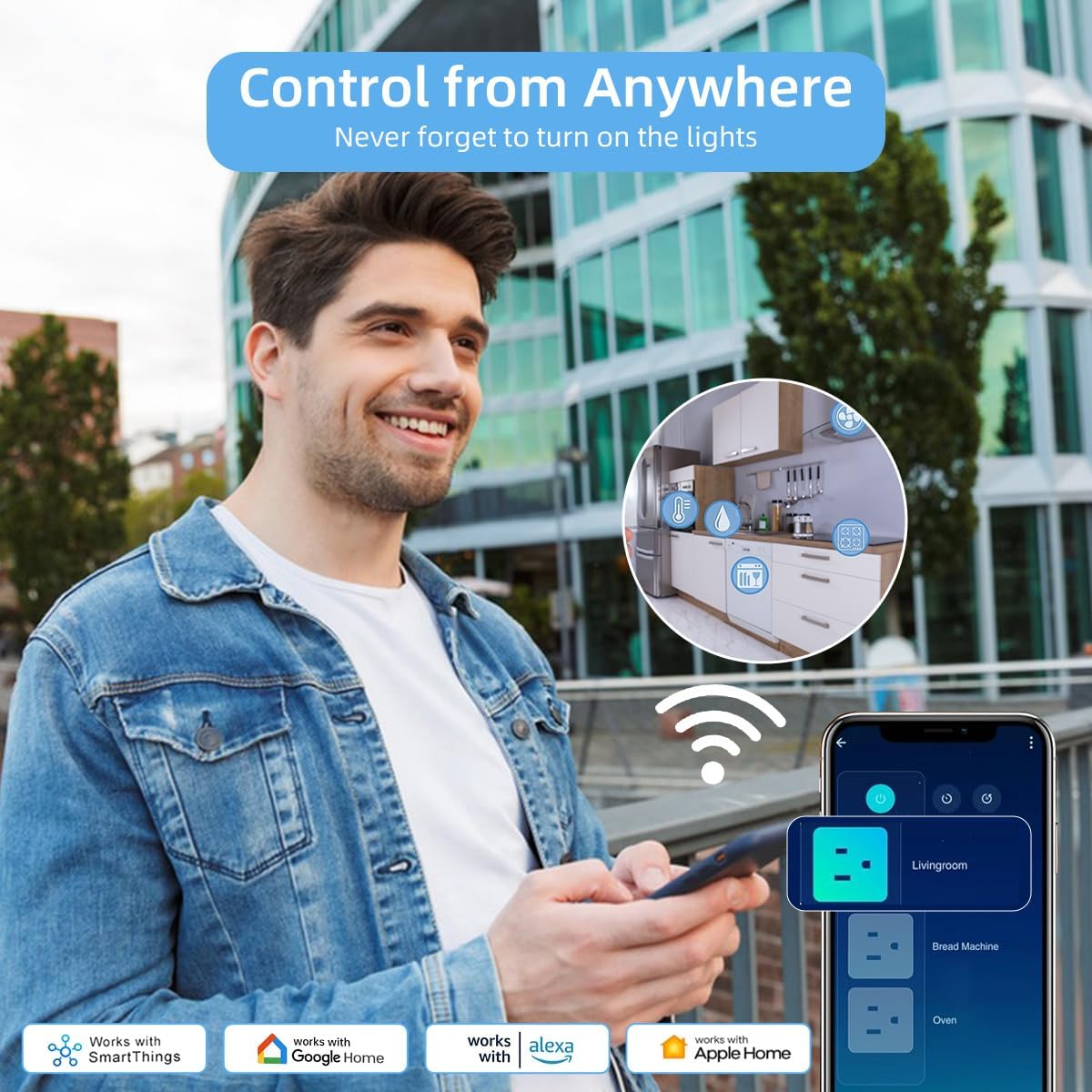
This matter power strip works with Amazon Alexa, Google assistant, Apple Home and SmartThings, using the mobile App to control your appliances via a voice commands.
Simply say:”Alexa, Turn on the…..”
A lot of convenience for you.
Remote Control
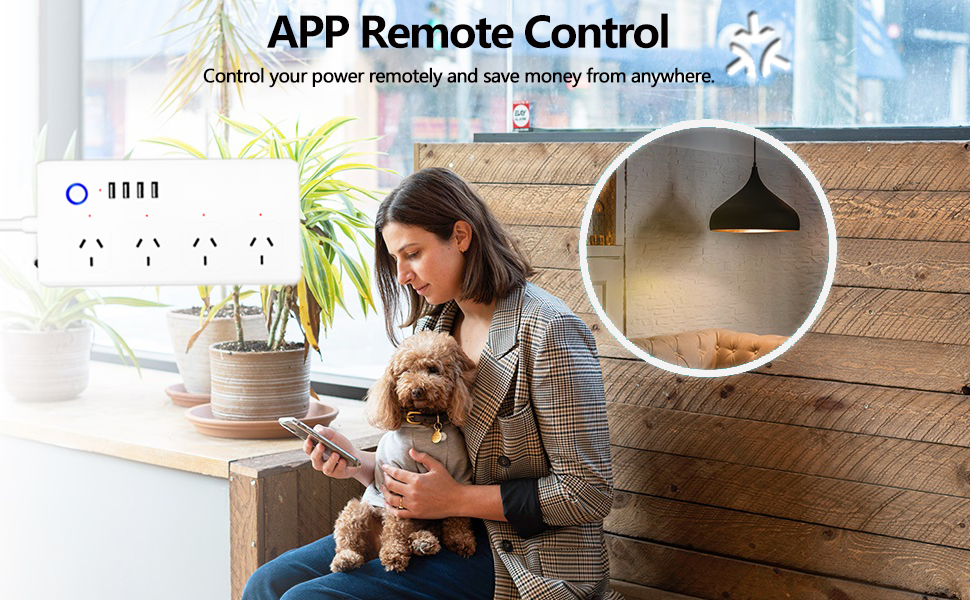
It’s a great experience to control home appliances via smart phone .
The smart matter power strip can be controlled through the App at any time. The 4 AC outlet (controlled separately), 4 USB ports(controlled together) Intelligent help you control device no matter where you are.
Set Schedules & Timer

Personal Appliance Manager
You can be created schedule/countdown for connecting electronics based on your time routines. Just like lamp, coffee maker, humidifier, lights and so on. Schedule function also helps lower your electricity bill by turning power-hungry devices off when they are not working.

Realize the whole-house intelligence, and start your modern life.
Note: When you connect the home appliance, name the connected product on the App connection protocol, or the protocol connection is irregular in case it is difficult to distinguish the connected home appliance.
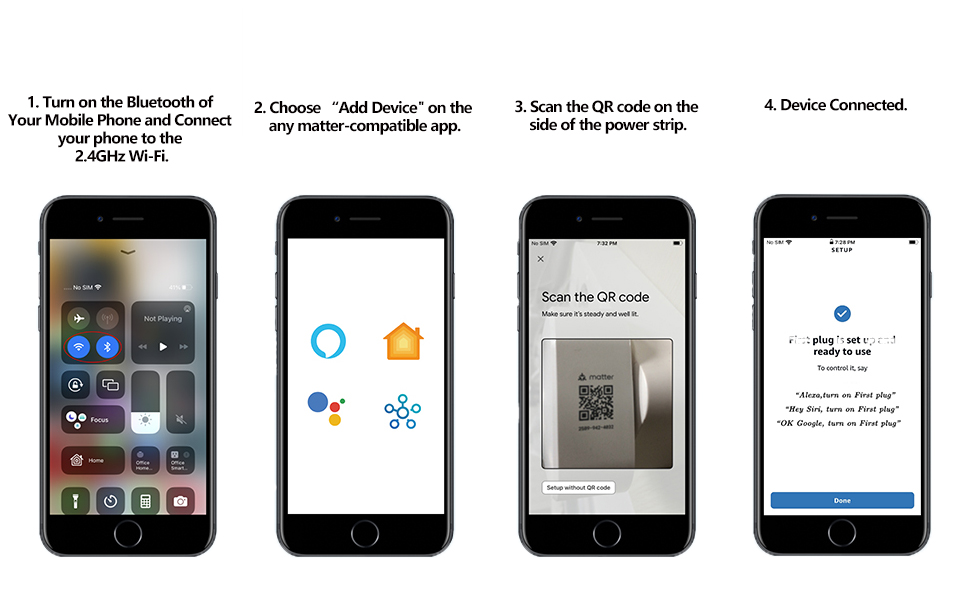
The Matter Power Strip Connection Steps
【Multi Compatibility】With Matter, the Users are no longer tied to specific platforms and works with all certified smart home platforms, such as Apple Home, Amazon Alexa, Google Home and SmartThiiings. You can control all your smart home devices from a single app, reducing the need for multiple apps for different devices.
【Fast Charging Type C & Smart Outlets】Equipped with 4 Smart AC outlets and 2 USB ports & 2 Type C fast chargers for home or office, supported for 8 appliances simultaneously. 4 Outlets can be controlled individual; 2 USB Ports & 2 Type Cs are controlled as a one unit. The maximum current through the power cord is 16A, and the maximum power used by the power strip is 3500W (can’t be used for a long time).
【VOICE CONTROL】Works with Amazon Alexa, Google Assistant and Siri, simply send voice commands to Alexa or Google Assistant to control your home appliances through the smart outlet.
【Schedule and Timer Setting】 Flat extension cord with smart plug supports to set a schedule for the home or office devices; Ideal for aquarium light, bedside lamp, humidifier, and more appliances; Turn on/off at a specific time to save energy and reduce the electricity bill.
【All Round Safety Protection】Smart Surge protectors protect certificated by FCC, ETL listed, with built in safe guards to protect both the power strip and your charging devices form over-heat, over-charge, over-current, and short circuit, provide a safer using experience for UseeLink customer.
【About MATTER】MATTER protocol is led by major eco-platforms such as Apple, Google, Alexa, Samsung and more than 500 companies worldwide. No third-party apps to install, no cloud accounts to sign up for, no tracking required.
Note: When the matter power strip is connected to the APP for use, the order of the socket buttons on the APP corresponds to a different order of the power strip sockets. You can try to connect several times to adjust to the desired order, or name the controlled power strip socket on the APP.
7 reviews for Matter Smart Power Strip,Works with Apple HomeKit, Siri, Alexa, Google Assistant, with 4 Individually Controlled AC Outlets & 2 USB 2 Type-C Ports, Multi-Plug Extender for Home Office (White)
Add a review
$31.57
Nik –
Excellent smart power strip, simple setup
Considerations for my review: Used with Apple HomeKitA bit of info first. So, Matter, is the universal protocol used for smart devices that Apple, Google, Alexa, etc all agreed on to use for smart homes moving forward. What this smart strip is not: Thread mesh enabled. Which is fine for my use case. I’ve found Thread to be more reliable and faster to respond, but regardless for Apple HomeKit – both Wifi Matter and Thread mesh enabled smart devices require a hub. That hub could be an AppleTV or a Home Pod. In my case, for where this smart power strip is located, our room’s AppleTV is the hub, and it’s about 10ft away. So you will need a 2.4ghz wifi network and some sort of home hub to use this smart power strip.Setup? Easy. Go into your Home app on an Apple device (iPhone/iPad) and click the + in the upper right corner and choose Add Accessory. From there you are met with your device’s camera trying to scan the QR code for the device, in this case, our smart power strip – and the code is located on the bottom. Super simple. You’re then met with a screen that shows you all outlets and you can give the strip a main name. There are 4 AC outlets and your 1 USB bank (there are 2 USB-A (the older rectangular connector that has a right way to insert (and we never guess right the first time)) and 2 USB-C (the newer smaller oval shape that can be inserted any way) power outlets but for smart connectivity, it treats the entire bank of 4 USB outlets as ONE – so keep that in mind when you plug devices in here). Best part? I could toggle them on and off from my Home app – and there is a tiny amber LED that goes on and off, so I was able to easily label each outlet as to what was specifically plugged in. Setup took me all of 5 minutes and required no instructions (though this does come with a tiny little booklet to walk you through this).How well does it work? So far, flawless. I’ve got two reptile lights plugged in, and I’ve setup automation in Home app to turn them on and shut them off at specific times. The rest of the outlets are always on – and until I need to use them – I can use this like a normal power strip. Considering reptile automated lighting is VERY expensive (unless you buy those cheap manual twist timers) this was a VERY ECONOMICAL solution to automate lighting at <$40. Best of all, it now integrates into my smart home and I can control it all from my devices easily - no reaching behind a dresser or crawling on the floor.
Marco –
Easy set up easy to use
Worth thr money easy to set up easy to used with my ecoIm very happy with the usb c quick chargerThinking about getting a few more for real
Barbara Ann Hughes –
You may want to look for other options if you have a theee year old grandson
All outlets work when plugged in and not programmed. Works well when it is programmed, but programming is difficult as I’m not sure which of the 4 outlets is being programmed. The individual outlets then need to be renamed to match the controlled device if the devices are preferred to be in a specific order on the strip. If the strip is unplugged and then plugged back in, the Alexa app will fail to “discover” and communicate with the individual outlets, indicating that the outlets are “unresponsive”, working again only if they are all individually again reprogrammed. Makes it a hastle if the strip is accidentally unplugged by my 3 year old grandson, but the reprogramming gets really quick by the third or fourth go round
DEL H –
Works perfectly with my Apple home
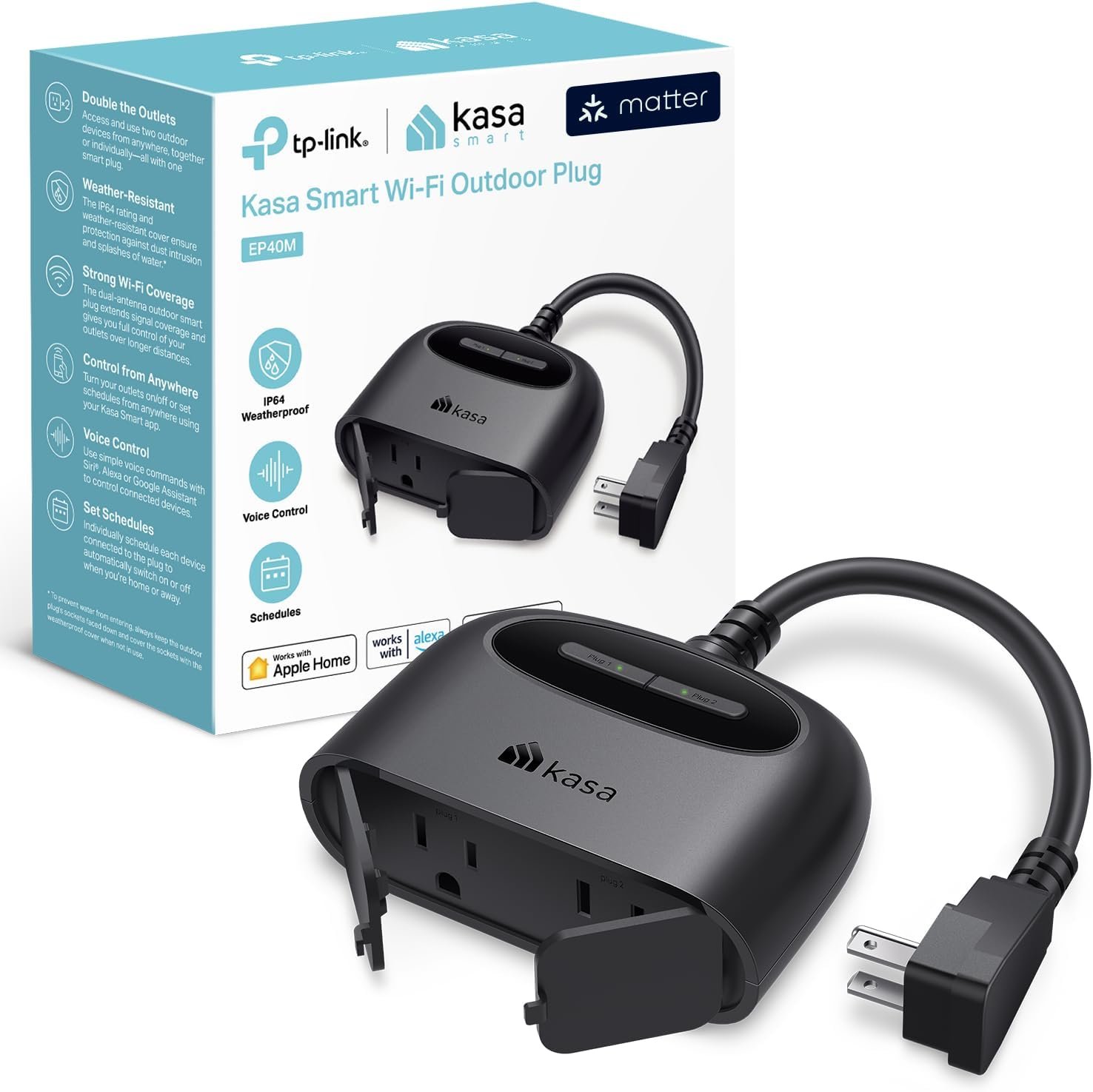
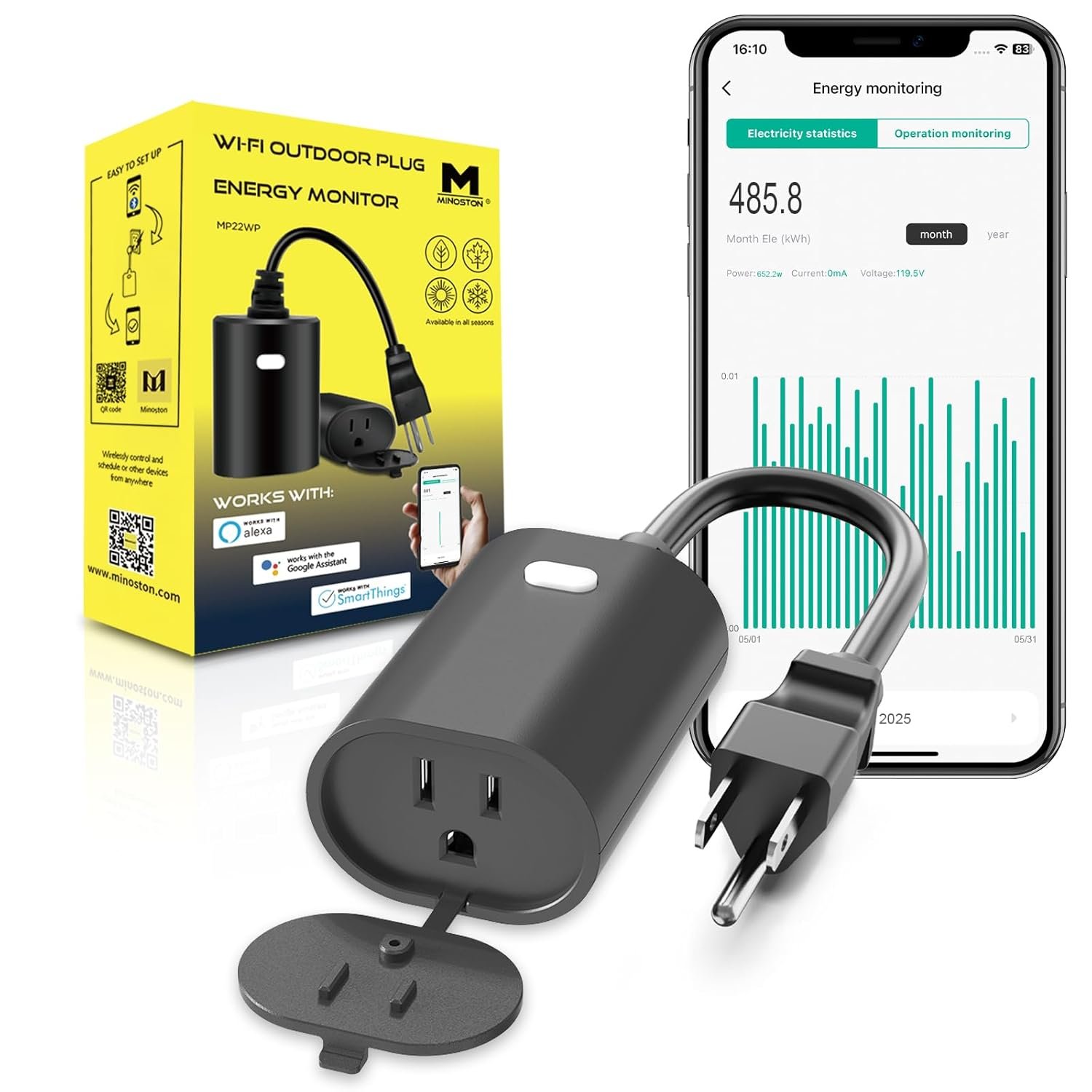
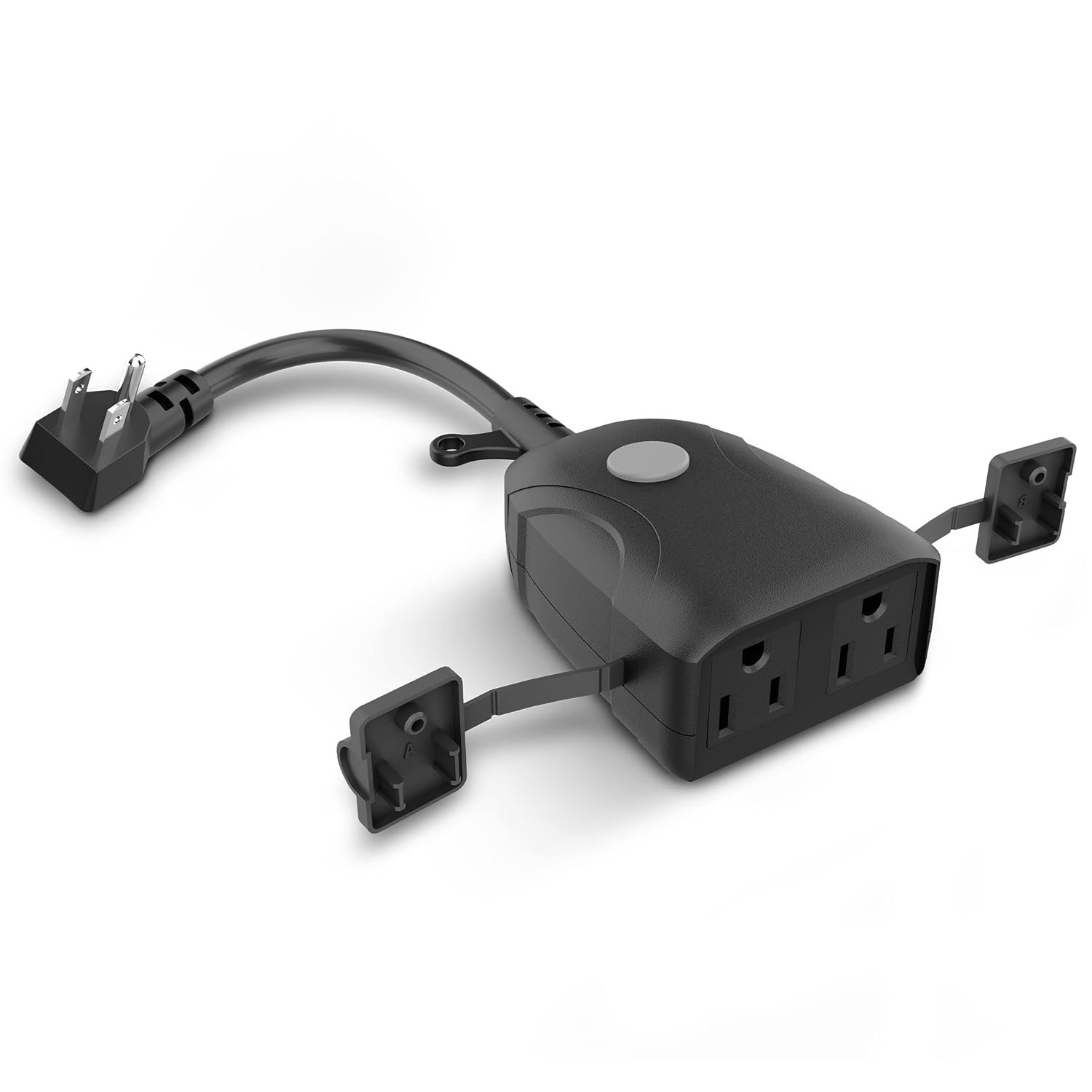
I’m really enjoying the Apple home ecosystem! I was hoping to find a device that I can use my covered patio to control several of my everyday items like fans, bug zapper and fans .This device is a lifesaver for saving space in my outdoor electrical box. I can easily connect multiple devices and manage them with Siri or all my Apple devices.I also appreciate how responsive the device is. All my voice and manual commands are instant without any lag.I can connect up to five devices at a time, which is much easier than manually connecting them.Overall, this is a fantastic device for anyone who wants to control multiple devices with just one connection.
Dr-Phone –
Doesn’t fully configure as a Matter device with TUYA Smart Life Wanted 2.4G Wi-Fi connection.
I’m totally blind. I got this in hope I wouldn’t have to use Standard Wi-Fi to be able to control this.For this is a powerstrip! This says it is 2.4G and Matter device. This has 4 outlets going from Left to Right. The USB ports are beside the power button. When I plugged this in,, the powerstrip using a light detecter power button was flashing! I expected that. This is nornal saying it is in setup mode. I went into the TUYA Smart Life on my Android phone. Went down to the hub that I hope to put it on. Got the QR code to scan! Then the TUYA Smart Life wanted my Wi-Fi info to set it up! I was really hoping I wouldn’t need that being this should connect by Matter to the HUB. But anyway! I went ahead and gave it my Wi-Fi information. The device did add to the TUYA Smart Life system. When checking, this looks like it is setup on 2.4G by Wi-Fi. The TUYA Matter Zigbee hub I was expecting to show one device being this is a new hub. It showed NO devices.So I would say that connected by Wi-Fi and not matter. The Power Light on the powerstrip did not stop flashing. Normally if the device gets set up, the light will stop flashing. This didn’t happen.Next! I went into 3rd party control being I have TUYA set to automatically connect new devices to Alexa. The TUYA software told me the device wouldn’t work with Alexa.Ended up removing the device from the TUYA software and tried resetting it up! At this point, the TUYA Software couldn’t find the powerstrip at all.So as far as using this with TUYA Smart Life and have it as a matter device only! This didn’t work as I expected. I didn’t want it to be connected to my Wi-Fi being my Wi-Fi can be unstable. The hub I wanted it to connect to is connected by Ethernet cable to the router.So being that didn’t work, I made sure the powerstrip was reset and removed from the TUYA Smart Life app and then tried the Alexa software. I wanted to see if Alexa would find it as a matter device or not. Don’t really want to use it this way because of the Wi-Fi issues I have. In order to use it with Alexa, as a Matter device! You need to make sure you ahve an Echo that Support Matter devices. Like an Echo 4th generation with Premium Sound, Echo Pop and some other Echo’s. The older Echo like the 3rd Gen do not support this. The Echo Studio also doesn’t support this. So before trying this, ensure you have the correct Echo.OK! Being I got that out of the way!I went into the Alexa App, Device, Add and select device and Matter. It ask me to scan the QR code! I did that and make sure that the powerstrip was in setup mode. Low and behold! Alexa found it and configured it as 5 plugs that I expected. So yes it would work with Alexa but I don’t know why TUYA Smart Life wouldn’t do it. Probably because it fully didn’t complete setup being the light never stopped flashing. But with Alexa the light did stop flashing.But like I said, this isn’t what I want. I do not want a Wi-Fi 2.4G based type of device and I don’t want it being hoasted by Alexa. I want a hardwired hub that can control it so I’m not dependent on any type of Wi-Fi connection to control the hub that is hoasting the powerstrip.
Andrea Sosa –
Si vale la pena !
Son súper y lo mejor MATTEr así q funciona muy bien con HomeKit
Mike B –
Best HomeKit plug out there
Awesome and easy to set up and useable without the app. So far very solid and very practical. Cannot confirm the pd usb c but I assume it’s good