

MUNBYN Portable Scanner, 900 DPI Photo Scanner for A4 Documents & Pictures, Wand Reader with 16G SD Card, Flat Scanning, USB Transfer to PC/Laptop, No Driver Required (Silver)
$64.99
Related Products






From the brand
MUNBYN
Empower Your Business, Unleash Your Potential

2025 Promat is Coming
Let’s meet MUNBYN in Promat at March 17-20 2025 in Chicago.
The world’s largest logistics exhibition


Live from 2025 CES
The premier global stage for breakthrough consumer technology innovations
MUNBYN Document Scanners
MUNBYN Featured Products

MUNBYN is trustworthy!Provide the most excellent support with the most professional technical team and service.More and better choices for businesses and families.Continuous improvement and progress.If you have any problems or concerns, please feel free to ask us. We will serve you wholeheartedly.
How did we get our start?
Founded in 2015, “Munbyn” not only inherits the fine traditions but moves with the times and introduces new concepts: Simplicity, Vitality, Specialty.
What makes our products unique?
In a market flooded with high-priced automatic scanners, we remain focused on serving the needs of affordable prices. We use trusted techniques to produce portable handheld scanners to meet your scans needs.
Why do we love what we do?
We want to find more appropriate solutions for documents scans, photos scans, drafts scans, receipts scans, magazines scans, graffiti scans, and any scans needs.


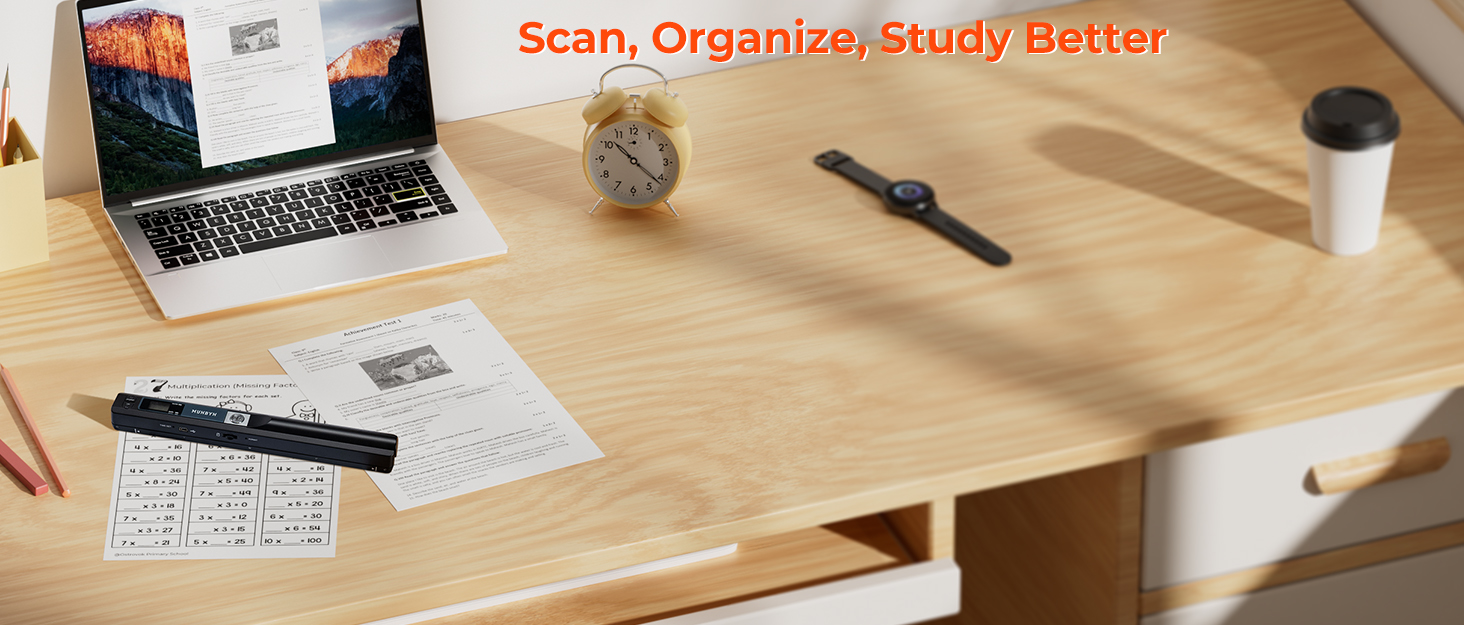
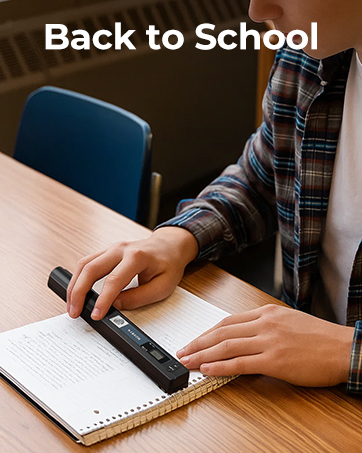
【Handheld Scanner–Easy to Scan】 Portable scanners use handheld scanning to maximize your diverse scanning needs. 1. Place the scan target flat on a table. 2. Hold and place the scanner close to the top of the scan target. 3. Scan from top to bottom at a constant speed. NOTE: The scanned image resolution is 900DPI.
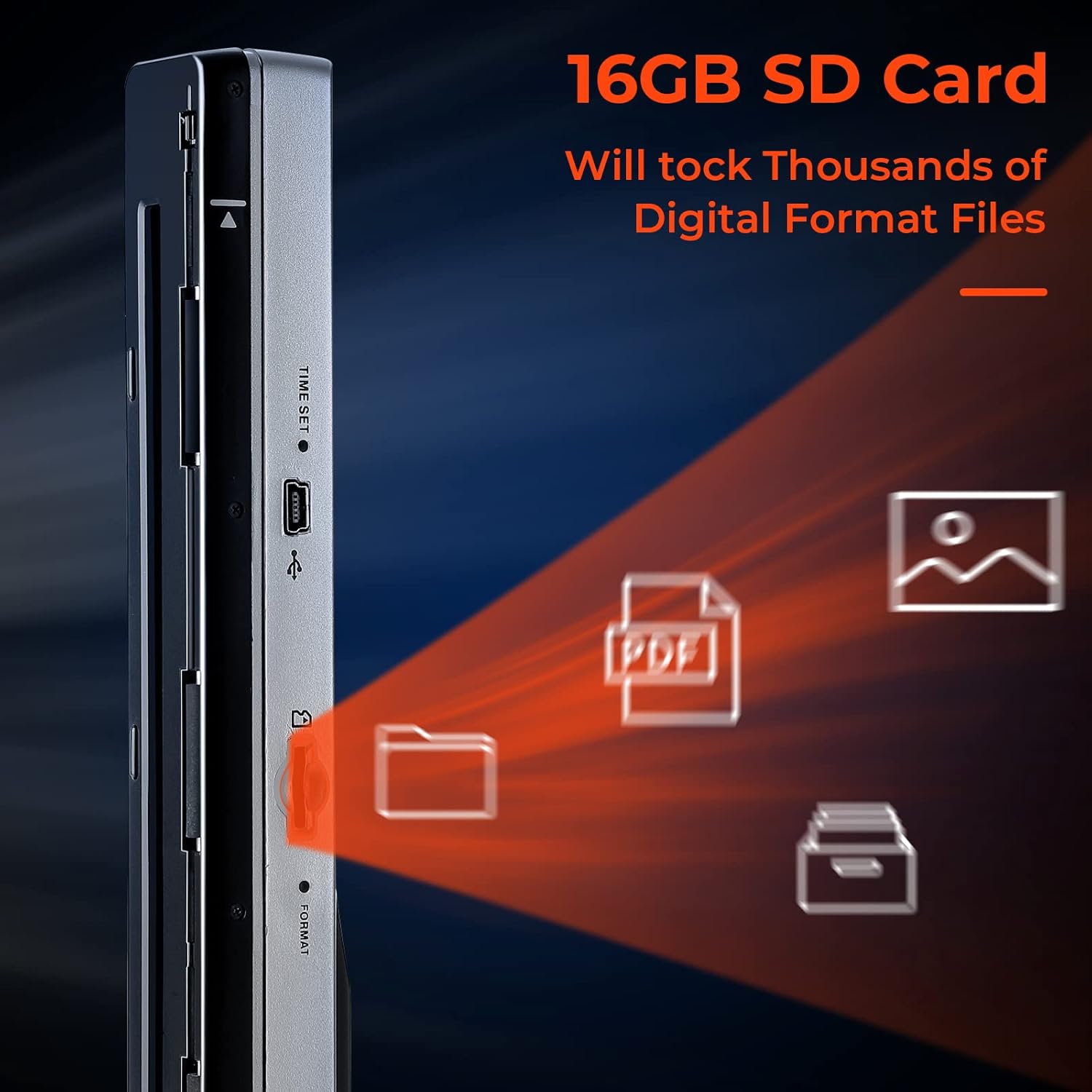
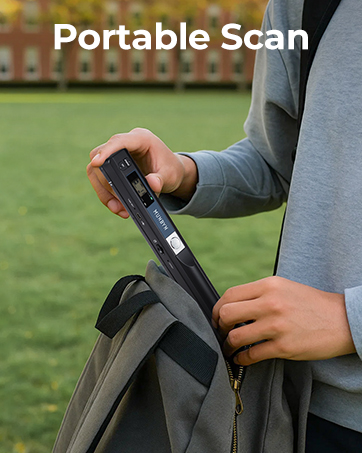
【Portable Scanner–Easy to Carry】 Length: 10 inches. Weight: 0.44 lbs. Power source: 2AA Alkaline Batteries(not included). Carry method: Put it in a schoolbag/briefcase. Scan way: Flat scan independently from the computer. Storage method: 16G SD Card(included).
【Multi-purpose Scanner–Advantages】 Handheld scanners make your scanning have a tactile appeal. Compared to feeding scanners, handheld scanners will maximize protection from bending and damaging old photos by the feeding machine. Scanners can digitize photos, documents, text, charts, drafts, pages, magazines, recipes, small maps, and more.
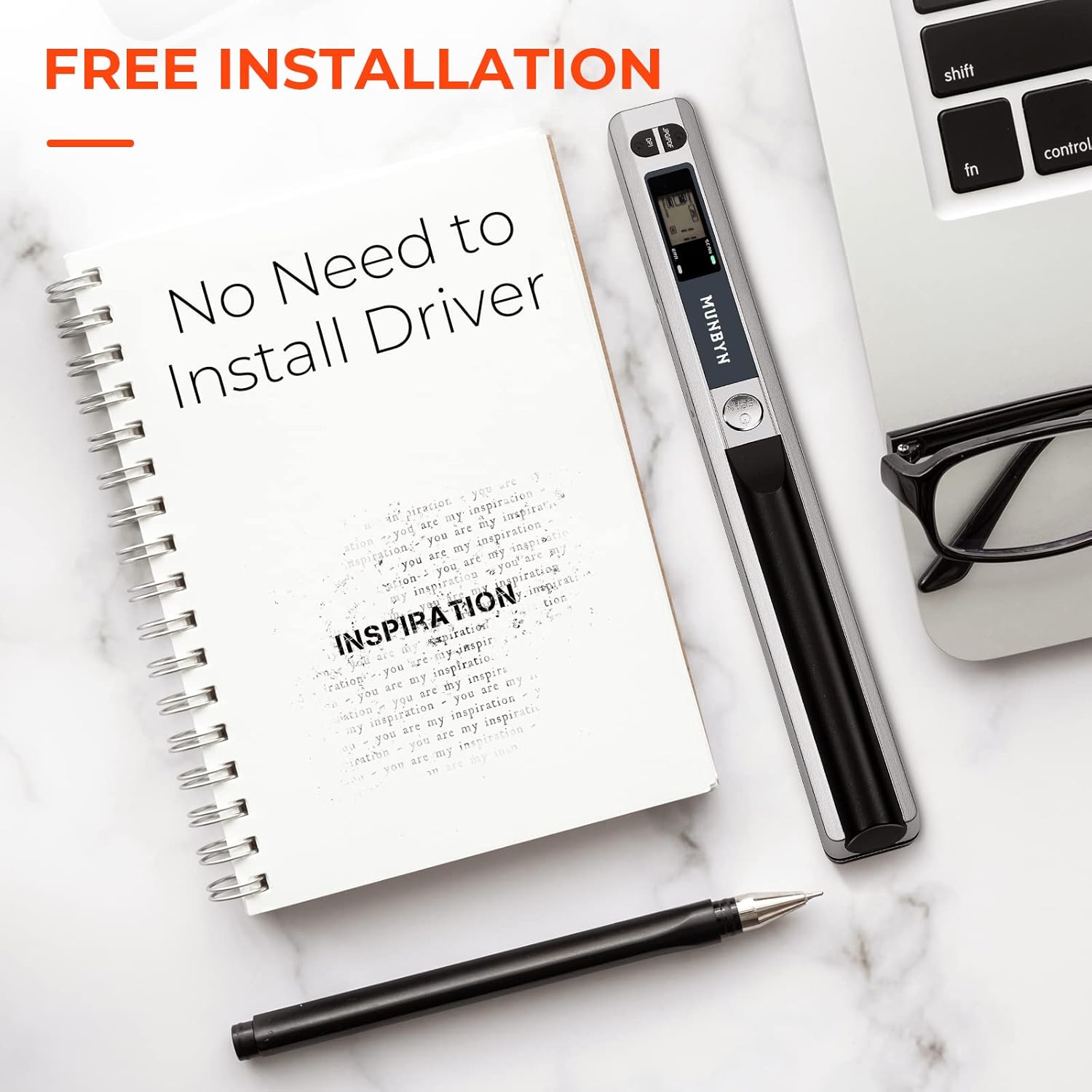
【Scanned Images–Easy to Transfer, No Installation Needed】 Transfer method: USB cable. Computers recognize the photo scanner via a USB cable like recognize other hardware such as a camera or SD card. The portable scanner is connectable with Mac, Windows 7/8/10/XP, and Linux systems computers.
【Warm Tips】 Practice a few more times to get the hang of scanning speed. Poor image quality could be fixed by cleaning the bottom of the scanner, restarting the scanner, or processing white balance calibration. Red light wronging can be solved by restarting the scanner. Please watch the instruction videos.
7 reviews for MUNBYN Portable Scanner, 900 DPI Photo Scanner for A4 Documents & Pictures, Wand Reader with 16G SD Card, Flat Scanning, USB Transfer to PC/Laptop, No Driver Required (Silver)
Add a review
$64.99
Amazon Customer –
Very Handy. Easy to Set Up, Easy to Use. Perfect for Digitizing.
This is a review of the Magic Wand Portable Scanners for Documents, Photo, Old Pictures, Receipts, 900DPI, Scan A4 Color Page in 3sec, 16G Memory Card Included, MUNBYN Photo Scanner for Computer, Laptop.I am an author and I got this scanner to scan in almost 20 years of handwritten journals that contain the basis for many of my books. This is my first time using a portable scanner, it really doesn’t take long to get up to speed with it, though.This little wand scanner is not heavy, and not difficult to work with. It produces clear, good quality scans. I am using the medium resolution setting, and the scans are very clear.Here are the important points I have noticed:1. Your document needs to lay flat when you scan it. This necessitated me taking all the pages out of each journal in order to lay them flat.If you try to scan from a book, the scanner will cut off much of the inside margin and sentences. I could not find a way around this.In the YouTube video (search MUNBYN on YouTube) that shows how the scanner works, you will see the two markers on the scanner that mark the edges of the scan area. The quick start guide included with the scanner gives the URL to download the free scanner software to your laptop and the instructions say NOT to update it during the installation. A mini-CD came with mine but I have no drive for it, so I was glad to find that link. And for whatever it’s worth, I am running Windows 10 and that software integrated seamlessly without any further configuration on my part.2. You must move the scanner slowly. If you move it too quickly, the red light comes on to warn you. I have had to rescan a number of pages due to this.3. If you are scanning many pages that need to be in a particular order like I am with my journals, scan them in that order and download the images from the scanner all at one time. Like most scanners, this scanner names the scans IMG0001, IMG0002, etc. and there does not appear to be a way to override or change this. If you download some of them and then start scanning again before you have all of one project (or journal in my case) scanned, you will have to rename a bunch of them. In retrospect, I wished I had numbered my journal pages before starting, and I plan to with subsequent journals, so I can tell when a page is missing and if I have them in the right order. Have plenty of AA batteries on hand if you are scanning a large project. I scanned maybe 50 pages before I had to change the batteries. It could be those first batteries I put in were not fully charged, (the scanner did not come with any batteries) I did not test them before using, or maybe I am just slow and that created the drain on the batteries. I will update this review if I get a good feel for how many pages I can consistently scan on one new set of AA batteries.All said, I think this little scanner is a very handy tool and I’m glad I purchased it. Highly recommend.
Barbra –
So Simple!
I wanted to be able to scan documents in my husband’s van, while we were in transit, returning feral and friendly cats after they had surgery. We volunteer to assist someone who does cat and kitten rescue, and since she gets all the hard copies, it is a bonus if we can scan in Invoices and Patient Charts and have an off site record.I have access to a scanner on our big laser printer at home, but the Patient Charts need to stay with the cat they relate to, so I only have them in my possession during the journey from the spay and neuter clinic to the rescuer’s home, where cats are temporarily housed during recovery.I had seen portable hand scanners and thought this was what I needed, so as usual, I searched on Amazon and read reviews, to see what was available. The Munbyn hand scanner got mostly good reviews and an added benefit was that if you use a MacBook or iMac, you can download directly to your computer using the provided cable.When I received the unit, I was surprised to see how simple the whole thing was. I read the instruction book and tried a few practice runs and was immediately comfortable I could do what I needed without much effort.Today we picked up three cats from the clinic, and I was able to scan each Patient Chart on my lap, using a sheet of cardboard under the documents. I did several passes, as I knew I would not have the documents available once I was able to view them on my computer. All the scans were readable and would be acceptable if the hard copy was lost or unavailable. Because many of the cats and kittens are passed on to adoption agencies, and they require proof of testing, vaccination and spay or neuter surgery, this will be excellent backup.
jeff mcmanus –
Scanner
Works okay
michael toohill –
did not work right out of the box
I would put new amazon Aa batteries in turn on scanner and it would immediatel;y flash error and show the batteries drained. Put new pbatteries in …same thing. It is being returned. Why would amazon sell such a defective product and what a waste of my time.
Chris –
Excellent easy to use
Adrian Walter –
Great product. Scans perfect.
Kees –
for my administration and contracts all over the world !