
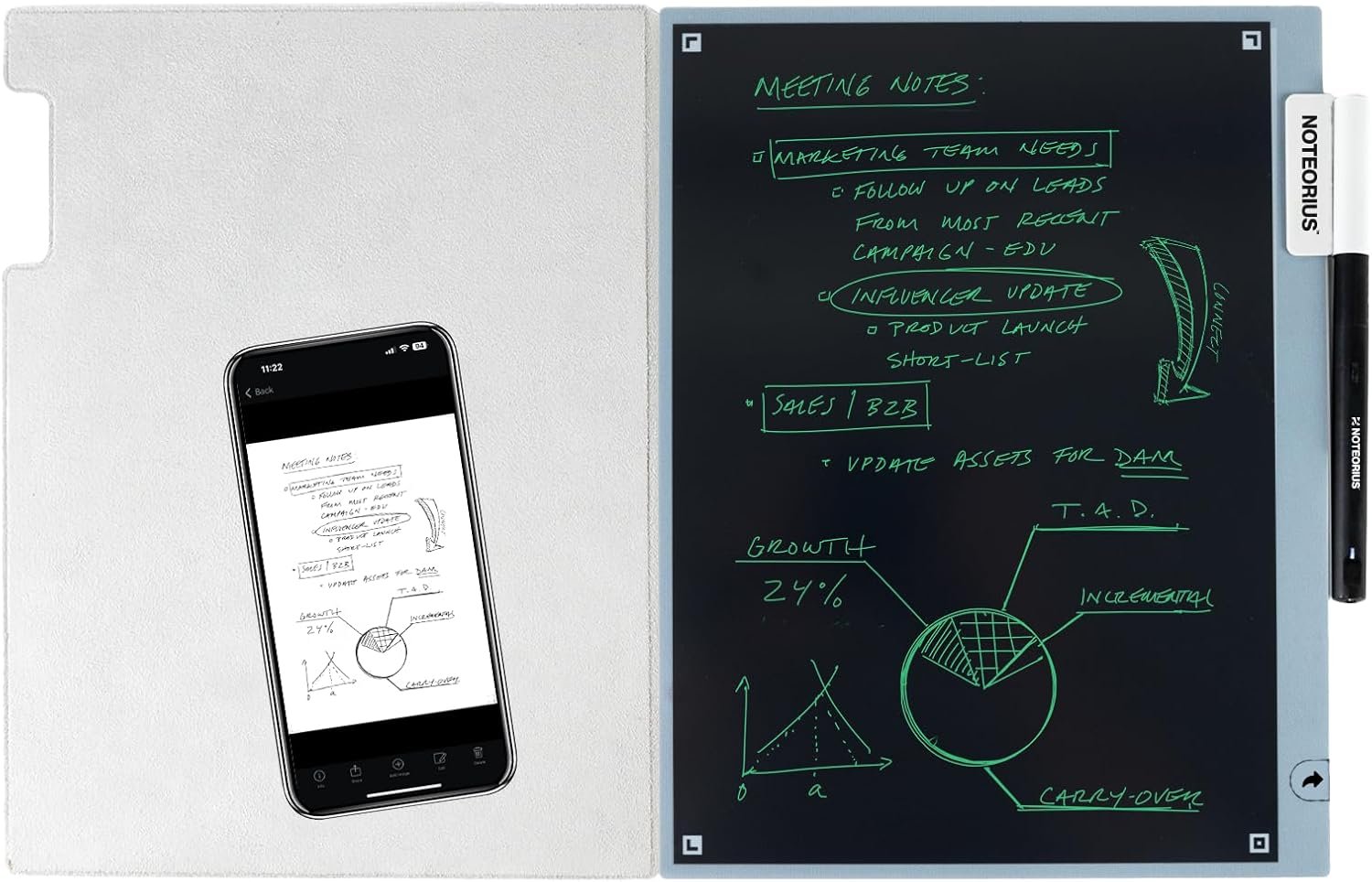
Smart Notebook with Smart Pen & Folio
$199.00
Related Products
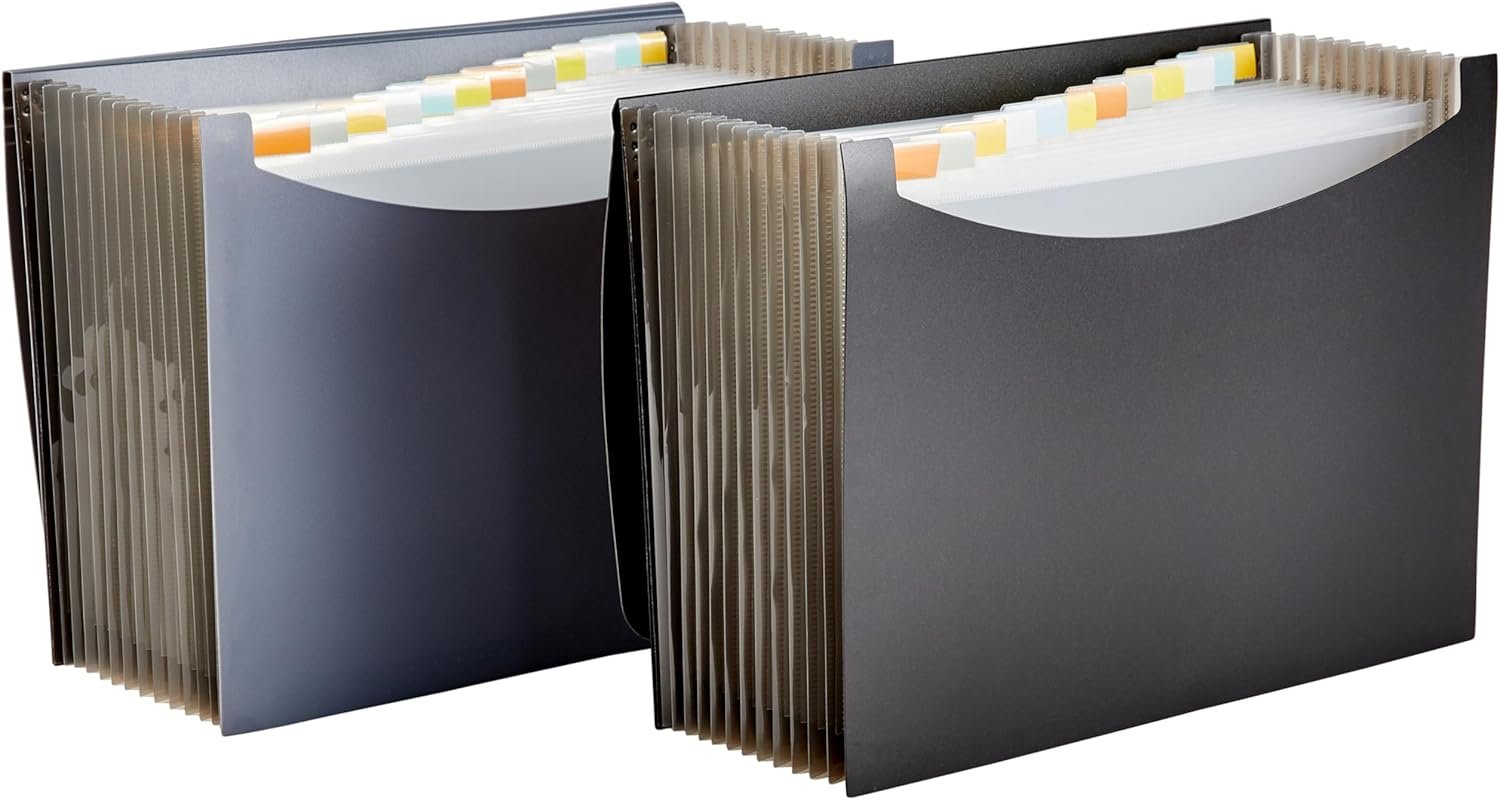
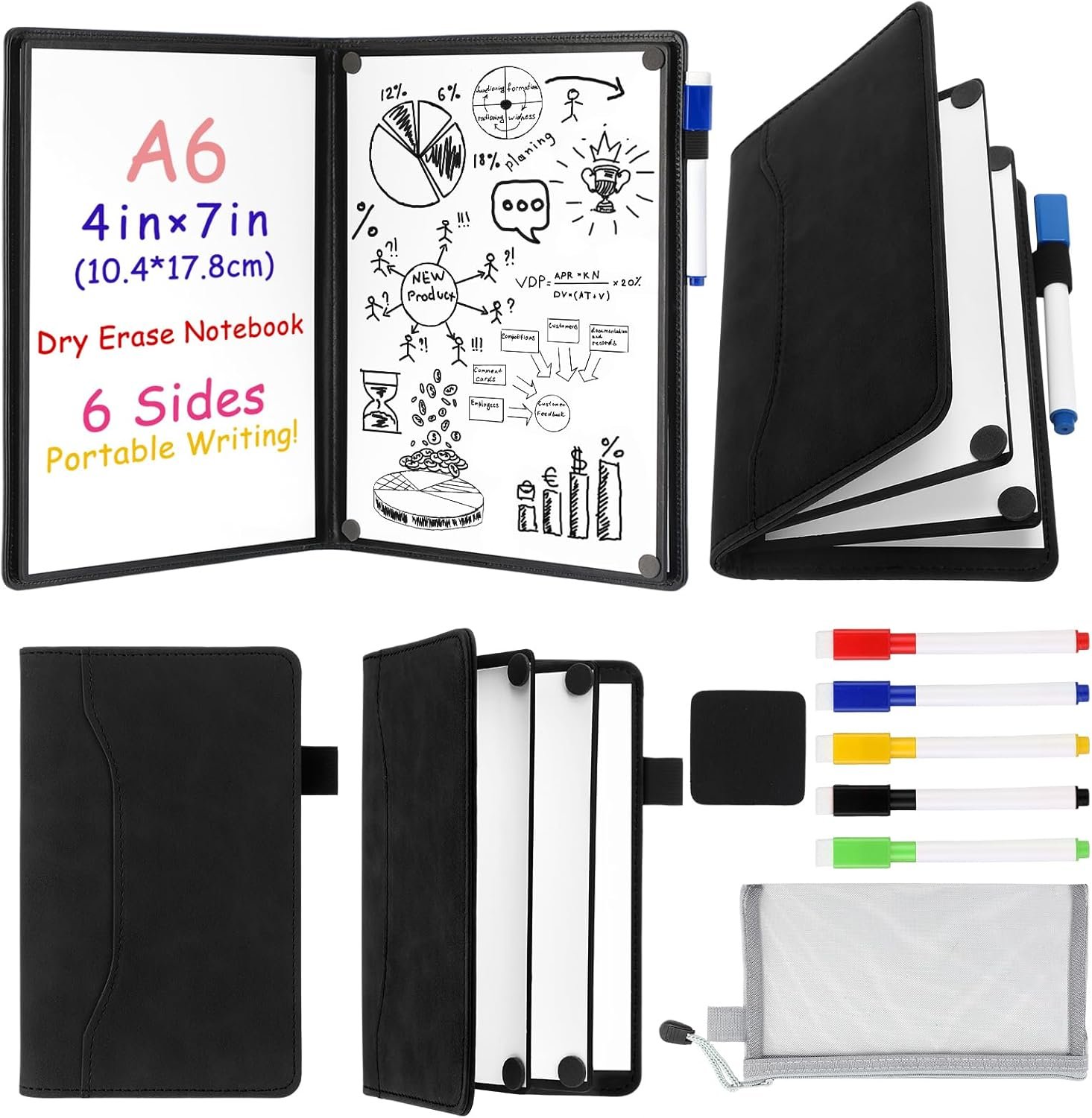


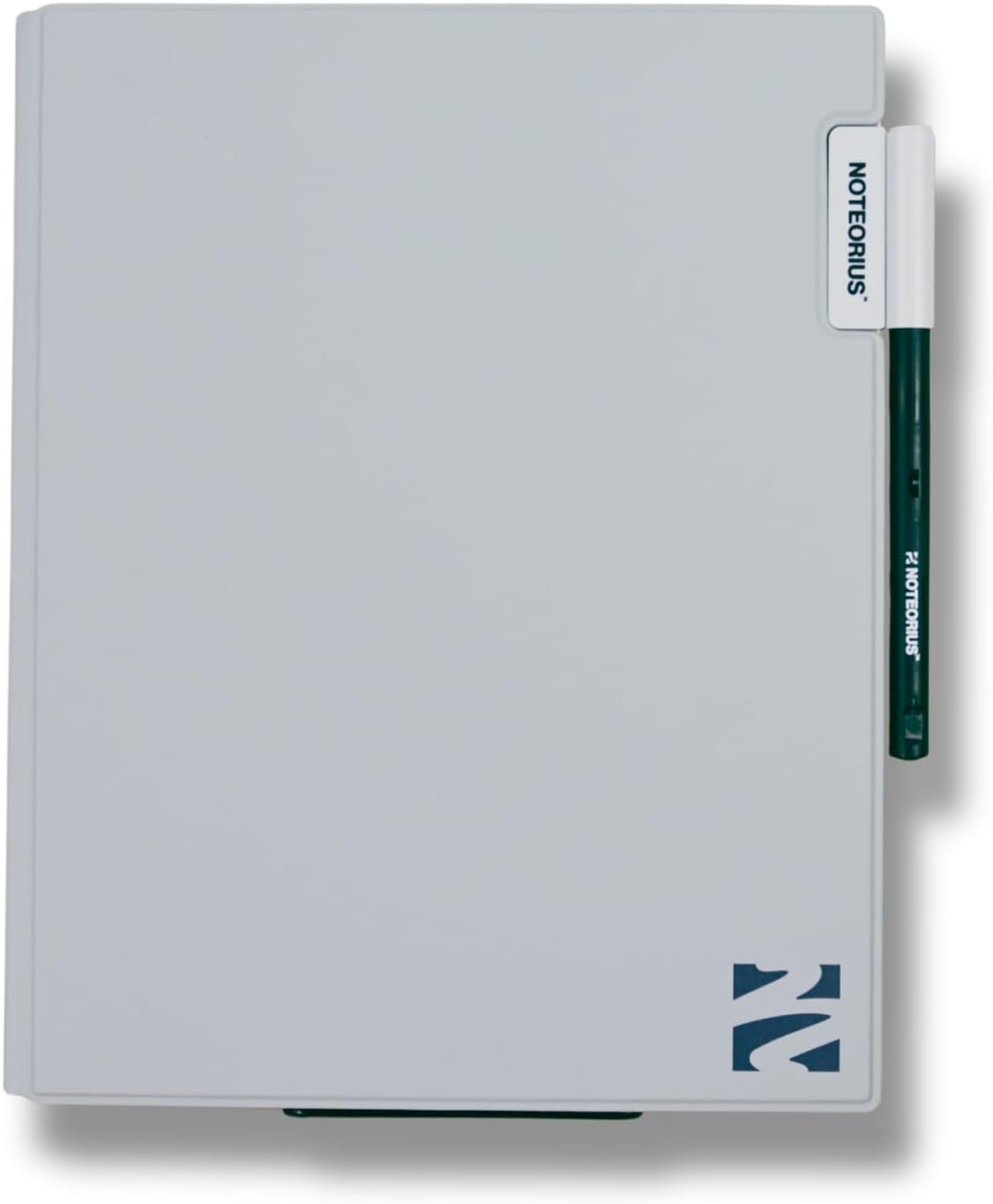

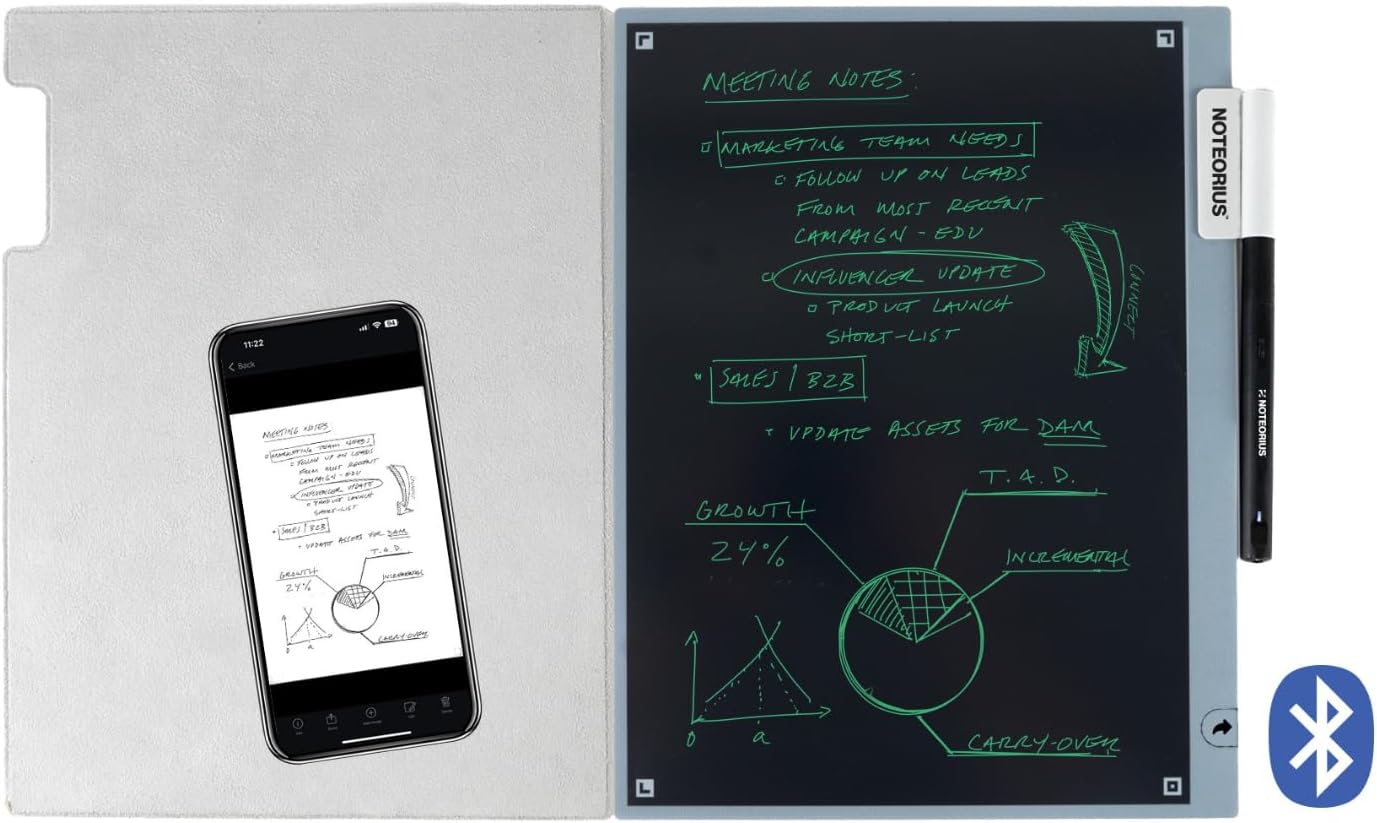


That stack of half-used notebooks and scattered sketches isn’t just clutter, it’s a graveyard of forgotten ideas. You need more than paper; you need a tool engineered to make your thinking clearer and your life simpler. The Noteorius smart notebook was meticulously designed for high achievers: students acing their exams, creatives capturing inspiration, professionals commanding meetings, and parents equipping their kids for success. Every feature is built to cut through the mental clutter, eliminate digital distractions, and keep your best ideas perfectly organized.
The Glare-Free Canvas for Deep Creation: Our Always-On Dark Mode LCD protects you from the digital eye strain that kills creative momentum, allowing you to sketch, write, or ideate for hours without fatigue.
Instant Capture, Zero Interruption: The Tap-to-Save Smart Pen lets you capture inspiration the moment it strikes. Write, sketch, and erase with a single, frictionless tap, ensuring a seamless flow from your mind to your digital canvas.
Your Ideas, Instantly Organized: Cloud Sync That Works for You sends your handwritten notes and sketches directly to the NoteoriusApp and your favorite services like Evernote, OneNote, or Google Drive, making them instantly searchable and secure.
Durable by Design, Portable by Nature: The slim profile and protective magnetic folio mean your smart notebook looks as sharp as your designs and is ready to go anywhere inspiration takes you.
The Feel of Pen on Paper, Perfected: Experience the satisfying glide of a Rechargeable Smart Pen with Smooth, No-Lag Strokes. Whether you’re writing, sketching, or storyboarding, it’s the timeless feel of creation, intelligently redesigned.
John Hoarty –
So glad I bought this – definitely a keeper! You’ll wonder what you did before you had it.
This just might be one of those, “What did I do before I had the Noteorius Smart Notebook” gadgets. Like, what did we do before the microwave? GPS? Mobile phones? I use it all the time. The best feature, in my opinion, is the “always on” notebook state. Just keep the pen charged (It lasts a really long time), and the notebook is always ready, even with no power supply. How do they do that? This makes it so easy to grab and jot down a thought or draw an image on. It’s basically always on. And setup was an absolute breeze. Just download the app and sync the bluetooth pen.Next best feature is the auto sync with the app/cloud. It auto syncs with the app with only a tap of the pen on the notebook, and you can set it up to also auto send your image/document to Dropbox, Google Drive, Evernote, OneNote or OneDrive. You can further specify the default file type (png or pdf) and the default line width.As others have noted, the build quality is great, and the feel of the stylus on the tablet it pretty much exactly like a pen on paper. So, kudos for that. Also, it properly ignores your hand on the screen, such that no unwanted artifacts are generated by your hand. And the images or documents that are created in the app and sent to the cloud have so far been perfect – no artifacts or missing data.Yeah, I love this notebook. A feature I would like to see is auto sync of folders in the app with my Google Drive. I store everything in Google Drive, but as of now, the app just sends everything to the same folder up there. In fact, it isn’t actually syncing the app and the cloud, so the cloud is not a backup of the app. It just sends stuff there. So, any further cloud organization has to be done within your cloud endpoint. I have suggested this, and am hopeful that I will see it at some point, but I am not going to downgrade my rating for a “nice to have” feature that may well be included in a future software update. I would also like to be able to change the brightness and or line width on the notebook itself, but I am not sure this is realistic. Like I said earlier, I don’t even know how the notebook generates the sort of flourescent lines and images with no power source. So, I don’t know if its possible to adjust them. But the default is easy on the eyes and that is supposed to be a feature, not a bug, so I accept that for now! I’m guessing its all about the tip on the stylus, so I imagine they could make different tips to create different line types, sort of like a calligrapher’s pen. But I digress.Bottom line, this is a well-made and well-conceived device that brings a ton of utility at a very reasonable price point. Yes, I recommend!
Joe Master –
Game Changer at the right price!
Game-Changer for Notes & OrganizationI love my Noteorius! It has completely transformed the way I take and organize notes. Writing feels natural and smooth, just like pen and paper, but with the huge bonus of instantly saving everything. The app is intuitive and makes it incredibly easy to access, organize, and share my notes.What really sets Noteorius apart is how seamlessly it fits into my daily workflow—whether I’m in meetings or planning projects at home. I no longer worry about losing notebooks or rewriting notes, and everything stays perfectly organized in one place.The design is sleek, the build quality feels premium, and the overall experience is thoughtful and polished. If you’re someone who loves handwriting but wants the convenience of digital organization, Noteorius is absolutely worth it. Highly recommend!
Mary –
Sleek and easy to use
This notebook is so easy to use and take with me everywhere. The instructions were clear and really easy to follow, so I could quickly set it up and start using it for notes. It’s thin enough to slip into my bag with my laptop, and the cover is actually good quality so I’m not worried about the screen getting scuffed up. And the notes get sent straight to the app so taking notes during meetings is so much easier! I love the look and it feels nicer than just a notebook.
Timothy Holm –
Missing Charger / Faulty pen
Came with no charger and the pen will not charge.
Amazon Customer –
Perfect for class note taking and annotations.
This was given as a gift to another who is a college student and that person explained that they liked the idea of being able to make notes so easily. He’s a history major so there is a ton of dates, etc. to deal with as well as quick references brought up during lectures or research and he found this notebook particularly convenient for exactly that. His preference is normally to jot down everything in very organized journals because he keeps them for reference when he begins teaching and the notebook helped him be able to summarize everything for his journal entries as well. He said it took him awhile to get into the idea of using the notebook because of normally writing things in journals directly but he got used to using it and found it actually is the better way to go. Being able to draw objects as well as write helped with symbols and/or diagrams he explained to me. All in all, there was a learning curve as there is with most things but the quality seems there, this seems well made and a reliable product. I am happy to pass on his comments after personal use. I hope this helps others.
Amy M. Heckroth –
💯 work it
When I first unboxed Noteorius that directions were easy to set up and understand how to use quickly. Noteorius isn’t just for simple notes — you can create pages, to-do lists,tables, and even trackers for habits or classes in your own style. You can organize everything in a way that makes sense to you. Your notes automatically sync on your phone, tablet, and computer so you can access them wherever you are. You can share pages with friends, classmates, or work partners whenever you want. Overall this was 100 percent worth the purchase and an excited to have an organized way to take notes in the future.
JAyers –
Easy and portable note taking
I’ve been using the Noteorius Reusable Smart Notebook and it’s quickly become part of my everyday routine. It’s really easy to use and I have found myself using it for everything from quick notes and to-do lists to meeting notes. It’s nice not going through tons of paper notebooks, and it helps keep everything in one place.It’s also super portable. It’s lightweight and easy to throw in a bag, so I can bring it to work, meetings, or when I’m on the go.
Adam E. –
Easy to use, definitely a keeper!
I purchased this because I was tired of carrying my old Surface tablet around just for jotting down notes. I was looking for something simple and straight forward. I use this daily and everything syncs well with my OneDrive and Dropbox. It was slightly larger than expected but not a nuisance. I wish they provided different stylus tips to accommodate artists as well. Overall, 10/10 for me!