
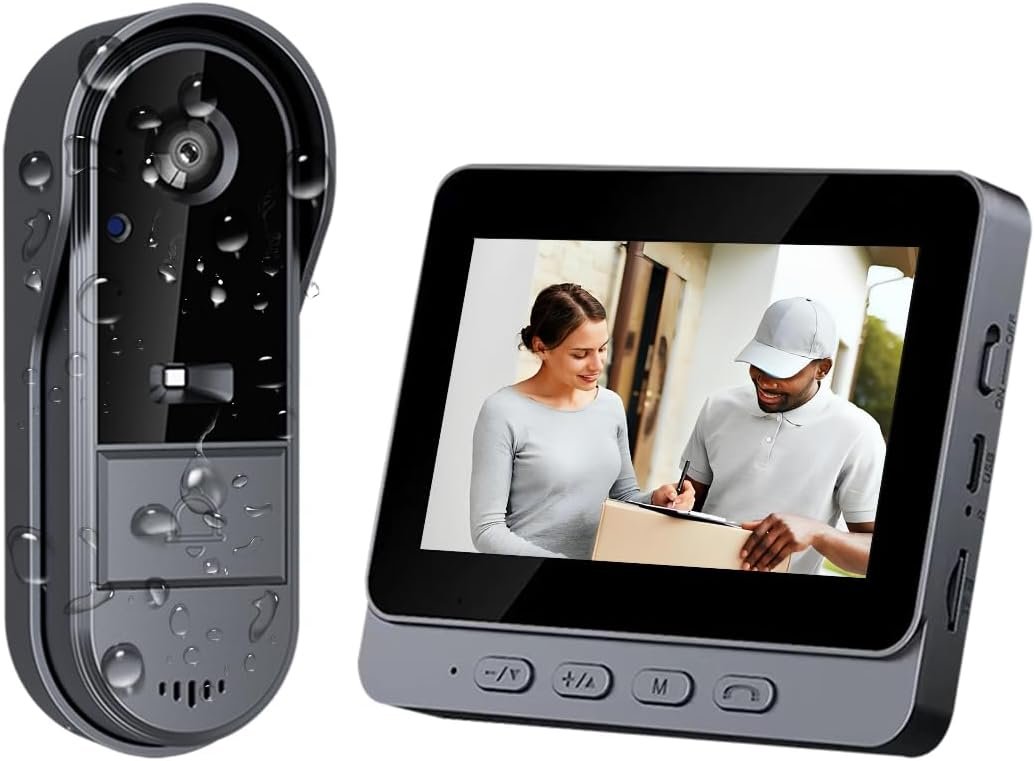
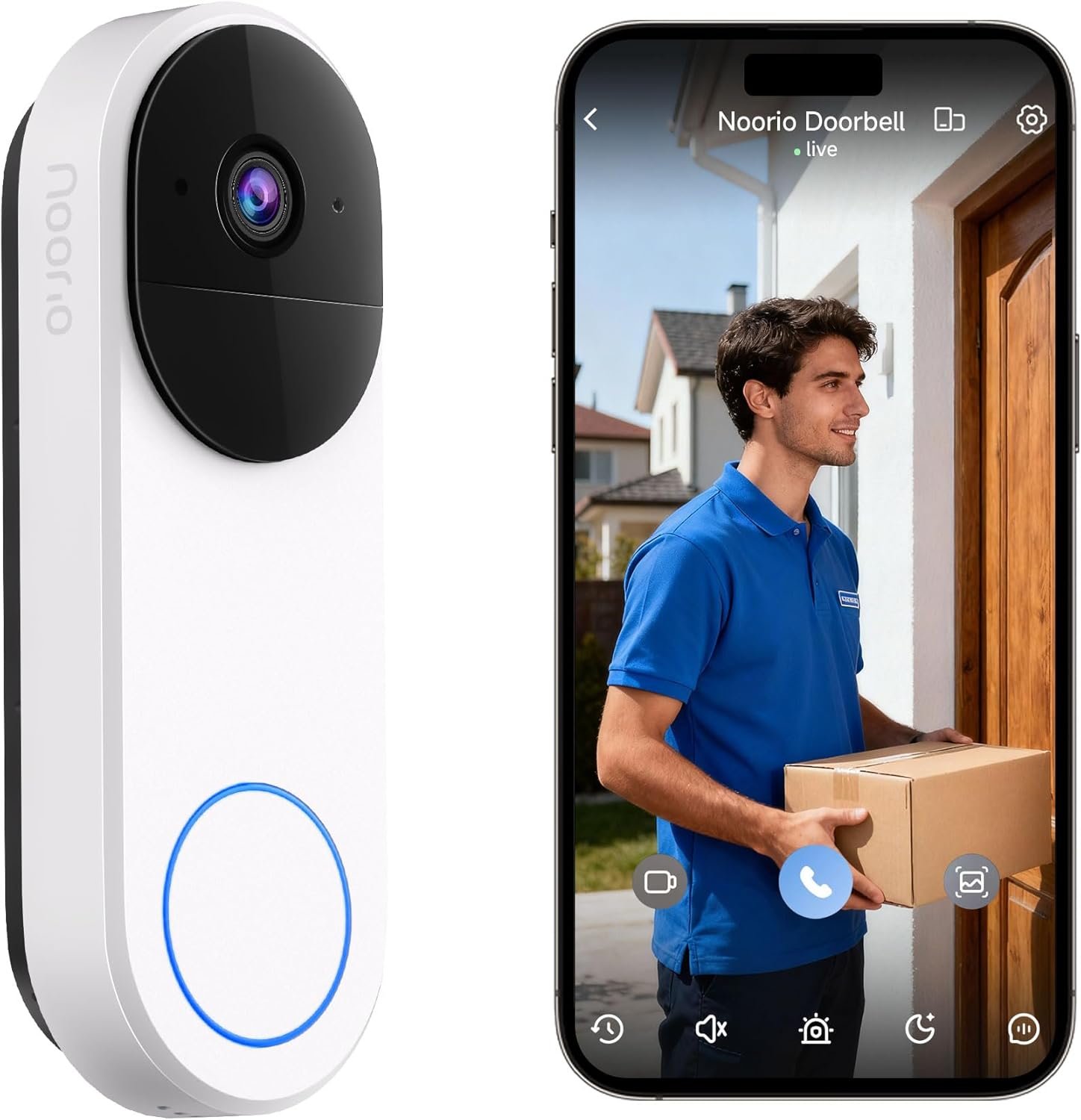
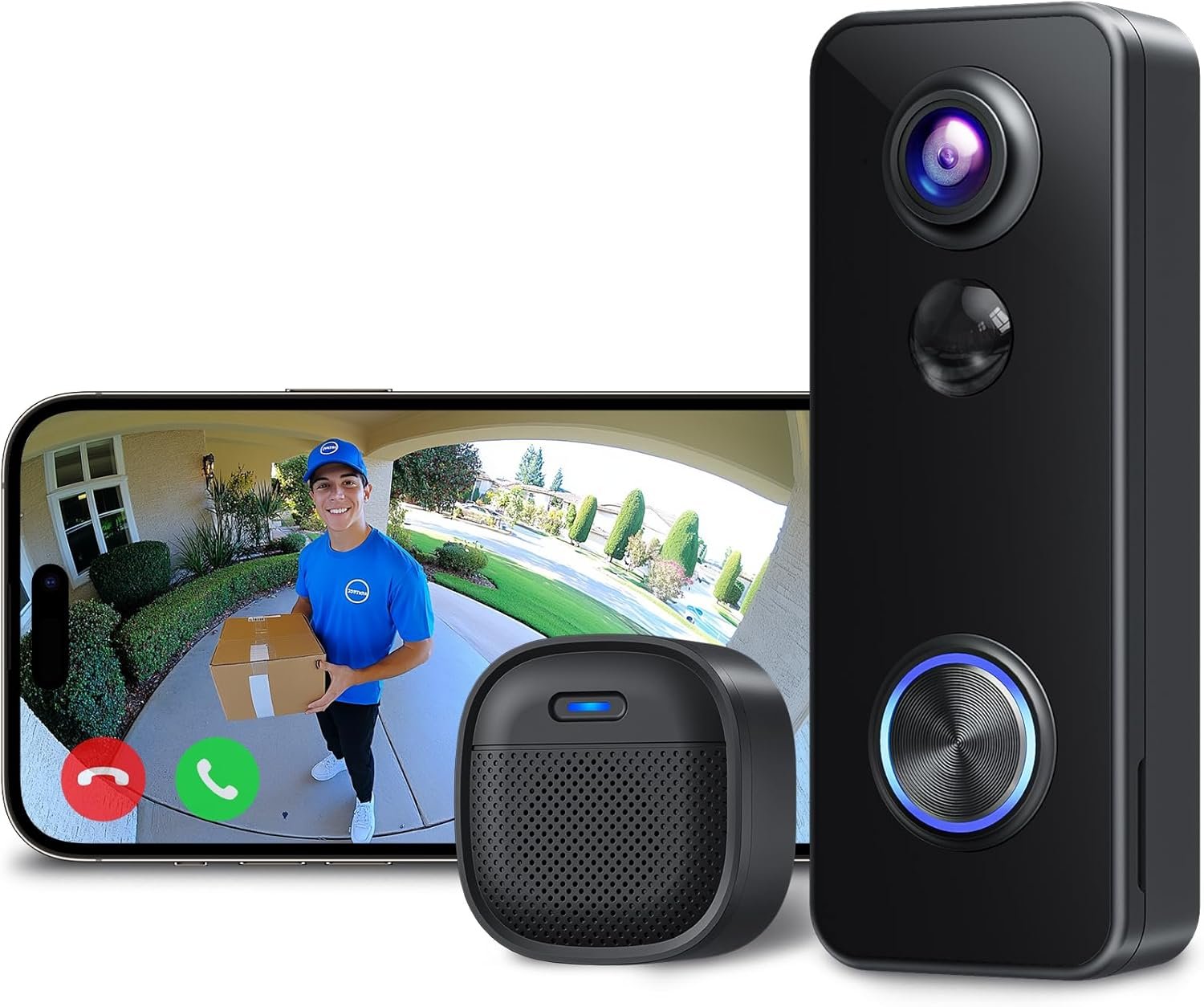
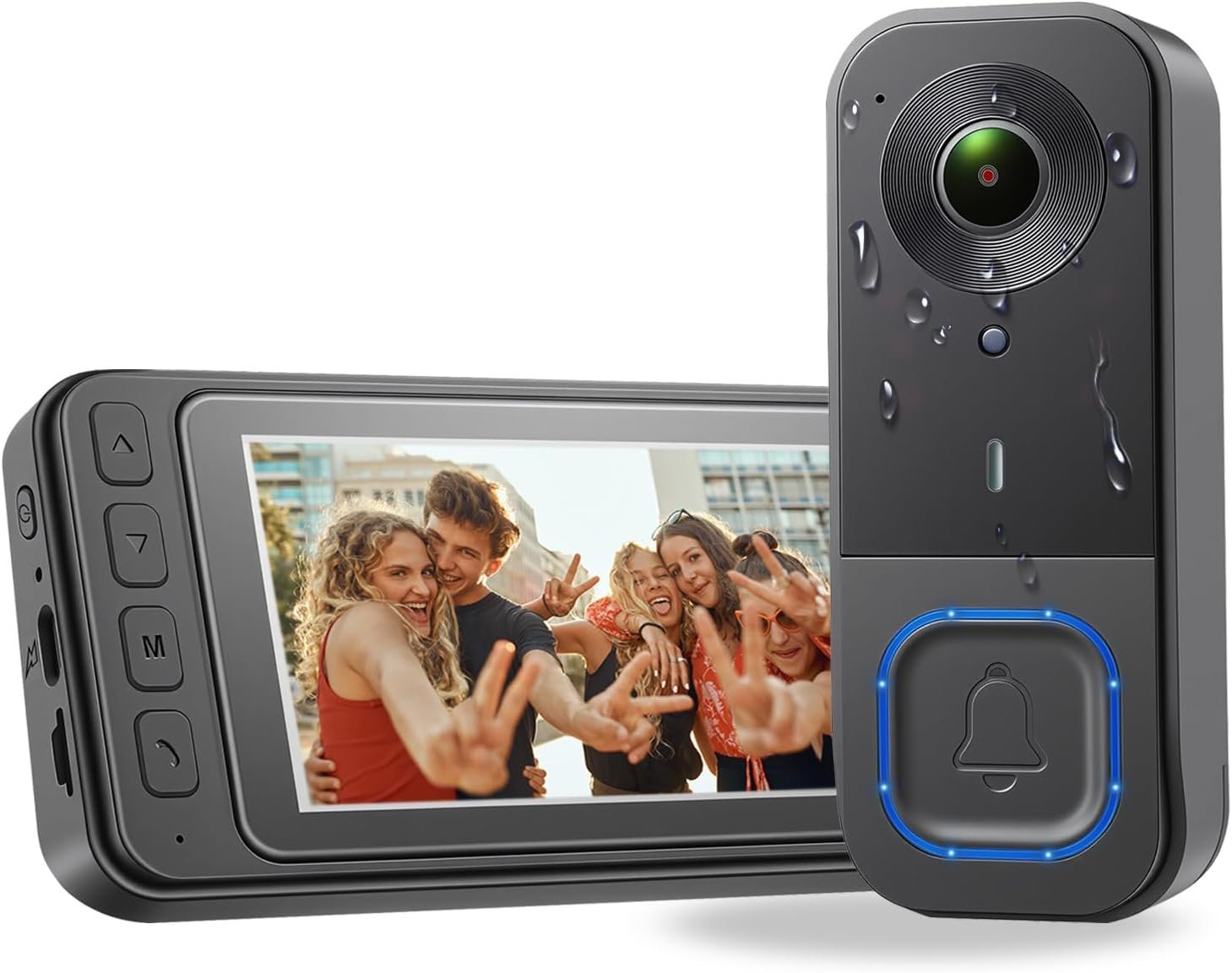
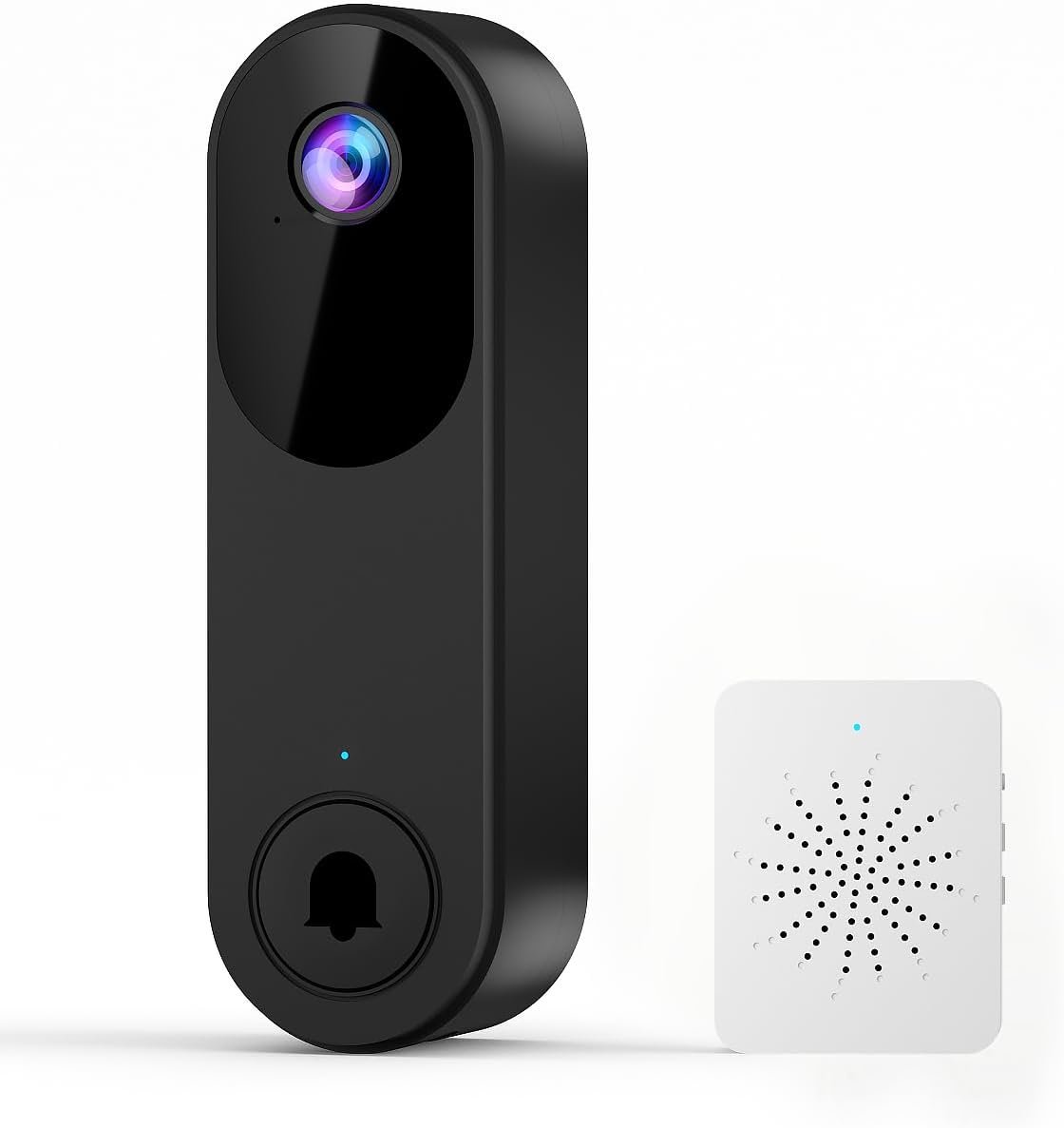
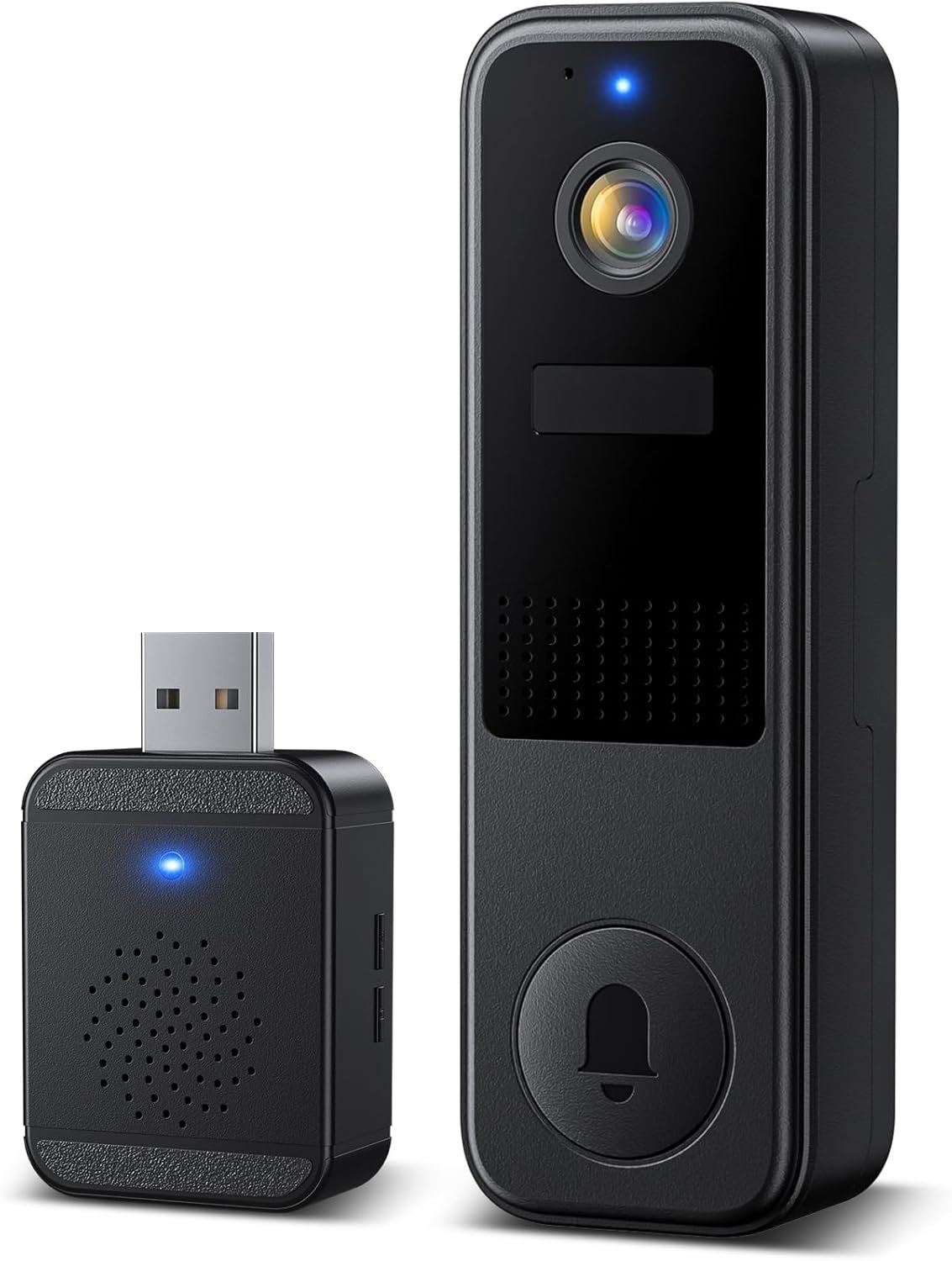
TKMARS Doorbell Camera Wireless No Subscription 1080P, Waterproof Door Bell Camera with Monitor Screen Free Storage NO WiFi and APP Needed, Video Intercom Two-Way Audio, 170° View Angle,Night Vision
$53.99
Related Products


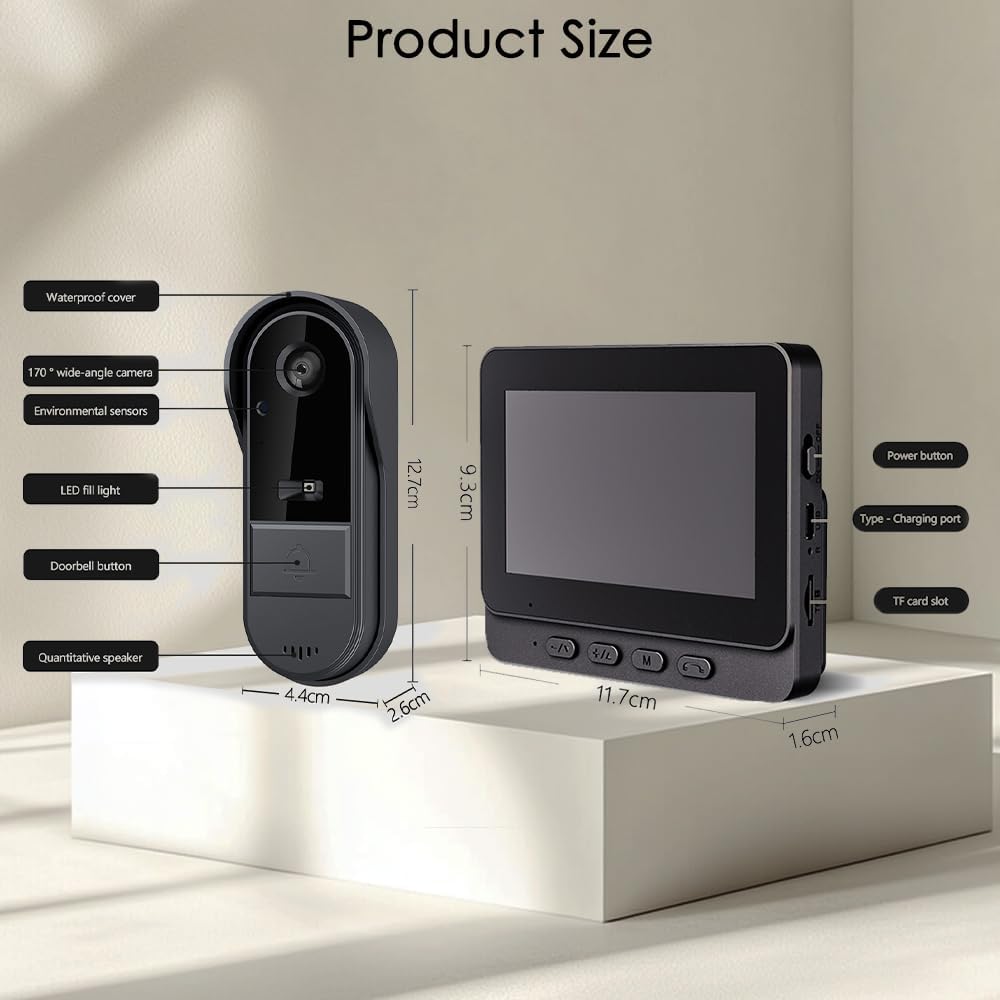

Product description

 Easy Communication Walkie-Talkie Style Two-Way Intercom
Simple “Push-to-Talk” logic—hold the button to speak and release to listen—making it intuitive for children and seniors.

Built-in Photo Capture
No SD Card Needed
Automatically captures and stores up to 50 photos with smart loop overwrite for instant security.


Walkie-Talkie Style
Operating Instructions
Speak: Press and HOLD the “Call” button to talk.
Listen: RELEASE the button to hear your visitor.

1 Local Recording
2 Panoramic Protection
3 Waterproof
4 Two-Way Talk
5 Video Recording
 Our 2.4G Wireless Doorbell
Independent 2.4G (No WiFi needed)Local Micro-SD (100% Secure)$0 / ForeverPlug & Play (Seconds)4.3″ Dedicated Monitor Included  Traditional WiFi Doorbell
Requires WiFiCloud Storage (Risk of Leaks)Monthly Subscription FeesComplex App PairingPhone Only (App Dependent)
Important Information

Connect the monitor to a 5V USB power source for continuous use.
 Battery
Doorbell: 1000mAh Rechargeable Lithium.
Indoor Monitor: Built-in 400mAh battery, primarily used for temporary backup and time memory retention.
 Signal Range
Up to 160 ft (50-80 m) in open areas10–100 ft (3–30 m) when obstructed by walls or metal doors
 Other model
Monitor screen: View real-time battery levels for both the doorbell (TX) and monitor (RX) directly on the screen.
No smartphone required. One-click answering on a 4.3” IPS screen makes it easy for kids and seniors to stay safe. 10-minute tool-free installation is perfect for apartments.
Installation Guide
Signal Range:10–100 ft (3–30 m) when obstructed by walls or metal doorsTest the signal at your desired installation location before final mountingPlace the indoor monitor near a window or on a wall closest to the doorbell for optimal receptionDo not install the doorbell on or in the center of a heavy metal doorAvoid placing microwave ovens or high-power Wi-Fi routers between the doorbell and monitor
The video showcases the product in use.The video guides you through product setup.The video compares multiple products.The video shows the product being unpacked. Doorbell installation video Merchant Video
The video showcases the product in use.The video guides you through product setup.The video compares multiple products.The video shows the product being unpacked. Doorbell Pairing & Charging Guide Merchant Video
Doorbell and Monitor Guide Please charge before use
Charge the monitor and doorbell batteries.Turn on the monitor using the side power button,pair them by holding the M key on the monitor while long-pressing the doorbell’s matching button.Enter the menu via the M key to view recorded photos, set the ringtone, change the system language, adjust the monitor volume, and set the display time. FAQ
Can the Monitor Be Used Wirelessly? No, it is not designed for long-term wireless use. The built-in 400mAh battery is only for time memory and temporary power outages. Can It Record Videos? Yes, only when a TF card is inserted (supports 8GB–32GB, FAT32 format). Videos will be automatically recorded when the doorbell is pressed. Without a card, only photo capture is supported (the built-in memory can store about 40–50 images with loop overwrite).  Menu settings
How to Adjust the Volume? Monitor: When powered on, press the “+” or “–” buttons to adjust the volume. Doorbell: The volume is fixed. If it is too loud, you can cover the speaker with transparent tape.
 Two-Way Audio Guide
Intercom Mode: Functions like a traditional walkie-talkie (Push-to-Talk).How to Talk: Press and HOLD the call button to speak; RELEASE it to listen.Start/End: Press the button once to connect after a ring, and press again to end the conversation.Distance Tip: Keep the monitor at least 3 meters (10ft) away from the doorbell to avoid audio feedback/echo.
The video showcases the product in use.The video guides you through product setup.The video compares multiple products.The video shows the product being unpacked. Walkie-Talkie Style Two-Way Talk Merchant Video
No WiFi or Subscription Required – Hassle-Free Installation The TKMARS Doorbell Camera Wireless No Subscription works without WiFi or an app, ensuring total privacy and security. Direct connection between doorbell and indoor display ensures easy use for all ages(including the elderly and children)—no app or subscription required (perfect for Doorbell Camera Wireless No Subscription seekers).
1080P HD Camera for Clear Surveillance Equipped with a high-definition 1080P 800W camera, this Door Bell Camera with Screen Monitor delivers sharp and detailed video. Monitor visitors clearly without opening the door, ensuring enhanced safety for your home and loved ones.
Two-Way Video Intercom & 170° Wide-Angle View Communicate effortlessly with visitors using the two-way audio and video intercom feature. The 170° ultra-wide viewing angle captures a broader field of vision, eliminating blind spots and providing full coverage of your entrance area.
4.3″ IPS Screen & Long Battery Life The indoor monitor features a 4.3-inch IPS display for real-time viewing. Powered by a 1000mAh polymer battery, it provides 1-3 months of standby time and supports charging via a standard phone adapter, ensuring reliable operation.
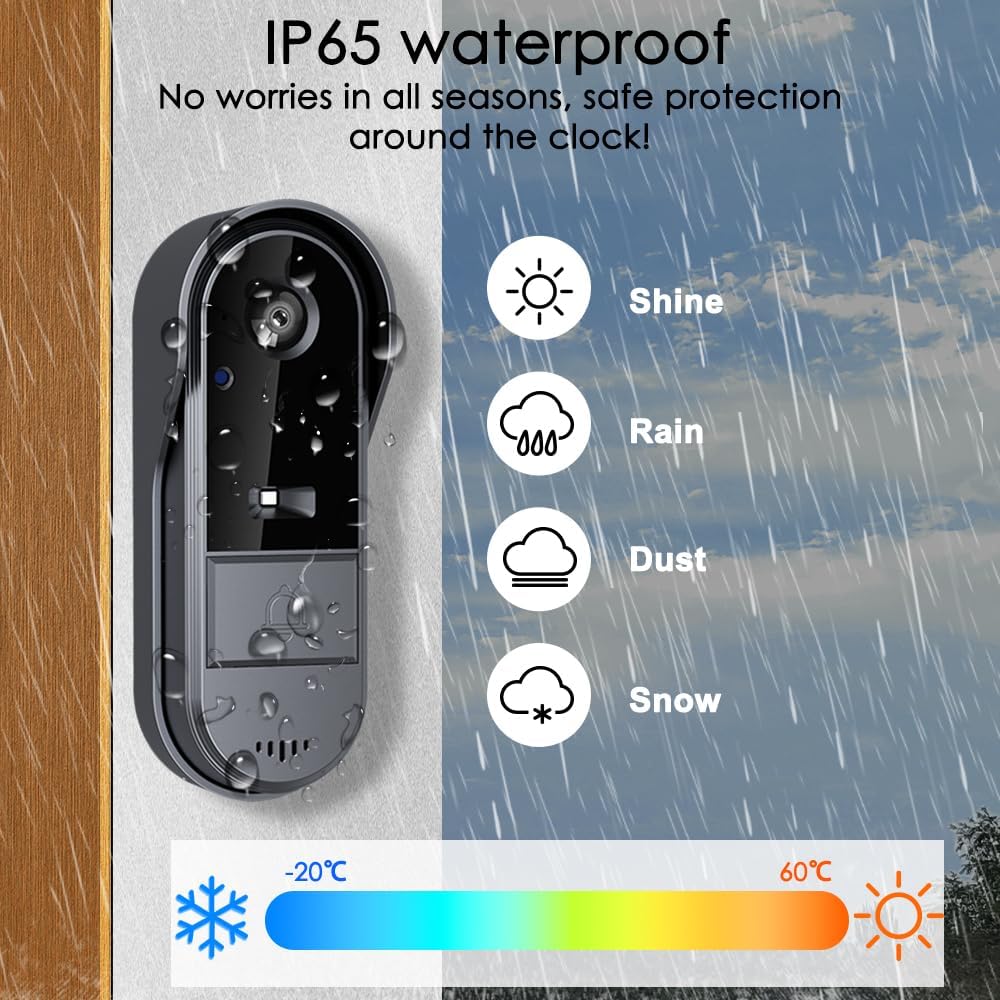
Durable & Weatherproof with Long-Range Transmission Designed with an IP65 waterproof rating, this Timbre con Camara para Puerta Inalambrico withstands various weather conditions. The strong wireless signal covers 50-80 meters in open areas and 5-30 meters with obstacles, ensuring stable performance for home security.
8 reviews for TKMARS Doorbell Camera Wireless No Subscription 1080P, Waterproof Door Bell Camera with Monitor Screen Free Storage NO WiFi and APP Needed, Video Intercom Two-Way Audio, 170° View Angle,Night Vision
Add a review
$53.99
R. W. K. –
Valentin A. –
samuel a mopkins jr –
E. Cain –
Milo smooth –
Kindle Customer –
ruth –
Veronica Villanueva –