
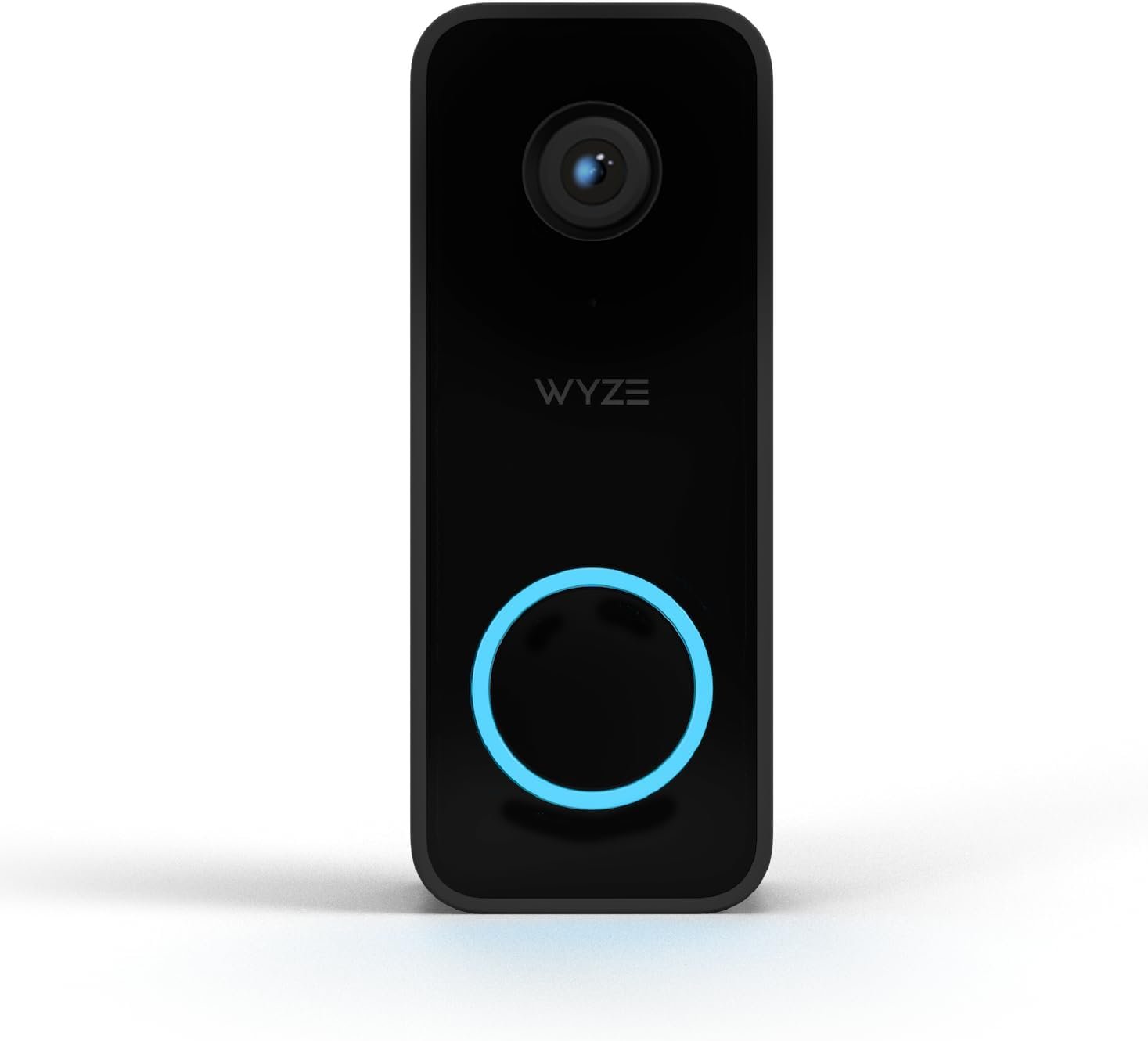
WYZE Video DOORBELL V2 Security Camera – Black
$59.98
Related Products
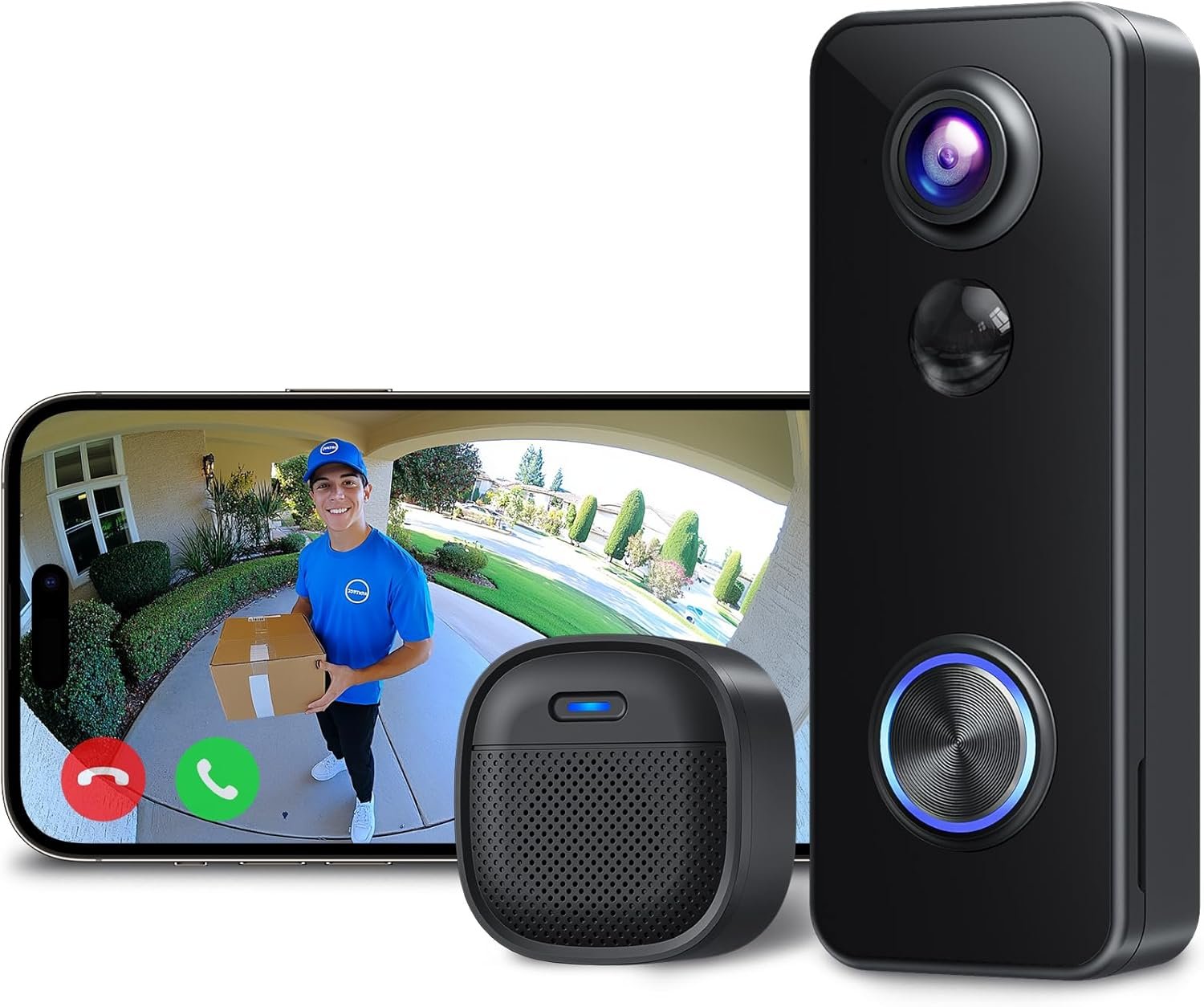
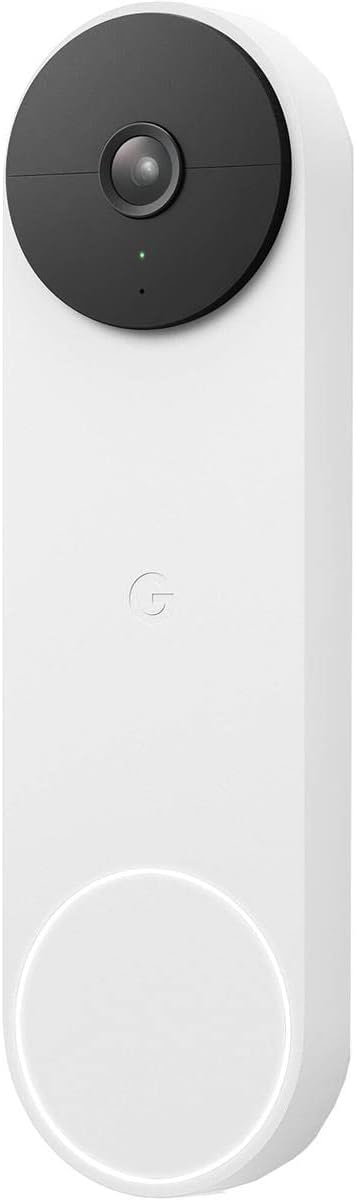
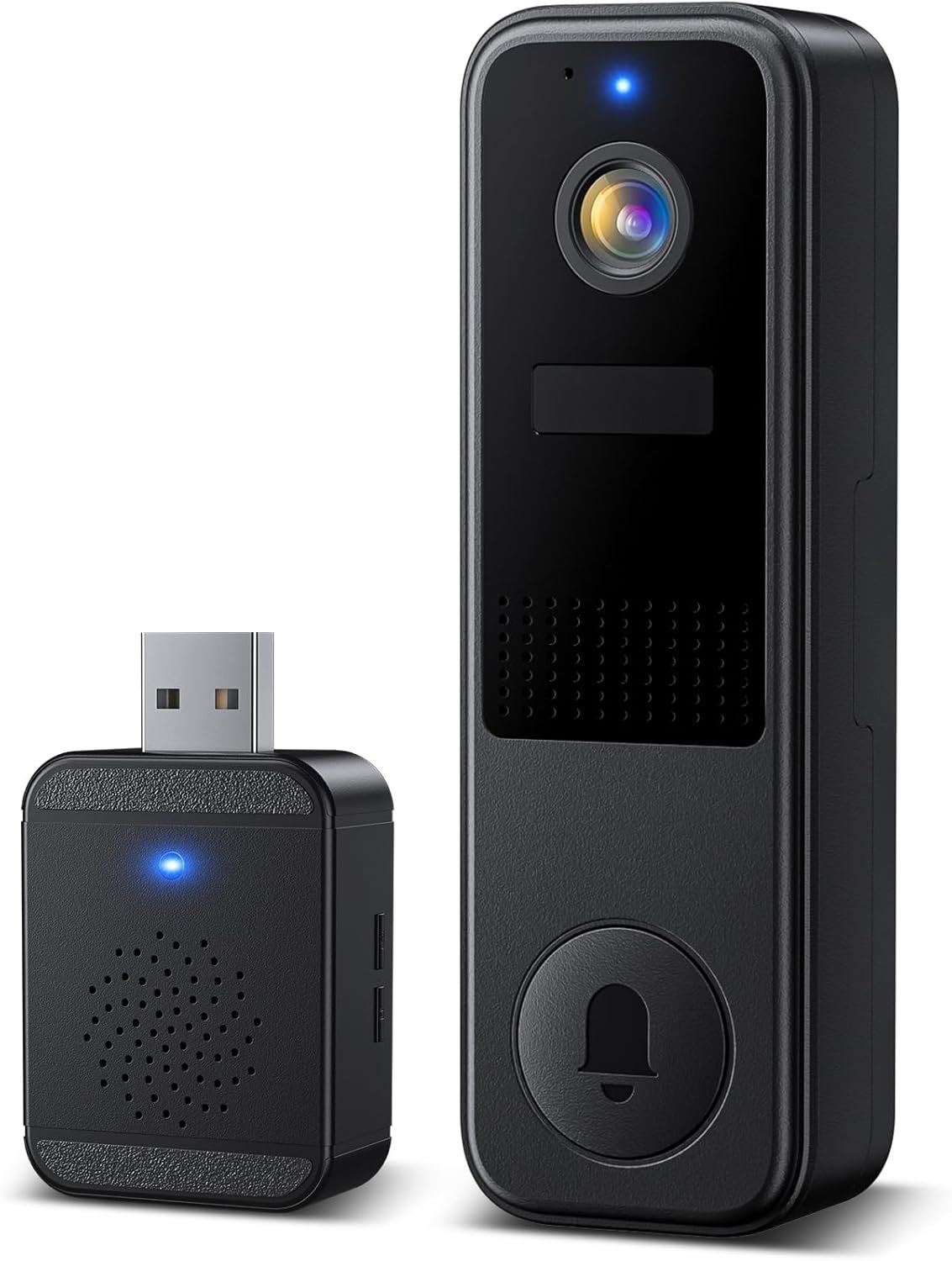


About Compatibility: Wyze Video Doorbell v2 may not be compatible with your in-house chime due to your chime and transformer limitations. If you cannot locate the Trans terminal (or 0,1,2 terminal) in your chime box, OR your in-house chime plays a series of metal striking sounds instead of one ringing, your chime may not be compatible with Wyze Video Doorbell v2. To check compatibility, visit our Wyze Help Center.
WYZE VIDEO DOORBELL V2 SECURITY CAMERA – BLACK
8 reviews for WYZE Video DOORBELL V2 Security Camera – Black
Show all
Most Helpful
Highest Rating
Lowest Rating
Jack Is Retired –
A Fine Product, Cheaper Subscription than Ring
This product is exactly what I expected and I am very pleased. The installation was straightforward and the instructions were very clear.It has you install the Wyze app first. Then when you select Add Device and select the doorbell camera it walks you through a decision tree. You answer questions like whether you see two wires or three. The instructions branch to match your answers and your precise situation. Expect installation to take between 20 and 40 minutes.The camera works like a charm. I spent some time the first day experimenting with settings to get the sensitivity right. That eliminated almost all the nuisance alarms. The color night vision is very clear. You can schedule or switch off notifications so they don’t bother you at inconvenient times.I already have Wyze cameras which I have used for years. I have had very good experiences with Wyze support over the years.One other thing which influenced my purchase was the Ring community features. For instance they advertise the ability to help you find a lost dog by enlisting the neighborhood. That’s too creepy for me. If they’re combining data streams from all the cameras what’s to keep that feature from being used to find specific people. Maybe this hazard is present from all providers, but Wyze doesn’t promote this.If you buy this, or any other doorbell camera you will need a subscription service to go with it. (They’ll work without the subscription but the subscription adds features you will certainly want.) The Ring subscription ranges from $50 to $200 per year. The Wyze subscription is $20 per year per camera. If you buy multiples like I do you can get an unlimited plan which allows any number of devices for $100 per year.
HeyJustJ –
Easy to install. No Subscription fee. Best option on the market.
I’ve used several different security cameras and options for our front door and finally decided to give this one a chance. Easily wired up and powered from the old existing doorbell wires. The angle bracket that was included got it perfectly so I can see all of what I need and wanted to be able to see. I was worried I wouldn’t be able to see packages since we don’t have a large doorstep and packages are left very close to the door. This is wide enough angle that I can see the ground exactly where they put packages which is fantastic. The image quality is great and that you can put in your own micro SD card for constant recording without needing a monthly subscription is perfect for me. Also LOVE that it isn’t battery powered. The look of it is nice and you can setup if you want the glowing circle to show when it’s recording or not. I prefer it never turn on that light. My house was built in 1978 so adding smart features is always a concern. But since it just uses the regular standard doorbell wires that wasn’t an issue. Night vision is some of if not the best I’ve seen. Wyze really has the color night vision thing locked down and it’s kind of magical to see. There’s tons of nerdy options you get for free and others you can unlock with a subscription but nothing essential is behind a paywall. It’s mostly just smart notifications you have to pay for.Voice quality and latency are great. I don’t think it records both sides of the conversation though. Pretty sure it only records what the person at the door is saying and NOT what you speak through it using the app which I wish they would change. Same thing on my Wyze Cam 3. I’ve had some moments I wish I had both sides of the conversation and it’s been disappointing in that regard.I grade it a A. It’s be a A+ but I have a few nitpicky things that I don’t love that keep it from being a PERFECT product for me and may be some things to consider depending on your preferences. First I don’t love the delay on ringing the doorbell. It’s hooked up to my old chime, but you use a wireless thing to pair it and instead of an instantaneous ring of the chime like with a dumb standard doorbell that just connects the wires it’s sending a signal wirelessly from the doorbell to the adapter thing that’s included and then triggers the chime. So there is noticeable delay between when they press the button and when the chimes sound. Also I’m concerned if the internet goes down so will my doorbell which is annoying. However it is cool you can setup silent times where you’ll get notified from the app about a doorbell push, but disable the chime. Really nice feature to have with a baby that needs to take naps.I also got a LOT of notifications from it when I first set it up. Even after setting up detection zones. I’d get cars passing all the time and things still being detected in areas I had said not to give me notification on. After restricting it down WAY more than I would have thought I’d need to and turning down the sensitivity below the default I’m getting far less notifications. So it’s good, just took more tweaking than other systems. I think they might do that so that you are more inclined to pay the subscription for smart notifications.I also feel a bit weird about having the micro SD card in the doorbell. If someone wanted they could easily rip the doorbell off and with it take the SD card. Highly doubt that would ever happen, BUT it’s a possibility. I’ve had other camera systems that all connected to a central hub that I could connect a USB drive to store all my footage and that was nice. I see advantages and disadvantages to each camera having local SD cards.My biggest complaint is that the app interface is different than my other Wyze cameras. To switch between live view and playback on my doorbell is annoying. On the Wyze Cam 3 I have for my baby monitor it’s so much easier and smoother to use. The Wyze Cam you pick view live and you see a live view. To view playback you click view playback and then can scrub left and right through a timeline. Easy and how I want ALL of the cameras to work. The doorbell interface however is incredibly annoying. You have a list of recent events that you can click on and get a still image of, but to view playback you have to go to “SD card” and now I have a vertical scroll of a timeline rather than horizontal. I just don’t understand why they have such different user interfaces across their products. I get there are features specific to the doorbell, but not enough to have the UI/UX feel unfamiliar between products.Anyway for all the faults it has I think it’s by far the best option out there at really any price point. The fact that it’s one of the least expensive options makes it even more of a no brainer to get this one.
D. Graham –
Not for Security
I purchased my first Wyze camera in ‘22; that camera no longer works consistently. I was pleased with the actions of that camera so I purchased five more in December 22 and had them installed outside my house in January 2022. Within 10 days, the new shed camera went off-line. I quickly learned one of the main drawbacks of these cameras: you have to access the camera to put it back online. So up to the top of my 15 foot ladder I went. It took a while, but I was able to get the camera back online. It stayed connected for about three days before going off-line again. I left it off-line for about a month before repeating the process. The shed camera no longer works because it will not connect. It recorded video for roughly 4 weeks over a span of five months.One of the cameras purchase was a Zoom camera. It does a great job of zooming, it is crisp. But again, I can’t get it to stay online. Therefore, I had to remove it from where it was installed and place it within easier reach. This defeats the purpose of it being a security camera because everyone has easy access to it. There was a period of time last fall when the cameras began acting correctly, after switching to Fios. (Thought the shed cam was just a fluke.), In August ‘24, purchased 2 doorbell cameras and the vacuum in January’25. All three of those products seemed to work at first. But one of the doorbell cameras has not worked since April; it’s now, August. Even after unplugging and restarting, it does not work. The vacuum cleaner which is superior to IRobots, began going off-line in the first month, just like all of their other products. I contacted customer service, but was unable to get any thing to work. Of course they no longer support any of the cameras that I purchased.Wyze knows, that the business of going off-line is a major problem. Before you even consider purchasing this, read the reviews on Reddit and other websites. Longtime users, such as myself are not happy with these cameras. Everything has a lifespan of one to two years, if you’re lucky.For the doorbell cameras, very similar to Ring, by the time the doorbell has rung & it comes up on your phone, the person has probably already left. It takes a good 20 to 30 seconds. At this point when someone rings the doorbell it doesn’t even show up on my phone.I’ve had two incidents where I really needed to have security cameras that work. The farmer next-door decided to spray fertilizer pellets while myself and 10 others stood outside my house talking. We were probably 15 feet from the field, but those fertilizer pellets sprayed 50 to 60 feet beyond the field. Neither of the two doorbell cameras nor three cameras pointed towards the field picked up nine people running and ducking for cover behind cars, while being pelted with hard pellets just a bit smaller than BB!!!‘s. I braved the barrage, jumping up and down and waving my arms trying to get him to stop and notice what was happening. This went on for approximately four minutes and NONE of the cameras recorded these events. I really needed the video so that the farmer could see how long I tried to get his driver to stop, how people were laying down behind cars in my yard, etc. Instead, I had to rely on my phone camera, showing cars covered in fertilizer, after the event. On the second event, someone did donuts in my yard the doorbell camera that no longer comes online and the front yard camera did not pick any of this up. As a matter of fact, they didn’t even pick up a DoorDash driver dropping food off on the front porch in front of the doorbell.I wish I could have the $800+ that I invested.I absolutely do not recommend Wyze doorbells, or any other Wyze products. While they look good at first, the technology is low quality; security cameras that go off-line and cannot self reboot are not security cameras.
Jef Matthe –
Werkt erg goed maar let op de prijs. Ik betaalde er 18€ voor. Een week later stond het 78€.
Niranjan –
This have 24v only beware
mark lennox –
Honestly, I wasn’t expecting much for the price—but the Wyze Doorbell v2 totally blew me away.The video is super sharp (2K quality!), even at night. I can see faces clearly and even packages left right at the door. The tall view shows everything top to bottom—no more guessing what the motion alert was.Setup was easy, and I love that it works with both 2.4 and 5GHz Wi-Fi. The app is quick, easy to use, and sends alerts right away. Plus, it works great with Alexa!If you want a solid smart doorbell without spending a fortune, this one’s a no-brainer. Totally recommend it.
Mark Fraser-Smith –
The Alexa skills in the UK don’t work so no using them as the ringer. Great picture and local storage but all useful app features are behind a pay wall.
Huey –
Didn’t need to subscribe, I’m alright without the extra features. Recording to SD card is OK, motion detection is OK, managed to reuse my existing mechanical chime, and possibly HomeKit integration would be possible later. Only thing not so good for me is that RTSP support is not built-in. But overall it’s still a good value doorbell cam.