
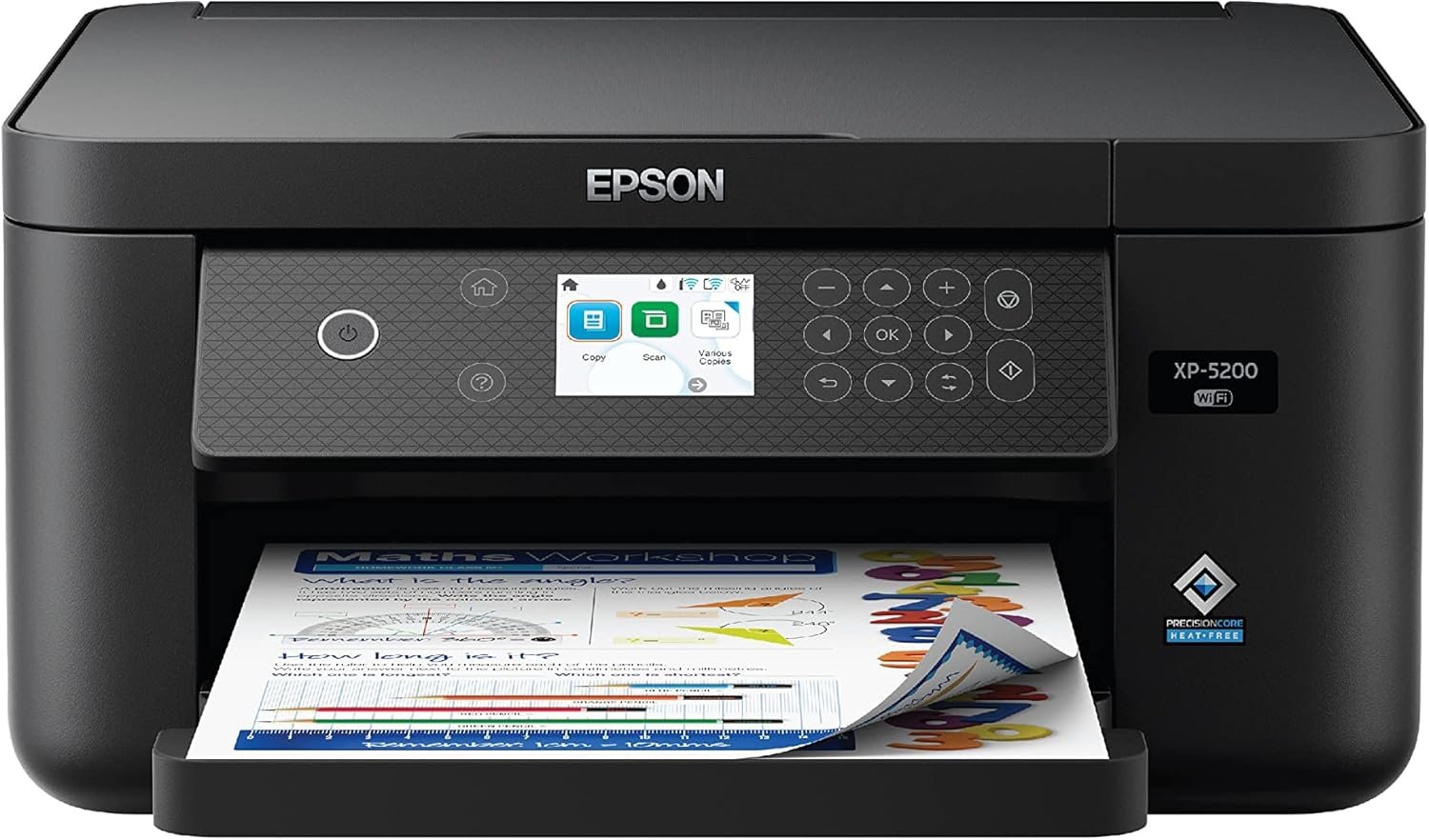
Epson Expression Home XP-5200 Wireless Color All-in-One Printer with Scan Copy, Automatic 2-Sided Printing, Borderless Photos, 150-Sheet Paper Tray and 2.4″ Colorfull Display – Black
$79.99
Related Products
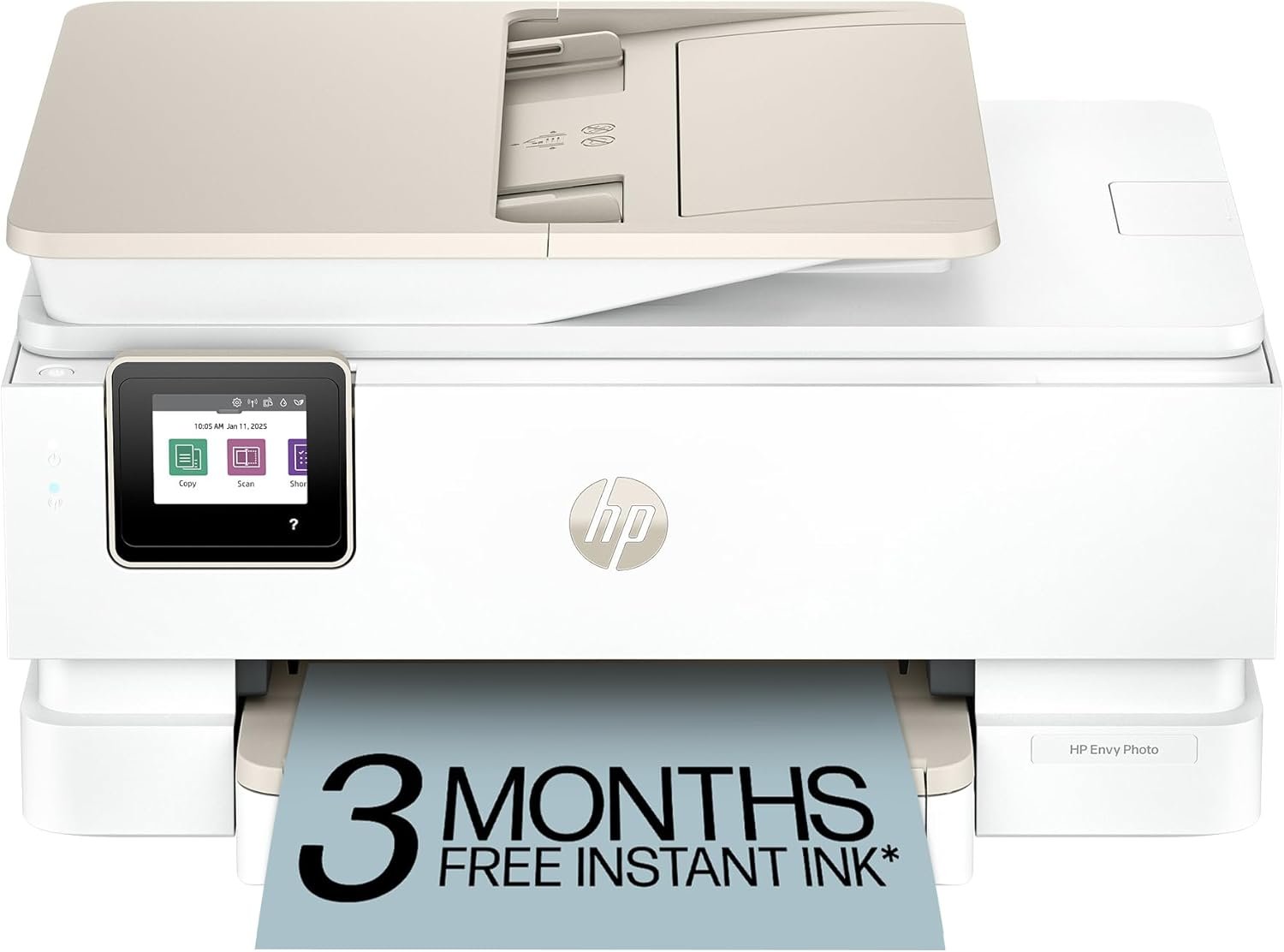
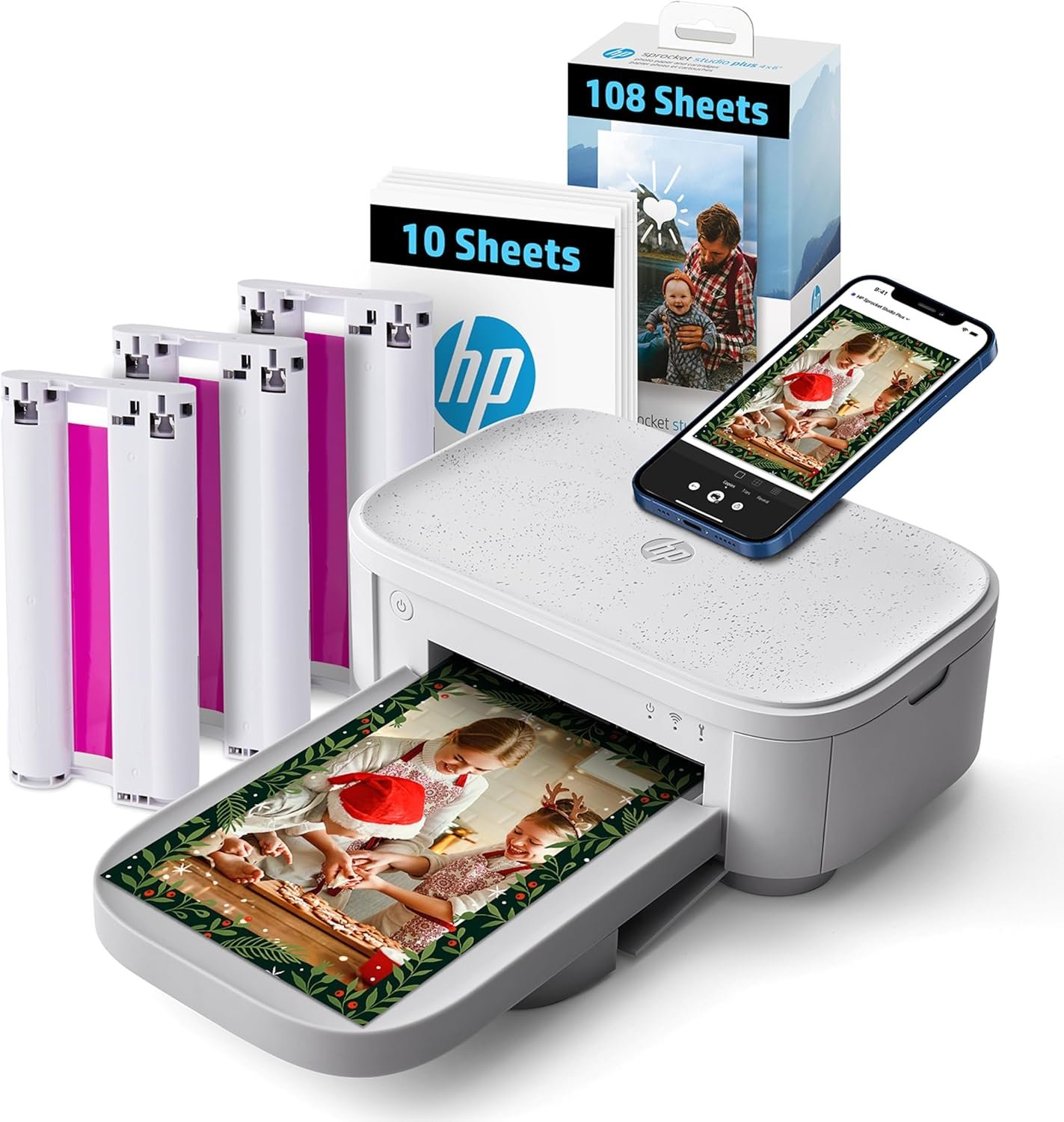
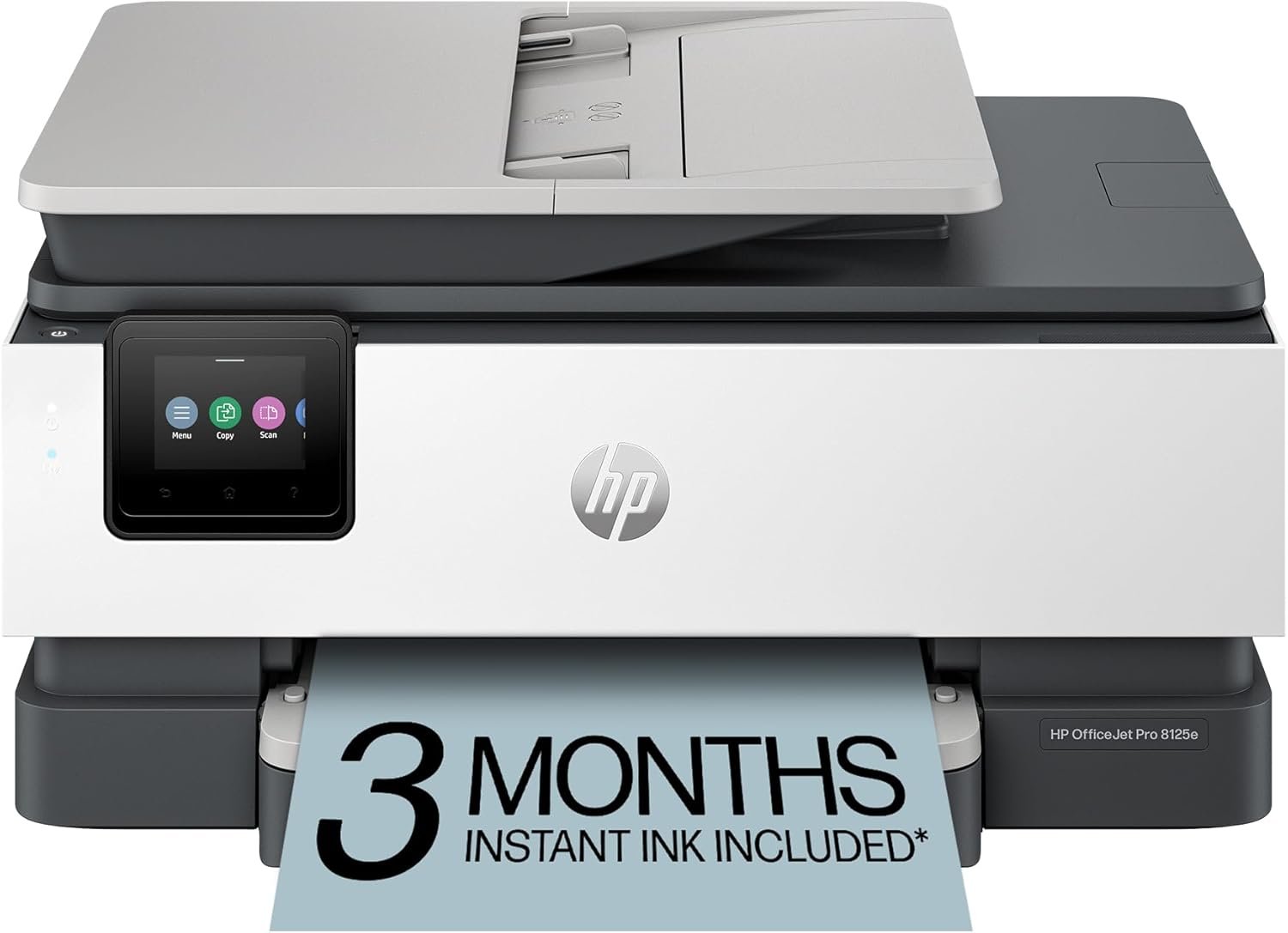


Enjoy fast, easy printing with the Expression Home XP-5200.
Our fastest Expression Home printer to date, the XP-5200 delivers everyday documents—like to-do lists, homework, coupons and more—quickly and easily. Engineered with Epson’s state-of-the-art PrecisionCore technology, this high-performance, all-in-one solution provides exceptional image quality for remarkable prints and borderless photos for all your creative projects. Plus, it offers a convenient 150-sheet paper tray and simple installation.
* This product uses only genuine Epson-brand cartridges. Other brands of ink cartridges and ink supplies and not compatible and, even if described as compatible, may not function properly or at all. | 1. Requires Epson Smart Panel app download. Data usage fees may apply. | 2. Most features require an Internet connection to the printer, as well as an Internet- and/or email-enabled device. For a list of Epson Connect enabled printers and compatible devices and apps, visit www.epson/connect | 3. Epson Connect account and voice-activated account registration required. See www.epson/voice for device compatibility. | 4. For convenient and reasonable recycling options, visit www.epson/recycle | 5. SmartWay is an innovative partnership of the U.S. Environmental Protection Agency that reduces greenhouse gases and other air pollutants and improves fuel efficiency.
Remarkable Print Quality for Home and Photo Printing — Epson’s leading-edge PrecisionCore technology produces crisp documents, vibrant borderless photos with rich colors, and more
Our Fastest Expression Home Printer — Plus, a 150-sheet paper tray for convenient paper handling
Stress-Free Setup and Operation — Large 2.4″ color display for effortless navigation, plus easy installation and operation through your smartphone or tablet using the Epson Smart Panel app (1)
Convenient Connectivity — Supports easy wireless connections and printing from Android or iOS devices (2)
Engineered for Reliability — Consistently delivers high-quality prints with heat-free technology and a permanent printhead designed to last the life of the printer
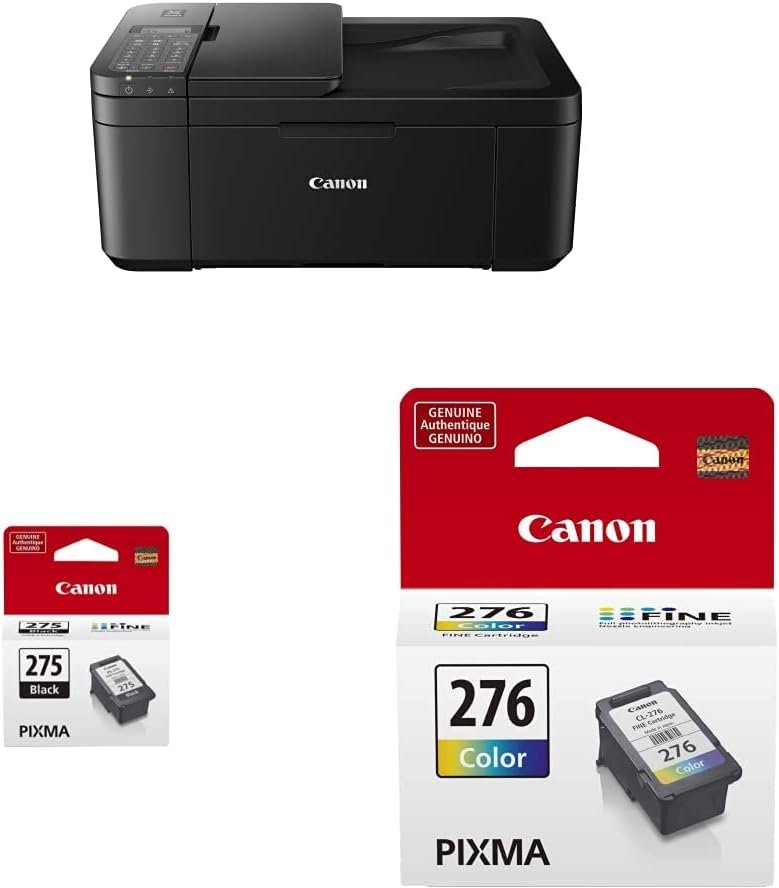
Easy, Affordable Printing — Individual ink cartridges make it easy to only replace the ink you need
Efficient, Economical Design — Automatic 2-sided printing helps you save paper and reduce paper waste
Hands-Free, Voice-Activated Printing — Easily print on-the-go using Alexa and Siri (3)
Versatile Functionality — Create searchable PDFs and more with included Epson ScanSmart scanning software
Epson Printing System Is Designed to Be Used Exclusively with Epson Genuine Cartridges — Use of non-genuine ink could cause damage not covered under the printer’s limited warranty
13 reviews for Epson Expression Home XP-5200 Wireless Color All-in-One Printer with Scan Copy, Automatic 2-Sided Printing, Borderless Photos, 150-Sheet Paper Tray and 2.4″ Colorfull Display – Black
Add a review
$79.99
kerpink24 –
Happy I Switched
Delivered two days faster than expected, took a total of 15 minutes for setup, including unpacking and wifi connection and printed faster than expected. So done with my HP and very happy with this new printer!
Lv4sweetmen –
DO NOT BUY THIS PRINTER!
You will be sorry if you purchase this printer. It was a nightmare to get loaded to my computer and the website, I hate the little screen which isn’t a touch screen, ink used up quickly, lots of paper jams and other assorted error messages. Back to the ink’s other problems. I purchased remanufactured replacement ink and installed it. No error such as check ink codes, so I’m happy. After using it a short time up pops the ink code error message. I return the ink to Amazon and order remanufactured replacement from a company I’ve ordered ink from in the past for my other Epson printer that died. Same thing, installed, no message, used awhile and error on ink codes again. I am now in printer ink HELL. I ordered some Epson ink and if I get that stupid error message again I may take a hammer to this new printer and vow to never purchase another Epson printer again! What happen to quality? Is Epson so hard up they demand in a sneaky way that we only purchase the higher priced Epson ink.
Courtney Thall –
Great printer!
The best printer that I have ever bought! It even has maintance! You can do head cleaning and alignment, plus a bit more!
Amazon Customer –
Better printer than exoected
I am normally an inexpensive Canon inkjet printer user, but became disenchanted with my latest Canon MG6200 that uses a combined (r,y,c) color ink cartridge since individual colors are used at different rates, and when one color is low, the Canon will often leave any location with that color blank … even if I select “black” only … that I had thought would result in a mixture of white, black and various greys (in place of the individual colors). Nope. So done with that Canon. I needed a small footprint printer that utilized individual inks for each color. I found that Epsom Expression XP-5200 met all my needs, as well as a slighly more expensive Epson, and a similar Brother (I purchased a Bother a few yrs ago, and returned it immediately after being unable to get crisp printed output). My only concern with the Epson was with the various discussions re the ability to use less expensive “remanufactured” ink cartridges, since Epson apparently identifies nonEpson cartridges and disallows their use with future SW upgrades. There are various methods (apparently) to get around this problem, and remanufactured “guarantee” their cartridges will work! Since I am not a “frequent” printer, I decided to purchase the Epson Expression XP-5200, as well as a set of highly rated remanufactured, as well as standard Epson ink cartridges. Have not yet installed either, so no determination yet of the use of remanufactured cartridges. However, the Epson xp-5200 arrived promptly. The setup instructions can be misleading, and allowing the automatic setup using the Epson app failed continuously because the Epson would not retain a wi-fi connection with my router. I then followed the “manual” installation, and after performing the wi-fi setup … apparently that was enough, the two partial setup attempts worked, the Epson console sprang to life and all seemed well … a bit disconcerting because I never reached ppd a “finish” step as usually required, the Epson initialization was quite quick, the console was very bright, and after a few moments touching all the buttons … how to use it “manually” was clear and obvious. I downloaded the Epson printer app onto my IPad, 2 laptops, and desktop PC. Eason Support indicates the SW printer and SW that should be downloaded, very quickly done. …these are used when the non manual mode (e.g. from Word, Excel, Internet sites, etc) are used and you select “print” . The “AirPrint” from IPad, and computer printing all went flawlessly to my surprise, the printer head alignment was quick, and pages were crisp … and the Epson CO-5200 prints fast (compared to the Canon). There are 5 possible apps to choose, but only the manual, actual SW app, and Connectivity app are likely required (the other 2 apps are for printing photos). The SW installation was much quicker than for the Canon … and the number of apps many fewer than for the Canon(I actually found the Canon app suite confusing). Whether the Epson SW provides all the capabilities of the Canon is yet to be determined, But, it has all the basic needs (orientation, pages, margins, two-sided … etc)that I (and likely 95% of all users will need). One quirk noted that the Eoson sometimes loses the Wi-Fi connection (shown in printer console with a red warning). Just touching that icon seems to clear up the connection problem immediately (time will tell if this is a real problem with “my” Epson, or a general problem (read other reviews!). In summary, nice footprint, clear manual console, bright icon displays on the console, User manual is extensive, AirPrint, Wi-Fi print works well … very happy with my purchase!
Tanya –
Fast delivery
Great product, easy to assemble.
Me –
Defective, won’t print all colors
First of all Amazon reviews and blocks reviews it doesn’t like.My first review was a bit higher but after further attempted use of the product and the interference by amazon, I’ve dropped it to one star.Short answer is the printer doesn’t print all colors. It used up all the ink for the super small capacity cartridges shipped with the printer before I even finished setting up.Epson customer service is abysmal and didn’t want to admit any issues. Finally the convinced my to buy new cartridges and they would reimburse me. After sending in all the documentation the reneged and reimbursing my money but did say they would send new standard cartridges. After 2 weeks those have shown up.Meanwhile, I’m almost through a second set of color cartridges and the printer still fails the nozzle check – Magenta does not print but somehow it’s still using the ink.I’ve test printed a couple pages of simple color graphics from cartoon images and they do not print correctly.Weeks of frustration, wasted money on extra ink, printer doesn’t print properly and customer service doesn’t help.Avoid at this printer specifically and probably Epson in general.
Paige Lasley –
Very nice for price
So far so good. A lot of reviews mention it eating away ink in just a few pages, but I printed like 10 4×6 pages with some color plus the 5 test/calibration pages and my ink level barely has a dent in it. It prints very nicely, the video shows a little note card I made for myself. It DOES mention in the manual that the printer ONLY supports Epson branded ink cartridges and not third party ones and that if you try to use one it most likely won’t work. Keep that in mind.
Cynthia Linville, Sacramento –
Worked well for a while, then fritzed out
This worked well for about 18 months before it started going haywire, popping on and off of wifi for no discernible reason, freezing up in the middle of print or scan jobs, needing frequent reboots. But my biggest complaint is the expense of the ink. While the printer would accept off-brand ink when I first set it up, a firmware update changed that. Now it will only take Epsom cartridges which are running about $70 every six weeks.
Edmilson Paixão da Silva –
Ótimo produto. Chegou antes do prazo…
Ana –
Es un buen equipo con una impresionante muy buena tanto blanco y negro y a color. Además es fácil con el acceso desde el celular
Tricia –
printer works well, easy to set up, connnects through wi-fi to the various computers/phones tablets in the house to print. love that it prints on both sides of the paper on it’s own. it does go through ink fairly quickly. if you know you’re going to be printing fairly frequently, it might be cost efficient to buy a printer with large capacity ink tanks vs one like this using smaller cartridges. For our needs where I’m printing the odd photo, recipe etc this works well.
Gordon –
This printer replaced an HP Photosmart which lasted me 17 years. When it works properly, the Epson XP-5200 seems to be a decent printer. Unfortunately, its operation was intermittent. Sometimes it printed or scanned, and a few minutes later the exact same function would give a message that the printer can’t communicate with the computer. Tech support consisted of platitudes, with references to the manual. When those instructions didn’t fix the problem, more platitudes and more references to the manual. Finally I was told to contact Epson Canada by phone, but then advised that the support line is not toll-free. If you are sufficiently tech-savvy to work completely on your own without tech support, this printer might work for you. Otherwise, I’d suggest other brands.
ELci –
O cartucho não é recarregável e é bem difícil de encontrar. Além disso, ele é muito pequeno, tem pouca capacidade de tinta e acaba rapidamente. Esse tipo de produto pode até servir para quem imprime pouco, mas para quem estuda e precisa imprimir bastante não é nada viável. A velocidade da impressão é boa, rápida, mas em relação ao cartucho fiquei decepcionada. Não prestei atenção no momento da compra e acreditei que fosse tanque de tinta, para que eu pudesse apenas repor com refil. 👎🏻