
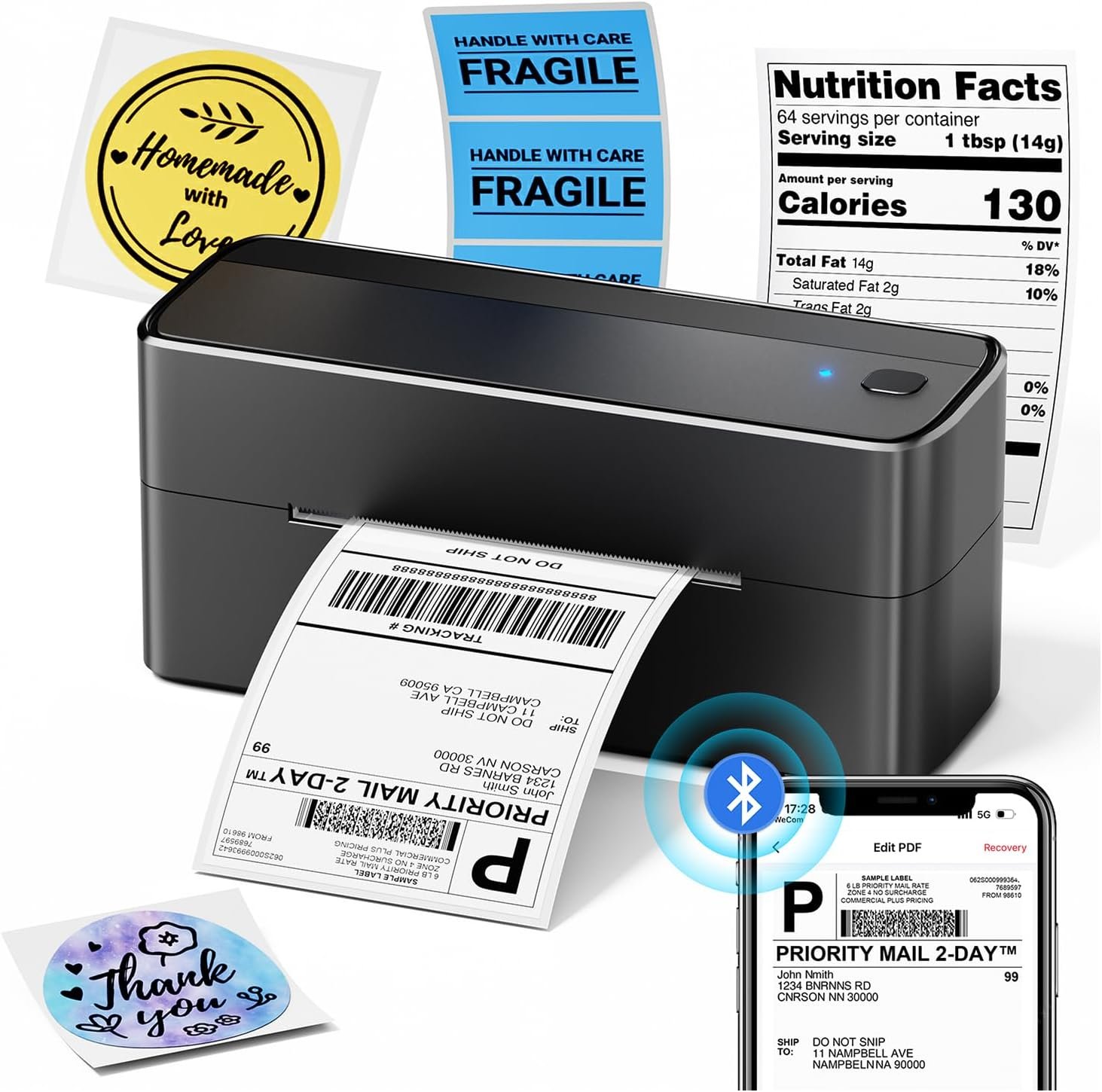
Phomemo Bluetooth Shipping Label Printer, 241BT 4X6 Wireless Thermal Label Printer for Small Business, Labels Printers for Shipping Package, Compatible with iPhone, Android, Amazon, Shopify, Black
$69.98
Related Products
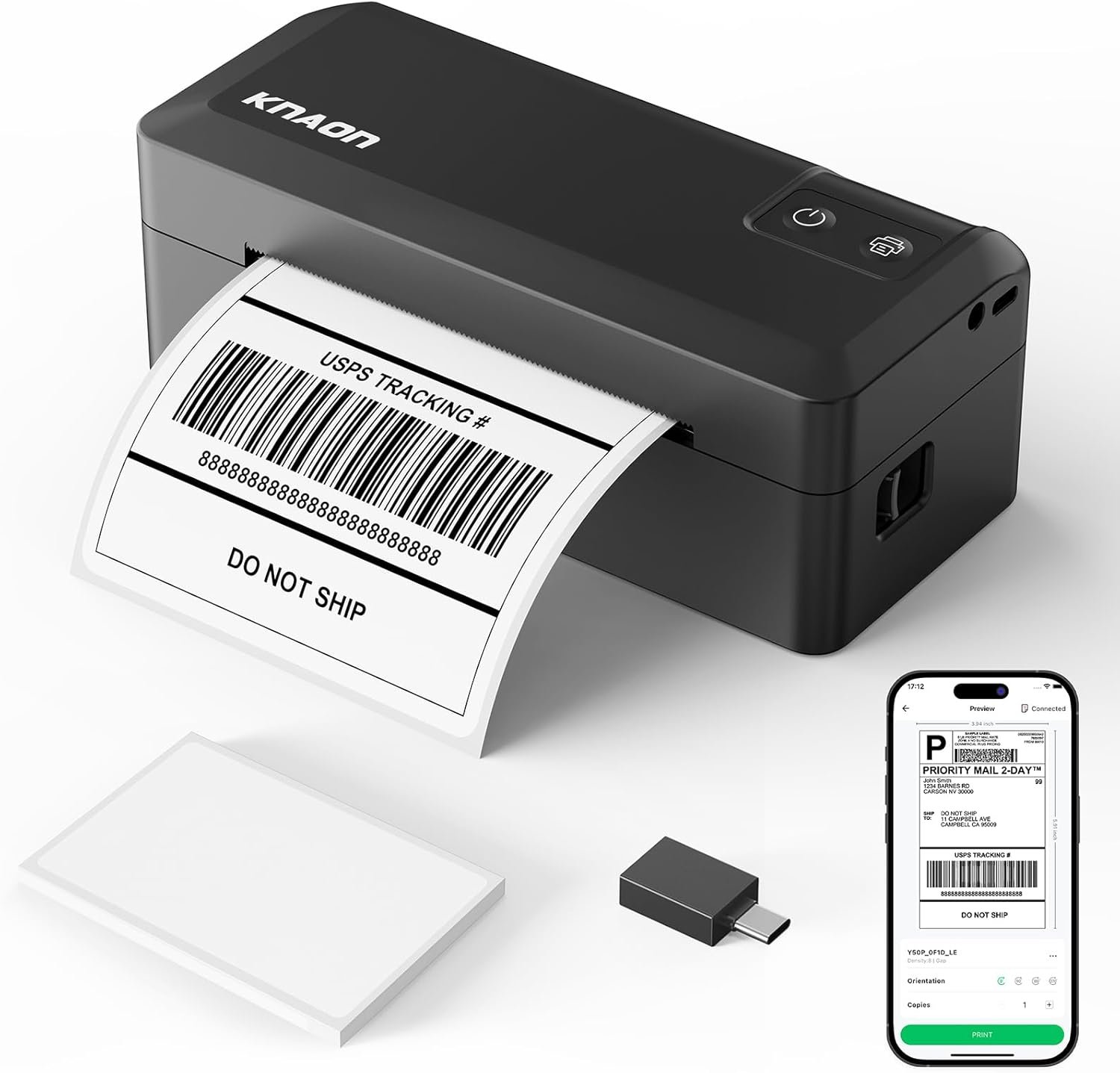
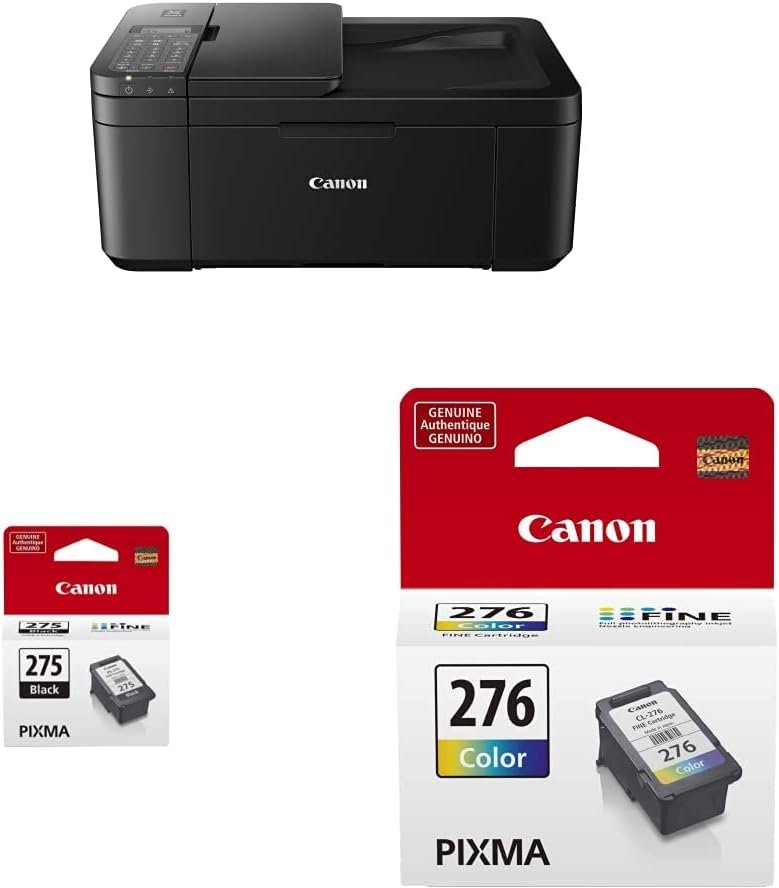
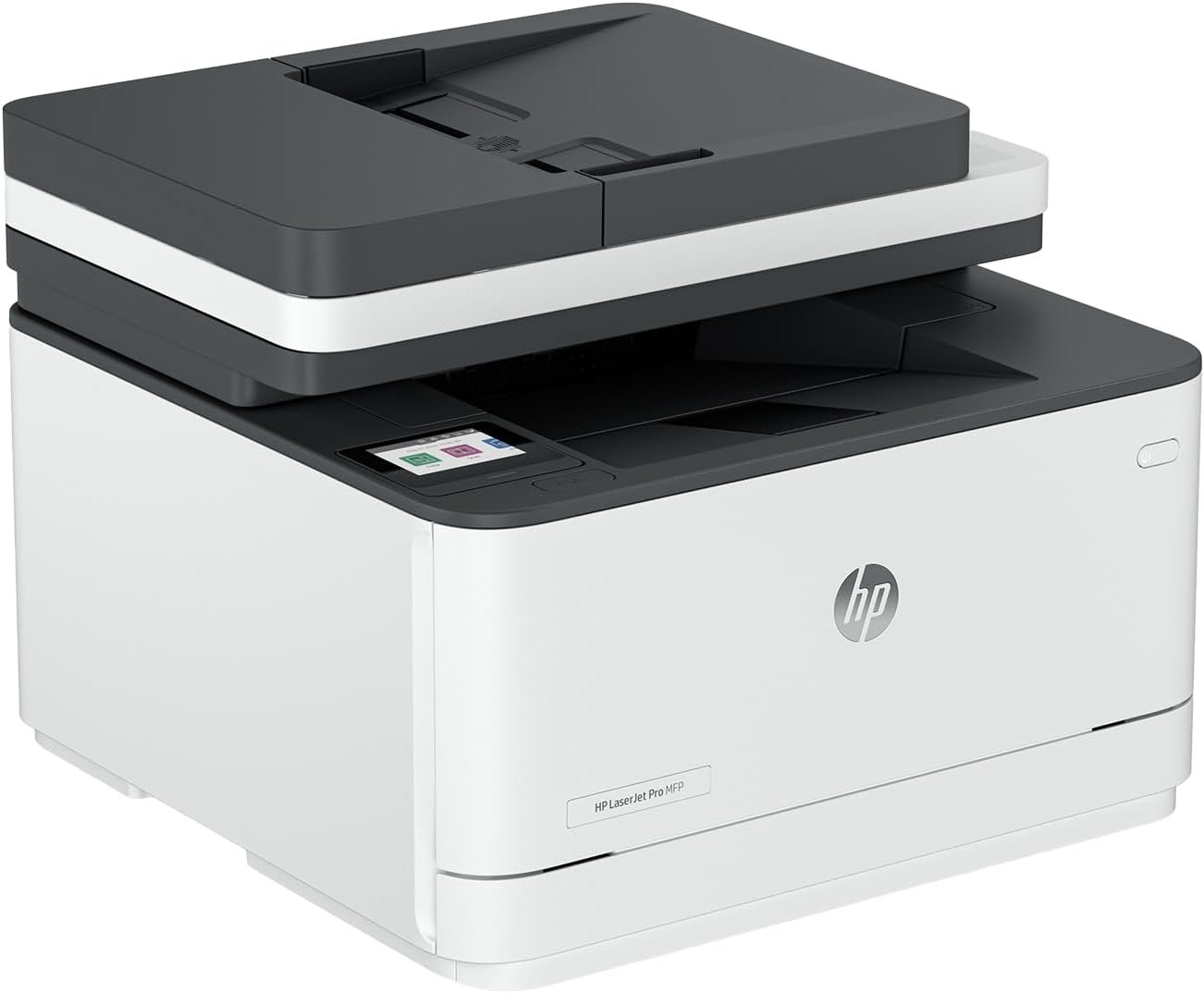



Product description
More Buyers Frequently Bought Together
Add to Cart
Add to Cart
Add to Cart
Add to Cart
Add to Cart
Add to Cart
Add to Cart
Customer Reviews
4.5 out of 5 stars 3,730
5.0 out of 5 stars 3
4.8 out of 5 stars 1,534
4.8 out of 5 stars 1,534
4.8 out of 5 stars 1,534
4.8 out of 5 stars 1,534
4.8 out of 5 stars 1,534
Price
$69.97$69.97
$199.99$199.99
$19.99$19.99
$12.99$12.99
$13.99$13.99
$13.99$13.99
$24.99$24.99
Color
Black
Black
White
White
Pink
Color
transparent
product
Thermal Printer
Ariprint Thermal Printer
roll 2×2 thermal labels
roll 2×2 thermal labels
roll 2×2 thermal labels
roll 2×2 thermal labels
roll 2×2 thermal labels
Compatible
roll 2×2 thermal labels
thermal labels
roll 2×2 thermal labels
roll 2×2 thermal labels
roll 2×2 thermal labels
roll 2×2 thermal labels
roll 2×2 thermal labels
DPI
203
203
203
203
203
203
203
Connection
Mobile Phone,PC
Mobile Phone,PC
Mobile Phone,PC
Mobile Phone,PC
Mobile Phone,PC
Mobile Phone,PC
Mobile Phone,PC
Phomemo 241BT Black Bluetooth thermal printer
The video showcases the product in use.The video guides you through product setup.The video compares multiple products.The video shows the product being unpacked. Thermal Label Printer Merchant Video
Phomemo 241BT label printer Compatible with IOS, Android and PC 
Easy to install 
Supports multiple thermal paper formats 
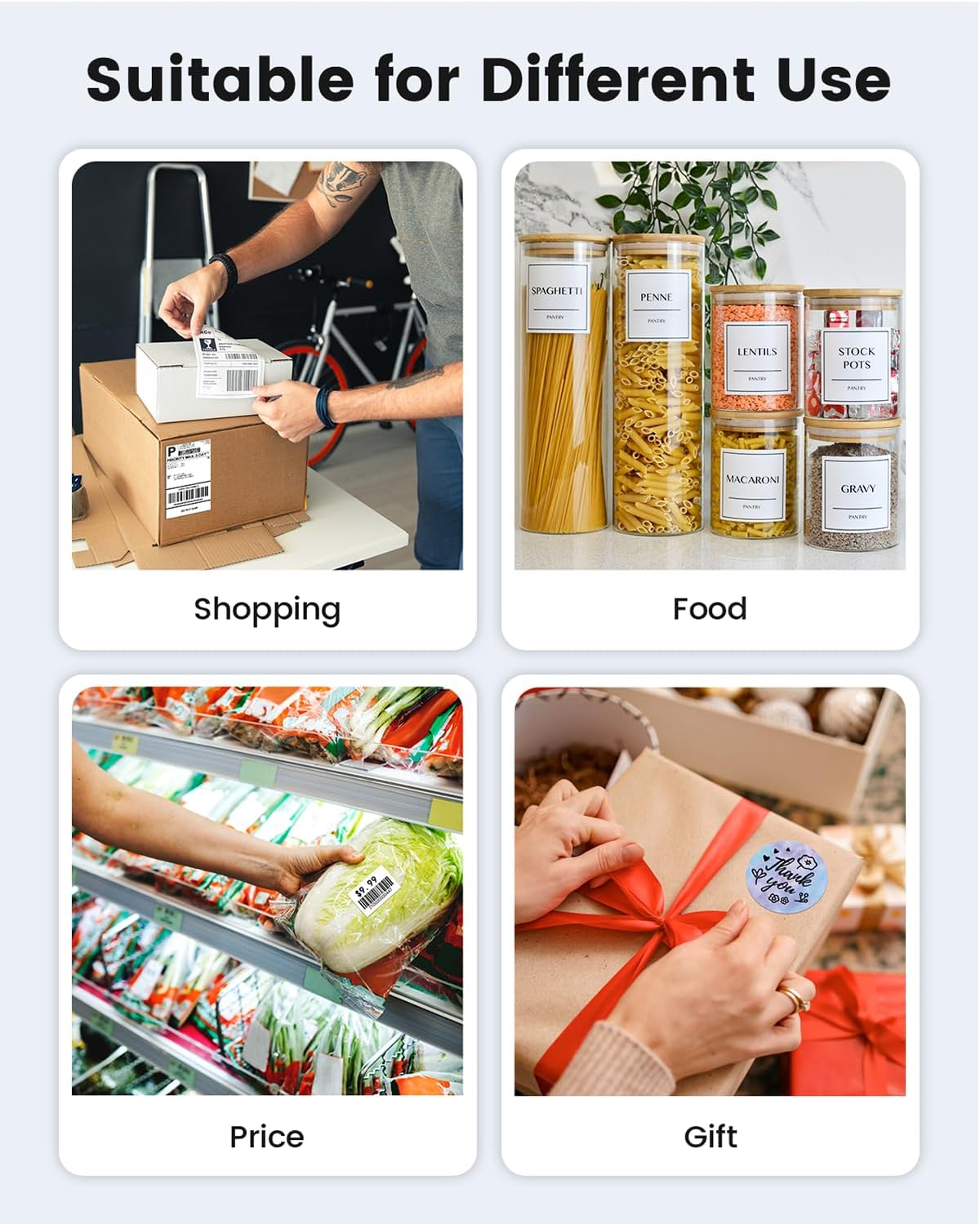
Wide range of applications


How to Print Via Bluetooth with Phone & Tablet
Download the APP “Labelife” from App store or Google play
2.Turn on the portable printer and APP, Click the “printer” icon on the APP’s uper right to search the Bluetooth printer and connect.
3.Then start your Phomemo 241bt Label printer printing travel.
Attention: 241BT Thermal Label printer Bluetooth can’t support pair with Phone or tablet directly now, must be pair on the App “Labelife”.
The video showcases the product in use.The video guides you through product setup.The video compares multiple products.The video shows the product being unpacked. Thermal Label Printer Merchant Video
How to Print on mac OS Laptop
Download the driver from Phomemo official website (Please check your laptop or computer’s operation system before download the printer driver to maker sure the driver is correct)
After install the driver well, turn on the 241bt label printer and using the data cable come with the printer to connect Phomemo 241bt thermal printer and your laptop, and start your 241bt printer printing travel.
Attention: Phomemo 241bt label printer compatible with macOS10 and above operation syetem
The video showcases the product in use.The video guides you through product setup.The video compares multiple products.The video shows the product being unpacked. Thermal Label Printer Merchant Video
How to Print on Windows PC
Download the driver from Phomemo official website (Please check your laptop or computer’s operation system before download the printer driver to maker sure the driver is correct)
After install the driver well, turn on the 241bt label printer and using the data cable come with the printer to connect Phomemo 241bt thermal printer and your laptop, and start your 241bt printer printing travel.
Attention: Phomemo 241bt label printer compatible with Windows7 and above operation syetem
The video showcases the product in use.The video guides you through product setup.The video compares multiple products.The video shows the product being unpacked. Thermal Label Printer Merchant Video
[Print Wirelessly] – Phomemo bluetooth shipping label printer supports wireless printing through bluetooth connection. For IOS and Android, need to download the “labelife ” APP from Apple Store or Google Play. With easy and simple operations, you can easily print your documents, photos, and more, making your life more convenient! Note: All devices cannot be directly connected to Bluetooth and need to be used through the app
[Print via USB Cable] – For PC, Windows, Mac OS, Chrome OS, and Linux systems. For Chrome OS, need to enter “Labelife” in the Chrome web store and add the extension to your Google Chrome. (PC printing needs to download the driver: labelife.net/pm241)
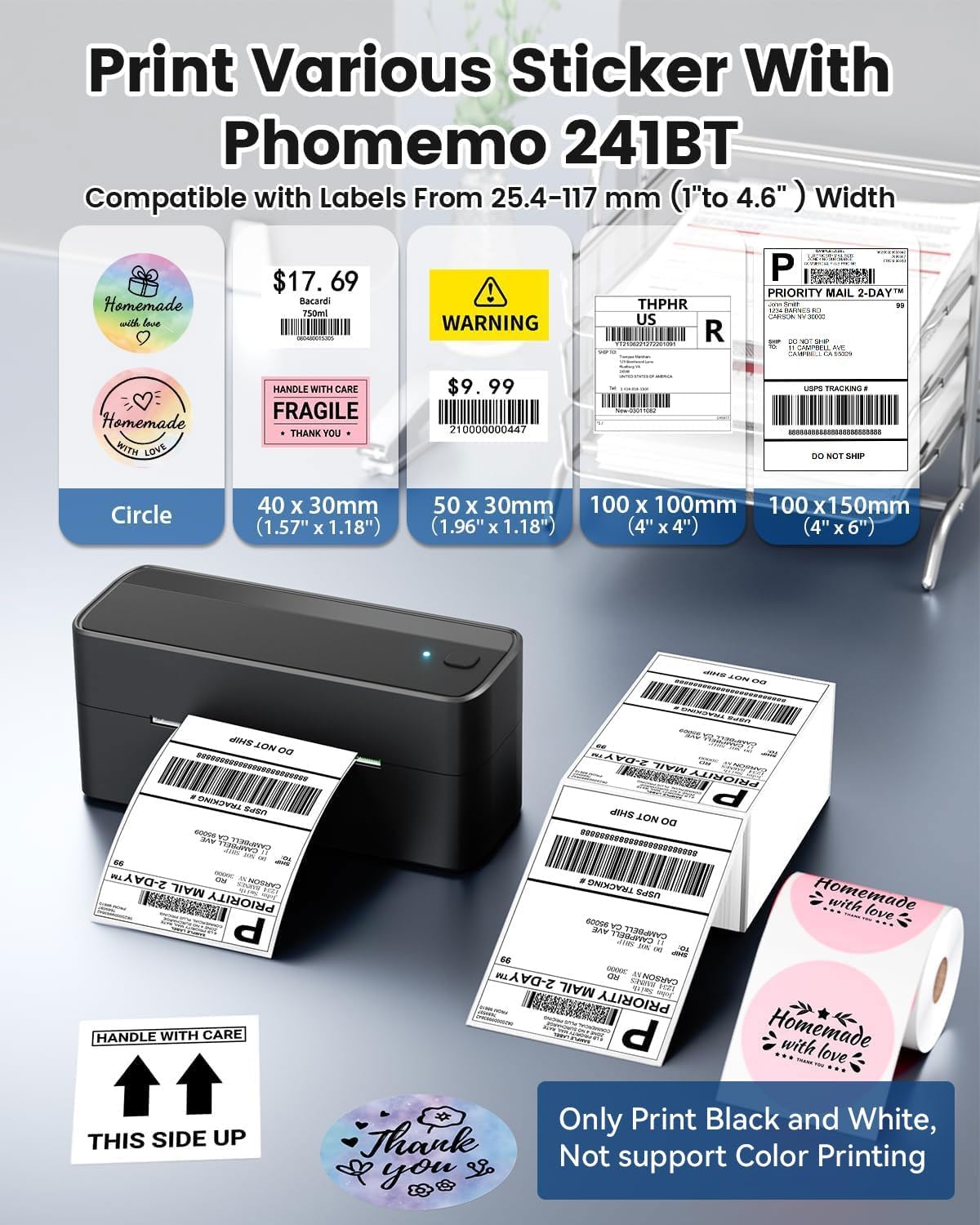
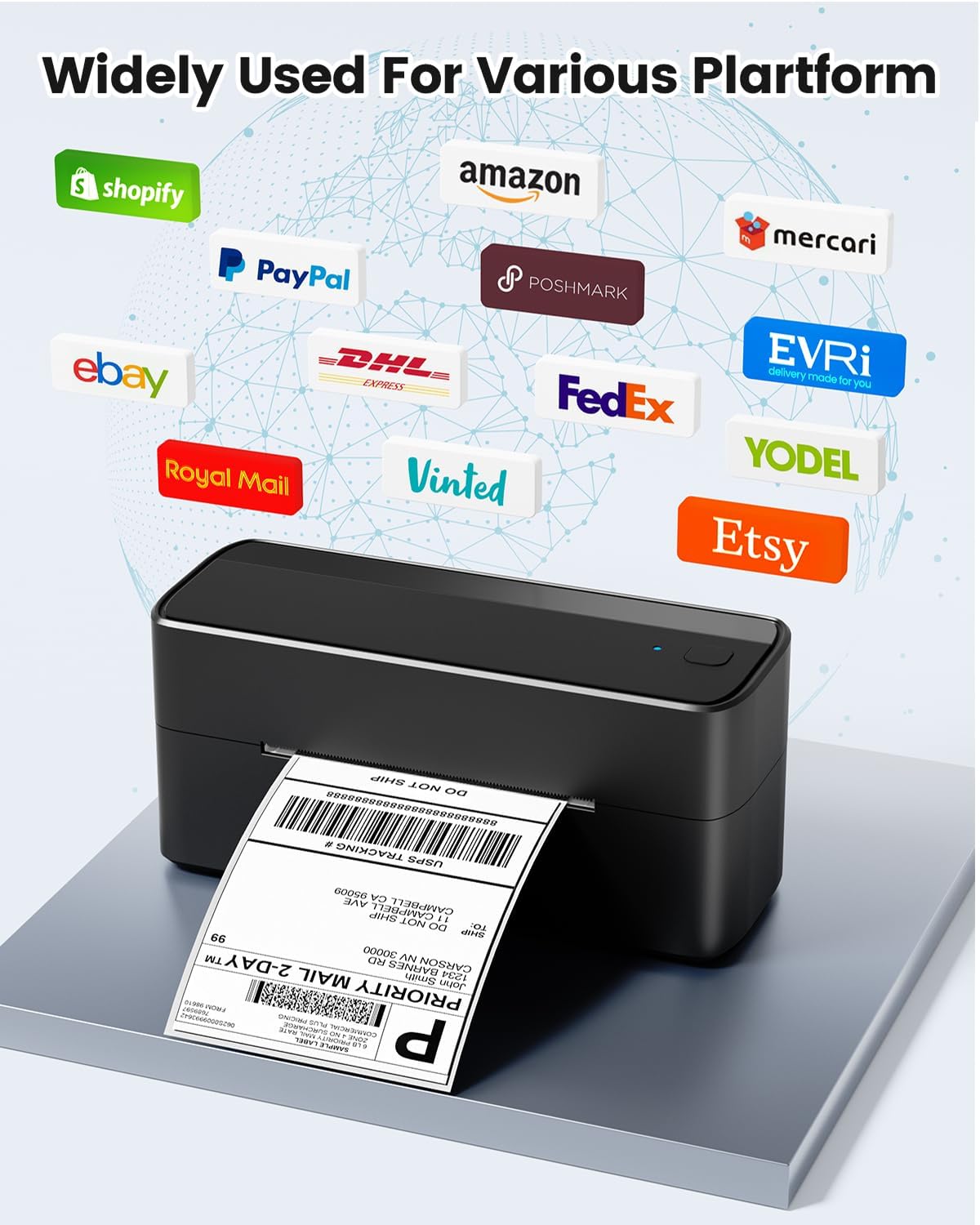
[Multi-Platform Compatibility] – This shipping label printer supports label widths from 1 to 4.6 inches, making it ideal for printing labels compatible with eBay, Shopify, Amazon, Etsy, UPS, USPS, FedEx, and more. Easily print text, barcodes, QR codes, forms, and use pre-made templates for home or business. Note: The printer supports black-and-white printing only. For color labels, purchase compatible thermal color label paper separately.
[Commercial and Home Use] -Phomemo label printer utilizes advanced thermal direct technology for printing, eliminating the need for expensive toner or ink. With a printing speed of 150 mm/s, the printer can produce up to 72 sheets of 4×6 labels per minute. Additionally, the 203 DPI resolution ensures that the printing is clear and precise. With this printer, you can save precious time and money, making it an ideal choice for your labeling needs
[Professional Team] – Phomemo support team provides technical support, including live chat, phone calls, emails even remote desktop operation. If you have any questions or concerns about our Bluetooth shipping label printer, please don’t hesitate to let me konw. Phone Call: (9:00-17:00 Mon-Fri EST) Email/ Live Chat: (19:30-4:30 Mon-Fri EST)
Phone and Tablet Start Print – Step 1: Download the App ‘Labelife’. Step 2: Turn on the 241BT printer and your phone’s or tablet’s Bluetooth. Step 3: Click the ‘Printer’ icon in the App to search for the 241bt label printer, connect it via Bluetooth in the App, and select the paper size and file type to start printing
Laptop/PC Starts Printing – Step 1: Please check your laptop/PC’s operating system (OS) and download and install the correct 241bt driver from the website (labelife.net/pm241). Step 2: Use the USB data cable to connect the 241bt printer to your computer. Step 3: Select and open your document, and choose 241bt from the printer list.
13 reviews for Phomemo Bluetooth Shipping Label Printer, 241BT 4X6 Wireless Thermal Label Printer for Small Business, Labels Printers for Shipping Package, Compatible with iPhone, Android, Amazon, Shopify, Black
Add a review
$69.98
Olga –
Good value for money, works as expected
I’ve been using this thermal label printer for about a month, and so far it’s been working well. The print quality is clear and sharp. I mainly print QR codes, and it does a good job, though very small ones won’t come out as clearly.It does require some initial adjustments, but once you get the settings right, it works as expected. The connection is great—once I turn it on, it connects right away and the app recognizes it immediately. Setup with iPhone was easy.It’s compact and portable, which is convenient. The labels are sticky, and I’ve also used labels from a different brand without any issues, which is nice.One thing to note is the label alignment. It comes with larger labels, but when I switched to 3×3 labels, they sometimes come out a bit crooked, so you have to adjust them occasionally.So far, it feels like good value for money and does what it’s supposed to do. I’ll keep testing it to see how the durability. holds up over time.
Rebecca R. –
Printer is perfect
Love this label printer.Has stayed to my Bluetooth, doesn’t disconnect like a printer. App works great. Setup was super easy. The ink prints well, shows up good. Price is perfect
Space Stationery LLC –
Quick and easy setup
This printer couldn’t be any easier! I have the purple variant. Just download the app to your phone and boom, easy setup for your Bluetooth. Prints very nicely and clearly. Easy to swap between labels and stickers. The printer automatically adjusts and comes with a couple test labels to get you started. I experienced no issues at all! If it does jam, you can simply lift the top by pressing a button. Again, I had no issues with jamming yet. The printer has the app which is compatible with apple or android, and even a plug to connect to your pc or laptop. It’s easy to swap from label to stickers, which shows how versatile it can be. If you wanted to, you could bring this with you easily. I think it’s small and compact enough for travel. Probably would fit in a backpack, large purse, or suitcase. I am very impressed with this little thermal printer! If you’re a small business owner, have an etsy store, etc, this is PERFECT for you!
Stephaney –
10/10 small business
This printer works perfectly for my small coffee business labels. Setup was simple, and the Bluetooth connection was fast and reliable. The print quality is sharp and clean, which is important for branding and making my packaging look professional.It handles my custom coffee labels smoothly with no streaking or misalignment. I love how compact it is, and it prints quickly when I’m batching orders. It’s been a huge help in streamlining my labeling process. Definitely a 10/10 for small product-based businesses.
Megan Foster –
I would buy this over and over again.
This turned out to be one of my best purchases. I own a small business and ordering labels was getting to pricey so I ordered this in order to print my own. The speed and accuracy of this machine is amazing, the app is so simple to use and the sticker quality is unmatched. Its definitely worth its price and value. Its been compatible and easy to pair with all of my apple and Samsung products, lightweight and easy to move around, there’s no batteries, just plug in, flip the switch and print. Easy to align your paper which is feeds correctly. I will never regret this product, it has been such a game changer for my business.
Lulu –
Love at first print!!
Wowowow excellent!!! Super simple, straight forward and prints so fast!! App works great!! It connected to my printer right away via bluetooth. I printed like 10 stickers in 5 seconds. Amazing 🙂
Leta H. –
Easy and fast
I struggled to get this to work with my computer. Could be a computer issue. However, I downloaded the app on my phone and it works great! Easy to use, makes packaging up item so much easier. No more packing tape to put on labels, just print and stick!! So easy! I never have jamming problems. Very quiet. It does print a little blurry unfortunately, not sure how to fix that. I use it wireless.
Good weight to the item great shine not plastic !! Extra earring backs too:) –
Amazing thermal printer !!
I recently received my new thermal label printer, and after putting it through its paces over the past few weeks, I feel confident sharing a detailed review for those considering investing in one.First ImpressionsRight out of the box, the printer looked sleek and modern. The compact design is a huge plus, especially if you’re tight on space in a home office or small business setup. It felt solid and well-built — no cheap plastic or flimsy parts. The packaging was clean, and everything was clearly labeled, including the printer itself, power cable, USB cable, and quick start guide.Setup ProcessSetting up the printer was relatively straightforward. I used the included guide and also referred to a YouTube video for clarity, which helped. The driver installation was quick and smooth on both Windows and macOS. Within 10–15 minutes, I was printing my first label. One thing to note — make sure to download the most recent drivers from the manufacturer’s website, as the CD (if included) may not contain the latest version.Print QualityThe print quality is excellent. Labels come out sharp and clear, with no smudging or fading. The thermal printing technology means there’s no ink or toner involved, which is a huge cost-saver and time-saver. Barcodes scan flawlessly, and text is easy to read. I’ve used it for shipping labels, barcode stickers, and product tags — it handles all of them with ease.Speed and ReliabilityThis printer is fast. I was impressed by how quickly it churns out labels, even in bulk. There were no jams or misprints during my testing, even when running 100+ labels at a time. The auto-calibration feature is handy — it detects label size changes quickly and aligns accordingly without much fuss.Label CompatibilityIt supports a wide variety of label sizes, which is ideal if you need to print more than just standard 4″ x 6″ shipping labels. I’ve used both branded and third-party labels without issue, which adds to its flexibility and reduces costs. Some thermal printers are picky about labels — this one is not.ConnectivityThe model I received connects via USB, which works great for a direct desktop setup. Some models also offer Wi-Fi or Bluetooth, which I’d consider for future upgrades if you want more flexibility. For now, I’m happy with the stability of a wired connection — no dropped signals or software glitches.Noise and HeatIt runs surprisingly quietly and doesn’t overheat, even after extended use. This is a big plus, especially if you’re in a shared office or printing late at night at home.Customer Support & DocumentationI reached out to customer support once just to test responsiveness, and they got back to me within a day with clear answers. Documentation could be slightly more detailed, especially for troubleshooting, but thankfully the online community and videos help fill in the gaps.Final VerdictOverall, I’m extremely satisfied with this thermal label printer. It’s a game-changer for anyone running an e-commerce business, managing inventory, or shipping regularly. It offers professional-level performance without the bulk or expense of commercial-grade machines.Pros:• Fast, high-quality printing• Easy to set up and use• No ink or toner required• Works with many label types and sizes• Quiet operation• Durable and compact design
Olga Román –
muy buena máquina, me está sirviendo mucho para mi emprendimiento
Rolin Fréderic –
Super imprimante et rempli correctement son jobImprime en wifi sans problème. Elle connecte à chaque fois qu’on en a besoin sans perte du signale wifi.
Salwa Al Mulla –
Hi, i like the product with smooth printing, if was with color will be wonderful. Thanks again.
Carmen ( Rocko’s Eerbeek ) –
Ik zocht voor het printen van mijn verzend labels een thermische printer. Ik heb verschillende printers vergeleken en heb gekozen voor deze, omdat het ontwerp me aanstond, de hoeveel informatie gegeven bij het product e de website en feeling van de producent.Ik had de printer zoals de beloofd de volgende dag in huis. De installatie is erg duidelijk en ik kon gelijk printen. Helaas waren de barcodes te dik, waardoor PostNL ze niet kon scannen.Ik heb contact gezocht met Phomemo en binnen 24 uur had ik een antwoord terug met een oplossing. De voorgestelde oplossing van de instellingen kwam met duidelijke afbeeldingen. Zo gezegd zo gedaan en de nieuwe instelling werkte, waardoor ik deze mooie printer kan behouden en geen verzend labels meer hoef te printen op A4.Het scheelt ontzettend veel tijd en ik zal deze printer zeker voor veel meer gaan gebruiken, zoals bijvoorbeeld een bedankje, gepersonaliseerde sluiting van dozen etc.
Auto –
Muy buen funcionamiento!