
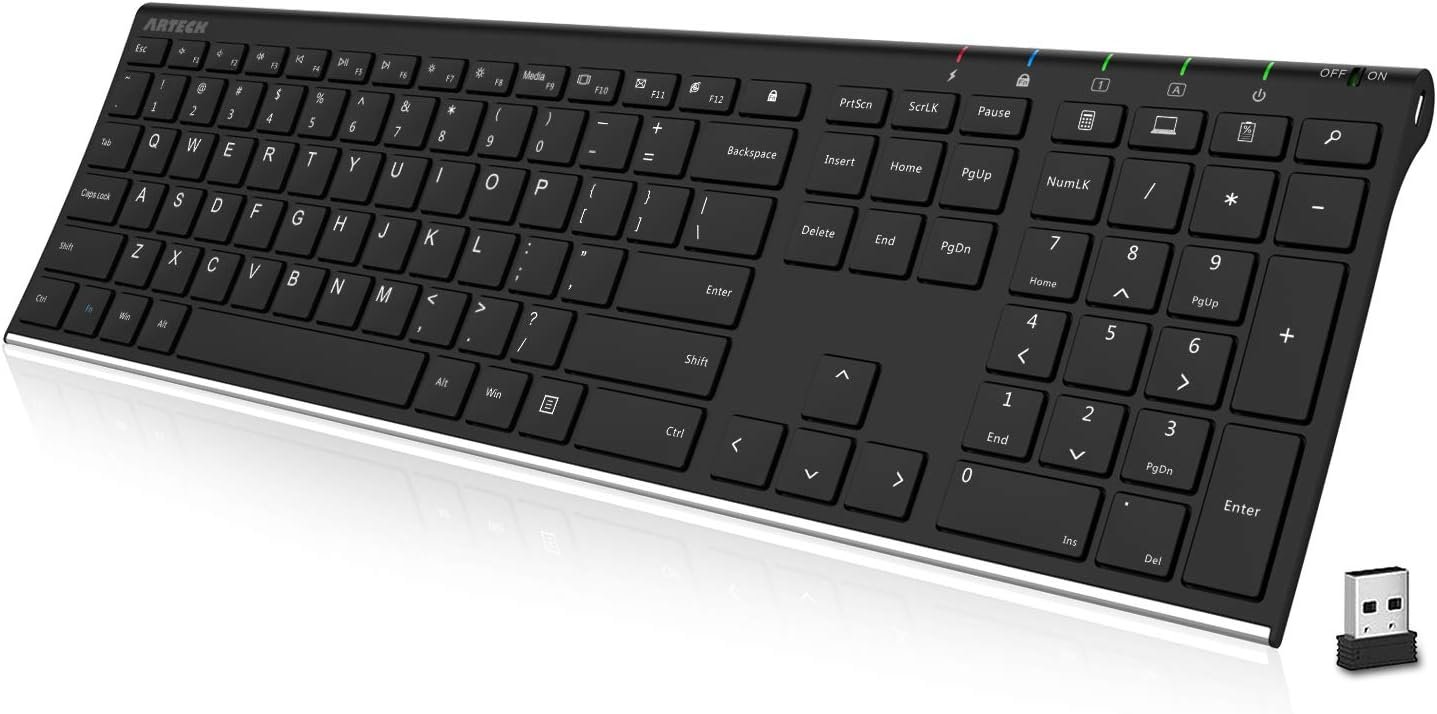
Arteck 2.4G Wireless Keyboard Stainless Steel Ultra Slim Full Size Keyboard with Numeric Keypad for Computer/Desktop/PC/Laptop/Surface/Smart TV and Windows 10/8/ 7 Built in Rechargeable Battery
$33.99
Related Products
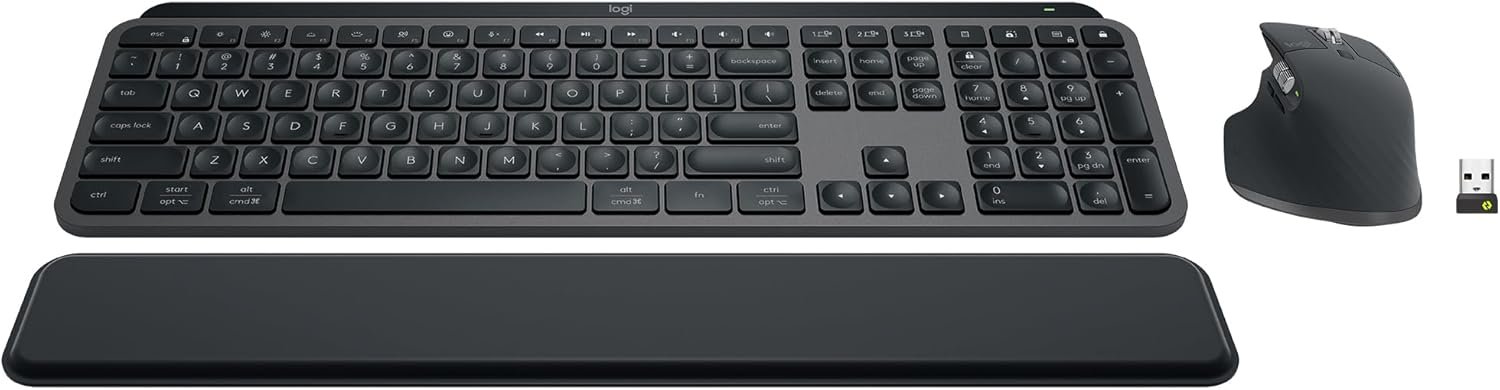
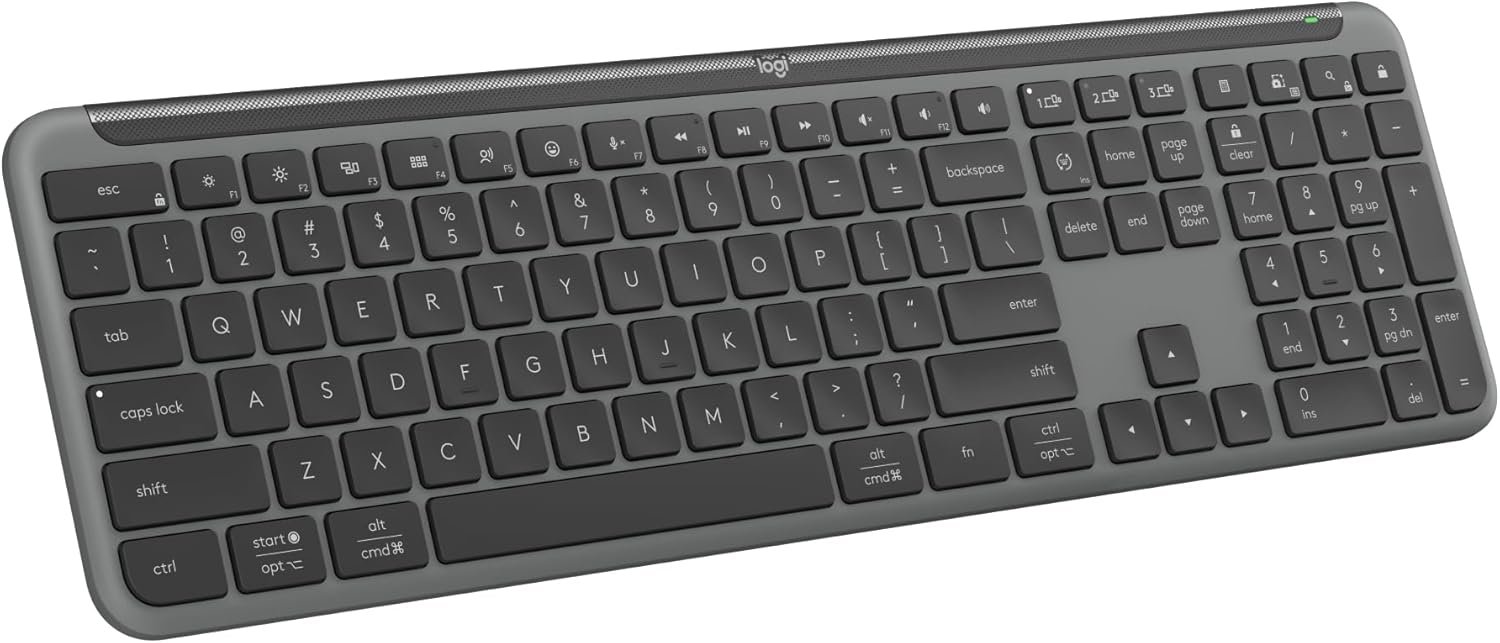
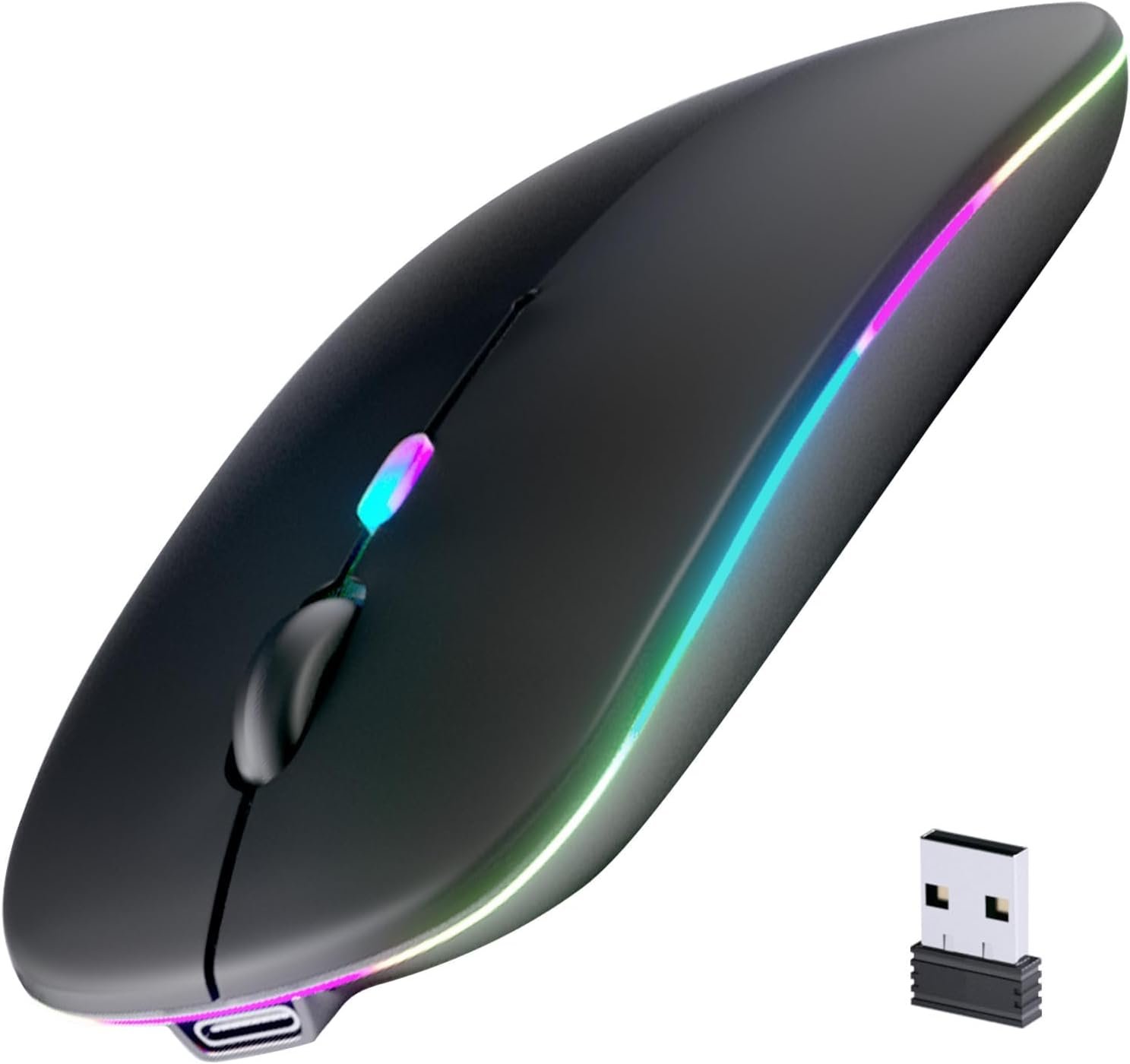


Product description


Industry Leading Ergonomic Design
Stainless steel material gives heavy duty feeling and the low-profile keys offer quite and comfortable typing.
Easy Setup and Use
The keyboard comes with a USB receiver. Just simply insert the nano USB receiver into your computer like desktop or laptop, then the keyboard can be used instantly. No need driver. The USB cable is for charging only, please use the USB dongle stored at the paper tube to connect the keyboard to the PC.
The Keyboard will work up to 33 feet or 10 meters. It allow you to gain quick access to common functions, such as volume level, playback control, copy paste text, and more. It also provides arrow keys, number pad with slim and compact design. The keyboard might not compatible with some external USB hub.
Comfortable, quiet typing
The whisper-quiet, low-profile keys bring a whole new level of comfort to your fingertips. What’s more, keep all your most-used functions and media controls closer than ever Windows-dedicated hot keys. The construction of this scissors-kick keys can be used more than 3 million times continuously.
Rechargeable Battery
Built-in industry-high rechargeable Li-polymer battery provides 6-month use on a single charge. (based on 2 hours non-stop use per day)
The keyboard doesn’t come with changeable battery, it comes with rechargeable battery.
Add to Cart
Add to Cart
Add to Cart
Add to Cart
Customer Reviews
4.4 out of 5 stars 28,995
4.6 out of 5 stars 445
—
4.2 out of 5 stars 684
4.3 out of 5 stars 5,423
Price
$33.99$33.99 $15.99$15.99
— no data
$36.99$36.99 $30.39$30.39
Connectivity
USB Wireless USB Wireless USB Wireless USB Wireless Bluetooth
Material
Stainless Steel Mouse Stainless Steel Stainless Steel Stainless Steel
Keys Area
Main+Arrow+Number Mouse Main+Arrow+Number Main+Arrow+Number Main+Arrow+Number
Recharging
Micro USB USB-C Micro USB Micro USB Micro USB
Size(inch)
16.85*4.92*0.55 4.13*2.56*1.46 16.85*4.92*0.55 16.85*4.92*0.55 16.85*4.92*0.55
Weight(oz)
14.89 3 17.89 17.89 14.89
Easy Setup: Simply insert the nano USB receiver into your computer and use the keyboard instantly.
Ergonomic design: Stainless steel material gives heavy duty feeling, low-profile keys offer quiet and comfortable typing.
6-Month Battery Life: Rechargeable lithium battery with an industry-high capacity lasts for 6 months with single charge (based on 2 hours non-stop use per day).
Ultra Thin and Light: Compact size (16.9 X 4.9 X 0.6in) and light weight (14.9oz) but provides full size keys, arrow keys, number pad, shortcuts for comfortable typing.
Package contents: Arteck Stainless 2.4G Wireless Keyboard, nano USB receiver, USB charging cable, welcome guide, our 24-month warranty and friendly customer service.
9 reviews for Arteck 2.4G Wireless Keyboard Stainless Steel Ultra Slim Full Size Keyboard with Numeric Keypad for Computer/Desktop/PC/Laptop/Surface/Smart TV and Windows 10/8/ 7 Built in Rechargeable Battery
Add a review
$33.99
Jeanie M –
Long Charge – nice feel
BATTERY LIFEI waited until I had to charge the keyboard before writing up this review. I received this the first week of December, charged it, and now this is 3/20/24 (almost 4 months later) and I am now charging it for the first time. I actually forgot that this was a rechargeable. I was looking for the battery slots and then remembered I had to plug it in. The keyboard light (red) lightning bolt had come on a few times but I figured I would just wait until the battery went dead. Then just a moment ago, I couldn’t type any longer. As soon as I plugged it in where it’s getting a charge, I was able to start using it immediately. I like that I can also turn it off when I go out of town so that it preserves the battery, although, admittedly I sometimes forget about this features. I use this keyboard daily as I do trading in the morning and I also do consulting work. I’m a techy person and just enjoy being on the computer.ERGONOMICSI personally love the feel of this type of keyboard with shallow keys that I can feel being pressed. I used to have a bluetooth HP keyboard that felt like this and went out, causing me to buy this one. It has a full keyboard and number pad. I use the Fn lock so that the volume, play controls work since I don’t use the regular F keys as often.CONNECTIONI had no issues connecting this to my computer. I plugged in the usb dongle, turned it on, and my laptop found it immediately.VALUEAs of today, 3/20/24, this keyboard is only around $25 and I think this is a great value.CONThe only con is that it isn’t spillproof. My last keyboard, I accidentally dripped coffee onto it and it quit working. I believe this one will be the same, so I am trying to be very careful.Mine shipped directly from Arktek and arrived right away. It’s been a great keyboard and I truly recommend it.
EmptySpaceWatcher –
Stop looking, stop overthinking and JUST GET THIS.
GET THIS. I needed something quick because my keyboard failed in the middle of a workday and I didn’t have time to look too deep. This had 3-hr delivery for me (delivered in 2). I DON’T REGRET MY CHOICE. Very light even though the bottom is metal. This keyboard is very, VERY low profile all around. The keys are flat, and the keyboard itself is almost flat to the table that there’s no need for a wrist support. As a matter of fact, I don’t move my wrist when I type in this, it just flows, it’s smooth. My biggest pet peeve is hearing myself type -THIS IS QUIET. I’m amazed at the quality given that its cheap ($33). I own lots of keyboards, and I when travel for work, I bring my own and depending on the type of work I’ll be doing, I’ll have a keyboard for it (yes, I am that person). This keyboard deserves the thousands and thousands of 5-star reviews it has on Amazon.
Chris –
Even nicer than I imagined
This is a very sleek, light, and sturdy keyboard. Had no issue with connecting to both my desktop and laptop. This has a very nice and subdued clicky action that fits the form and design perfectly.
arrowhead –
Great Keyboard but profile too low
Okay, I’ve always owned and uses Logitech devices, and this is the 1st keyboard I own and use that’s not Logitech. I love this keyboard after using it for work on a daily basis for about a month. It just works otb. This keyboard functions and feel is comparable to the Logitech Illuminated keyboard, only smaller and lower profile and without the lighted keys.- Keyboard layout is standard querty. So, no learning curve. The special function keys I have to get used to but this minor.- Key pressed sound is on the quiet side and with just the right amount of resistance.- LED indicators for battery, (num/cap/function) lock, power works great and clearly visible.- On/off switch is also great for saving battery, but I leave mine on all the time, except when it’s in the laptop back during commute.- USB charging is also a great feature and charges fast.- Keyboard is super light weight, which I really like when carrying it around. I just shove it into my laptop backpack and go.- I only charge this once before use, and it’s been approx. 1 month already.Workaround:- Height profile is too low (approx 1/2 the height of wrist pad) without anything to prop it up. After using this without a wrist pad for a few hours, my wrists started to hurt where they make contact with the table surface. Not the fault of the keyboard. I used a wrist pad, and noticed the awkwardness of my hands and fingers reaching slight downward to type. This is not ideal. I propped the keyboard on top of the box it came in, and at this height it is perfect with my wrist pad.My sister has a keyboard that doesn’t have the (num and cap) lock indicators, so I got her this too. She loves this keyboard.—–Update March 13, 2023The product description says the battery “lasts for 6 months with single charge (based on 2 hours non-stop use per day)”. This comes out to 360 hours (6 months x 30 days x 2 hours) of non-stop usage. Here my real life usage. I used this keyboard for normal work 8 hours per day, 5 days per week, since Feb 2023. Comes out to approximately 320 hours (40 days x 8 hours) of normal usage. I estimated the number of days and didn’t exclude the weekends, because I sometimes use it with my personal laptop via a KVM. I never turn off the keyboard.The battery died on me today around mid morning. I was typing, but the characters registered intermittently. From experience, I suspect the battery, so I turned the keyboard off and then on. Typed again, and this time, only 1 or 2 characters registered and then it stopped completely. I looked at the charging symbol (electric or lightning) and it was off. The power button was all off. So, there’s no visible indication to let the user know that the battery needs recharging.This also happened to my sister, who is less technical and have always used wired keyboard, struggled to figure out what caused her keyboard to stop working. The charging took approx 2-3 hours to complete, which is indicated by a green LED (electric/lightning symbol).Another odd issue I’ve encountered while using this keyboard with a KVM switch (JideTech KVM Switch HDMI 2 Port Box 4096×2160@60Hz 4:4:4 with Audio Mic and HDMI Cables Support HDMI 2.0,HDCP 2.2,HDR 10). When switching between my personal to work laptop, the keyboard would automatically enabled the caplock (caplock LED on) for the work laptop. I didn’t have this problem before when using another keyboard. It doesn’t happen when switching from work to personal laptop.Still a great little keyboard, though.Update June 11, 2023 – new keyboard with keys popped off.One of my wired keyboard died, so I bought another Artech keyboard. I came today and noticed the + and Enter keys were physically not attached to the keypad. I thought it was broken, but I reassembled the keys and it works just fine. My initial reaction was, “oh no. I have to return for a replacement :-(“. However, after examining the keys, it was easy to figure out how to reassemble it. Now it looks just as normal as other keys and types just fine. Love this keyboard. Just need to be a little more sturdy so keys don’t pop out if dropped or thrown around in the box.Again, it just works out of the box.
JAEWOOK LEE –
You have to think about your taste first.
V. Joseph –
Unfortunately for me the keyboard had some defect, though the supplier had given me an upgraded version. But I must give 5 stars for the customer service. I was contacted immediately and offered replacement new keyboard of my choice since the same was not available. However I wanted the same so they approved refund immediately. One of the best customer support I have come across. It’s just my bad luck that the one got happened to be the last piece. Thank you very much for the excellent after sales support.
hm –
BluetoothのUSB子機と、Type-C–USBの充電ケーブルが付属しています。背面はアルミのような金属製で、薄型ながらしっかりとした重みがあり、タイピング中にズレにくく快適です。キータッチは、ノートPCのキーボードが「ペチペチ」だとすると、こちらは「パチパチ」といったややしっかりした感触です。キーの高さはそれほど高くなく、ストロークもノートPCよりわずかに深い程度なので、指への負担が少なく、長時間使用しても疲れにくいと感じました。全体として、ノートPCのキーボードに近い感覚で違和感なく使えています。気になる点としては、一部のキーがやや小さいことです。そのため、少し押しにくさを感じる場合があります。また、Backspaceのすぐ上のキーがFnキーになっています。これまで使用していたキーボードではこの位置がDeleteキーだったため、慣れが必要だと感じました。本キーボードはKVMスイッチを使って2台のPCに接続していますが、現在のところ問題なくスムーズに連携できています。動作も良好で、タイピングが速くても問題なく追従し、誤作動もありません。総合的に見て満足度の高い製品です。
Rico G –
Excelente teclado, bastante estético y cómodo !😉👌🏽
Ajith Rukman de Silva –
Good one to replace the ordinary