
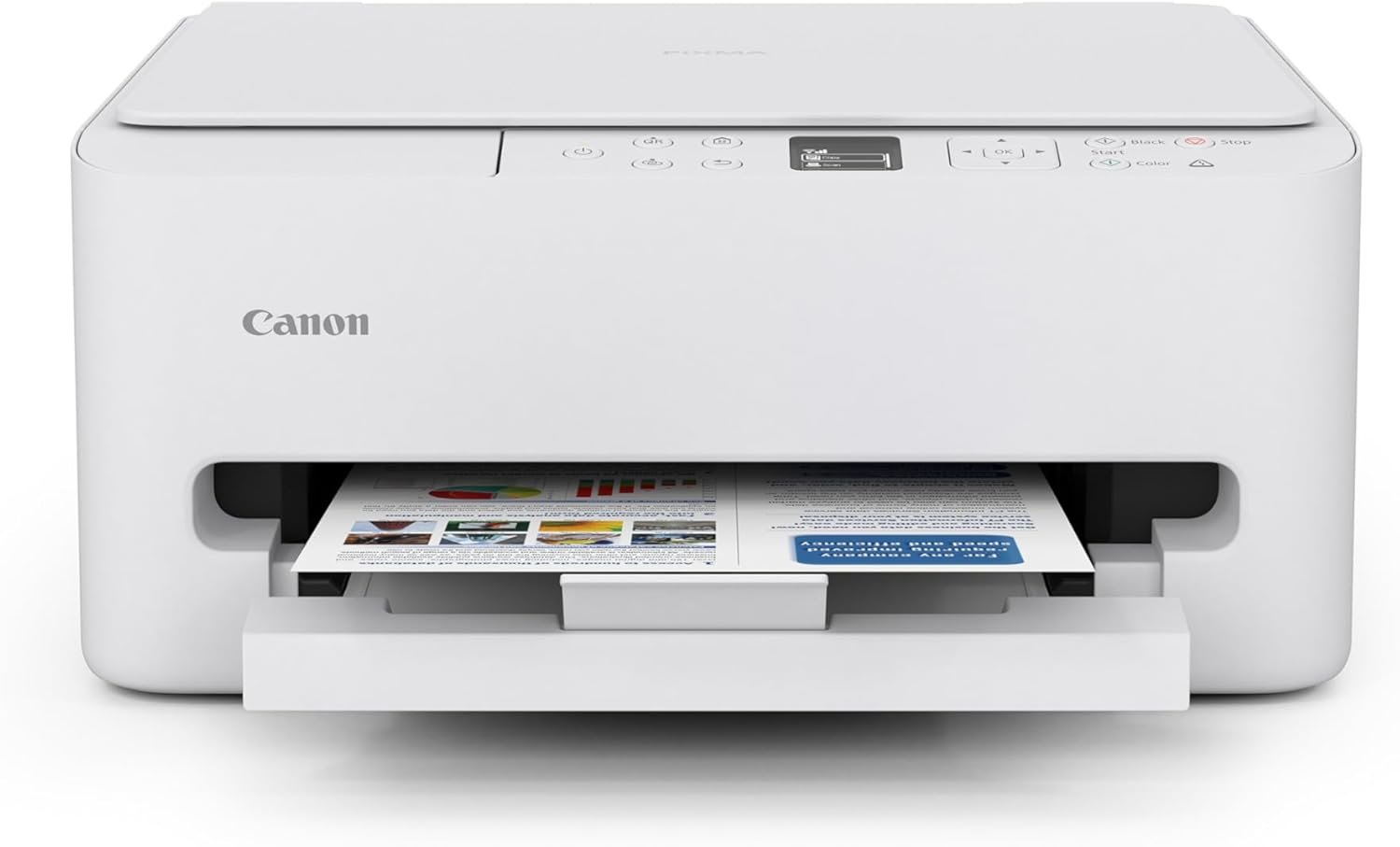
Canon PIXMA TS6520 Wireless Color Inkjet Printer Duplex Printing, White – Home Printer with Copier/Scanner, 1.42” OLED Display, Intuitive Control Panel, Compact Design
$140.00
Related Products
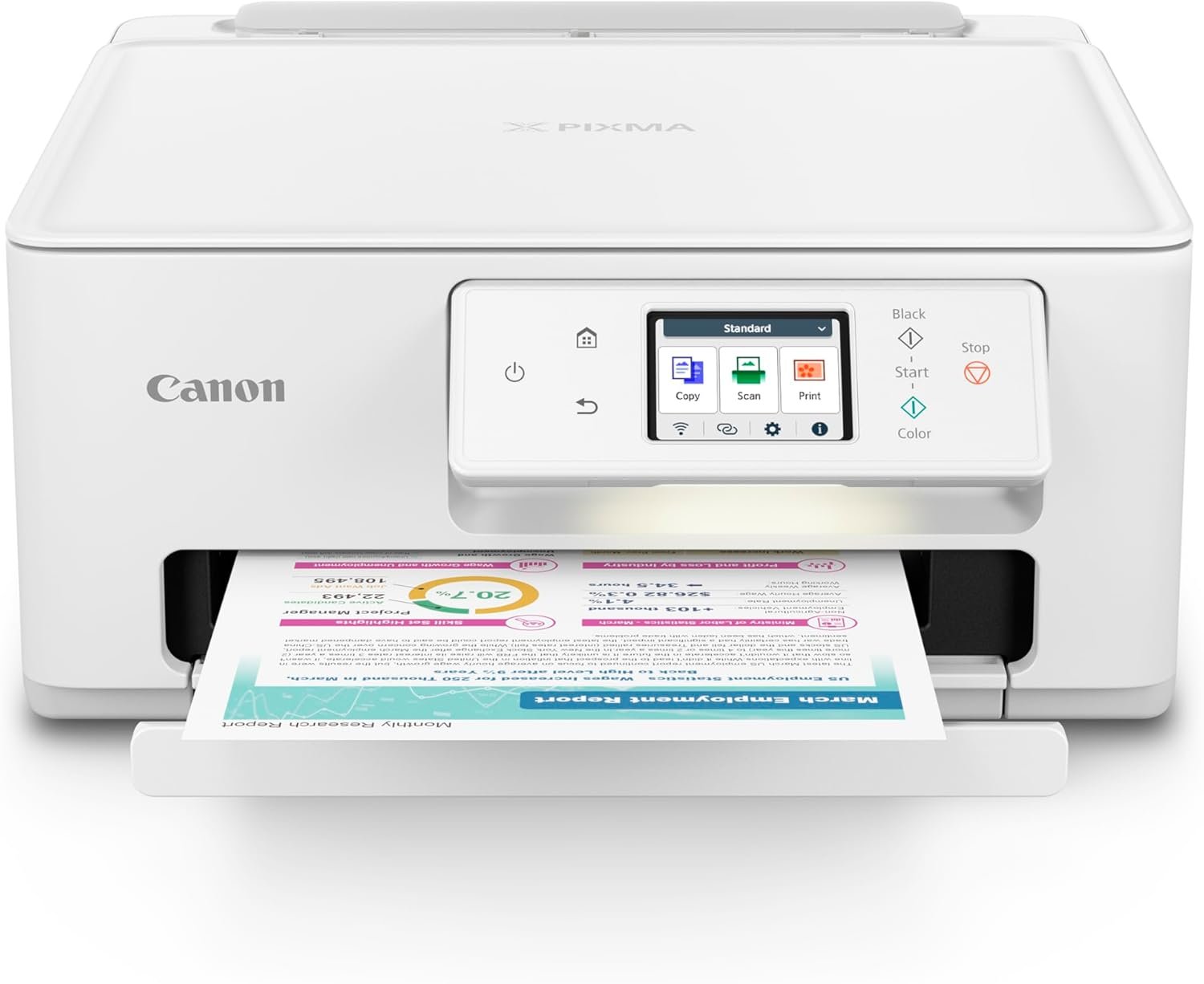
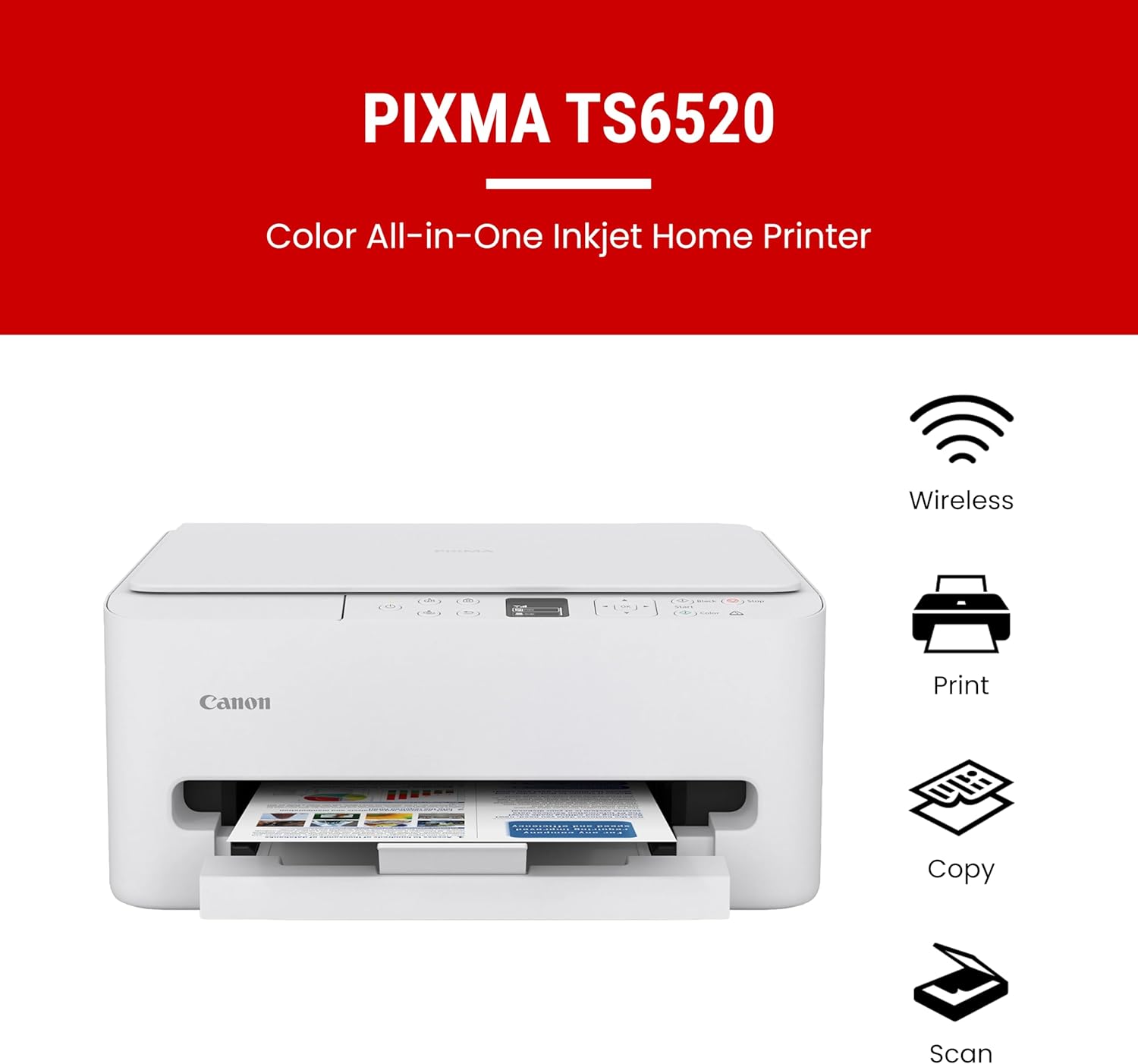


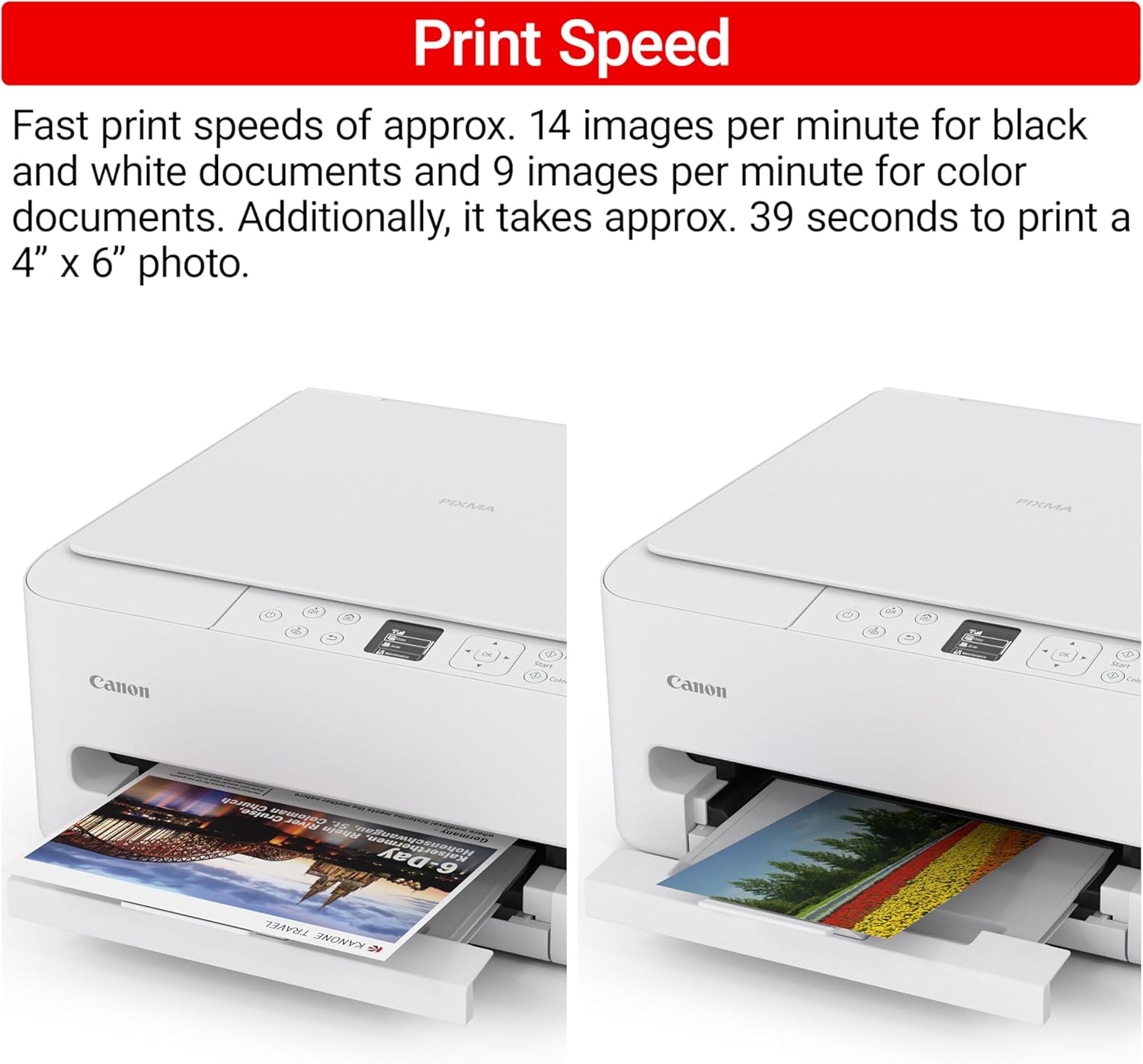
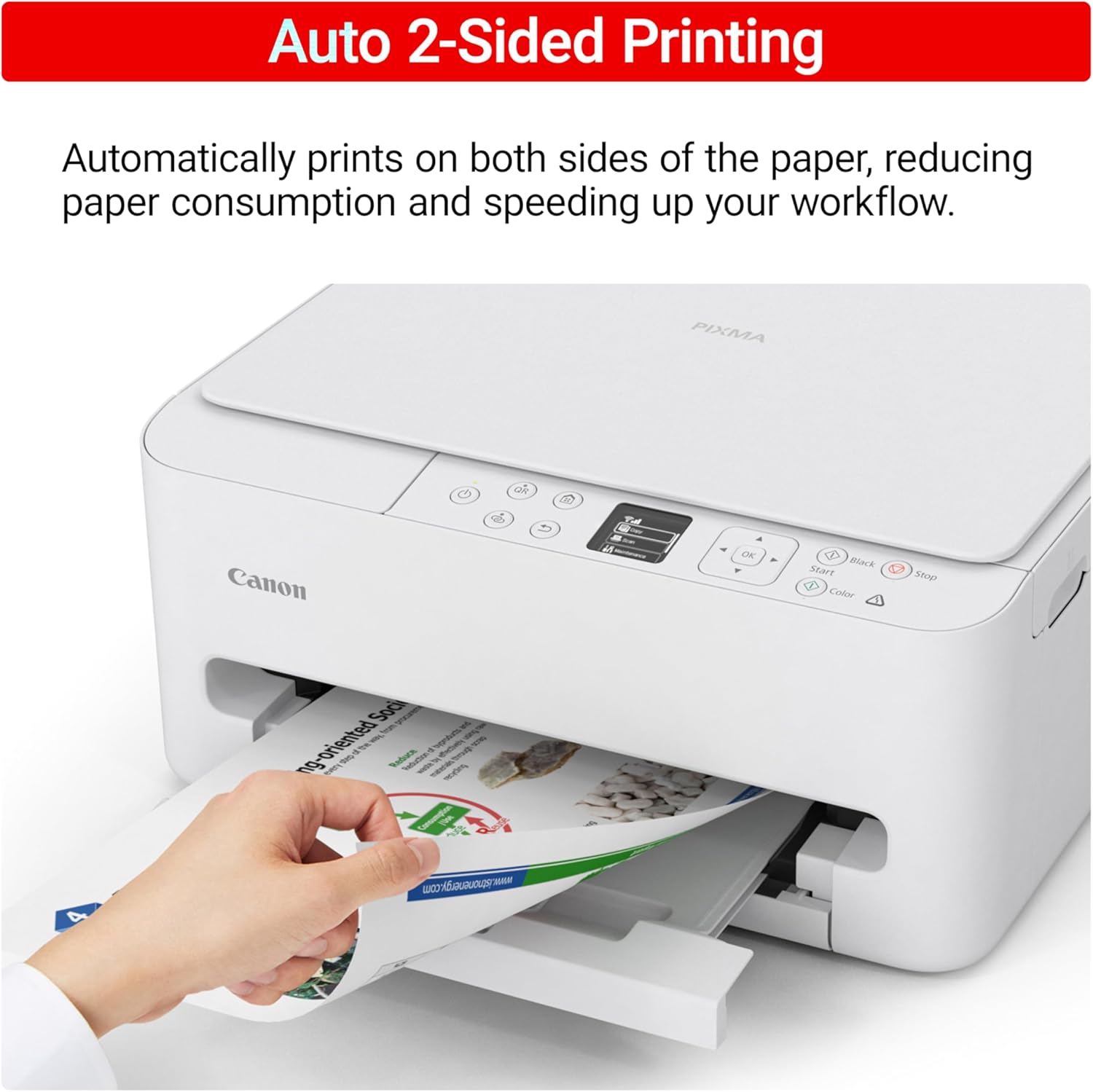


The PIXMA TS6520 strikes a perfect balance between functionality and affordability. While it doesn’t include an ADF like the TR7120, it still offers high-quality printing, scanning, and copying for everyday tasks. Its auto 2-sided printing helps save on paper and its 1.42” OLED display and simple setup make it user-friendly, and its compact design fits easily into any home workspace. With reliable Wi-Fi and mobile printing support, it’s great for printing school projects, recipes, and vibrant photos—without the extra bells and whistles. Best for: Families and students who want a reliable, easy-to-use printer for occasional use without needing advanced features.
Affordable Versatility – A budget-friendly all-in-one printer perfect for both home users and hybrid workers, offering exceptional value
Crisp, Vibrant Prints – Experience impressive print quality for both documents and photos, thanks to its 2-cartridge hybrid ink system that delivers sharp text and vivid colors
Effortless Setup & Use – Get started quickly with easy setup for your smartphone or computer, so you can print, scan, and copy without delay
Reliable Wireless Connectivity – Enjoy stable and consistent connections with dual-band Wi-Fi (2.4GHz or 5GHz), ensuring smooth printing from anywhere in your home or office
Scan & Copy Handling – Utilize the device’s integrated scanner for efficient scanning and copying operations
Save Time & Paper – Optimize your printing with automatic 2-sided printing, reducing paper consumption and speeding up your workflow
Diverse Media Support – Print a wide range of documents and photos up to 8.5” x 11”, with or without borders, for all your creative and professional needs
Intuitive OLED Display – Easily monitor ink levels, printer status, and adjust settings at a glance using the 1.42” Monochrome OLED screen
Compact & Stylish – Designed to fit seamlessly into any workspace, its small footprint complements your environment without sacrificing functionality
Convenient Mobile Printing2 – Print directly from your smartphone or tablet with popular services like the Canon PRINT App, Apple AirPrint, and Mopria Print Service
8 reviews for Canon PIXMA TS6520 Wireless Color Inkjet Printer Duplex Printing, White – Home Printer with Copier/Scanner, 1.42” OLED Display, Intuitive Control Panel, Compact Design
Add a review
$140.00
JoAnn – FL –
Great Printer Affordable Price
Microsoft did something which interfered with the quality of aged out printers, including mine—so I had to buy one quickly. After shopping around on Amazon & doing a little private research, I decided on this Canon TS6520 and it is absolutely great! It’s compact, efficient, easy to install & navigate the display instructions. It’s also quick & print quality is perfect. Canon customer service is also friendly and knowledgeable & I recommend registering & buying into their guarantee after 30 days—it’s cheaper than the one in here. I highly recommend this brand and model.
Kathy Kochen –
Worth the purchase for a wireless printer
Great wireless printer. Nice and small. Not a bulky printer . Takes up little space on my desk. Easy to set up and easy to use.
Rosalind Harris –
Canon Pixma TS6520 Inkjet Printer
Just received this printer and love it! I was a long time HP user but wanted to try a different brand. The price was very good. Only issue was with the color starter cartridge, which didn’t work. Once I purchased a new cartridge, I was up and running in no time. Love the fact that it does double-sided printing without me having to flip the paper. Print quality is excellent; and it’s quiet. Set-up was very easy.
David D. –
Very nice printer
Very nice printer for the price. Fairly easy set up and recognized my wireless network right away and established a connection. Slow receiving a print job but once it does it prints quickly and colors are sharp and clear, text looks good and black color is very nice. Oddly, it took 4 print jobs before it would print in the size and style of font I wanted. A waste of paper and ink and I really don’t get that part at all. Setting up a Canon account at their website actually took longer than setting up the printer itself. Overall, I dinged it one star over the issues in my review. Long term durability to be determined. I would recommend this printer if anyone wants an inexpensive device that does what it should.
Joe Gibson –
EZ Set up, EZ Operating
Love this printer! Have a home office with minimal needs; am a novice writer so I do print pages each day though usually nothing more than that. Have used copier and scanner a bit with satisfactory results. Ink life is ok; eay to change cartridges. Easy set up and no issues with compatibility. If you need a simple operating, basic printer/copier/scanner for light use, this is the one!
E. HAMPTON –
Great Choice!
Impressed so far… The printer sets up quickly, the software accessed on line is easy to use, and the printer connects to my network with no issues. Amazing quality for the price!
MomCat –
Canon TS6520 Printer
It wasn’t very hard to set up. It was easy to link to my WIFI. I’ve already done a test print, wirelesly. It went flawlessly. The menu on the printer was a bit confusing. I finally turned it off. Then I decided to turn it back on, I was pleasantly surprised that the menu I wanted was right there.
R. Morrison –
Good Printer, Very Good Price, One Installation Glitch
At $80, the PIXMA TS6520 is a bargain for a general-use printer. It has good overall print quality with sharp reproduction of colors. Installation instructions, which you get from the Canon website, provide a clear, illustrated, step by step guide for setting up. I ran into a glitch, however, in inserting the ink cartridges. It took 6 tries and numerous error messages along the way to finally correctly put them in place. That part was frustrating.