
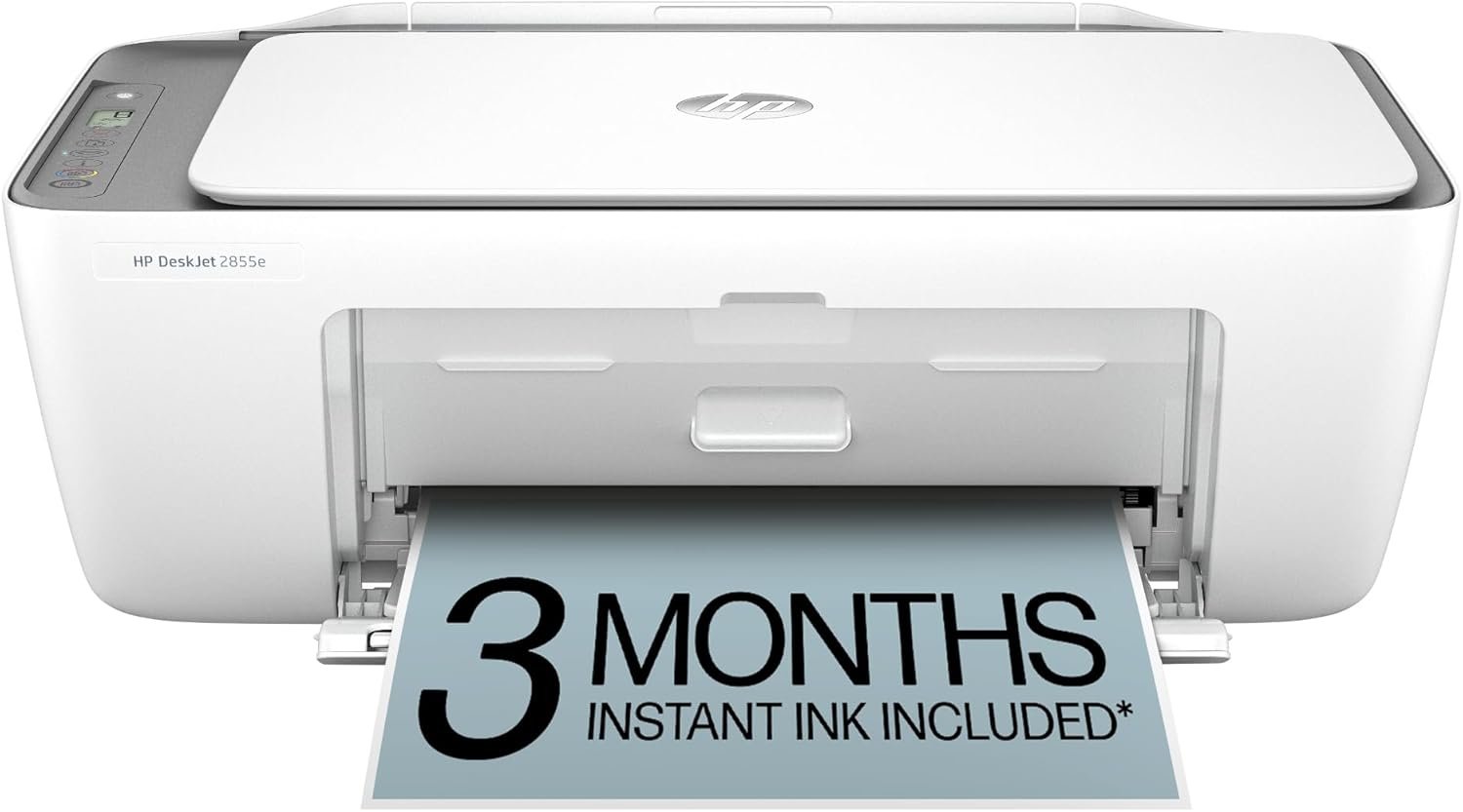
HP DeskJet 2855e Wireless All-in-One Color Inkjet Printer, Scanner, Copier, Best-for-home, 3 month Instant Ink trial included. This printer is only 2.4 ghz capable. (588S5A)
$49.89
Related Products

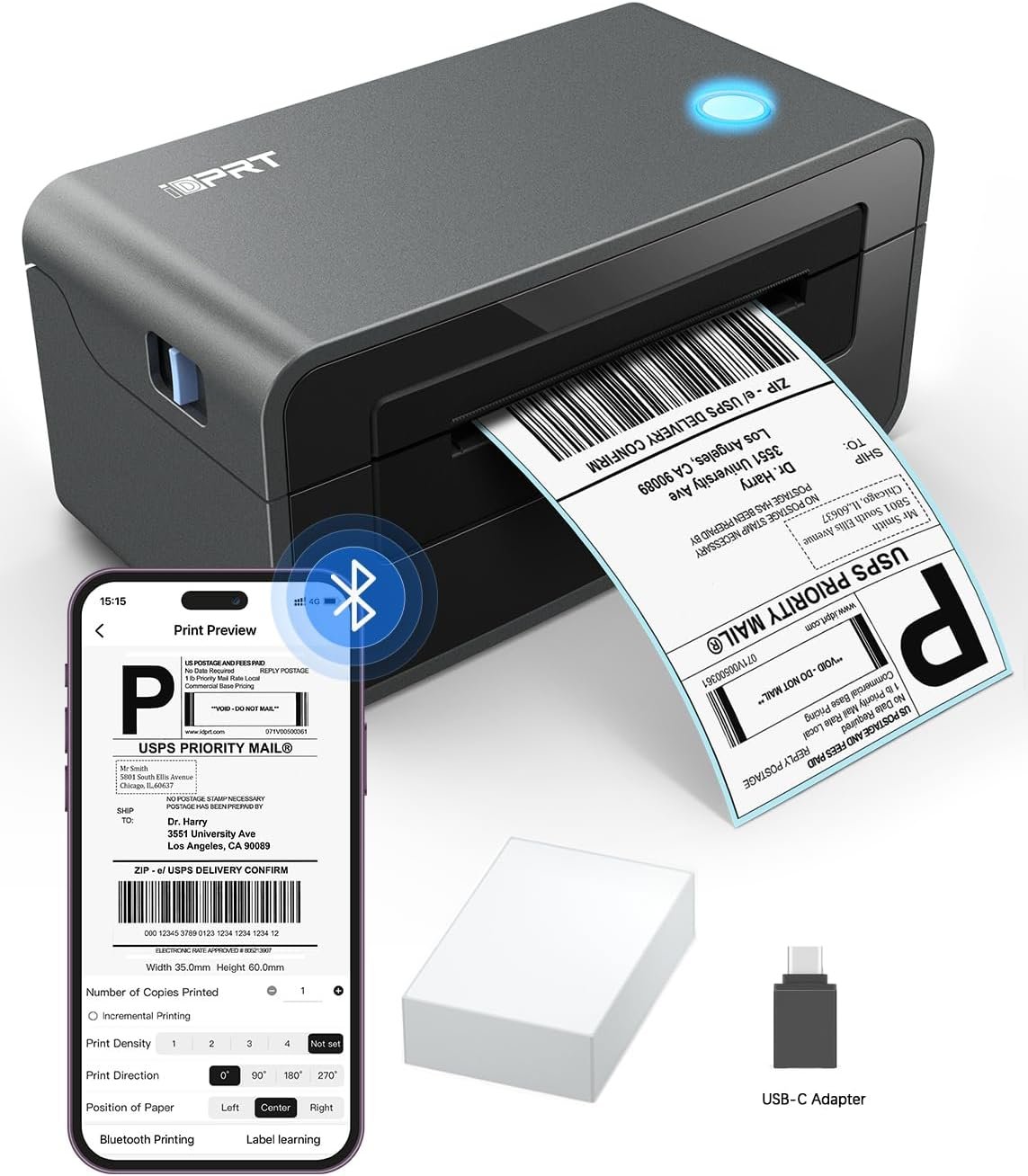
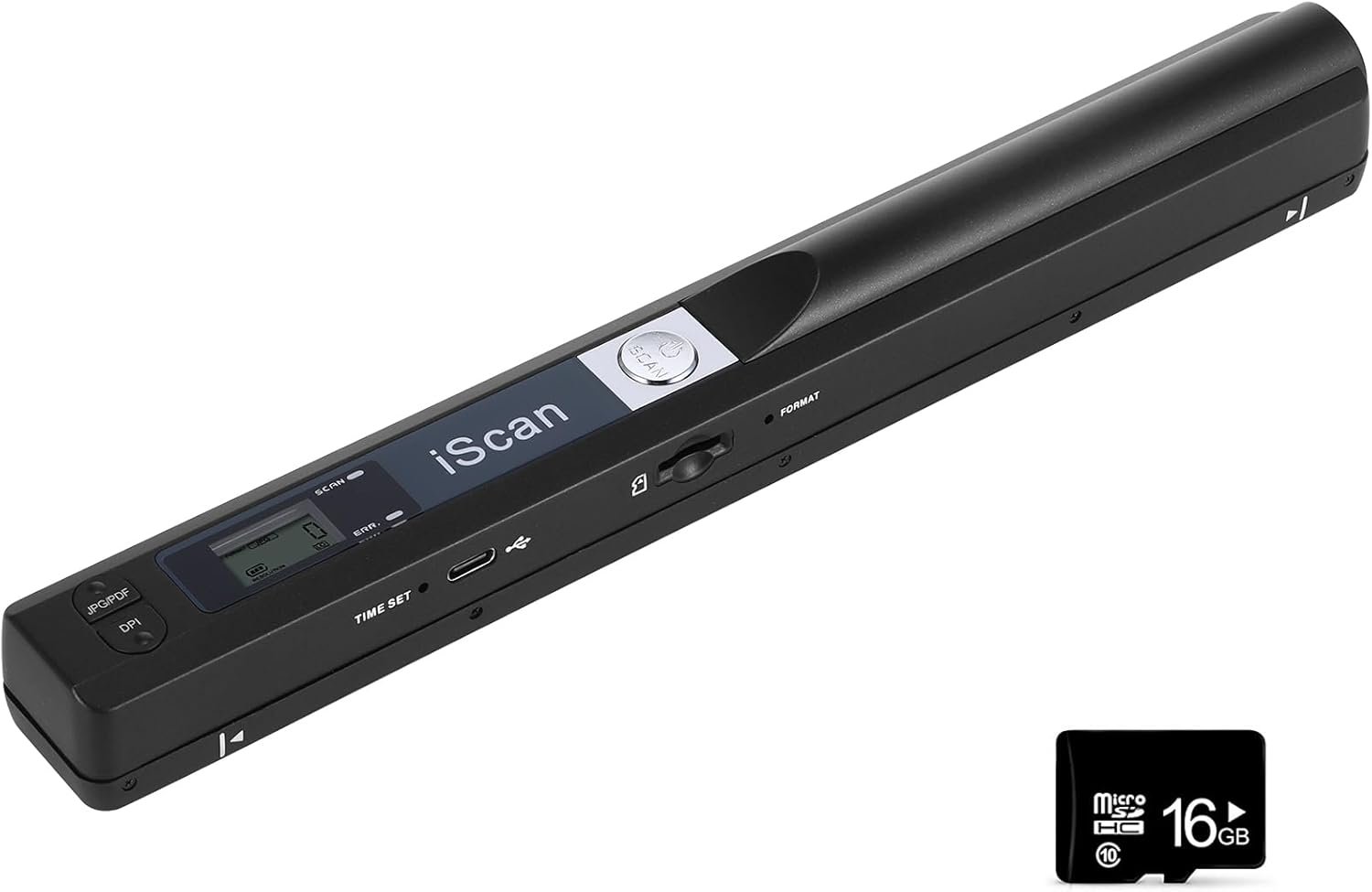
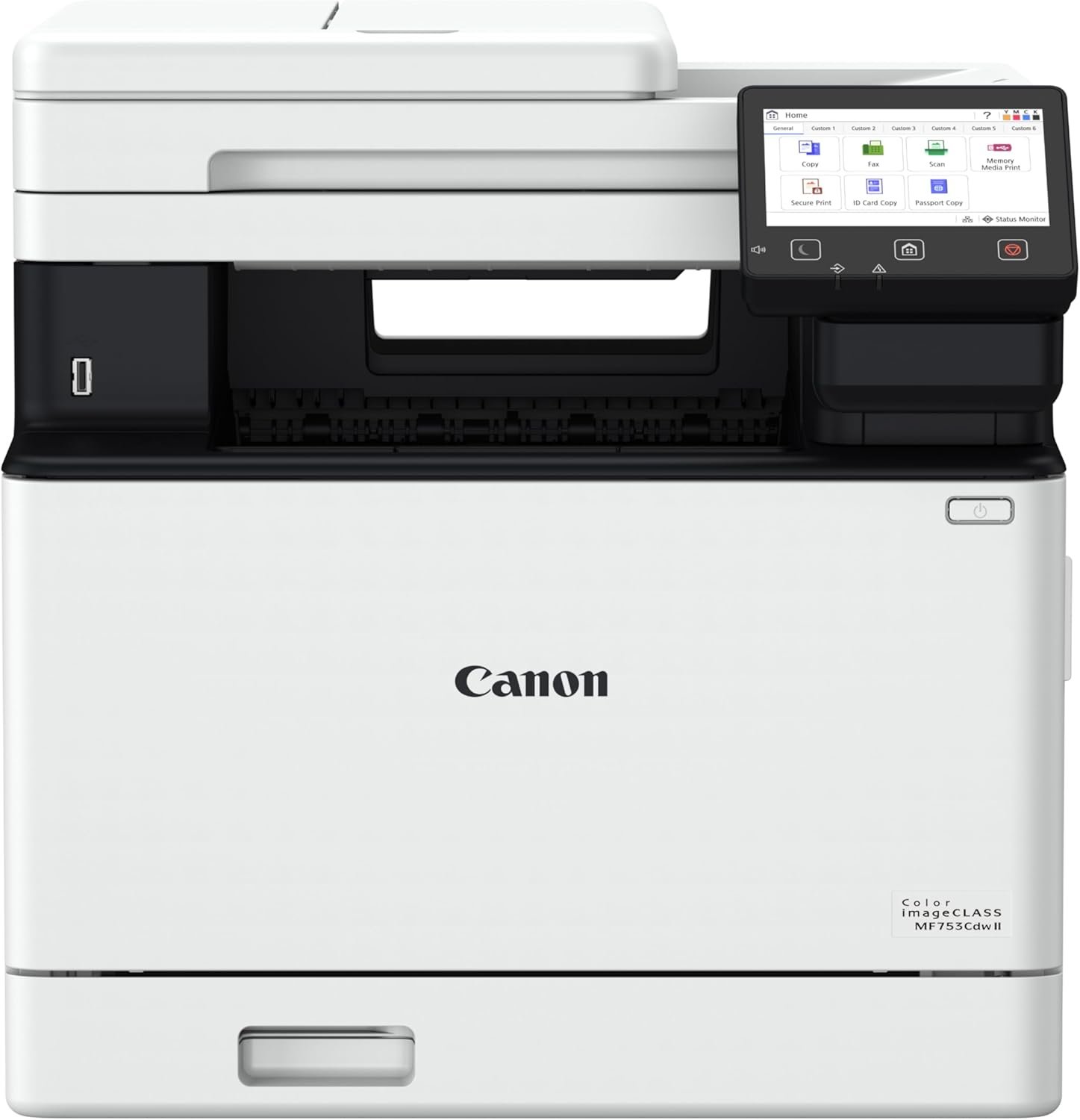
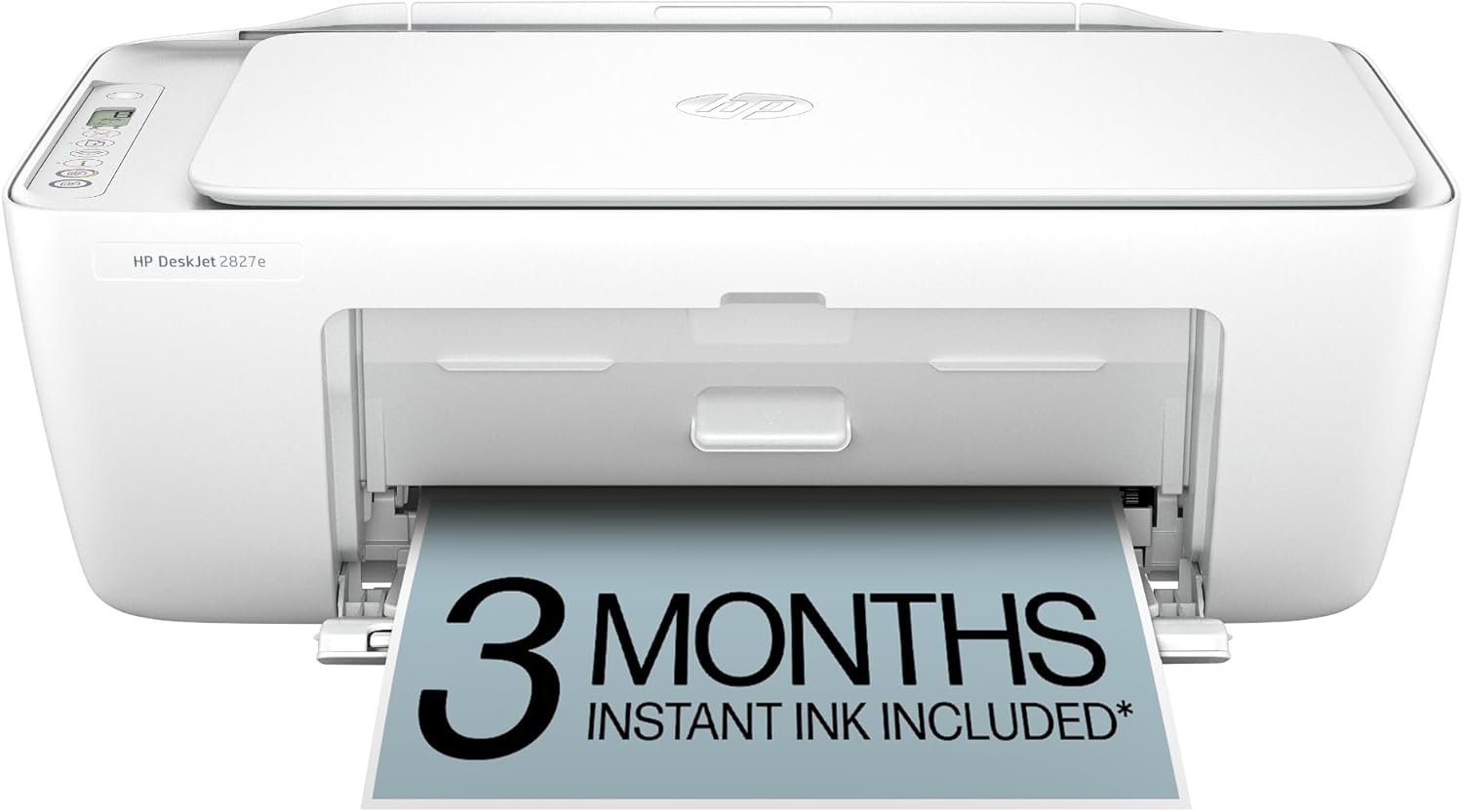

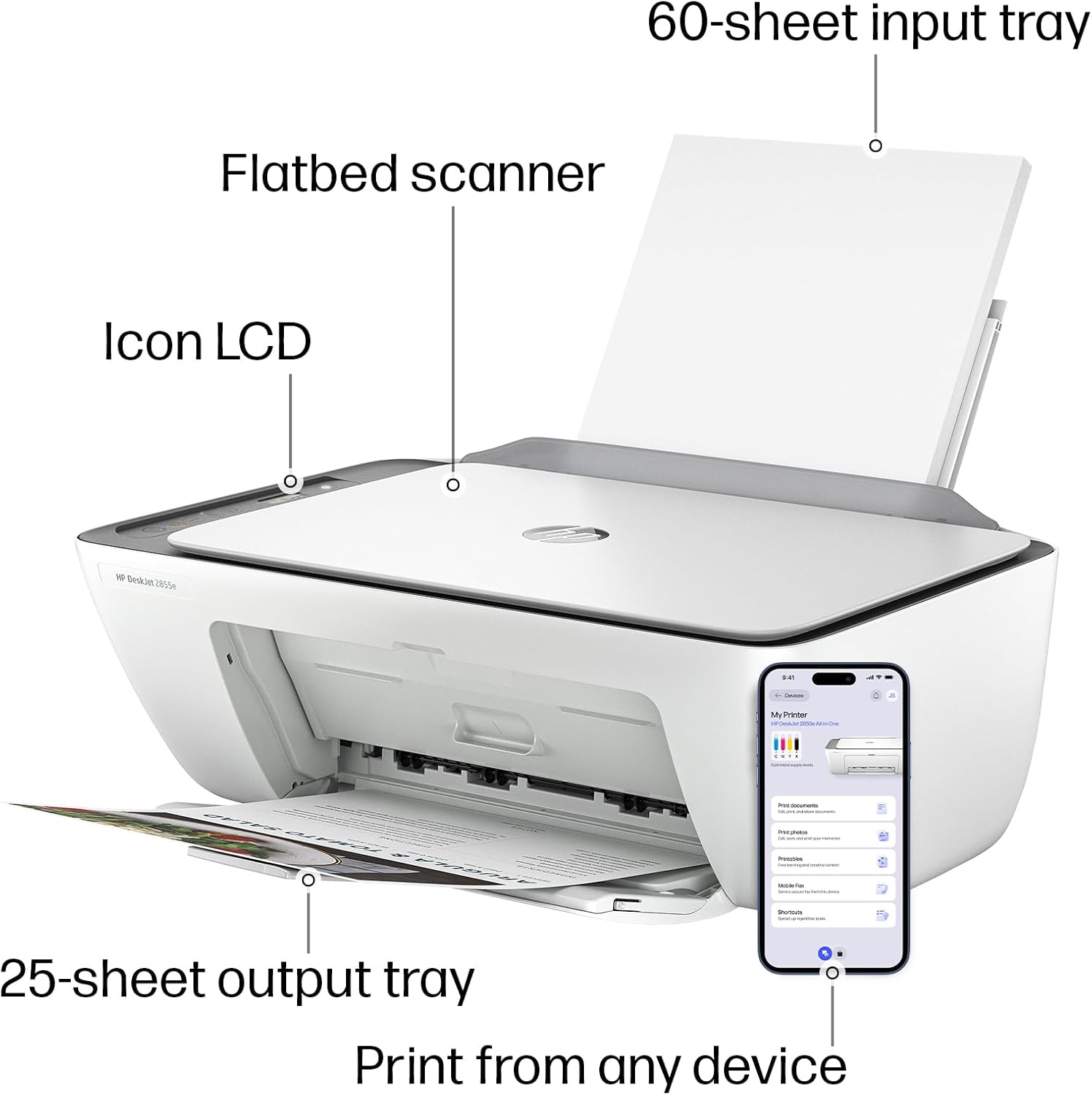
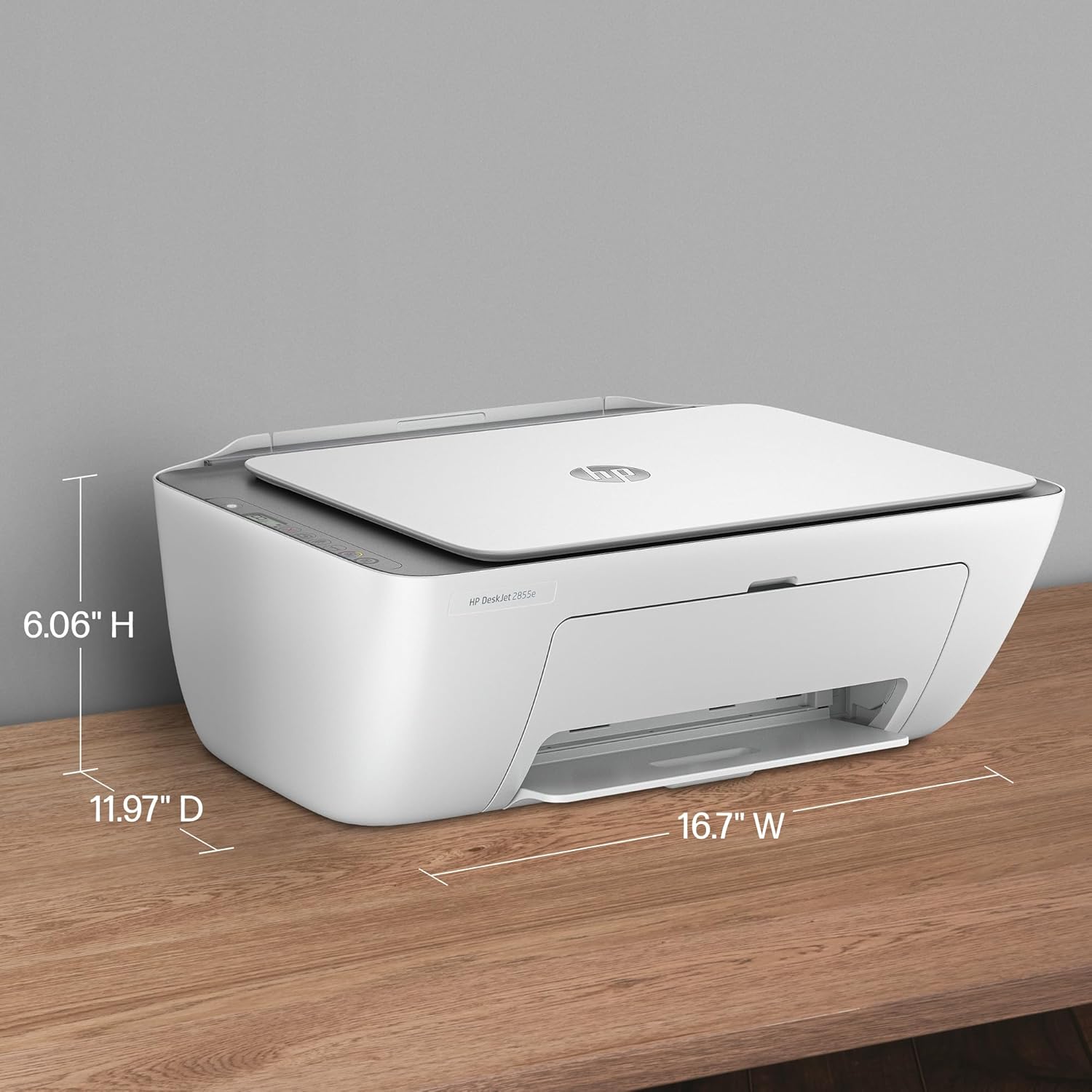

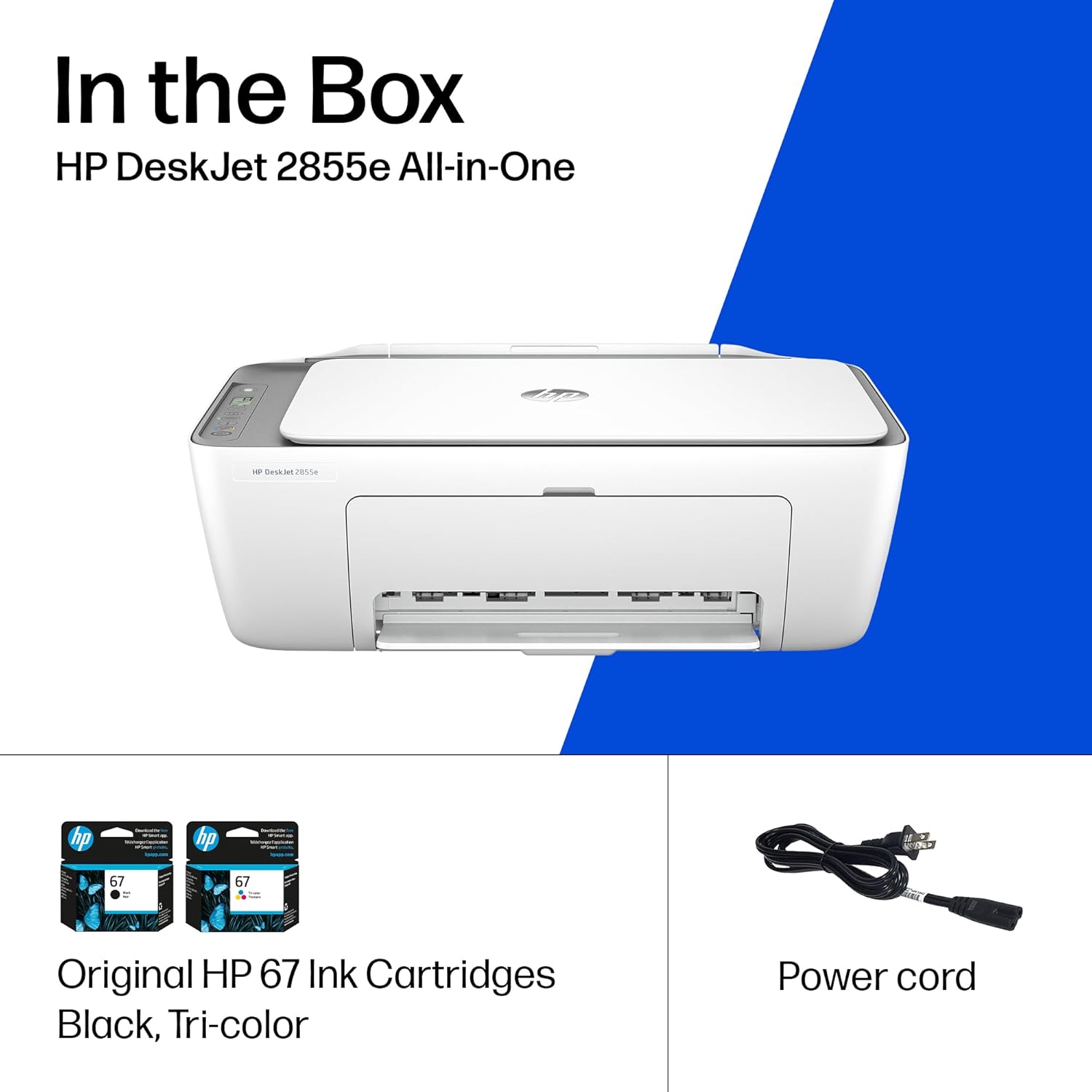

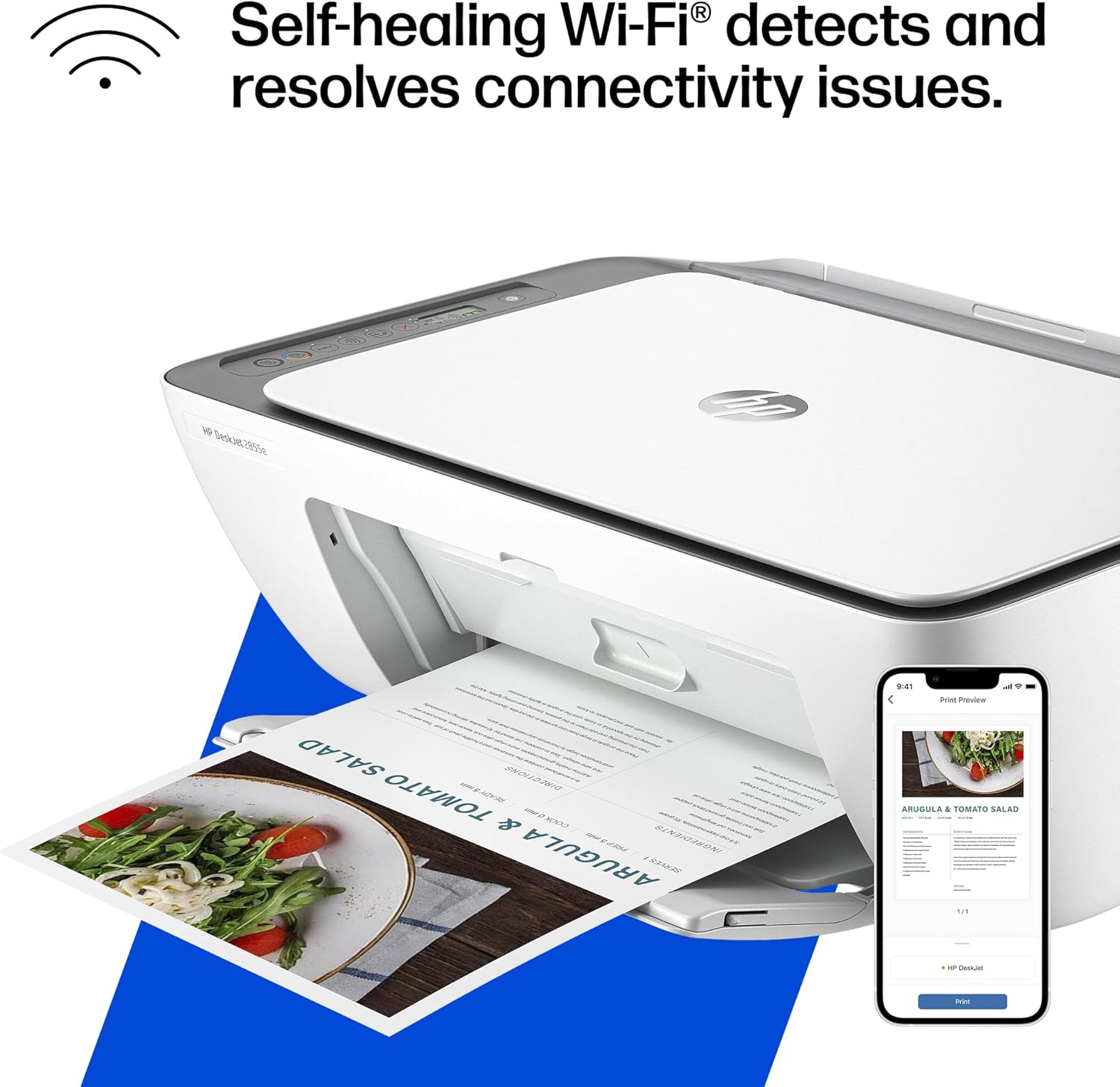
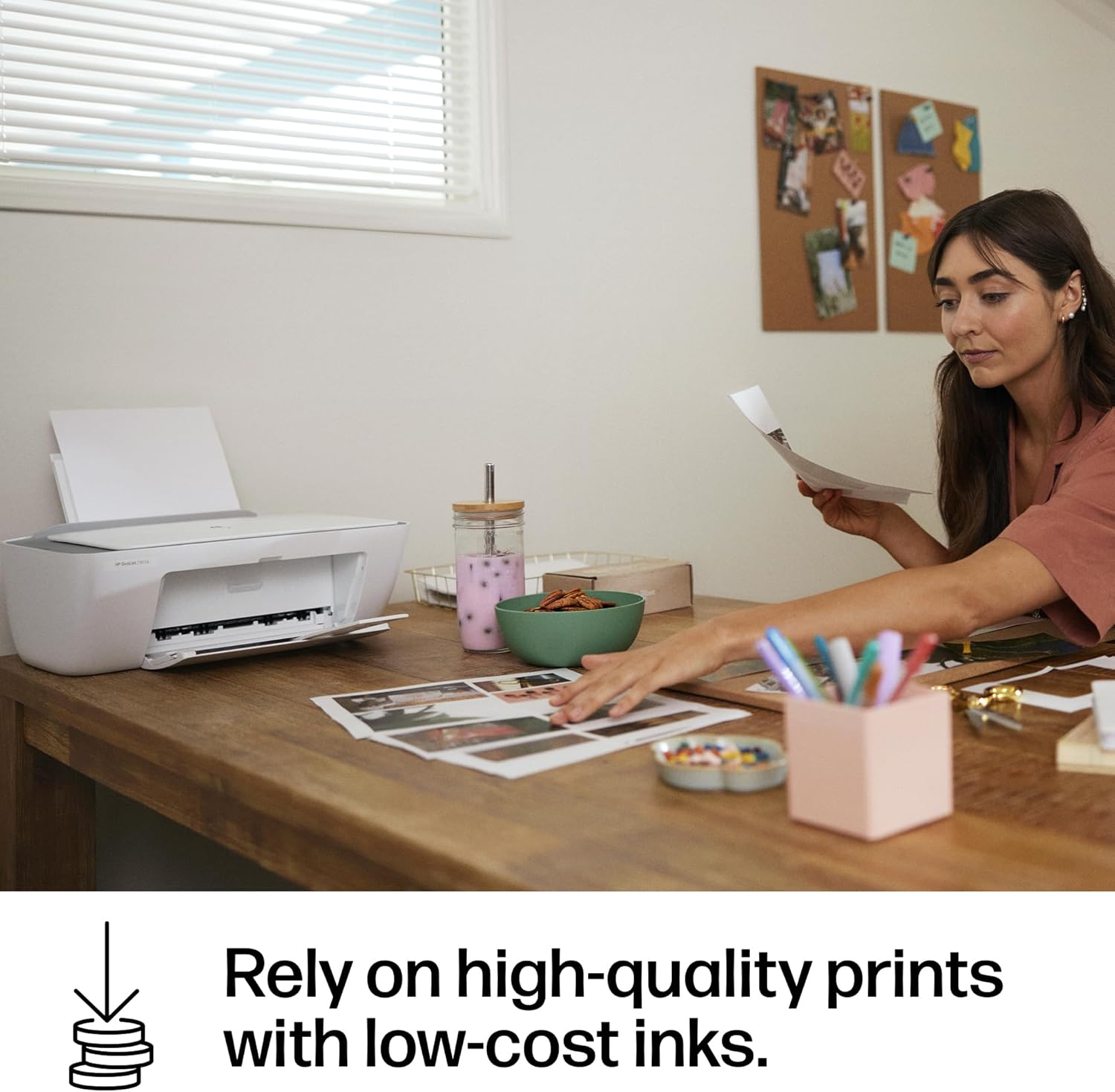

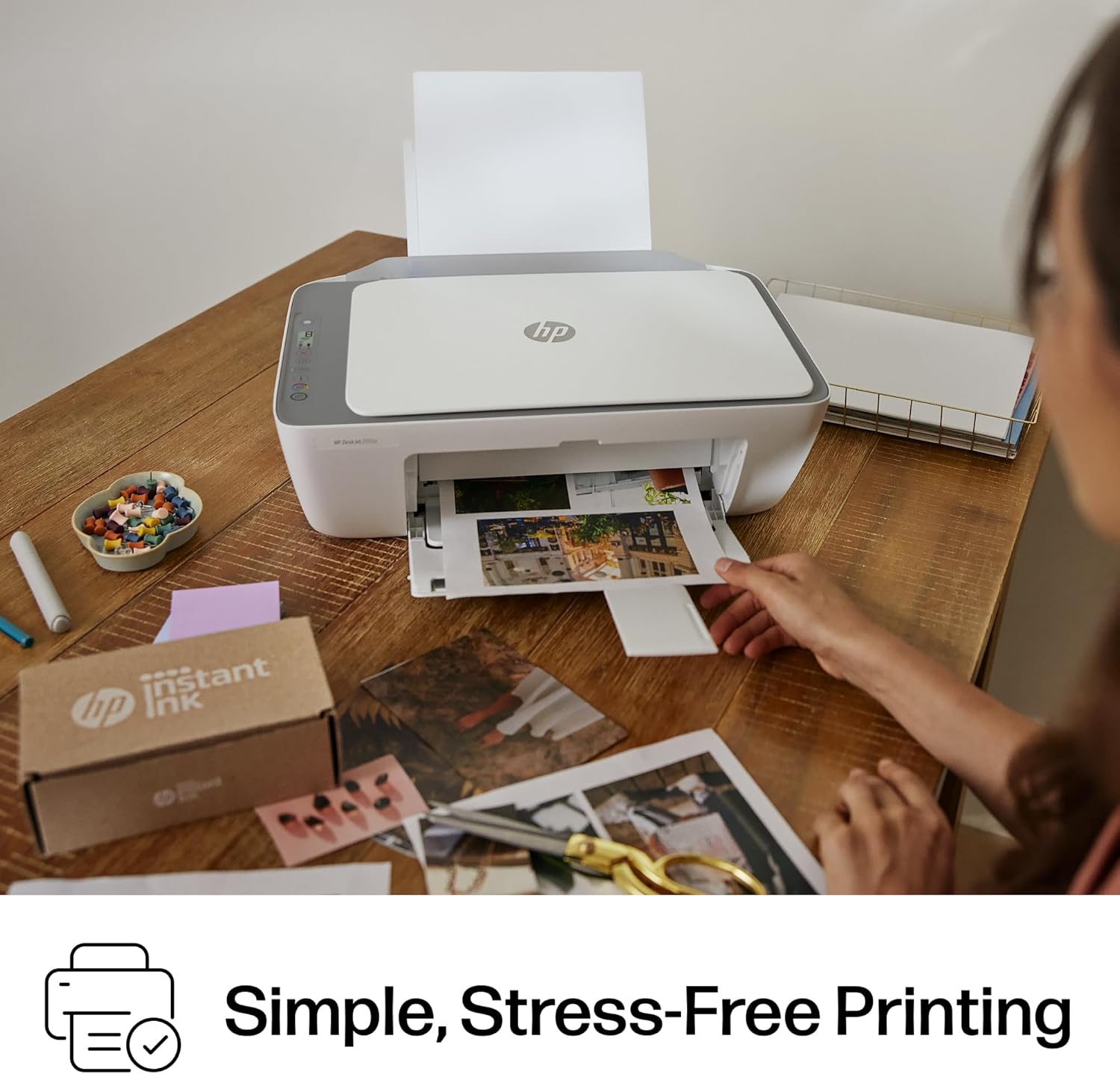



The HP DeskJet 2855e delivers color printing, 60-sheet paper capacity, and a flatbed scanner for easy scanning and copying. It includes 3 months of Instant Ink with HP+ activation at printer setup. It’s also AI-enabled to intuitively adapt to your workflow, with wireless and security features that keep your multifunction printer up to date and secure.
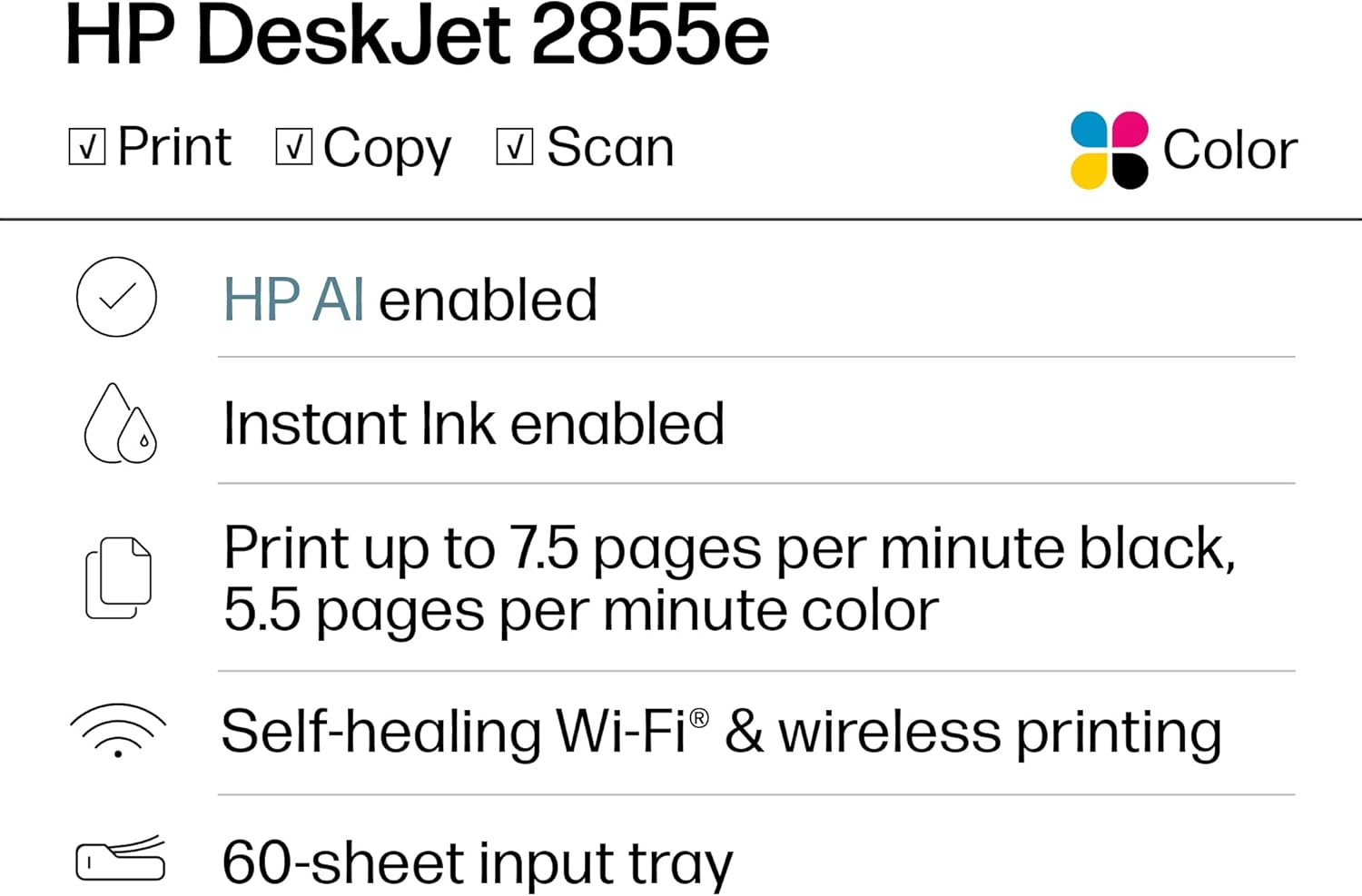
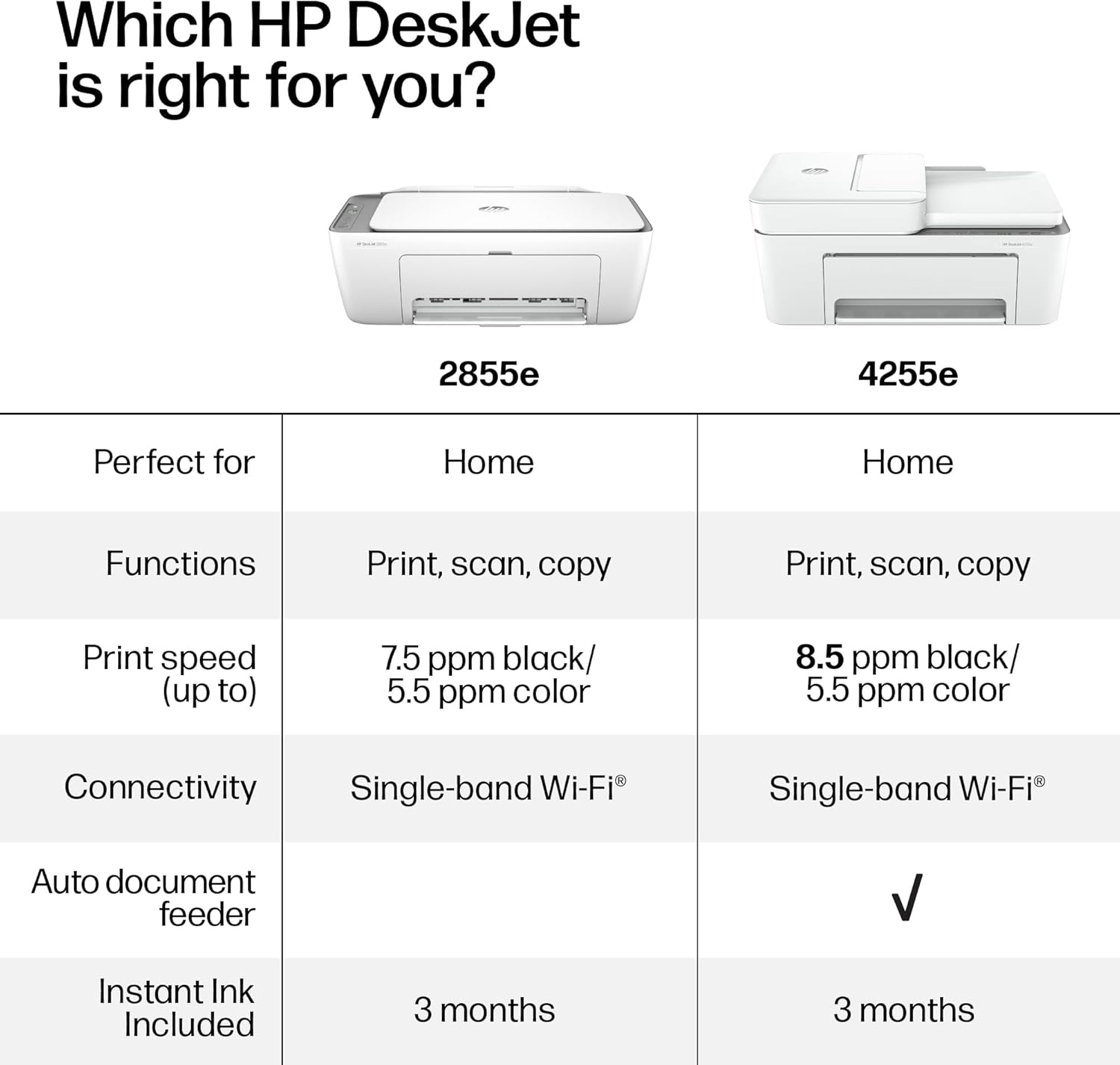
The DeskJet 2855e is perfect for homes printing to-do lists, letters, financial documents and recipes. Print speeds up to 5.5 ppm color, 7.5 ppm black
PERFECTLY FORMATTED PRINTS WITH HP AI – Print web pages and emails with precision—no wasted pages or awkward layouts; HP AI easily removes unwanted content, so your prints are just the way you want
KEY FEATURES – Color printing, copy, scan, and a 60-sheet input tray
WIRELESS PRINTING – Stay connected with our most reliable Wii-Fi, which automatically detects and resolves connection issues.This printer is only 2.4 ghz capable.
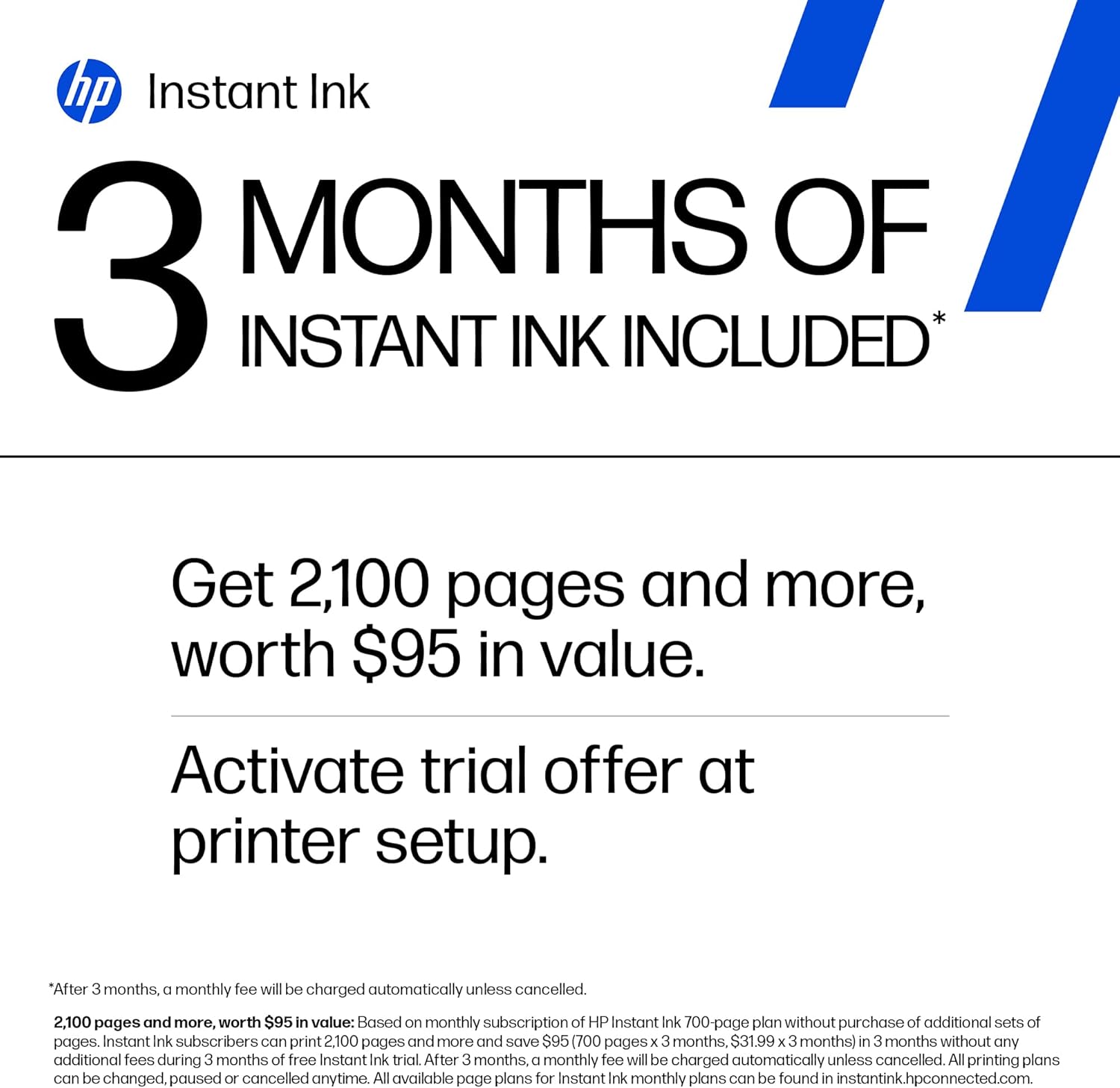
3 MONTHS OF INSTANT INK WITH HP+ ACTIVATION – Subscribe to Instant Ink delivery service to get ink delivered directly to your door before you run out. After 3 months, monthly fee applies unless cancelled
HP APP – Print, scan, copy, or fax right from your smartphone, PC, or tablet with the easiest-to-use print app
11 reviews for HP DeskJet 2855e Wireless All-in-One Color Inkjet Printer, Scanner, Copier, Best-for-home, 3 month Instant Ink trial included. This printer is only 2.4 ghz capable. (588S5A)
Add a review
$49.89
Chelsea Geller –
Good printer for at home 🏠
Neat looking little printer, great quality, idk how I feel about the ink usage because it ran out before I printed 200 pages, so purchase extra ink. Has a wireless feature enabling you to set it up from you phone or a computer with may other features. I was surprised about how quiet and compact this little printer is.
AH –
The troublesome program and the frustrating printing experience
I’m really at a loss for words. The printer itself is completely fine, but the program written by HP is a complete mess. The computer took a long time to finally print out a document, but then what happened? I happily threw away the packaging box, thinking everything was fine. But then what happened next? Damn it, the next day when I reconnected, I couldn’t do anything. The port couldn’t connect, and the program couldn’t associate with the device. Later on, on the HP smart page, it showed that I was connected, everything was online, and everything was ready. Then I tried to open a random file from my Office 365 and print it. But it couldn’t print out a single document. At this point, I thought, can’t be! Maybe it’s just an issue with Office. I never even thought to blame this HP printer. But I wasn’t giving up. I opened a PDF file. Damn it, it still couldn’t print. My computer was doing nothing. Alt+F4 didn’t work either. I tried printing from the web. Haha, there was no sign of response at all. Who wrote this “WIRELESS PRINTING – Stay connected with our most reliable Wi-Fi, which automatically detects and resolves connection issues”? Was it written for someone else? For your boss? For your lover? For your mom? You can tell anyone “Oh, it’s reliable”, but you never told your own purchasing users. You used the most unreliable connection scheme! HP smart? Hp Stupid!!!! The connection program is long, complex, confusing, and no one knows why you have to register an account before you can connect. The network connection technology is even worse. Ha ha, do you know that the WSD port is inherently unreliable? Why didn’t they design a backup port? And then you set WSD as the default option. I changed the option but they changed it back. I really can’t stand it.Also, the designers never thought that not all networks are stable and long-lasting. Once they go offline or disconnect, this thing will be useless!!!The funniest thing is that downloading this program on a Windows system is a very slow process. During the download, I wasn’t allowed to change the storage location. The design like this is like a sewage pit. Who should be buried for such a bad design? Why not something else? Because I suspect that the things that can be called organized in the design of this thing simply can’t be sold for value! And that’s not all. I tried using other built-in programs to print in an attempt to fix the bug. Damn it, you even won’t let me use the most basic method. How can you be so proud of saying that the connection is reliable??? ?? ?
Carlos Jair Cardenas Veliz –
Compact, easy, and perfect for home use – hassle-free printing
I bought the HP DeskJet 2855e wireless printer because I needed something simple and practical for home use, and it’s been a great purchase.The setup was very easy. Within minutes, I had it connected to WiFi and printing from both my phone and computer. That was important to me since I didn’t want anything complicated.It prints well for everyday use, whether it’s documents, school work, or basic printing. The quality is good for the price and does exactly what I need.I also like that it’s compact and doesn’t take up much space, which is perfect for home use.It’s not a professional printer for heavy-duty or high-end printing, but for everyday needs, it’s more than enough.If you’re looking for something affordable, easy to use, and reliable, I definitely recommend it.
Gianna –
Great little printer
So far, it works as expected. Zero issues with set up. No account needed, no ink subscription. The printer was taken out of the box, plugged in, and ink installed. Went to 123.hpcom for set up. The printer initiated the alignment, alignment page was printed and scanned. Done. Easy breezy. For $50, can’t be beat!I am a little annoyed with the location of the ink because all my previous printers had top access but that’s a me problem haha
Paul Bernard –
Buyer beware !!!! what a piece of junk.
You must purchase HP ink cartridges at a higher price than generic. I got my printer a month ago and started using it. It ran very well and made fine copies. After a few weeks the colored ink cartridge ran dry. I realize a new printer only comes with small amounts of ink so no problem. Went on Amazon and purchased a generic black and color cartridge i have used for a long time on my cannon printer. Always worked well. Soon as i put them in the HP printer the machine started to go crazy. Spent a full day trying to figure it out. Then went on line and found out the HP printers are programed to use only HP cartridges. Had to trash $45 worth of generic ink that has worked for me for many years in other printers. NO….. I will never purchase anything with the HP name on it again. I just threw it in the trash !!!!
Willy –
Everything is good
MY FIRST PRINTER EVER IN MY LIFE I DONT KNOW WHY PEOPLE COMPLAINING ABOUT IT THIS PRINTER IS WORKING REALLY GOOD I CAN USE IT WITH MY PHONE OR PC TO PRINT IT WITH THE WIFI SO FAR IM HAPPY WITH THIS PURCHAGED, I DID HAVE TROUBLE WITH SETTING THE WIFI BUT THE IS WHY THEY GIVE YOU A MANUAL SO YOU CAN READ IT HOW TO SET IT UP FOR ME IS WAS EASY TO SET UP AND LOVE THE YOU CAN MAKE A COPY ALSO THE IS AWESOME
Eva –
Buen funcionamiento y tamaño para trabajo y hogar.
Kimberly –
Nice printer, works really good It’s not real big so it fits in tight spacesUpdate: April 29… I love this printer I can print anything from my phone such a game changer for me. And so user friendly
djroth –
I’ve been using HP printers for many years and always liked them and always found them very easy to install…..well not this one and it’s a better model than I usually buy ! When I first went to set it up it wouldn’t install wirelessly so I hooked up my printer cable and that worked but of course I couldn’t print wirelessly ! Then it stopped printing altogether so I contacted HP support and was guided to a “virtual assistant”. I asked to speak with an agent but the virtual assistant asked me to answer some questions so it could hook me up with the right help. Well I spent 2 full hours answering questions and trying different things(no exaggeration) until finally it hooked me up with a live agent. The agent asked for the model number, product number and serial number and came back and said it was no longer under warranty even though I had just purchased this printer. Somehow, even though I provided her with the correct model number and serial number, they accessed the information from my previous printer which of course had a different model number and serial number and it was out of warranty and that’s why I purchased a new one ! I was enrolled in their instant ink program which had all the correct info for the the new printer and also entered all the info in HPs Smart app which showed everything properly, model number and serial number but the agent still said it was no longer under warranty and if I wanted help I would have to pay a $19.99 fee. Again I told her this was a brand new printer and even though everything showed up online for this new printer she insisted I send her proof of purchase. Now I’m 70 years old and not the greatest with new tech and I told her this and that I didn’t know how to send her proof of purchase and she offered no help of how to do it so I finally gave up after being on chat for a total of 2 1/2 hours ! I definitely would not recomend this model and I guess I’ll have to try a different make of printer as this whole process totally put me off HP.
elva guadalupe barocio alvarez –
Acabo de agotar la tinta de los cartuchos originales y me encuentro que no acepta los nuevos porque el equipo es de otra región. Yo lo pedí a Amazon México y resulta que es equipo de USA.HP tiene tan protegida su marca que no admite cartuchos originales dentro país. Decepción ignoraba esto, no fui informada. Y ahora mi equipo es inútil.
lily espinoza –
Buena calidad