
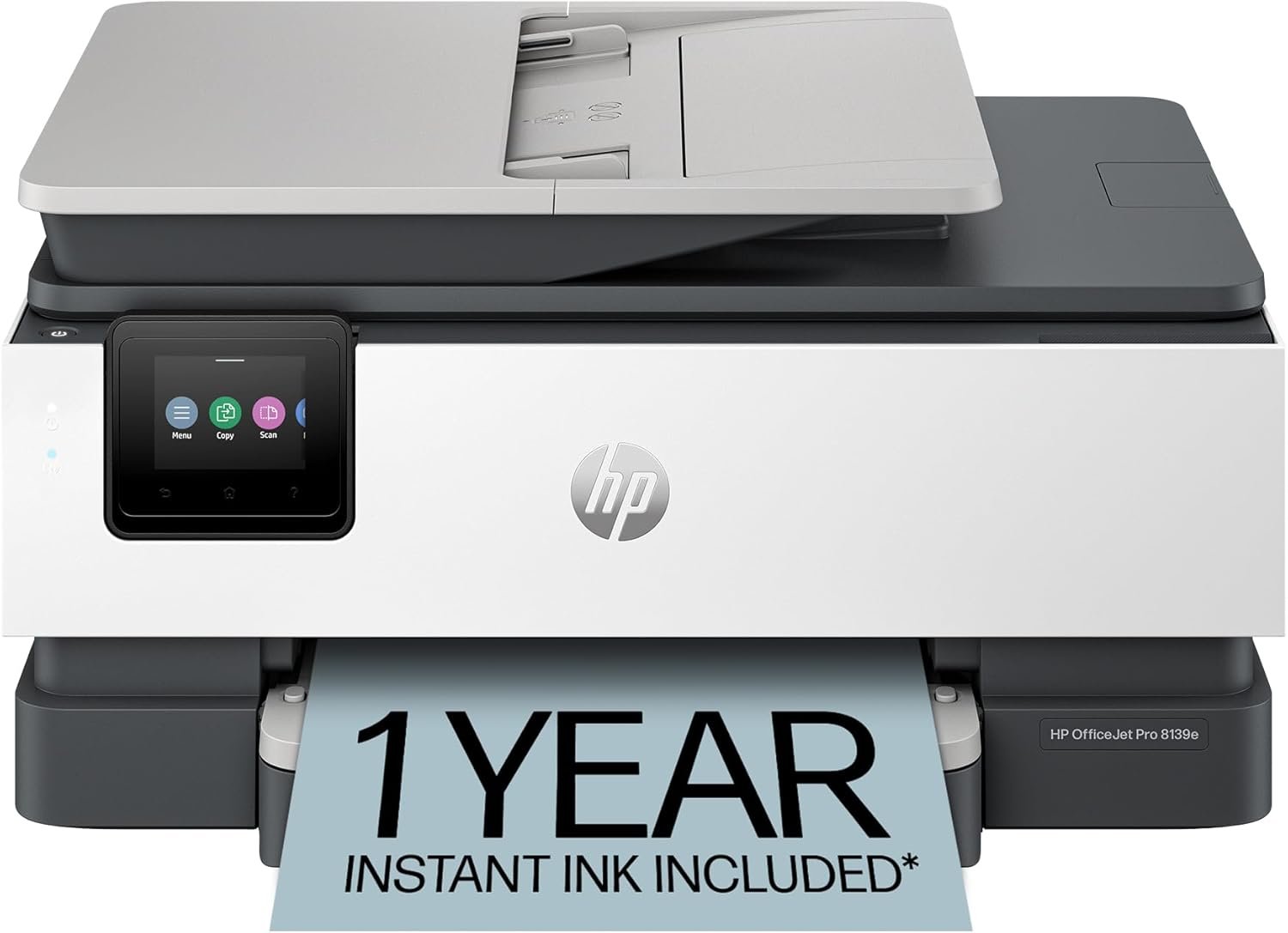
HP OfficeJet Pro 8139e Wireless All-in-One Color Inkjet Printer, Print, scan, copy, fax, ADF, Duplex printing Best-for-home office, 1 year Instant Ink trial included, AI-enabled (40Q51A)
$139.99
Related Products
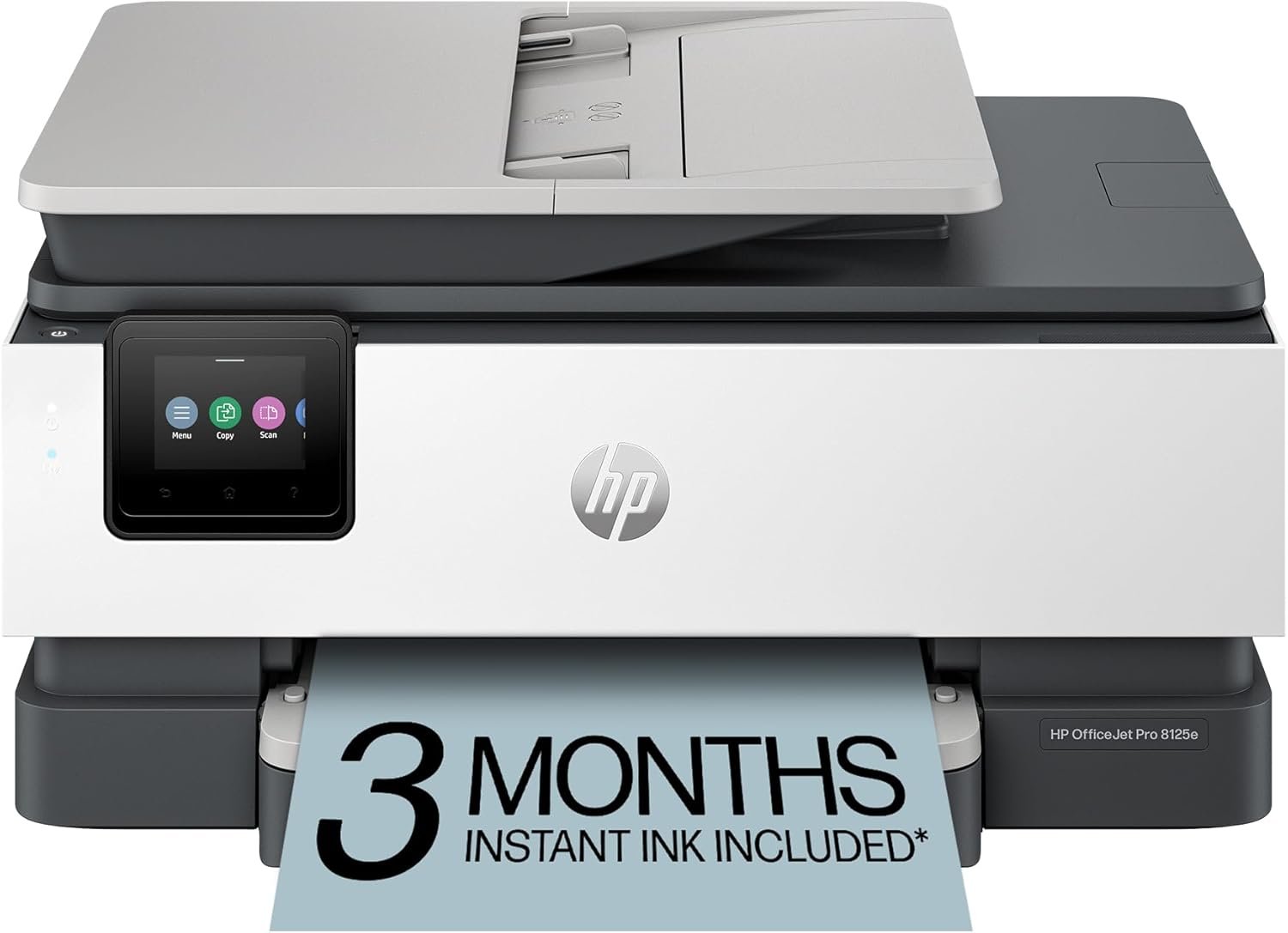
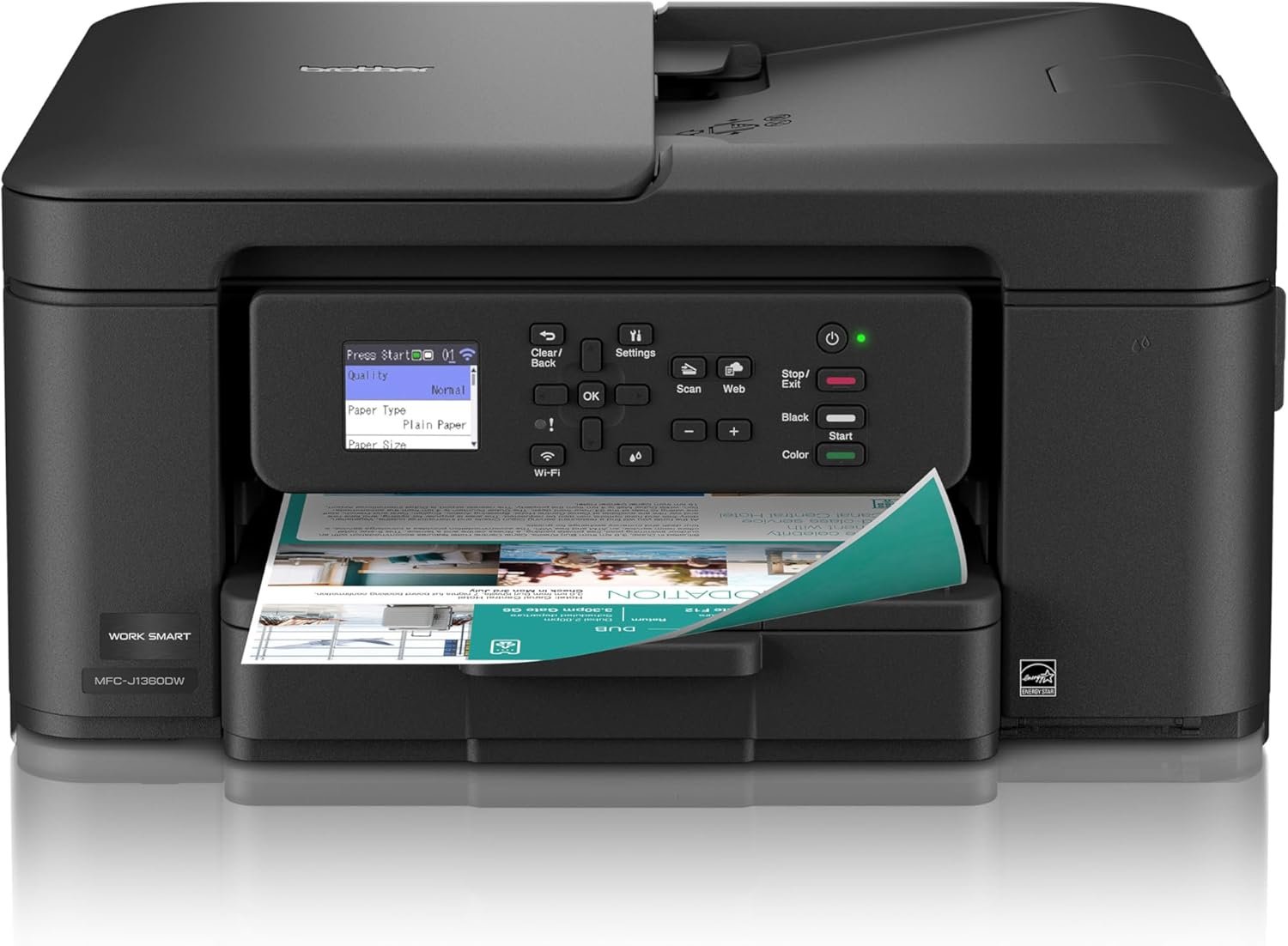


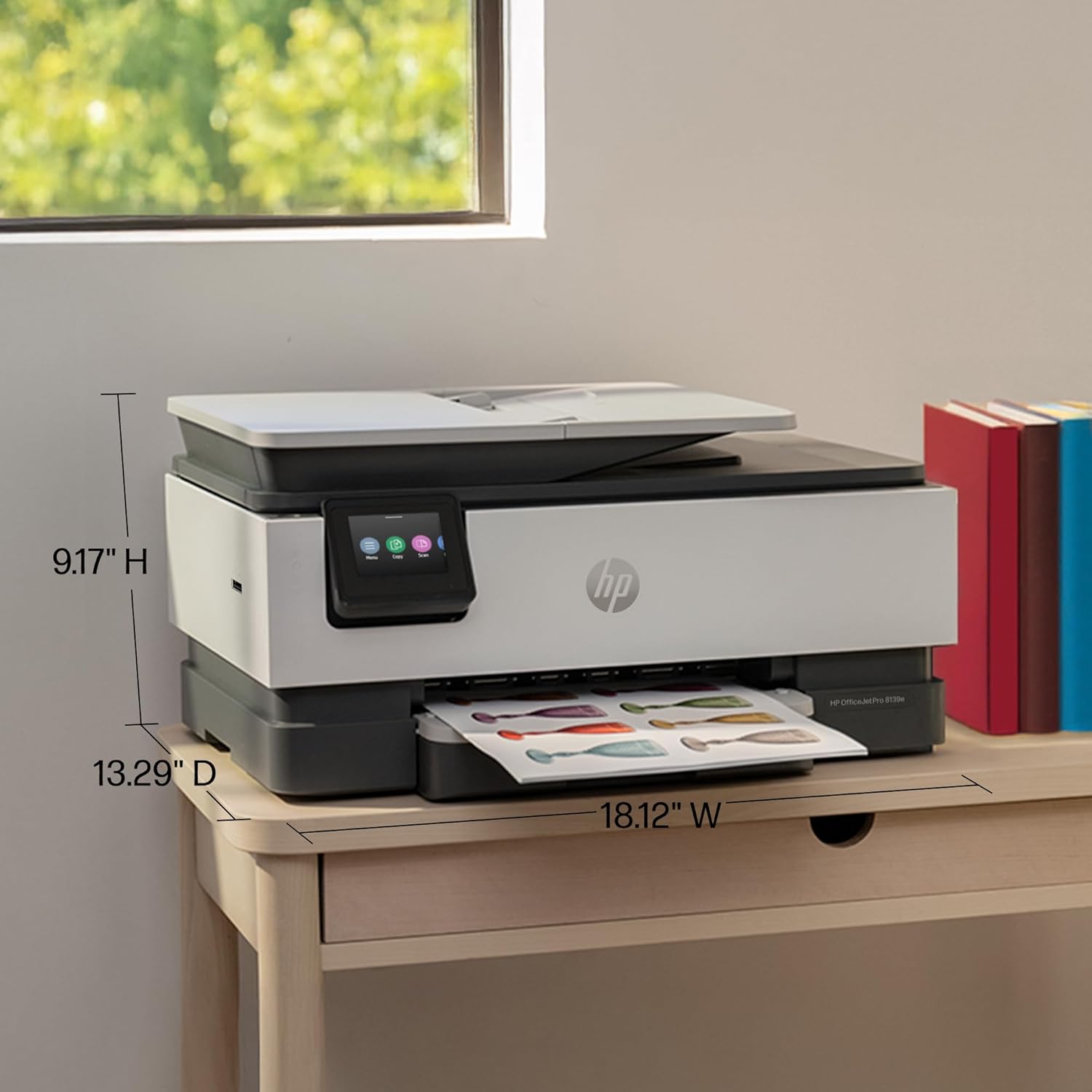





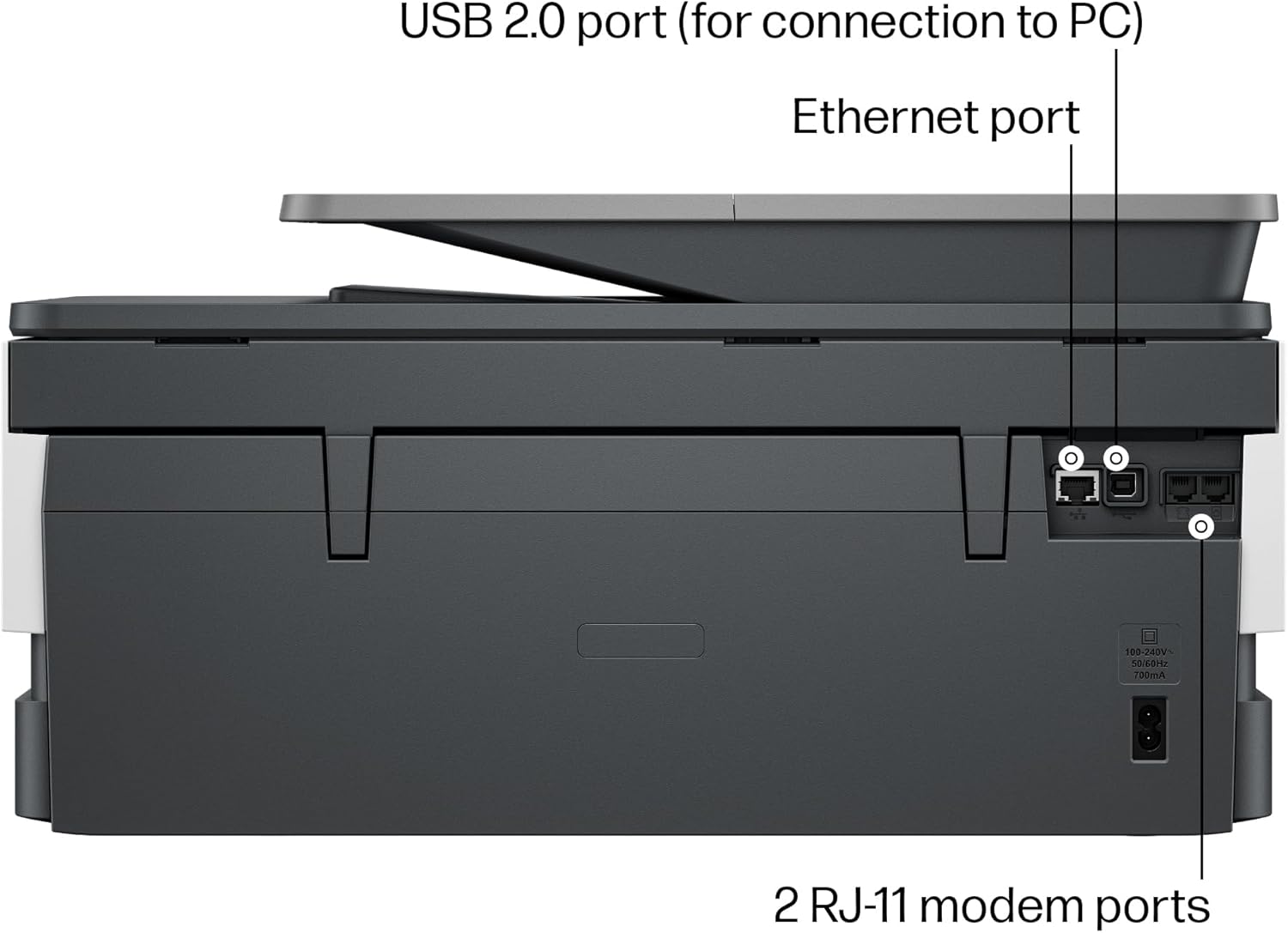

The HP OfficeJet Pro 8139e delivers fast color printing, 225-sheet paper capacity, and scan, copy and fax capabilities. It includes wireless and printer security features to keep your multifunction printer up to date and secure.
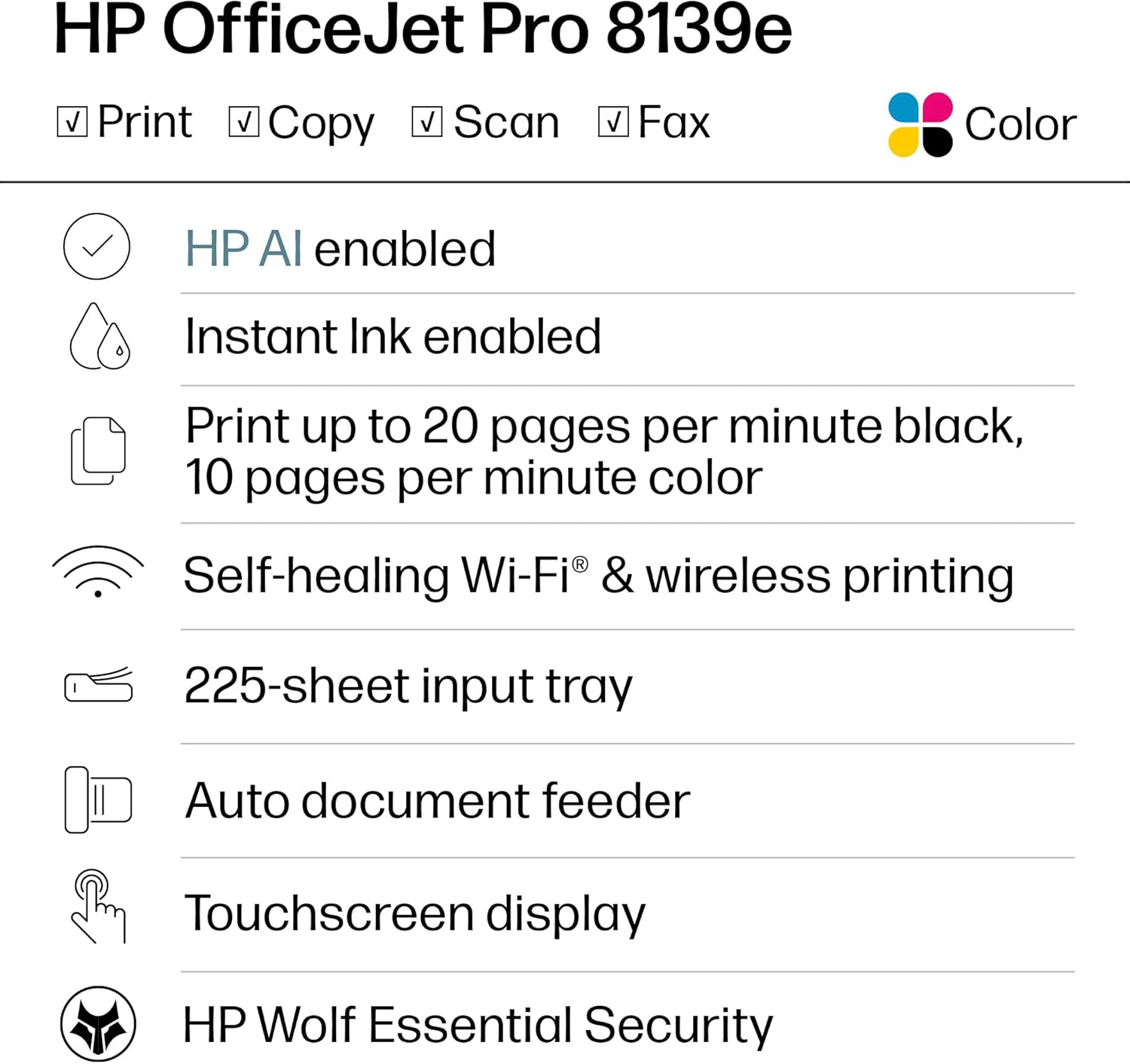
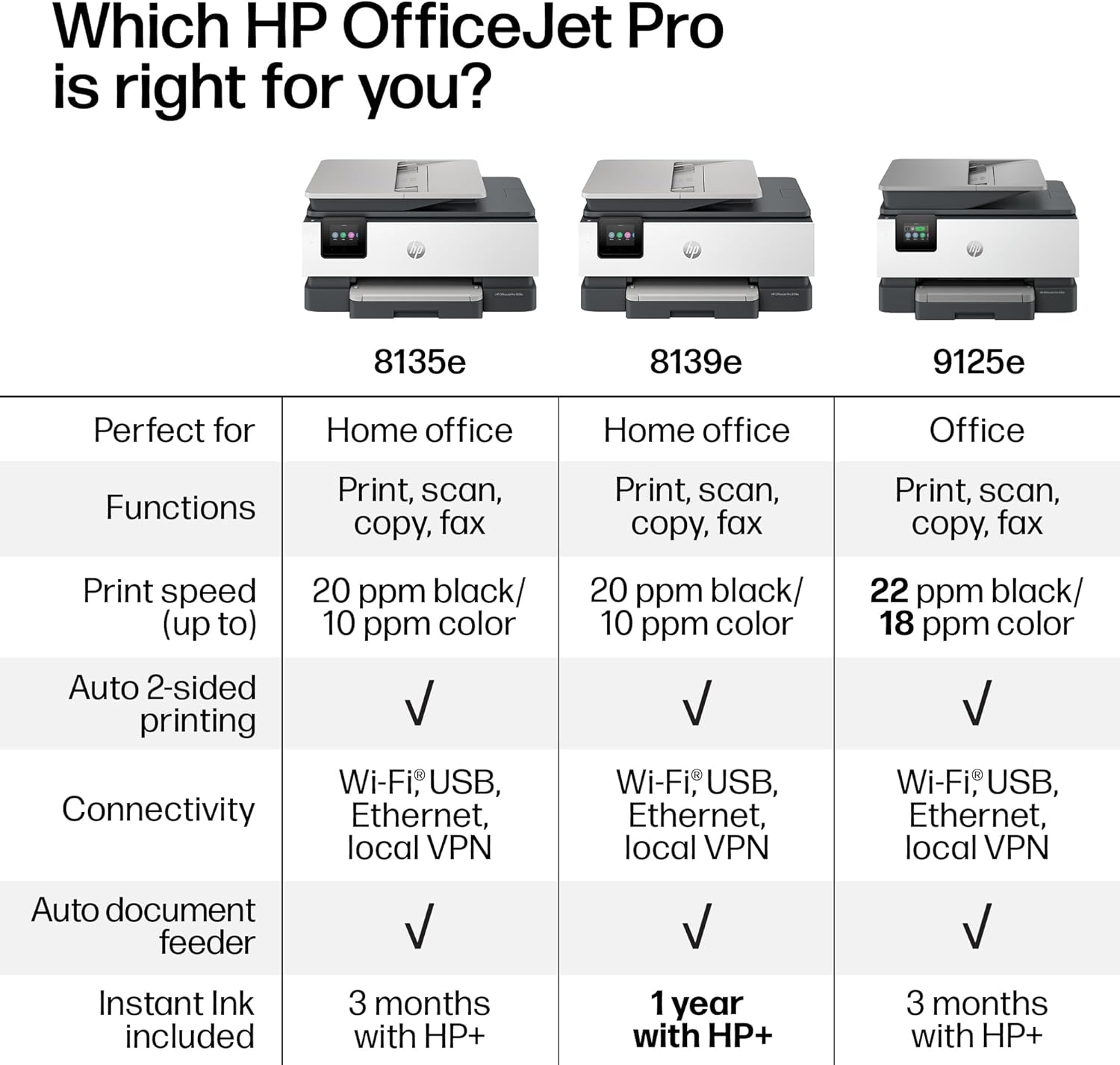
The OfficeJet Pro 8139e is perfect for home offices printing professional-quality color documents like business documents, reports, presentations and flyers. Print speeds up to 10 ppm color, 20 ppm black.
PERFECTLY FORMATTED PRINTS WITH HP AI – Print web pages and emails with precision—no wasted pages or awkward layouts; HP AI easily removes unwanted content, so your prints are just the way you want
UPGRADED FEATURES – Fast color printing, scan, copy, fax, auto 2-sided printing, auto document feeder, and a 225-sheet input tray
WIRELESS PRINTING – Stay connected with our most reliable dual-band Wi-Fi, which automatically detects and resolves connection issues
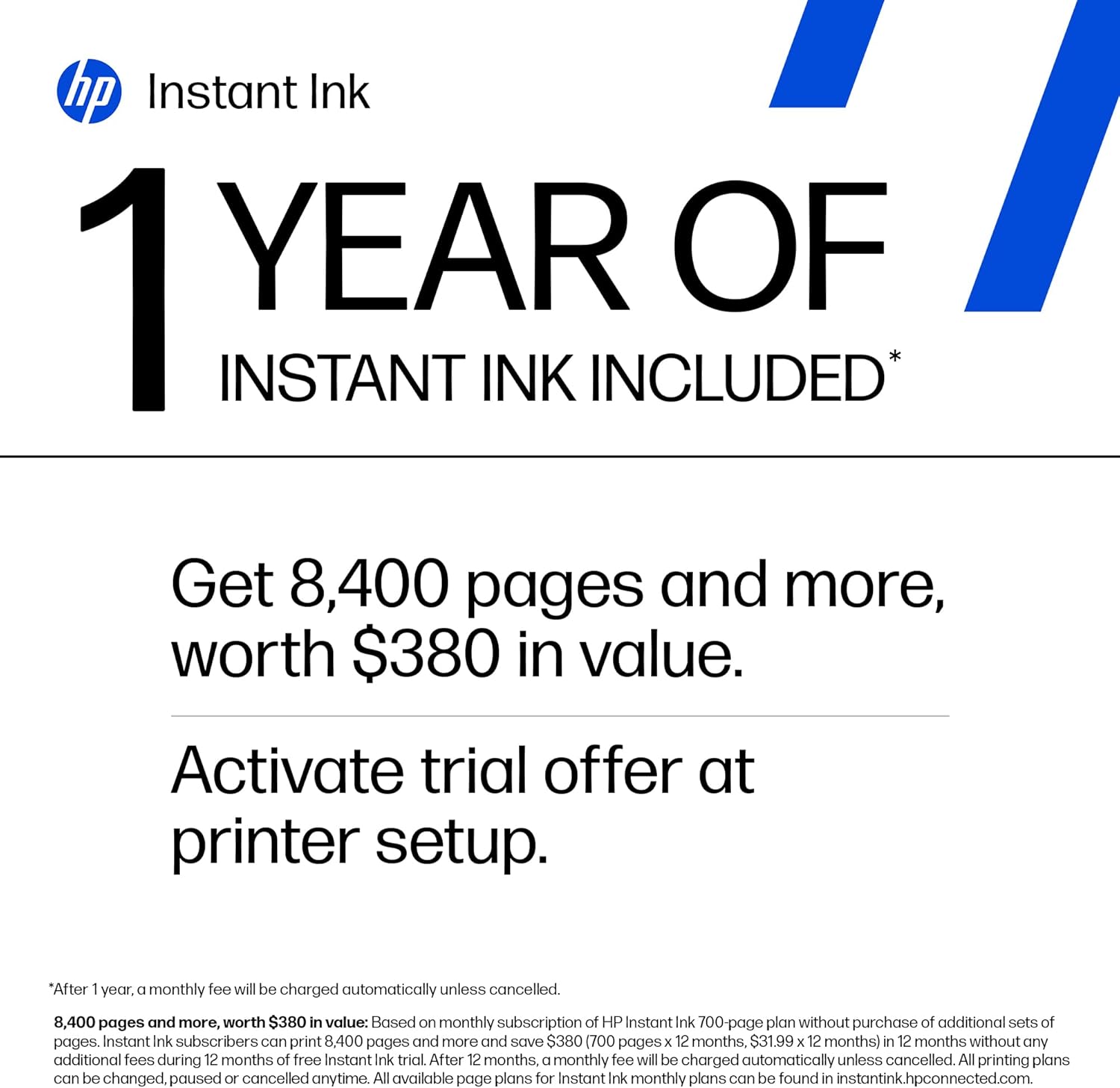
1 YEAR OF INSTANT INK WITH HP+ ACTIVATION – Subscribe to Instant Ink and create an HP+ account to get ink delivered directly to your door before you run out. After 1 year, monthly fee applies unless cancelled.
HP APP – Print, scan, copy, or fax right from your smartphone, PC, or tablet with the easiest-to-use print app
PROTECTS YOUR DATA – HP Wolf Essential Security bolsters security and helps keep your network protected from cyber threats
2.7-INCH TOUCHSCREEN – Quickly navigate your printer with a large color touchscreen and a phone-like user interface
SUSTAINABLE DESIGN – Made with more than 45% recycled plastic
This printer is intended to work only with cartridges with HP chips or circuitry and will block cartridges using non-HP chips or circuitry. Periodic firmware updates will maintain the effectiveness of these measures.
11 reviews for HP OfficeJet Pro 8139e Wireless All-in-One Color Inkjet Printer, Print, scan, copy, fax, ADF, Duplex printing Best-for-home office, 1 year Instant Ink trial included, AI-enabled (40Q51A)
Add a review
$139.99
KATHLEEN PATTERSON –
Great printer
I am very happy with this printer. It was very easy to install and I am very happy with the quality of the printing. I am also happy with the one year of free ink cartridges. That is the only negative about this printer is the cost of the replacement cartridges. This is my second HP printer and find the HP printer a great product for the reasonable cost.
Emma –
Winner, Winner, Chicken Dinner!
So far so good! This printer is being used exclusively office/business use.Setup was easy and wireless communication with the laptop was seamless. I was surprised how fast the printer connected to the computer and had already retrieved the WIFI info on its own. I barely had to do anything.The double sided printing takes a bit to get used to because I’m always trying to grab the printed page before it gets sucked back into the printer to complete the print job on the other side of the page. Print times are adequate and not slow. The print quality is crisp and colors are accurate. I have not experienced any of the problems brought up in the one star reviews.If you’re looking for a decent all-in-one printer that you wont have to search for cords, this one is a very good option.
Elleindeed19 –
Worst Printer I Have Ever Owned!
This is the worst printer I have ever owned. It is very disappointing because the one previous to this I had for about 14 years and it was HP. It worked like a charm until I think the Wi-Fi got too advanced for it and it just didn’t always air print. So I searched through the reviews and did a bunch of research to buy this one. I’m so disappointed because when I got it, I almost returned it that day because it wouldn’t set up. You set this up on an app and it does it wirelessly versus pressing any buttons on the actual printer. I tried for about two hours and it just wasn’t working well Then all of a sudden I finally had a breakthrough and got it to set up. However, from that point on it was touch and go on whether it was going to actually print from my iPhone or my iPad. I had a good run where I didn’t have many problems at one point. I would occasionally have to unplug it, power it off and reset the Wi-Fi, but that generally would make it print again. However, over the last couple months, it just stopped working and then I spent four hours on the phone with product support. This printer only has like a one year warranty and so I knew that in a couple months I wouldn’t be able to call to get support on it not printing. I just don’t have the time to sit there and try to make this printer work. The second guy I got on the phone said that it was my Wi-Fi service and I needed to contact my Internet provider to get help. However, I’ve never heard of such a thing because everything else that I have that is Wi-Fi works completely fine. I basically have a smart home with over 80 devices attached to the Internet. This is the only one that doesn’t function properly. So… The only thing that doesn’t work consistently is this printer. I got so frustrated that I boxed this thing up, and I put it in the donation pile to send to paralyzed veterans. I then bought a competing brand which oh by the way is working perfectly and printed right off the bat. It also set up like a charm. I read some other reviews to see if other people had problems with printing from my iPhone and iPad. It looks like over the reviews online that this problem I was experiencing is not just one that I had. It may be the Internet provider or it could be the actual compatibility with iPhone and iPad products. I am not sure exactly because you don’t get all that information in the reviews of others to be able to distinguish if it’s just one factor. I have AT&T as an Internet provider and I can tell you that I had real troubles with this particular model. I know that I set up the Wi-Fi 1 million times. I also defaulted it back to the original settings. I deleted the app. I reinstalled the app. I let it be unplugged. I did everything trying to make this work. I spent probably 40 hours or more trying to get this printer to work so take this information as you would like to make an informed decision for yourself. I’m trying to save others from wasting their money on this printer.
Banacek –
Slow but reliable
Got this because my old HP printer finally started having problems after a number of years. Like all the previous ones I have owned, this one is slow and seems to go through a lot of mechanical motions before it actually starts printing, but it has been reliable so far and the printing is flawless. I think it’s well worth the price, and the slow startup speed is what you have to expect in this price range. The most important thing to me is a quality of the printing, and the reliability of the printer. So I’m happy with it.
K Hancock –
Not easy to set up on a Mac
While this printer is very nice, it seems that it favors Windows computers and was a real hassle to set up on my mac. I have parallels installed on my computer for windows applications, but only a few of them print on this machine. I love it and most things print, but I may need professional help to get it to print on the Windows stuff since it is set up for Mac.
Graceful Giraffe –
Happy with this purchase!
I’ve been using this printer for a few weeks now and it’s been very reliable. The price was right, being reduced from the original probably only because it’s not the most recent model. It took a bit to connect it wirelessly. I had to call for help but the agent was patient and finally got it working! Also, since it came with the Instant Ink offer, I was able to get 12 months of free ink which will be another huge savings!
Dry Bones –
The required pin cannot be bypassed or disabled.
I love HP printers and the performance is very good. But HP has added the need for a pin, a unique, unchangeable pin for using the printer via browser mode. If you want to use the scanner, you have to put in the pin. I have a small business with three printers and it’s absolutely maddening to be forced to use a unique pin that you can’t disable. I ran a large 400 person cybersecurity group for a 70, 000 employee brokerage house so I know what the appropriate level of security should be. The security arrangement of this product and EWS (The built-in web server on the printer) limits productivity and it can’t be bypassed. Maddening.
Jhoi Feliciano –
Safeguarded Delivery
Great buy and easy setup. I love this piece of office equipment. It’s quiet and I had to purchase the carrying bag to protect during any movement. When I tell you there are workers who are serious about their job, this delivery showed it. The delivery guy texted me and when I didn’t answer he called saying to me in Spanish “I have your delivery and it’s cold outside. Open the door to get your delivery!” That man was not playing. The printer was not in Amazon packaging and anyone could see it is a printer. I hurried to the main door of the building and snatched up my box as the driver was pulling off. I began laughing because he waited and assured no one would take it. Gotta love these Amazon workers. Jeff Bezos give that personal delivery driver a bonus and a raise for going above and beyond his duties. 🤗♥️
Amazon Customer –
Took a bit to set up, but a great printer all in all.
Yaron –
Excellent home office printer
Martin Lieberman –
Perfect for what I need.