
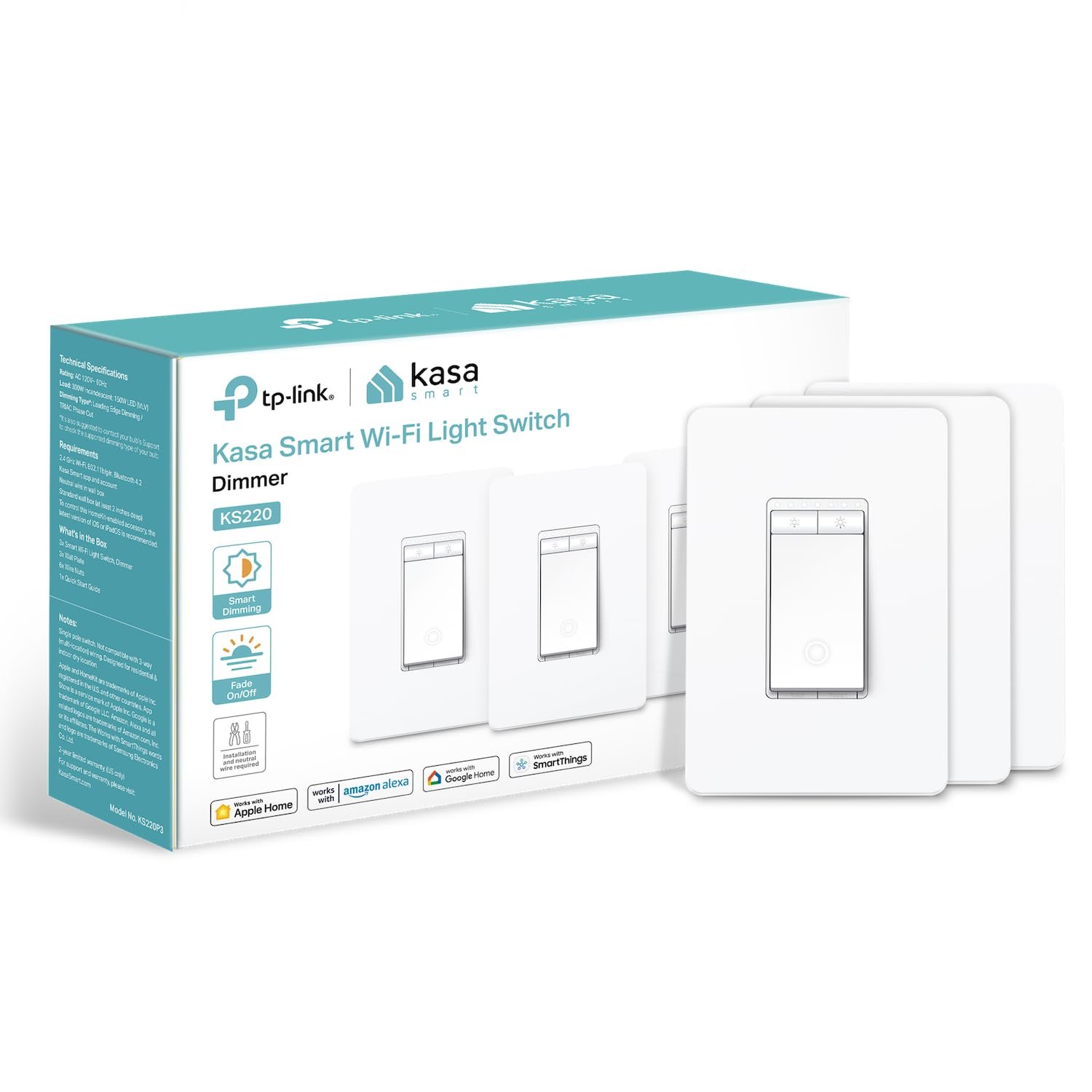
Kasa Apple HomeKit Smart Dimmer Switch KS220P3, Single Pole, Neutral Wire Required,2.4GHz Wi-Fi Light Works with Siri, Alexa and Google Home,UL Certified, No Hub Required,White, 3 Count (Pack of 1)
$49.99
Related Products
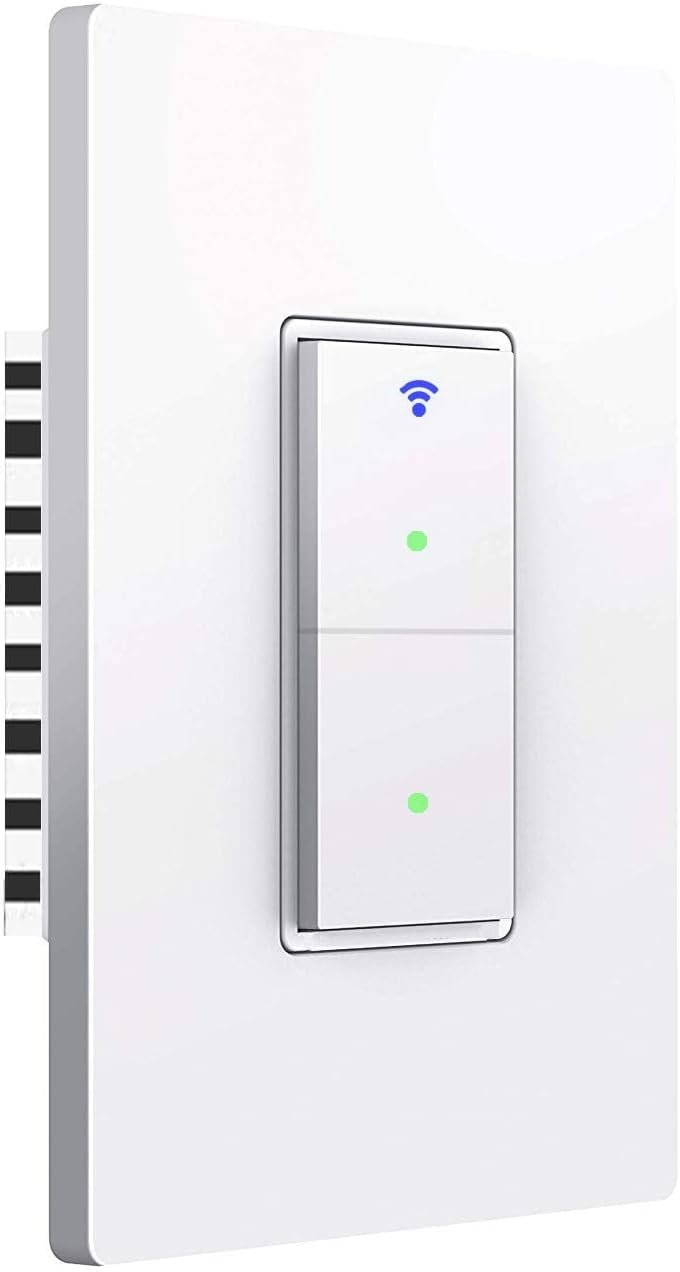



Kasa Apple HomeKit Smart Dimmer Switch, KS220 Control your lights, ceiling fans and other fixtures from anywhere with the KS220. The smart dimmer switch replaces most of the standard light switches, and connects to your home Wi-Fi in no time through the free Kasa App. Kasa also lets you manage connected fixtures with your smartphone or tablet, including setting schedules, timers and countdowns. For added convenience, you can use your voice to control the KS220 with Siri, Amazon Alexa and Google assistant. Input Voltage: 100 – 120 VAC, 50/60 Hz, 2.5 A.
【Apple HomeKit Support】This Apple HomeKit compatible smart switch fully integrates into your Apple ecosystem, just ask Siri to turn on/off the lights in your home. (Apple HomeKit remote control requires an additional networked Apple device at home such as a HomePod or Apple TV.)
【App-Guided Install】Neutral wire is required, standard wall plate size. No need to understand complex switch wiring or master vs auxiliary switch configurations; The Kasa app guides you through easy step by step installation. Need 2.4GHz Wi-Fi connection.
【Voice Control】Enjoy the hands-free convenience of controlling the lights in your home with your voice via Apple Siri, Amazon Alexa, or Google Assistant. Perfect for times when your hands are full or entering a dark room.
【Gentle Off】Tailor your lighting to fade on with a click of the switch or a double-click to gently fade off the lights while your child drifts off to sleep.
【Advanced Scheduling & Timer】Use timer or countdown schedules to set your smart switch to automatically turn on and off while you’re home or away. Enable 【Away Mode】 to randomly switch on and off to trick potential intruders.
4 reviews for Kasa Apple HomeKit Smart Dimmer Switch KS220P3, Single Pole, Neutral Wire Required,2.4GHz Wi-Fi Light Works with Siri, Alexa and Google Home,UL Certified, No Hub Required,White, 3 Count (Pack of 1)
Add a review
$49.99
Viet Tran –
Better value than the competition. Easy to Install and Set up with Homekit
Good price and good quality. Easy to install and set up with Homekit. Has not glitched at all. You don’t need to pay the exorbitant price for those Lutron or Leviton dimmers. I have both brands and now switched over to these completely.
D. Kodgis –
Easy to install; read the instructions to know what choice to make at install time in the KASA app
East ti install. The line screw is for the black power wire. The load screw is what is going to turn on/use power such as a light fixture. This uses a common (white) wire but some houses have different wiring. Use an electrician if you do not feel comfortable installing this by yourself. A couple of points: The switch has two choices in the Kasa app. One is Matter, one is not. However, read the instructions. It says to use an entirely different choice so if you do not use what the instructions say, you can’t install it. There is a small postage sized code to scan to install the switch in Homekit if that is what you want-but you cannot simply add the device as an accessory then scan the code. That won’t work. Some say your phone must be on the same 2.4 ghz network but that is not true either. How you add the device to homekit is to install the device first in the Kasa app…then after a successful install, check the device’s settings in Kasa app and choose “add to homekit” and THEN scan the barcode/stamp. It will install into Homekit in about 30 seconds. You can use the exact same thing of the device in Kasa as in Homekit. Fior exampe, Bob’s Fan <--can be used in the Kasa app and the Homekit app. Once installed in Homekit, you can slide up and down on the icon to dim or increase lighting. Of course your light/lamp/whatever has to be dimmable. OR use the KASA app. Or use Alexa or Google Home to dim or increase lighting or whatever it is you have attached to this dimmer switch. No you do not have to be on the 2.4 ghz network to install or operate. Yes you can only install any Kasa switch/plug/etc. only on a 2.4 ghz network but your phone can be on a 5.4 ghz network in your home. I have a 2.4 netowrk for Kasa and appliances, and for all else it goes onto the 5.4 ghz network.
Anna Akillian –
Best Bang for Your Buck
I’ve been around the block when it comes to smart switches.My main house is all Lutron caseta, other house is Meross from Amazon, and I ordered these for my cabin in the mountains.Compared to the Meross, the design of this one is far superior. The Meross works great (as do all of the other ones) but I hate how it feels so cheap with 2 small buttons for the simmer. Plus I don’t like that the Meross is matte white, not gloss like the wall plates I use.My favorite part of the design on this one is the small light on the switch when it’s off. It makes it easier to find the switch when the lights are off and you just walk into the house.Compared to the Lutron this thing still wins. I mean, the Lutron is the best smart switch I own but when you can get 4 of these for the price of one Lutron, I don’t think I’ll ever be getting a Lutron again.The only parts that the Lutron still wins at is how thin it is (makes it much easier to fit into your electric box). Putting 2 of these in a 2 gang box is a pain because they’re huge (like the Meross) but Lutron’s are just like a regular light switch.The other part where the Lutron trumps all of them is the remote control. I love having the remote control on the stand that it comes with by the tv remote, so you don’t need to bust out the phone.So overall, this one is the winner in light switches. Don’t get me wrong is you can afford Lutron all around, I’d still do that but for this price range, nothing even comes close.
Spencer –
Great item for a great price! Cheaper and has more features than Lowes!
I recently added recessed LED lights in my room and was looking for a dimmer switch (not necessarily looking for a smart one at the time), so I went to Lowe’s and was shocked that the cheapest most basic dimmer switch they had was freaking $30, and their smart switches push anywhere from $80+ !! Nope! Not gonna work for me chief. So then the good ole’ Amazon search came in and I found this TPLink Kasa dimmer for only $20 AND ITS A SMART DIMMER?? Say no more, I bought it.Ease of installation is extremely straight forward (even for those who are afraid of DIY, the directions are extremely easy to follow and have photos and videos online if needed), I got this bad boy plugged in and working within 5 minutes, synced up to their smart app on my iPhone and linked to the Home(homekit) app. I tell ya what, I didn’t think I would like having a smart switch, but it’s awesome to be able to set a schedule for a light. Like for my situation, I had it set to SLOWLY fade INTO light at 5:00AM when I get ready for work. It’s a huge relief slowly waking up to light rather than just flick on the light and BOOM BRIGHTNESS BLINDNESS. It’s also pretty neat when I’m across the room away from the switch I can talk to my iPhone and say “Hey siri, dim my lights by 30%” and it happens immediately without delay. I freaking love this thing and absolutely recommend for others to try it!Now the ONE problem that I ran into in the two weeks that I’ve had this switch is, at ONE point in time the switch “lagged out” or disconnected itself from my phone and was unresponsive. I removed the faceplate from the switch and for whatever reason it immediately linked to my phone and was working perfectly again.All in all, I give this bad boy a 9/10 as it’s extremely budget friendly, especially when looking for a smart switch that has this amount of features!