
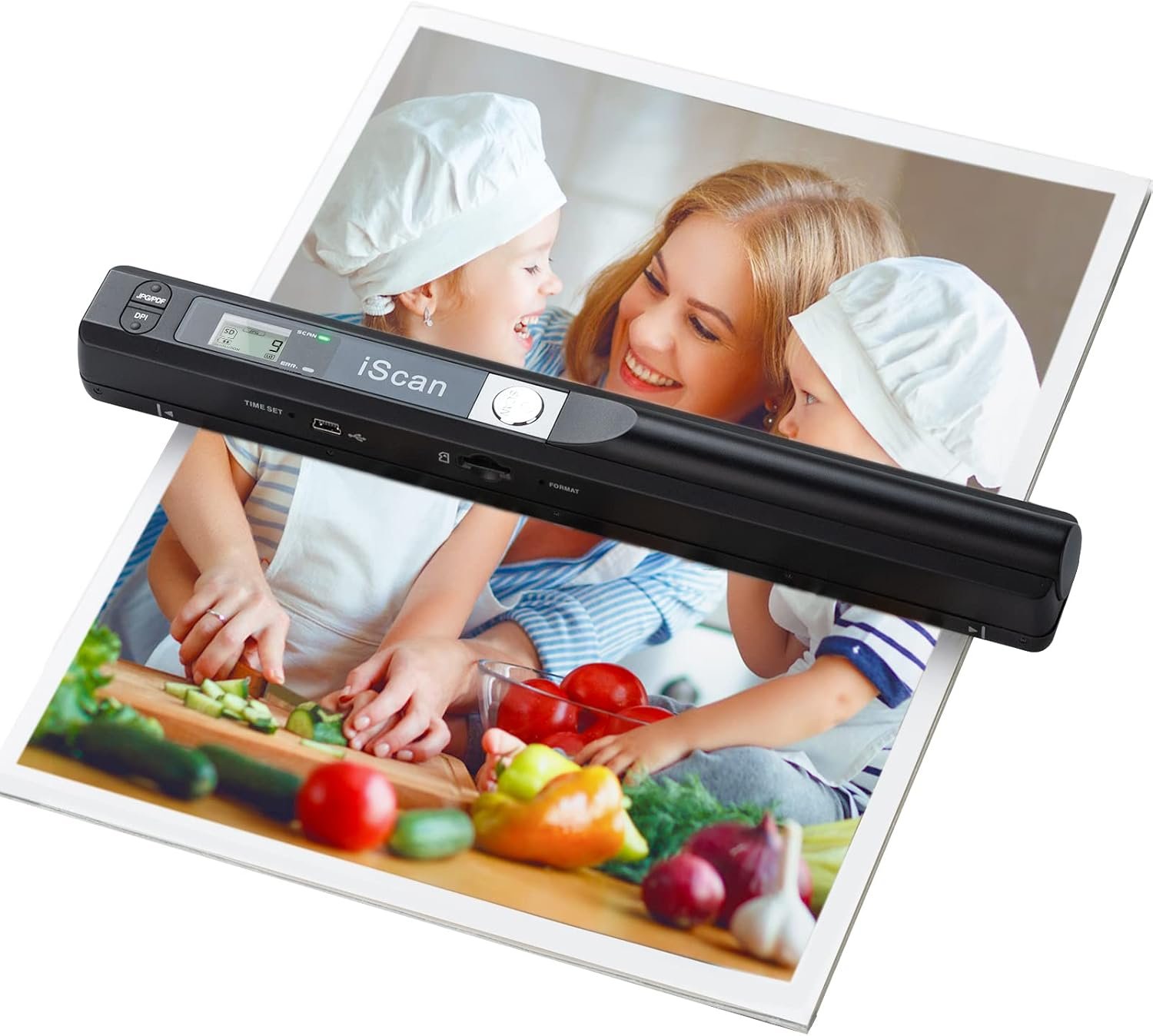
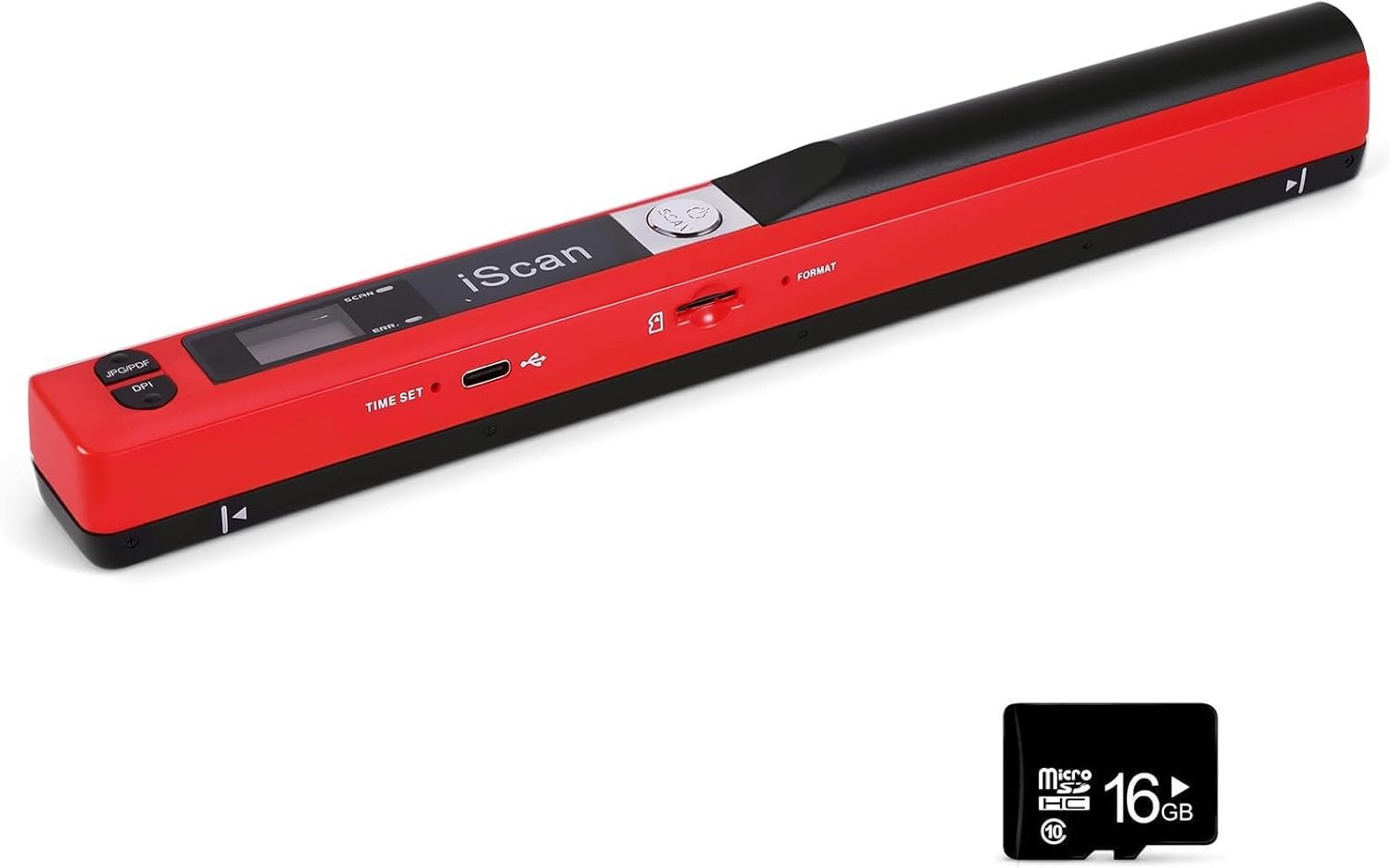
Portable Scanner, Photo Scanner for A4 Documents, Handheld Scanner for Business, Photo, Picture, Receipts, Books, JPG/PDF Format Selection, UP to 900 DPI, with 16G SD Car
$56.99
Related Products


Product description
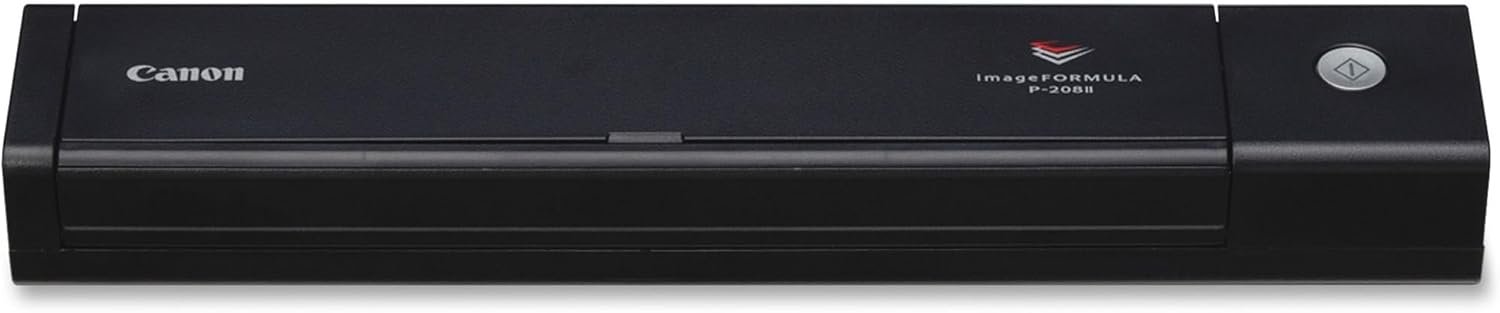
High resolution scanner for A4 size documents and images, excellent scanning performance.


How to use:
1. Put the right position on the scanning objects
2.Hold the scanner and press and hold “iScan” to start
3. Moving slowly and keep stable
4. Press”iScan” to stop
Common problems:
1.The SD card keeps showing that it is full.
SD cards support up to 32G. cards over 32G cannot be used. Cards below level 6 are not supported.
2.Indicating Light: Green–scanning, red–scanning too quickly.
How to perform white balance calibration: (Note: Do not insert the SD card during calibration)
1. Place the scanner against a white background, press the Scan button to turn the power on and start.
2. Press the JPEG/PDF button while pressing the “Scan” button to enter auto calibration mode.
3. Red and Green LED will be light at the same time, can not move the scanner until the Red LED light goes out.
4. Start scanning by sliding smoothly until the green LED goes out. (If necessary, slide the scanner backwards)
5. Press the Scan button “Scan” to close the scanner when you have finished calibrating.
Whether you are at home, in the office or library or enjoying a cup of coffee, the hand scanner can always be there!

Direct plug-in, driver installation not required.
Compact size and lightweight design, easy to carry around.
Built-in real time scanning detector, avoid image distortion.
Supports memory card up to 32G, can store large capacity files.
Note: The memory card only supports Class 6 and above; Micro SD card with memory below 32G.
16G Memory card are included in the package.
Suitable for businessmen, students, travelers, artists and amateur architects.
Preserve memories for Your Family Members

Analysis of Advantages

High definition scanning
Three scanning resolution settings, real-time selection according to scanning files
Up to 900 DPI: high reproduction of photos, documents and other objects; adjust the resolution to suit your needs.
900dpi : for scanning pictures, photographs.300-600dpi : suitable for scanning documents, contracts, paperwork, assignments, diaries, etc

Scan without constraint at anytime
Start up to scan and temporarily store in memory card

Easy to Transfer and Store Images
Easily connect your portable scanner to your PC via USB cable and transfer scanned photos or documents anywhere, anytime.
Note: The scanner with the computer connected cannot scan.

Power Source: 2 AA Batteries
The scanner uses AA batteries, eliminating the need for recharging.

Product Size
Small and delicate, portable scanning in hand, easy to carry when going out, good assistant for mobile office

Product List 1 x Portable Document Scanner1 x 16G Memory Card1 x USB Cable1 x English User Manual1 x Cleaning cloth1x Portable pocket
Note: No software installation is required. You need 2 AA batteries ( not included) and a memory card ( included) to use it directly. Scan mode: Press and hold “Scan” for 2 seconds to turn on the device, and then press “Scan”, the green light is on. The scanner moves to scan the file until the green light turns off automatically (or press the “Scan” key and the green light goes out). The number shown on the display increases by 1 to indicate that the scan is complete.
Portable Scanner scans images or pictures quickly: Store JPEG/PDF files within seconds, scan images or pictures quickly, plug and play, no need any software preinstalled. Compatible with Windows XP/7/Vista/Mac OS 10.4 or above version.
Lightweight and travel-friendly: Stored in Micro SD card directly, support read data on your computer or phone with USB connected. Powered by 2pcs AA batteries, Compact Design, it is convenient to carry outside.
3 Image Resolution: 3 modes of resolution for your options: 300dpi/600dpi/900dpi, you can save it at the clearest way, picture and document are showed clear as it is. Freely choose your favorite resolution.File Format: JPEG/PDF format is all available, Great storage capacity as it supports 32G Micro SD card(Included 16GB Card),total meet your need for business trip or daily use.
Widely Used: It is applicable in bank, insurance business, real estate agency,home, office, library or outdoors. suitable for lawyer, businessmen, students, travelers and amateur archivists. Scan your important files and save them immediately, no struggling in finding a printing shop, keep it confidential.
10 reviews for Portable Scanner, Photo Scanner for A4 Documents, Handheld Scanner for Business, Photo, Picture, Receipts, Books, JPG/PDF Format Selection, UP to 900 DPI, with 16G SD Car
Add a review
$56.99
Gabriela –
Great Portable Photo & Document Scanner!
This handheld scanner is lightweight but very sturdy, making it easy to carry and use anywhere. It scans A4 documents and photos with crisp, clear resolution that looks professional. I’m using it all the time now for my job! The controls are simple, and it saves files quickly without needing a complicated setup. The build quality feels durable, with buttons that respond smoothly and a solid casing. A reliable, portable solution for scanning on the go or at home.
Glenn Daily –
Useful device to have; instructions could be better
This seems to work well if you have reasonable expectations. Don’t expect great results on wrinkled sheets of paper. Try scanning book pages sideways to avoid the binding. It comes with a 14.5 GB microSD card. I haven’t scanned anything yet that exceeded 1 MB, so I doubt that I’ll need to upgrade the memory. A few additions to the instructions:1. Use a magnifying glass to read the LED screen.2. Use a paper clip to press the time set button.3. To calibrate the scanner, press the JPEG/PDF button, then the SCAN button; don’t press both at the same time.4. Have more patience than I did waiting for the red light and the green light to go out.5. After you connect the USB cable to your computer, press the SCAN button to have the scanner recognized.
Marie –
Junk
It doesn’t scan correctly, all the images or outputs are distorted no matter how many times I tried. Also I have to use the sd card, it doesn’t work directly connected to my laptop. It’s a piece of junk. Returning it. If you have important things to scan, this ain’t it.
Jessica Seda Jey ideass –
Scan
This little scanner is super handy! It’s lightweight and easy to carry, perfect for work or travel. I’ve used it for photos, receipts, and documents, and it scans clearly every time. I like that it saves in both JPG and PDF, which makes organizing files simple. It’s not bulky like a regular scanner but does the job really well. Great value and very practical.
Chris Jung –
HIGHLY RECOMMENDED when you need a portable scanner – otherwise stick to one that’s a flat-bed.
Loses 1*: it amazes me that @ this price point, this scanner doesn’t include a 32gb micro-SD card to begin with, as well as a tool to set the time & format the SD card, and even when you have your own tool, I couldn’t figure out how to set the time anyway. Fortunately – a time stamp isn’t important to me. Also, the default DPI setting is “Low”, so you have to change it to “Med” or “High” every time you turn it on if that’s what you want. However, there’s lots of things to LIKE about this scanner as well. What I like the most is that it’s easy to use & produces great scans * with practice *. 2nd – although you can remove the micro-SD card & insert it into your computer to view the images, you don’t HAVE to do that – you can also connect a USB-C cable as well. BTW – I did buy a 32gb card to go with it. I agree with the other reviewers about 2 things: 1) use the calibration card before first use, & 2) practice your scanning “speed” to decide what works best for you. I found that a slow, steady downward movement produced the best scans. AND – be prepared to do a complete scan without pausing or moving the material you’re scanning – otherwise you’ll get an error light. Last – no matter how good you get using this scanner, the scans will never be as good as using a traditional flat-bed scanner, simply because of the human element.I routinely make “enhancements” to Amazon products when it’s easy, & in this case, I added an arrow in the middle between the guide arrows to help direct my “aim”, as well as mounted the calibration card to a ¼” piece of board so that I can take it on the road with me so I have it if needed.HIGHLY RECOMMENDED when you need a portable scanner – otherwise stick to one that’s a flat-bed.
Steve Brown –
Not bad, convenient
Godd quality scan, runs battery down quick and error flashes a lot sometimes you can get 40 or 50 scans others 12.
Chris –
Great for Scans of Black and White Documents – Not Priced for High Res Photo Scans
This is perfect to scan black and white documents. This is not for scanning photos with high quality. And honestly for the price, I would not expect it to scan photos well.Good value for the price, assuming you’re aren’t expecting robust color scanning.This is good if you need something to scan like a signed black and white form or something similar.Takes a little practice to use it well, but it’s not a difficult product to use.
Perskaya –
USB function no longer works
This scanner helped me out with scanning a few of my larger paintings that were too awkward in size to scan with my Epson flat scanner. It’s a little tricky to use at times and requires a few attempts, but I am able to scan my items in columns at 300 dpi, and then piece together the images using Photoshop. The items scan darker than normal, so I have to brighten them.Update: Unfortunately, the scanner stopped connecting to my laptop after about 3 months. I am on Windows 11–it worked well for a few months, but even after extensive troubleshooting, nothing will get my laptop to recognize the scanner via USB. I now have to use a separate card reader to read the microSD card.I appreciate there is a workaround, but do feel that the USB function should have worked for longer than three months, so I am dropping my review to two stars.
Vikram Kumar Golconda –
Whenever product delivery please check the checklist, any part should not miss in the box.In our ordered box one item is missing 16G SD Card.Portable Scanner iSCAN 900 DPI A4 Document Scanner Handheld for Business, Photo, Picture, Receipts, Books, JPG/PDF Format Selection, without 16G SD Card
sharkyW –
Its not going to produce the results of a flatbed scanner but does a good job of scanning pages when you cant fit them into a flatbed.