
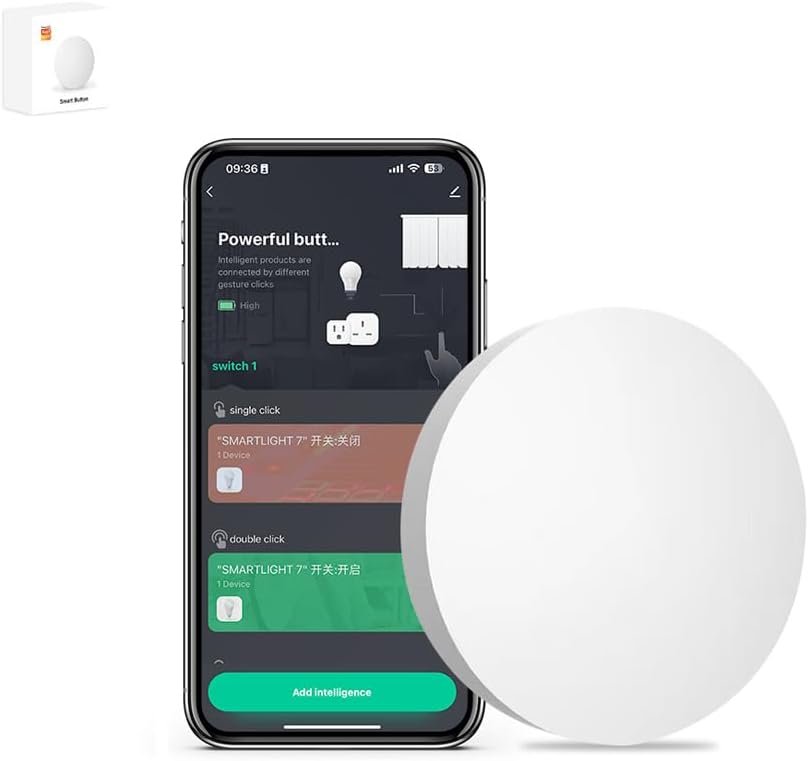
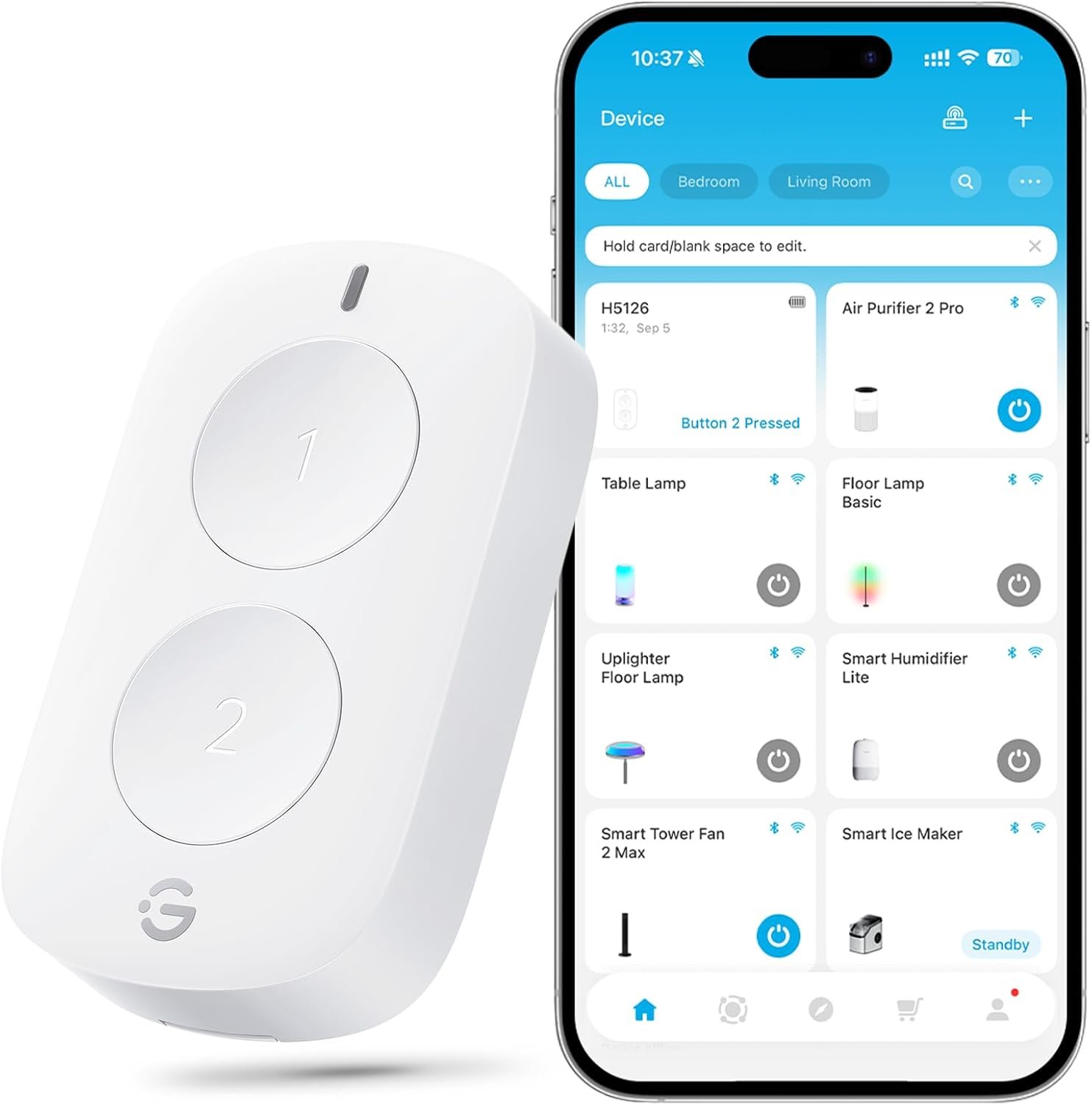
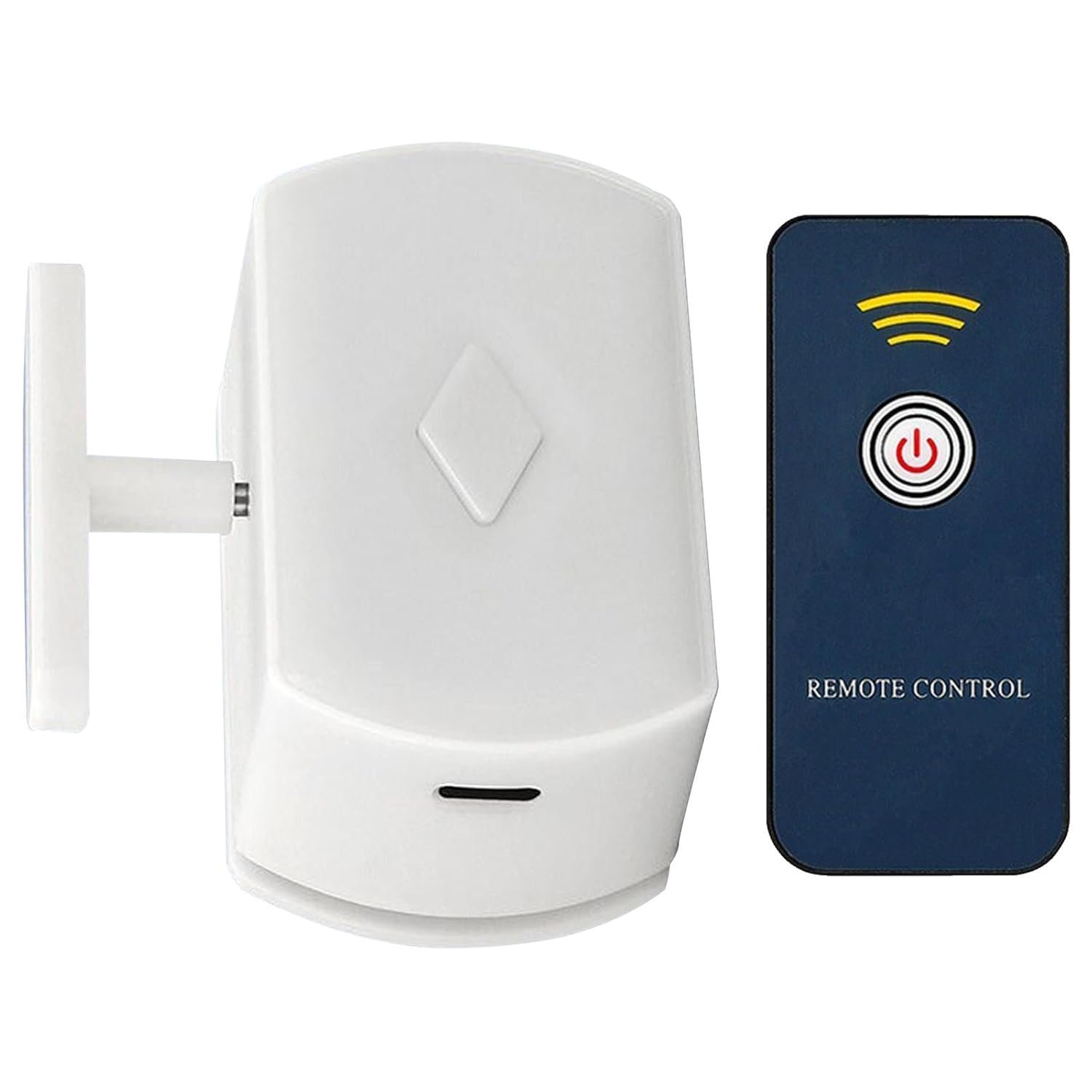
ZigBee3.0 Smart Remote Button Tuya Scene Remote, Need Zigbee Hub, Smart Switch ZigBee Remote Work with Tuya Smart Life APP (1)
$16.99
Related Products
Product description


【ZigBee Hub Required】-Work with Tuya Gateway,it Support Voice Control like Alexa,Google Home after connected to the controller.
【Smart Remote Control】-Through Tuya APP, you can control your zigbee devices, including smart sockets, smart plugs, smart switches, smart led light, etc.
【Customize Different Scene Modes】-After connecting with ZigBee gateway and adding into Smart life App, it allows you to quickly”set the scene” for a particular room or living scene, like Reading Movie, and so on.
【Easy To Install】-Scene Remote is a time and energy-saving item alternative to the traditional hard-wired switch, with push button design It can be stick on the wall or put it on everywhere you like.
【Customer Service】The IHSENO ZigBee smart Remote Button support setting one-key open/close group devices in the Tuya Smart APP. If you have any questions about this product, please feel free to contact our customer service team, we will reply you within 24 hours.
8 reviews for ZigBee3.0 Smart Remote Button Tuya Scene Remote, Need Zigbee Hub, Smart Switch ZigBee Remote Work with Tuya Smart Life APP (1)
Add a review
$16.99
Tech Fan –
These work great with Home Assistant when all you need is a big simple button
I use Home Assistant to manage my smart home. While most of my switches and outlets use standard WiFi protocols, I have also added a few Zigbee-protocol switches and buttons. The addition of Zigbee switches into my Home Assistant smart home ecosystem has been nearly flawless. My most-recent purchase was a three-pack of these smart buttons to use for certain smart lights (such as my under-cabinet lighting) where I simply wanted a big accessible button without the need for any extra wiring. So far, these are working great. My Home Assistant server includes a built-in module that functions as a Zigbee hub, so adding Zigbee devices to my Home Assistant is very easy.If your Home Assistant server has a Zigbee module that has been enabled:1. Click “Settings” on the Home Assistant menu2. Click “Devices & Services”3. Click the Zigbee integration4. Click “Devices” on the Zigbee Integration menu5. Click the blue “Add Device” button5. Activate pairing on whichever Zigbee device you wish to add. Within a few seconds, Home Assistant will recognize and add the new device, and give you a chance to rename it.The only problem I had was due to poor instructions which led me to believe that I needed to discover and activate the buttons in the Tuya app, which is wrong, and something that failed for me. I soon discovered that the Tuya app isn’t required at all to activate these buttons in Home Assistant.
Miller –
Technology isn’t there yet. Unfortunately
Had flick and it wasn’t reliable. This is not much better! Have the button about 15 feet from the hub which is hardwired and it works about 50% of the time. Seems as though the wireless technology with these buttons aren’t there yet! Don’t waste your time or money. Better to just shout routine commands at Alexa.
J. Hankerson –
functional zigbee buttons
work great to turn the ceiling light on/off from my the comfort of my bed. i know i can use them for other things in home assistant as well. connected easily to z2m. pretty wide but thin size. 2032 batteries. still showing 100% battery after a month of sparse use
Some Guy –
Sometimes you don’t want to talk to your smarthome
There are times when talking to your smarthome is inconvenient, and your phone isn’t close by. These come in handy. I hooked them up via moes tuya zigbee 2mqtt hub through the smartlife app.They are used to turn on groups of lights on rooms and to turn off a few plugs. Nothing fancy, just some buttons to replace light switches for Smart lights I don’t want flipped on and off.They work well, connected with no issues to the hub. They have single press, double press, and long press functions.Strangely, they show up as lights themselves instead of switches on the Google home app via smartlife integration. Oh well, I know what they are. Outside of that little complaint, they work well and accomplish my goal of not speaking to my smarthome unless I’m requesting something specific.
B. Sutton –
Works great with Smartthings
Was unsure about these buttons because I didn’t see any info about Smartthings. Found a custom edge driver pretty easily, and they work perfectly! Can assign actions to press, double press, and hold functions.I use these connected to colored bulbs in bedroom lamps. 1 tap to turn on at a predefined level and color. Double taps will cycle through different colors. Another single tap if on will turn the lamp off. I plan to use the hold functions to adjust brightness, but I have not created that action yet.For the price and functionality (especially with Smartthings), these are well worth a buy!
Jeff –
DECEPTIVE ADVERTISMENT!
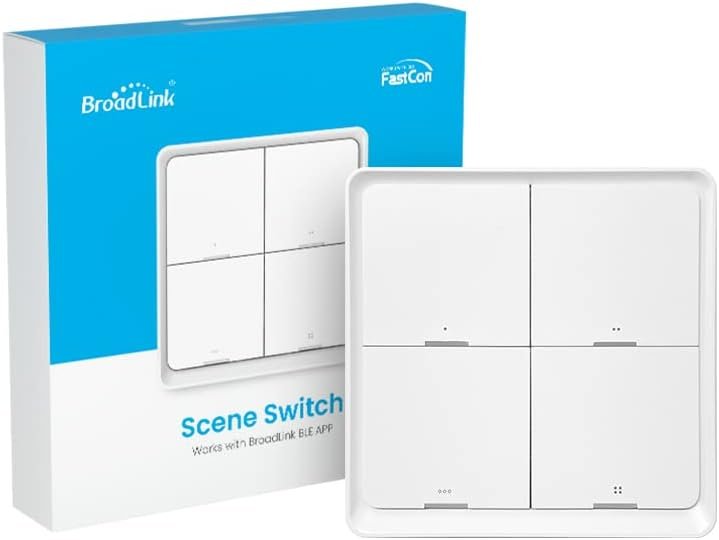
Main image show 3 devices hence why I bought it over other competitors, thought it was a good deal. Connected to Home Assistant without an issue but realized too late that it was only one device (kids open the box so didn’t know that until much later when I was looking for other 2 devices to program them). DECEPTIVE MARKETING!Give it 2 stars for misleading advert.
Abnormalus –
Read the listing carefully, the count is deceptive
They work, read the listing carefully, just because 3 are pictured doesn’t mean the listing is for 3. I thought I was getting 3 for a reasonable price, however getting 1 for about $15 is what I would have paid for better buttons had I read the details rather than expected the pictured product to be what I received.
Michael Torres –
Aboslute Junk
Absolute junk, constant disconnects and 2 out of the 4 buttons already stopped working completely. My first button died in just 3 weeks.I work in the IT industry, I will always make something work if I can.Stay away.