
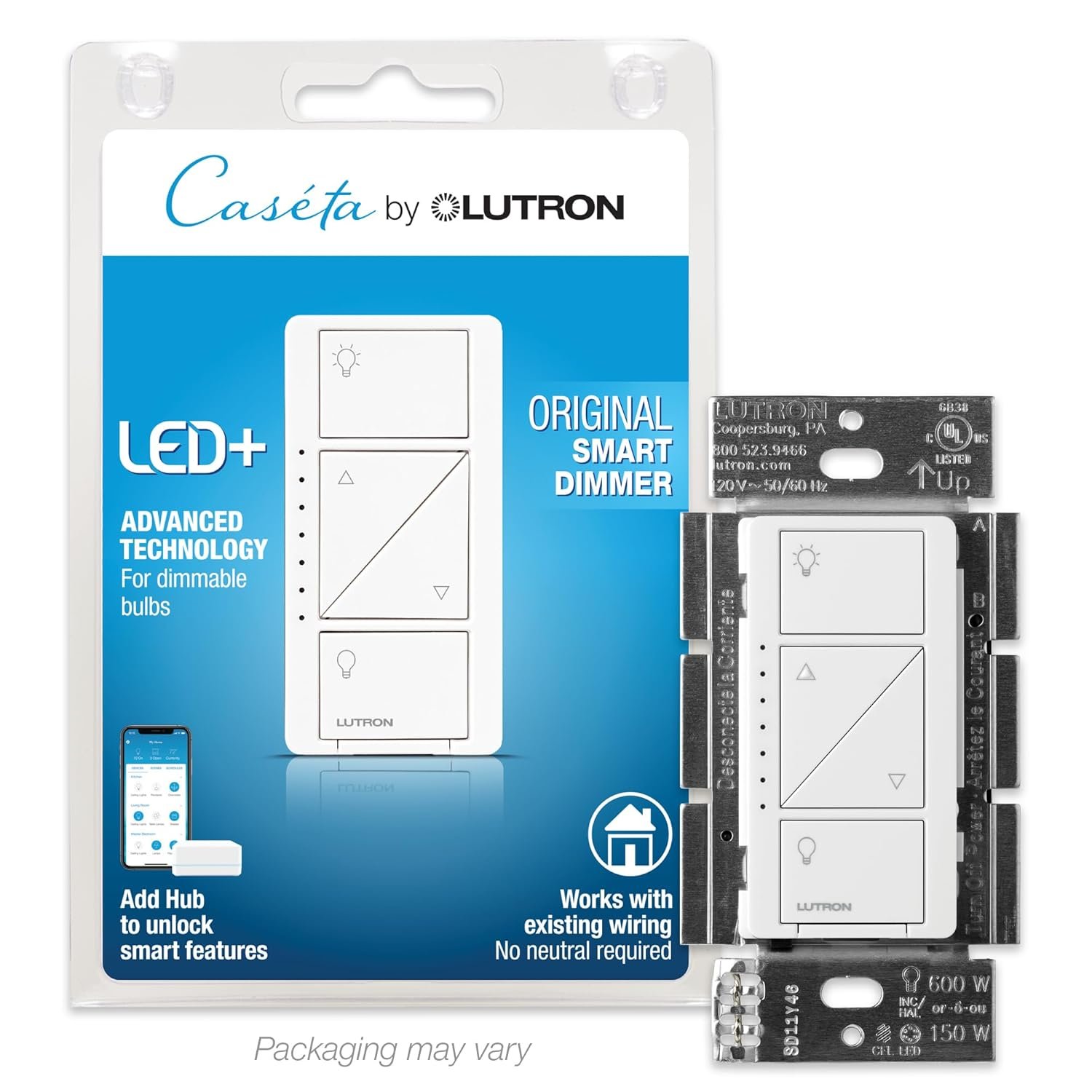
Lutron Caseta Original Smart Dimmer Switch, LED Dimmer Switch, 150W, Single-Pole/3-Way, No Neutral Required, Works with Alexa, Apple Home, Ring, & Google Home, PD-6WCL-WH, White
$64.95
Related Products
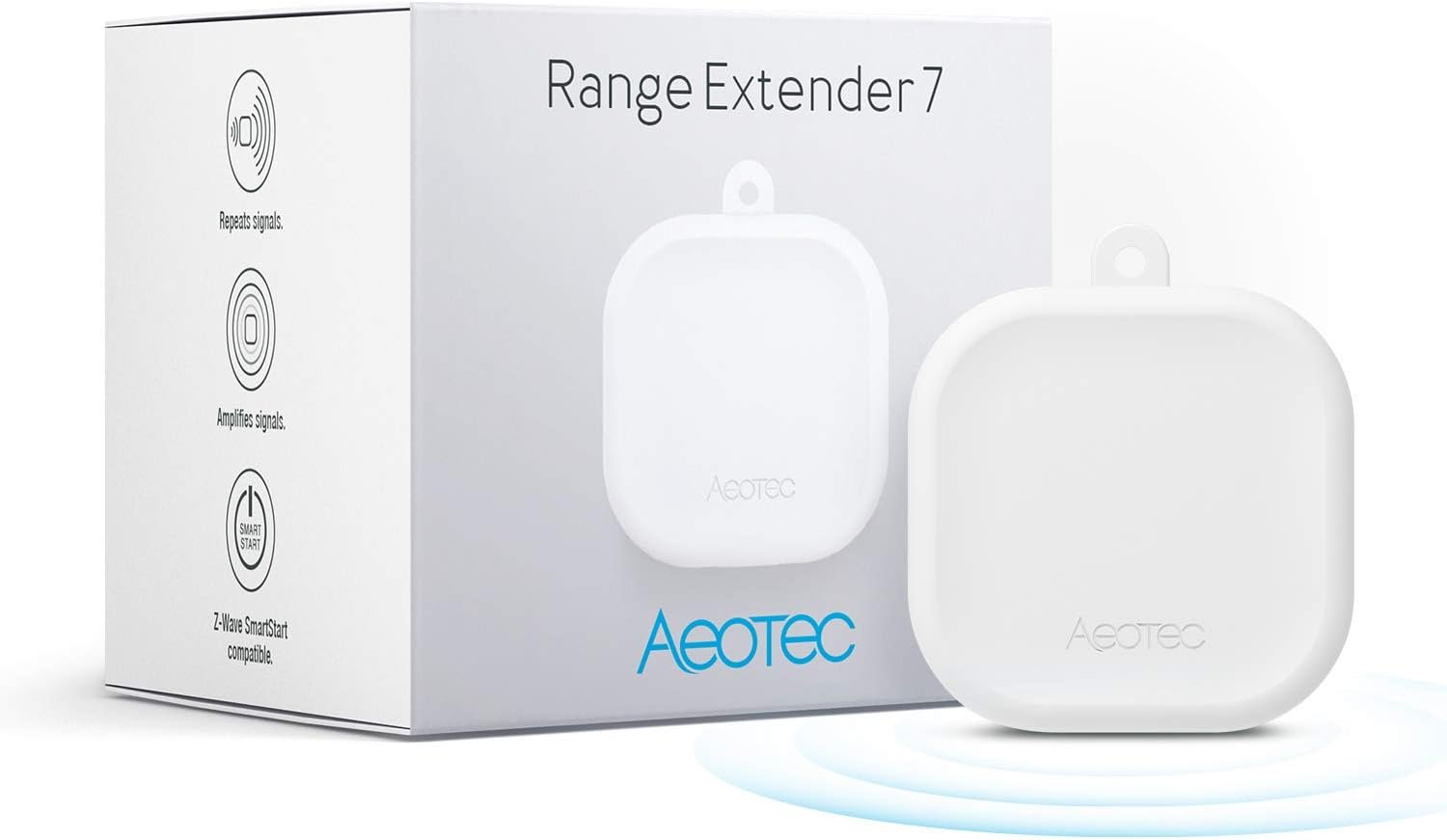
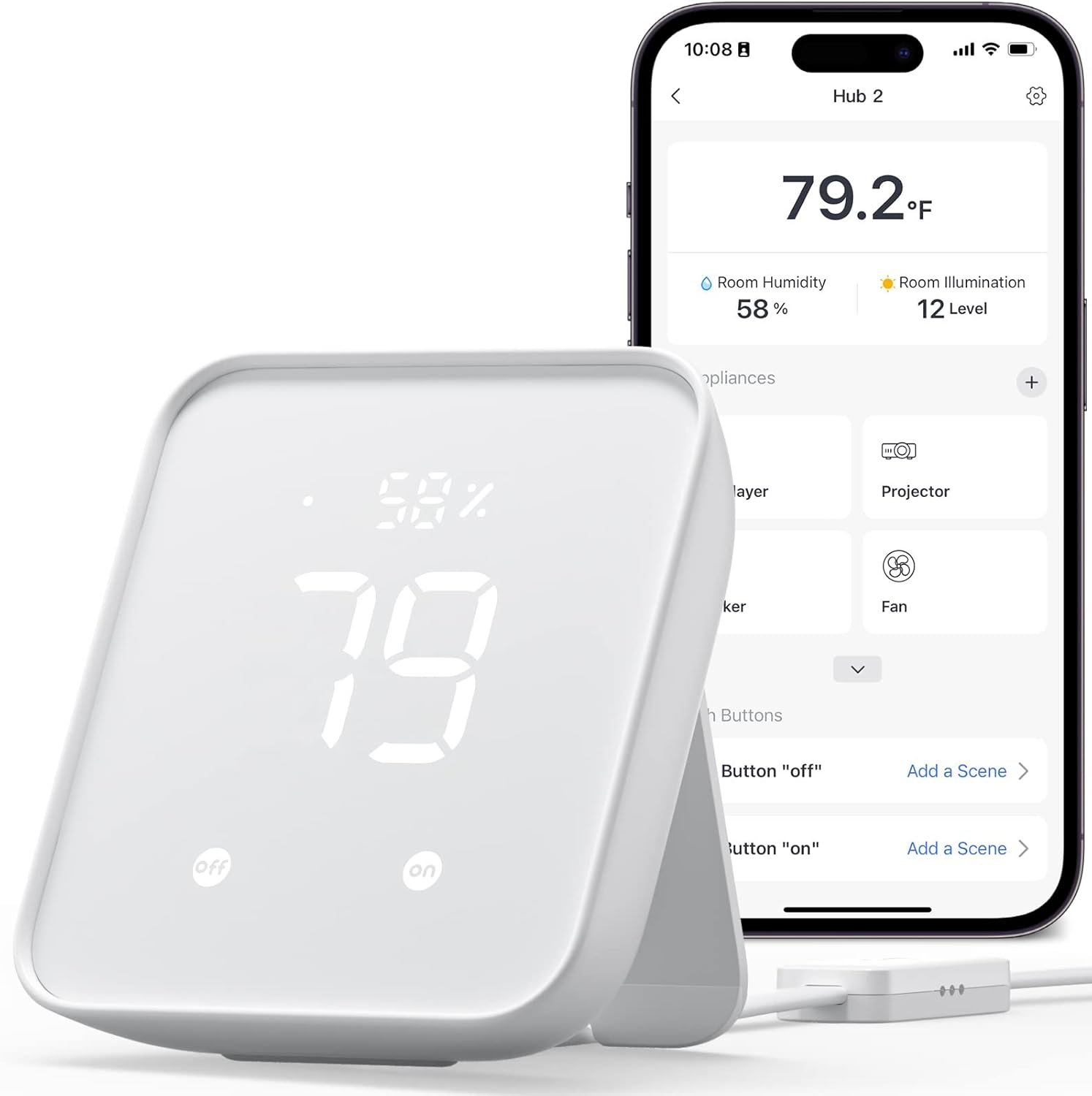
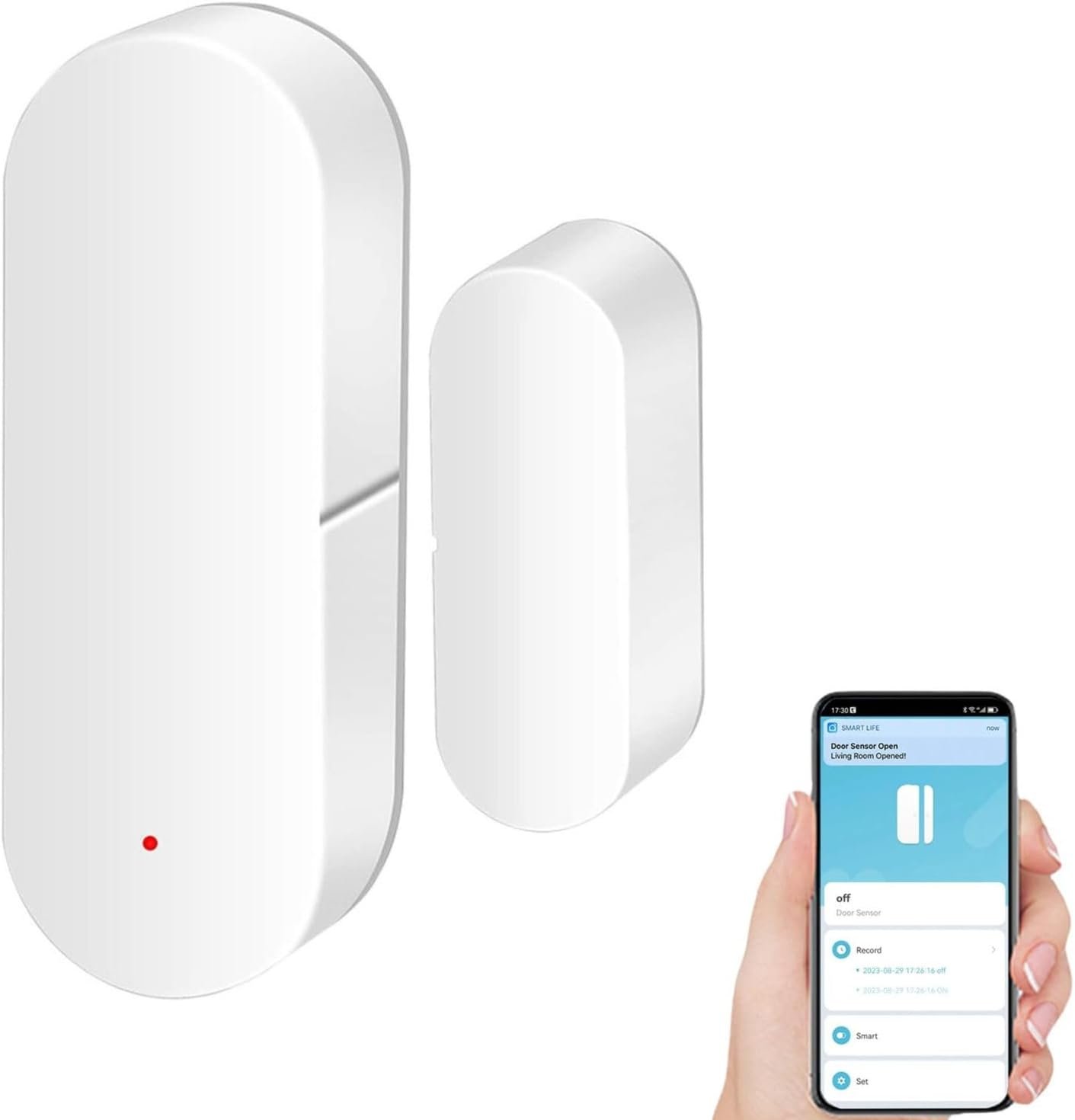


Experience the ultimate convenience with the Lutron Caseta Dimmer, a smart lighting device great for customizable illumination throughout your home. This LED dimmer switch offers smooth adjustment, letting you set the right light for reading, watching TV, entertaining, or casual dinners. Designed as a 3 way dimmer switch for LED lights, it works seamlessly for whole-home smart lighting control. This light switch with dimmer integrates with smart home gadgets, making it a favorite among tech-savvy homeowners and interior designers. Whether used as a mood lighting accessory or simply as an LED dimmer, it allows remote and voice-controlled operation using the Pico remote control (sold separately). Compatible with up to 600-Watt of incandescent or halogen and 150-Watt of dimmable LED or dimmable CFL bulbs, this 3 way smart switch supports automated lighting control and helps with energy savings. Coordinating wall plate and Pico sold separately.
MAKE YOUR LIGHTS SMART: One Lutron Caseta switch can turn multiple lights or fixtures into a smart dimmer light switch system. This dimmable light switch works with existing bulbs—no need for smart bulbs—making it ideal for smart lighting
MOST CONNECTED SMART LIGHTING: The Caseta Lutron smart switch connects with Alexa light switch, Apple HomeKit light switch, Google Home, Ring, Sonos, and more—making it one of the most compatible smart switches available (Lutron Hub required)
RELIABLY SMART CONNECTION: The Lutron Smart Hub works without Wi-Fi, providing ultra-fast, stable performance beyond a typical wifi dimmer switch or wifi switch for dependable smart lighting.
CONTROL WITH THE LUTRON APP: Manage your smart light switch anywhere with the Lutron app; control your Lutron switches with scenes, scheduling, geofencing, smart-away, and timers for a complete smart home automation (Lutron Hub required)
CASETA ORIGINAL AESTHETIC: The Lutron Caseta dimmer switch features a sleek, modern design that blends with existing light switches, delivering a premium smart dimmer switch and smart light switches experience.
ADD A SECOND SWITCH ANYWHERE: Create a wireless switch anywhere using the Pico remote—perfect for 3 way smart switch setups without wiring (Pico Remote not included)
REMOTE CONTROL WITH PICO: Use the Lutron Pico remote to wirelessly control your smart dimmer switch devices anywhere. Create a wireless light switch or 3 way smart switch setup with up to 10 devices. (Pico Remote not included)
ANYONE CAN INSTALL: No neutral required; this Lutron Caseta smart dimmer switch installs in as little as 15 minutes
TECHNICAL PERFORMANCE: This Lutron Caseta dimmer switch works with up to 150W LED and 600W incandescent/halogen, making it a versatile smart switch dimmer for most home lighting setups.
INCLUDES: The package includes (1) Lutron Caseta smart dimmer switch; coordinating wall plate sold separately. Ideal for upgrading any light switch to a smart switch.
9 reviews for Lutron Caseta Original Smart Dimmer Switch, LED Dimmer Switch, 150W, Single-Pole/3-Way, No Neutral Required, Works with Alexa, Apple Home, Ring, & Google Home, PD-6WCL-WH, White
Add a review
$64.95
J. Whiteside –
Transformed A “Dumb” 1985 Home Into A Modern Lighting Experience
I got hooked into home automation after solving a few very basic quality of life issues that dramatically improved a few problems in our home. I debated heavily between smart bulbs and smart switches before I purchased anything. After trialing these Lutron Casetas, I’m going (almost) all-in with Lutron!I own a 1985 home and was interested in modernizing the general lighting experience as one of my next projects. Lutron has an excellent reputation in the smart switching market and after using them, it’s for a very good reason.These switches are a perfect addition where you want manual push-button light dimming capabilities. They can act as “fast” on/off, graduated dimming to specific levels or in my case, can be highly automated with external home automation platforms. They can also be used in 3-way applications, however, this requires the addition of a Pico remote. This makes sense to me so you don’t get “smart tech fighting smart tech” in your lighting circuits.When do you want to avoid a dimming switch? In applications such as pumps, fluorescent ballasts, garbage disposals, most outdoor security lighting, locations you might use a smart bulb and ceiling fans. Basically, anything that isn’t designed specifically to be electrically dimmed or lowered in voltage. These applications are better served by Lutron’s on/off switches or even dumb on/off switches.The installation of these switches are fairly straight forward. You need a basic understanding of electricity, including the “load” wire and the “hot” wire. These particular Lutron switches don’t require a neutral wire, but if you’re going into smart switches, be aware that some models require it. I strongly recommend using Wago connectors for your retrofit, they are light years beyond traditional wire nuts. Other than this, installation is straight forward and requires only a few basic hand tools. I had a little bit of difficulty in “tight” switch boxes, but made it work as these are generally fairly slim smart switches.If you have appropriate dimming-capable bulbs, you will immediately be greeted by a super-fancy “dim-on” and slightly slower “dim-off” function when you press the on or off buttons. This is a “luxurious” experience out of the box and is one of the reasons I went Lutron.Let’s talk about bulbs. If you’re still pondering a smart bulb for your particular lighting application, this dimming switch might not be for you. In general, this switch will work best with a “dumb” bulb that can be properly dimmed. Smart bulbs don’t handle the dimming effect properly, they aren’t really “compatible” from a technology standpoint. So you really have to figure out your strategy going in and you might be better served by Lutron Aurora or Lutron’s true on/off switches. Likewise, I’ve discovered in my installations that I needed to change some of my bulbs to ones that can be dimmed. You’ll know this is the case if you have problems with “strobing” on power off or bulbs that don’t fully turn off. In my case, this didn’t really irk me because I’m adding dimming functions where it has never existed before.Pairing this dimming switch with the Lutron hub is crazy easy. Just press a button while you’re adding the switch in the app. Likewise, I use Home Assistant as my home automation platform. Adding these switches was equally easy there. The current integration is super slick and requires very little actual effort.I have three rules for “critical infrastructure” in my home, which I’d classify lighting as exactly that. First, the technology must work intuitively, like a normal light switch would. Second, it has to work without any fancy “server smarts” or special networks in place. Lastly, it has to integrate with a home automation solution of my choice, I don’t want to be forced into a particular cloud solution or app. These Lutron switches fit exactly these criteria and is part of the reason I didn’t go with smart bulbs.For examples of how I use these smart dimming switches? I have motion activated lighting in my bathrooms, closets, entryway and stairwell. I no longer need to proclaim, “Turn the lights off” as I can now make that decision in an automated and unobtrusive way. I use the dimming functions to turn my bathroom lights on to heavily dimmed level during certain hours, so I’m not “blasted” by bright light if I use the bathroom at 3AM. I can keep a low power and dimmed “always on” outdoor security light, and then light everything up to full blast when my security camera’s AI analysis detects a human. (No more rain or snowfall triggering a lighting “disco palace” in my outdoor lighting!) I also can much better tune the “mood” of my room lighting using scene concepts with this and other technologies.If you’re in the market for smart switches, these should definitely be up for your consideration. A common complaint is that they are expensive, but they are incredibly reliable, fast and operate without any other technologies. They will add value to your home since they are true “infrastructure” and you can claim “home automation ready” should you go to sell your home. I am very glad I went the Lutron route overall and this review explains a bit of why I went “all in” with Lutron’s smart switching.
Garrett –
Bye Bye Traditional Light Switchs, Bye Bye
I installed these switches in all of my bedrooms. These are a game changer. They are somewhat easy to install, you just plug and play, I took these from my old house when I moved into my new house. This is one of the few Lutron switches that does not require a neutral wire, which is very nice and makes installing them very easy. The directions are simple and easy to follow. If you are putting this switch on a traditional ceiling fan with the pull cord and two separate switches, I highly suggest get their fan switch as well.If you are going from traditional light switches to this one, you may also want to consider getting a new cover plate. Traditional switches uses a toggle cover plate and this one uses a rocker cover plate. If you are a person irritated by the slightest light, just be aware that the switch displays very dim green LED lights when the light is off (barely visible at night with lights off) and a much brighter one when the light is on, but hey the lights are on at that point, so what does it matter how bright the LED is anyways.This switch integrates seamlessly with Alexa (Lutron skill) and can also be controlled by a remote. It takes a bit to learn the commands to use Alexa. You need to know the name of the light you are trying to control such as “Master Bedroom Light” and then the percent you desire the light’s intensity to be such as “80%”I really like these switches. They are awesome, they are amazing. I really cannot envision a world where I would not have them. Theses devices are the highlight of my smart home and I highly recommend them.
Jody Wood –
Lutron Caseta Smart Home Dimmer Switches – Happy!
Lutron Caseta Smart Home Dimmer Switches – Happy!I had recently been experiencing flickering with my lights on a random and more regular basis. My research indicated to me that it can be the switches causing this. As a result, I thought I’d look for new switches to see if that would resolve my flickering issues.My research led me to the Lutron Caseta Smart Home Dimmer Switches. So I purchased what was needed for my open area in my house which includes our kitchen, dining space, and family room.In our kitchen, we have 3 light groups. Our main group has 7 ceiling lights with 2 switches. We then have 2 pendant lights over our island with 1 switch. Our 3rd group, we have 1 pendant light over our sink with 1 switch.In our dining area, we have 6 ceiling lights with 3 switches.In our family room area, we have 4 ceiling fan lights with 1 switch.Based on my research, I determined what I needed to purchase to replace my switches noted above. I purchased 5 new switches, 3 remotes with 3 wall plate brackets, plus the smart bridge.The single switches were very simple to install.I then had a case where I had a 3-way switch scenario and a 4-way switch scenario. I worked on the 3-way switch one first – I was bad and failed to mark the wire that was connected to the different color screw when disconnecting the old switch – my failure to follow the directions Lutron provides. 🙁 This resulted in not connecting the wires properly on switch the first time. The lights would come on but I could not turn them off or dim them. After turning the breaker switch back off, I did some research to figure out my problem. This is when I discovered my mistake noted above. I then figured out which wire I should have marked. I then reconnected the wires accordingly to the switch. I then tried it again. This time I had success which allowed me to turn the lights off, dim the lights, and of course turn the lights back on.In my next case with the 4-way switch, I took what I had learned from the 3-way switch mistake I made and applied it for this situation as provided in the instructions by Lutron for a 4-way switch case. This time I took the proper step to mark the necessary wires as noted in the instructions. In following the directions better this time, I had success on my first attempt. :)The remotes replaced switches in a number of cases. I was able to pair those easily with its intended light group/switch.I added the smart bridge to my network, installed the Lutron app, and was able to pair everything in the app to all of my lights that I installed the new switches for. So in addition to using the switches, I am now able to use the app to turn the lights on/off, dim the lights, and creates scenes.Finally, I added the skill needed for Alexa to work with my new light setup. Now, I can just tell Alexa to turn a specific light on/off, dim the light, plus I can have Alexa apply a scene that I have setup. It is very slick.I am very impressed with these light switches. They are very simple to install. It is simple to pair the light switch remotes. It is simple to set up and configure the smart bridge. It is simple to configure to work with Alexa. I give Lutron an A+ for the ease of installing these lights.In doing all of this, my 10-year-old son helped me with all of this, and by the end, he was doing a lot of this by himself with little guidance from me. It was a great learning experience for my son and I. I explained the dangers of electricity and making sure we proceed very cautiously, plus this should never be something he attempts to do on his own. Safety is of the utmost importance in dealing with electricity. I have changed light switches in the past and worked/helped on some remodels, but I am in no way an electrician … novice with some exposure.In the end, it appears my light flickering has disappeared, at least up to this point. It is early yet – just a few days, but it is very promising. This was the goal of the upgrade to fix the light flickering. I love it so far. Thanks to Lutron for making this all so simple.Additionally, I would like to note that if you are not comfortable with this DIY install, please get help from an electrician. Better safe than sorry.
Richard N. –
Works on two wire switch leg.
These are great. Easy to install in a two wire switch leg. Work well and can work stand alone or in a network.
Rita Flores –
El apagador inteligente lutron es un excelente producto, el costo es alto, pero vale la pena si lo que quieres es tener una casa inteligente.
Hessam Ghiassi –
Great product, switched up all my light switches with Lutron!
Hugo Rosales –
El dimmer viene my bien protegido en su caja, yo ya sabia que estaba comprando pero ojo les explico para que no se equivoquen , en este producto solo viene el dimmer, no viene el control pico ni tampoco una placa para la pared, para que funcione de manera inteligente y poder controlarlo con el celular es necesario haber adquirido anteriormente el bridge que se vende por separado.Funciona sin el bridge pero no van a poder usarlo con el celular, es decir lo instalan y funciona como cualquier apagador común y corriente.Habiendo dicho lo anterior me encanto, funciona excelente tanto en la aplicación de lutron como con homekit de apple, se puede ajustar el rango máximo de atenuación lo cual es muy practico.Hasta el momento no he tenido problemas de conexión o que la aplicación no me reconozca el apagador todo perfecto.
Colin Morse –
I love these. Easy to install, though they do take up some room in the electrical box. Quick set up. Seamlessly integrate with Siri. Awesome to be able to call up a preset scene with automatic shades and indoor / outdoor lighting with either your phone or Apple remote. They seem to work really well with all our various LED lights, including pot lights which were not advertised as dimmable.I have also used Lutron Ceseta switches to control two gas fireplaces (switching the 120v supply, not the low voltage) and to schedule a towel warmer. I really love this line. The only thing I would like to see is Caseta friendly occupancy/motion sensor, so that you could schedule and use scenes, but also have the lights turn on when you enter certain rooms if it is dark.
Eric Matte –
I’ve been using those dimmer for years, and they are solide, responsive and always up and running.Make sure however that your LED lights support them well, otherwise you will hear some noises or flickering.