
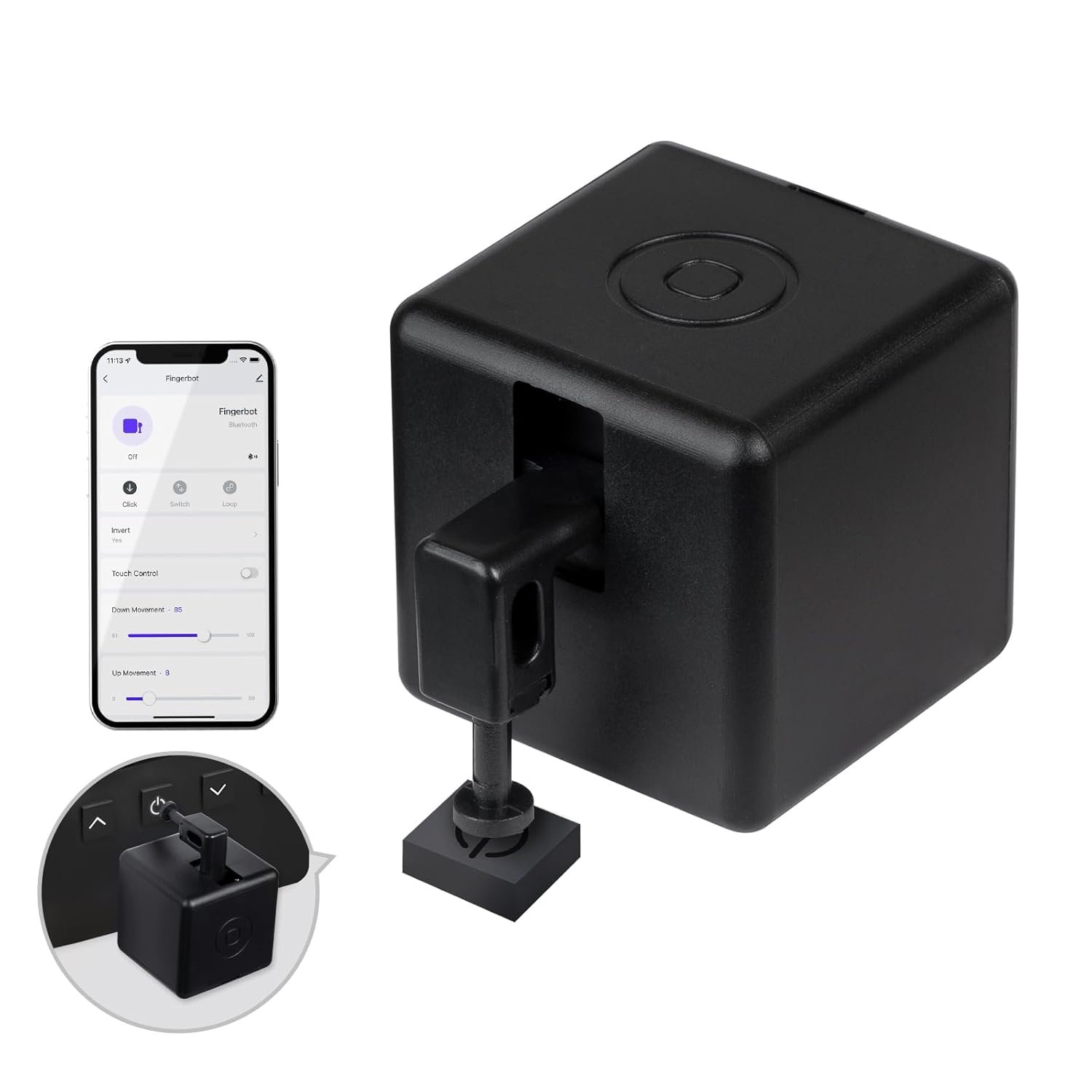
MOES Fingerbot Plus Smart Button Pusher No Wiring Switch, Upgrade with Touch Control, Work with Smart Life App, Add MOES Tuya Bluetooth Hub Make it Compatible with Alexa,Google Home and Timer Control
$29.99
Related Products
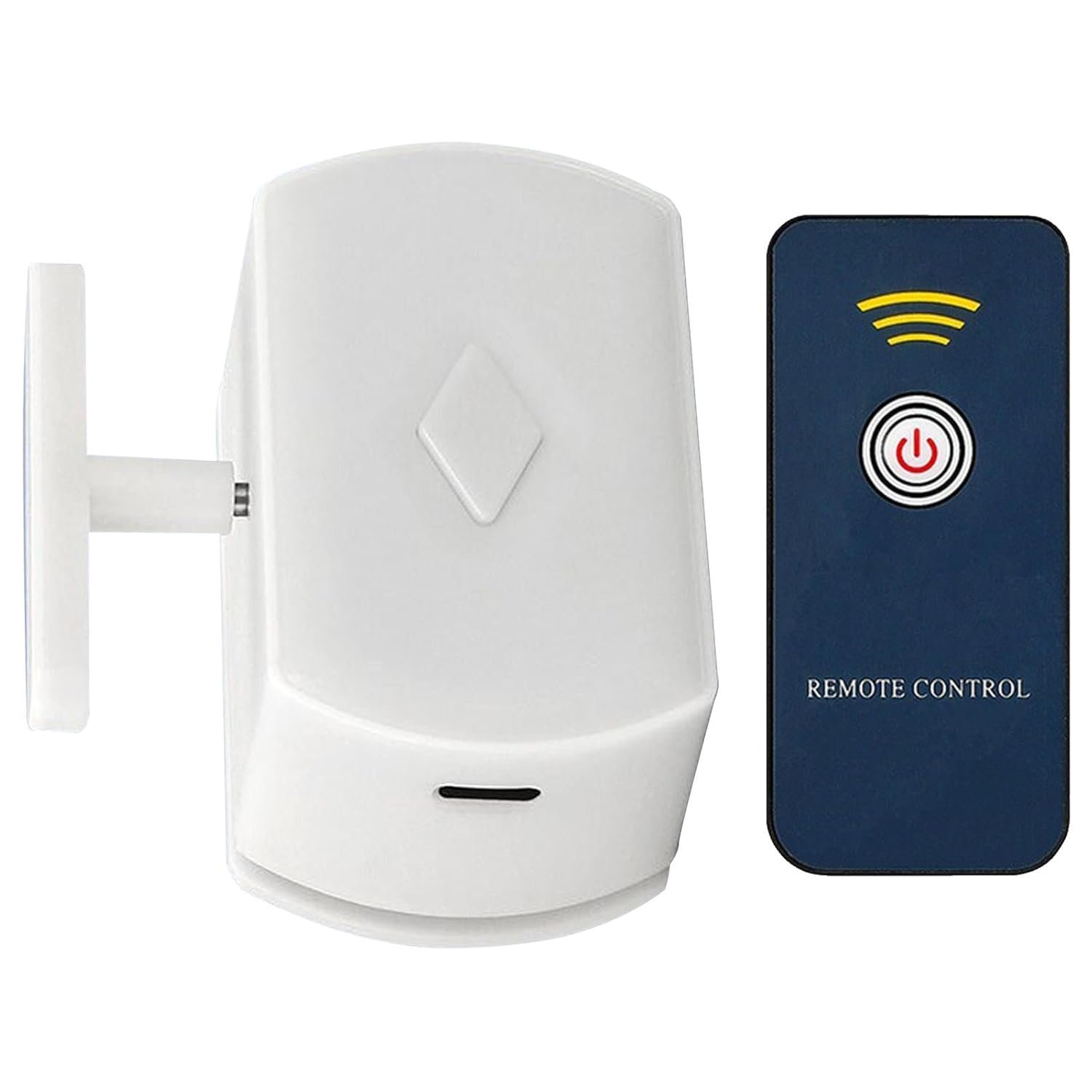
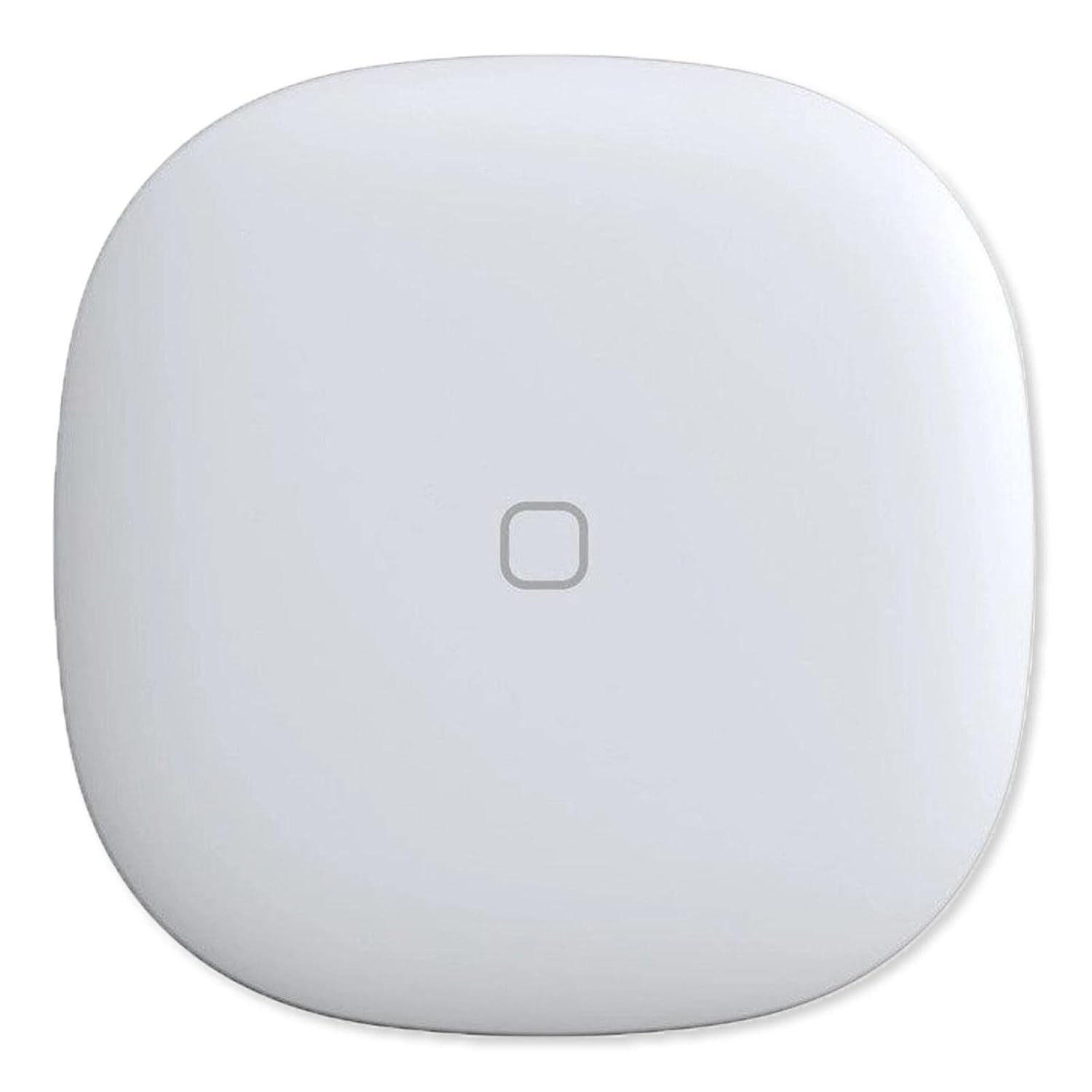


Product description



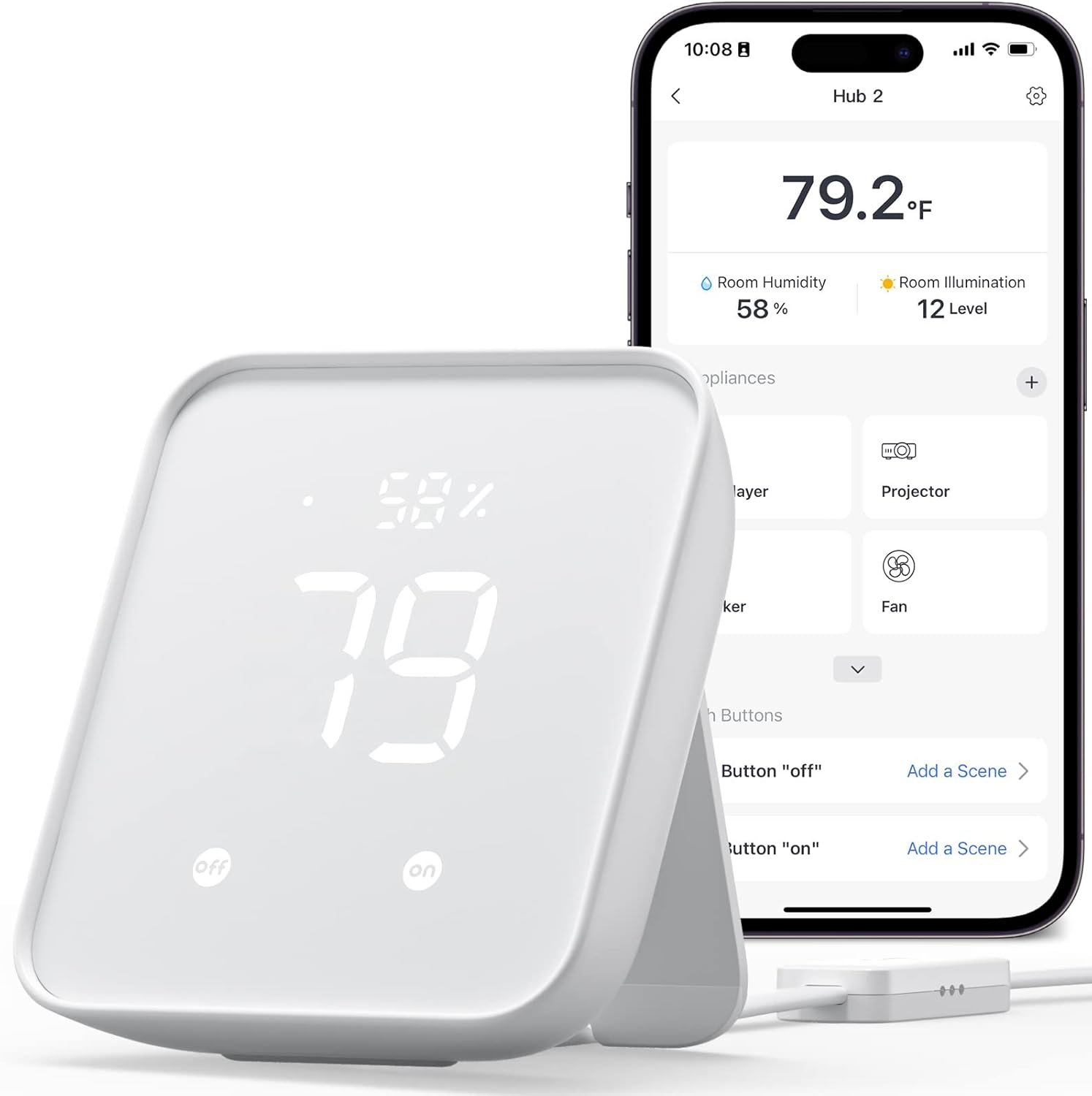
More intelligent by connecting to hub
Smartlife APP/WiFi Control(Bluetooth hub required)Timing Function(Bluetooth hub required)Smartlife APP/Bluetooth Control(Bluetooth hub is not required for point-to-point control at home.) 

Support Voice Control(Bluetooth hub required)
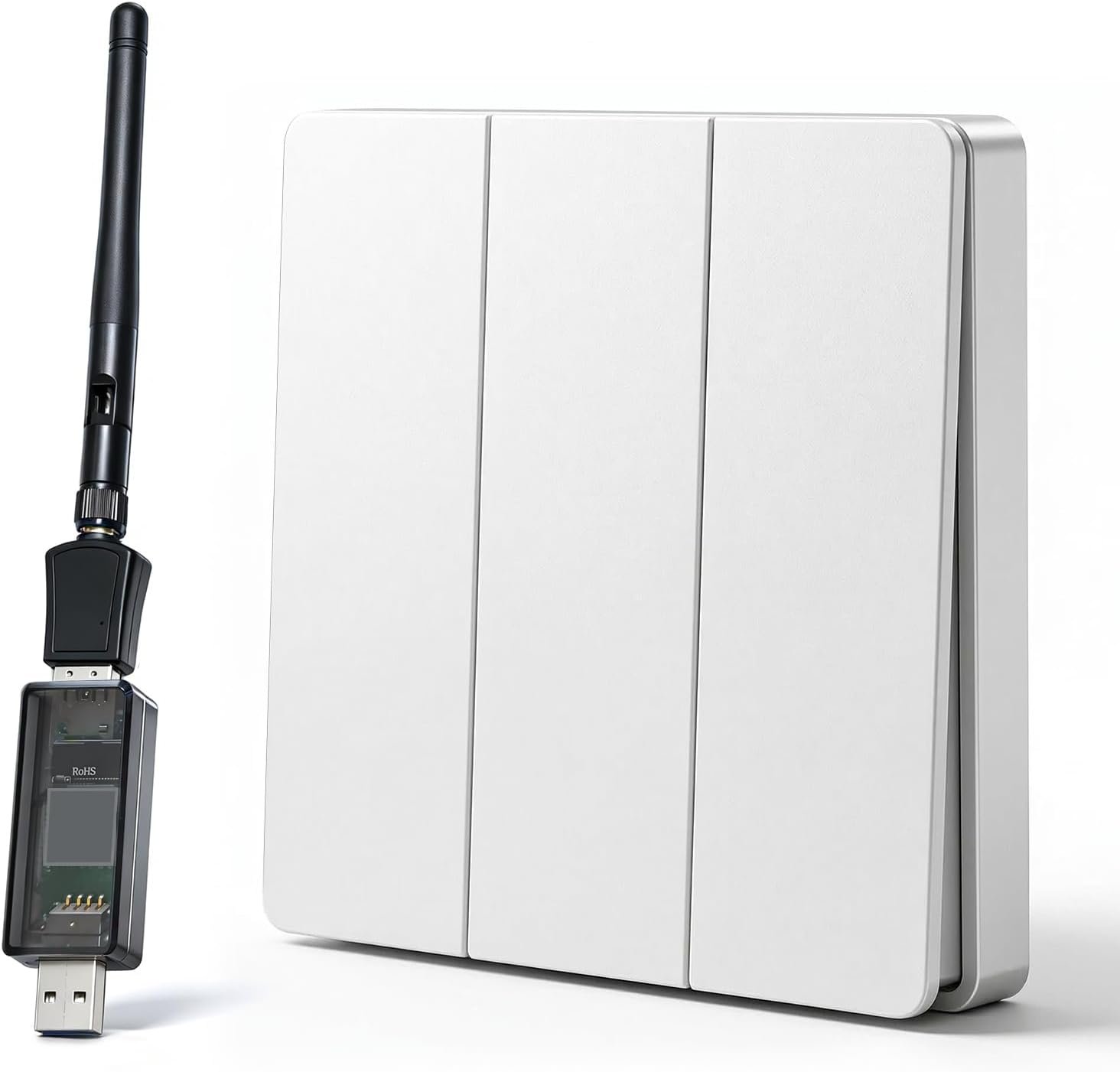
With a Bluetooth gateway Hub (sold separately), the finger bots can be voice-controlled by Alexa, Google Home.
Easy set up
Clean the surface of button or switch panel where you want to install Fingerbot.Attach Fingerbot to the panel using a double-sided tape provided in the Fingerbot package.Connect your Fingerbot with the App and calibrate themovement of Fingerbot’s robotic arm to fifit your switches and buttons.After installation, we recommend resting Fingerbot for 24 hours to reach maximum adhesion. 
【Smartly Control Your Traditional Appliances】Fingerbot is compatible with various buttons and switches(except touch screen button). With the included Add-on sticker, it can simply stick to any surface and retrofit your old appliance.Can be used to on and off computers, TVs, floor robots, garage doors, wall switches, etc.
【Touch Button】Introducing the enhanced Fingerbot Plus with built-in touch buttons for effortless robot arm control – just a touch powers on/off. Transform ordinary switches into smart buttons using our robot button pusher. Accessories for different switch models are available for separate purchase by searching B09TVZ9CCB on Amazon.
【Even better with Tuya Bluetooth Hub】With Tuya Bluetooth Hub(Search B097XR41X4 on Amazon to purchase separately), you can control your FingerBot remotely from anywhere and enable voice control. Works well with Amazon Alexa and Google Assistant. Timing functions still require a Bluetooth gateway.
【Easy Installation】Tape it right next to a rocker switch or button with a sticker in 5 seconds. No swapping, no tools are required.
【Enegry Saving】The newly upgraded second-generation finger robot is powered by a replaceable CR2 battery(battery include).
9 reviews for MOES Fingerbot Plus Smart Button Pusher No Wiring Switch, Upgrade with Touch Control, Work with Smart Life App, Add MOES Tuya Bluetooth Hub Make it Compatible with Alexa,Google Home and Timer Control
Add a review
$29.99
Amazon User –
Essential Peace of Mind for Boiler Reset
I purchased the MOES Fingerbot Plus specifically as an emergency countermeasure for remotely resetting my furnace/boiler, which occasionally requires a manual reset. Having the ability to do this when I’m away from home was the primary goal and this device delivered perfectly when combined with the necessary smart gate module. The setup was quick and the performance was flawless. The little device can be programmed to deliver the exact pressure needed to press the reset button reliably every time. The battery life, durability and looks are all very acceptable. Knowing that I can remotely handle an unexpected boiler shutdown without needing to rush home has given me an enormous piece of mind and is well worth the money. This small, seemingly simple device is a powerful tool for home management and I highly recommend it for similar applications.
Vargha Mehregan –
Perfect for home assistant
I got this robotic finger to use with my home assistant so I could open and close my garage door remotely from my phone. I used a hub to connect it to Wi-Fi, and it was all pretty straightforward. It hooked up easily through the Tuya app (or any smart home app), and I added a switch on my smart home dashboard that’s linked to my assistant. Super responsive. Every time I tap it, the garage door opens or closes right away. No hiccups so far, not a single failure. Everything’s been great. Definitely a 5-star gadget in my book right now. If anything changes or it ever fails on me, I’ll update my review.
JASON CHEN –
Bluetooth Not reliable
1. No instruction of how to setup the app at all in the box, you have to trial and error to find out how it works2. Only inside the app it told you without gateway, Bluetooth connection is not stable and timer is not accurate, but that’s only thing I need, it should have told me earlier that it can lost connections few times per day! Then I would not buy it3. Reliability of connection is driving me nuts
William –
Nifty Little Device
Works well so far. I bought it to push the garage door opener button on my wall because the logic board stopped working so I couldn’t open it remotely. The Fingerbot Bluetooth connects easily and has pretty good range. ( 30-35 ft away in my driveway)
Alexandra P –
Always offline in Google Home
The product is easy to install, but it has issues with Google Home integration. It always shows as offline, even after multiple attempts to reconnect it. Additionally, when accessing the device through the MOES app, it initially appears offline and takes several seconds to reconnect. Update: The device works properly if you purchase a MOES hub and connect it through the hub.
Craig S. –
Not great
Product works just okay. Keeps dropping connection and programs. Don’t order a used version of this if you need it quickly. They seem to be steering people towards purchase of the new item which ships very quickly. The used one I first purchased must have been coming from overseas as it was more than two weeks projected for shipping.
Mik Fam –
Highly recommend!
This is actually pretty cool. Yes, it’s to solve first world problems. My Cricut machine is not right next to my work table, so I either have to stand there and wait until the button is ready, or go back and forth from my chair. Neither is a good option as I have back and knee problems. The item came with sticky back tape to hold it in place, but if I used that, I would not be able to close the cover of my Cricut. I experimented with little sticky back circles of Velcro, but that made it too tall and it could not push the button. I came up with what I believe to be a genius idea! I took some giant rubber bands and wrapped them around my Cricut and put the Smart Button Pusher under the rubber bands. It worked beautifully!!! The app is for many more products than just the Smart Button Pusher, but it is super easy to use. All in all, I highly recommend this product!
lorip –
Works great
I used foam tape to attach a washer with a soldered on 2 ft wire tail and it works every morning to wake and warm up my Gaggia Magenta espresso machine with a capacitive touch screen. The vertical motion of the finger is key.
Juan Bayas –
Funcionó bien pero después de un tiempo perdió fuerza para aplastar un botón que la verdad era muy ligero