
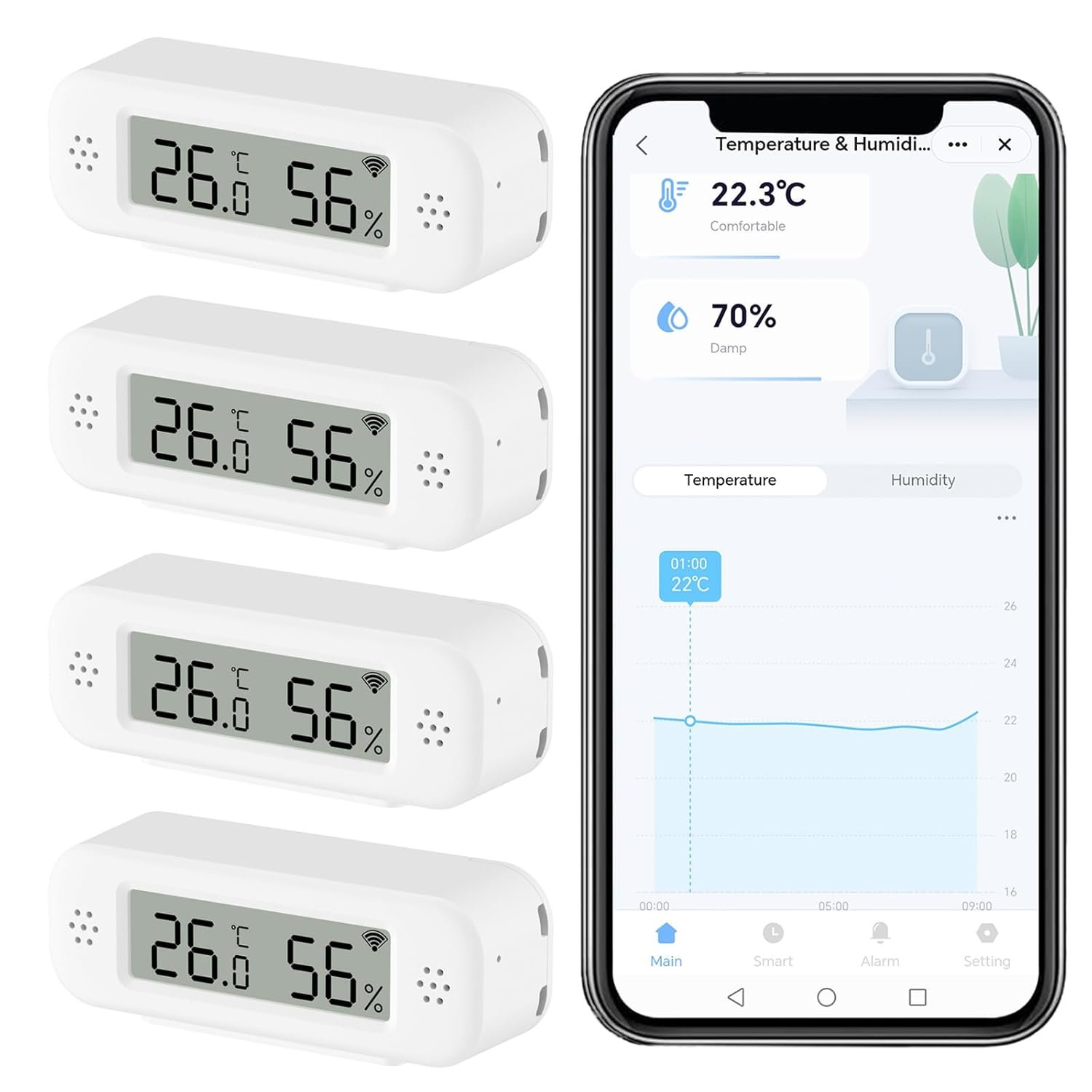
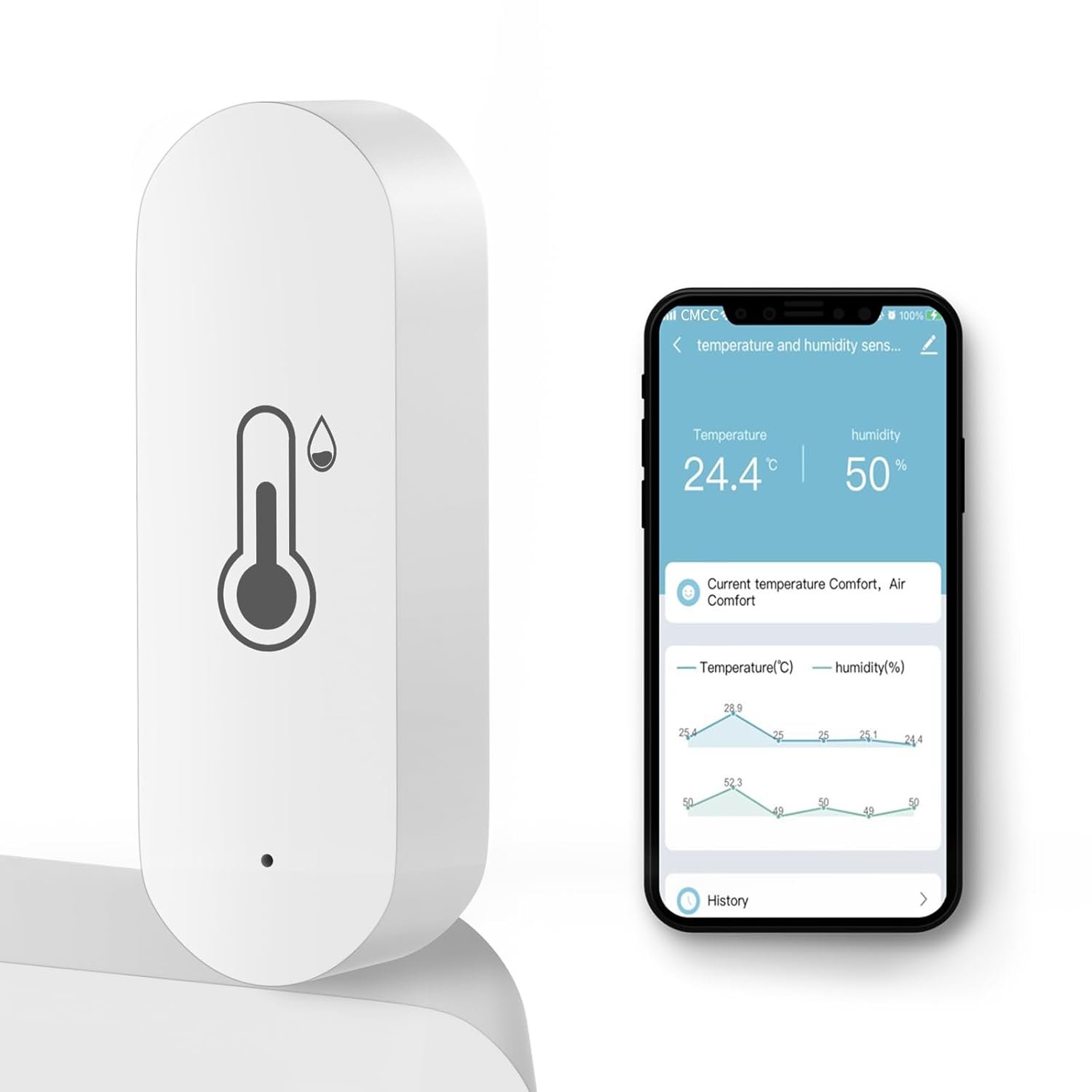
Smart Digital Thermometer Hygrometer, WiFi Indoor Temperature Humidity Sensor with App Alerts, Mini Room Temperature Meter with Data Storage and Export, Compatible with Alexa. 4PCS
$41.99
Related Products
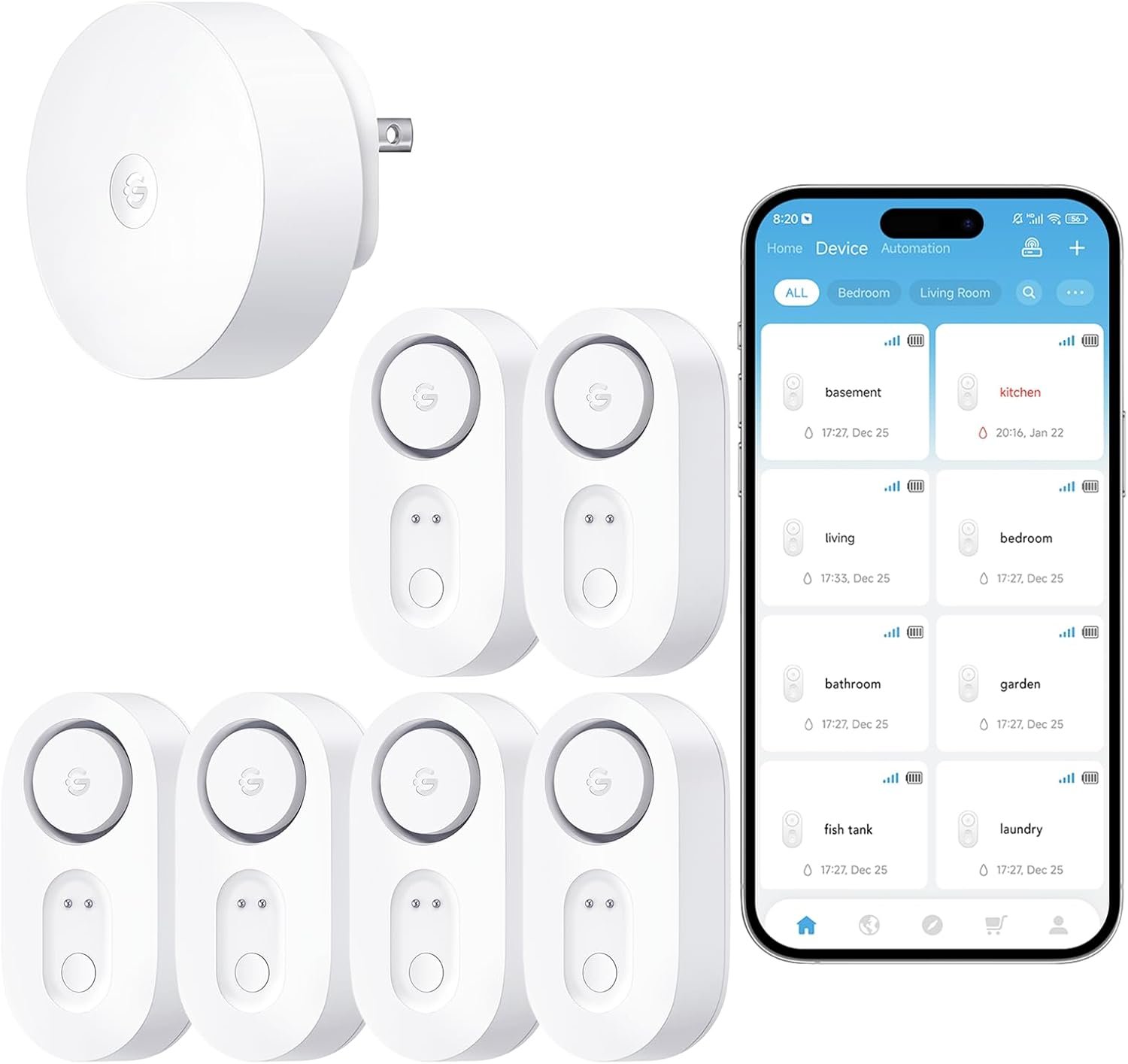
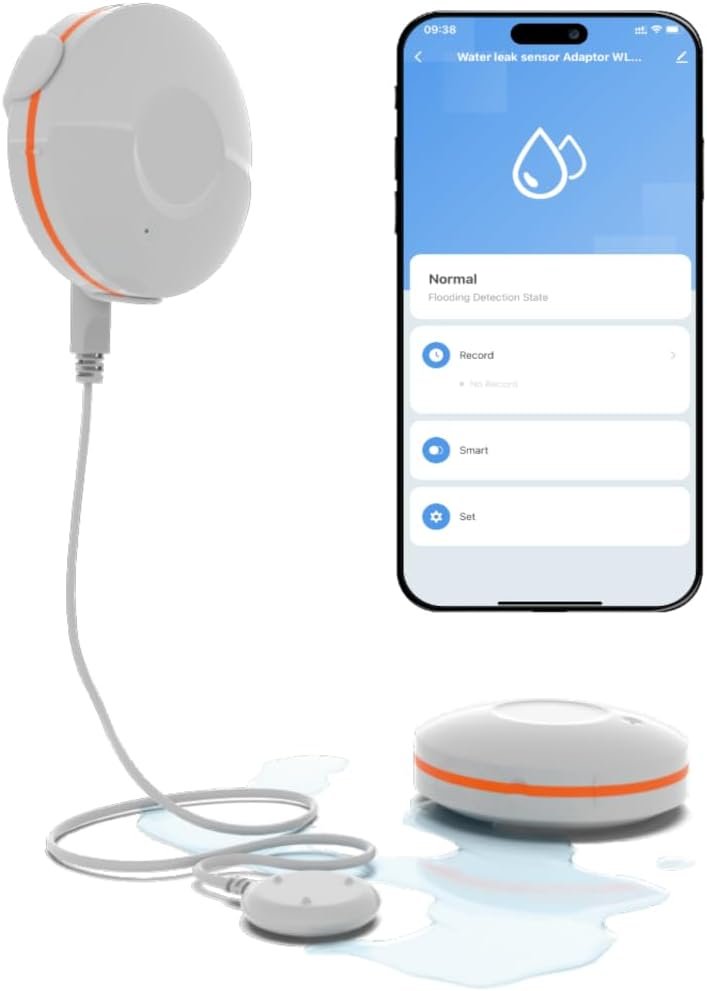
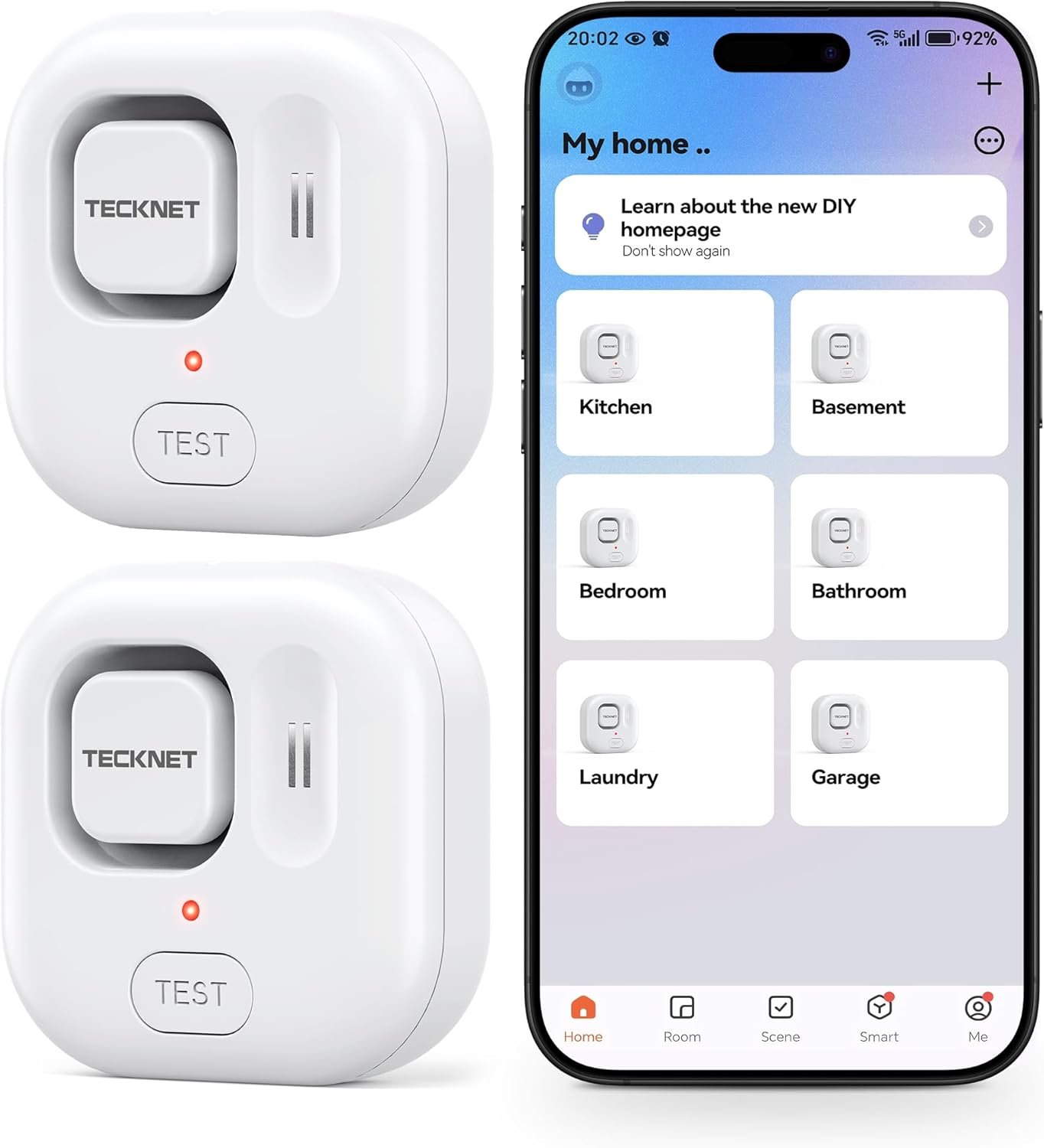




How to Change to Farenheit?
1. Please transfer the ℃ to ℉ on the Smart Life App.
2. Please use the needle in the box to press the hole at the bottom of the temperature sensor for Twice. Then, it will display Farenheit.
How to Create Routines?
Please create it through Smart Life App. It means it only support to connect with Tuya Smart devices. The routines can’t be created through Alexa App.
Smart Digital Thermometer Hygrometer, WiFi Indoor Temperature Humidity Sensor with App Alerts, Mini Room Temperature Meter with Data Storage and Export, Compatible with Alexa. 4PCS
【LCD Display and Accurate Measurement】Note: Please use the needle to press the hole twice to change C to F. It is a Smart Thermometer Hygrometer equipped with high-definition LCD display, ensure better and quickly readings of temperature, humidity information. With ±1℃ accuracy in temperature from -10℃~50℃ and ±5 % in humidity from 0-95%.
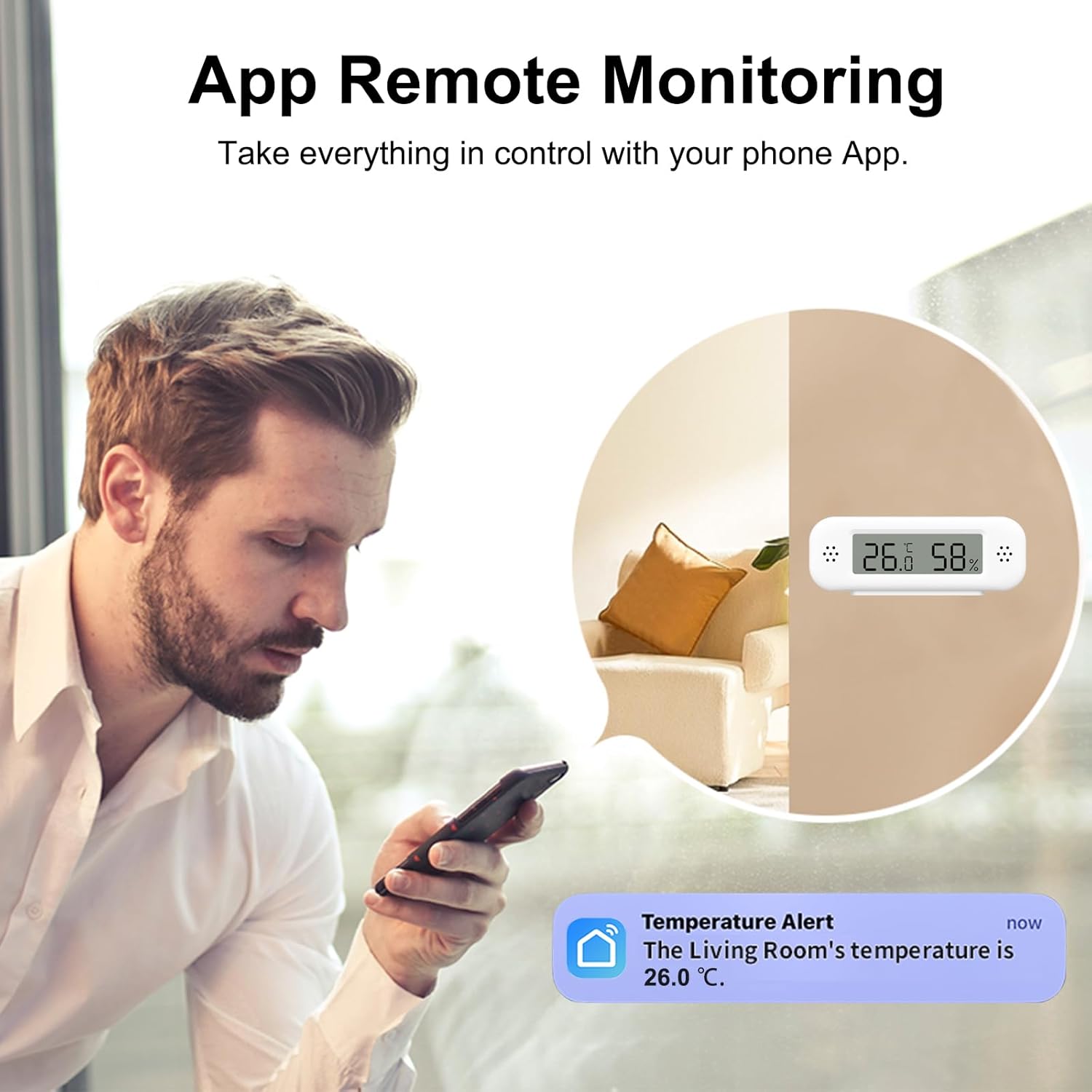
【Smart App Alerts】 You’ll receive an instant alert once the temperature or humidity is out of its preset range. Know the status of your bedroom, baby room, wine cellar, basement, plant nursery or other areas, even when you’re not beside the device.
【Compatible with Alexa】The smart temperature and humidity detector can work with Alexa. You can get the exact temperature and humidity data through your voice. Note: The temperature data will not be displayed on Alexa App.
【Support Smart Scenes】Establishing a connection between the smart temperature and humidity sensor with other your smart devices, such as, humidifier, air conditioner, to turn on them automatically. Such as, To turn on your humidifier when the sensor detects room humidity below 50%.
【Easy to Place】 The wifi temperature humidity sensor’s design fits in the palm of your hands. It’s small enough to fit in potted plants, cigar humidors, reptile vivariums, and other small spaces. Meet your needs for any corner.
13 reviews for Smart Digital Thermometer Hygrometer, WiFi Indoor Temperature Humidity Sensor with App Alerts, Mini Room Temperature Meter with Data Storage and Export, Compatible with Alexa. 4PCS
Add a review
$41.99
TN Customer –
Great option if wifi thermostat is not an option.
We have stationary RVs we rent and cannot use Wi-Fi-based thermostats. These work fine to help me check in on temps in the extreme hot and cold times. It may vary a couple of degrees, but if batteries are changed every 6 months, they are pretty accurate. You can absolutely change from C to F by following the directions and pressing the button with the provided tool or a thin paperclip.
David Weldon –
Work Great with Alexa
Excellent device, I use them with Amazon Alexa!
Amazon Customer –
Easy setup, DOES display in Fahrenheit, but not completely configurable.
Setup is pretty quick and painless with Tuya app. However, these will NOT work with Tuya local, if that is important to you. These are TH02 sensors, not sure if they could be directly integrated with Home Assistant.They update at a 30m interval. Connectivity seems good, 2.4ghz wifi.Lots of people seem to have complained about the F vs C display. The trick is to double click the button to switch between. The directions are not clear about this- but it is super easy once you know to double click, not click twice.One thing to note, is that the sensor actually operates in C, so even though the display can be in F, it is just an approximation of C at 0.5 degree increments. Size is good for visibility. Not sure about battery life, though they do transmit battery level so you should be able to see when they are running low.Overall a good value, I ended up buying a second set of 4 to fill up the house.
Timothy L. Fischer –
Kinda worked at first
Initially 3 out of 4 worked and served a basic purpose though the updates to app were very slow to update. At some point they decided to revamp the Smart Home app and it dropped all of the devices at the worst possible time. Now I can’t get a single one to pair. Nothing but frustration and disapointment.
Rob –
Good for the price but press it QUICK twice!
Not bad for the price. I don’t need super accuracy so the fact that all four of the units sitting together on my living room table vary within a half degree of each other is ok. I wanted to monitor the greenhouse I just assembled out in the back yard to see the difference from outside. I can also see the temp difference between my lower and upper floors in my house. My thermostat is downstairs and it’s a challenge to keep it comfortable downstairs without baking the Hell out everyone upstairs. Not that these will solve the issue but I can at least see the numbers. Anyway, I recommend these for anyone who might be curious like me and isn’t concerned about high accuracy.I should mention that I had trouble changing C to F like many other reviewers even after following instructions to “push the button twice with the pin”. That is the correct method but it has to be 2 QUICK pushes.
Sty –
Very small LCD, stuck in metric, and updates kinda slowly through the internet.
The device is a ‘TH02 Pro’, which is a generic Tuya enabled device (TH02, ‘pro’ for the LCD). Thus, you can use this with services and apps that are in some shape or way compatible with Tuya. So, you can use this with not just the ‘SmartLife’ app (just a reskin), but with Tuya proper, and then be able to pair it with third-party and/or open-source services… but it’s not that ideal.Critically, this device connects to the internet and updates its measure every hour (perhaps as low as 10 minutes?) to save on battery life. This really makes it useless if you want to remotely check on it on-demand, which is something the Americans in the chat will do because the LCD will not set itself to fahrenheit no matter how much I try.||| (For those interested in brute-forcing it: the ‘Set’ page is in the navbar at the bottom of the screen as ‘Setting’ once you tap the device card — the device card shows you a page that attempts to shows you a historical graph, which never does for me, just a singular data point in time — the Settings page implies that at pairing the device should have copied globally set settings at account creation. I had set my account to fahrenheit, the device is shown as having been set so in the app, but the LCD never updates.)This thing has BLE, but it might as well be used as a means to use the device without setting up WiFi because I’ve never gotten the app to visibly use it and read status changes faster than the aforementioned interval window for WiFi.For those searching the keyword ‘Home Assistant’ (and/or ‘Tuya’), yes, this does appear via the Tuya integration (the device type being a recent addition it seems). It had the tendency to hang, timeout, and culled by HA when initializing when I added this device for the first time. Issues like this may go hand in hand with the aggressive power management, such as the inability to pair this with LocalTuya since it is not a device that is on the network to actively poll (you can search Github on this).Bottom line: Buy this if you’re want the IoT function and are okay with the Chinese ownership/inherent privacy issues (ik ik, pick your government of choice to be ‘spied on’), and the Chinese business operating style (how their apps are made, how quickly they’ll drop support of products, etc). If you’re not interested in data-logging, (some form of) remote logging, app use, buy anything else in this site as it will be cheaper and the LCD display bigger than this miniature thing.
albacorky –
Simple and it works!
Easy to setup and link to Alexa. Has worked perfectly.
Mr. T –
Very cool device
I can now ask Alexa for the temperature and humidity of 4 rooms in my house, from upstairs living room to basement studio.
Charles White –
Brilliant !!! I use these outdoors under cover to warn on frost and in my garage gym so i know when i need to put heat on before a workout session
Valentin Cohard –
Fait ce qu’on lui demande de manière precise
Carlos S. –
Werkt perfect en is heel betaalbaar. De software werkt heel gaaf.
Ani –
Super praktisch, klein und handlich. Batterie hält relativ lange. Nutze es um im Meerschweinchen Gehege die Temperaturen zu kontrollieren. Das klappt wirklich sehr gut. Minusgrade und auch heiße Tage macht es perfekt mit. Praktisch weil man alles am Handy kontrollieren kann. Ich empfehle es weiter.
Harry Conway –
Difficult to rate this item at present. The set up instructions are far too small, the type face has been reduced so much it is very difficult to read. At present I’m persevering using a magnifying glass and a jewellers loupe. Hopefully I will be successful.Apart from this , so far so good.Thank you